Best Practices for Coding with Agents
Stop treating coding agents as code generators. Treat them as junior developers who need specs, test criteria, and visual references. Here's the 9-step workflow we use to ship features while away from our desks.
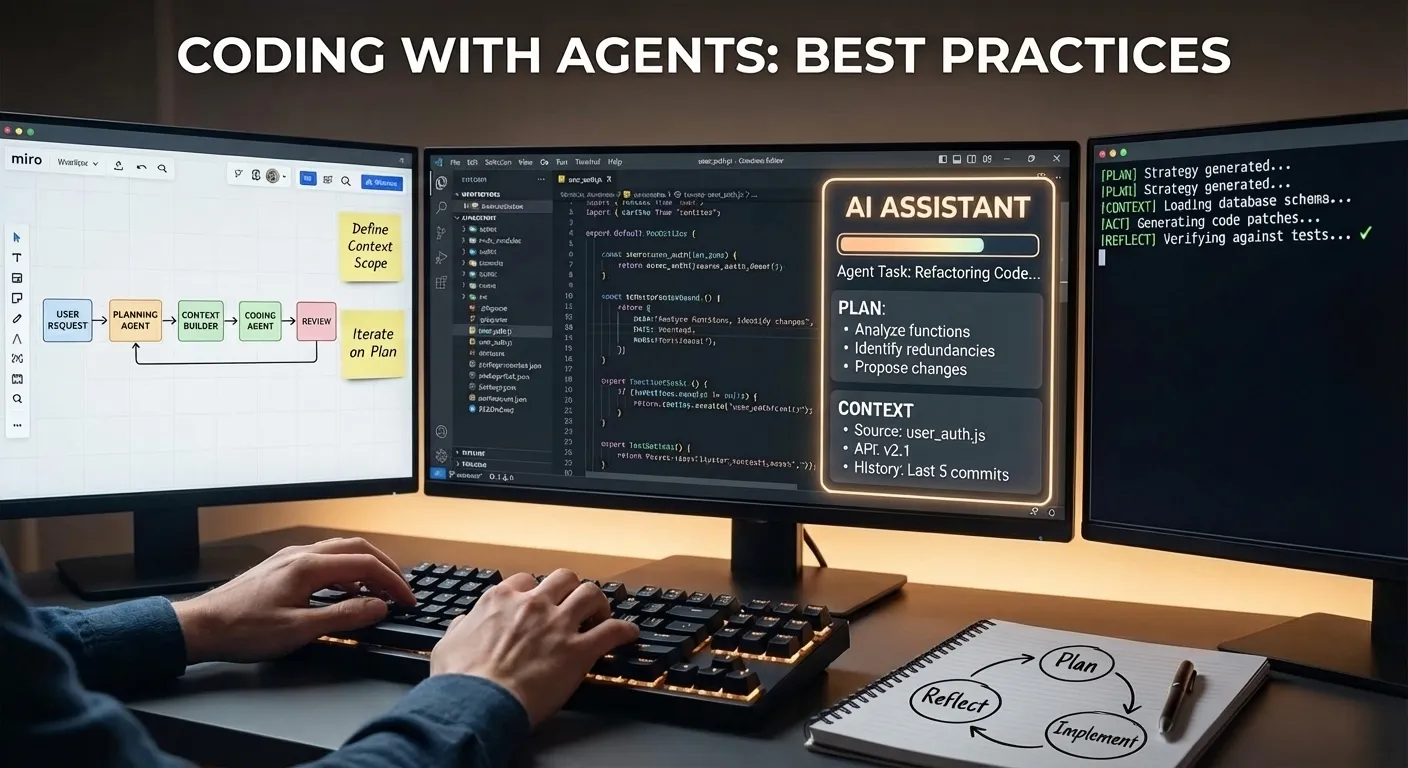
You already know coding agents can write code. The interesting question is what happens when you stop thinking of them as code generators and start treating them as junior developers who need good specs, clear test criteria, and visual references — just like a human would.
We build Nimbalyst this way every day. Here’s our workflow:
- Write a plan in markdown. Edit this. Iterate.
- Have the agent enrich it with architecture diagrams and data models. Edit this. Iterate.
- Iterate on mockups until the UI is right
- Have the agent write tests from the acceptance criteria. Edit this. Iterate.
- Tell it to implement until tests pass
- Walk away. Check in from your phone.
- Review the work. Suggest changes.
- Commit
- Update plan document, documentation, website
Each step produces context that the next step consumes. By the time the agent starts writing code, it has the spec, the architecture diagram, the database schema, the mockup, and the test suite — all in one workspace, all visible to it. That’s why it works.
Plan First, Code Never (Yet)
Every feature starts as a markdown file with YAML frontmatter: status, priority, owner, acceptance criteria. We type /plan and iterate on the document with the agent until the goals and implementation approach are solid.
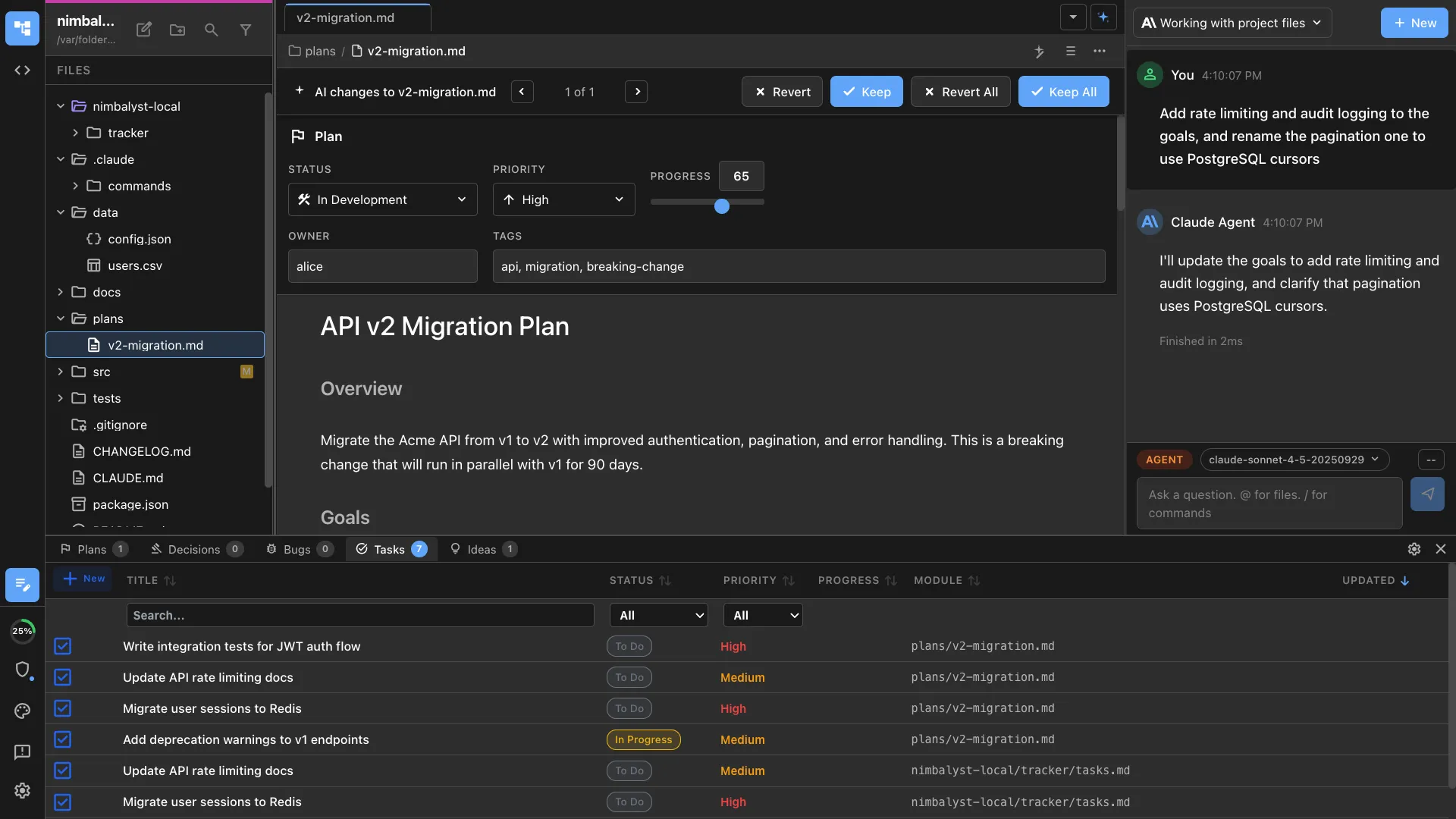
The plan isn’t a throwaway note. It tracks status as work progresses (draft -> in-development -> in-review -> completed), versions with git alongside the code, and serves as the single source of truth. When the agent later implements, it reads this document. When we review the work, we compare against it.
The difference between this and a Jira ticket: the plan is a rich markdown document that the agent can actually parse and act on, not a text field nobody reads.
Diagrams and Data Models in the Same Workspace
A text plan can only communicate so much. We ask the agent to add visual context:
“Add an architecture diagram showing the WebSocket connection flow between the client, server, and notification service.”
It creates an Excalidraw diagram in the workspace. We see it rendered, drag things around, tell the agent to adjust (“move the queue between the API and the notification service”), and iterate until the architecture is clear.

For database work, we ask for a data model:
“Create a data model for the notifications schema.”
The agent generates a .datamodel file that renders as a visual ERD. Tables, foreign keys, field types, all editable. We review it, ask for changes, the agent updates it.
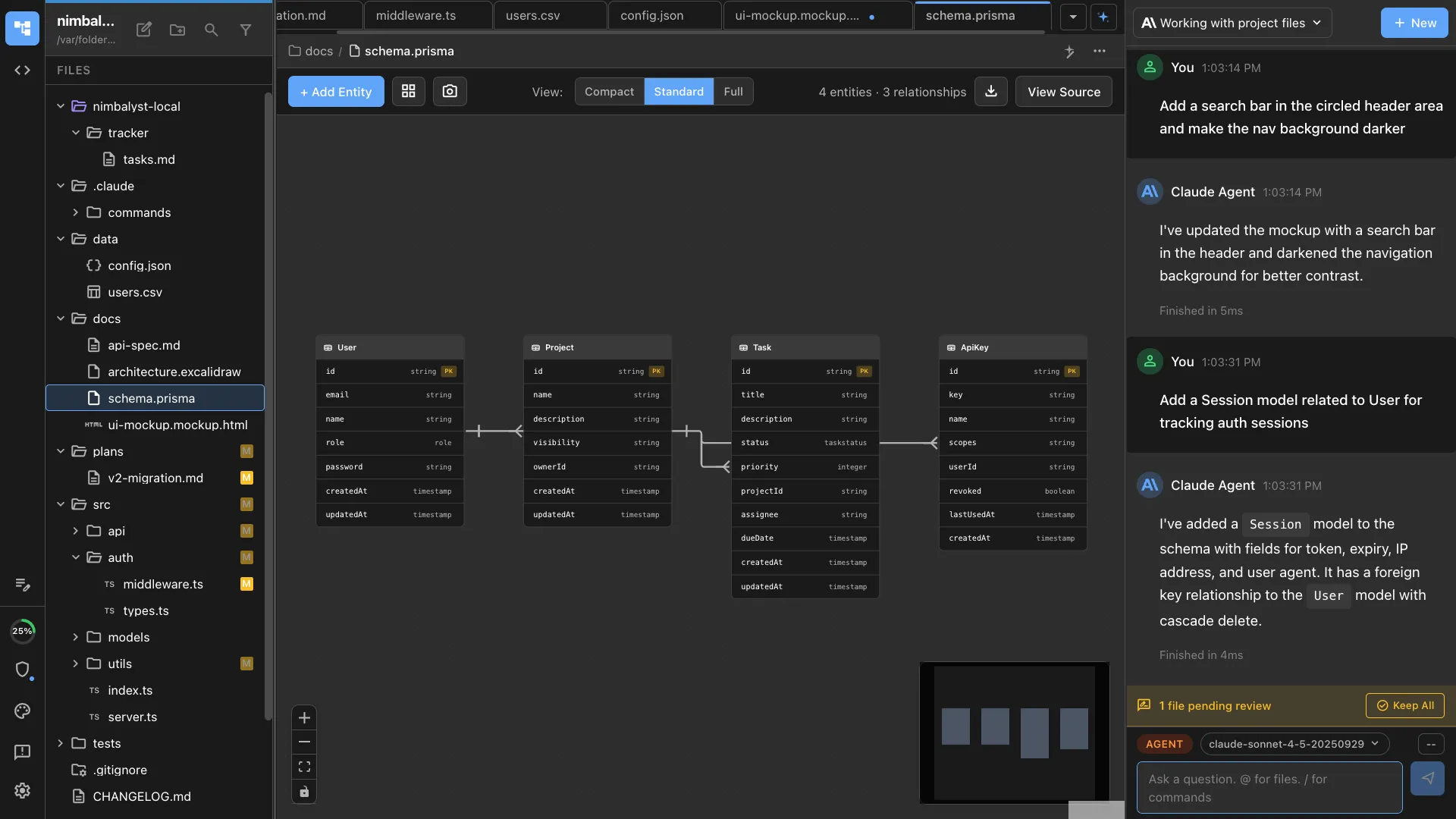
The critical thing: these artifacts live alongside the plan and the code. When the agent later implements, it doesn’t need us to re-explain the architecture or the schema. It reads them directly.
Mockup, Annotate, Iterate
For anything with a UI, we create mockups before touching code. The agent generates .mockup.html files — real HTML/CSS that renders live in the workspace.

We review visually. Use annotation tools to circle what needs changing. The agent sees the annotations, understands the spatial context, and regenerates. Three or four rounds and the mockup matches what’s in our heads.
This replaces the Figma-to-engineering handoff entirely. The mockup is already in the workspace. When the agent implements the UI, it already knows what it should look like. No exporting, no describing screenshots in words, no “make it look like the design.”
Tests Before Implementation
Before writing any implementation code, we have the agent write tests. This is where the earlier context pays off.
“Write Playwright E2E tests for the notification center based on the plan and mockup.”
The agent reads the acceptance criteria from the plan, references the mockup for expected UI behavior, and generates test cases. We review them, add edge cases, and now we have an executable definition of “done.”
Every test fails. That’s the point.
Implement Until Green
Now we tell the agent:
“Implement the notification system. Run tests after each major change. Keep going until all tests pass.”
The agent works iteratively. Implements the database migration from the data model. Runs tests — schema tests pass. Builds the WebSocket server. Runs tests — connection tests go green. Implements the frontend. Runs Playwright — catches a CSS issue from the screenshot, fixes it, reruns. Eventually: all green.
This isn’t prompt-and-pray. The agent has the plan for architecture guidance, the data model for the schema, the mockup for the UI, and the test suite for verification. It loops through code-test-fix cycles autonomously.
Walk Away, Check In From Your Phone
Once the plan is solid, the tests are reviewed, and the agent is pointed in the right direction, we don’t sit and watch. We go to lunch. Take a meeting. Go for a walk.
The agent keeps working.
When it finishes or needs input, we get a notification on our phones. The Nimbalyst mobile app shows session status, the full transcript of what the agent did, and file diffs. If the agent needs a decision, we tap our answer and it continues. If all tests pass, we review the changes from wherever we are.
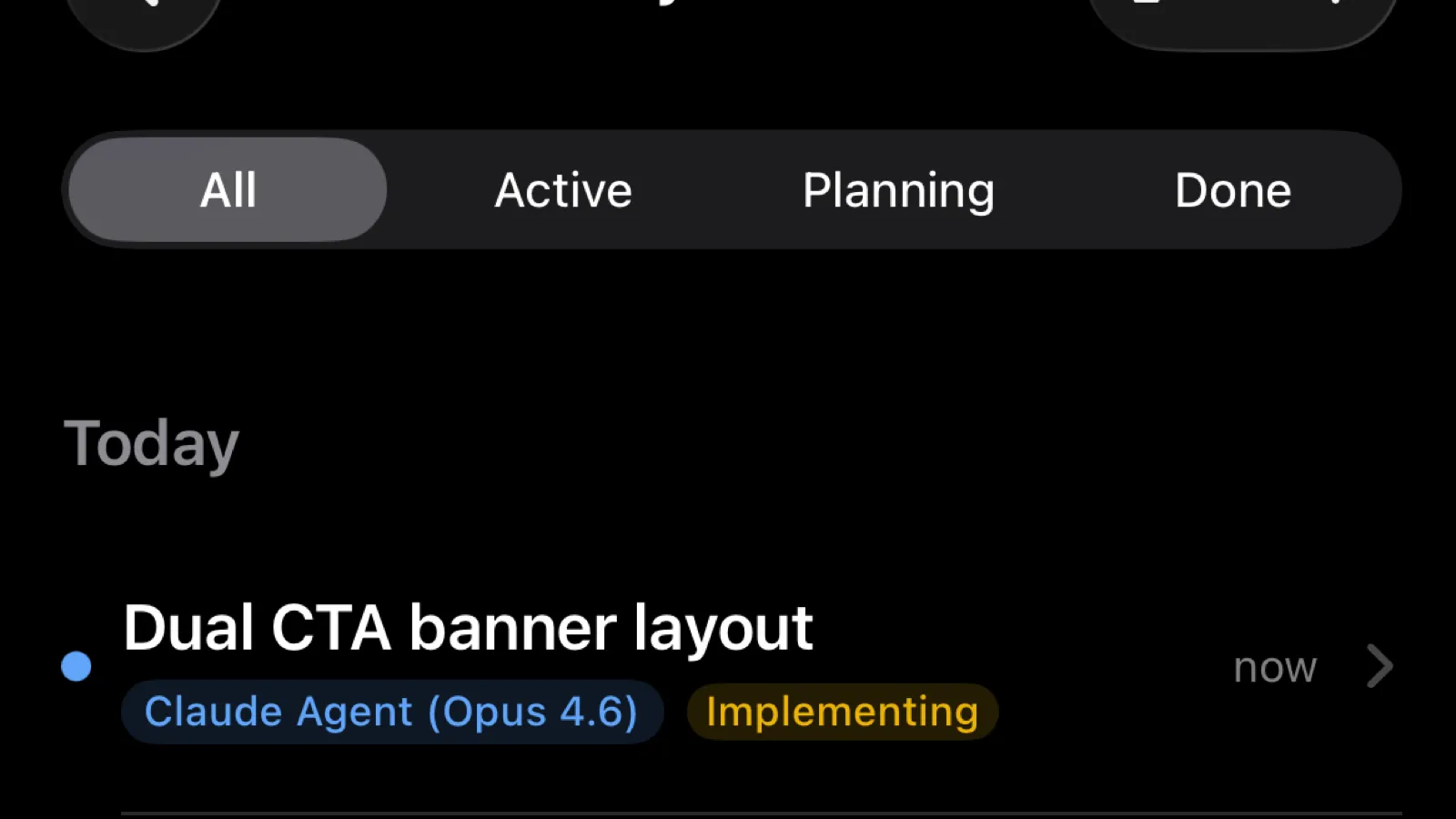
This is not “set it and forget it.” We stay engaged. But the engagement happens on our terms — on the train, at the coffee shop, between meetings. The agent’s work doesn’t stall because we’re not at our desk.
Review the Work
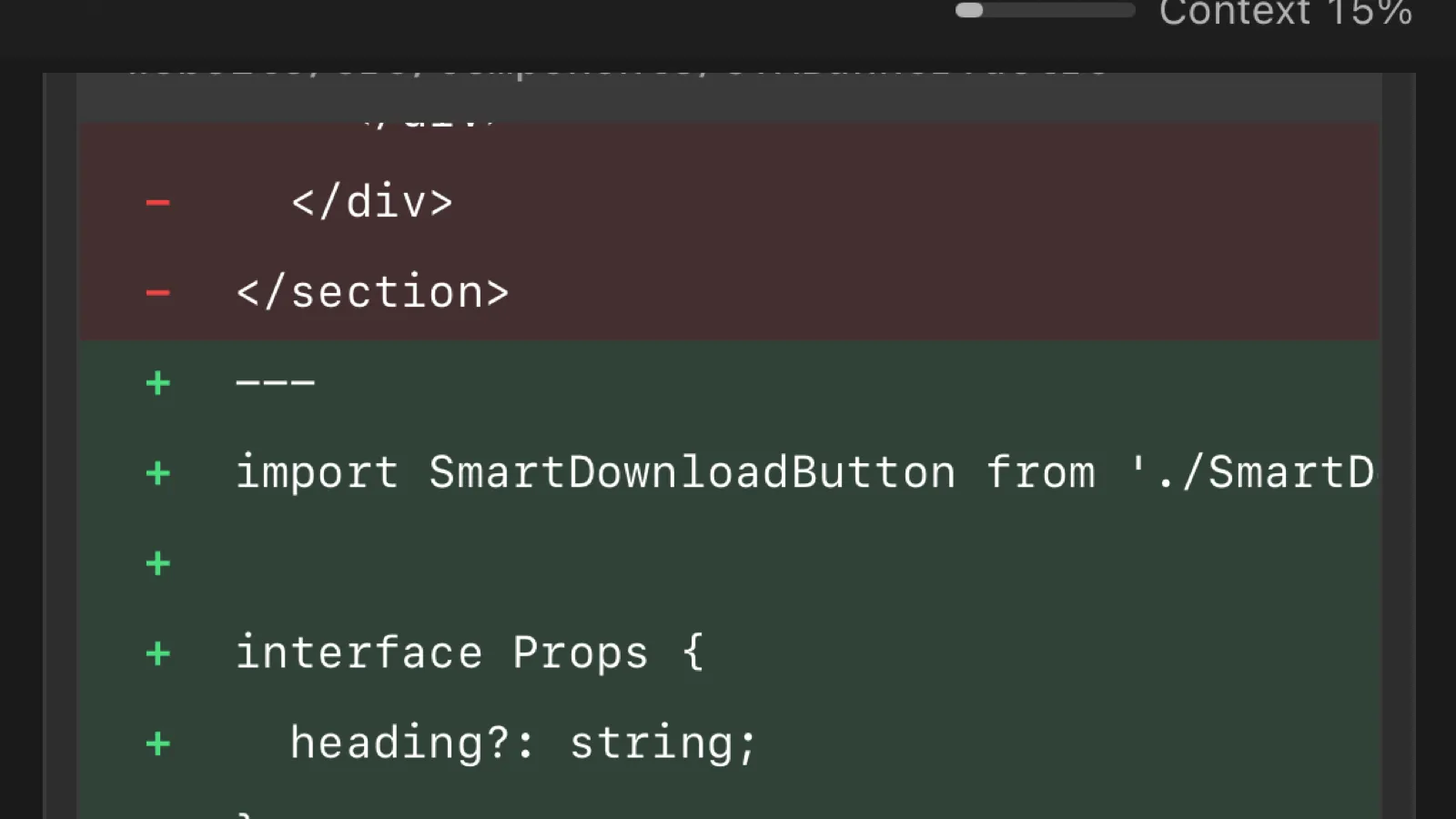
When the agent finishes, we review. Nimbalyst shows every file the agent touched in a sidebar, with full diffs for each one. We click through the changes, see exactly what was added, modified, or removed, and compare it against the plan and mockup.

This isn’t reading a pull request cold. We wrote the plan, reviewed the tests, and approved the mockup. The review is checking whether the agent followed through on decisions we already made. It usually did. When it didn’t, we tell it what to fix and it iterates.
The files sidebar makes this fast. We see the full scope of changes at a glance — no scrolling through a massive diff. Click a file, review it, move on.
Commit
Once the review looks good, we commit directly from the workspace. Nimbalyst has a built-in git commit flow — the agent proposes a commit message based on the changes, we review or edit it, and commit.
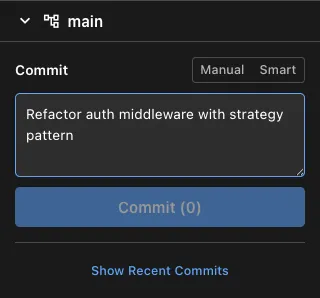
No switching to a terminal. No copying file lists. The commit happens in context, right after the review, while everything is still fresh. The agent’s proposed message is usually accurate because it knows what it did and why — it read the plan.
Update the Plan and Docs
After committing, we close the loop. The plan document gets updated: status moves from in-development to completed, acceptance criteria get checked off, and any implementation notes get added for future reference.

We also update documentation, CHANGELOG entries, and website content if the feature is user-facing. Because the agent has full context of what was built, it can draft these updates too. We review and merge.
This step matters more than it seems. Without it, plans drift from reality, docs go stale, and the next person (or agent) working in the area starts from incomplete context. Closing the loop keeps the workspace honest.
Why Context Continuity Is the Real Unlock
Coding agents are good at writing code. What limits them is context fragmentation.
In a typical setup, the spec lives in Confluence, the mockup in Figma, the tasks in Jira, the tests in your IDE, and the agent runs in the terminal. The agent gets fragments through MCP calls or copy-pasted text. It’s reading a book one sentence at a time through an API.
This workflow works because every artifact — plan, diagram, data model, mockup, test, code — lives in the same workspace and is directly readable by the agent. No handoffs. No context translation. No “let me describe what the Figma mockup looks like.”
The result:
- Plans give the agent architectural direction it can actually follow
- Diagrams show how pieces connect without verbal explanation
- Data models define the exact schema to implement
- Mockups provide a pixel-accurate UI target
- Tests give a machine-verifiable definition of done
- One workspace means none of this is lost in translation
The agent isn’t smarter in this workflow. It just has everything it needs.
The Workflow
Plan. Enrich with visuals. Mockup the UI. Write tests. Implement until green. Review from anywhere. Commit. Close the loop.
We ship features this way every day. The agent handles the mechanical iteration. We focus on the decisions that actually require a human: what to build, what the architecture should look like, whether the tests cover the right scenarios, and whether the final result is what we wanted.
That’s how we build Nimbalyst, and it’s how Nimbalyst is designed to let you build too.