Beyond Cursor: From AI-Assisted Code Editor to Agent-Native Workspace
Cursor built the best AI-enhanced code editor in the world. But when agents write the code, you need a workspace designed around orchestrating them — not just a better autocomplete.
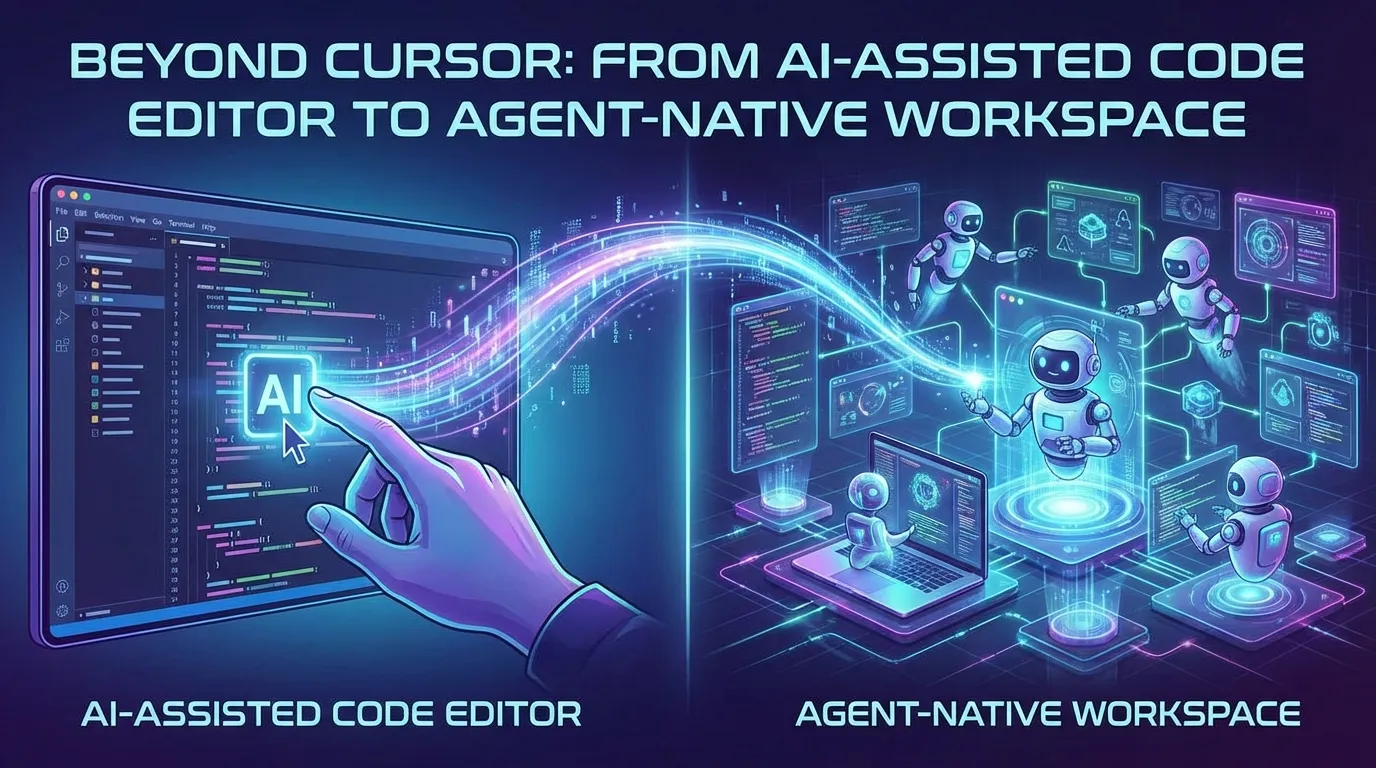
Cursor changed the conversation. It showed the world that AI belongs inside your development environment, not in a browser tab. Tab-complete on steroids. Inline edits that actually understand your codebase. A chat panel that can read your files. For millions of developers, Cursor was the moment AI stopped feeling like a toy and started feeling like a teammate.
But Cursor was designed for a workflow that’s already changed.
What Cursor Was Built For
Cursor took VS Code — the most popular code editor on the planet — and wired AI into every seam. Autocomplete that predicts your next 10 lines. A chat sidebar that can reference your files. Inline diffs that let you accept or reject AI suggestions.
It was built for human-driven coding with AI assistance. You write the code. AI helps you write it faster. The mental model is the same as it’s always been: you’re the one typing, navigating files, running commands, managing git. AI just smooths the edges.
And that model worked brilliantly — for a while. Cursor rode the wave of copilot-style AI, and it rode it better than anyone. They nailed the UX. They made AI feel native to the code editor. They earned their place.
Where Cursor Is Now
Cursor sits at an inflection point. They’ve built the best AI-enhanced code editor in the world. But the ground is shifting underneath them.
The problem isn’t that Cursor is bad. The problem is that the unit of work has changed. Developers aren’t just writing code line by line anymore. They’re launching agents that write entire features. They’re running multiple coding sessions in parallel. They’re reviewing diffs across dozens of files they never opened. They’re managing context across plans, mockups, architecture diagrams, data models, and code — simultaneously.
Cursor’s architecture was designed around a single human editing a single file at a time, with AI offering suggestions. That’s the VS Code paradigm with a turbocharger. But when your agent is the one writing the code, you don’t need better autocomplete. You need a workspace designed around orchestrating agents.
What Comes Next
The next generation of workspaces won’t be code editors with AI bolted on. They’ll be designed around the agent from day one — with editing, reviewing, and managing all built into the same environment.
Think about what changes when coding agents do the actual coding:
- You need to see all your sessions at once, not just one file. You might have five agents working on different features simultaneously. You need a dashboard, not a tab bar.
- You need visual context, not just code. Plans, mockups, architecture diagrams, task trackers — these are the artifacts you’re actually working in while agents write code. A workspace that treats markdown, Excalidraw diagrams, and HTML mockups as first-class citizens alongside code.
- You need to review, not write. Red/green diffs across every file an agent touched. One-click approvals. Visual git commits. The workflow is review-and-direct, not type-and-debug.
- You need task management baked in, not bolted on. When you’re running multiple agents on multiple features, tracking what’s done, what’s blocked, and what’s next isn’t optional — it’s the core workflow.
This is the fundamental insight: Cursor was designed for humans who code. The next workspace needs to be designed for humans who work with agents that code.

Why You Need to Design Around the Agent
A lot of people think the path forward is to take a code editor and keep adding agent features to it. That’s Cursor’s bet. Start with VS Code, layer on AI.
But the workspace shapes the workflow. When you start with a code editor, everything gets shaped by code editor assumptions. The file is central. The human is typing. AI is assisting. You end up optimizing for the old workflow even as the new one takes over.
When you design around the agent, you ask different questions. What does a human need to see when three agents are running simultaneously? How do you give an agent visual context — a mockup, a diagram, a plan — alongside the code? How do you track work across sessions, not just across files? How do you let a team share context with agents and with each other?
Claude Code and Codex are the most capable coding agents available today. They read your codebase. They run commands. They make multi-file changes. They think. They’re not autocomplete — they’re autonomous collaborators. But they run in the terminal, which means all that power is trapped behind a text interface with no visual layer.
That’s the gap. You still need an editor. You still need to read and write files. But you also need session management, diff review, task tracking, and visual context for your agents — all in one workspace:
- Files Mode: Work on a plan, diagram, mockup, or code file at the center of your view. Your agent edits it alongside you. Review diffs. Accept changes. All WYSIWYG.

- Agent Mode: See all your coding sessions on a kanban board. Track which files each agent has modified. Resume sessions. Review diffs. Manage your agents like a team lead manages a team.

- Task Mode: Track everything — features, bugs, research, content. Agents can execute against tasks and update their status. You manage the work, agents do the work.
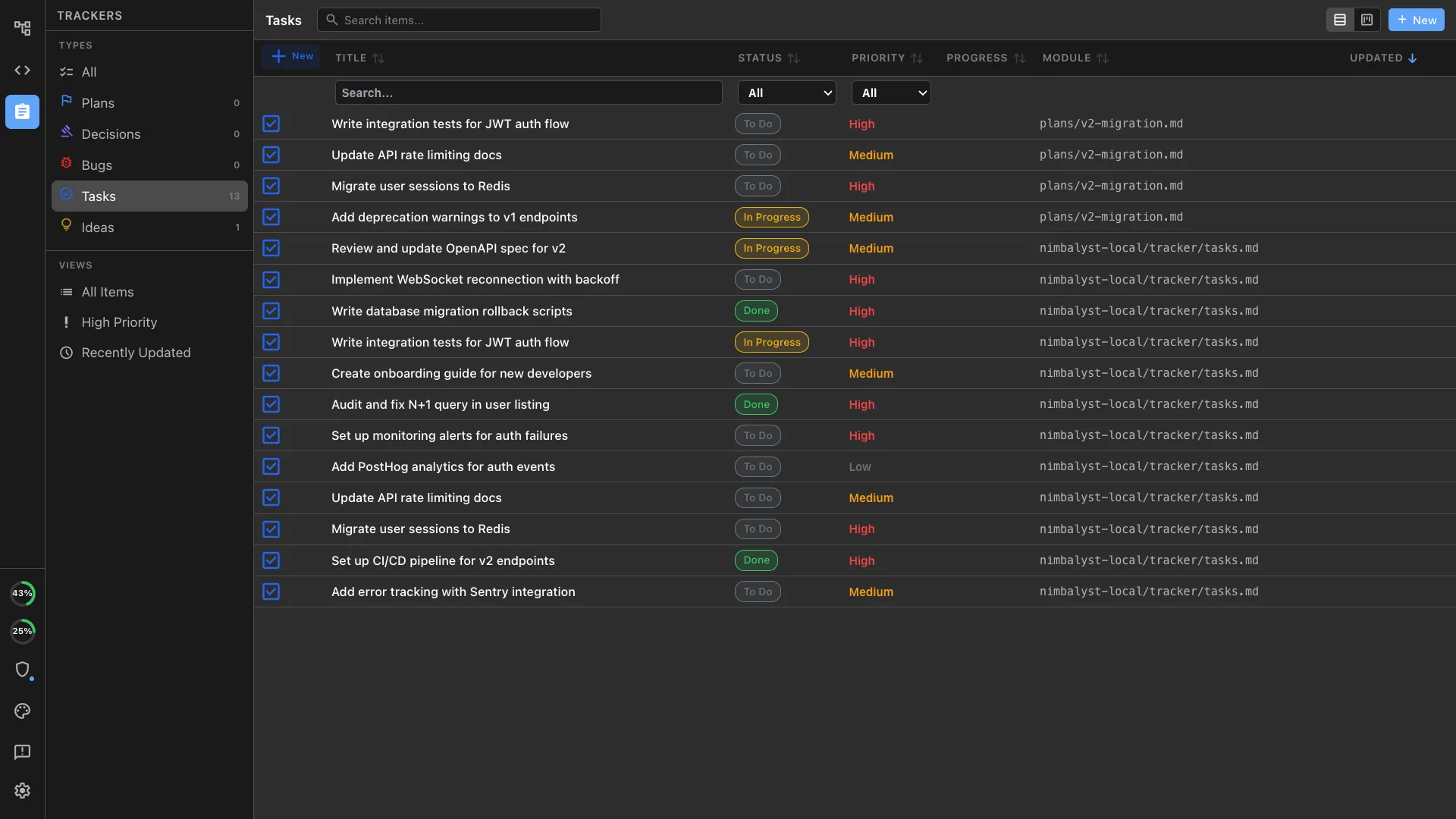
This isn’t about replacing your code editor. It’s about recognizing that the workspace you need when agents write the code is fundamentally different from the workspace you need when you write the code yourself.
The Shift Has Already Happened
There was a reason developers moved from the command line to IDEs in the first place. Visual context. High bandwidth. The ability to see your project, not just a stream of text.
The same shift is happening again. Coding agents live in the terminal today. They’re powerful but invisible. The builders who move fastest will be the ones who give themselves — and their agents — a shared visual workspace where files, sessions, and tasks are all connected.
Cursor was the right tool for the AI-assisted coding era. But we’ve entered the agent-native era. And that demands a workspace designed for it.
Nimbalyst is the agent-native visual workspace for builders. Work with Claude Code and Codex across files, sessions, and tasks — visually. Try it free at nimbalyst.com