Best Session Managers for Claude Code and Codex in 2026
Compare the best session management tools for Claude Code and Codex — including ccmanager, Claude Code Board, Kanban Code, Claudine, VS Code extensions, and Nimbalyst. Find the right way to organize your AI coding sessions.
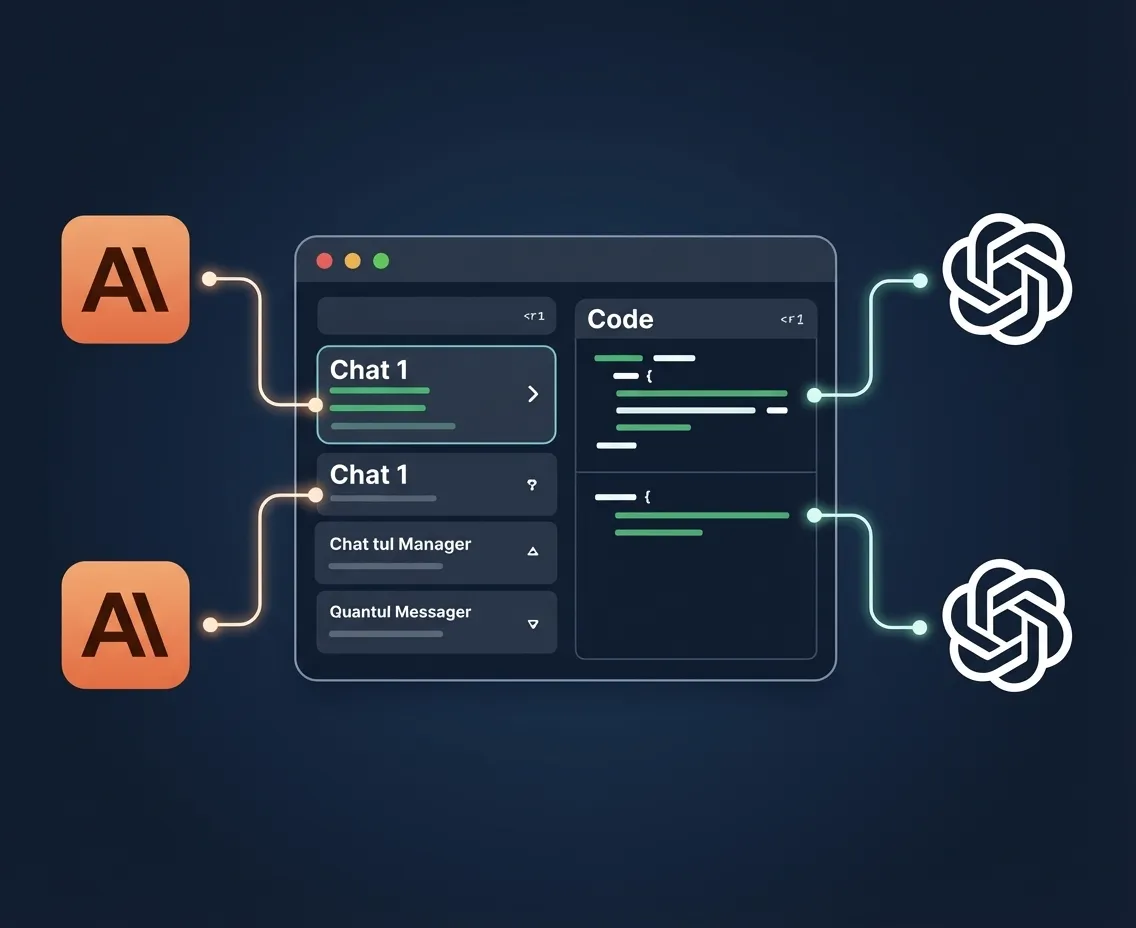
AI coding agents generate sessions the way browsers generate tabs. You start one for a quick fix, another for a feature, a third to explore an idea — and suddenly you have eight sessions across two agents with no way to remember what each one was doing.
Session management is the unsexy infrastructure problem that determines whether AI agents make you faster or just busier. This guide compares every major session manager for Claude Code and Codex so you can pick the right one.
What Makes a Good Session Manager?
At minimum, a session manager needs to answer three questions at a glance:
- What is each session doing? (Name, description, or last prompt)
- What state is each session in? (Running, waiting for input, completed, failed)
- How do I switch between sessions quickly?
Better session managers also handle:
- Organizing sessions by project, status, or priority
- Isolating sessions so they don’t step on each other’s files
- Reviewing output from completed sessions
- Resuming sessions with full context
The Tools
1. ccmanager
Type: CLI/TUI | Price: Free (open source)
The most popular terminal-based session manager for Claude Code. ccmanager provides a text UI for listing, starting, and switching between Claude Code sessions.
Strengths:
- Fast and lightweight
- Keyboard-driven session switching
- Session naming and basic tagging
- Minimal dependencies
- Active open-source community
Limitations:
- Terminal-only — no visual overview
- No status dashboard beyond a simple list
- No git isolation between sessions
- Claude Code only — no Codex support
- No diff review or visual tools
Best for: Developers who want quick session switching in the terminal.
2. Claude Code Board
Type: Web-based dashboard | Price: Free (open source)
Claude Code Board provides a browser-based kanban view of Claude Code sessions. Sessions appear as cards on a board with columns for different statuses.
Strengths:
- Visual kanban layout
- Browser-based — works on any device
- Session cards with status, last prompt, and timestamp
- Drag-and-drop organization
Limitations:
- Read-mostly — limited session control from the UI
- Requires running a local server
- No git worktree isolation
- No built-in diff review
- Claude Code only
Best for: Developers who want a visual overview of sessions without a full desktop app.
3. Kanban Code
Type: VS Code extension | Price: Free
Kanban Code adds a kanban sidebar to VS Code for organizing AI coding sessions. Works with Claude Code sessions initiated from the VS Code terminal.
Strengths:
- Lives inside VS Code — no app switching
- Kanban board with customizable columns
- Session notes and tags
- Integrates with VS Code’s terminal
Limitations:
- VS Code only
- Limited to sessions started within VS Code
- No git worktree isolation
- No multi-agent support
- Basic session information (no rich diff view)
Best for: VS Code users who want lightweight session organization within their IDE.
4. Claudine
Type: Desktop app | Price: Freemium
Claudine is a desktop session manager focused on Claude Code with a clean, minimal interface. It emphasizes session history and conversation replay.
Strengths:
- Clean desktop UI
- Full conversation history with search
- Session replay — step through past sessions
- Cross-project session view
Limitations:
- Claude Code only — no Codex support
- No kanban or status board
- No git worktree isolation
- No visual editing tools
- Limited free tier
Best for: Developers who value session history and conversation search.
5. Vibe Kanban
Type: Web app | Price: Free (open source)
Vibe Kanban is a lightweight web-based kanban board specifically designed for “vibe coding” sessions. Simple card-based interface for tracking what you’re working on.
Strengths:
- Simple and focused
- Easy setup
- Good for solo developers
- Free and open source
Limitations:
- Not integrated with any AI agent — manual session tracking
- No automatic status updates
- No git isolation
- No diff review
- Manual card management
Best for: Solo developers who want a simple board for tracking their coding sessions manually.
6. Agent Viewer
Type: CLI tool | Price: Free (open source)
Agent Viewer provides a terminal-based dashboard for monitoring multiple AI agent sessions. Shows real-time output from multiple sessions in a split-pane layout.
Strengths:
- Real-time output monitoring
- Split-pane terminal layout
- Works with multiple agent types
- Low resource usage
Limitations:
- Terminal-only — text-based display
- No organizational features (no kanban, no tags)
- No git isolation
- No diff review
- No session persistence
Best for: Developers who want to watch multiple agent sessions simultaneously in the terminal.
7. Nimbalyst
Type: Desktop workspace app | Price: Free
Nimbalyst treats session management as the foundation of the entire application, not an add-on feature. Every session — Claude Code or Codex — lives on a visual kanban board with automatic status tracking.
Strengths:
- Kanban board with automatic status: Sessions move between columns based on actual agent state — no manual updates. You see “running,” “waiting for input,” “completed,” and “failed” at a glance.
- Multi-agent sessions: Manage Claude Code and Codex sessions on the same board. Start a Claude Code session for complex reasoning tasks and a Codex session for straightforward implementations.
- Automatic git worktree isolation: Each session gets its own worktree. No conflicts. No “which session edited this file?” confusion. Sessions are genuinely parallel.
- Session tagging and filtering: Tag sessions by feature, type, or priority. Filter to see only what’s relevant right now.
- Visual diff review: Click a completed session to see every file it changed in a full visual diff — not terminal output, a purpose-built viewer.
- iOS app: Monitor your session board from your phone. See status, review diffs, respond to agents waiting for input.
- Voice-initiated sessions: Describe a task by voice, and it becomes a session on your board.
- Built-in visual editors: Plan work in markdown, diagrams, and mockups with agents.
Limitations:
- iOS app requires desktop running for sync
- Not open source
- Opinionated workflow (kanban-centric)
Best for: Developers who manage 3+ agent sessions daily and want automatic status tracking, git isolation, and visual management.
Feature Comparison
| Feature | ccmanager | Claude Code Board | Kanban Code | Claudine | Vibe Kanban | Agent Viewer | Nimbalyst |
|---|---|---|---|---|---|---|---|
| Visual kanban board | No | Yes | Yes | No | Yes | No | Yes |
| Automatic status tracking | Basic | Basic | No | No | No | Real-time | Yes |
| Git worktree isolation | No | No | No | No | No | No | Yes |
| Multi-agent (CC + Codex) | No | No | No | No | No | Partial | Yes |
| Diff review | No | No | No | No | No | No | Yes |
| Mobile app | No | Web | No | No | Web | No | iOS |
| Session search/history | Basic | Basic | Basic | Yes | No | No | Yes |
| Visual editing tools | No | No | No | No | No | No | Yes |
| Platform | Terminal | Web | VS Code | Desktop | Web | Terminal | macOS, Windows, Linux, iOS |
| Price | Free | Free | Free | Freemium | Free | Free | Free |
How to Choose
If you live in the terminal: ccmanager gives you fast session switching with minimal overhead.
If you use VS Code: Kanban Code adds a kanban sidebar without leaving your IDE.
If you want a visual overview: Claude Code Board or Vibe Kanban provide browser-based boards. Good for casual use but limited in depth.
If you value session history: Claudine’s conversation search and replay features stand out.
If you’re serious about multi-session development: Nimbalyst is the only tool that combines automatic status tracking, git worktree isolation, multi-agent support, visual diff review, and mobile access in a single application. If session management is a significant part of your daily workflow — and if you’re running 3+ agents in parallel, it is — this is the most complete solution available.
The Session Management Gap
Here’s what’s interesting: session management for AI coding agents is where tab management was for browsers in 2010. Everyone knows they have too many sessions. Everyone has a hacky solution. The tools are just now catching up to the actual workflow.
The difference is that a lost browser tab costs you a Google search. A lost coding session costs you an hour of agent work plus the context to reproduce it. As AI agents become the primary way software gets built, session management stops being a convenience feature and becomes critical infrastructure.
Download Nimbalyst free and bring order to your agent sessions.