Humans Are Visual. Enough With the Terminal.
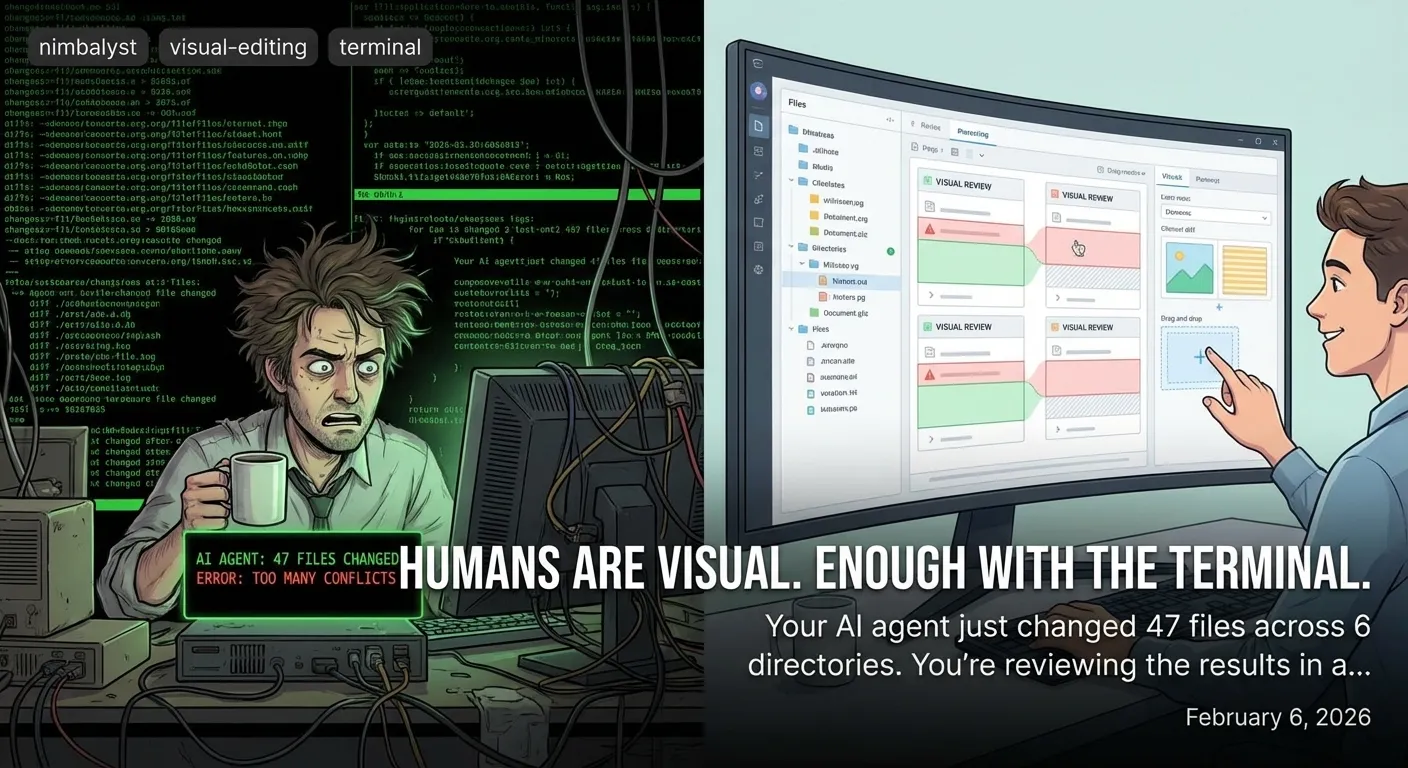
Your AI agent just changed 47 files across 6 directories. You're reviewing the results in a monospace terminal. Something is very wrong with this picture.
A Confession
Developers have used the terminal for 50 years. It’s powerful. It’s fast. It’s the backbone of serious software work.
And it’s the wrong tool for managing AI agents.
Not because the terminal is bad. It’s great for what it was designed for: a human typing commands to a machine. But that’s not what’s happening anymore. Now the machine is doing the work, generating thousands of lines of changes across dozens of files, and the human needs to understand, review, and direct the output.
That’s a fundamentally different job. And it needs a fundamentally different interface.
The Evidence Is In Your Brain
Your visual cortex processes information 60,000 times faster than text. That’s not opinion. That’s neuroscience. Your brain dedicated roughly 30% of its cortex to visual processing. Only 8% goes to touch and 3% to hearing.
When Claude Code outputs a 500-line diff in the terminal, you’re feeding that information through the slowest channel your brain has. You’re reading each line. Parsing the plus and minus signs. Mentally reconstructing what the file looks like now. Holding the “before” in short-term memory while you scan the “after.”
When Nimbalyst shows the same diff as visual red/green highlights in a WYSIWYG editor, you see it. Instantly. The deleted text is red. The added text is green. Your eyes jump to the changes. Your visual cortex does the comparison for you, in parallel, without conscious effort.
One approach takes minutes of careful reading. The other takes seconds of looking.

What You’re Missing In the Terminal
Here’s what a Claude Code session looks like in the terminal after it finishes a complex task:
✓ Modified src/components/Header.tsx
✓ Modified src/components/Sidebar.tsx
✓ Created src/components/NewFeature.tsx
✓ Modified src/styles/globals.css
✓ Modified src/utils/helpers.ts
✓ Updated package.json
Great. It changed 6 files. But what did it actually do? You run git diff. You get a wall of text. You scroll. You read. You try to hold the full picture in your head.
Here’s what the same work looks like in Nimbalyst: visual diffs with syntax highlighting, rendered Mermaid diagrams, live mockup previews, and one-click approve or reject on every change.
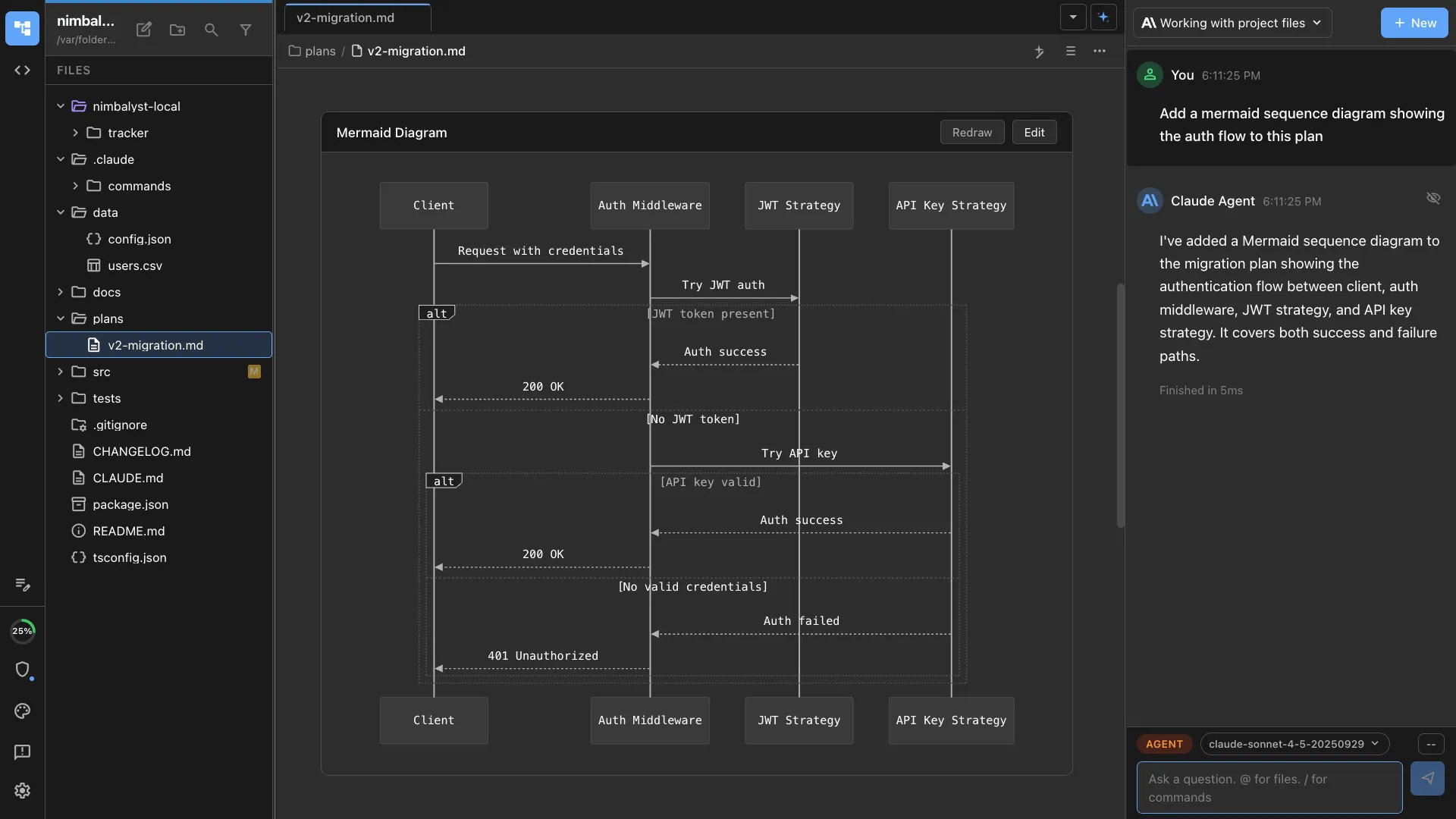

You catch things visually that you miss textually. A misaligned CSS property. A diagram arrow pointing to the wrong service. Your eyes catch it in a glance. Reading terminal output, you might miss it on the third pass.
”But I’m Faster in the Terminal”
I hear this from developers all the time. And they’re right — for typing commands. For git operations. For running scripts. The terminal is faster because it’s optimized for input.
But AI agent management isn’t about input. It’s about output review. The agent does the work. You review the results. That’s a visual task, not a text task.
Think about it this way: would you review a pull request by reading a raw unified diff in the terminal? Or would you open GitHub’s visual diff view? You’d use the visual view. Everyone does. Because reviewing changes is a visual activity.
Now scale that up. Instead of reviewing one PR, you’re reviewing the output of 6 parallel agent sessions. Each one changed multiple files. Some created diagrams. Some modified mockups. Some updated data models.
The terminal gives you a scrollable wall of text. Nimbalyst gives you a visual workspace where you can see all the changes, across all formats, with one-click approve/reject.
The Six-Agent Dashboard
Here’s where the visual advantage becomes overwhelming. You’re running 6 Claude Code sessions in parallel. In the terminal, that’s 6 tmux panes of scrolling text. You glance at one, switch to another, try to remember what the third one was doing.
In Nimbalyst, that’s a kanban board with 6 cards. Color-coded by status. Each card shows the session name, files changed, current status. Click one to see the full diff. Click another to see the diagram it updated. All visual. All at a glance.
You’re not reading about what your agents are doing. You’re seeing it.
This Isn’t About Preference
This is about information density and processing speed. A rendered Mermaid diagram communicates its structure in a single glance. The Mermaid source code requires careful reading. A visual diff highlights changes instantly. A text diff requires line-by-line parsing.
Visual interfaces aren’t better because some people prefer them. They’re better because human brains are wired for visual processing. All human brains.
The Transition
I’m not saying throw away your terminal. I still use mine every day. The terminal is great for what it’s great at.
But when you’re managing AI agents — reviewing their output, understanding their changes, directing their next steps — you need visual tools. The output has grown beyond what text can efficiently communicate.
We built Nimbalyst because we were drowning in terminal output and missing things. Important things. Bugs that visual review would have caught. Architecture changes we didn’t notice because they were buried in a wall of text.
Your agents are visual-output machines producing diagrams, mockups, data models, styled code, and structured documents. Reviewing all of that through a text-only interface is like reviewing a painting through a text description.
Enough with the terminal. Give your eyes something to work with.
FAQ
Q: This sounds like you’re saying terminals are bad. A: Terminals are great for input. They’re suboptimal for reviewing complex, multi-file, multi-format output from AI agents. Both things can be true.
Q: Can I still use Claude Code from the terminal? A: Yes. Nimbalyst runs Claude Code under the hood. You get the same CLI power with a visual layer on top. Think of it as a visual management interface for something that’s still Claude Code underneath.
Q: What about vim/neovim users? A: If you’re a vim user, you already know the value of efficient text editing. Nimbalyst isn’t replacing your text editor. It’s adding visual review, visual diffs, rendered diagrams, and session management that vim doesn’t provide.