The Terminal Is a 1970s Interface for a 2026 Problem
We gave AI the most powerful coding ability in history and wrapped it in a 50-year-old interface. That's insane.
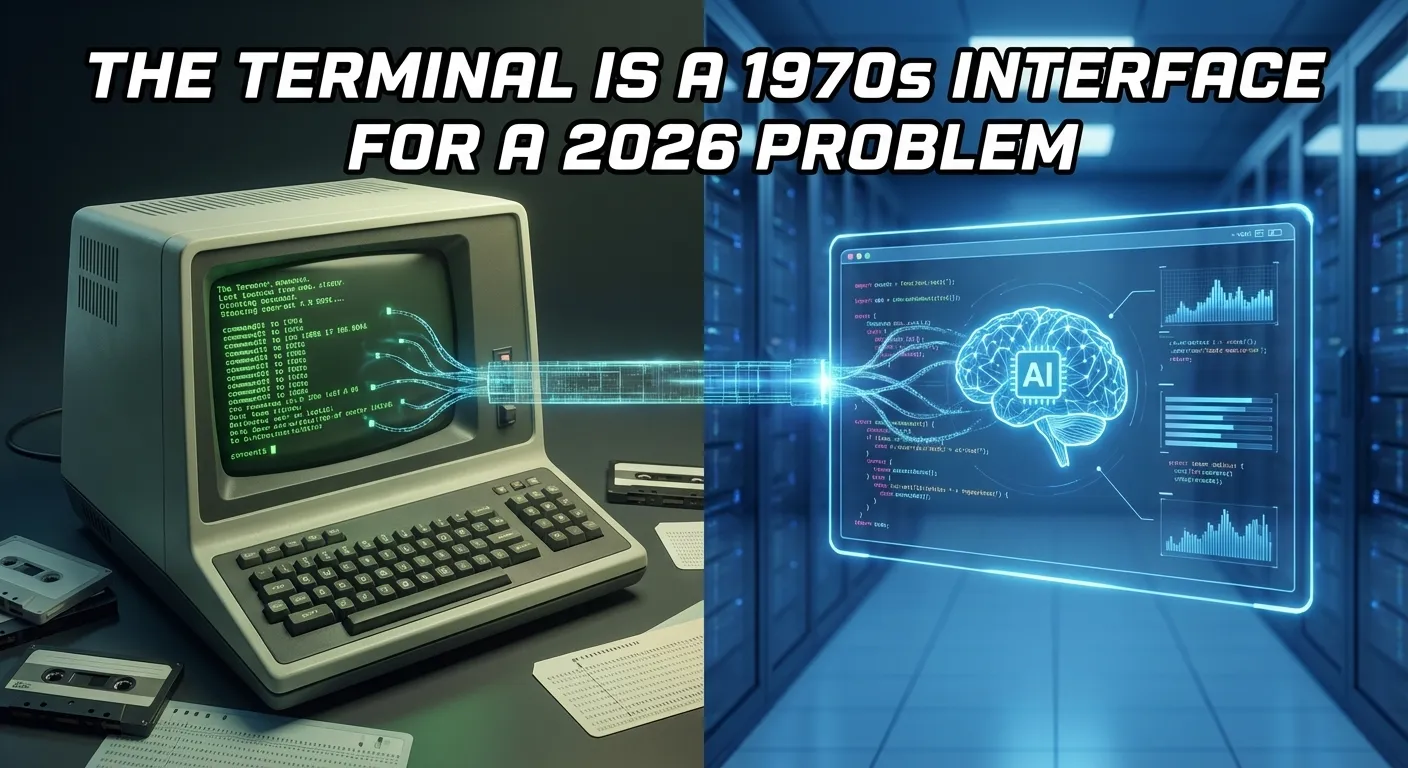
1978
The DEC VT100 shipped in August 1978. It was a video display terminal: a screen and keyboard connected to a mainframe. Green (or amber) text on a black background. 80 columns by 24 rows. You typed commands. It showed output.
It was revolutionary. Before the VT100, you interacted with computers through punch cards and printouts. The terminal gave you real-time interaction. Type a command, get a response. The feedback loop was instant.
The VT100 cost $2,000, about $9,500 in today’s money. It was worth it because the alternative was waiting hours for batch-processed output.
2026
Open Codex or Claude Code. Look at your screen. Green text on black. A cursor waiting for input. You type a command. It shows output.
Take a screenshot of the VT100 and a screenshot of your terminal. Show them to someone who doesn’t know the context. They won’t be able to tell which is from 1978 and which is from 2026.
Forty-eight years of computing progress. Multicore processors, GPUs, 4K displays, gigabit internet, touch interfaces, spatial computing. And yet the primary interface for the most advanced AI coding technology looks like it came from the Carter administration.
The Job Changed. The Tool Didn’t.
In 1978, the terminal made sense. Here’s what computing looked like:
- You were the operator
- The machine executed your commands
- The flow: Human types -> Machine executes -> Machine shows result
- The bottleneck: Human input speed
The terminal was optimized for this workflow. Maximum efficiency for human-to-machine command entry.
In 2026, the workflow is inverted:
- The AI is the operator
- The machine executes the AI’s commands
- The flow: Human describes intent -> AI generates plan + code + tests -> Human reviews output
- The bottleneck: Human comprehension speed
The bottleneck moved from input to output. From typing to understanding. From “how fast can I issue commands?” to “how fast can I understand what the agent did?”
The terminal was never designed for output comprehension at scale. It was designed for input entry. We’re using an input-optimized tool for an output-comprehension task.

The Factory Analogy
You don’t supervise a factory from the factory floor by reading printouts. You use a control room. Screens showing the status of each line. Visual indicators for problems. Dashboards for throughput. Cameras for visual inspection.
Why? Because supervision is a visual task. You need to see the big picture, spot anomalies, and direct attention to where it’s needed.
AI agent management is factory supervision. The agents are the workers. The codebase is the factory floor. You are the supervisor. And you’re doing it from a VT100.
When your factory has one assembly line (one agent session), walking the floor works. When it has six lines running simultaneously (six parallel Codex or Claude Code sessions), you need the control room.
What a Modern Interface Actually Provides
The terminal gives you one thing: text. Here’s what a modern agent management interface adds:
Spatial awareness
All sessions visible simultaneously. Status at a glance. No tab switching, no scrolling, no “wait, which terminal was that?”
Visual diffs
Code changes rendered with syntax highlighting, context, and visual indicators. Red for removed, green for added. Click to approve or reject. No mental parsing of unified diff format.
Rendered output
Mermaid diagrams as actual diagrams. Mockups as actual rendered HTML. Data models as actual entity-relationship visualizations. Not source code that represents these things. The things themselves.
Multi-format comprehension
Your agent changed a markdown spec, a Mermaid diagram, an HTML mockup, and 5 source files. In the terminal, that’s a wall of text diffs. In a visual interface, you see each change in its native format: the spec as WYSIWYG text, the diagram as a rendered flowchart, the mockup as a clickable page.
Persistent memory
Terminal scrollback is temporary and searchable only with grep. Sessions in Nimbalyst are permanent, searchable by content, filterable by date and file, and linked to the documents they reference.
”But Power Users Prefer the Terminal”
Yes. And power users in 1985 preferred DOS.
I’m not dismissing terminal expertise. Terminal skills are valuable. But there’s a difference between “I’m efficient at this” and “this is the right tool for this job.”
Surgeons are efficient with scalpels. That doesn’t mean they refuse to look at X-rays because they prefer tactile feedback. The visual information serves a different purpose than the manual skill.
Terminal proficiency is a manual skill: fast input, familiar commands, muscle memory. Visual agent management serves a different purpose: comprehension, oversight, coordination. Both are needed. They’re not in competition.
The most productive developers in 2026 will use the terminal AND visual tools. The terminal for direct operations. Visual tools for reviewing agent output, managing sessions, and understanding complex multi-file changes.
What We’re Building
Nimbalyst is a visual workspace that wraps Codex and Claude Code. The agents still run underneath with the same power and flexibility. But instead of reading their output in a terminal, you see it rendered visually.
Session dashboards show all your agents at a glance. Diagrams render as actual diagrams, not Mermaid source. Mockups render as clickable HTML, not diff output. You review changes in their native format: specs as WYSIWYG text, data models as ERDs, code as syntax-highlighted diffs.
The terminal is still there when you want it. But the visual layer handles the part the terminal was never designed for: understanding what your agents built.
FAQ
Q: You’re being unfair to the terminal. It’s incredibly powerful. A: It is powerful. For input and direct operations. For output comprehension of complex, multi-format, multi-file agent changes? No. Power and suitability are different things.
Q: The VT100 comparison is provocative for the sake of it. A: Put both screenshots side by side. The resemblance is genuinely striking. The comparison isn’t manufactured. It’s an honest observation that should make us question whether we’re using the right interface for a fundamentally different task.
Q: Won’t AI agents eventually just have GUIs built in? A: Maybe. Anthropic and OpenAI might build visual interfaces directly. But we think the visual layer should be independent of any single AI provider, able to work with Claude Code, Codex, or any future agent. That’s what Nimbalyst provides.