The First Real Mobile App for Codex and Claude Code
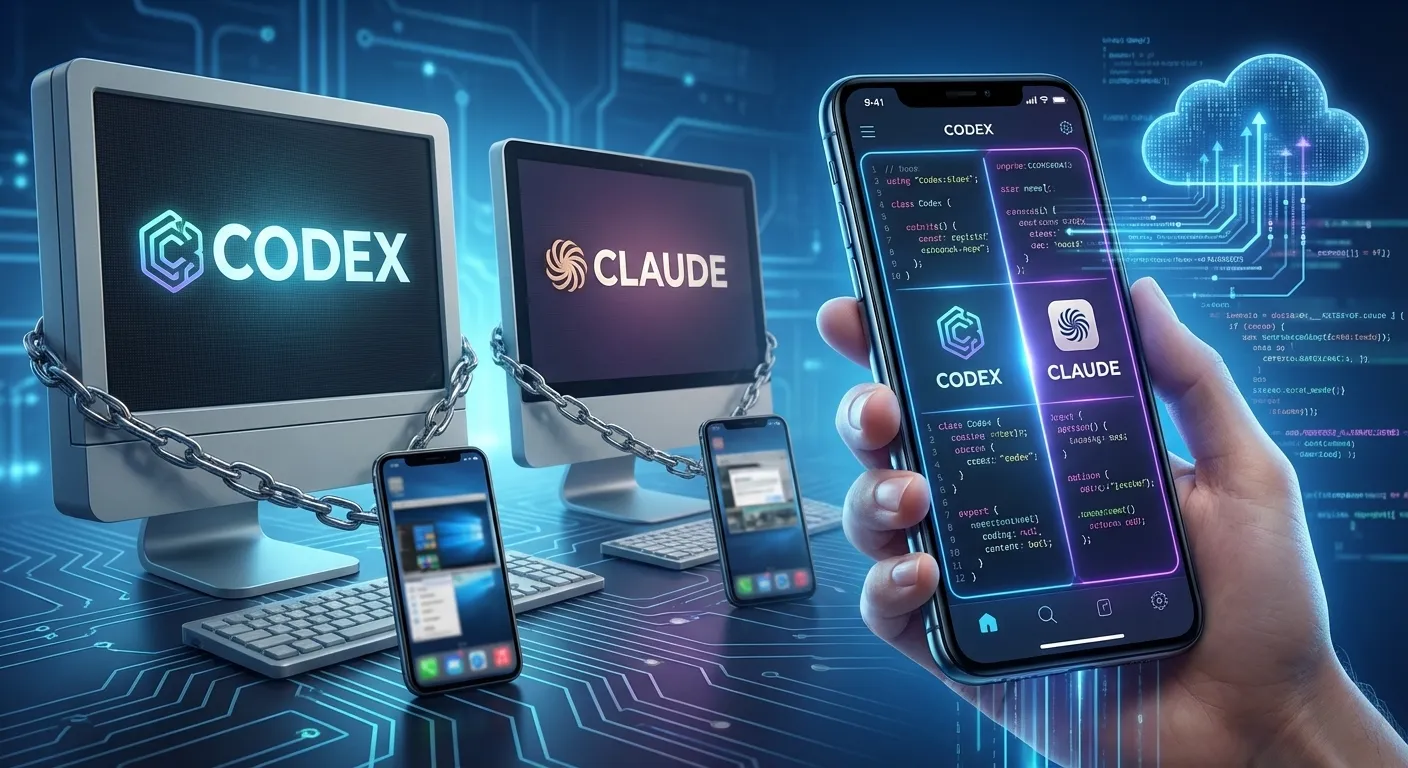
OpenAI shipped Codex as desktop only. Anthropic shipped a remote desktop. Nobody built what developers actually need: a mobile-native app for managing AI coding agents. So we did.
Your Agents Don’t Stop When You Leave Your Desk
You set up three Claude Code sessions before lunch. One is refactoring auth, one is building an API endpoint, one is writing tests. You walk to a meeting. 45 minutes later, you have no idea what happened.
Did the auth refactor finish? Did the API endpoint hit a blocker? Did the test session find a bug that needs your input? You won’t know until you get back to your desk, open three terminal windows, and scroll through walls of text.
This is the reality for every developer and PM using AI coding agents in 2026. The most powerful software development tools in history are invisible the moment you stand up.
Nobody Built the Mobile App
OpenAI shipped Codex as a macOS desktop app. No mobile version. Not even a web fallback for phone browsers.
Anthropic shipped Remote Control — a synchronization layer that mirrors one local terminal session to your phone. It requires your laptop to stay on and supports a single session.
Neither company built what developers and PMs actually need: a mobile-native app for managing AI coding agents.
So we did.
Nimbalyst Mobile: What It Does
Session Dashboard
Open the app. See every active session across every project. Color-coded status: running, waiting for input, completed, failed. The kanban view you use on desktop, optimized for touch.
No scrolling through terminal output. No guessing which session is which. One glance tells you the state of everything.
Visual Diff Review
An agent just finished making changes to 12 files. On your phone, you see the diff: red for deletions, green for additions. Swipe through files. Tap to approve. Tap to reject. Pinch to zoom into a specific function.
This isn’t a terminal diff piped to a tiny screen. It’s a purpose-built mobile diff viewer that treats your phone as what it is — a visual device.
Conversational Control
Your auth refactoring session hit a decision point: “Should I use JWT or session-based auth for the new endpoint?” Reply from your phone. Type or use voice. The agent resumes.
You don’t need a keyboard. You don’t need a monitor. You need to make a decision, and you can make it from anywhere.
Start New Sessions
Walking to your car with a feature idea. Open the app. Describe the task. Pick a project and branch. The agent starts working while you drive.
By the time you get home, there’s a PR waiting for review. On your phone.
Why Mobile Matters for Agents
Desktop AI tools assume synchronous work. You sit at your computer. You give the agent a task. You watch it work. You review the output.
But agents are asynchronous by nature. They work while you don’t. The whole point of AI agents is that they do things in the background while you do other things.
“Other things” increasingly means: not sitting at your desk.
You’re in a meeting. At lunch. Commuting. At the gym. At your kid’s soccer game. And your agents are working the entire time. Without a mobile app, you’re blind to all of it until you get back to your screen.
Mobile isn’t a nice-to-have for agent management. It’s the natural interface. Agents work asynchronously. You check on them asynchronously. That’s a phone.
The Architecture Difference
Remote Control tethers your phone to a running laptop via a synchronization bridge. Close the laptop, lose the connection.
Nimbalyst keeps sessions available and in sync across mobile and desktop. Your phone sees the same sessions, same status, same diffs as your desktop.
This isn’t a minor UX difference. It’s an architectural choice that determines whether “mobile” means “remote window into your desk” or “real work from anywhere.”
Availability
Nimbalyst Mobile is available now on iOS, with Android following. It’s included free for all Nimbalyst users — no additional subscription, no premium tier requirement.
If you use Claude Code or Codex through Nimbalyst on desktop, the mobile app sees all your sessions automatically.
FAQ
Does Nimbalyst Mobile work with Codex too? Yes. Nimbalyst supports both Claude Code and Codex. Mobile shows sessions from both providers in a unified view.
Can I do real code editing on mobile? For quick fixes, yes. For serious editing, no — use your desktop. Mobile is optimized for review, approval, and direction. It’s designed for the 80% of agent management that doesn’t require a full keyboard.
Is it free? Yes. Nimbalyst is free. The mobile app is included.
Is it available now? Yes. Download Nimbalyst at nimbalyst.com/download.