Best Codex GUI Tools and Desktop Apps in 2026
Compare the best GUI tools and desktop apps for OpenAI Codex — including Codexia, CodexMonitor, Localforge, the official Codex App, and Nimbalyst. Find the right visual interface for your Codex workflow.
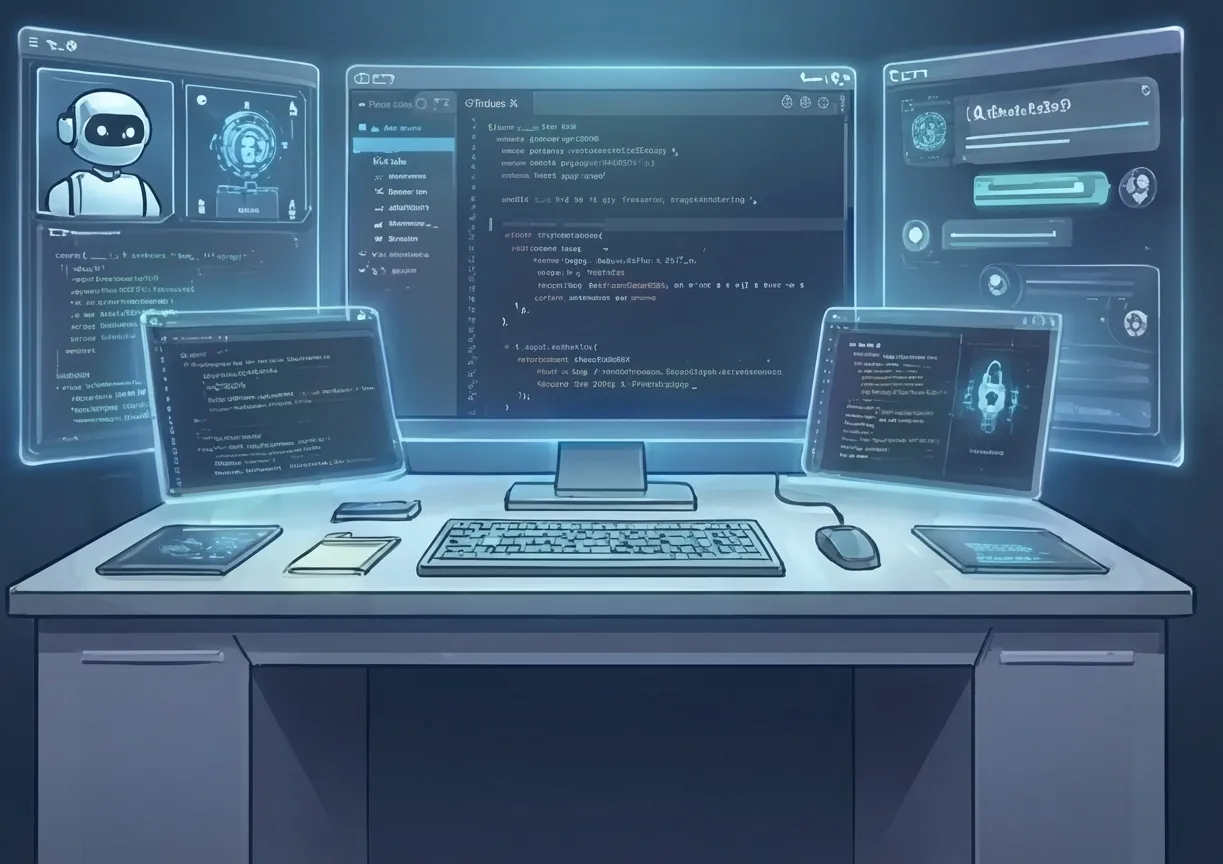
OpenAI’s Codex agent has become a serious contender in the AI coding space. Powered by GPT-5.3-Codex, it writes production-quality code, handles complex multi-file edits, and integrates deeply with GitHub. But like Claude Code, it’s primarily a CLI tool — and as your usage grows, you hit the same visibility and management problems.
A small but growing ecosystem of GUI tools has emerged for Codex. Here’s how they compare.
The State of Codex Interfaces
OpenAI offers Codex through several official surfaces:
- Codex CLI: The primary tool — a Rust-based terminal agent
- Codex in ChatGPT: Delegate coding tasks from the ChatGPT web interface to cloud sandboxes
- Codex Desktop App: A macOS desktop wrapper (limited availability)
Third-party tools fill the gaps that OpenAI’s official surfaces don’t cover — especially around multi-session management, visual diffs, and integration with other agents.
The Tools
1. Official Codex Desktop App (OpenAI)
Platform: macOS | Price: Included with ChatGPT Pro/Teams
OpenAI’s own desktop app for Codex provides a native macOS interface for the Codex CLI.
Strengths:
- First-party — always current with Codex features
- Native macOS performance
- Integrated with OpenAI’s cloud sandbox feature
- Clean, minimal design
Limitations:
- macOS only
- Single-session focused
- Limited customization
- No multi-agent view
- No integration with other AI agents (Claude Code, etc.)
Best for: Codex users who want an official, supported GUI.
2. Codexia
Platform: macOS, Windows, Linux | Price: Freemium
Codexia is a cross-platform GUI wrapper for Codex with a chat interface, file tree, and project management features.
Strengths:
- Cross-platform support
- Project-level organization
- Chat interface with syntax highlighting
- File tree with search
- Prompt templates for common tasks
Limitations:
- Codex only — no Claude Code support
- Single-session design
- No git worktree isolation
- No visual editing tools
- Paid features behind subscription
Best for: Codex users who want a feature-rich chat interface across platforms.
3. CodexMonitor
Platform: Web-based | Price: Free (open source)
CodexMonitor is a browser-based dashboard for monitoring Codex sessions, especially cloud sandbox tasks delegated through ChatGPT.
Strengths:
- Monitors both local CLI and cloud sandbox Codex sessions
- Dashboard view of all active tasks
- Session history and logs
- API for integration with other tools
Limitations:
- Monitoring-only — limited control over sessions
- No visual diff review
- No git isolation
- Requires running a local server
- Codex only
Best for: Teams using Codex cloud sandboxes who need a monitoring dashboard.
4. Localforge
Platform: macOS, Linux | Price: Free (open source)
Localforge is a local-first development environment that wraps multiple AI coding agents, including Codex, with a focus on privacy and offline-capable workflows.
Strengths:
- Multi-agent support (Codex, Claude Code, and others)
- Local-first — no data leaves your machine
- Visual diff view
- Project templates
- Open source
Limitations:
- Complex setup
- No multi-session management
- No kanban or status board
- Limited mobile support
- Smaller community
Best for: Privacy-conscious developers who want a local GUI for multiple AI agents.
5. Nimbalyst
Platform: macOS, Windows, Linux, iOS | Price: Free
Nimbalyst is one of the few workspace tools that treats Codex as a first-class citizen alongside Claude Code. You can run both agents in the same workspace, on the same kanban board, with the same management tools.
Strengths:
- Full Codex integration: Start and manage Codex sessions with the same tools you use for Claude Code. Pick the right agent for each task — Codex for speed, Claude Code for complex reasoning.
- Multi-session kanban: Run multiple Codex sessions (or a mix of Codex + Claude Code) with automatic status tracking on a visual board.
- Git worktree isolation: Each Codex session gets its own worktree. No conflicts between parallel sessions.
- Visual diff review: Review Codex changes in a purpose-built visual diff viewer.
- Visual editing tools: Plan work in markdown, diagrams, and mockups before assigning tasks to Codex.
- iOS app: Monitor Codex sessions from your phone — see status, review diffs, respond to questions.
- Mixed-agent workflows: Start a Codex session for a straightforward implementation while Claude Code handles a complex refactor. Same board, same tools.
Limitations:
- Requires desktop app installation
- Not open source
- Requires Codex CLI to be installed separately
Best for: Builders who want unified visual management of Codex sessions alongside documents, mockups, and tasks.
Feature Comparison
| Feature | Codex App | Codexia | CodexMonitor | Localforge | Nimbalyst |
|---|---|---|---|---|---|
| Multi-session management | No | No | Dashboard | No | Yes (kanban) |
| Multi-agent support | No | No | No | Yes | Yes (Codex + CC) |
| Git worktree isolation | No | No | No | No | Yes |
| Visual diff review | Basic | Basic | No | Yes | Full |
| Mobile app | No | No | Web | No | iOS |
| Visual editing tools | No | No | No | No | Yes |
| Cloud sandbox monitoring | No | No | Yes | No | No |
| Cross-platform | No | Yes | Web | Mac/Linux | Mac/Win/Linux/iOS |
| Open source | No | No | Yes | Yes | No |
| Price | Subscription | Freemium | Free | Free | Free |
How to Choose
If you’re just getting started with Codex: The official Codex Desktop App or Codexia will serve you well for single-session work.
If you need to monitor cloud sandboxes: CodexMonitor fills a niche that no other tool covers.
If you use Codex and Claude Code: Nimbalyst is the most complete option for managing both agents in a unified workspace.
If you run multiple Codex sessions: Nimbalyst is currently the only GUI that provides multi-session management with git worktree isolation for Codex.
Looking Ahead
OpenAI is investing heavily in Codex’s capabilities. As the agent gets more powerful, the management problem grows proportionally. Running five Codex sessions that each make 50+ file changes per session means you’re reviewing hundreds of changes — that’s where visual tools become essential, not optional.
Download Nimbalyst free and manage your Codex and Claude Code sessions in one workspace.