Codex GUI
You have a Codex GUI. Now you need a workspace.
The Codex desktop app gives you a chat window. Nimbalyst gives you multi-session management, visual editors for mockups, diagrams, and data models, task management, and a mobile app — all built on top of Codex and Claude Code.


Codex has a GUI. So why Nimbalyst?
OpenAI shipped a Codex desktop app with a clean graphical interface for running sessions. It's a solid chat-based GUI for working with a single Codex agent.
But a GUI is not a workspace. When you're running five agents in parallel, reviewing diffs across branches, sketching architecture diagrams, mocking up UI, and managing tasks — a chat window isn't enough. Nimbalyst supports both Codex and Claude Code as first-class agents, so you can pick the best engine for each task inside one workspace.
Why Nimbalyst
What Nimbalyst adds to Codex


WYSIWYG markdown editor
Write specs, plans, and docs in a rich editor. Your Codex agent sees the full document and project — edit by hand or let AI draft and restructure.


Visual diff review
Review Codex changes with inline red/green diffs. Accept, reject, or manually edit each change before merging — across markdown, code, and config files.


Visual editors
Mockups, Excalidraw diagrams, data models, spreadsheets, and markdown. Your Codex agent can create and edit visual files, not just code.


Session kanban
Manage Claude Code and Codex sessions on the same kanban board. Mix and match engines across branches and tasks.


Task management
Track tasks, bugs, and ideas alongside your Codex sessions. Plan the work and execute it in the same environment.
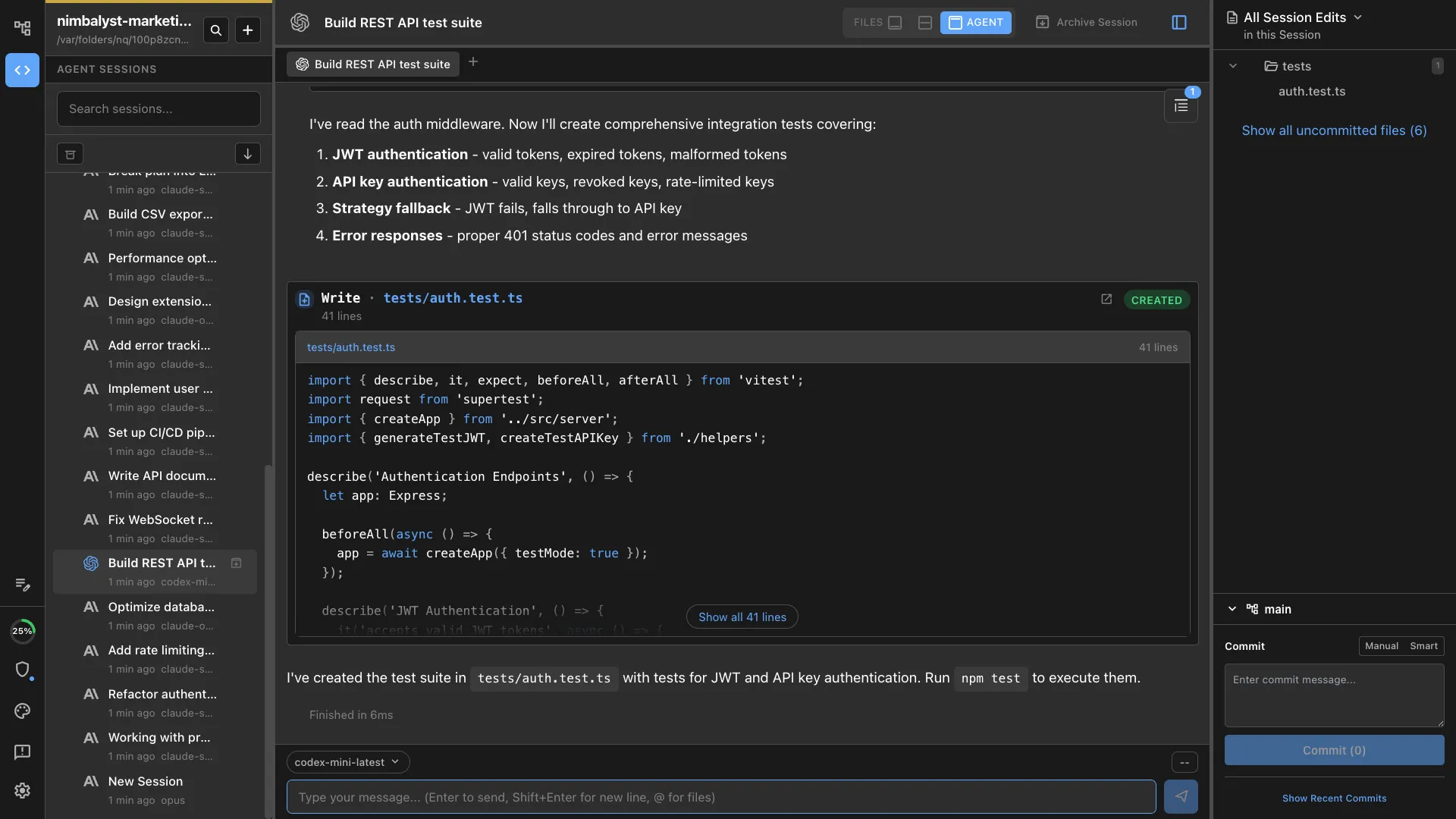
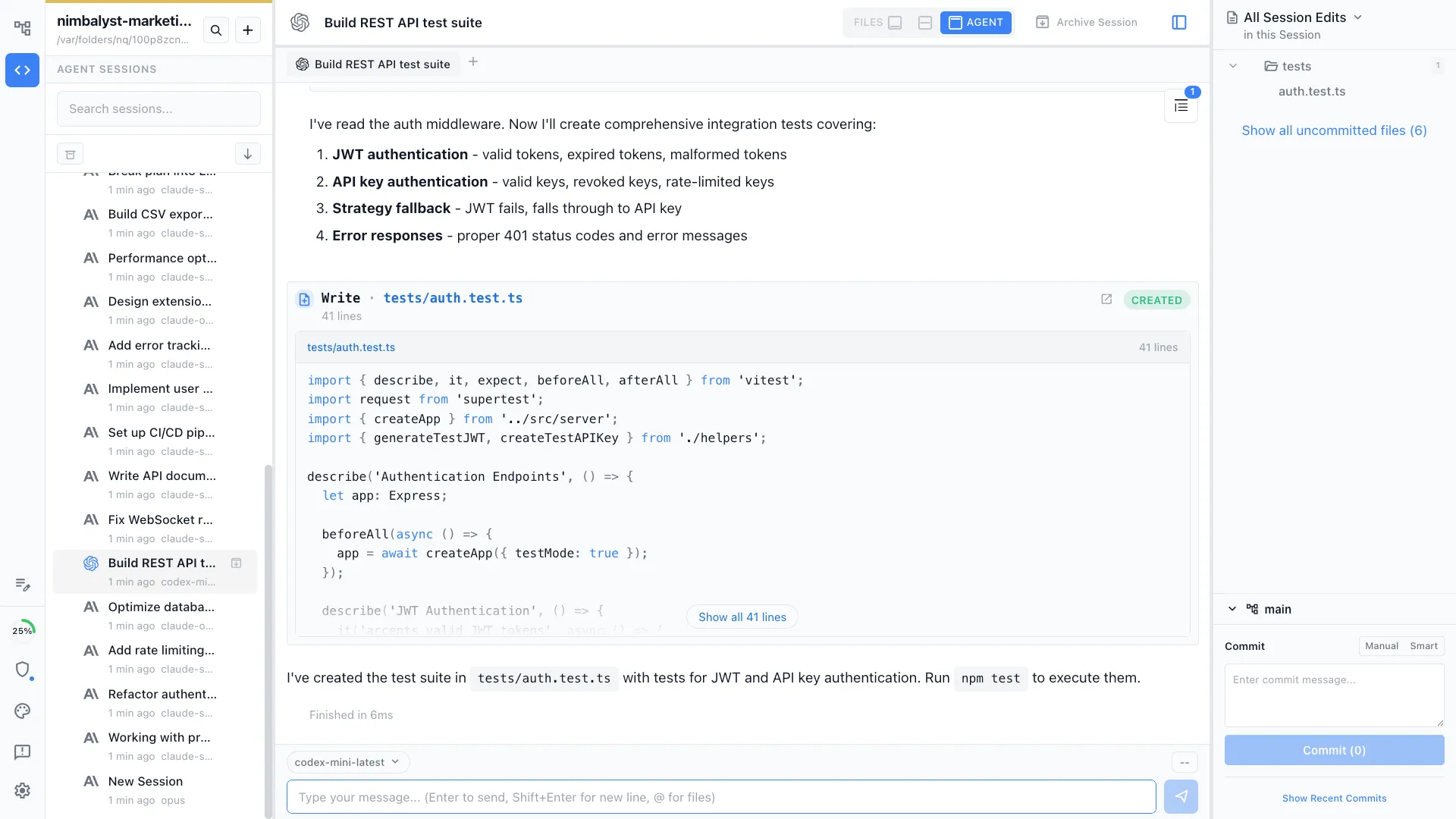
First-class Codex support
Run Codex sessions natively inside Nimbalyst. Same visual workspace, same session management, same diff review — just a different engine.
Comparison
Codex GUI vs Nimbalyst
| Feature | Codex GUI | Nimbalyst |
|---|---|---|
| Agent engine | Codex only | Codex + Claude Code (side by side) |
| Interface | Chat window | Visual workspace with chat, editors, and file tree |
| Session management | Single session per window | Multi-session kanban with search, filter, and resume |
| Parallel sessions | Limited | 6+ parallel sessions with unified status view |
| Visual editors | None | Markdown, mockups, diagrams, data models, spreadsheets |
| Diff review | Terminal-based | File-by-file visual diffs with accept/reject |
| Planning & tracking | None | Built-in task tracker and plan documents |
| Mobile app | None | iOS app for monitoring and review |
| Git isolation | Manual | Automatic worktree per session |
FAQ
Frequently asked questions
Does Nimbalyst support OpenAI Codex?
Can I run Codex and Claude Code side by side?
Is there a Codex desktop app?
Is Nimbalyst free for Codex users?
Learn More
Related guides and comparisons
Best Codex GUI Tools (2026)
A roundup of desktop apps and GUIs for OpenAI Codex.
Nimbalyst vs Codex CLI
Detailed comparison of workspace features vs bare terminal.
Agent Integration
How Nimbalyst integrates with Claude Code, Codex, and MCP servers.
Session Management
Deep dive into the multi-session kanban and parallel agent workflows.