Agent Integration
Claude Code, Codex, and MCP
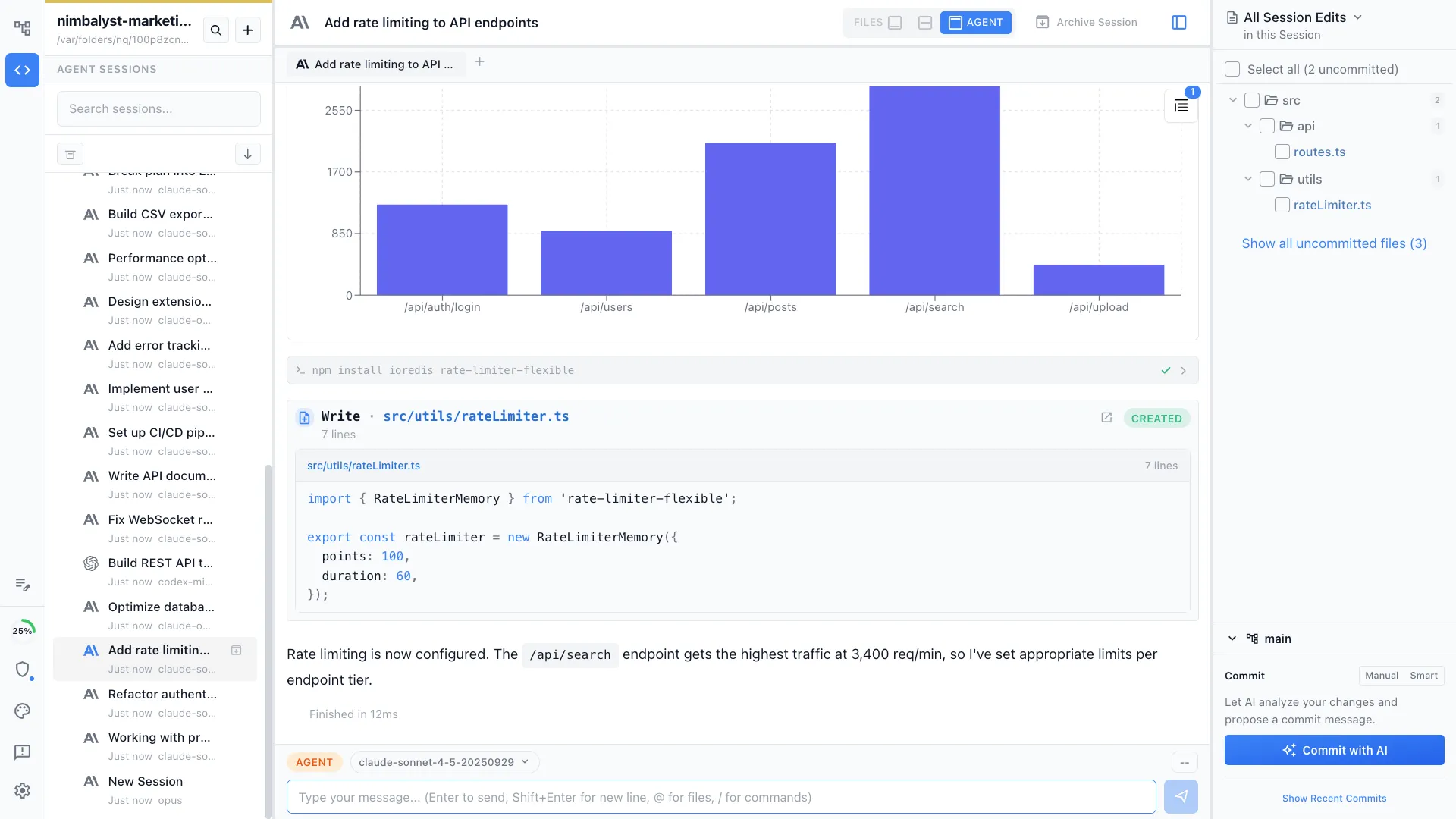
Nimbalyst supports Claude Code and Codex. Bring your own API keys or subscriptions, connect external tools via MCP servers, and extend agent capabilities with skills.
Capabilities
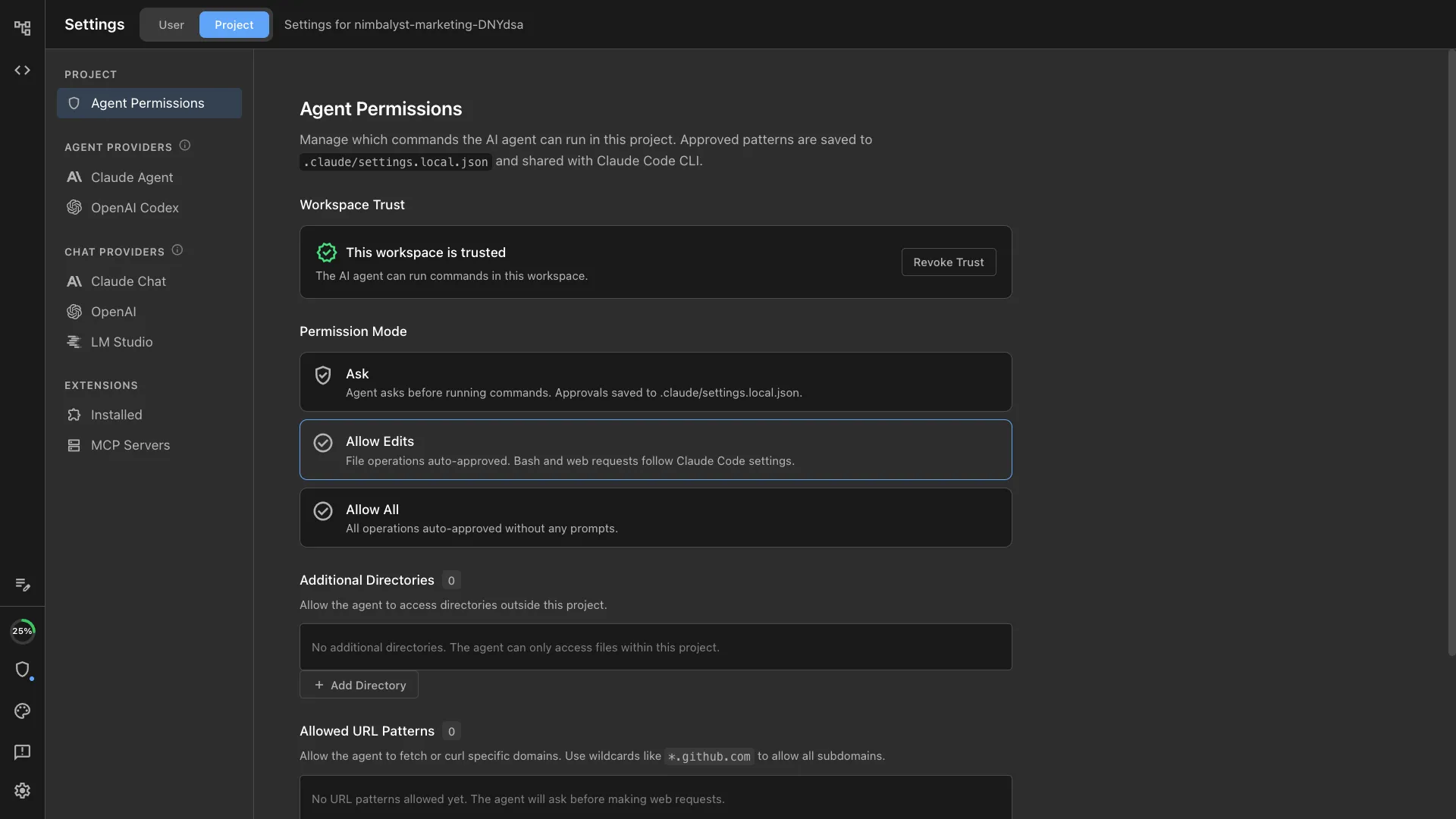
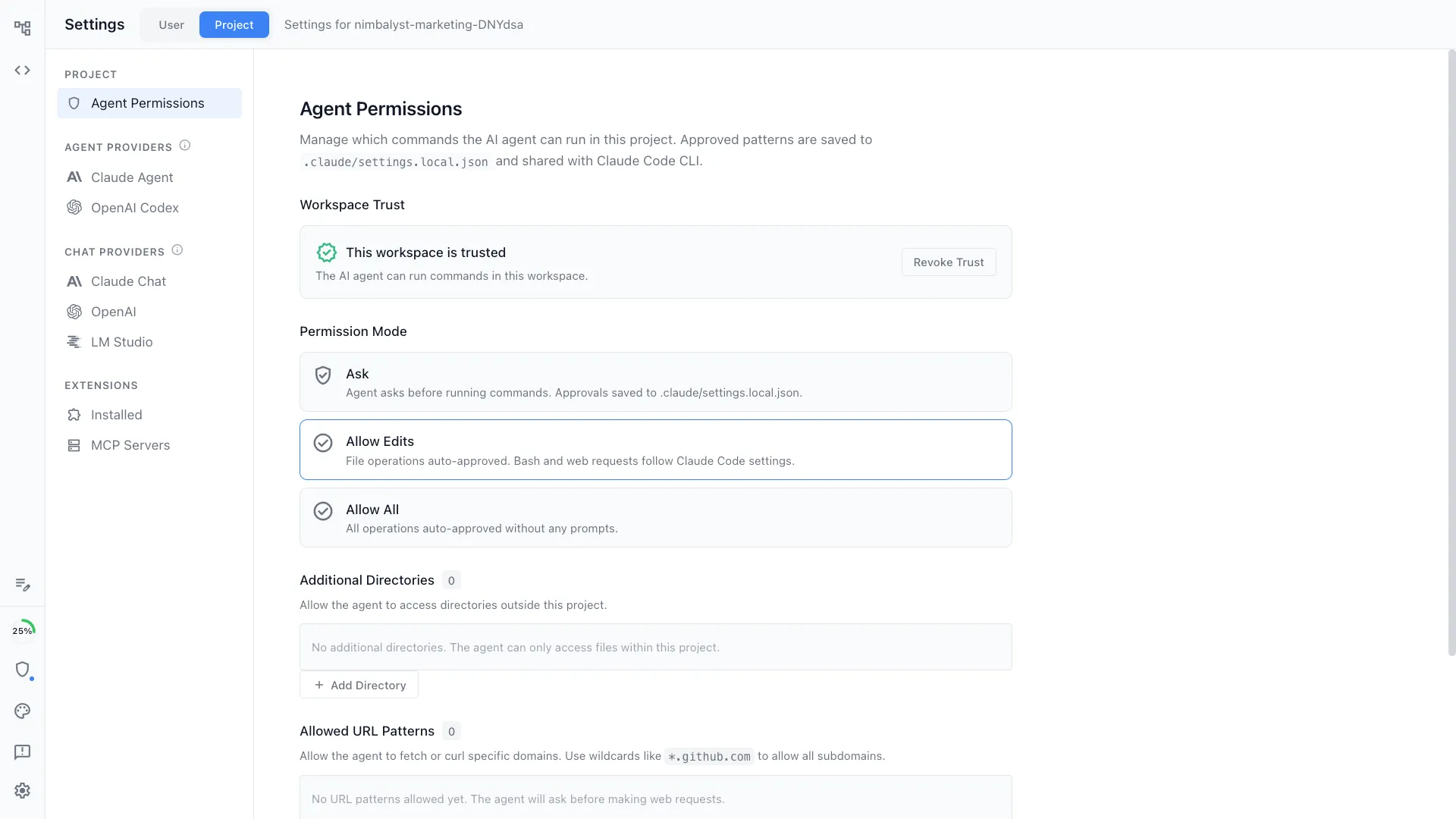
Configure your agents


Claude Code support
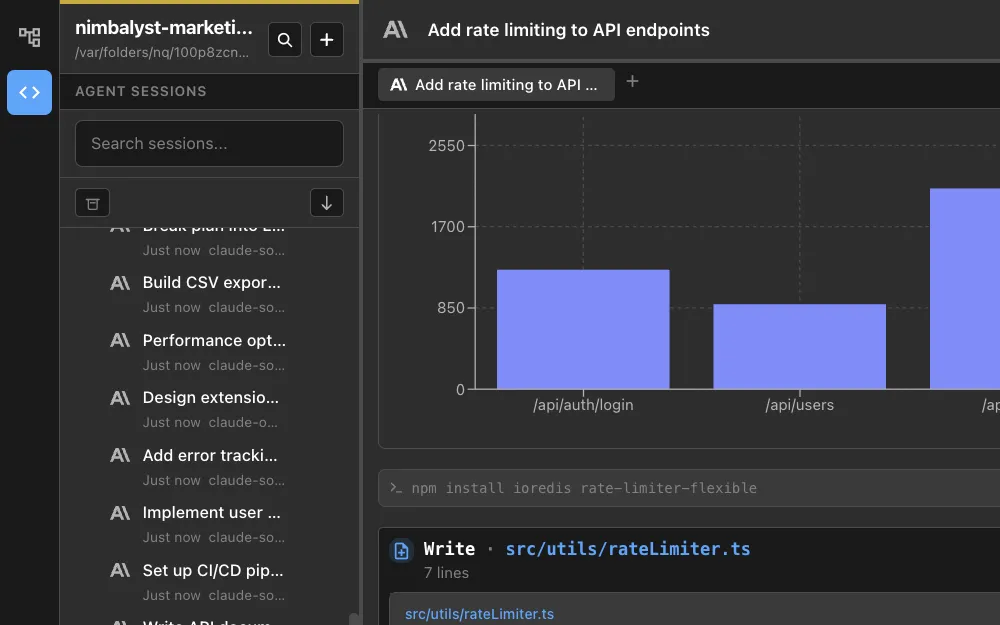
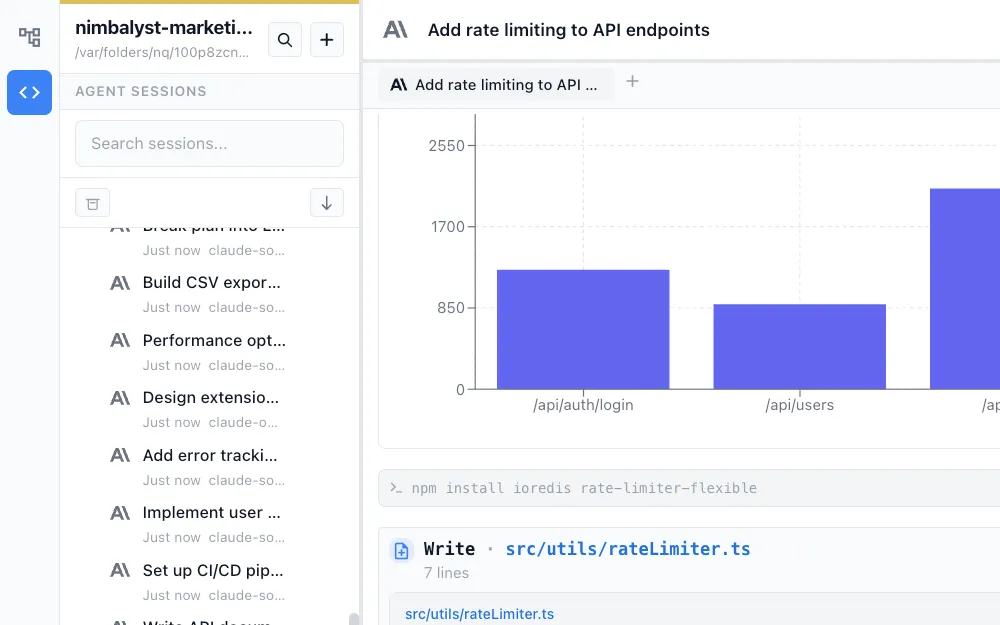
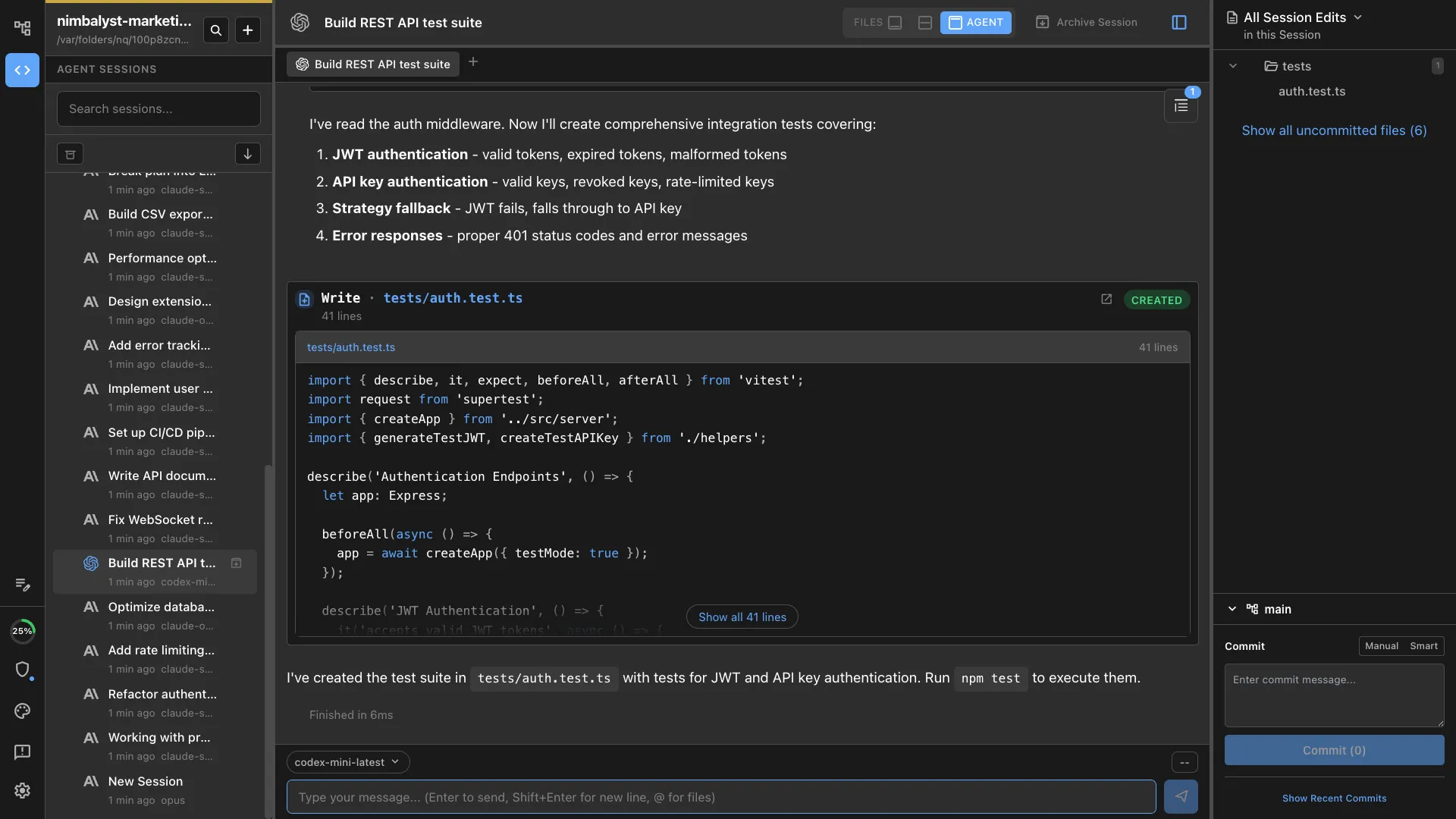
Deep, native Claude Code support. Full multi-turn conversations, tool use, sub-agents, and permission controls all work natively.
Codex support
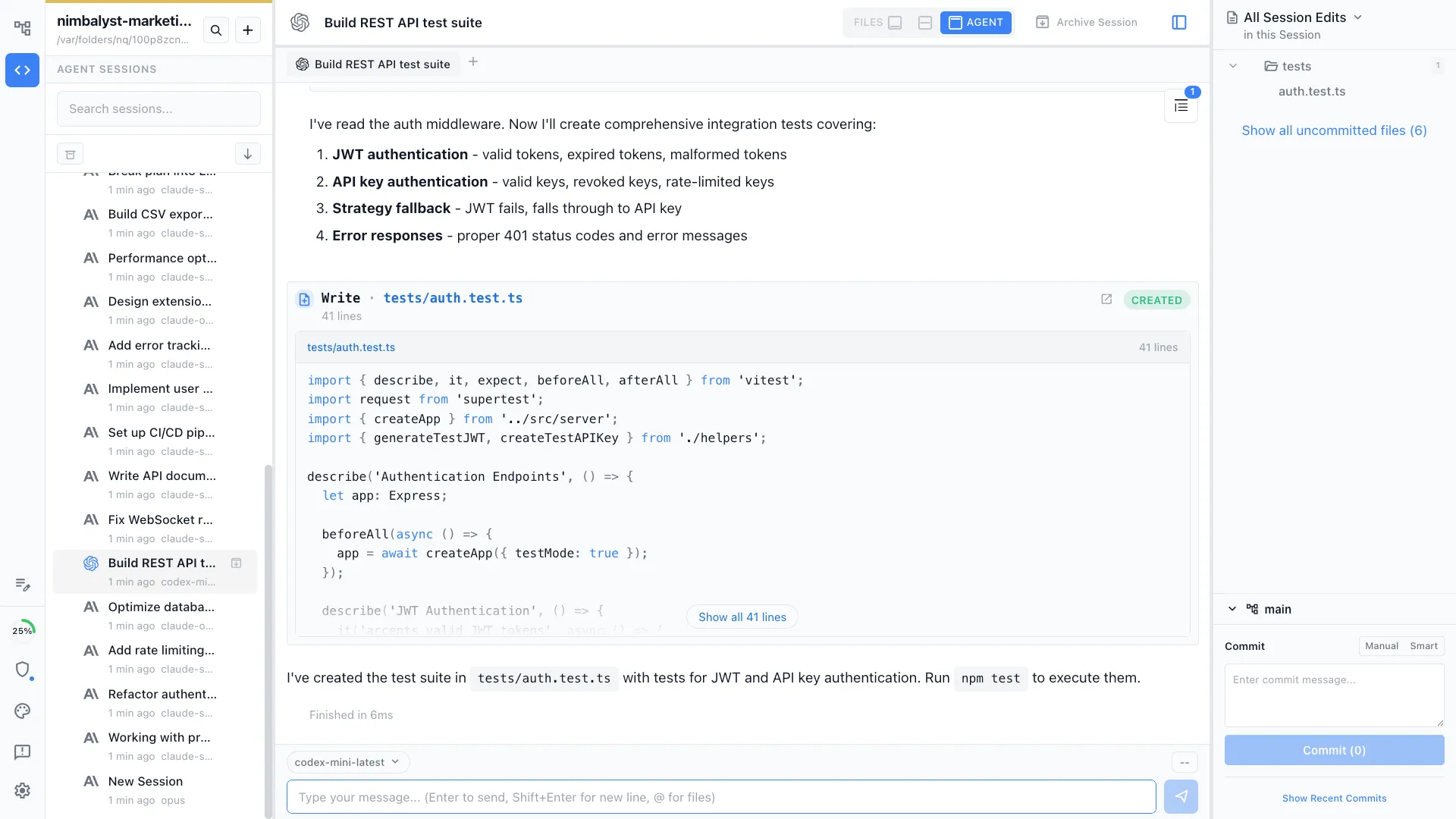
Deep, native OpenAI Codex support. Use the best agent for each task, with shared context and a unified session management experience.
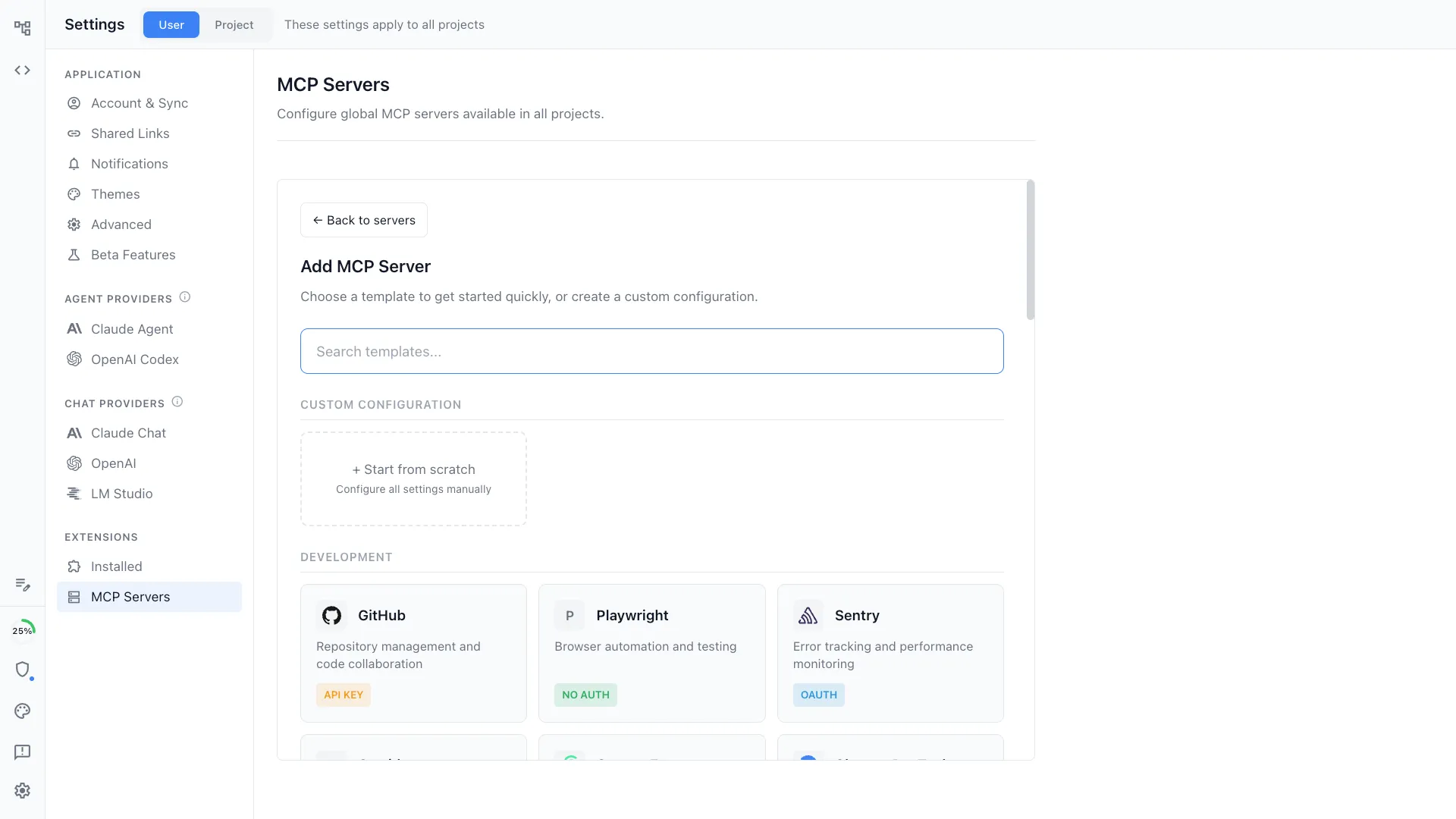
MCP server connections
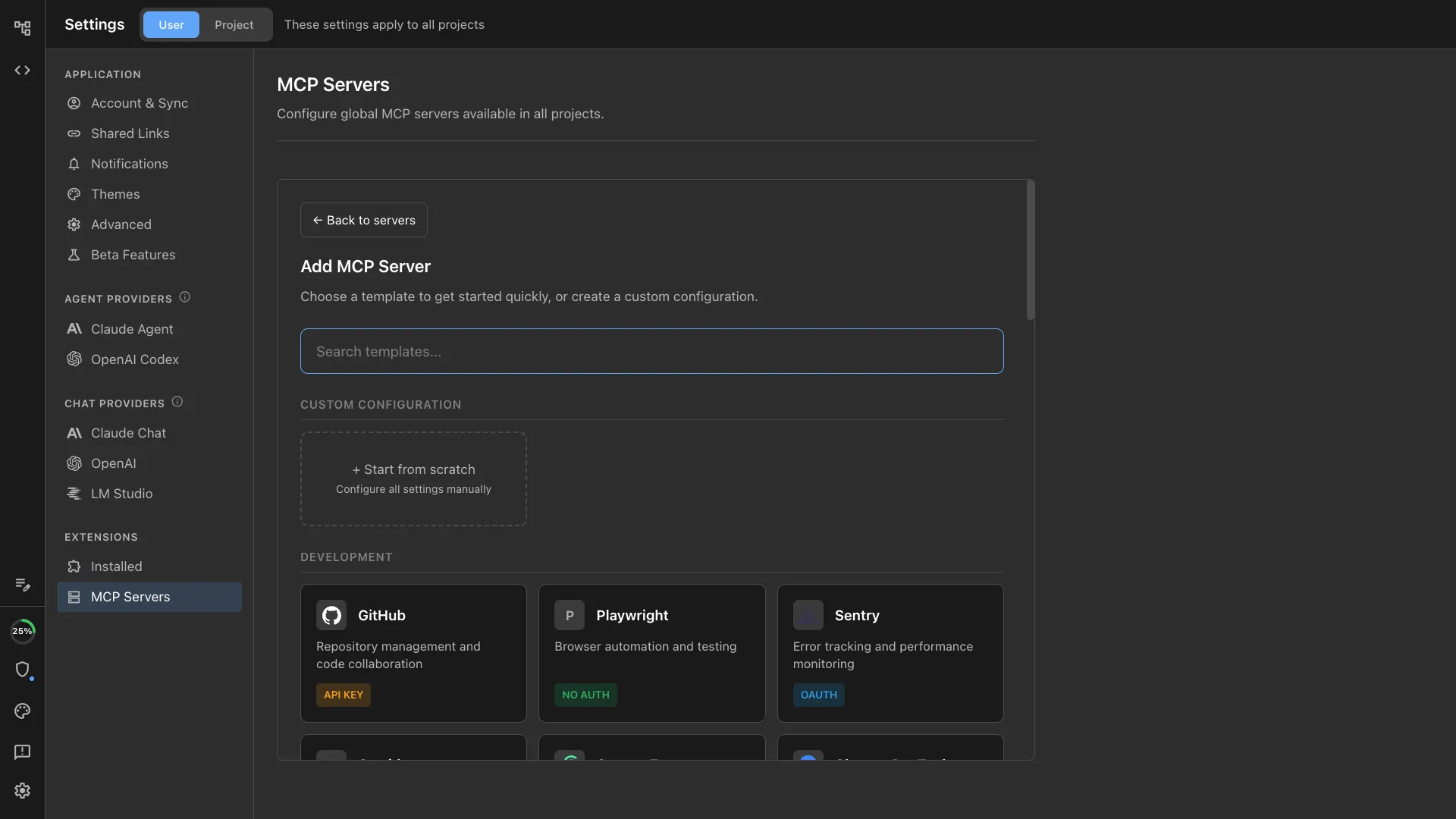
Connect your agents to external tools via Model Context Protocol. Linear, GitHub, databases, and any MCP-compatible service.
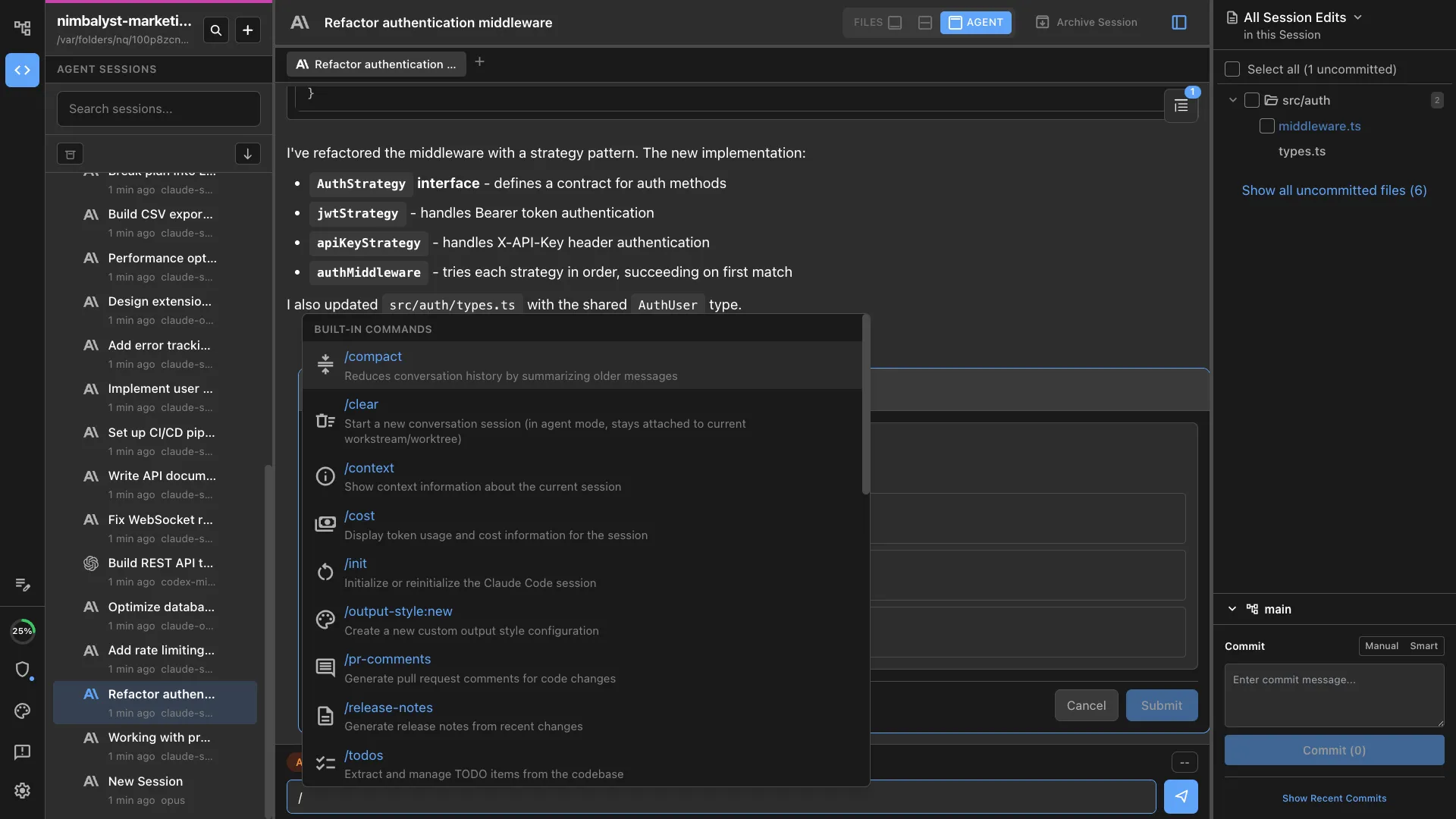
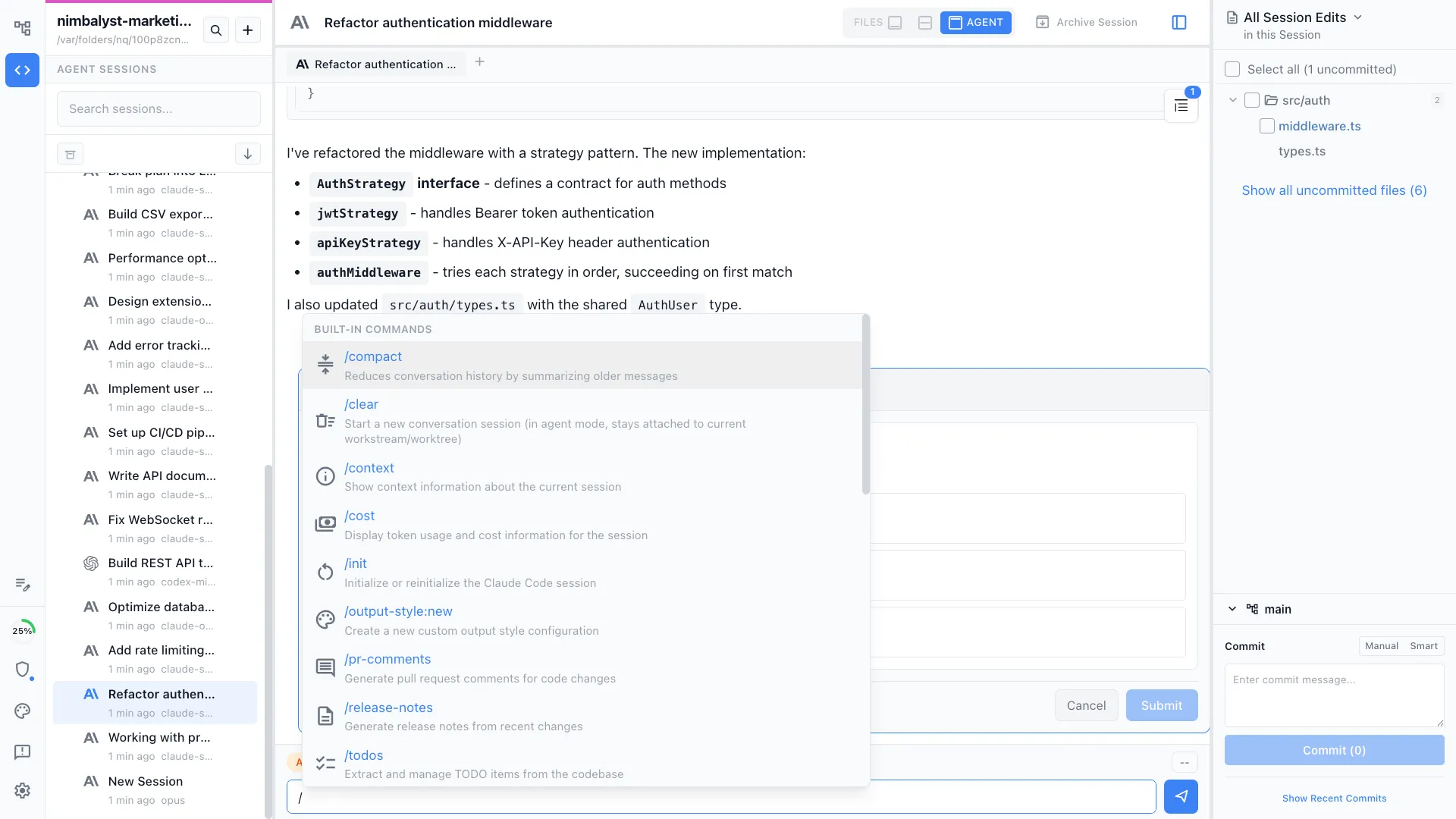
Slash commands and skills
Extend your agents with custom slash commands. Create project-specific or personal commands that are versioned with your repo and shareable.
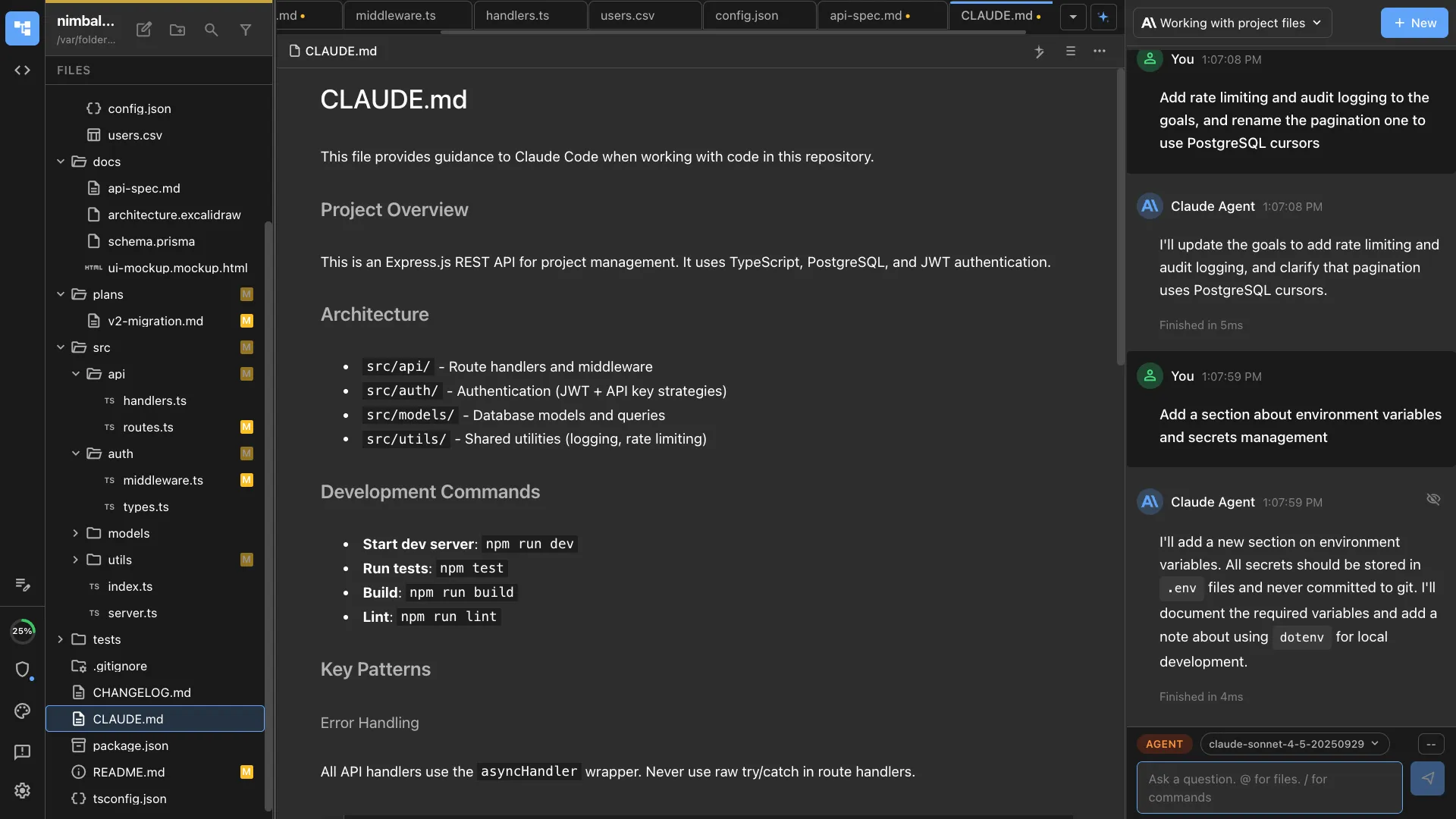
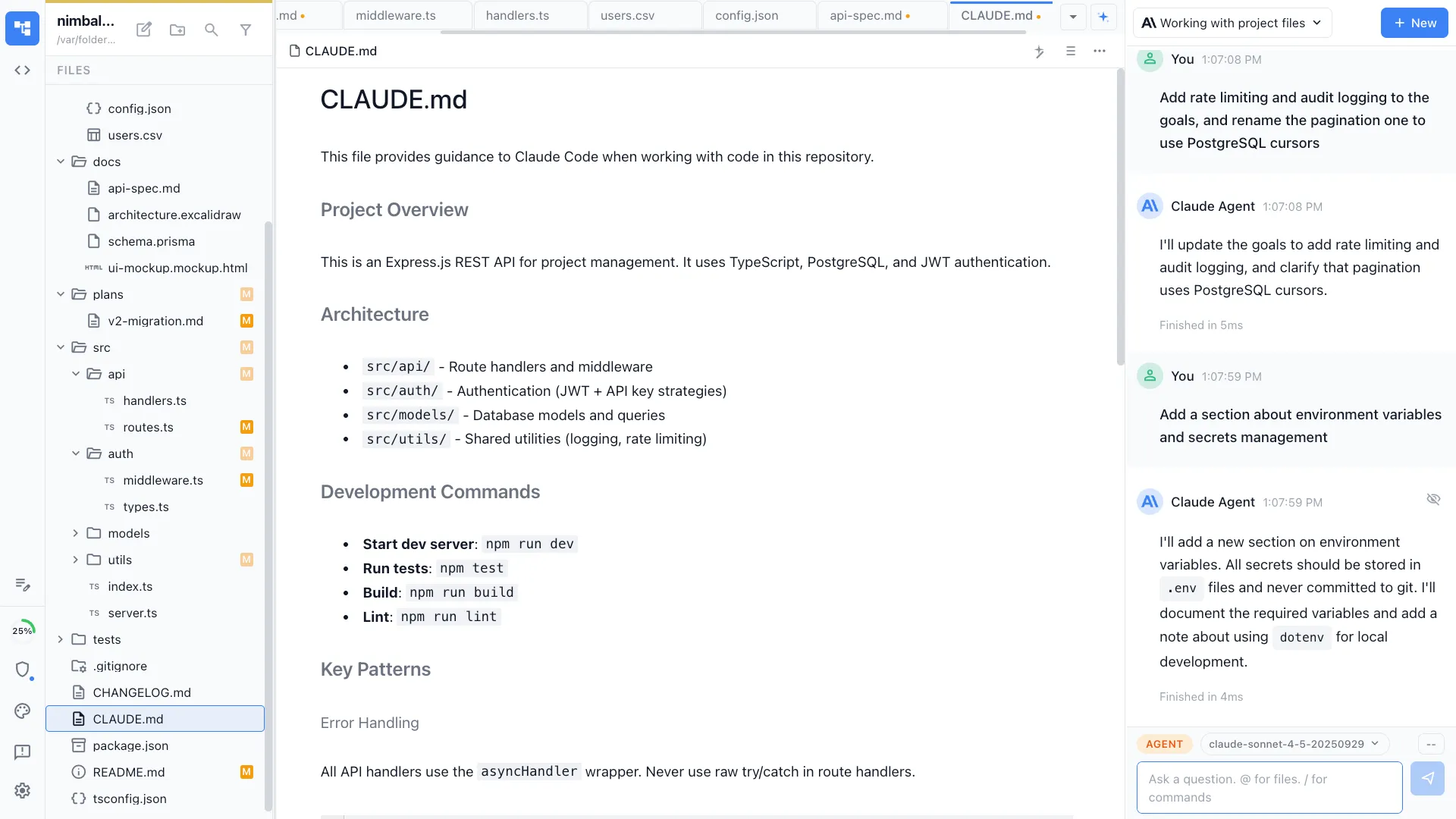
CLAUDE.md and Agents.md
Configure agent behavior with project-level instruction files. Set context, constraints, and conventions that agents follow automatically.
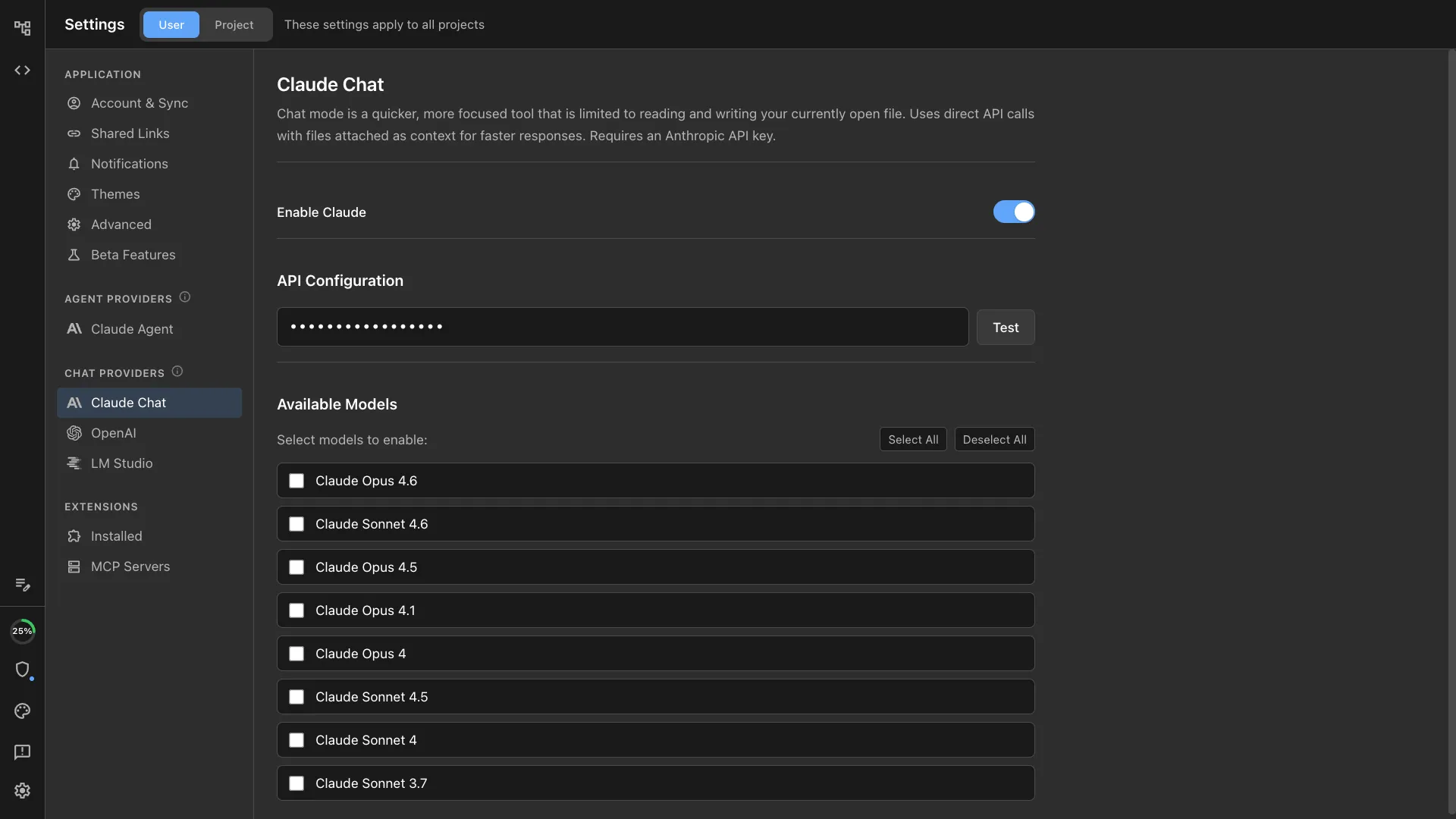
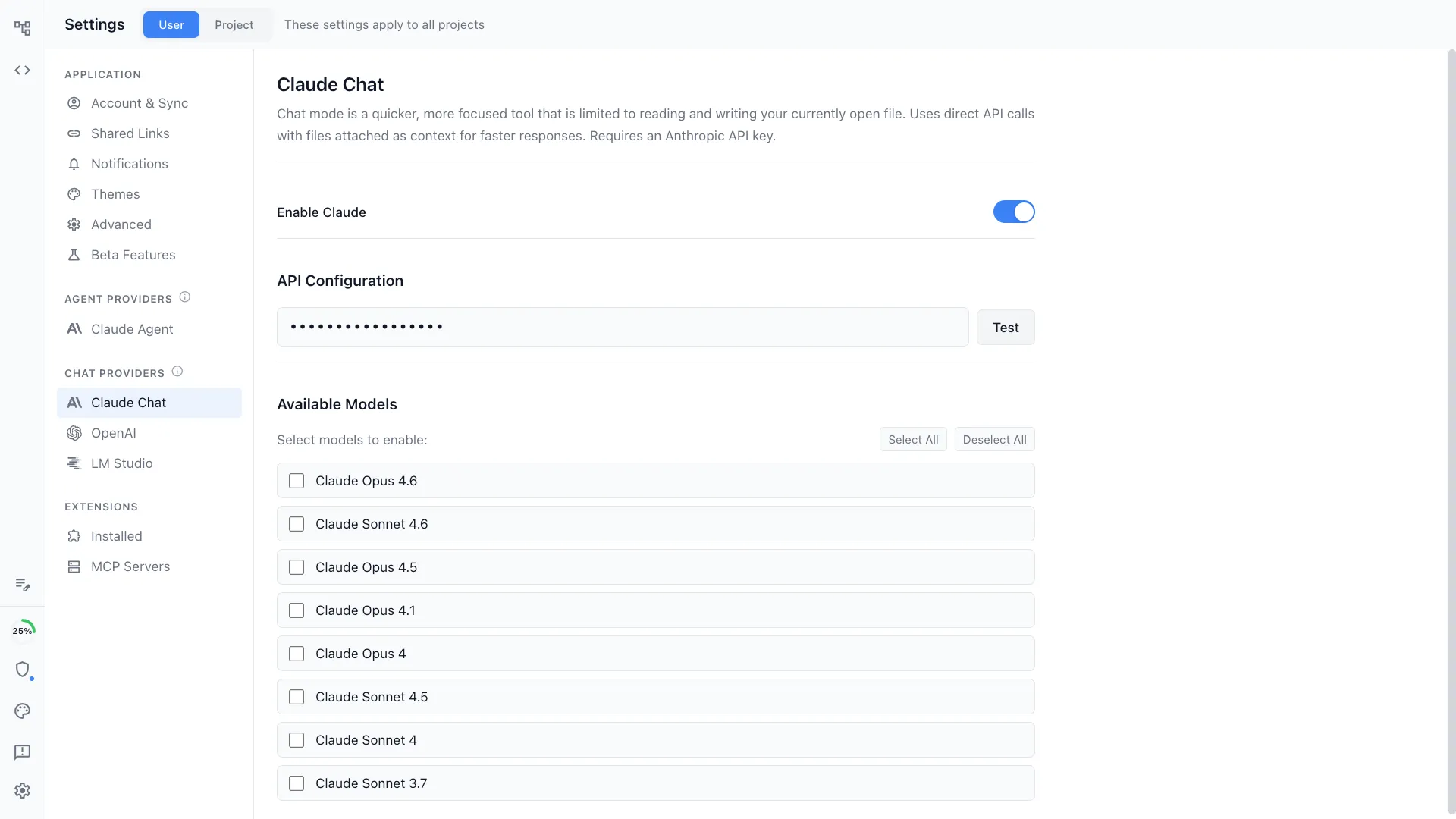
Bring your own keys or subscriptions
Use your own API keys or existing subscriptions for Claude, OpenAI, and local models via LM Studio. No intermediary, no markup, full control over your AI spend.
How It Works
How agent integration works in Nimbalyst
Configure your agents
Add your API keys or connect your subscriptions for Claude and OpenAI. Connect MCP servers for the external tools your team uses. Set up CLAUDE.md with your project conventions.
Start sessions with any agent
Choose Claude Code or Codex for each session based on the task. Both agents share the same workspace, file tree, and project context.
Extend with commands and tools
Create custom slash commands for repetitive workflows. Connect MCP servers so agents can read from and write to Linear, GitHub, Slack, and more.
Comparison
Why Nimbalyst for agent integration
Nimbalyst is the only workspace that gives Claude Code and Codex a shared visual interface with session management and extensibility.
| Alternative | Nimbalyst Advantage |
|---|---|
| Terminal-only agents | A full GUI with visual diffs, session management, and file tracking. Same agent power, massively better workflow. |
| VS Code agent extensions | First-class multi-agent support with shared workspace context. Run Claude Code and Codex side by side, not locked into a single provider. |
| Custom agent frameworks | Production-ready workspace with built-in editors, planning, and git integration. No framework code to write or maintain. |
Explore More