Session Management
Manage parallel AI coding sessions
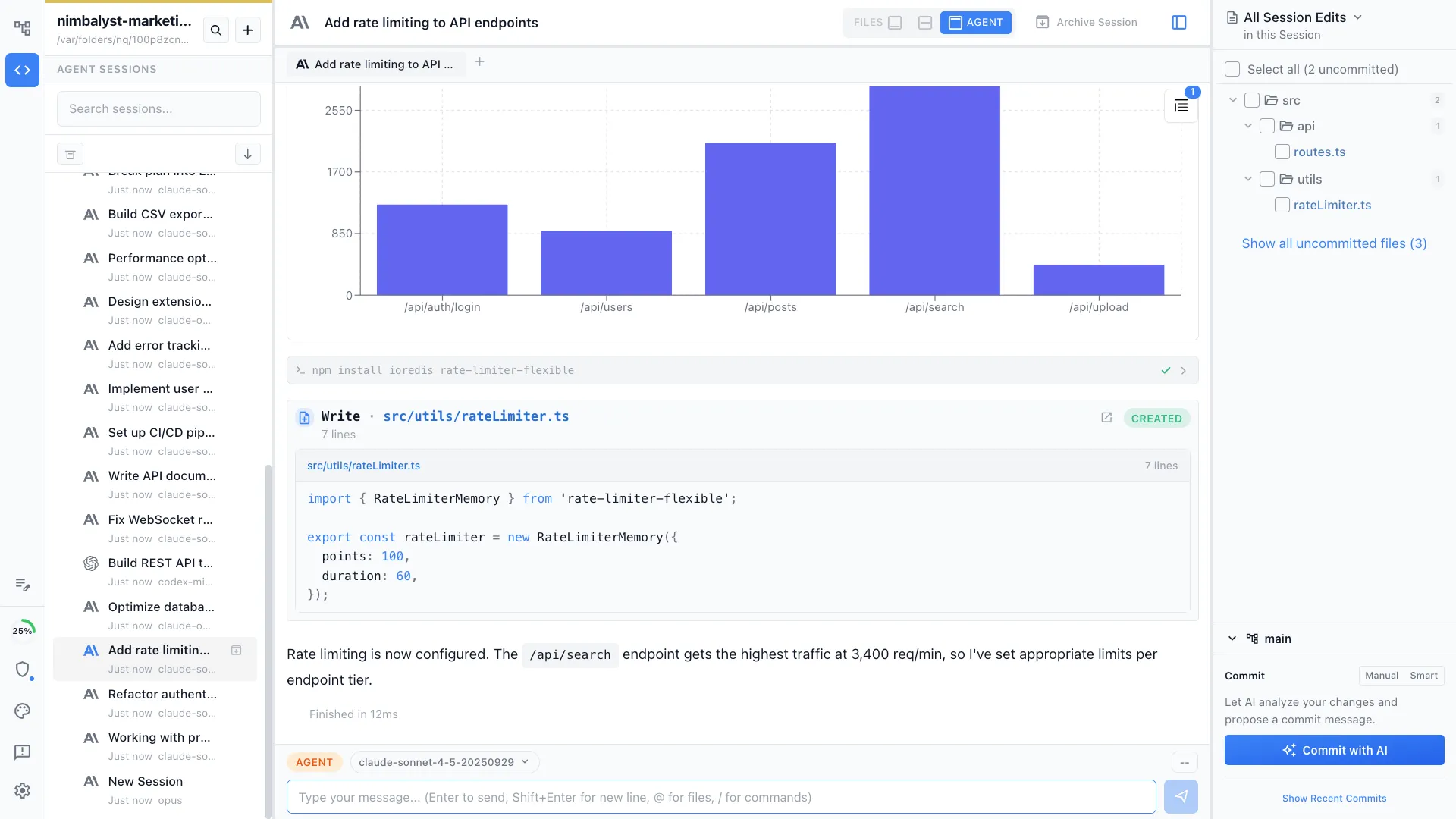
Run 10+ Claude Code and Codex sessions simultaneously. Organize them on a kanban board, search and resume past sessions, and see exactly which files each session touched.

Capabilities
Manage sessions at scale
Parallel sessions
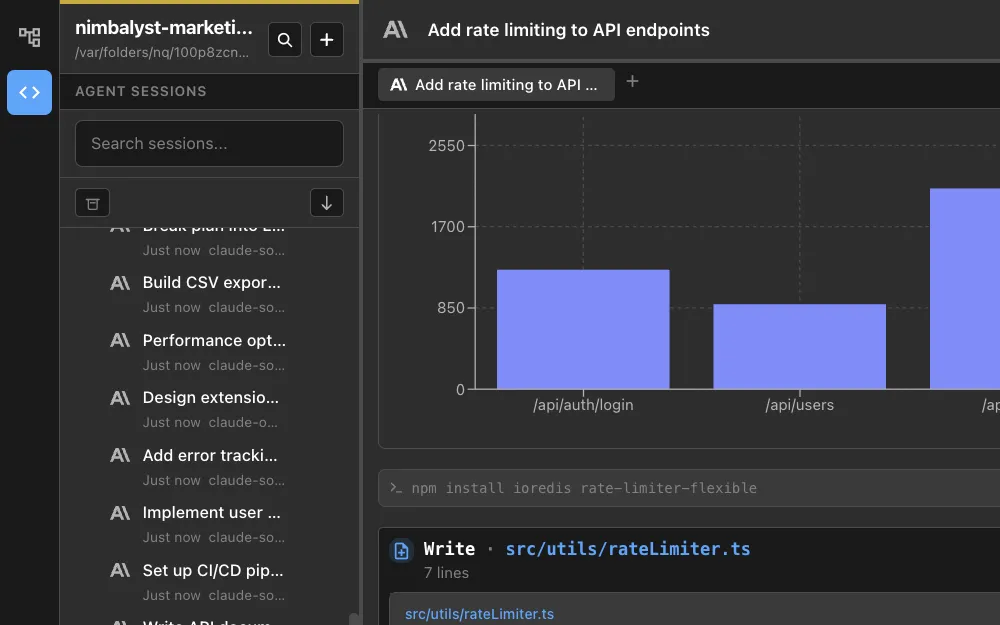
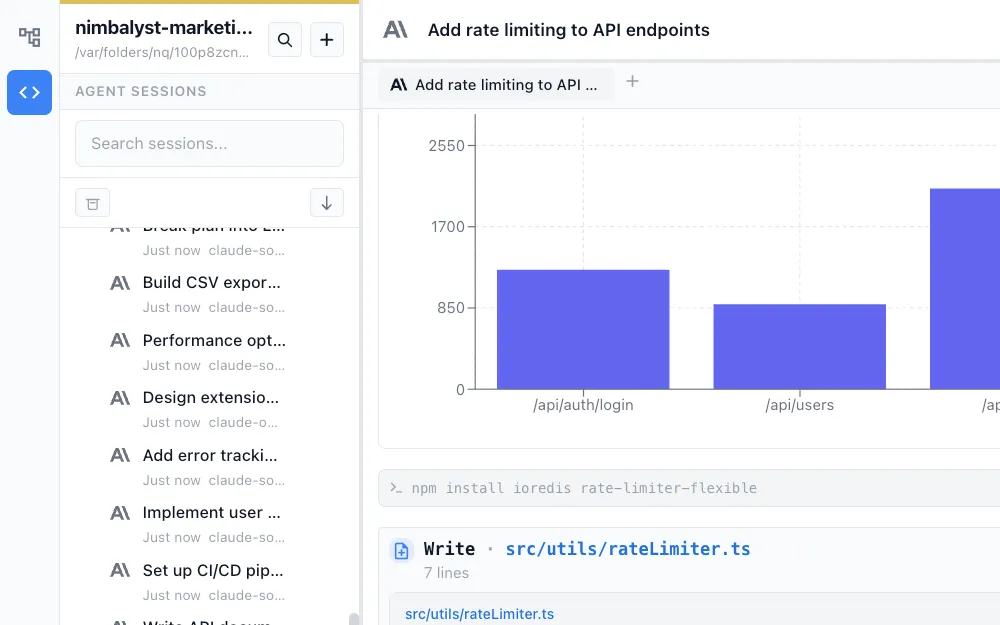
Kick off multiple Claude Code and Codex sessions across different tasks and get notified as each one completes. No more waiting for one agent to finish before starting the next.


Kanban organization
Drag sessions between columns like Backlog, In Progress, and Done. Tag, filter, and group sessions into workstreams for multi-track projects.
Search and resume
Every session is persisted and searchable. Full-text search across session transcripts. Pick up any conversation exactly where you left off.
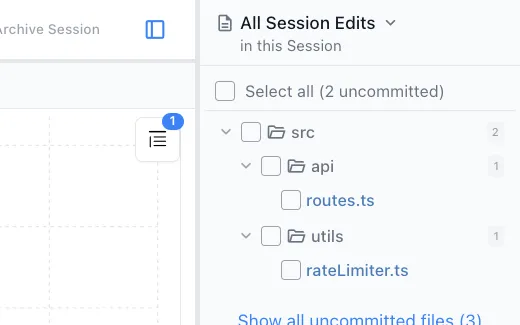
File tracking per session
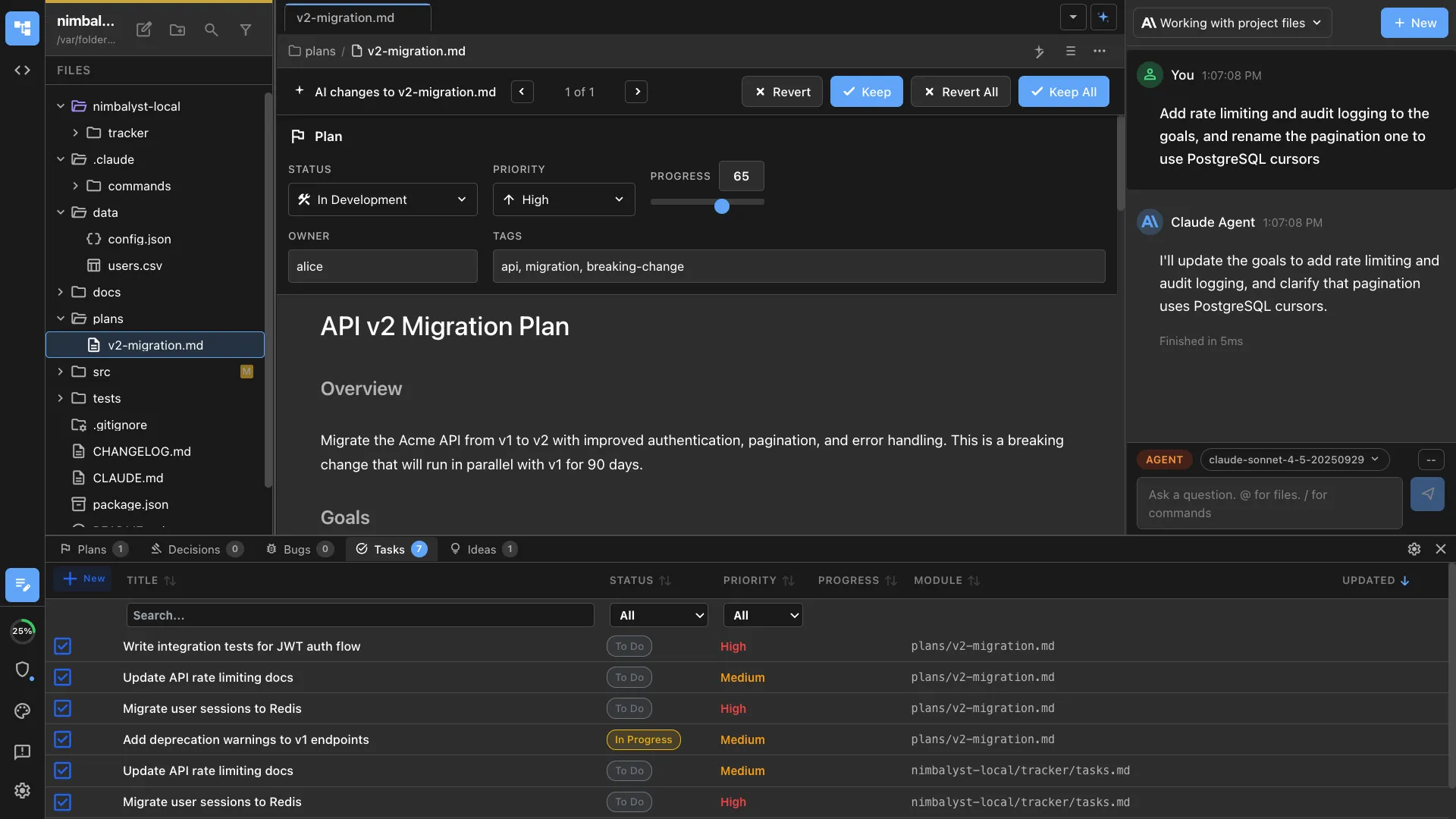
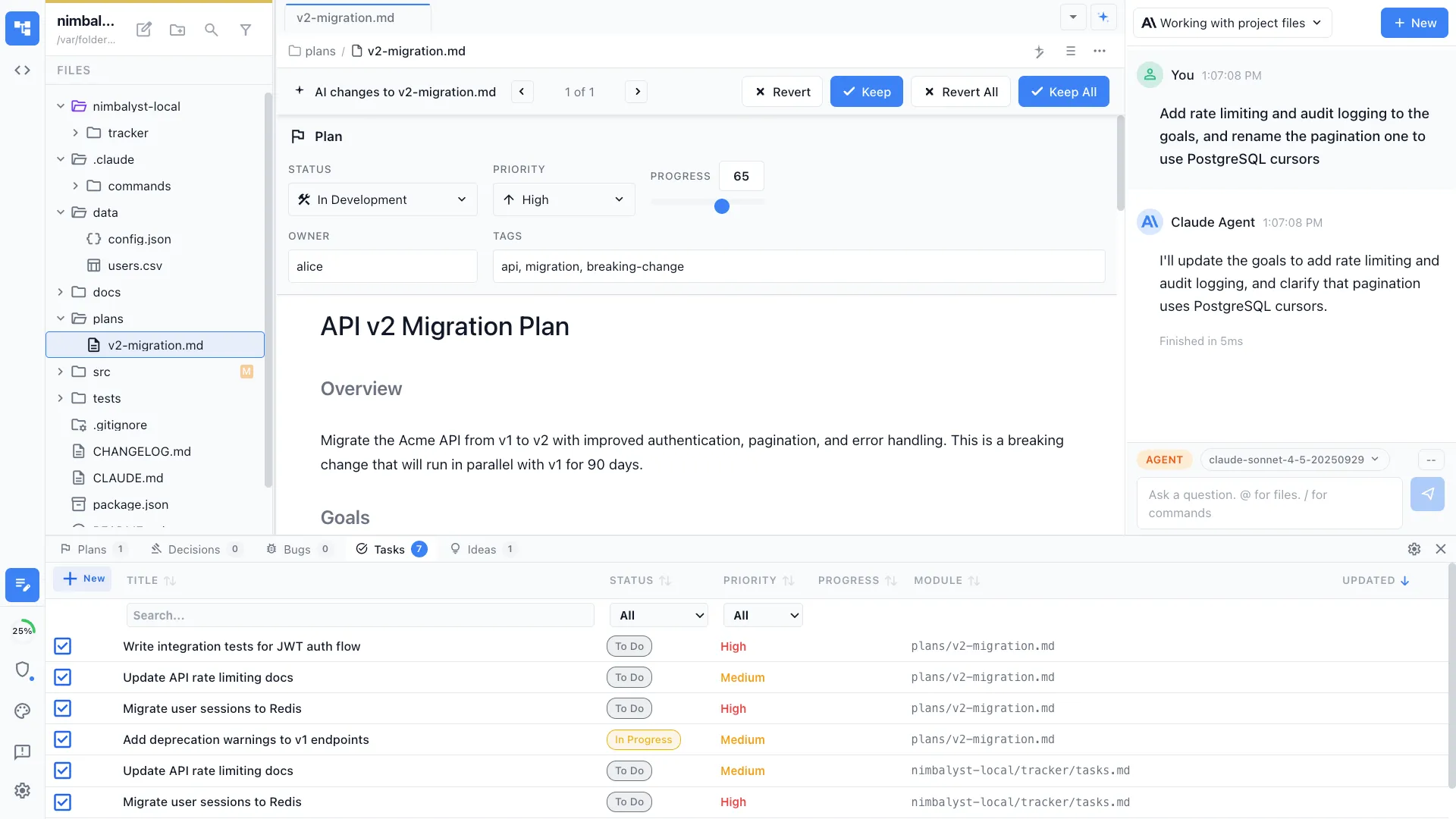
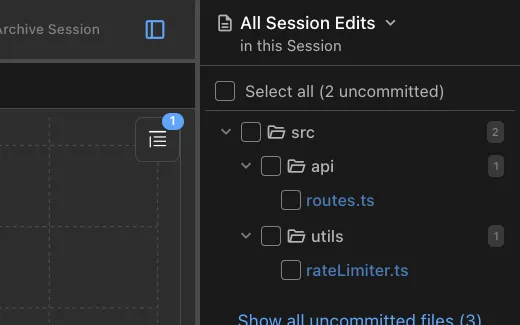
A sidebar lists every file each session read or wrote. Jump directly to the changed file and review what happened before you commit.


Branch and archive
Branch a session to explore an alternative approach without losing the original thread. Archive completed sessions to keep your workspace clean.
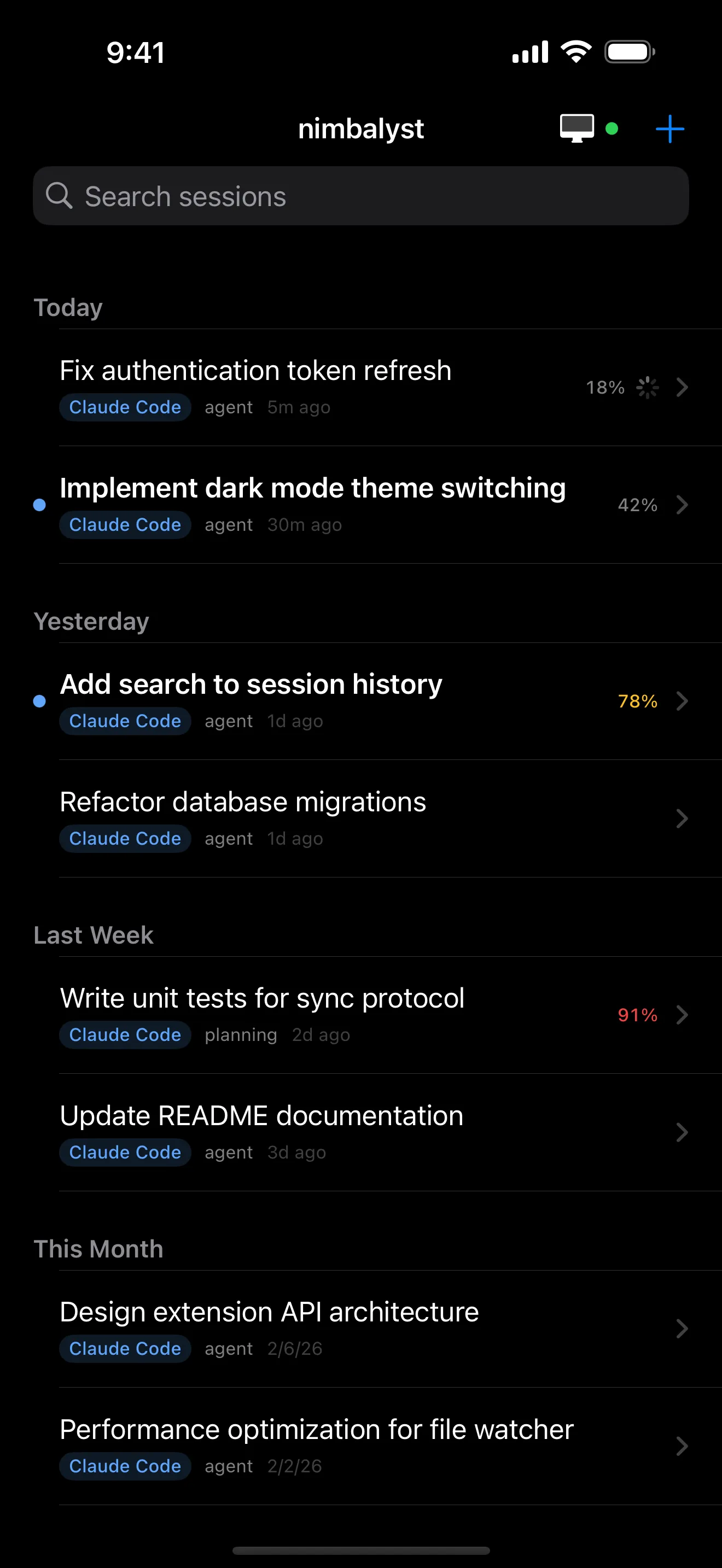
Mobile session management
Start, monitor, and resume sessions from your iPhone. Get push notifications when sessions complete or need approval.
How It Works
How session management works in Nimbalyst
Start sessions across multiple tasks
Open your project and start sessions for different tasks, such as refactoring auth, writing tests, and fixing a bug. Each session runs independently.
Organize and monitor progress
Use the kanban board to move sessions through phases. Watch transcripts update in real time. Get alerts when an agent finishes or hits a permission prompt.
Review results and continue
Open a completed session, review the files it changed, approve the diffs, and commit. Or resume the session to give follow-up instructions.
Comparison
Why Nimbalyst for session management
Claude Code in the terminal has no built-in way to organize, search, or visually manage multiple sessions. Nimbalyst adds the management layer.
| Alternative | Nimbalyst Advantage |
|---|---|
| Terminal Claude Code | Visual session management with kanban, search, file tracking, and notifications instead of switching between terminal tabs and losing context. |
| tmux / screen multiplexers | Purpose-built for AI sessions with rich transcripts, file change tracking, and a kanban board, not just terminal panes. |
| VS Code with Copilot | Nimbalyst manages full agentic sessions with multi-turn conversations, sub-agents, and file tracking. Not just single-turn completions. |