Developer
AI developer onboarding
Run /onboard in a new project and the agent installs dependencies, configures your environment, and gives you a guided tour of the codebase architecture.
Set up a new developer environment and get oriented in a codebase. Installs dependencies, configures tools, and provides a guided tour of the project structure.
Capabilities
Get productive fast
Environment setup
Installs dependencies, checks prerequisites, configures environment variables, and sets up development tools automatically.
Architecture tour
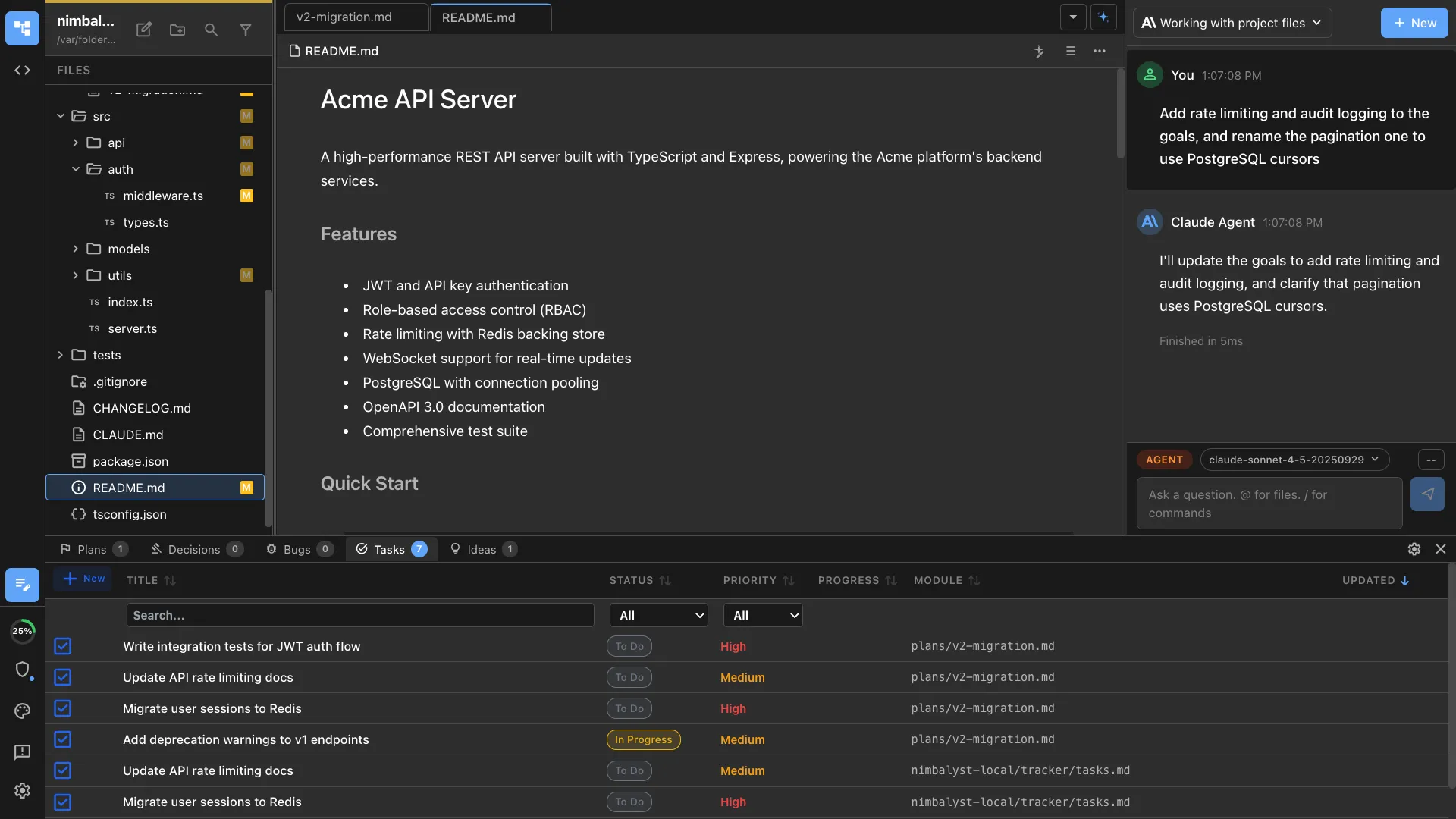
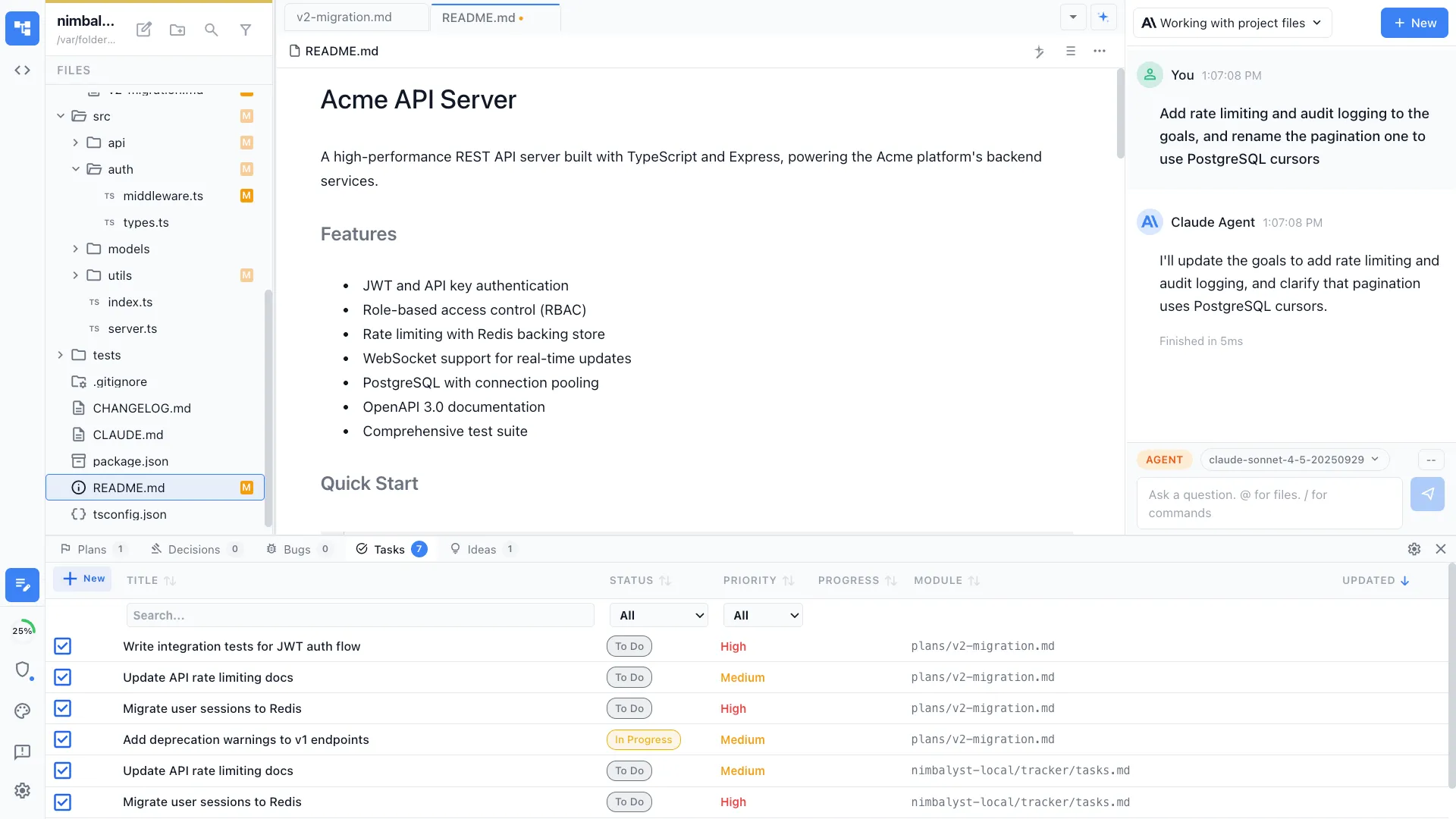
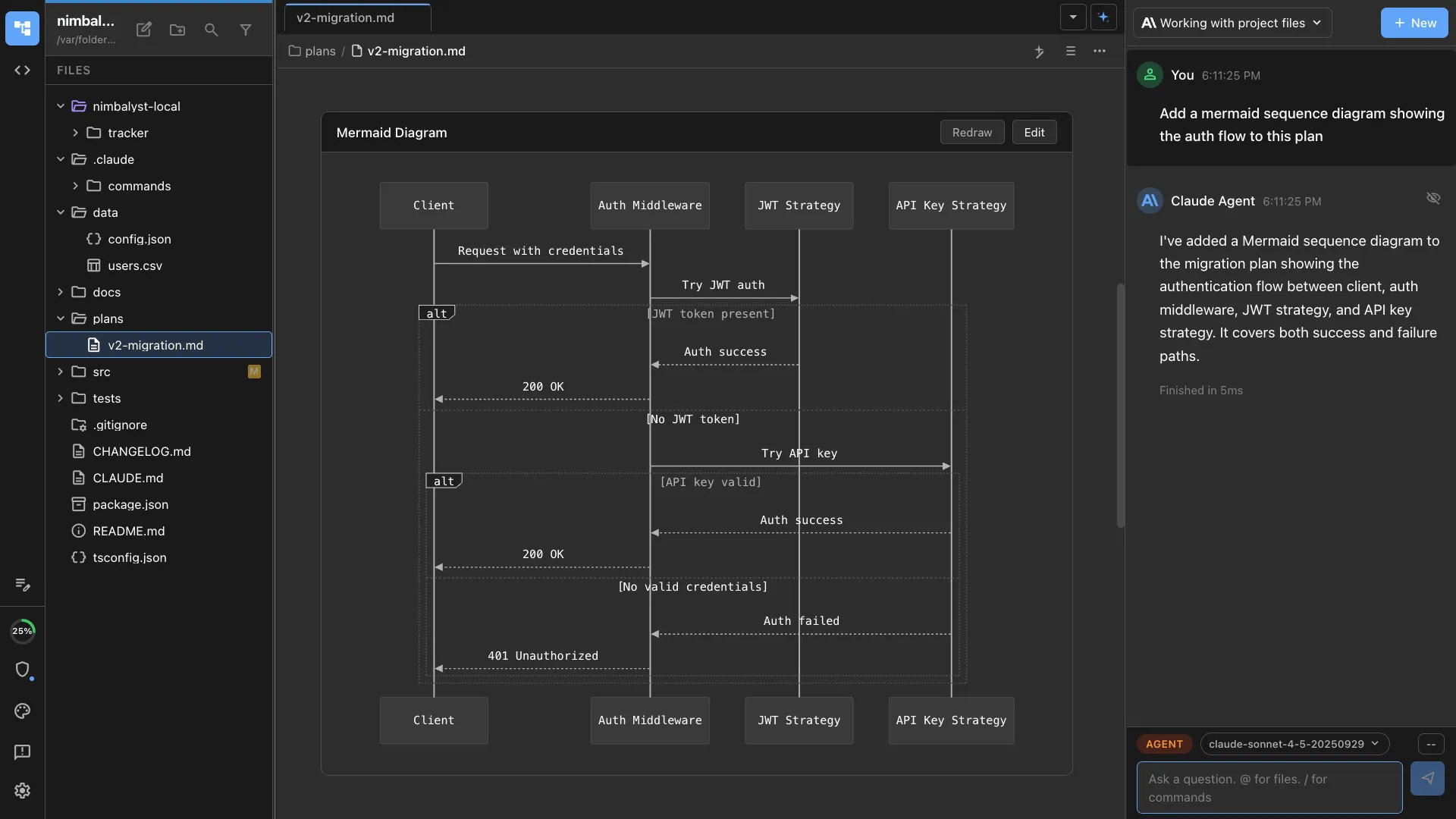
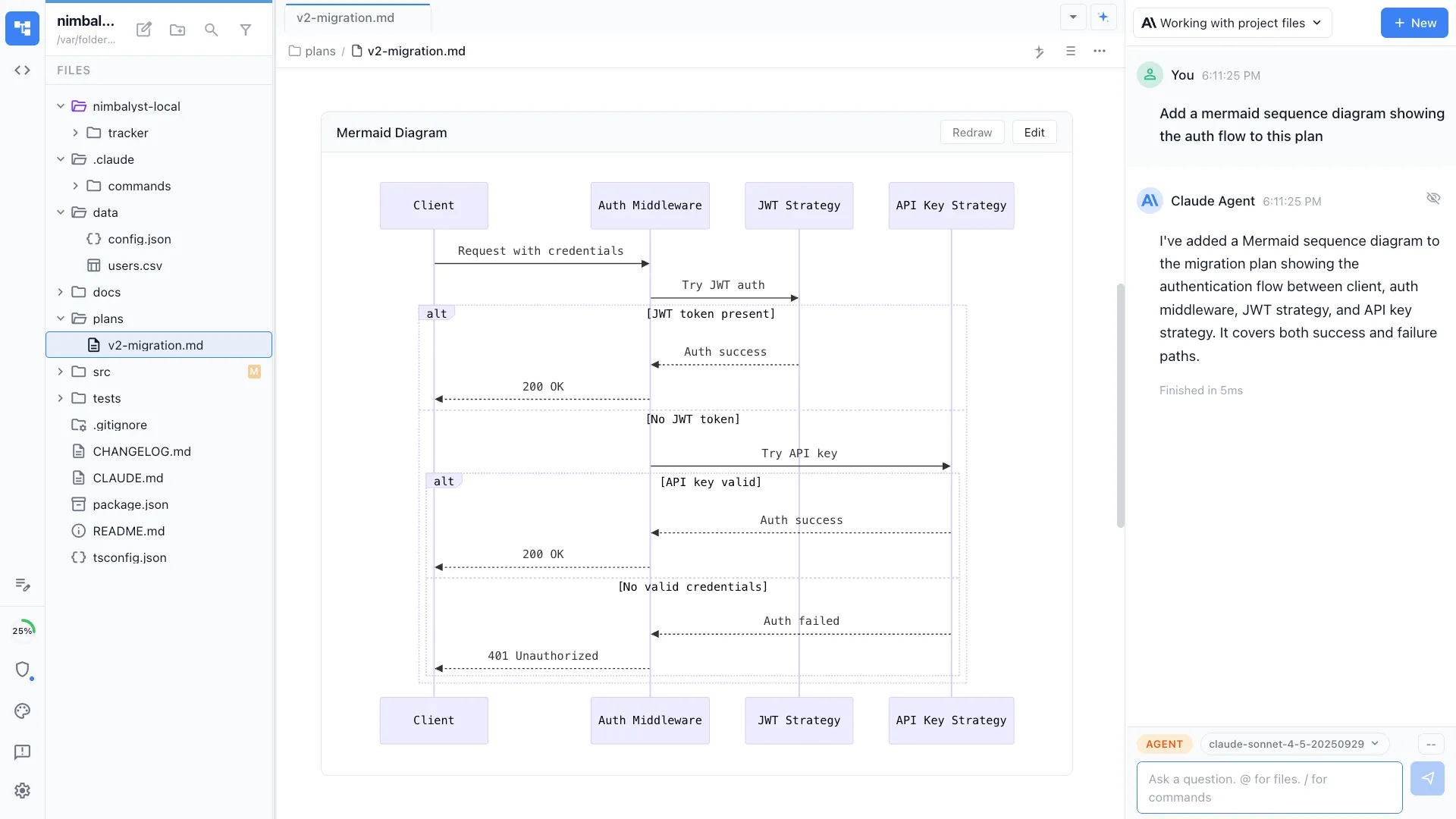
Generates a visual map of the codebase — key modules, data flow, and important files. Understand the project structure in minutes.
CLAUDE.md generation
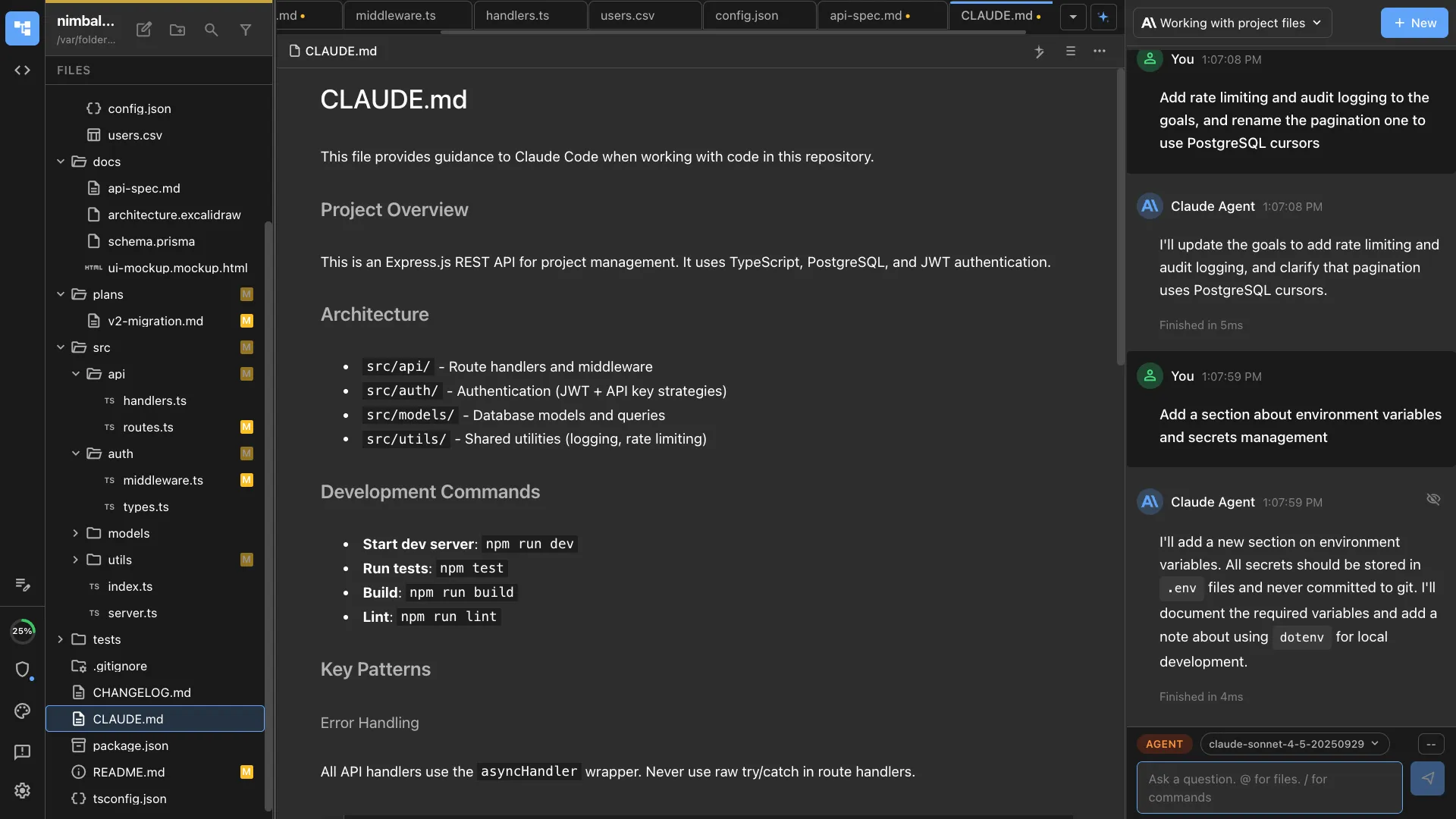
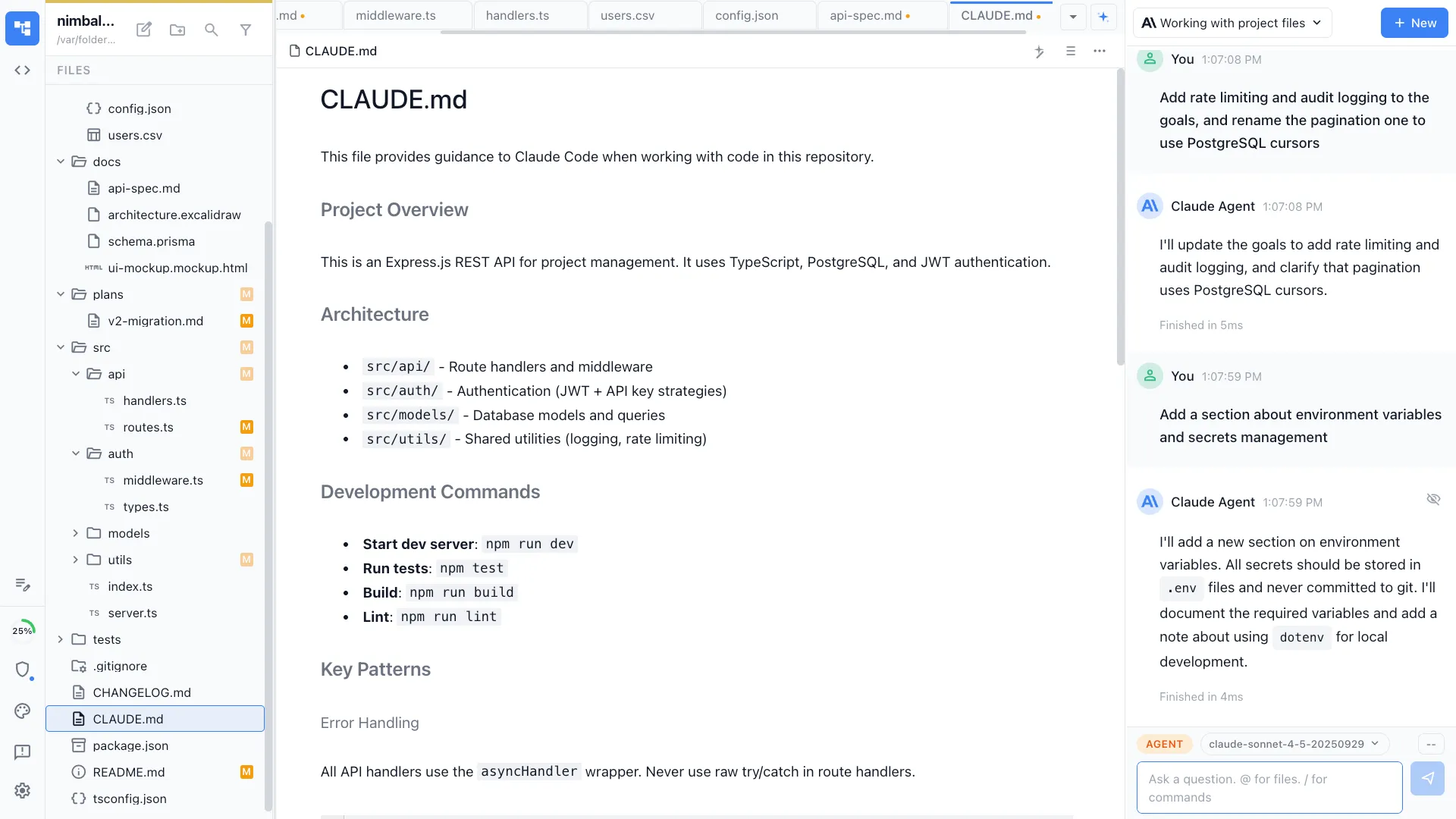
Creates or updates the project's CLAUDE.md with conventions, commands, and architecture notes for future agent sessions.
How It Works
How /onboard works
Type /onboard
Run the command when you first open a project. The agent detects the project type and starts setup.
Agent configures everything
Dependencies are installed, environment variables are configured, and development servers are verified working.
Get oriented
Receive an architecture overview with diagrams, key file explanations, and suggestions for where to start exploring.
Try It
Example prompts
/onboard /onboard set up the development environment /onboard give me an architecture overview of this project Full Skill Source
Use this skill in your project
Copy the full text below or download it as a markdown file. Place it in your project's .claude/commands/ directory to use it as a slash command.
---
name: onboarding-assistant
description: Set up a new developer's environment and bootstrap a project from scratch. Use when joining a new project, onboarding a teammate, or setting up a fresh development machine.
allowed-tools: ["Read", "Bash", "Glob", "Grep"]
---

# /onboard

Walk through the complete setup process for a project, verifying prerequisites, installing dependencies, configuring the environment, and confirming everything works.

## What This Command Does

1. Reads the project's setup documentation and configuration files
2. Checks system prerequisites (language runtimes, tools, services)
3. Installs dependencies and configures the local environment
4. Runs the test suite and development server to verify the setup
5. Produces a status report and quick-reference guide for the new developer

## Usage

```
/onboard [project-path] [--verify-only]
```

**Examples:**
- `/onboard .` -- onboard to the current project
- `/onboard ~/projects/my-app` -- onboard to a specific project
- `/onboard . --verify-only` -- check if the environment is already set up correctly without making changes

## Execution Steps

1. **Read the project documentation**

   Look for setup instructions in this order:
   - `CLAUDE.md` (AI-specific project instructions)
   - `README.md` or `README`
   - `CONTRIBUTING.md`
   - `docs/setup.md` or `docs/getting-started.md`
   - `.github/CONTRIBUTING.md`

   Extract:
   - Required language runtimes and versions
   - Required system dependencies (databases, message queues, etc.)
   - Environment variables needed
   - Setup commands to run
   - Common gotchas or platform-specific notes

2. **Detect the project type**

   Examine project files to understand the tech stack:

   | File | Indicates |
   |------|-----------|
   | `package.json` | Node.js project |
   | `requirements.txt` / `pyproject.toml` | Python project |
   | `Cargo.toml` | Rust project |
   | `go.mod` | Go project |
   | `Gemfile` | Ruby project |
   | `docker-compose.yml` | Docker-based services |
   | `Makefile` | Build automation |
   | `.tool-versions` / `.node-version` / `.nvmrc` | Version manager in use |
   | `astro.config.mjs` | Astro framework |
   | `next.config.js` | Next.js framework |
   | `tsconfig.json` | TypeScript |

3. **Check system prerequisites**

   For each detected requirement, verify it is installed and at the correct version:

   ```bash
   # Language runtimes
   node --version    # Check against .nvmrc or package.json engines
   python --version  # Check against .python-version or pyproject.toml
   go version        # Check against go.mod
   rustc --version   # Check against rust-toolchain.toml

   # Package managers
   npm --version
   yarn --version
   pnpm --version
   pip --version

   # Common tools
   git --version
   docker --version
   docker-compose --version

   # Databases (if needed)
   psql --version    # PostgreSQL
   redis-cli --version  # Redis
   ```

   For each check, report:
   - **OK**: Installed and correct version
   - **WARNING**: Installed but wrong version (provide upgrade command)
   - **MISSING**: Not installed (provide installation command)

4. **Install dependencies**

   Run the appropriate install commands:

   ```bash
   # Node.js
   npm install  # or yarn install, pnpm install

   # Python
   pip install -r requirements.txt  # or poetry install, pip install -e ".[dev]"

   # Rust
   cargo build

   # Go
   go mod download
   ```

   Report any installation errors with suggested fixes.

5. **Configure the environment**

   - Check for `.env.example`, `.env.template`, or `.env.sample`
   - If found, check if `.env` already exists
   - If `.env` is missing, copy from the template:
     ```bash
     cp .env.example .env
     ```
   - List all environment variables that need manual configuration (API keys, secrets, database URLs)
   - Flag any variables without defaults that are required

   **Important**: Never generate real secrets or API keys. Only create placeholder values and instruct the user where to get the real ones.

6. **Set up local services**

   If the project uses Docker for local services:
   ```bash
   docker-compose up -d
   ```

   If the project needs database setup:
   ```bash
   # Check for migration commands
   npm run db:migrate   # or equivalent
   npm run db:seed      # if seed data exists
   ```

   Verify services are running and accessible.

7. **Run verification checks**

   Execute these checks in order:

   **Build check:**
   ```bash
   npm run build  # or equivalent
   ```

   **Test check:**
   ```bash
   npm test  # or equivalent
   ```

   **Development server check:**
   - Start the dev server
   - Verify it starts without errors
   - Check the expected port is accessible
   - Stop the server

   Report pass/fail for each check.

8. **Generate the onboarding report**

## Output Format

```markdown
# Onboarding Report: [Project Name]

**Date**: [Current date]
**Project Path**: [Absolute path]
**Tech Stack**: [Language, framework, key tools]

---

## Prerequisites Status

| Requirement | Expected | Found | Status |
|-------------|----------|-------|--------|
| Node.js | >=18.0.0 | 20.11.0 | OK |
| npm | >=9.0.0 | 10.2.4 | OK |
| Docker | Any | Not found | MISSING |

### Missing Prerequisites

**Docker**: Install from https://docs.docker.com/get-docker/

---

## Setup Status

| Step | Status | Notes |
|------|--------|-------|
| Dependencies installed | OK | 342 packages |
| Environment configured | WARNING | 2 variables need manual config |
| Database migrated | OK | 15 migrations applied |
| Build passes | OK | Built in 4.2s |
| Tests pass | OK | 87 tests, 0 failures |
| Dev server starts | OK | Running on http://localhost:4321 |

---

## Manual Steps Required

1. **Set API key**: Add your `STRIPE_API_KEY` to `.env` (get from Stripe dashboard > Developers > API Keys)
2. **Set database password**: Update `DATABASE_URL` in `.env` with your local Postgres password

---

## Quick Reference

| Command | Purpose |
|---------|---------|
| `npm run dev` | Start development server |
| `npm run build` | Production build |
| `npm test` | Run test suite |
| `npm run lint` | Run linter |
| `npm run db:migrate` | Run database migrations |

---

## Project Structure Overview

```
[tree of top-level directories with brief descriptions]
```

---

## Useful Files to Read First

- `CLAUDE.md` -- Project conventions and AI instructions
- `src/pages/index.astro` -- Homepage entry point
- `src/data/` -- Content and configuration data
- `astro.config.mjs` -- Build and plugin configuration

---

## Known Issues

- [Any setup warnings or non-critical failures observed]
```

## Verify-Only Mode

When `--verify-only` is passed:
- Run all checks but do not install anything or modify files
- Report what would need to be done
- Useful for checking if an existing setup is still valid after updates

## Error Handling

- **No README or setup docs**: Infer setup from project files (`package.json` scripts, `Makefile` targets, etc.)
- **Dependency install fails**: Report the specific error, suggest common fixes (clear cache, update lockfile, check Node version)
- **Tests fail during onboarding**: Report failures but continue with other checks; failing tests may be a known issue
- **Port already in use**: Identify what's using the port and suggest how to free it

## Best Practices

- Run `/onboard --verify-only` periodically to catch environment drift
- Update the project's README when this command reveals missing setup instructions
- Keep `.env.example` in sync with actual required variables
- If onboarding takes more than 15 minutes, the project's setup process needs improvement
Related Skills
Skills that work well together


Explore More