Environment Setup
AI-powered environment setup
Your AI agent reads the project, installs dependencies, configures tooling, and resolves errors -- getting you from clone to running in minutes instead of hours.
The Problem
Onboarding to a new project is painful
Every project has unique setup requirements, undocumented dependencies, and configuration quirks that eat hours of developer time.
- README setup instructions are outdated or incomplete
- Environment-specific issues (Node versions, system deps) waste hours
- New team members spend their first day fighting setup, not coding
- Bootstrapping a new project from scratch requires remembering dozens of config steps
How It Works
From clone to running in minutes
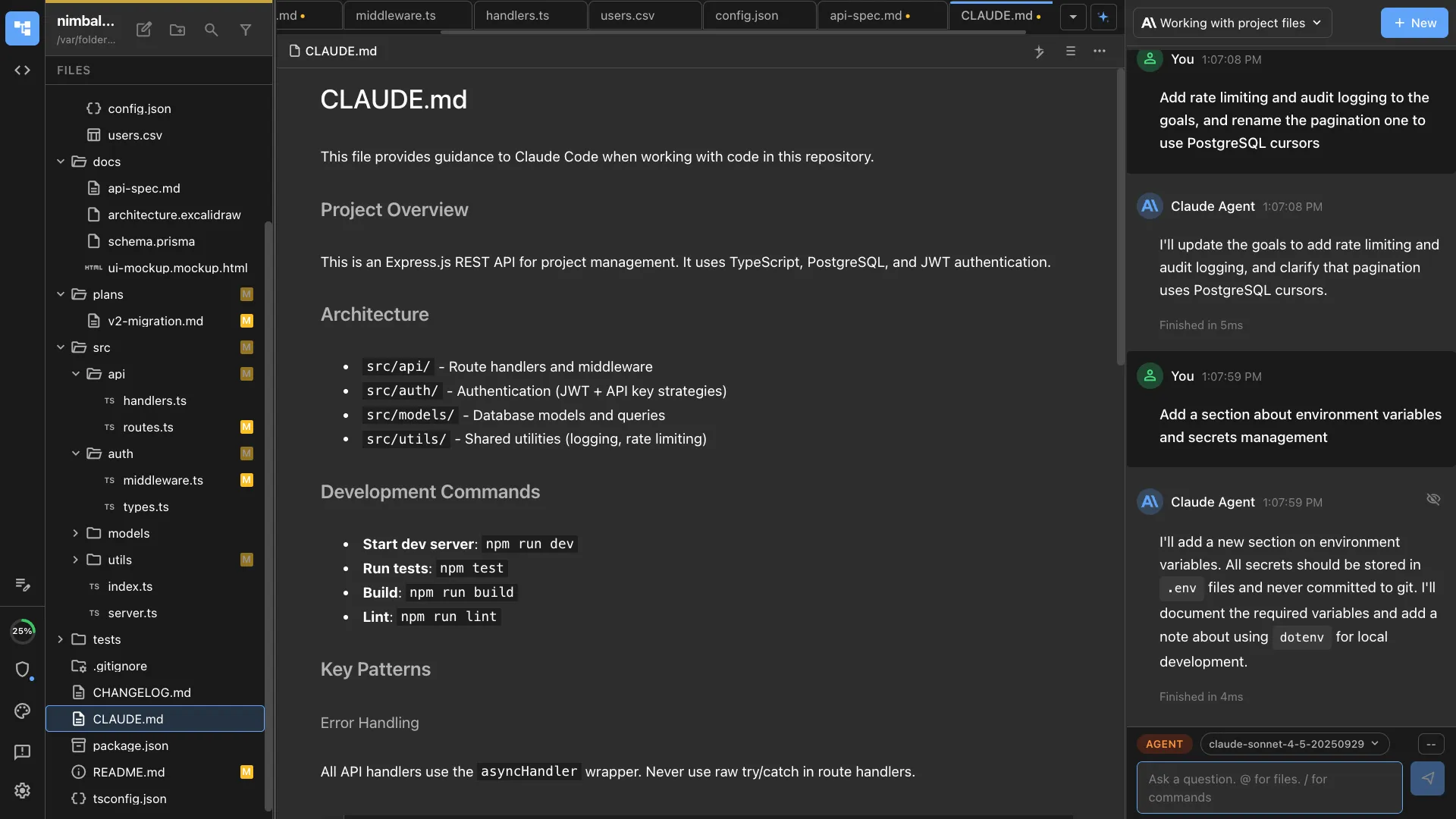
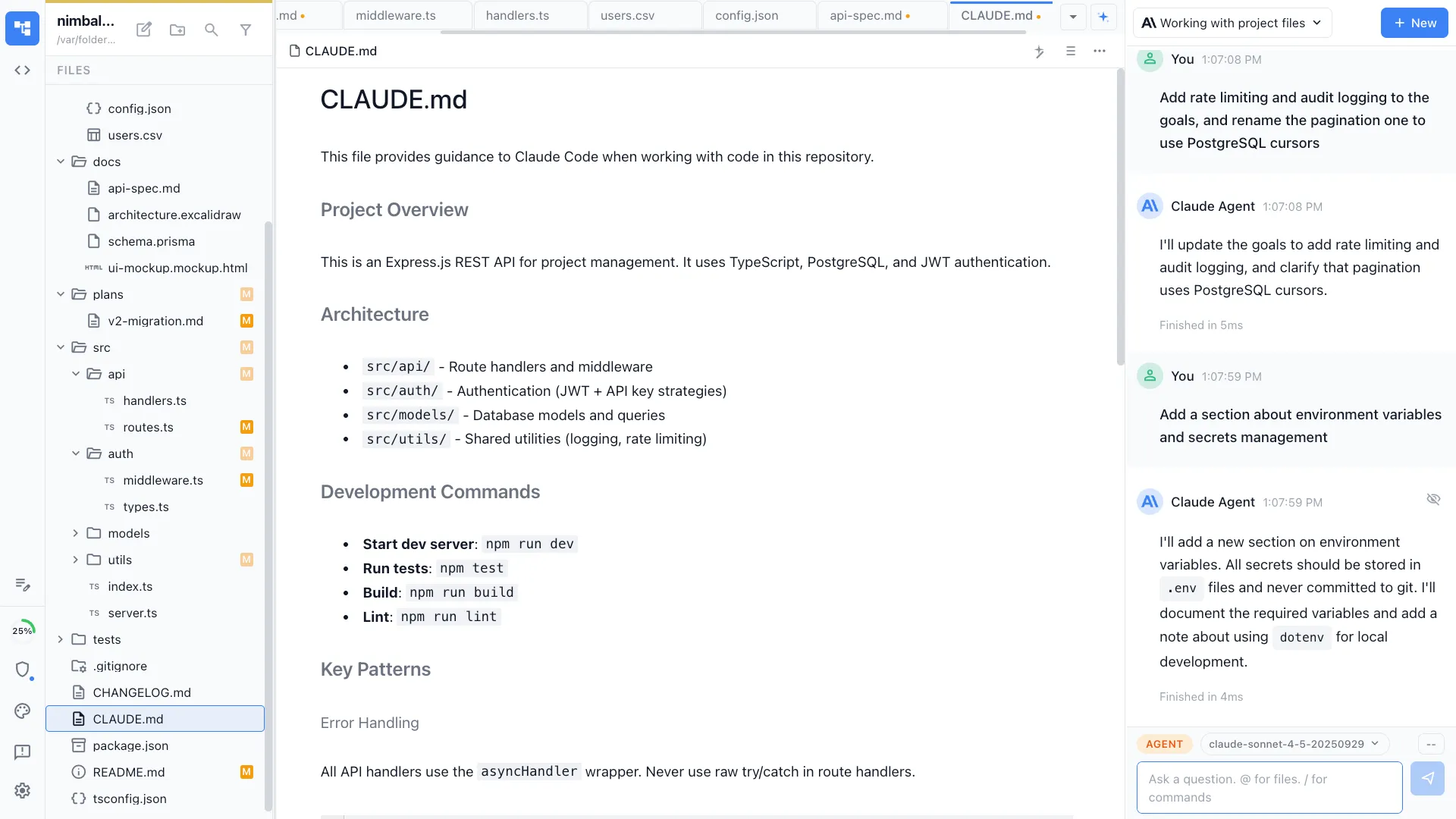
Agent reads the project
Your agent reads package.json, Dockerfile, CI configs, and README to understand the project's requirements and dependencies.
Install and configure
The agent runs install commands, resolves version conflicts, sets up environment variables, and configures local tooling -- explaining each step as it goes.


Verify and start
Your agent runs the test suite and starts the dev server to verify everything works. If something fails, it diagnoses and fixes the issue automatically.
The Difference
Onboarding without the headaches
Without Nimbalyst
- ✕ Follow a 20-step README and debug each failure manually
- ✕ Ask teammates for help with undocumented setup quirks
- ✕ Spend half a day before writing your first line of code
- ✕ Bootstrapping a new project means Googling every config option
With Nimbalyst
- ✓ Agent reads the project and handles setup automatically
- ✓ Version conflicts and missing deps resolved in real time
- ✓ New developers are coding within minutes of cloning
- ✓ Agent scaffolds new projects with proper configs from the start
Powered By
Nimbalyst features behind this workflow
Developer Tools
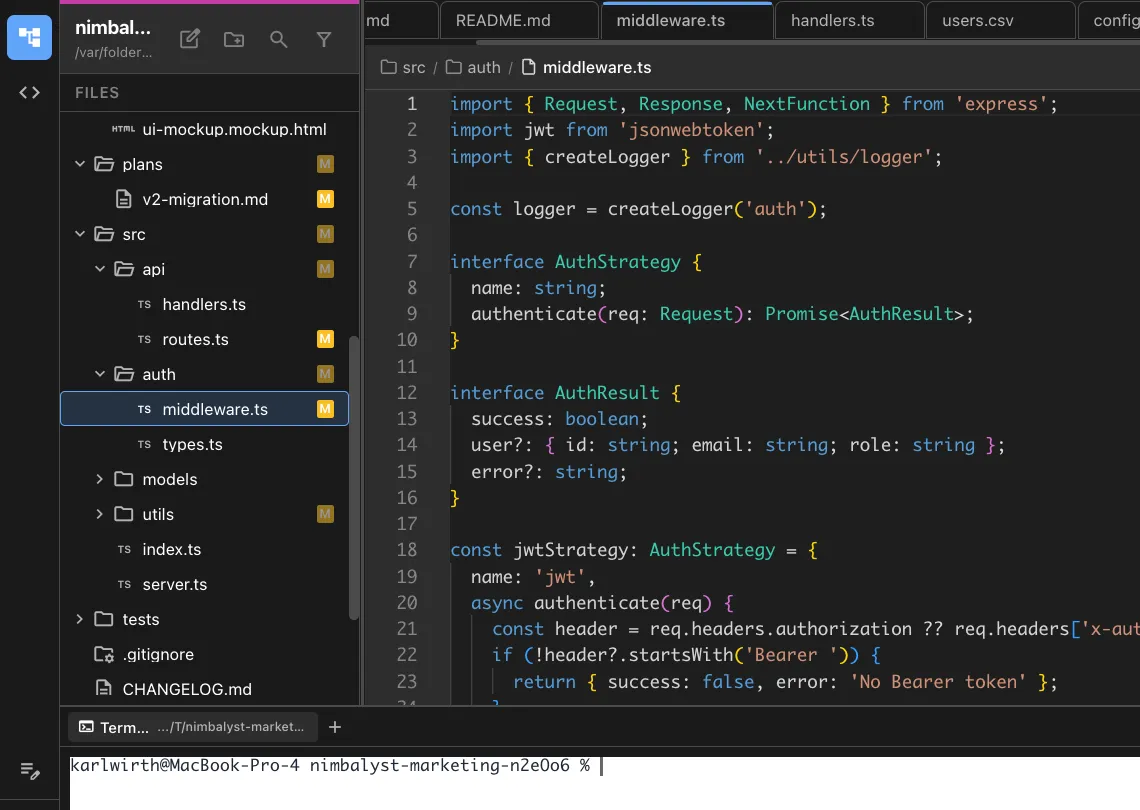
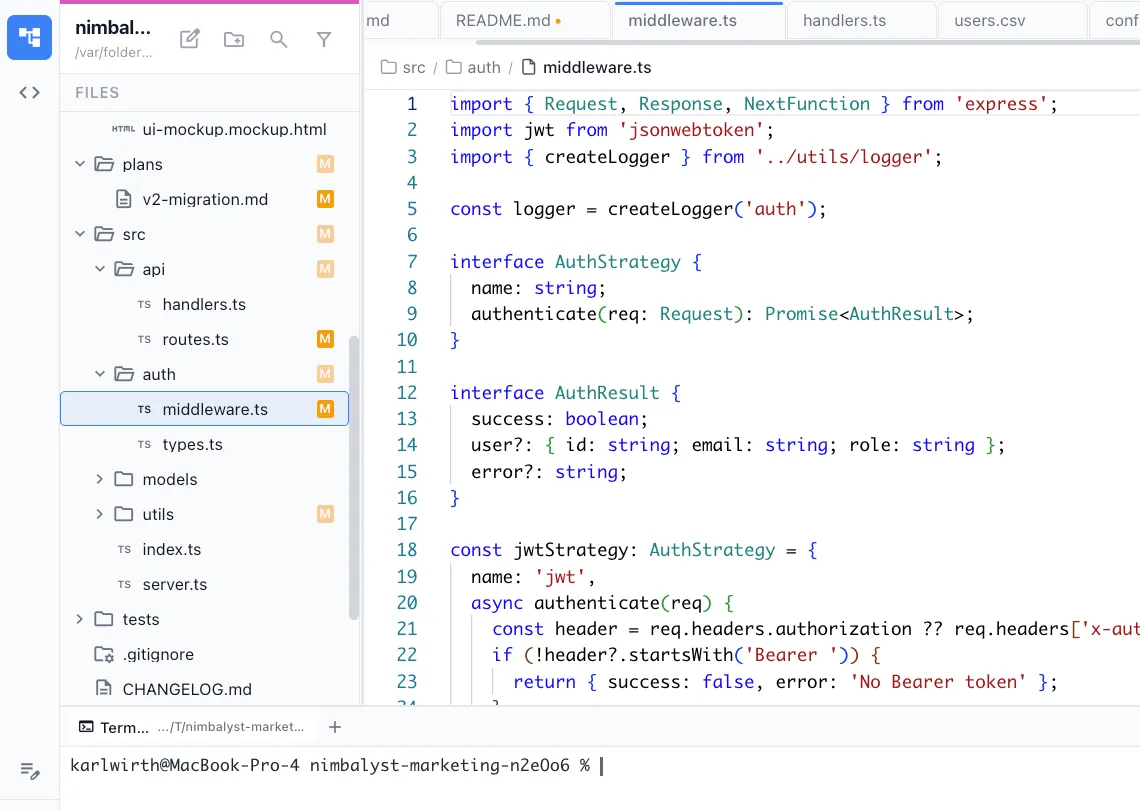
Terminal and editor for running setup commands and editing configs.
AI Context
CLAUDE.md files give your agent project-specific setup knowledge.

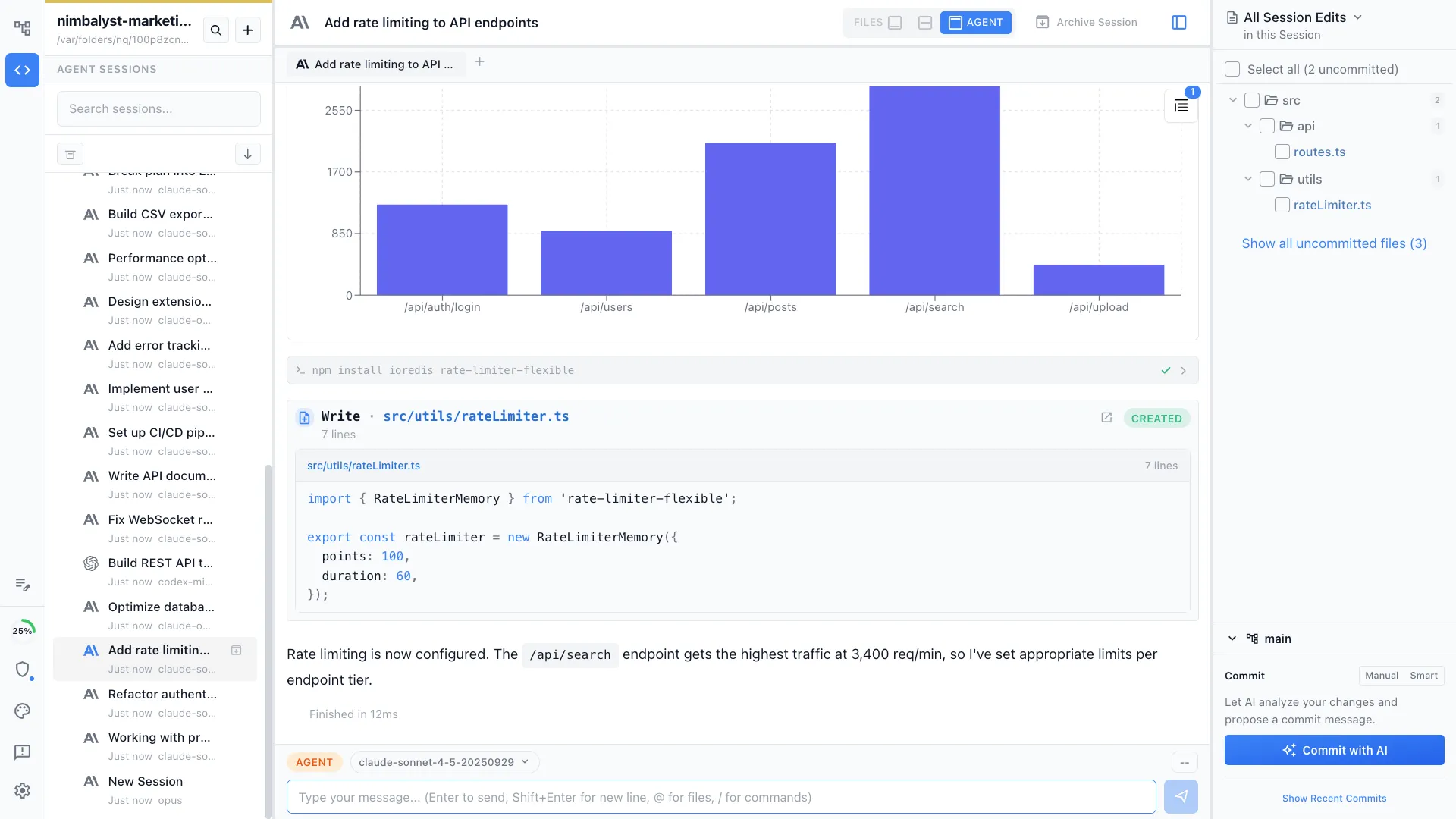
Agent Integration
Claude Code and Codex read all project files to understand requirements.
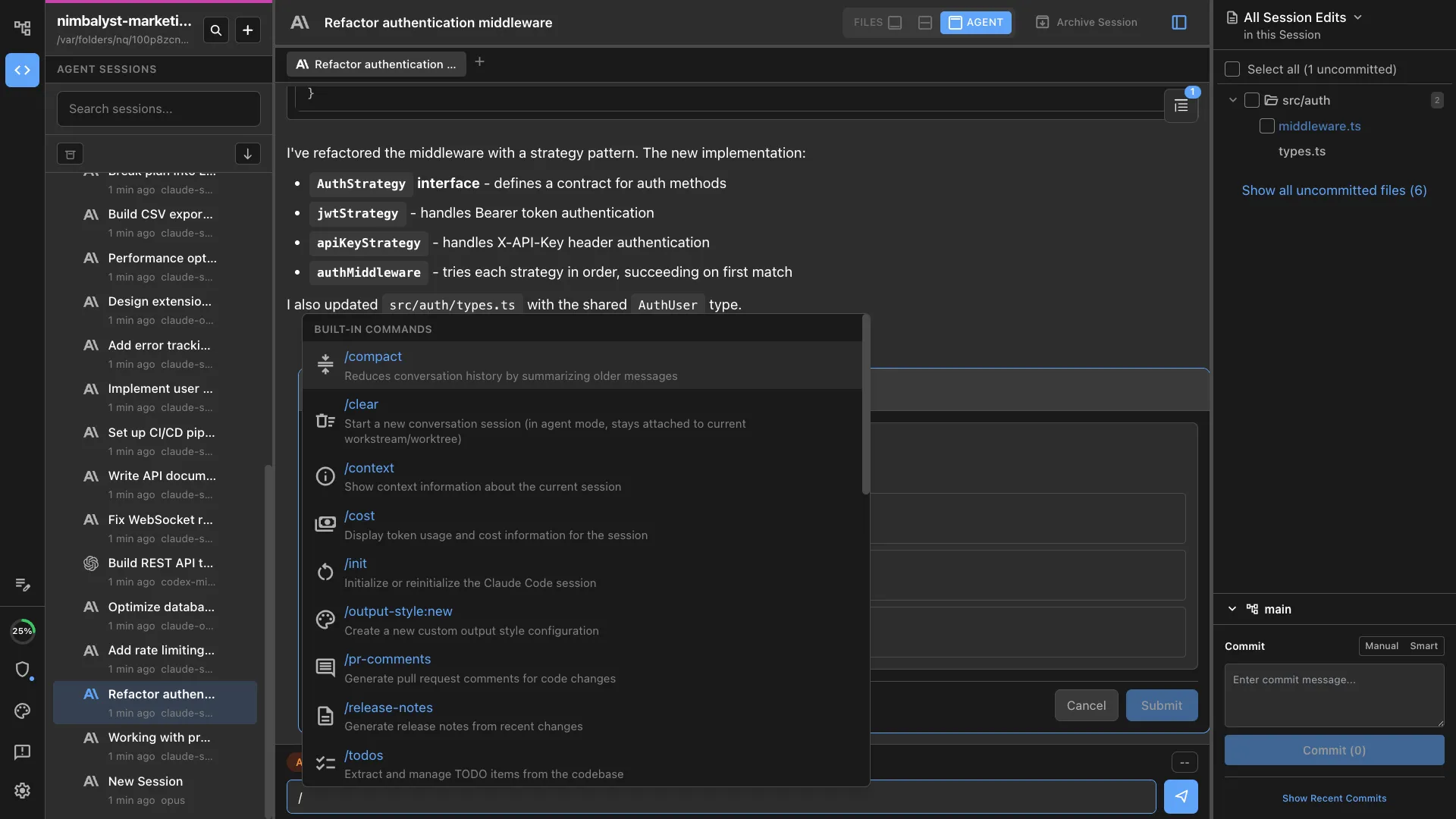
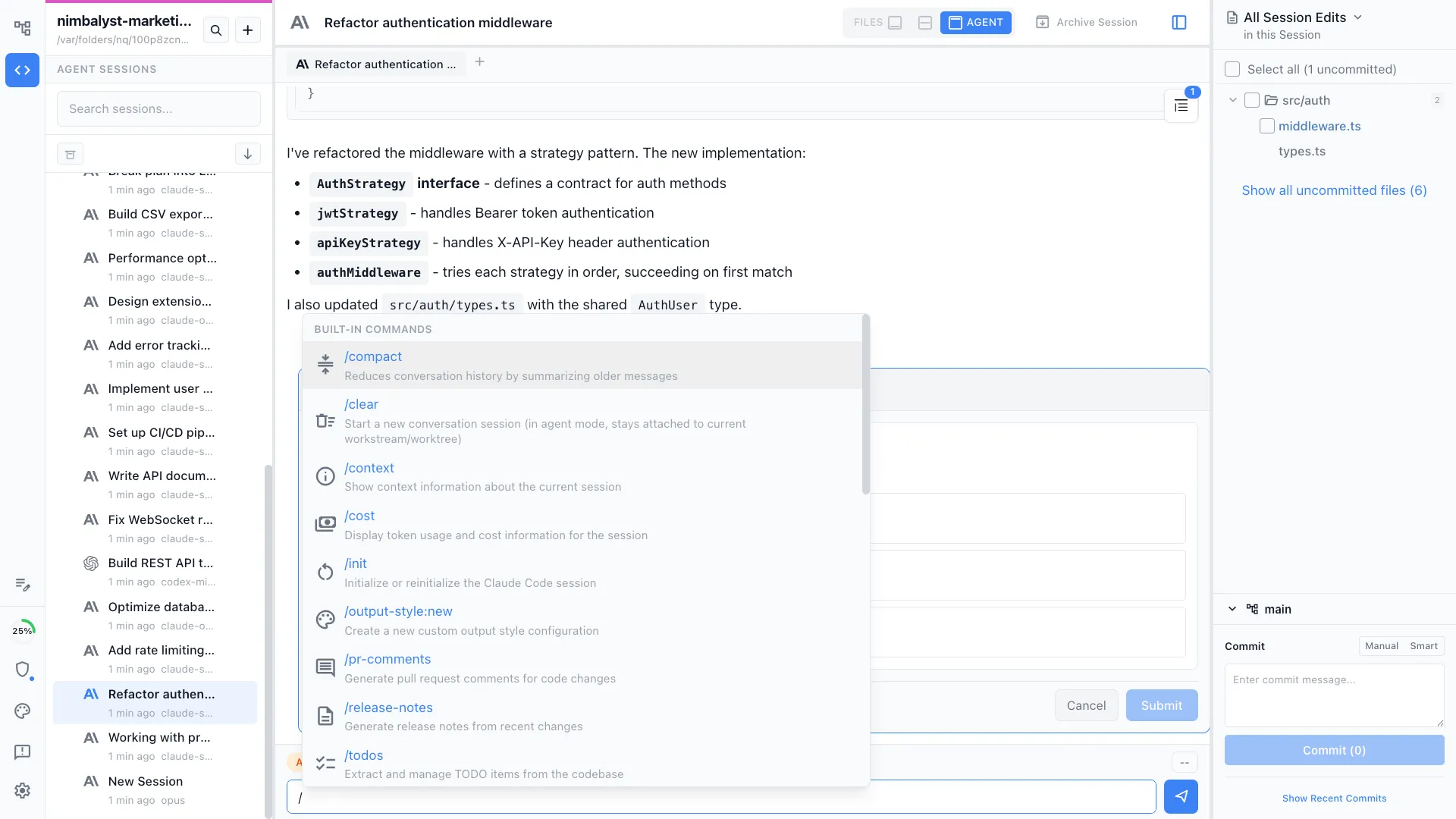
Commands & Skills
Use /onboard to automate the full setup process.