Coding Progress
Track AI coding progress in real time
See what every AI agent is working on, which files it's changed, and review diffs -- all without interrupting the agent or switching tools.


The Problem
You can't see what agents are doing
When AI agents are building features, PMs and leads need visibility into progress without disrupting the work.
- Terminal-based agents show a wall of text with no structured overview
- No way to see which files an agent has touched without asking
- Status updates require interrupting the developer or agent
- Progress is invisible until a PR is opened
How It Works
Real-time visibility into agent work
1
Session overview
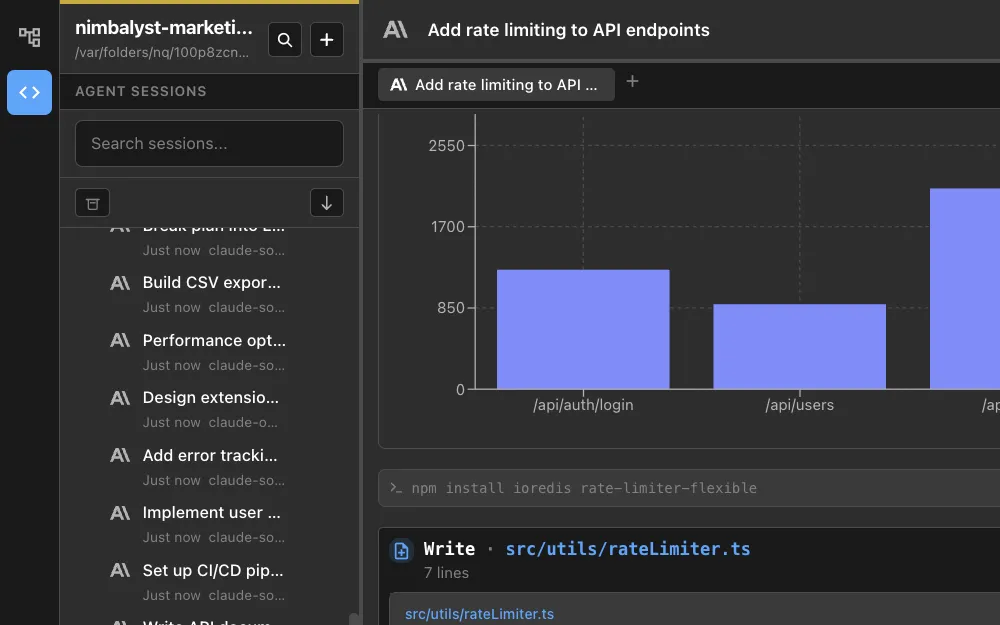
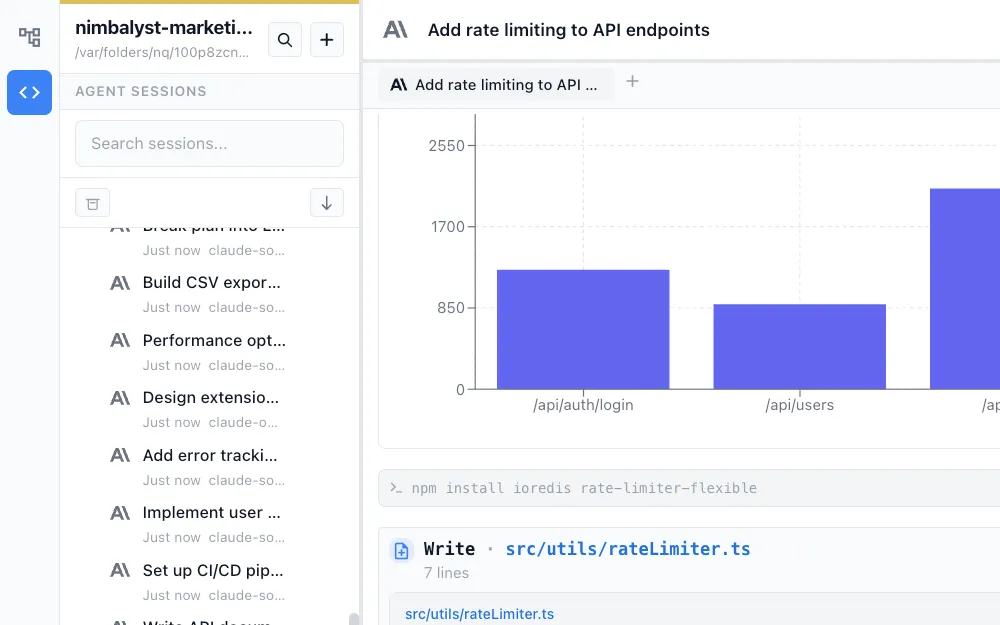
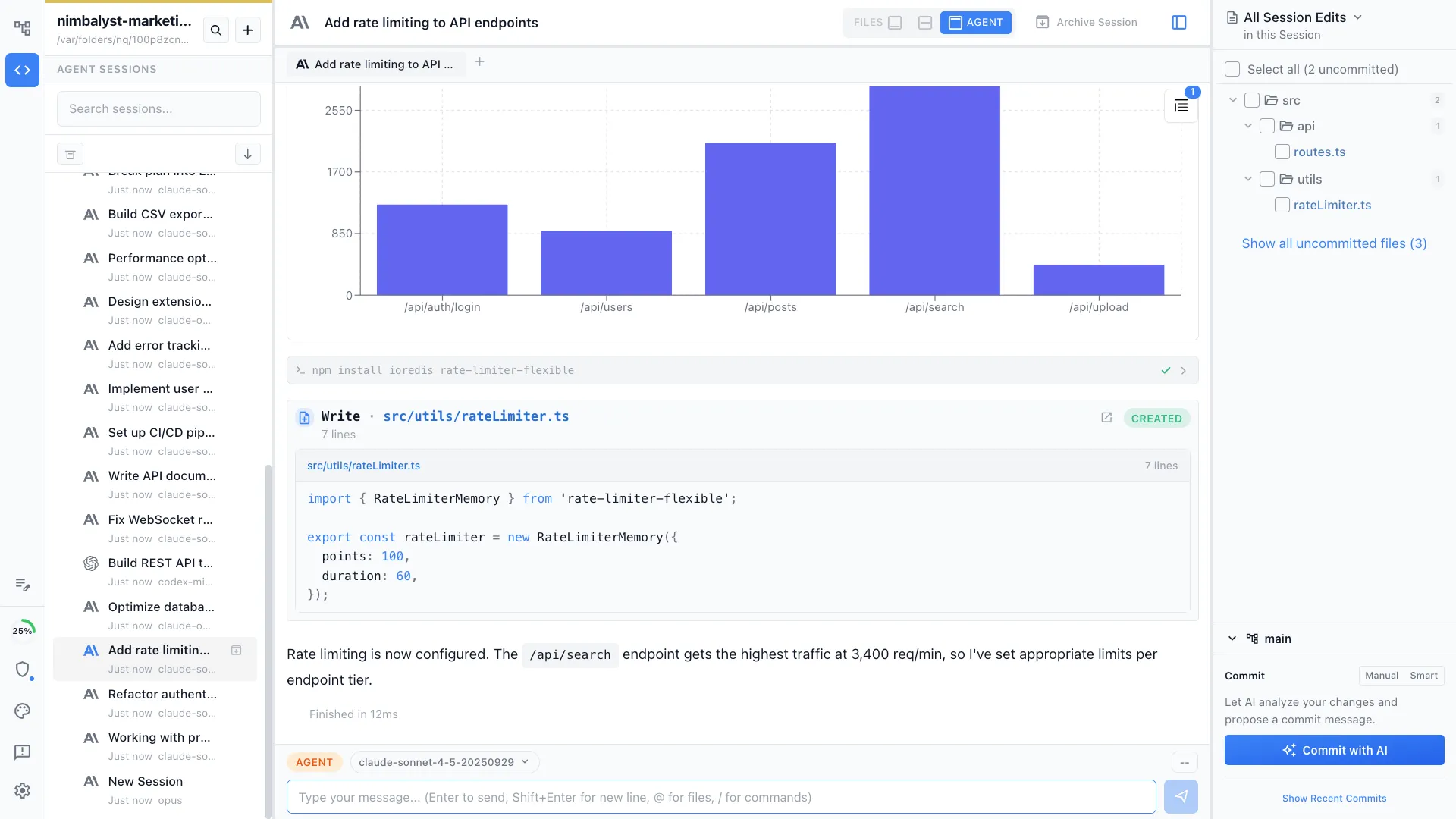
Open the session kanban to see all active agent sessions at a glance -- what they're working on, their phase, and current status.
2
Review file changes
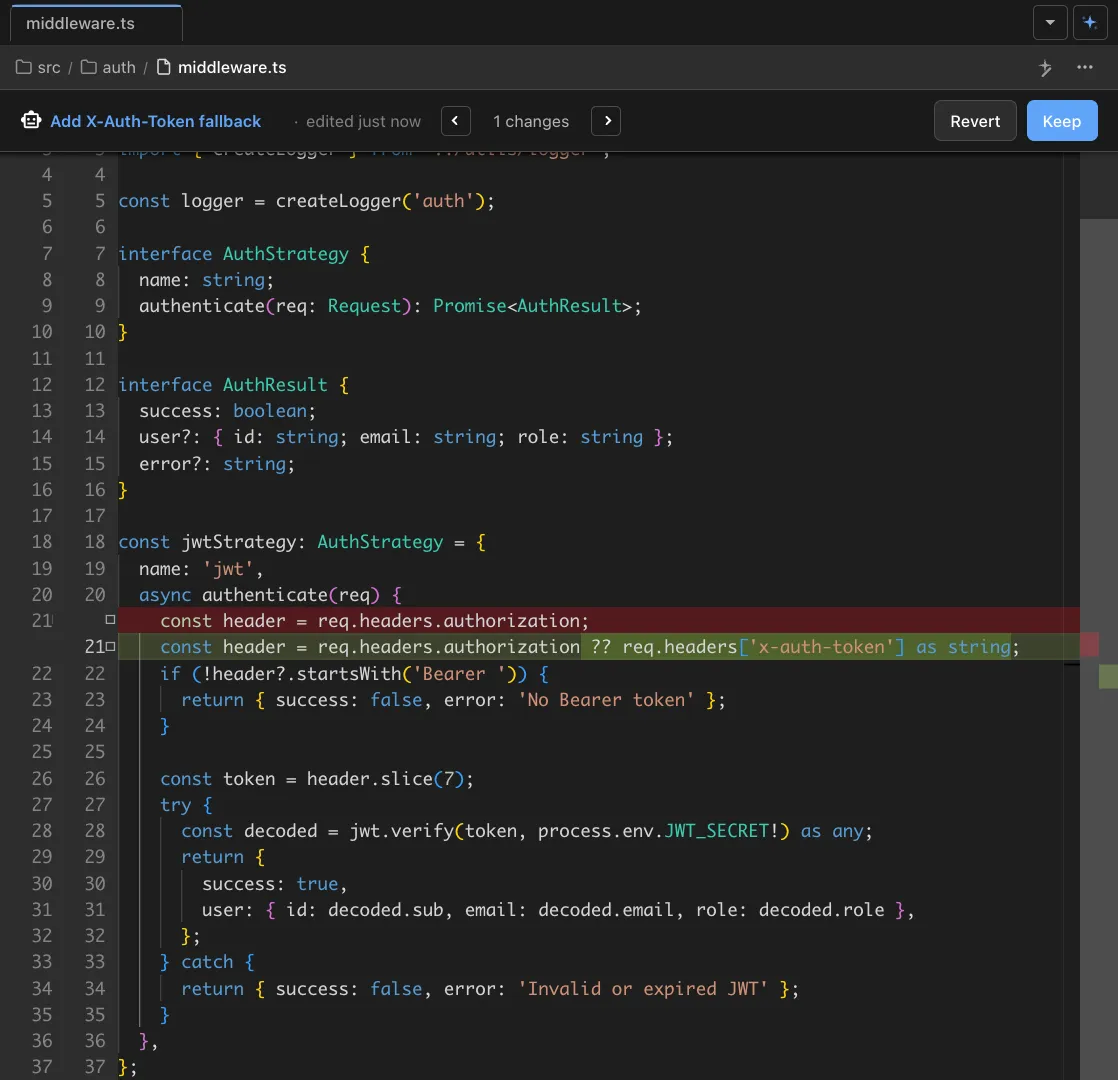
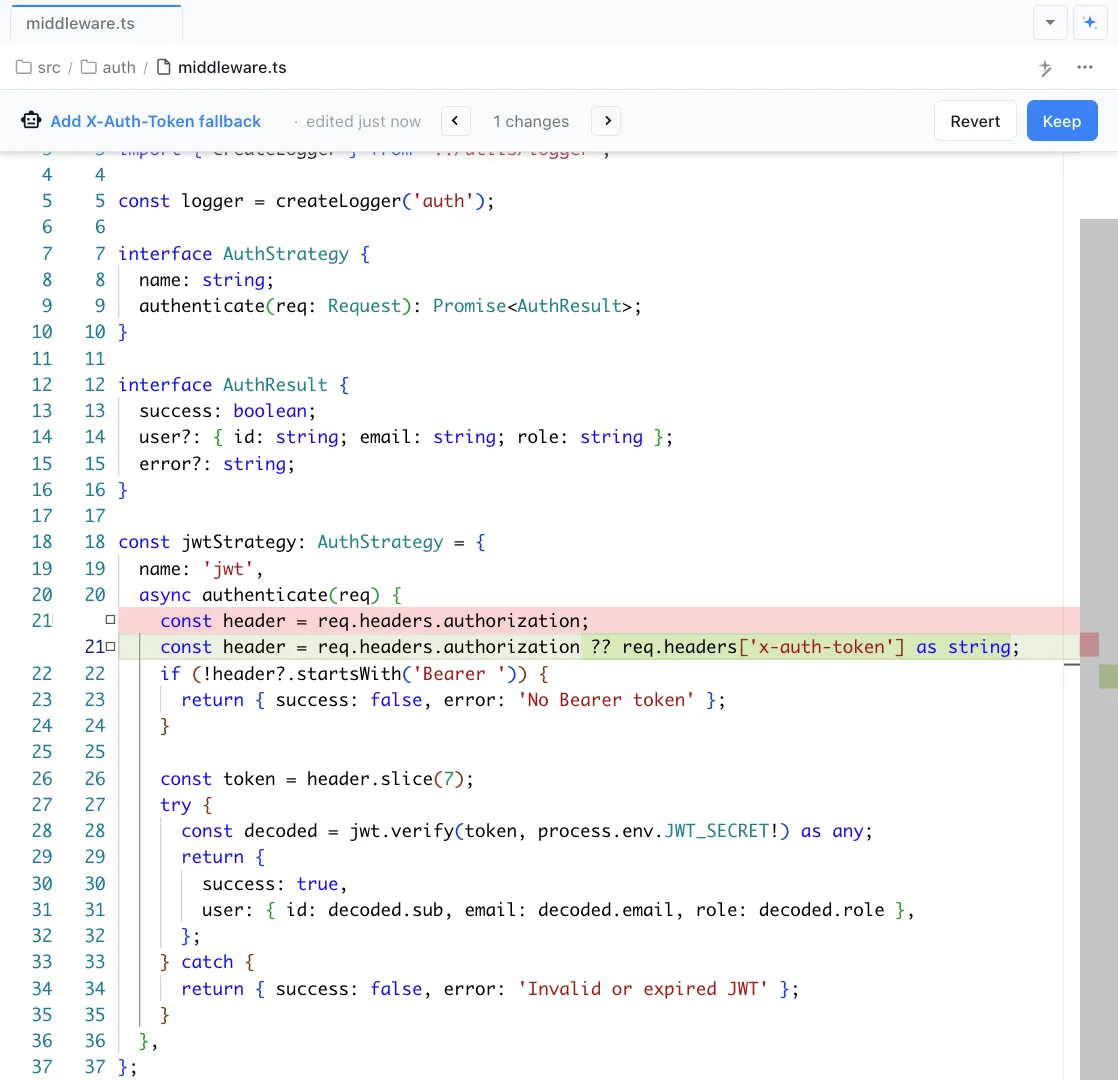
Click any session to see exactly which files the agent has read and edited. The files sidebar shows every change with visual diffs.


3
Approve or redirect
Review changes with visual diffs and either approve them or send the agent new instructions -- all without breaking its flow.
The Difference
Progress you can see, not guess
Without Nimbalyst
- ✕ Ask 'how's it going?' in Slack and wait for a response
- ✕ No visibility into agent work until a PR is opened
- ✕ Can't tell if an agent is stuck, waiting, or making progress
- ✕ Reviewing work requires switching to a separate diff tool
With Nimbalyst
- ✓ Session kanban shows all agents and their status at a glance
- ✓ File sidebar reveals exactly what changed, in real time
- ✓ Review and redirect agents without interrupting their work
- ✓ Visual diffs built into the same workspace
Powered By