Code Review
AI-assisted code review
Review every change your AI agent makes with visual diffs, file summaries, and session history. Approve, reject, or iterate on changes before they land.


The Problem
Reviewing AI-generated code is overwhelming
AI agents can produce hundreds of lines of changes across dozens of files in minutes. Traditional code review tools weren't built for this volume.
- AI agents change many files at once -- hard to track what changed and why
- Terminal-based agents show diffs inline with chat output, making review chaotic
- No way to see the full scope of agent changes before committing
- Context switching between terminal, diff viewer, and PR tools slows review
How It Works
Review with confidence, not chaos
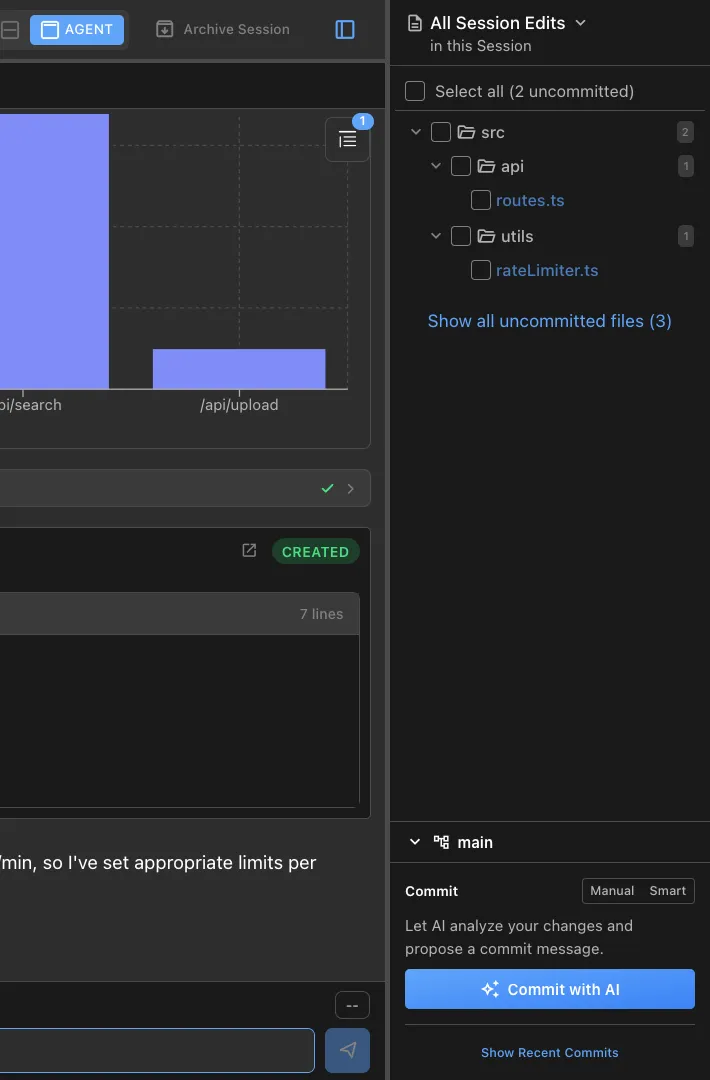
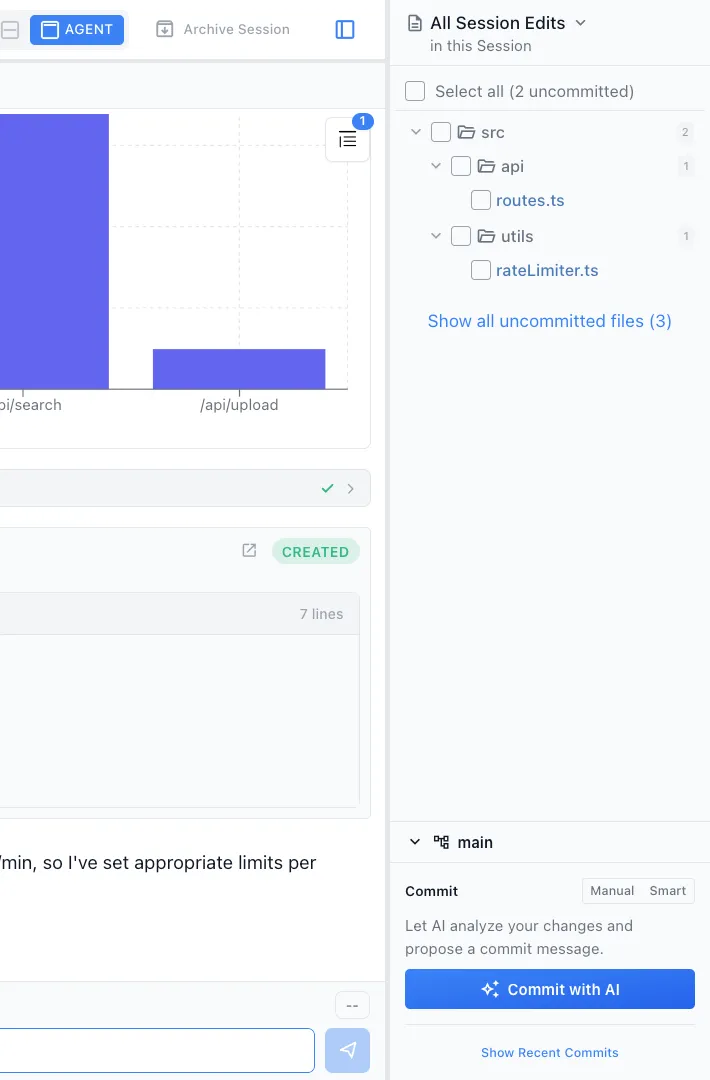
See every change at a glance
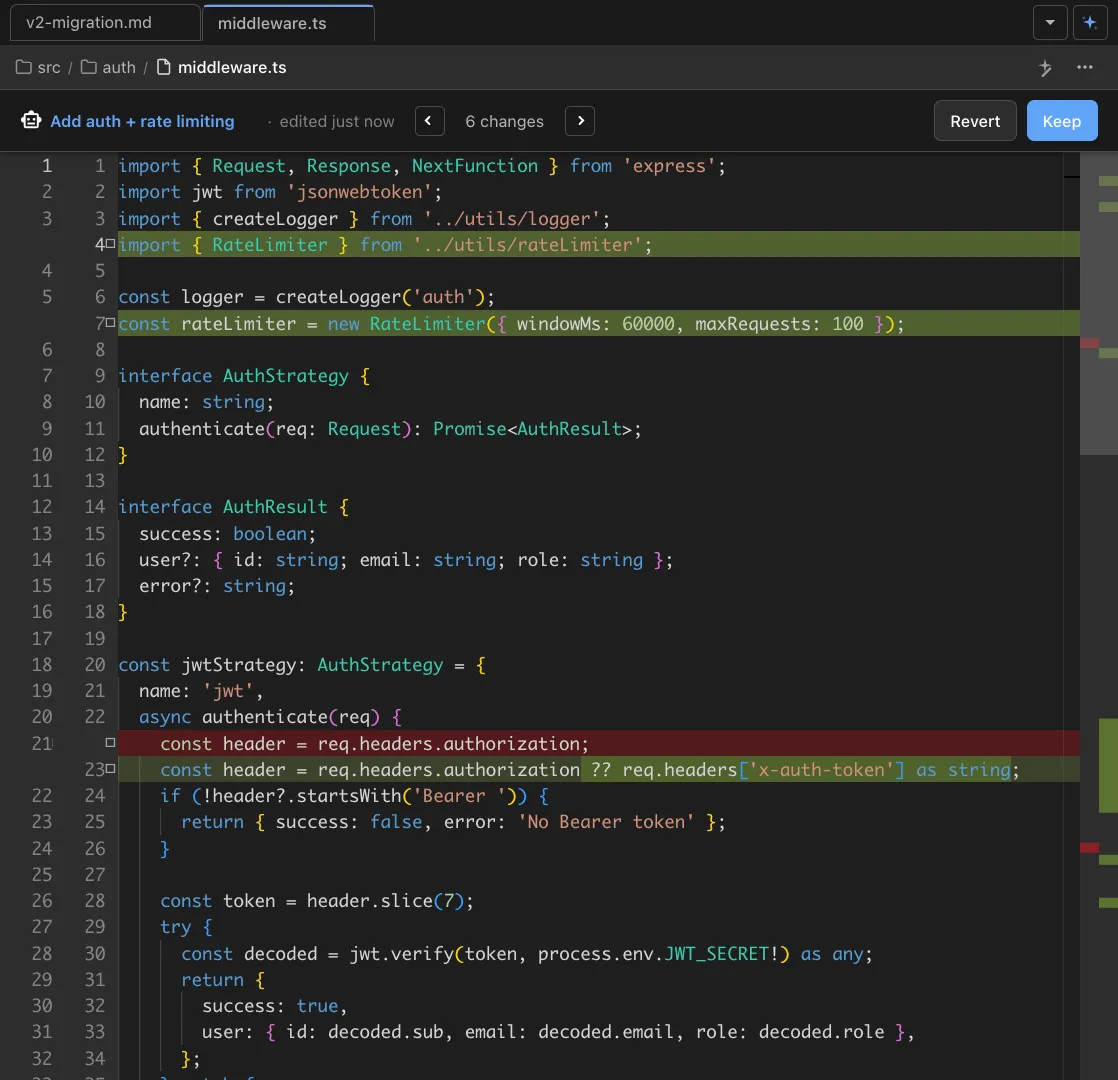
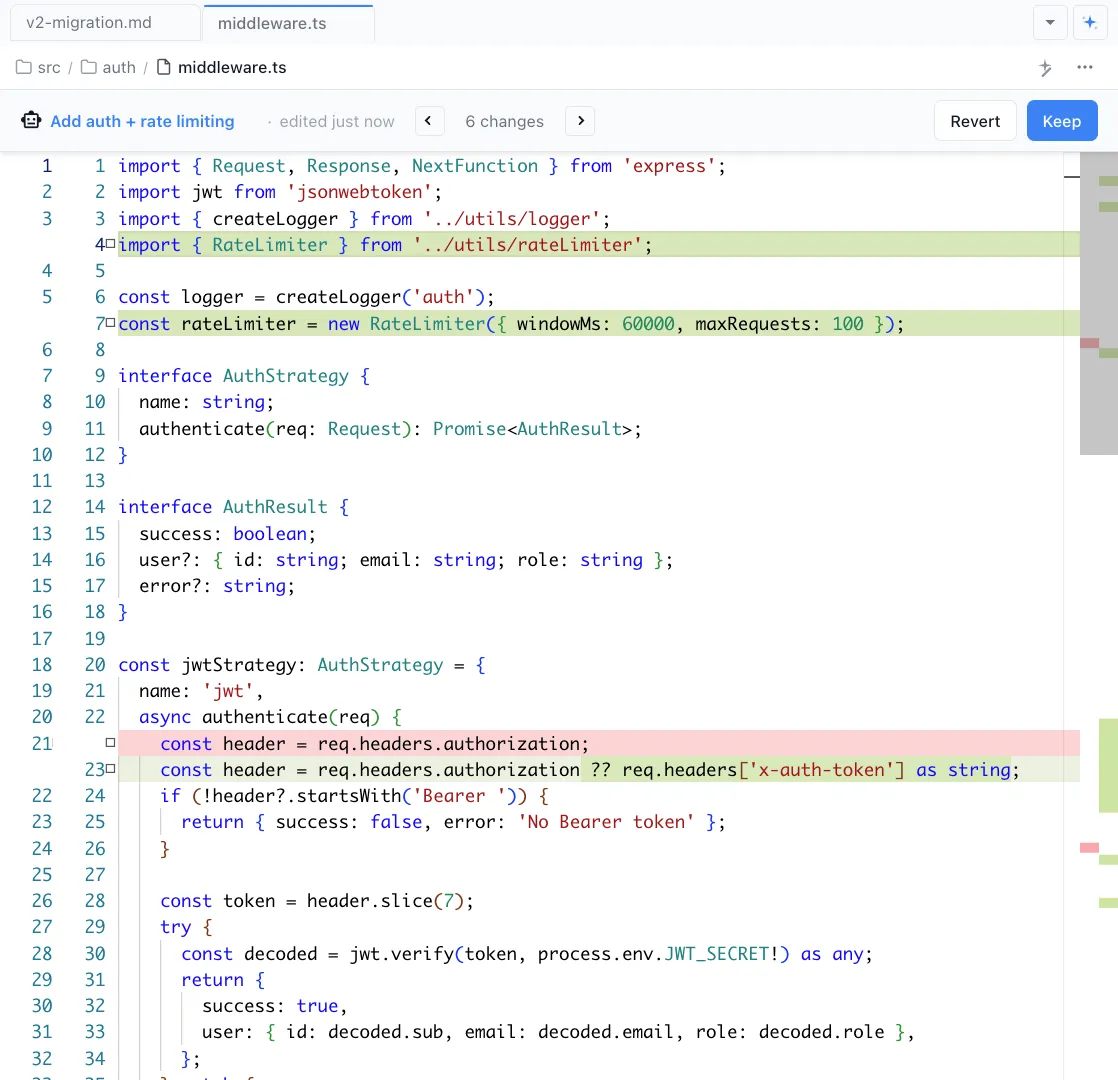
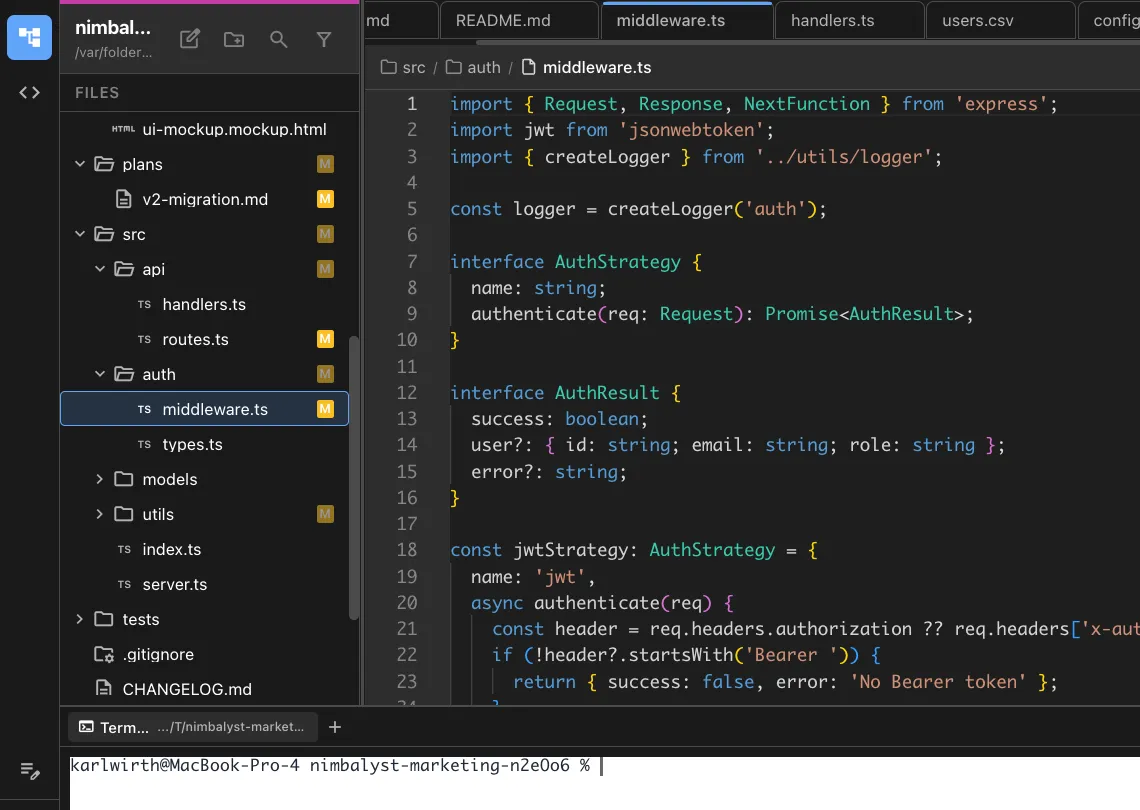
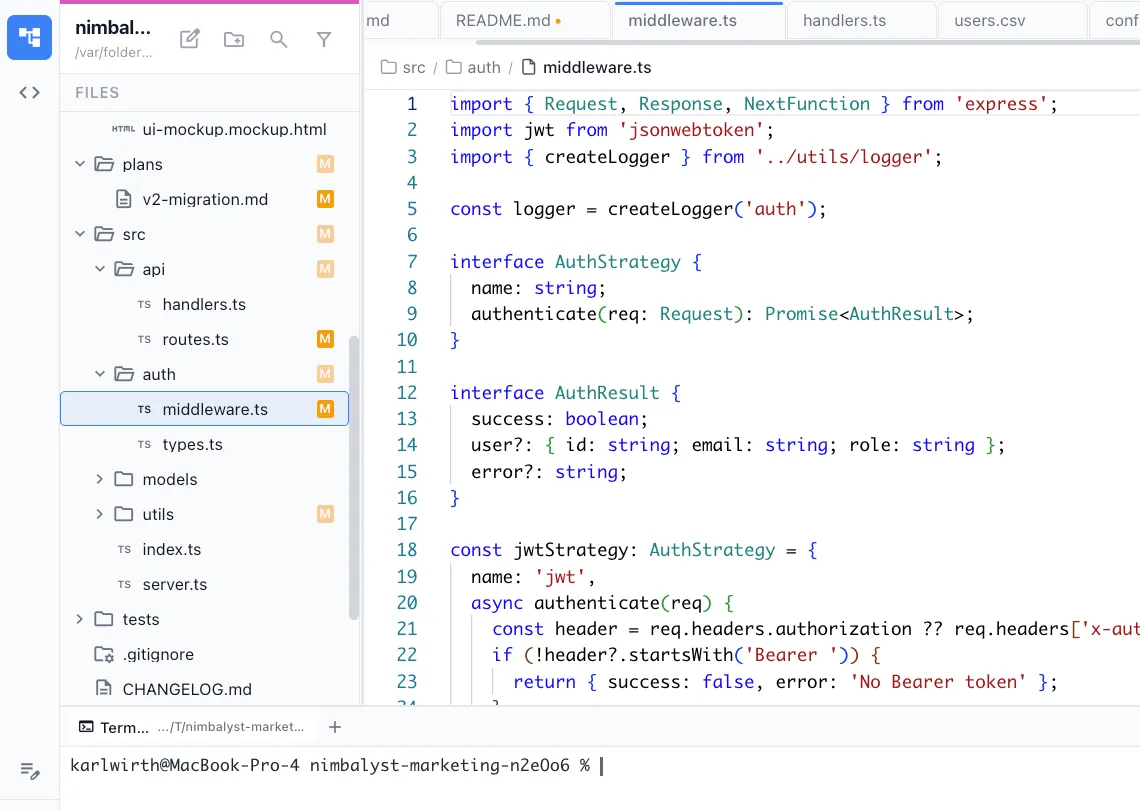
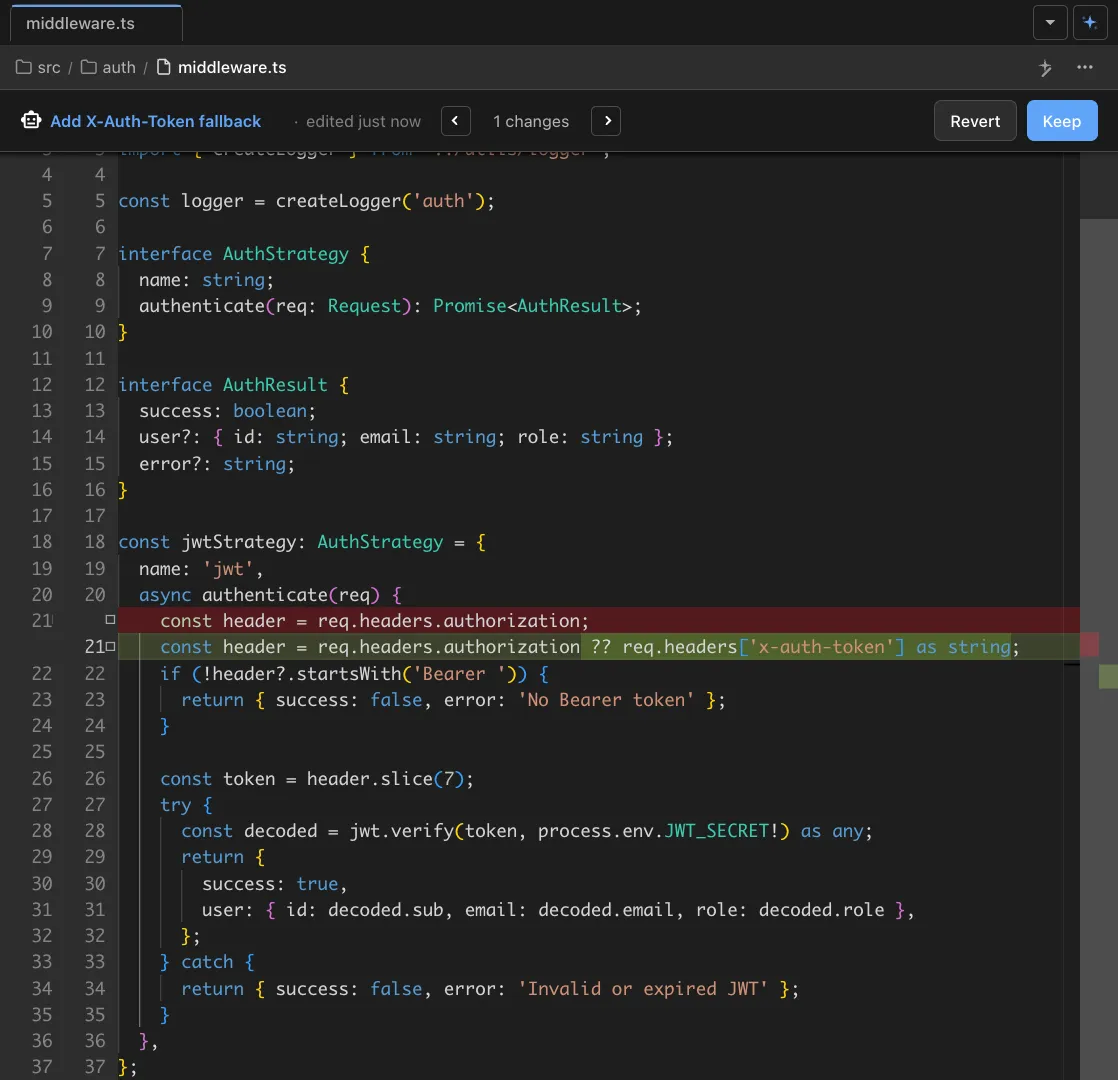
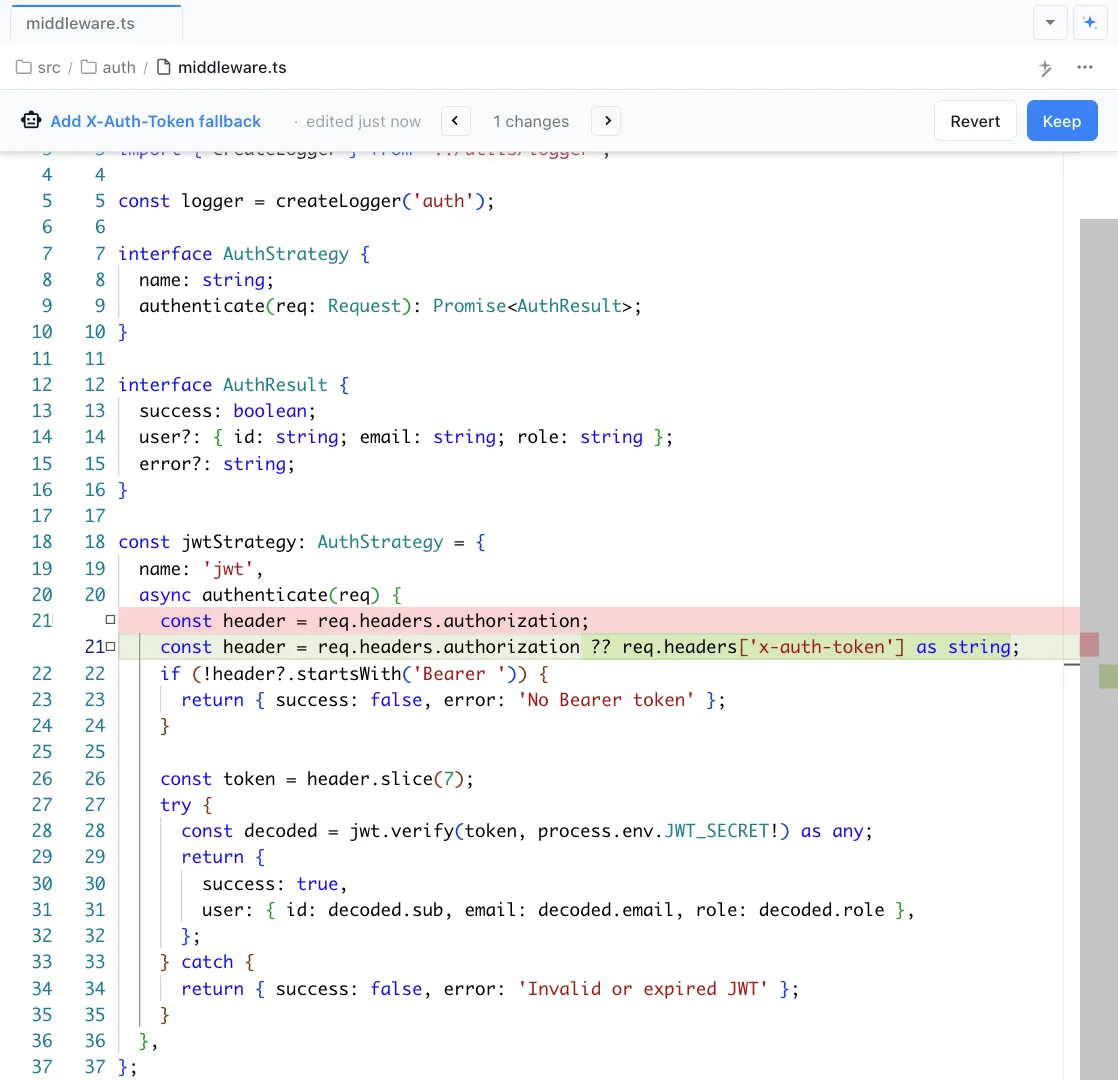
Nimbalyst's files sidebar shows every file your agent touched, with red/green diffs. Click any file to see the full change in the editor with syntax highlighting.
Review file by file
Walk through changes one file at a time. Accept or reject individual changes, add comments, or ask the agent to revise specific sections.
Commit with confidence
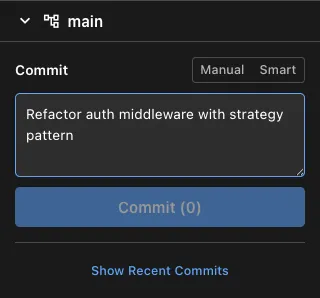
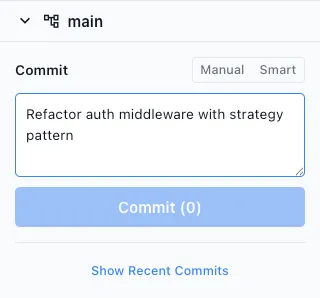
Once reviewed, use Nimbalyst's smart commit tool to stage and commit with an AI-generated message that summarizes the changes and their purpose.
The Difference
From overwhelming to organized
Without Nimbalyst
- ✕ Scroll through terminal output hunting for what changed
- ✕ Run git diff manually and lose track of which files matter
- ✕ No structured way to approve or reject individual AI changes
- ✕ Commit messages are generic or manual
With Nimbalyst
- ✓ See all changed files in a sidebar with visual diffs
- ✓ Review each file with full syntax highlighting and context
- ✓ Accept, reject, or request revisions on each change
- ✓ Auto-generated commit messages that describe the actual changes
Powered By
Nimbalyst features behind this workflow
Git & Version Control
Visual diff review, smart commits, and branch management built into the workspace.
Session Management
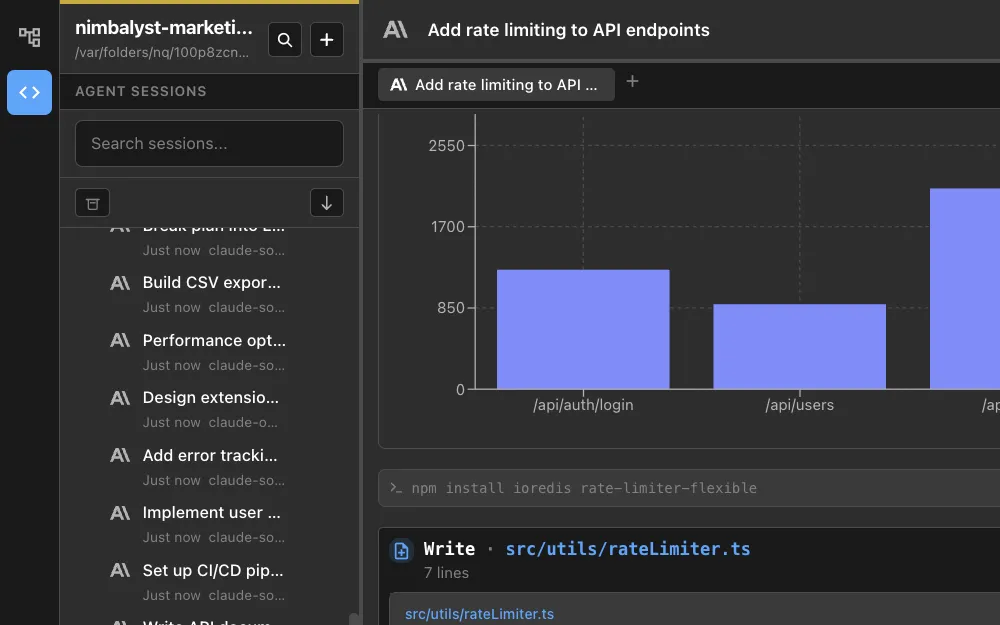
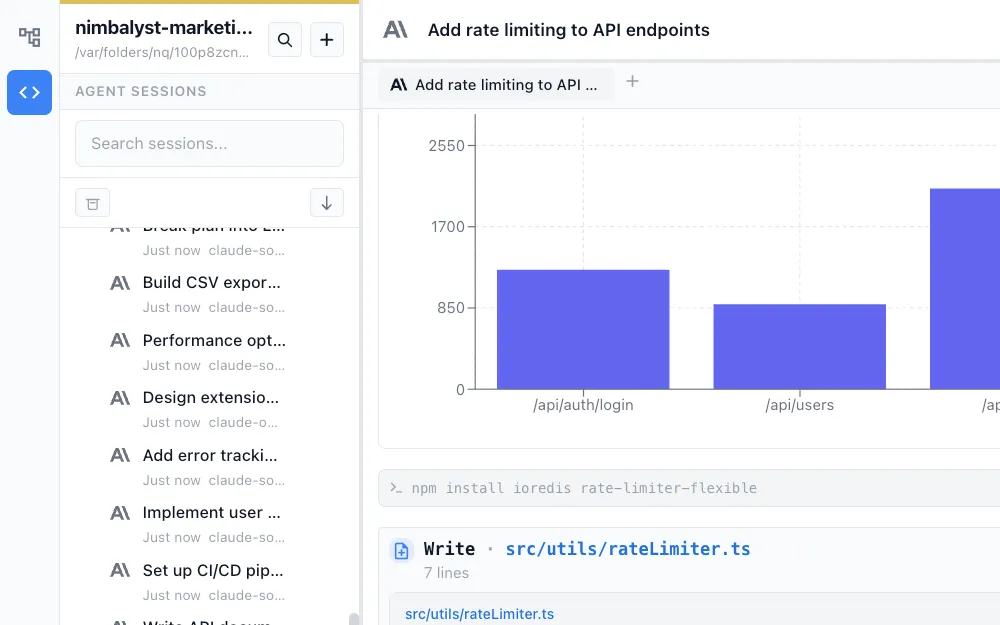
Every agent session tracks which files were changed and why.


Developer Tools
Monaco editor with full syntax highlighting for reviewing diffs.


Agent Integration
Ask your agent to explain changes, add tests, or revise code during review.