Task Management
Organize your work alongside your agents
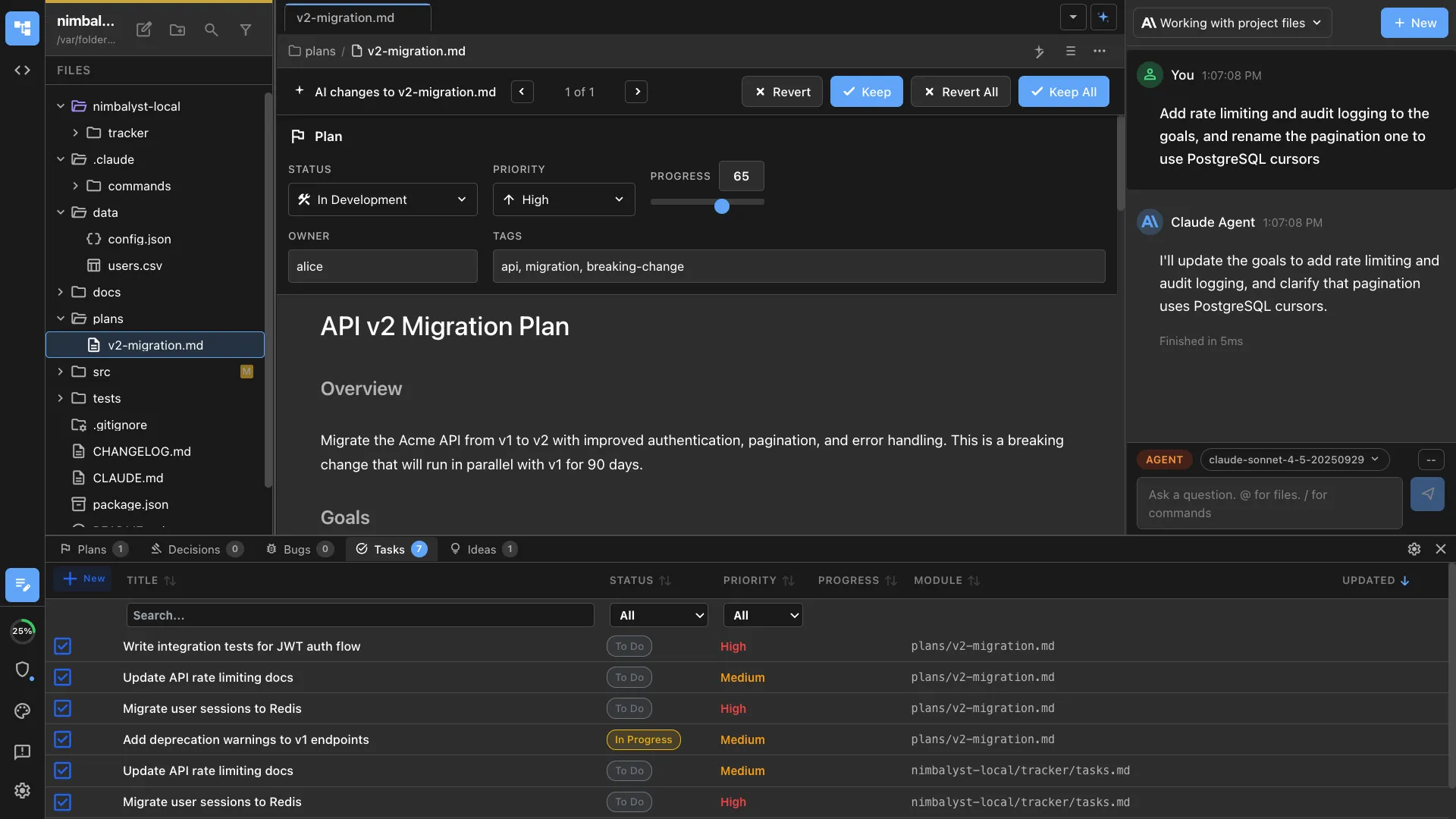
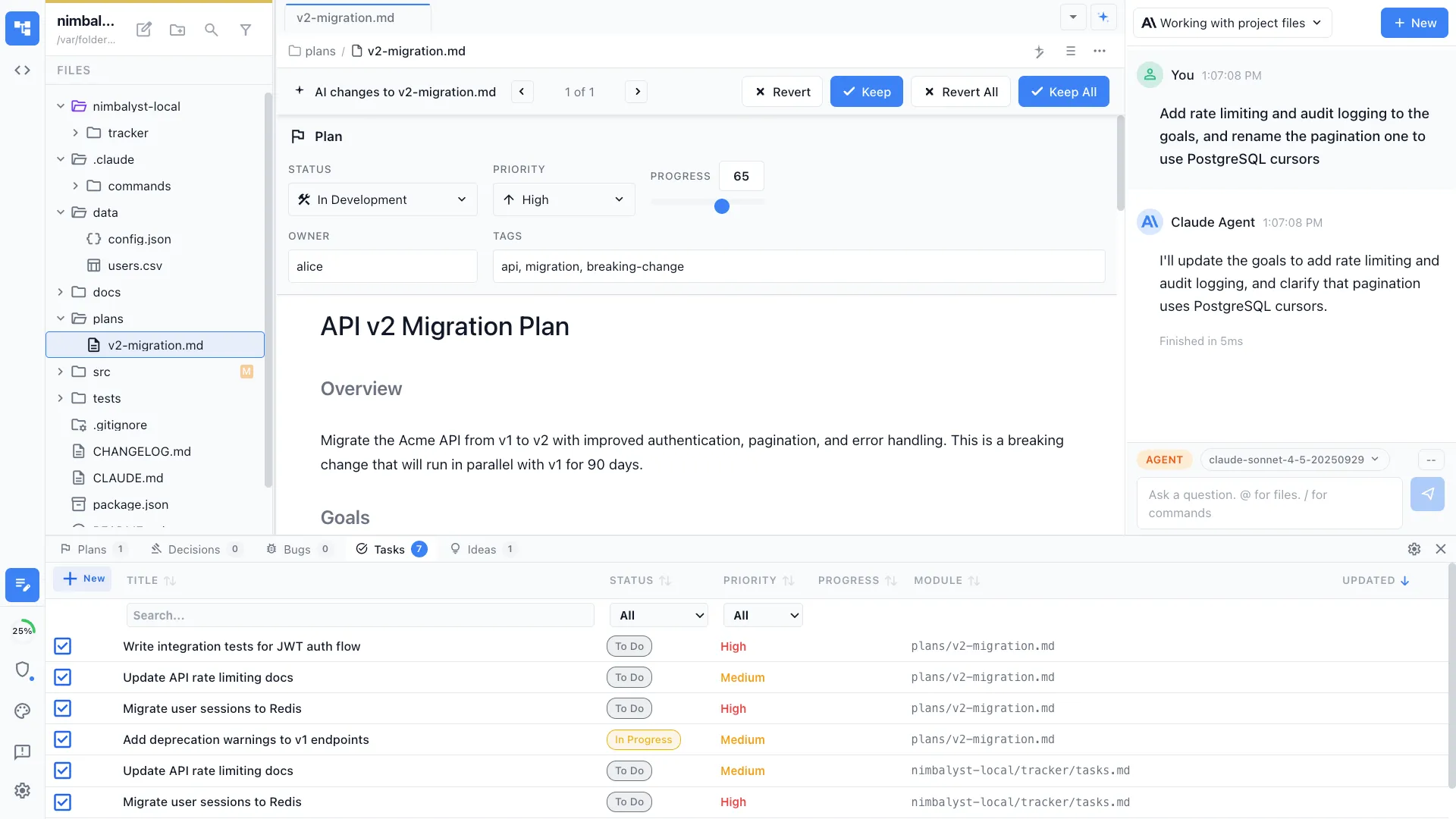
Track tasks, bugs, features, and ideas in tracker items that your agents can read and update. Kanban views, status tracking, and automatic progress updates as Claude Code and Codex work.
Capabilities
Organize and track everything


Kanban board views
See all your tracked items on a visual kanban board organized by status. Drag items between columns, filter by priority, and group by project or owner.


Manage your tracked items
Create, update, and organize tasks, bugs, features, and ideas. Your agents can read and update tracked items as they work, keeping everything in sync.
Automatic agent status updates
When Claude Code or Codex completes a task, it can update the item's status automatically. Progress tracking happens without manual intervention.


Inline tagging
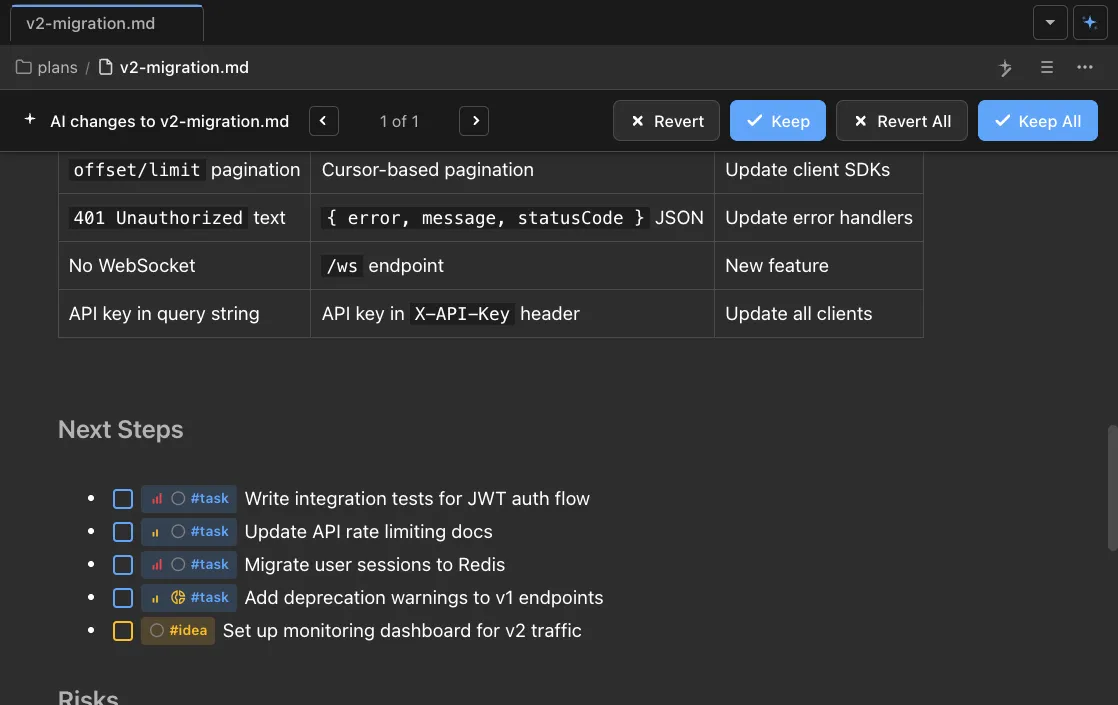
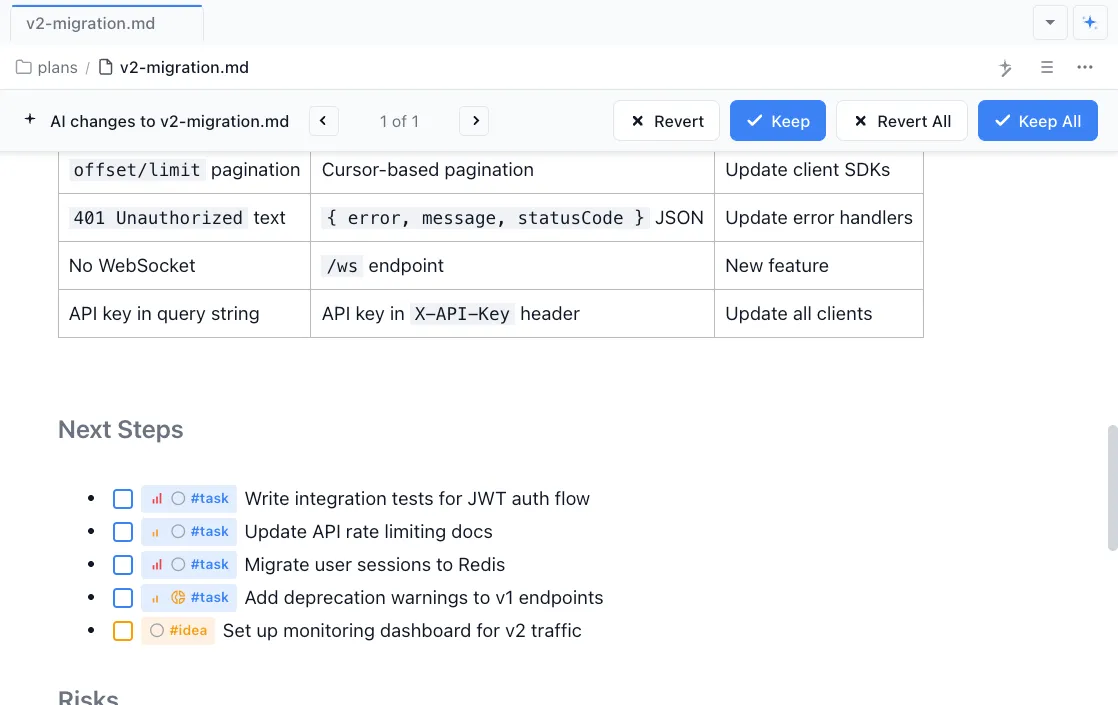
Tag items as @task, @idea, @bug, or @decision directly in your documents. They surface in your sidebar and tracker automatically.
Link items to sessions and files
Connect tracked items to the agent sessions and files that implement them. Navigate from a task to its implementation with one click.


Cross-project dashboard
See status across all your work in one view. Bugs, tasks, features, and ideas tracked in a unified dashboard.
How It Works
How task management works in Nimbalyst
Track what needs to happen
Create tracker items for tasks, bugs, features, or ideas. Add status, priority, and tags. Your agents can also create items as they discover work to be done.
Organize and prioritize
Use the kanban board to organize items by status. Filter by type, priority, or project. Link items to the agent sessions that will implement them.
Work gets done, status updates automatically
As agents complete work, item statuses update. Review the dashboard to see what is done, what is in progress, and what needs attention.
Comparison
Why Nimbalyst for task management
Traditional project management tools are disconnected from your codebase and your agents. Nimbalyst keeps your work organized where the work happens.
| Alternative | Nimbalyst Advantage |
|---|---|
| Linear / Jira | Tracked items live alongside your code. Your agents read and update them directly. No API integration needed and no context switching. |
| GitHub Issues | Richer organization with kanban views, inline tagging, and agent integration. Items are full documents, not just issue descriptions. |
| Obsidian task plugins | Items are connected to agent sessions and code changes. Automatic status updates from Claude Code and Codex, not manual checkbox toggling. |
Explore More
Related features and guides
Agent Orchestration
Orchestrate multi-agent workflows driven by your tracked items.
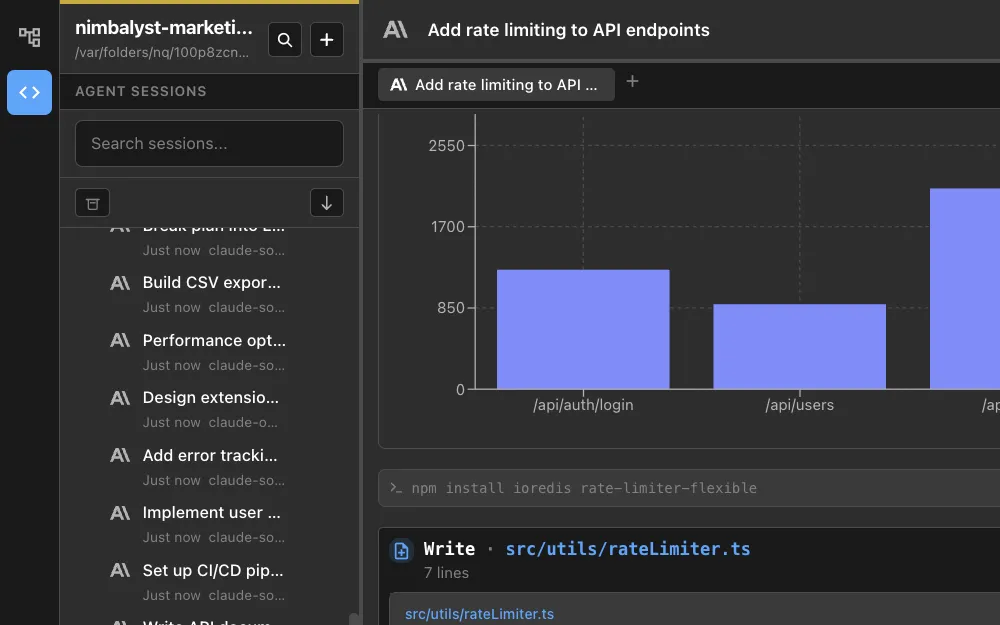
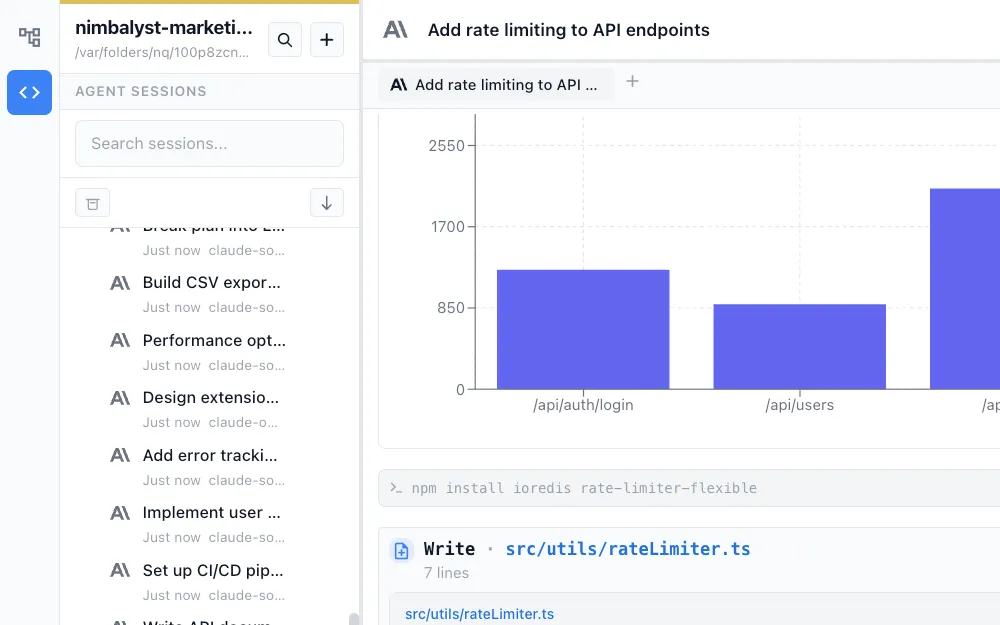
Session Management
Link tracked items to the sessions that implement them.
Use Cases for Product Managers
See how PMs use Nimbalyst to organize and track work.
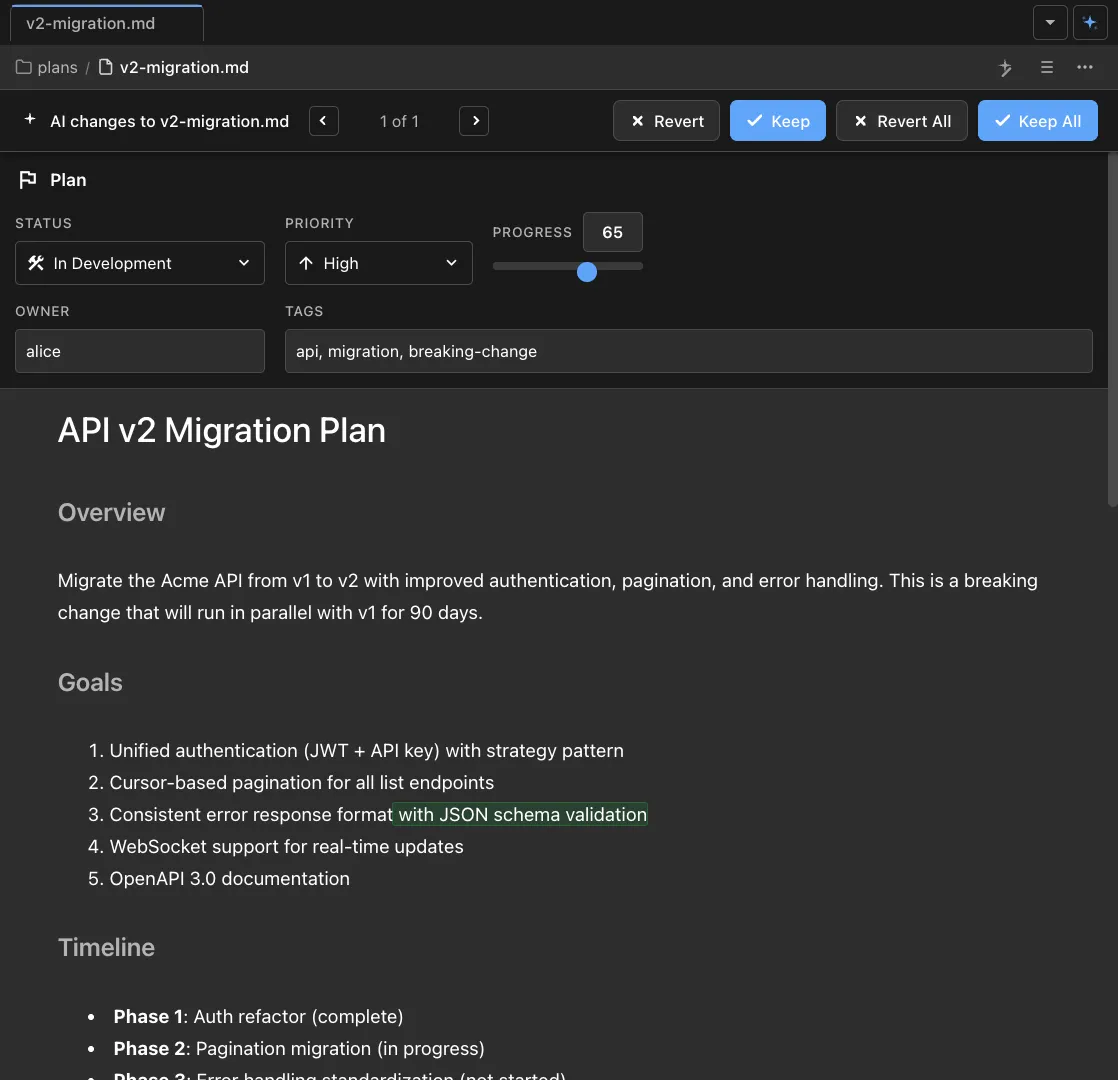
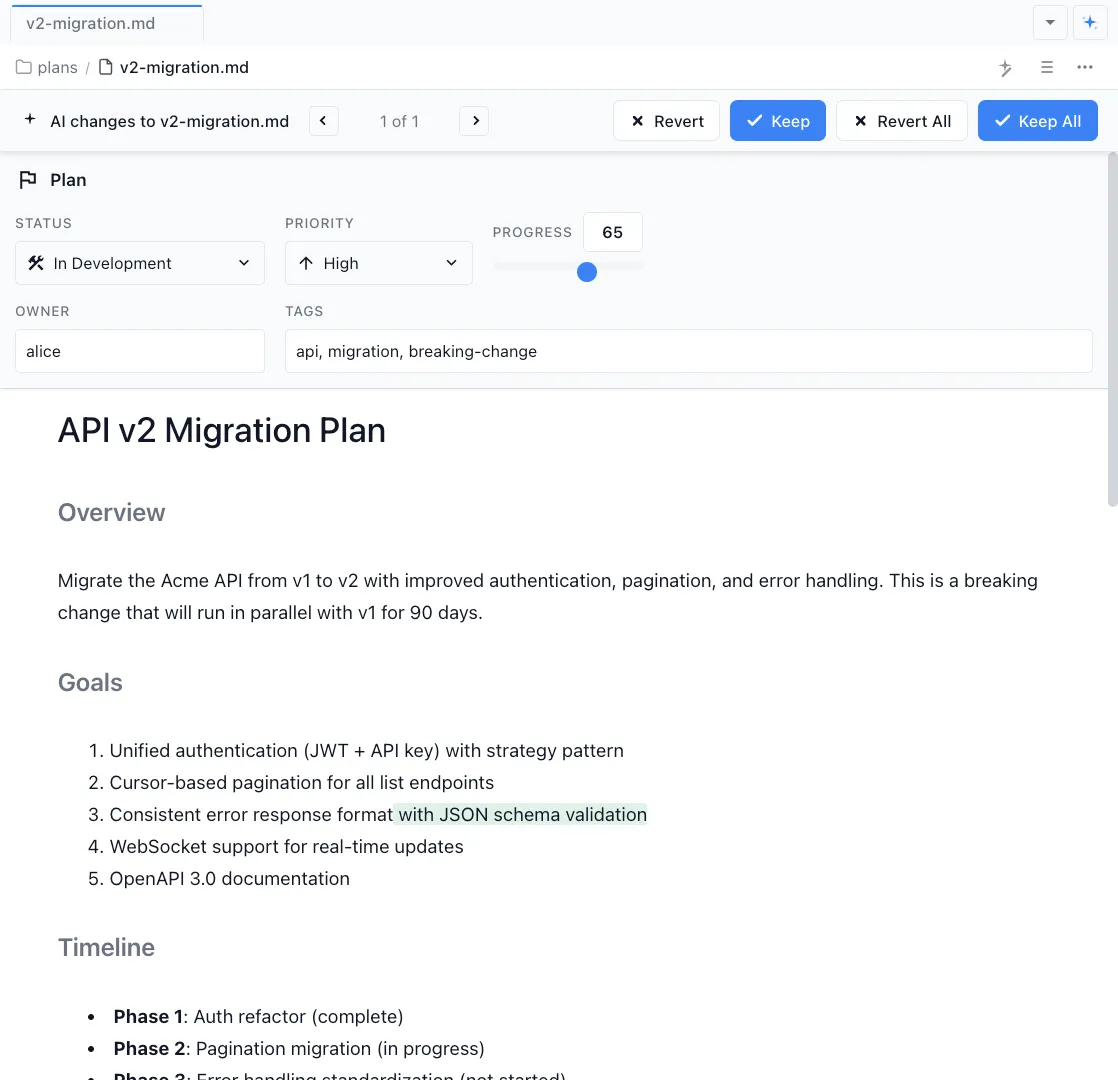
Markdown Editor
Write specs and documentation in the WYSIWYG markdown editor.