Commands & Skills
Slash commands and skills
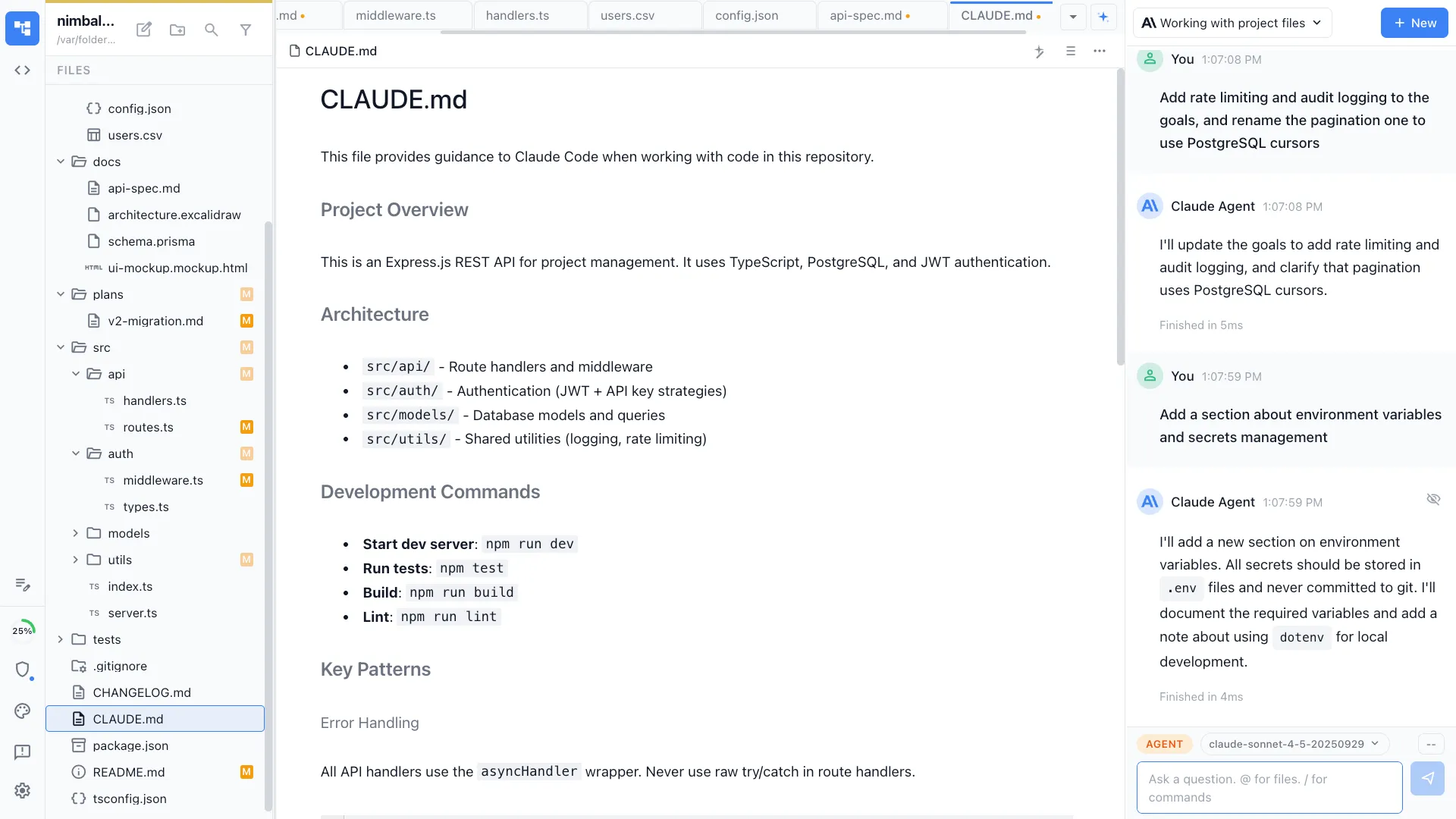
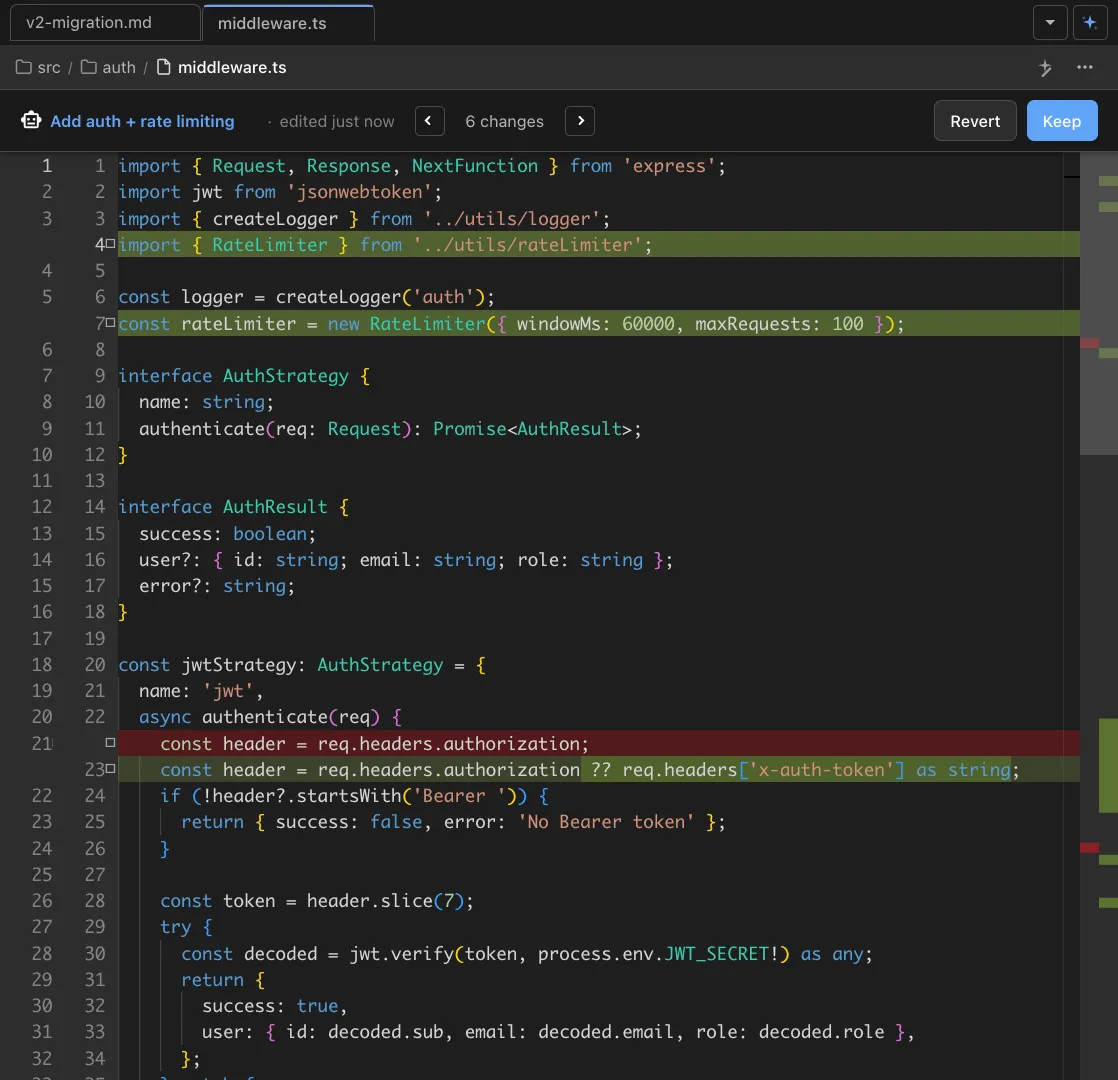
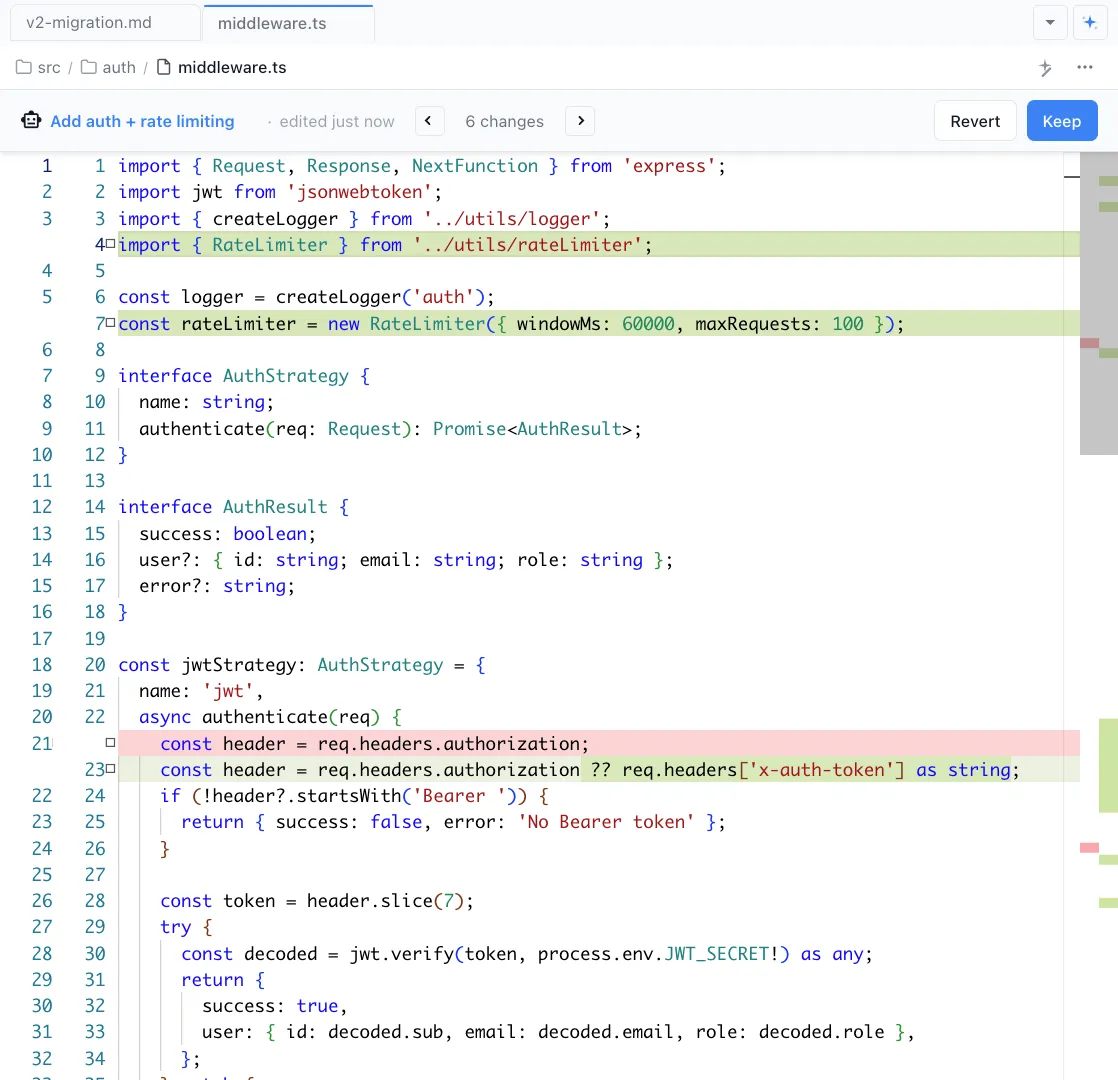
Nimbalyst includes all built-in slash commands and skills from Claude Code and the CLI out of the box, and you can create your own. Every command runs with full Nimbalyst context, including your open files, session history, and visual editors.
Capabilities
Built-in and custom
Built-in commands and skills
All slash commands and skills from Claude Code and the CLI work in Nimbalyst out of the box. /commit, /review, /test, /plan, and more are ready to use from day one.
Create your own
Define custom commands like /deploy, /create-component, or /write-migration. Write a prompt template, save it to your project, and it's available in every session.
Full Nimbalyst context
Commands run with the full Nimbalyst context that the CLI cannot access: open files, session history, visual editors, tracker items, and mockups.
Team sharing
Project-level commands are versioned with git and shared automatically when teammates clone the repo. Personal commands stay in your user config.
Chain with automations
Commands can trigger automations. /deploy can run tests, build, and deploy in sequence, each step powered by an agent session.
Command discovery
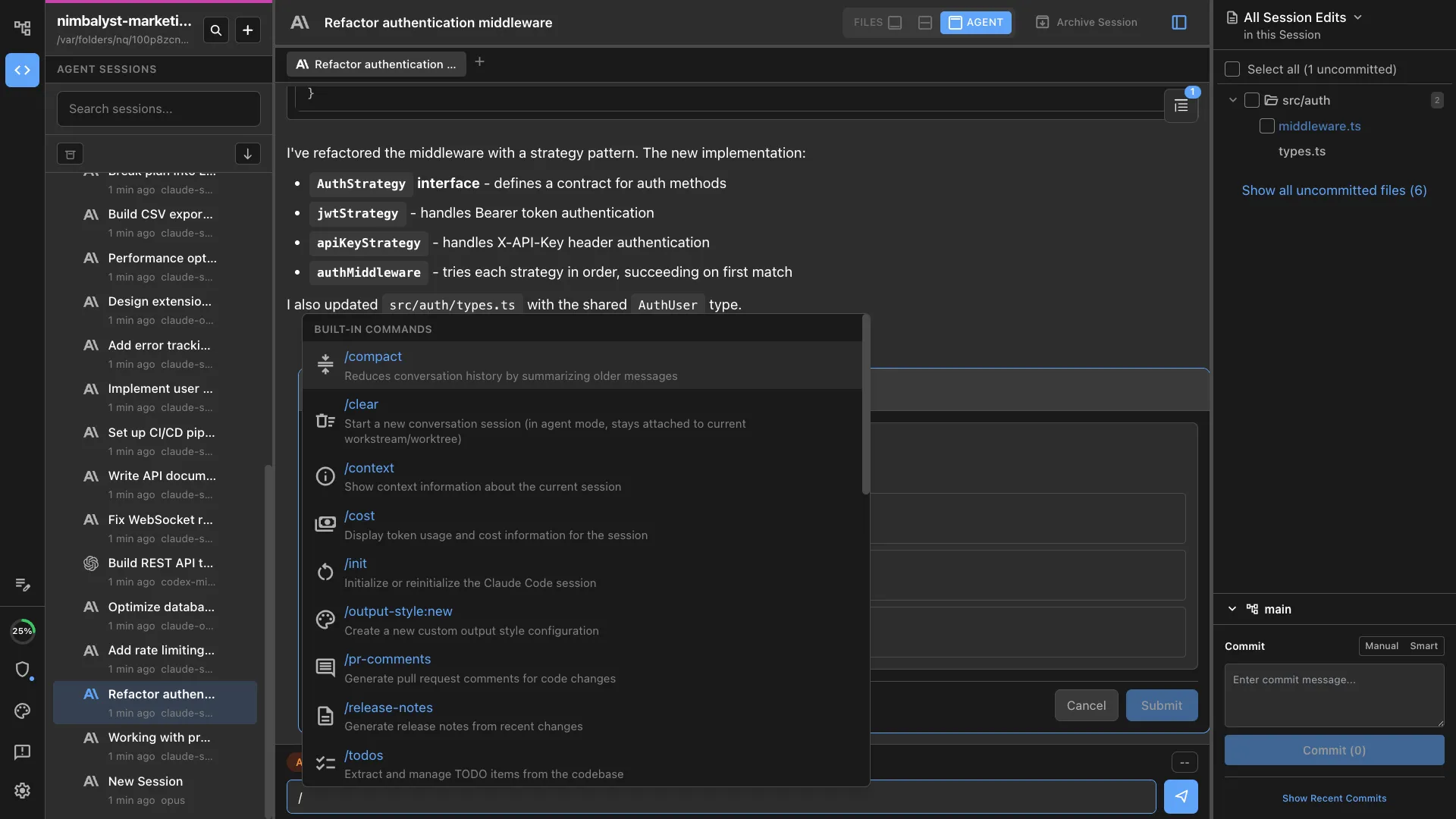
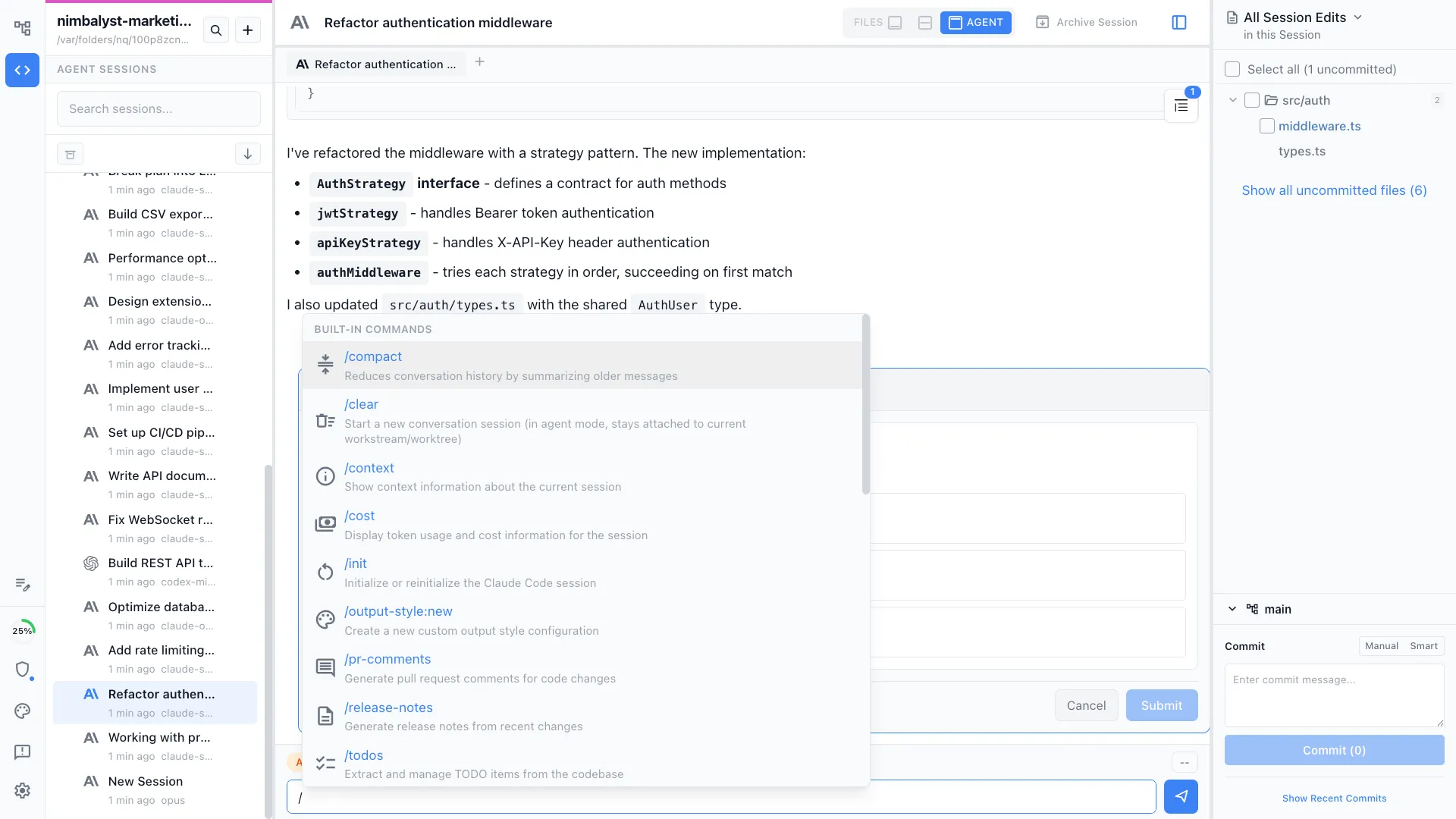
Type / in the chat to see all available commands and skills with descriptions. Autocomplete helps you find and use them quickly.
How It Works
How commands and skills work in Nimbalyst
Use built-in commands
All Claude Code slash commands and skills work out of the box. Type / to browse available commands, or just start using /commit, /review, /test, and others.
Create custom commands
Define a command file with a prompt template and parameters. Save it to your project so it runs with full Nimbalyst context.
Share and iterate
Commit commands to your repo. Teammates get them automatically. Refine prompts as you learn what works best for your workflow.
Comparison
Why commands and skills in Nimbalyst
Same commands you know from the CLI, plus custom ones, all running with the richer context that Nimbalyst provides.
| Alternative | Nimbalyst Advantage |
|---|---|
| Claude Code CLI | Same built-in commands, but running with full Nimbalyst context: open files, visual editors, session history, and tracker items. Plus custom commands you define. |
| IDE code snippets | Agent-level commands, not text expansion. A slash command runs a full agent workflow with project context, not just inserts a code template. |
| Custom scripts | Natural language commands powered by AI agents instead of brittle bash scripts. Commands adapt to context and handle edge cases. |
Explore More