Mockups
AI-powered mockups for builders
Describe a UI and Claude Code or Codex generates a visual mockup. Iterate with conversation or by hand. Review changes with a before/after slider. Then generate real frontend code from the design.

Capabilities
Design without design tools
AI mockup generation
Describe a UI in natural language and Claude Code or Codex generates an HTML/CSS mockup instantly. Dashboards, forms, landing pages, component layouts.
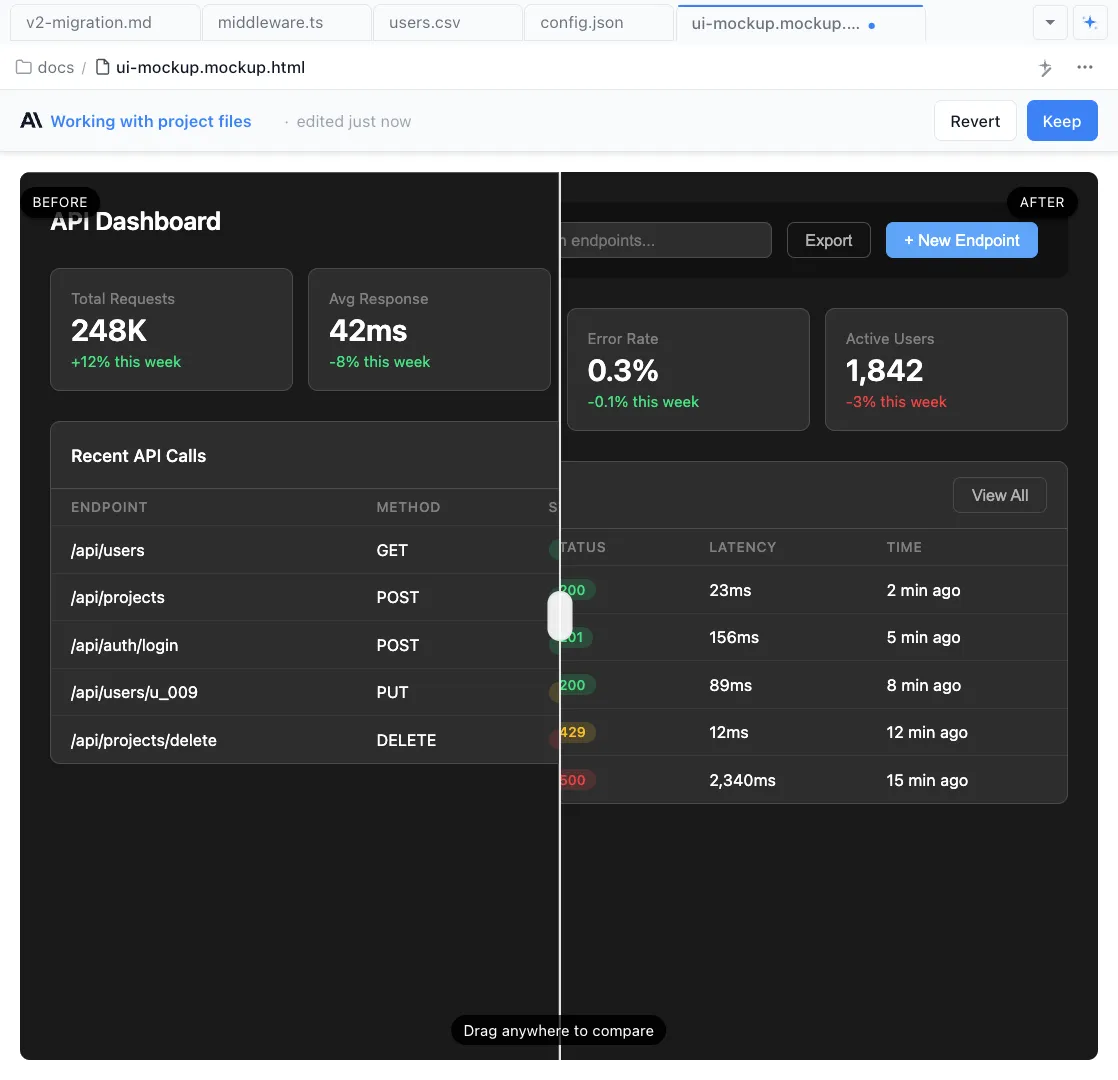
Before/after diff slider
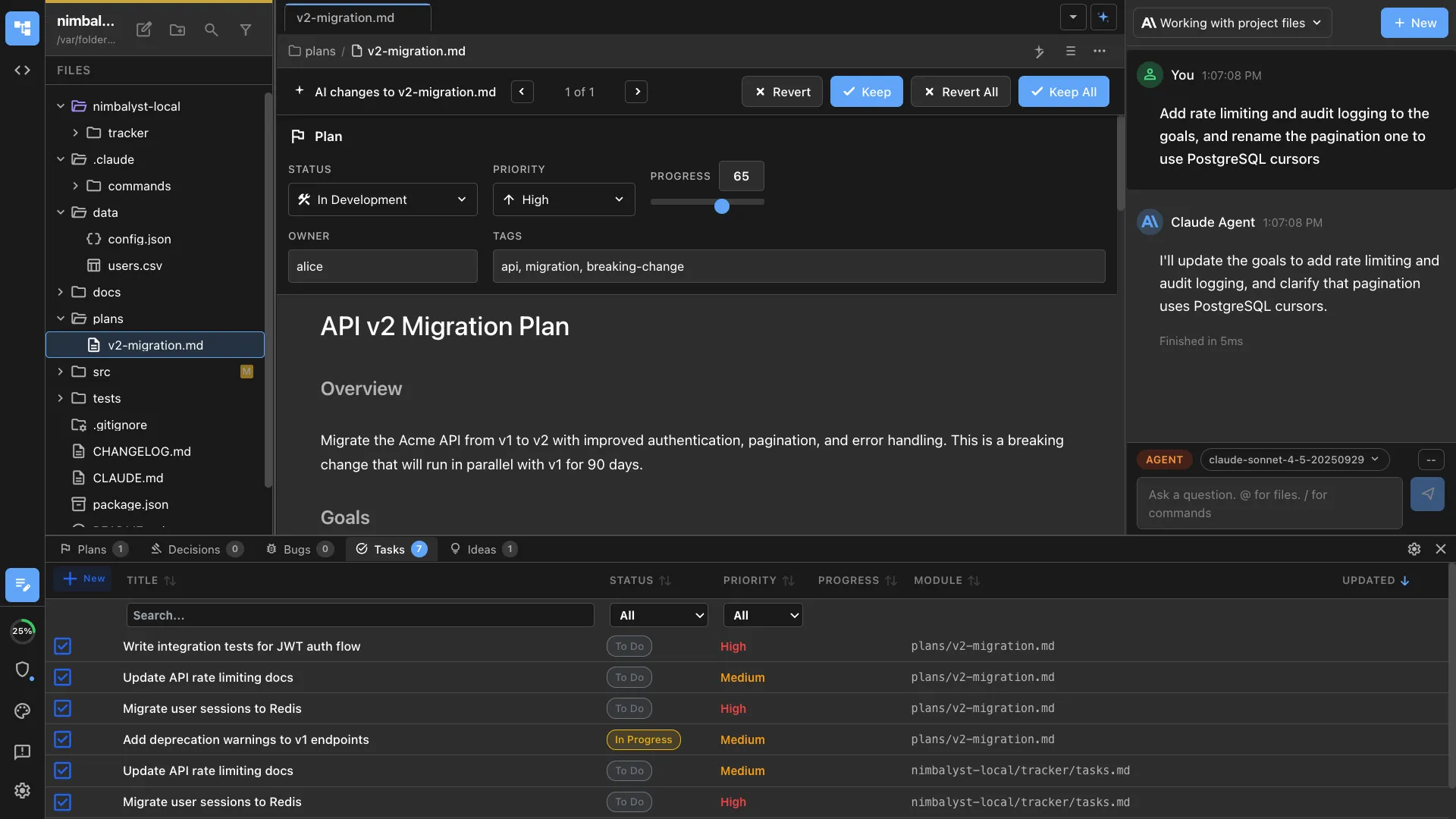
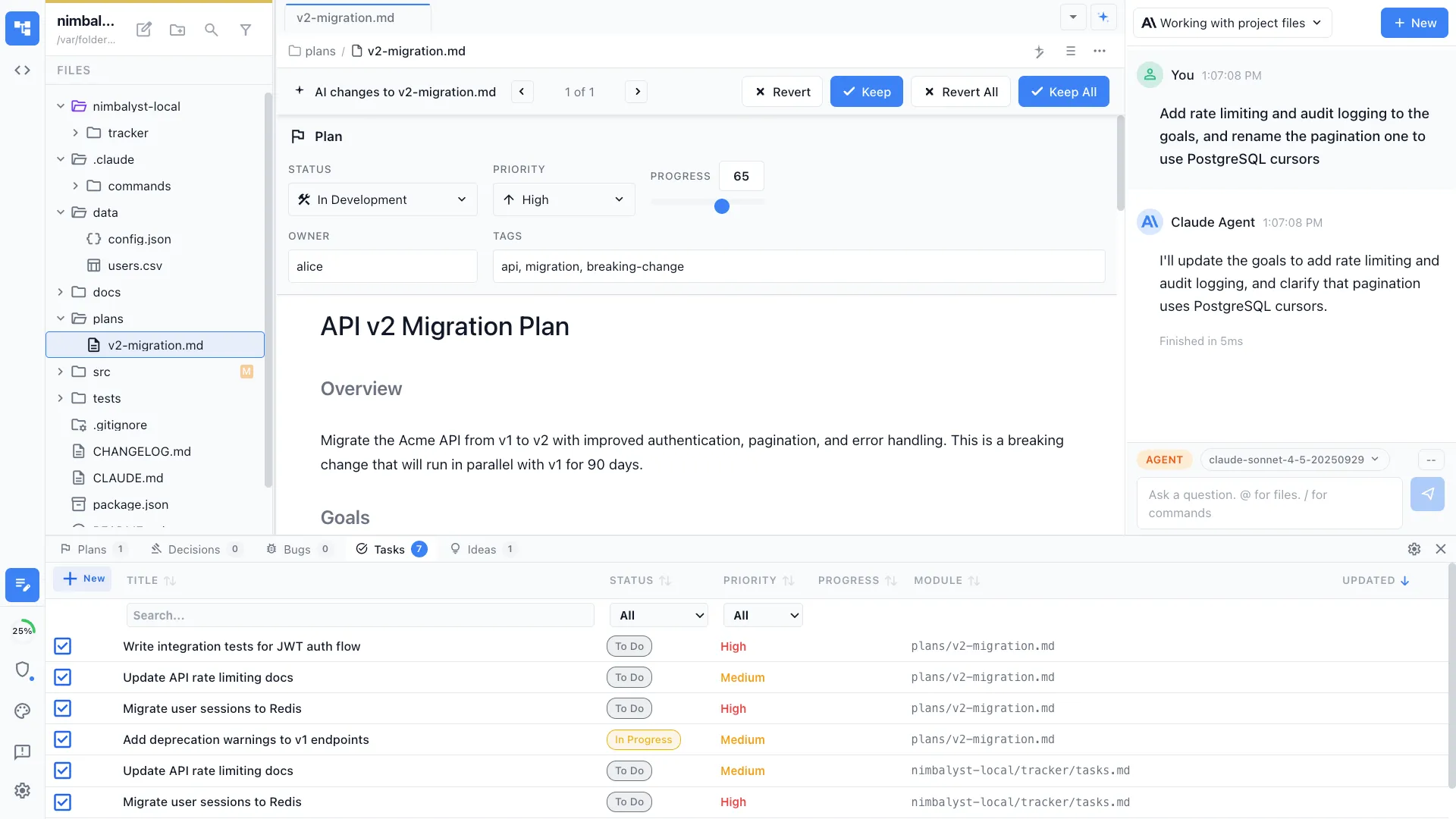
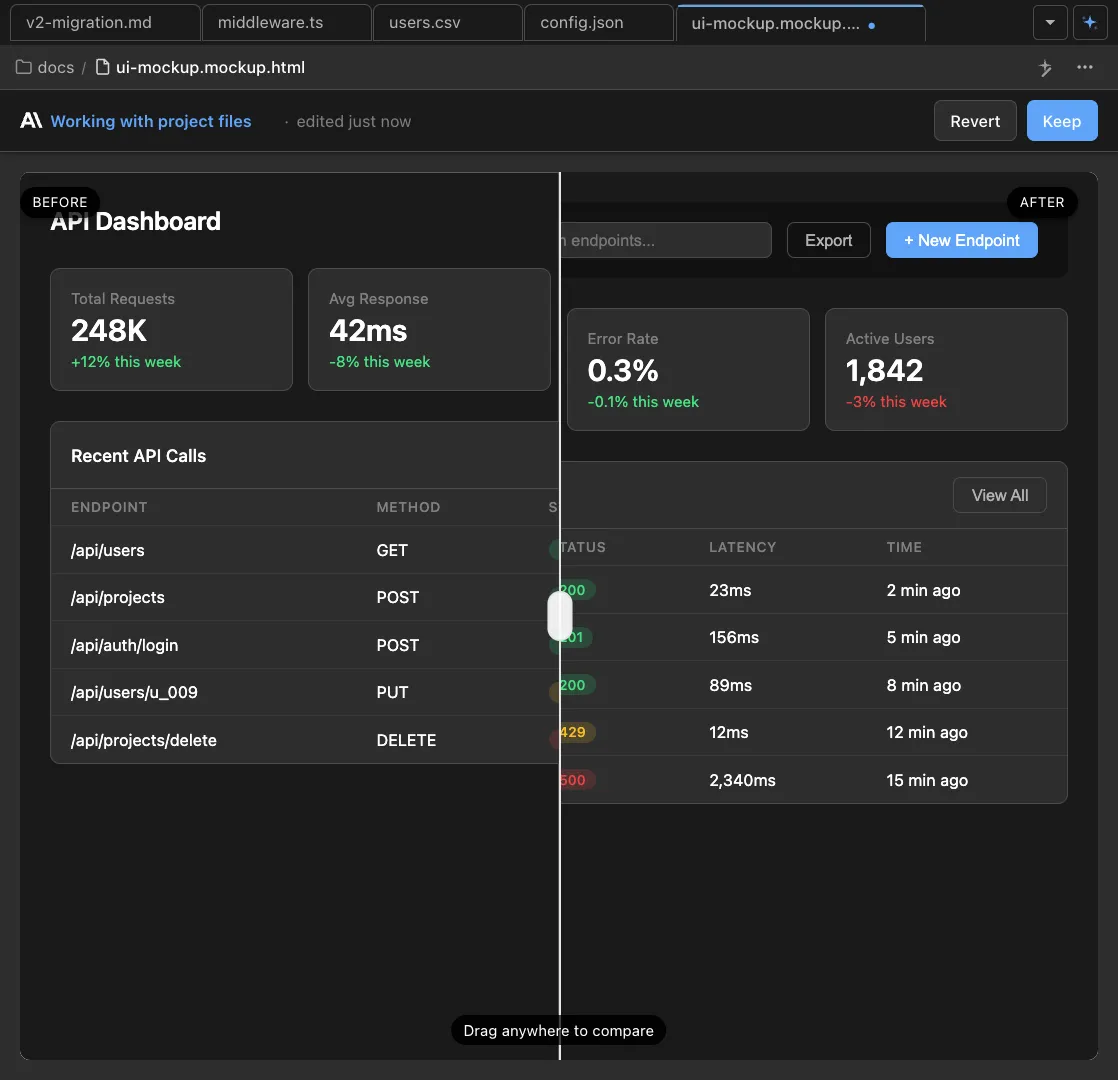
When the agent updates a mockup, a visual slider lets you compare the before and after states. See exactly what changed and approve with confidence.
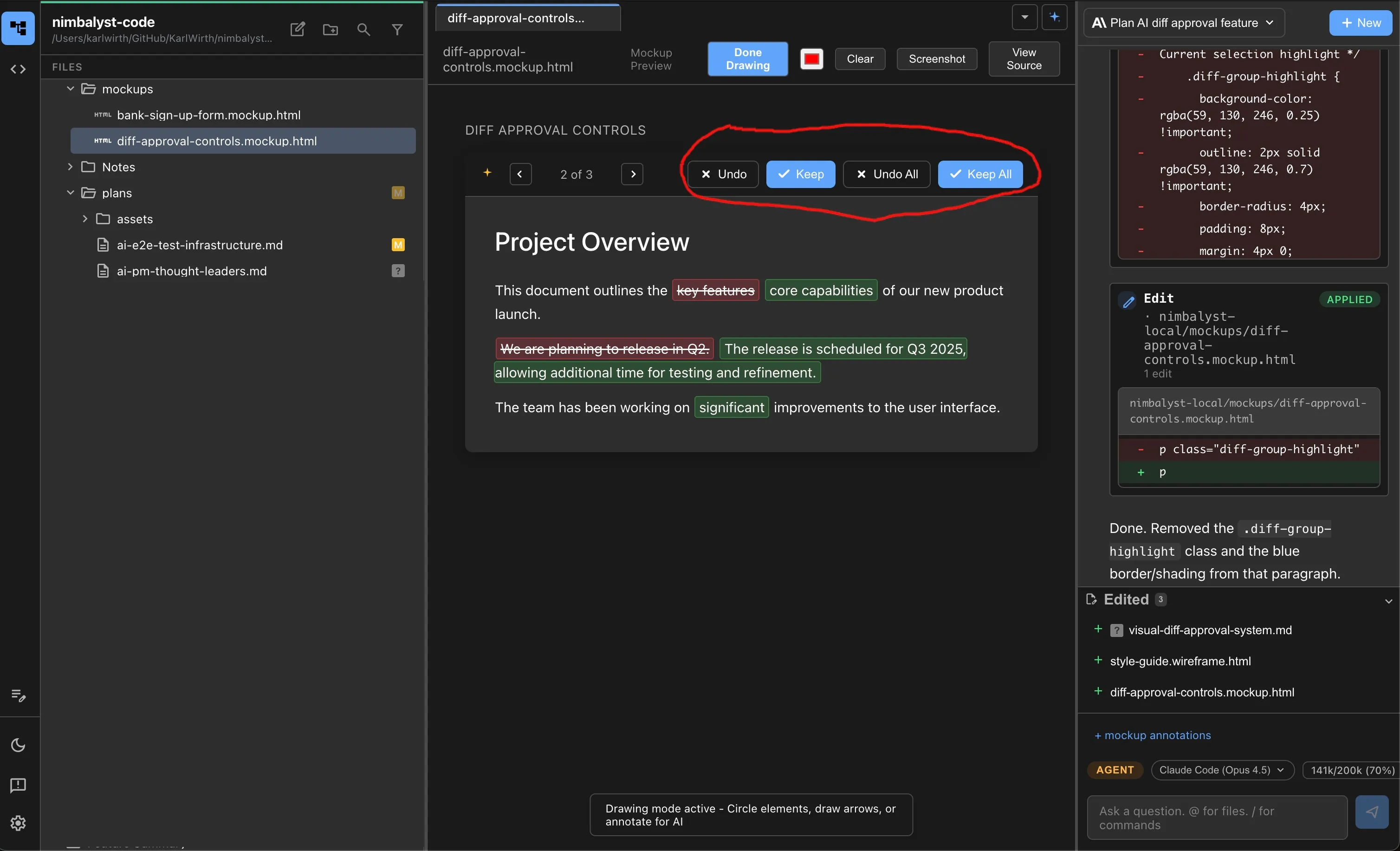
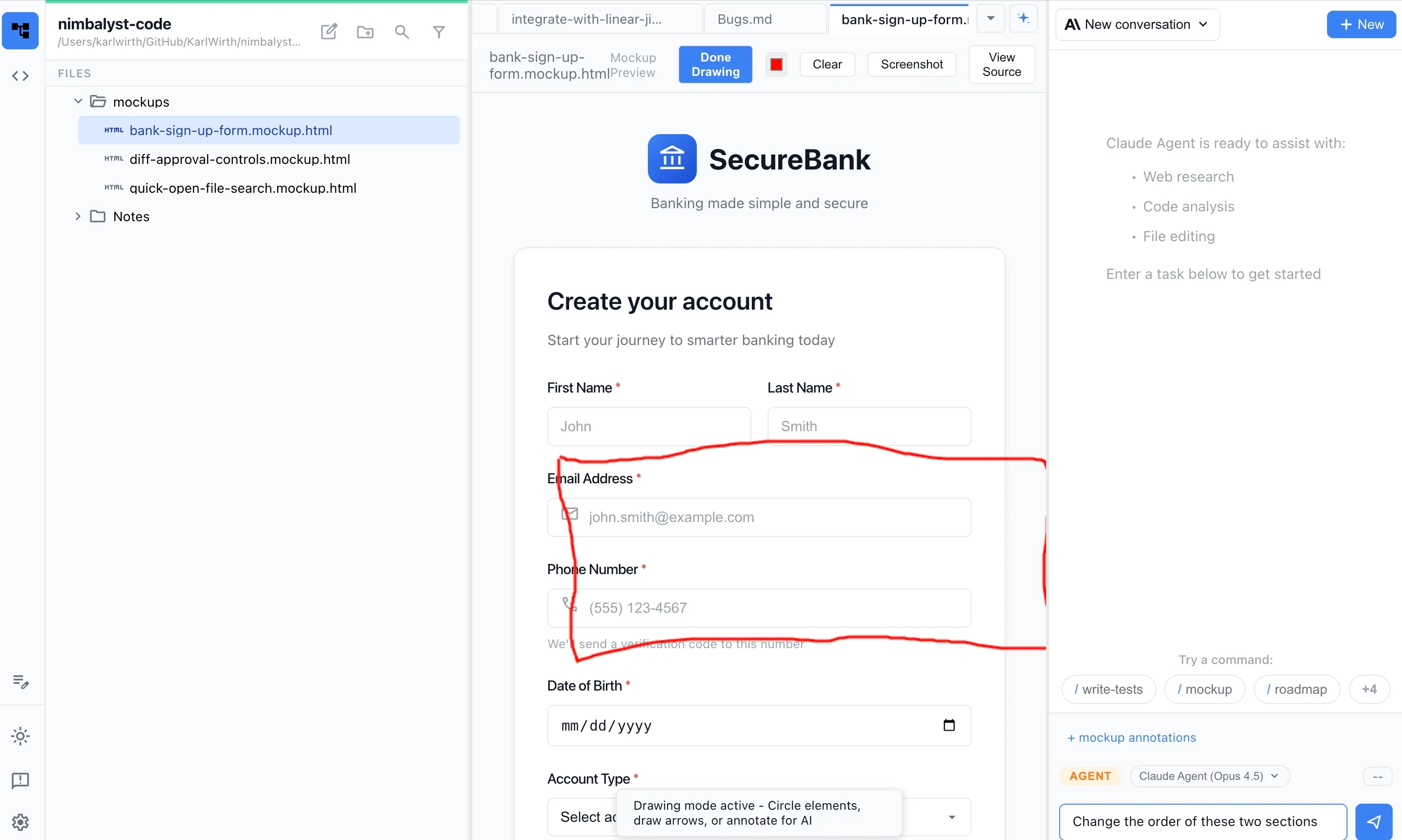
Iterate visually
Ask the agent to change colors, move elements, add a search bar, or restructure the layout. Each iteration shows the diff so you stay in control.


Mockup to code
Once the mockup looks right, ask Claude Code or Codex to generate real React, Vue, or HTML components that match the design.
Responsive previews
Preview mockups at different screen sizes. See how your design looks on desktop, tablet, and mobile before writing a line of code.
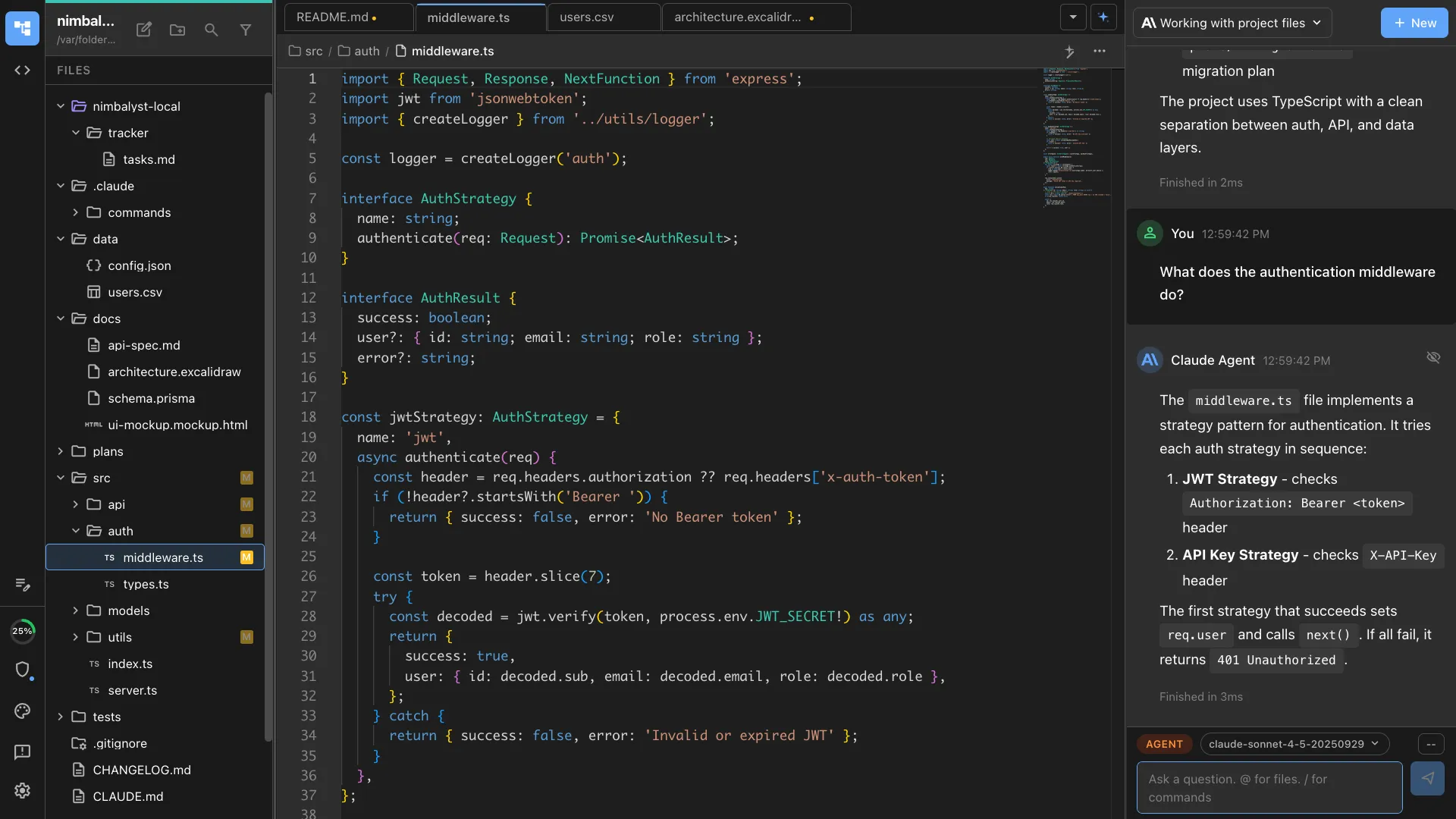
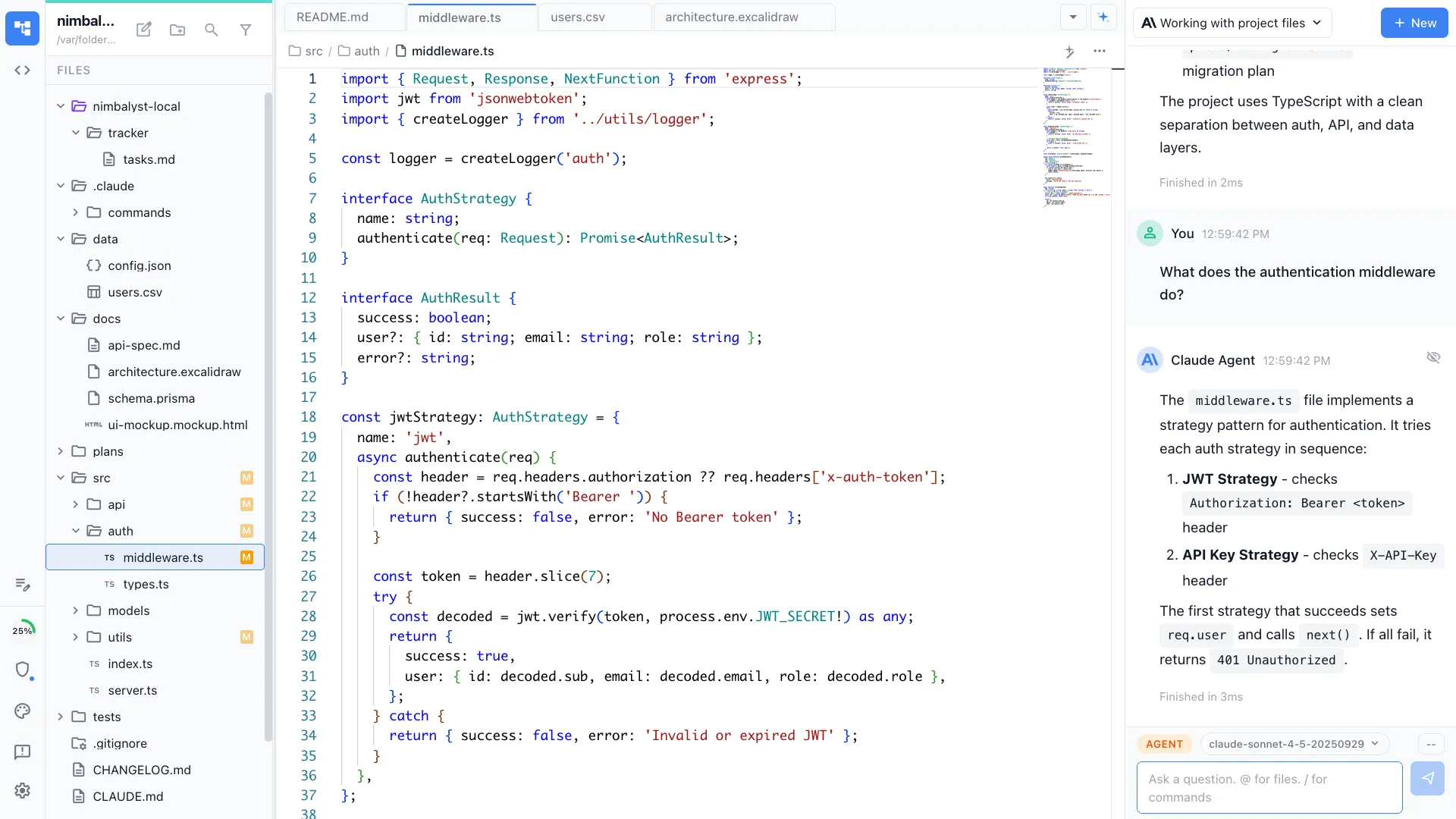
Stored as HTML files
Mockups are saved as .mockup.html files in your repo. Version them with git, share with teammates, and let agents reference them as context.
How It Works
How AI mockups work in Nimbalyst
Build the stylesheet from your code
Nimbalyst reads your existing codebase to extract your design system, colors, typography, and component patterns. Mockups start from your real stylesheet, not a blank canvas.
Describe the UI you need
Tell Claude Code or Codex what to build: 'create a dashboard with a sidebar nav, chart area, and activity feed.' The agent generates a visual mockup using your project's styles.
Iterate until it looks right
Request changes through conversation. 'Darken the header, add a search bar, use a two-column layout.' Each change shows a visual diff slider.
Generate code from the mockup
When the design is approved, ask the agent to generate production-ready frontend components that match the mockup.
Comparison
Why developers choose Nimbalyst for mockups
Nimbalyst puts mockup creation in the hands of developers, powered by the same agents that write the code.
| Alternative | Nimbalyst Advantage |
|---|---|
| Figma | No design tool expertise needed. Describe what you want in words, the agent builds it, and you can generate code directly. Built for developers, not designers. |
| v0 / AI design generators | Mockups live in your project repo as files your agents can reference. The same agent that builds the mockup can write the implementation code. |
| Pen and paper / whiteboard | Digital mockups that agents understand. Iterate faster, generate code directly, and keep everything versioned in your project. |