Diagrams
AI-powered diagrams and drawing
Describe what you want in plain language and Claude Code or Codex generates Mermaid and Excalidraw diagrams instantly. Edit visually on canvas or iterate conversationally.


Capabilities
Diagram any way you think
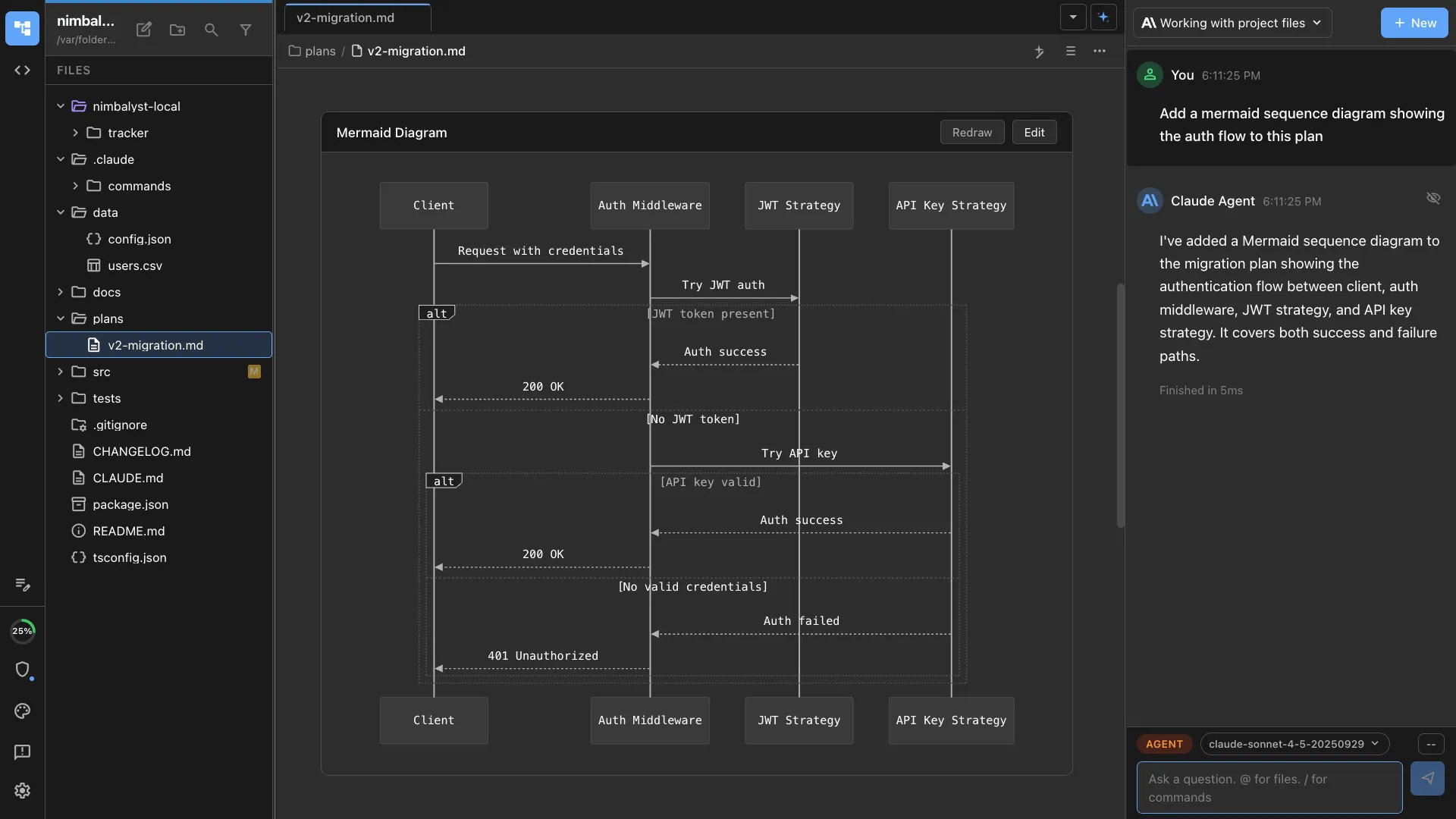
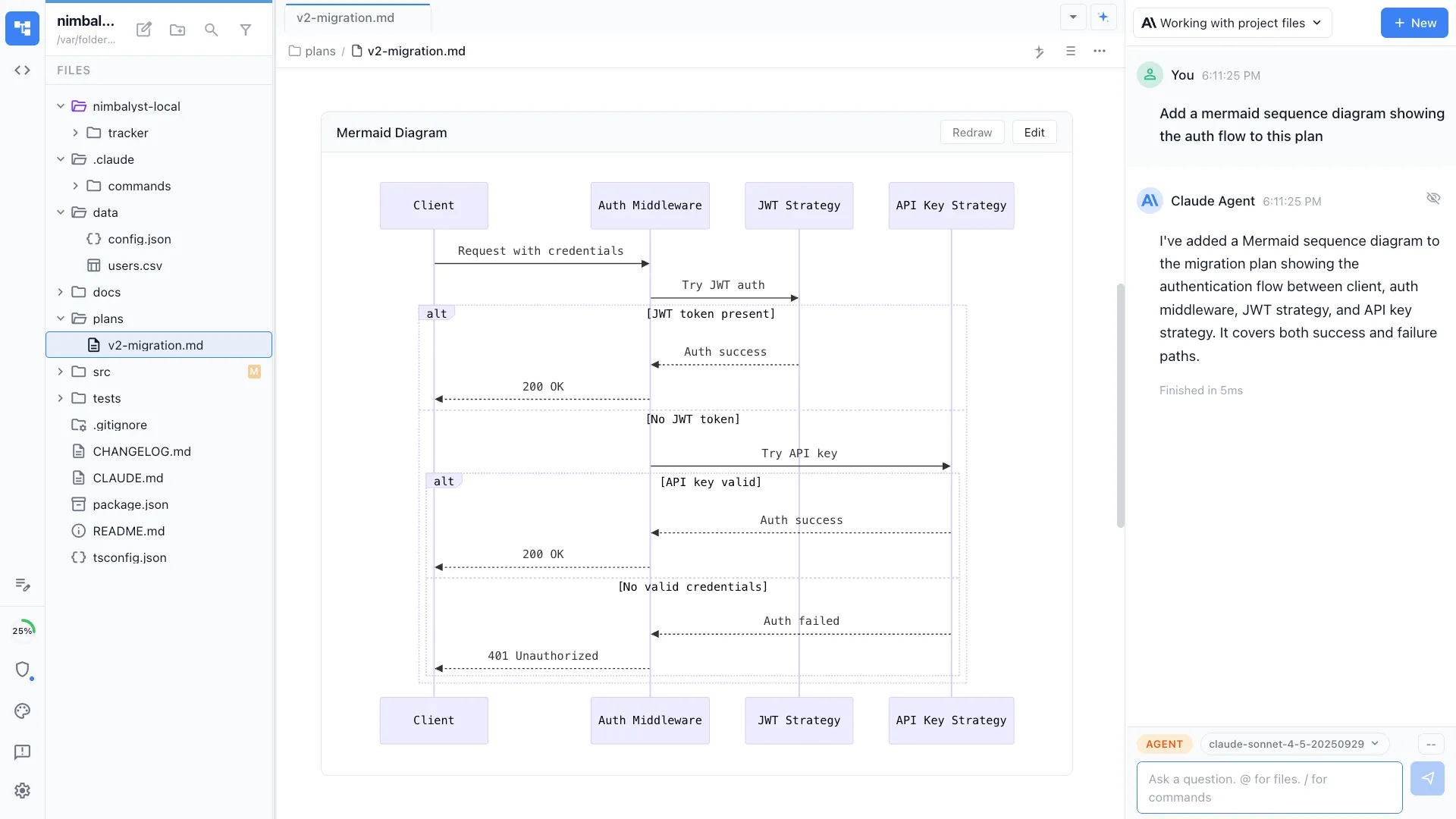
Mermaid diagram generation
Describe a flowchart, sequence diagram, class diagram, or state machine in natural language. Your agent writes the Mermaid code and it renders inline in your document.
Excalidraw canvas editing
Sketch architecture diagrams, user flows, and system maps on an infinite canvas. Hand-draw or let the AI place, connect, and style elements for you.
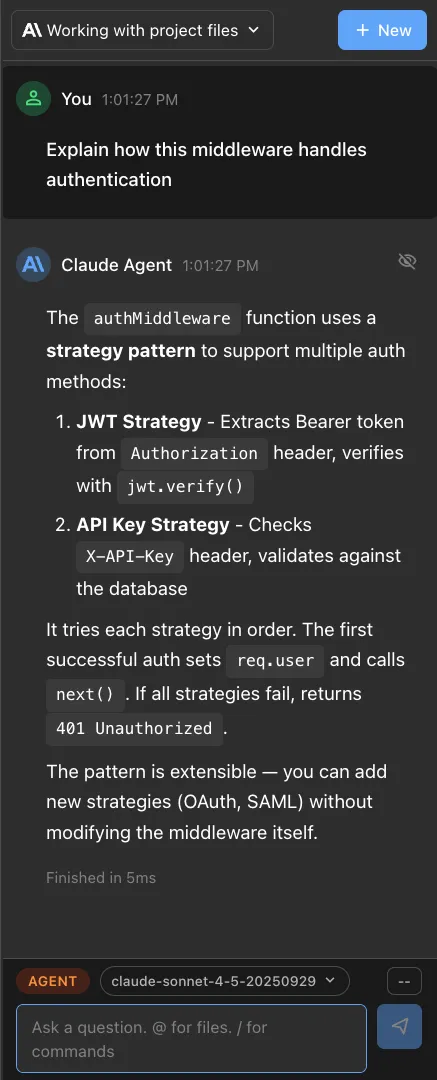
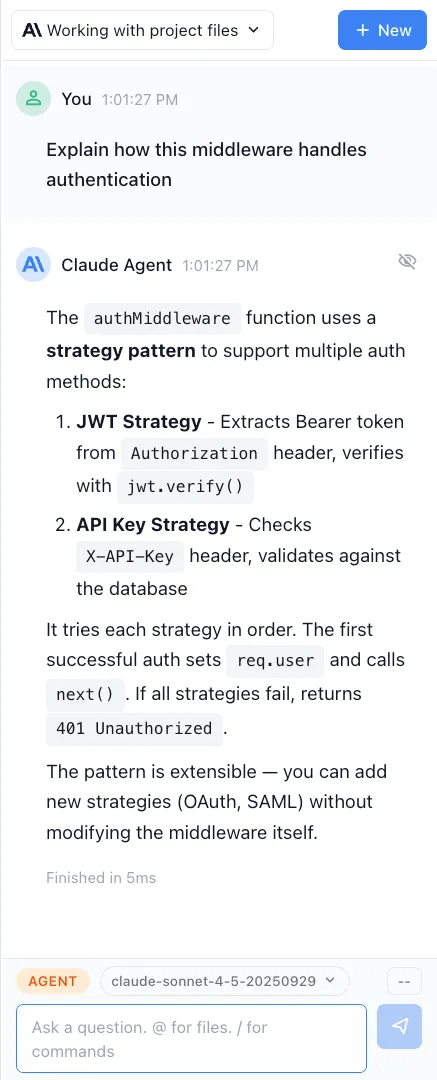
Conversational iteration
Refine diagrams through conversation. Say 'add a cache layer between the API and database' and the agent updates the diagram in place.
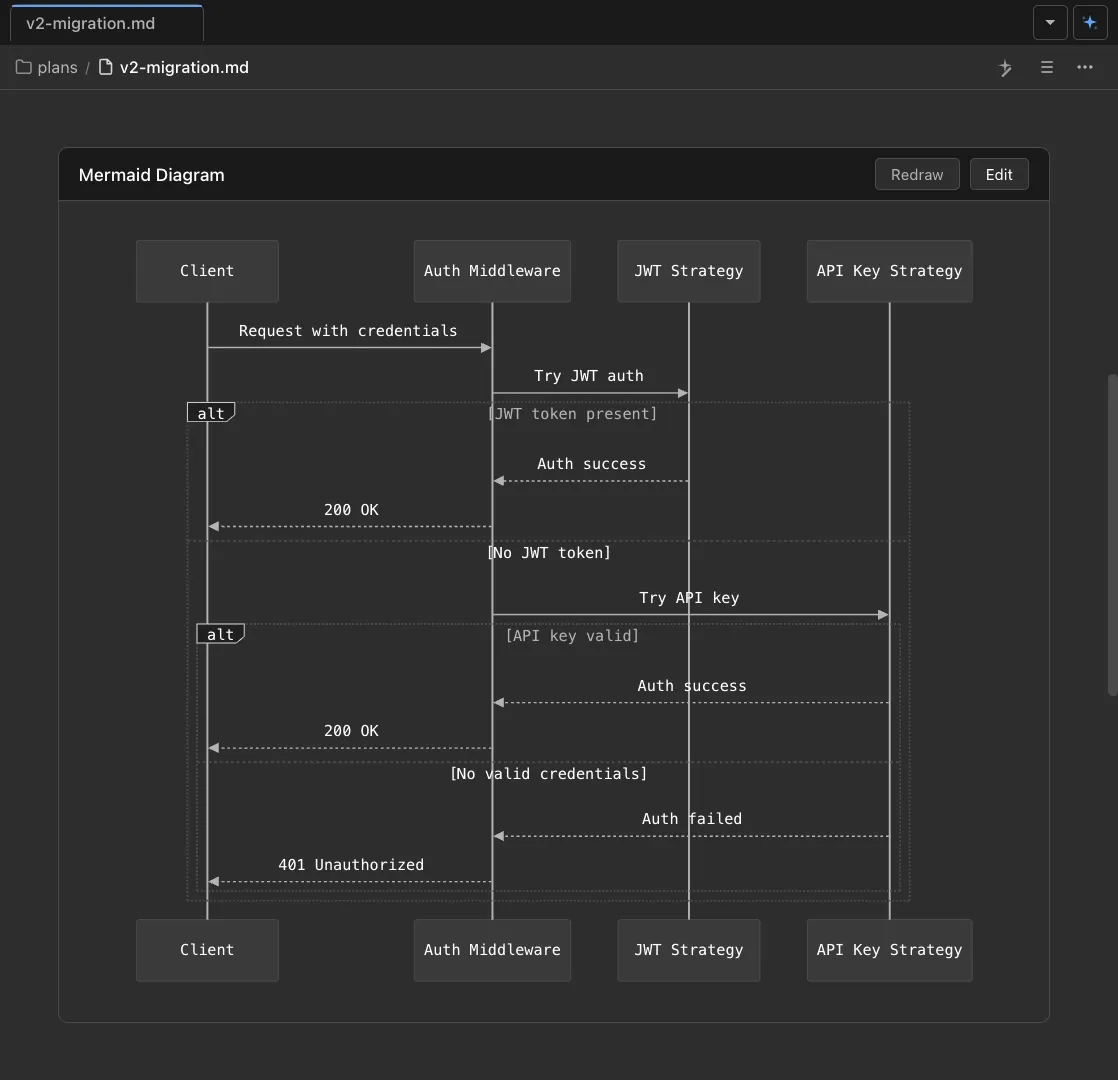
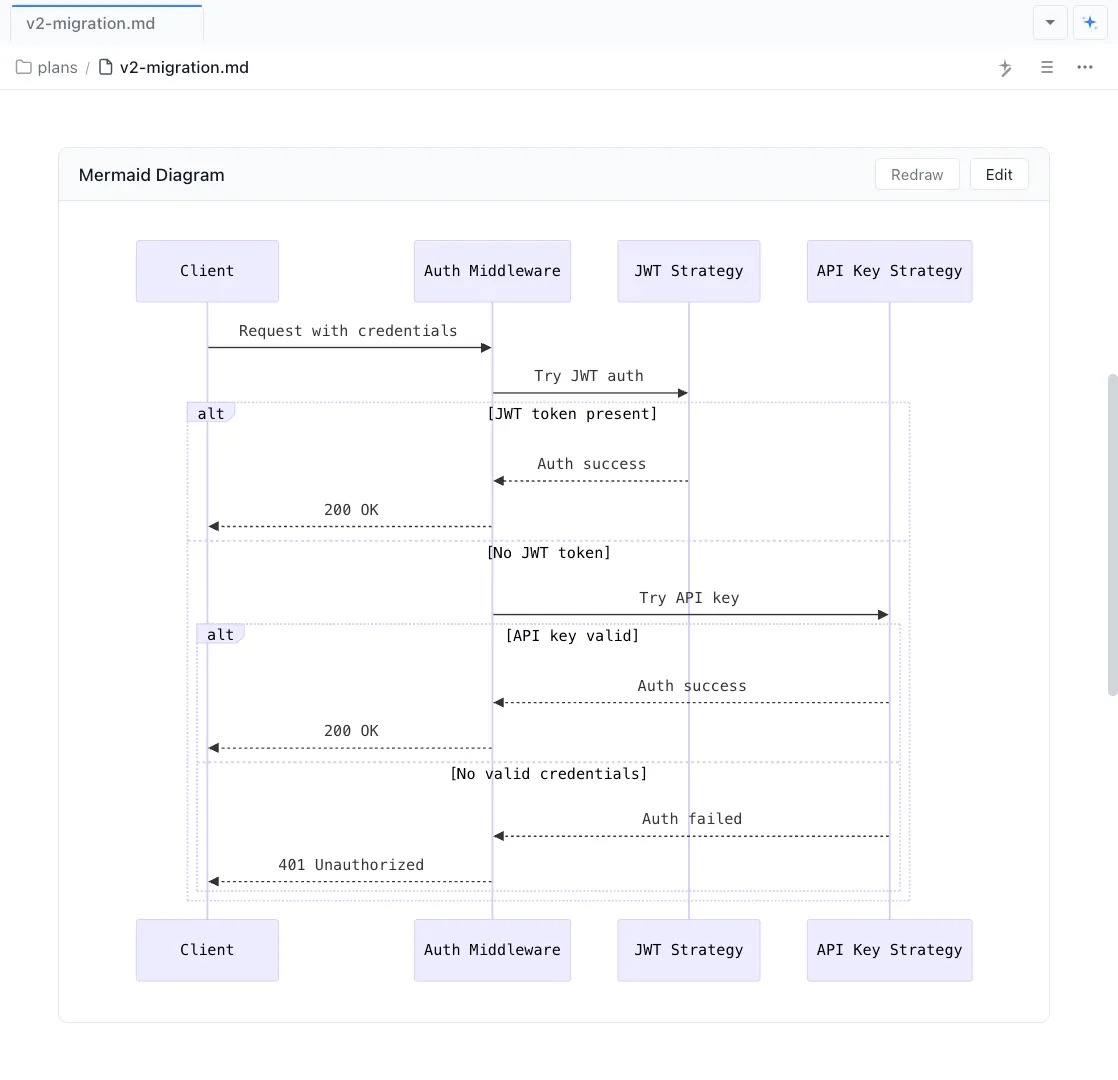
Inline in markdown
Mermaid diagrams render live inside your markdown files. Documentation and diagrams coexist in a single document that agents can read and update.


Architecture from code
Ask Claude Code or Codex to analyze your codebase and generate an architecture diagram that reflects the real structure of your system.
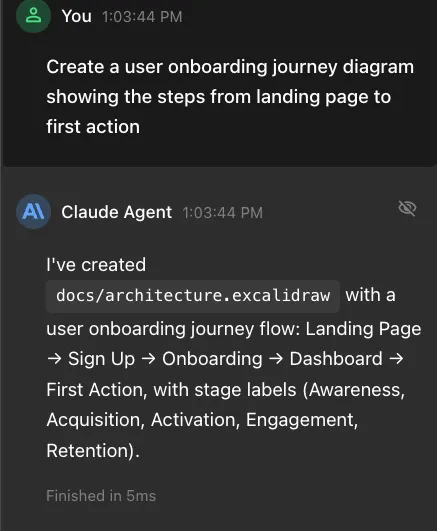
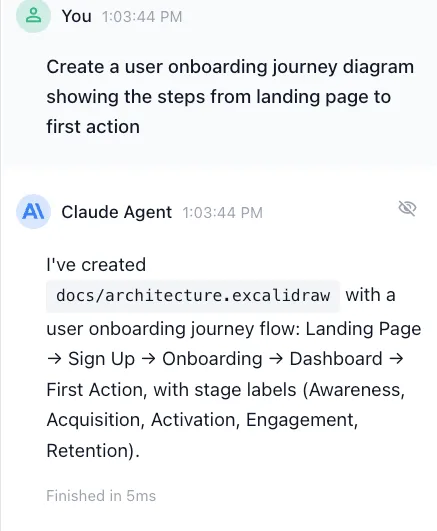
Diagram to scaffold
Turn an architecture diagram into a project scaffold. Your agent generates folders, files, and stubs based on the components and connections in your drawing.
How It Works
How AI diagramming works in Nimbalyst
Describe or draw
Type a description like 'create a sequence diagram for our auth flow' in the chat, or open an Excalidraw file and start sketching by hand.
Agent generates the diagram
Claude Code or Codex produces the Mermaid code or Excalidraw elements. The diagram renders immediately, showing boxes, arrows, labels, and connections.
Iterate and use as context
Refine the diagram through follow-up prompts or manual edits. Use the diagram as context for implementation sessions so your code matches the design.
Comparison
Why builders choose Nimbalyst for diagrams
Dedicated diagramming tools are disconnected from your codebase and your agent. Nimbalyst keeps diagrams next to the code they describe.
| Alternative | Nimbalyst Advantage |
|---|---|
| Lucidchart / Draw.io | Diagrams live alongside your code as files in your repo, generated and updated by the same agents that write your code. No separate tool or manual exports. |
| Mermaid CLI | Live rendering inline in your documents with an AI agent that generates and refines the Mermaid code conversationally. No command-line rendering steps. |
| Excalidraw standalone | Excalidraw inside your workspace with AI assistance. Agents create and modify diagrams programmatically, and the canvas is connected to your project files. |
Explore More
Related features and guides
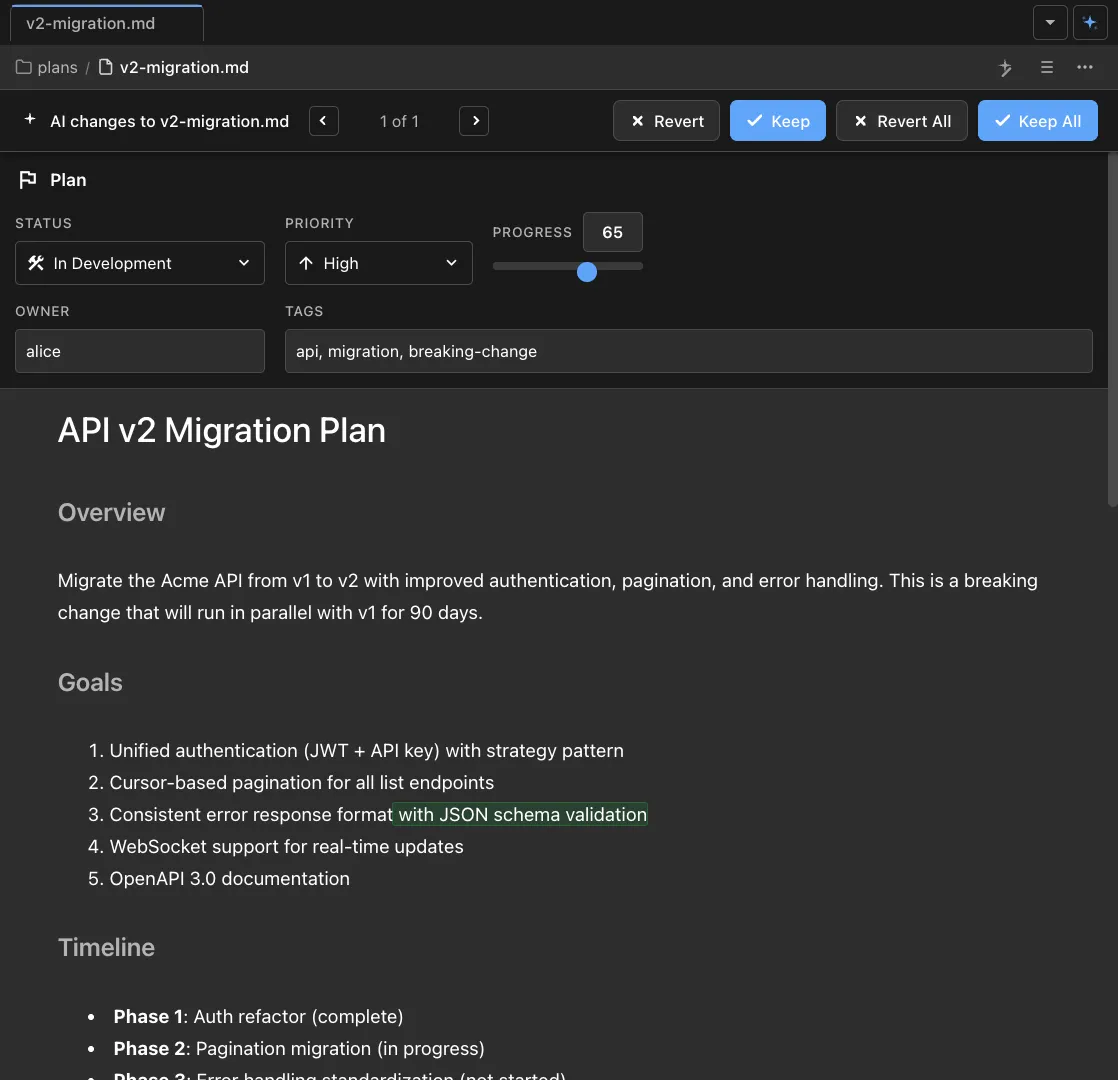
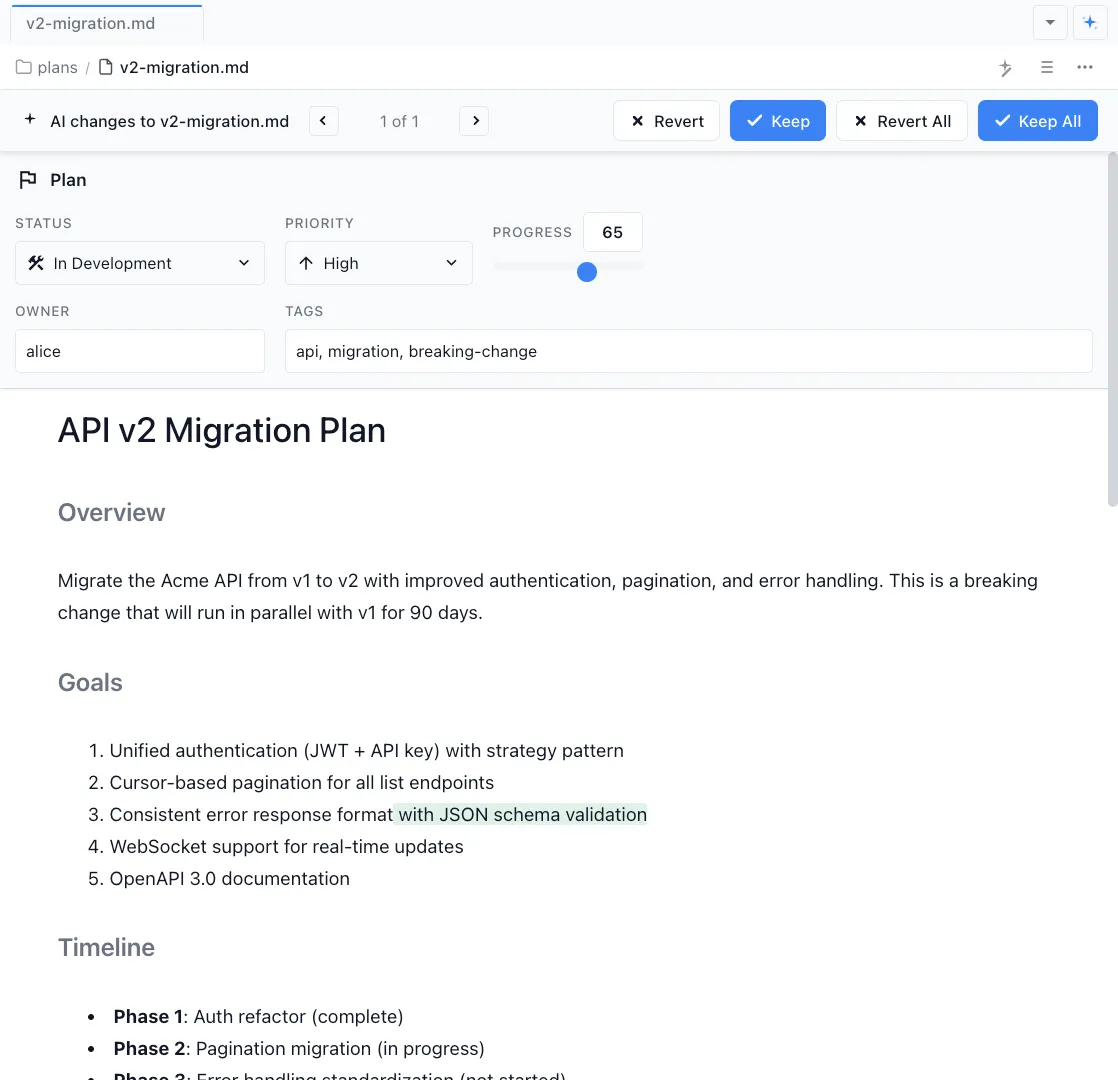
Markdown Editor
Embed and render diagrams inline within your markdown documents.
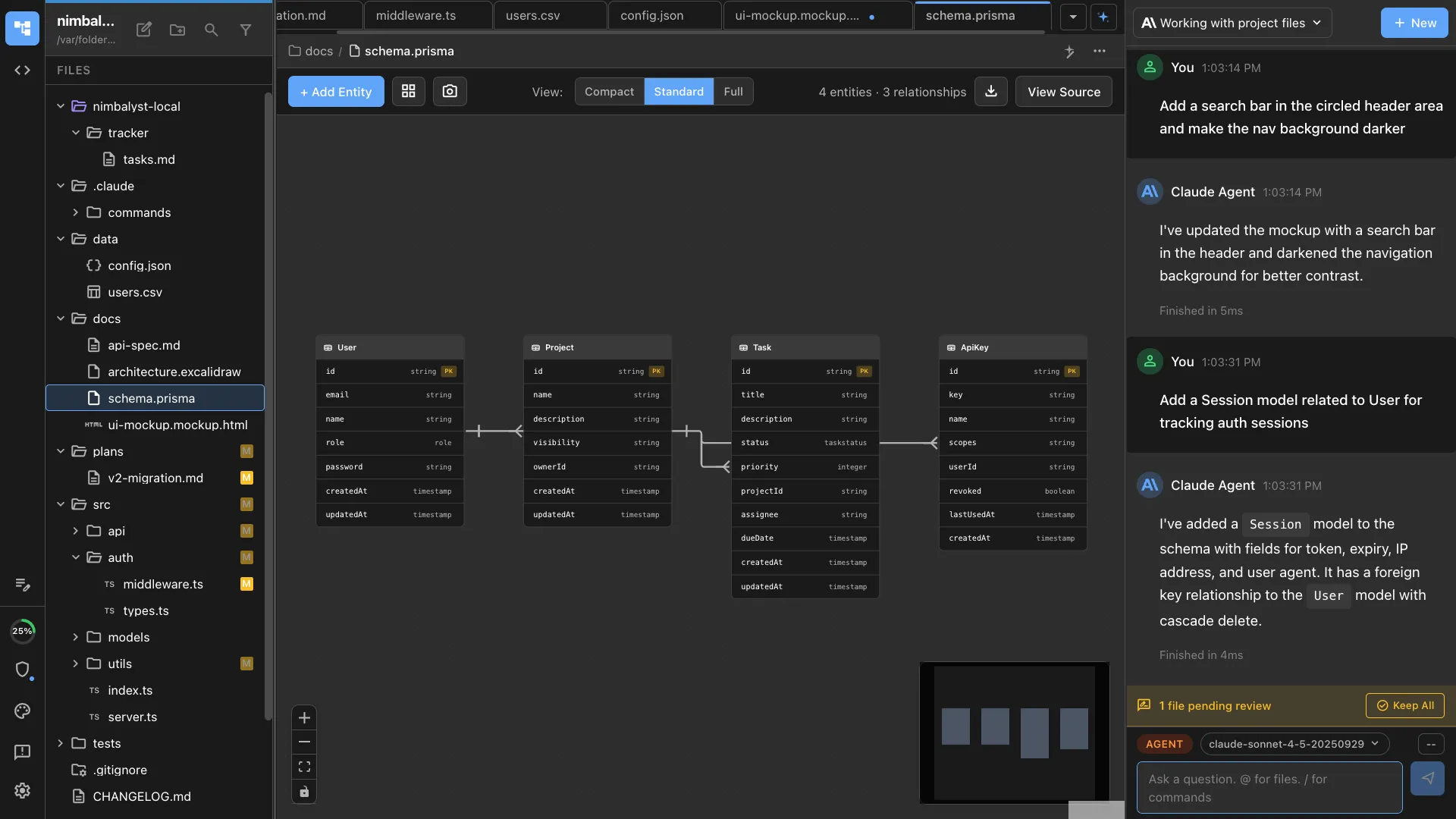
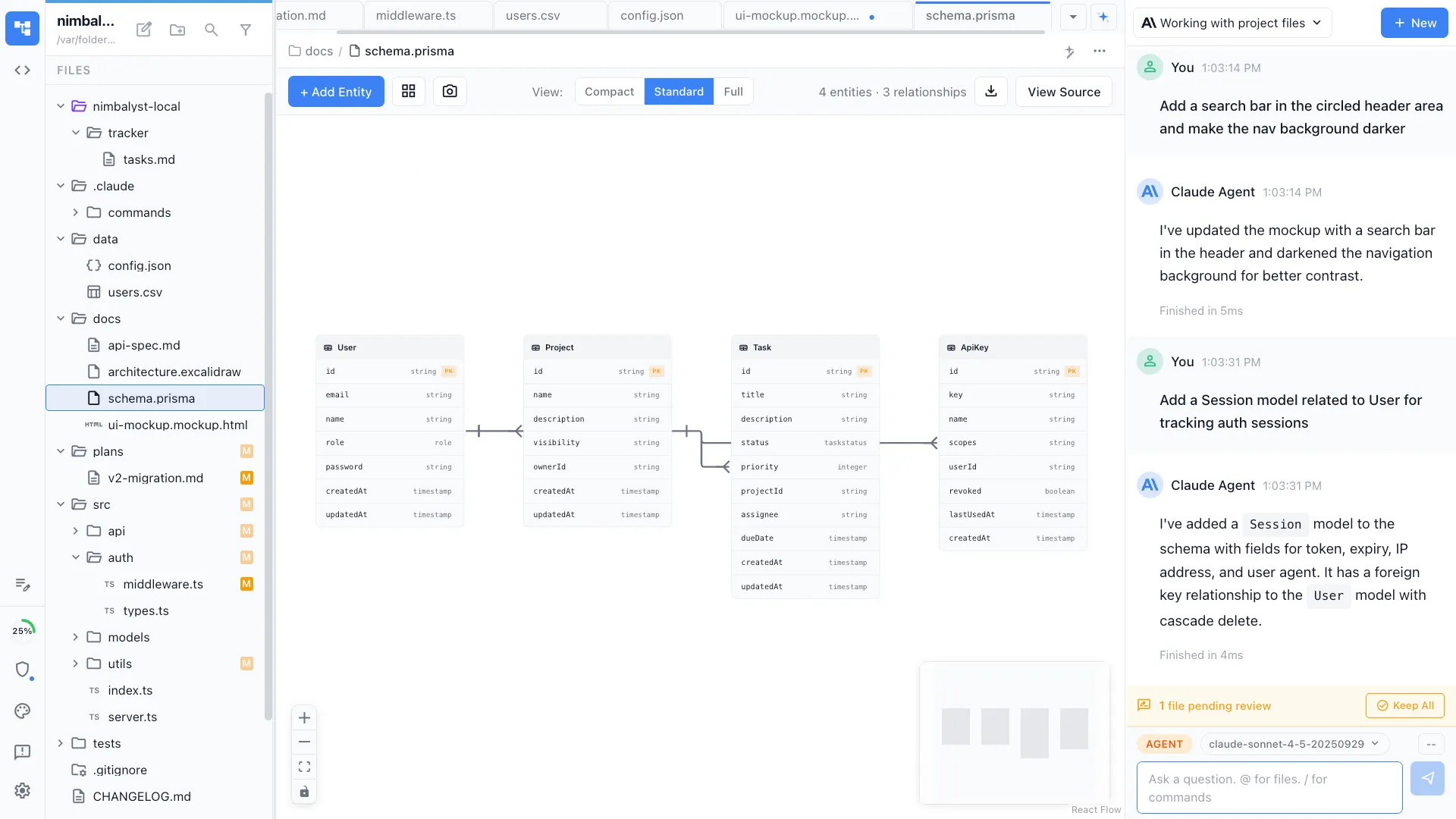
Data Modeling
Visualize database schemas as entity-relationship diagrams.
Use Cases for Developers
See how developers use diagrams for architecture planning and system design.
Mockups
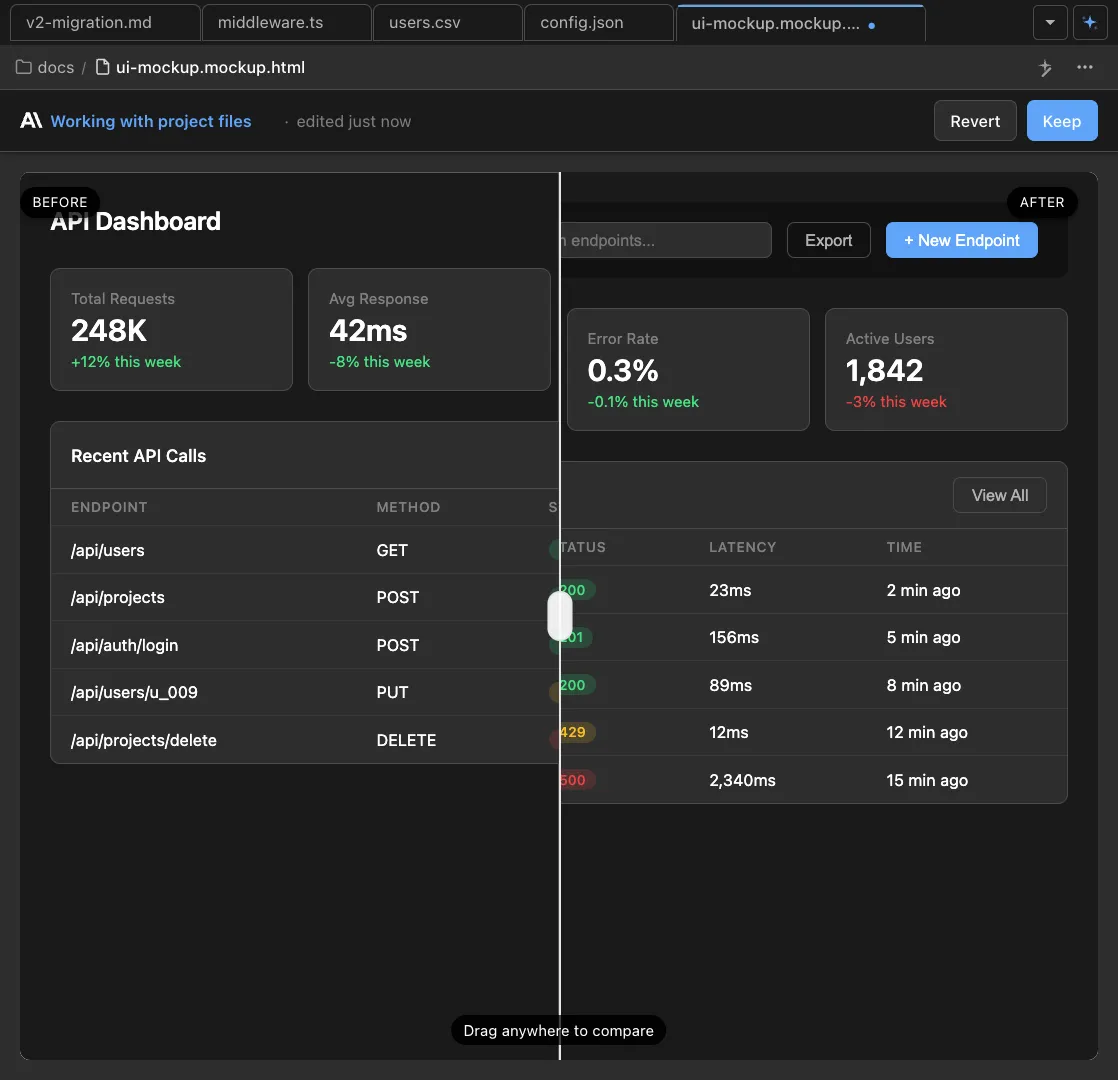
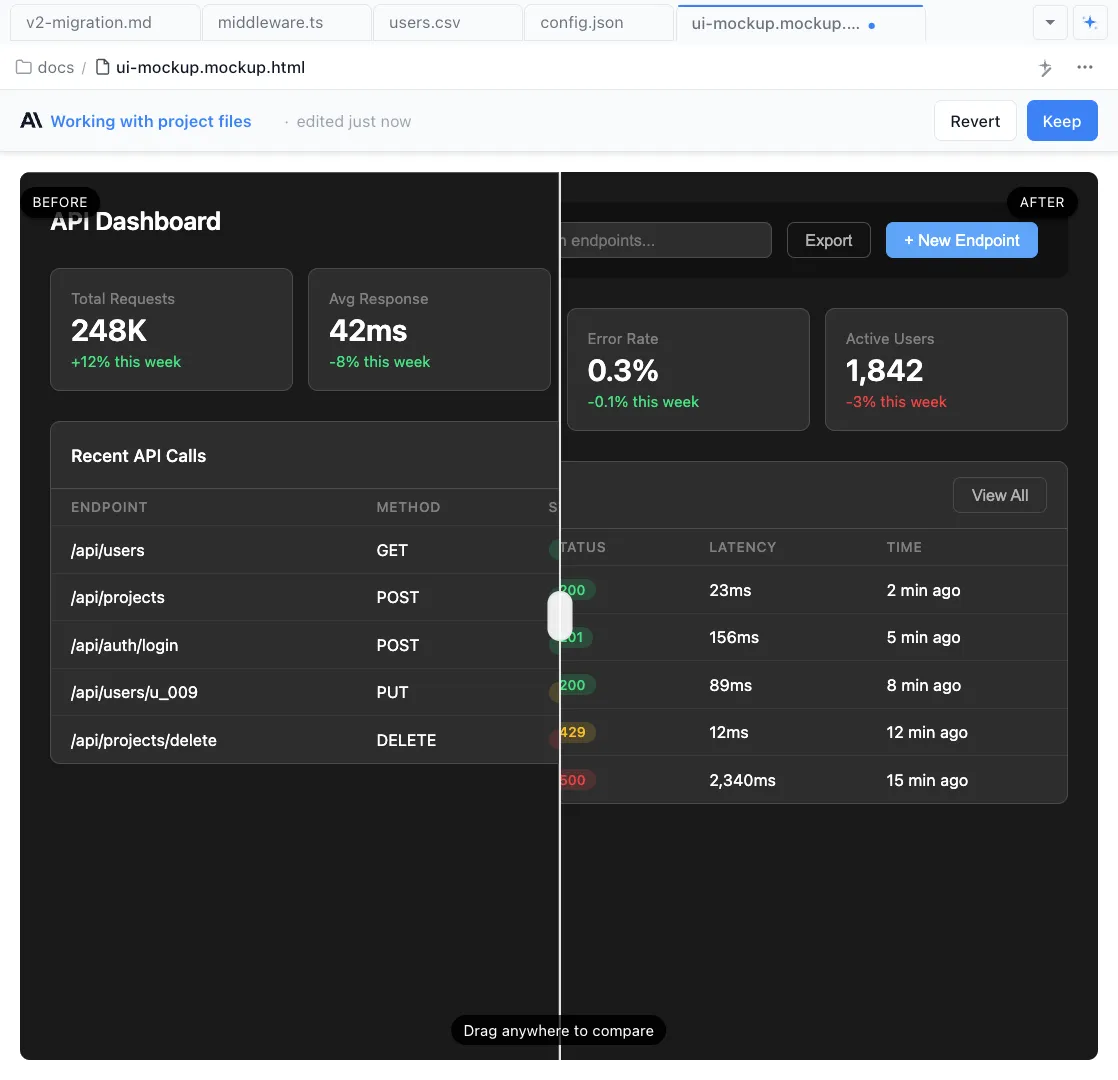
Create wireframes alongside your architecture diagrams.