Feedback Analysis
AI-powered feedback analysis
Paste raw feedback from any source and your AI agent categorizes it by theme, identifies patterns, and drafts follow-up actions -- turning noise into signal.


The Problem
Feedback is everywhere and hard to act on
Customer feedback arrives in support tickets, reviews, interviews, and surveys. Synthesizing it into actionable insights takes hours of manual work.
- Feedback is scattered across support tools, email, Slack, and review sites
- Reading and categorizing hundreds of data points is time-consuming
- Patterns are invisible until someone manually reads everything
- Insights sit in a doc and never connect to product plans
How It Works
From raw feedback to action items
Collect and organize
Paste raw feedback from any source -- support tickets, reviews, interview notes. Your agent categorizes it by theme, sentiment, and affected feature.


Identify patterns
Your agent surfaces recurring pain points, ranks them by frequency and severity, and produces a structured analysis document.
Turn into actions
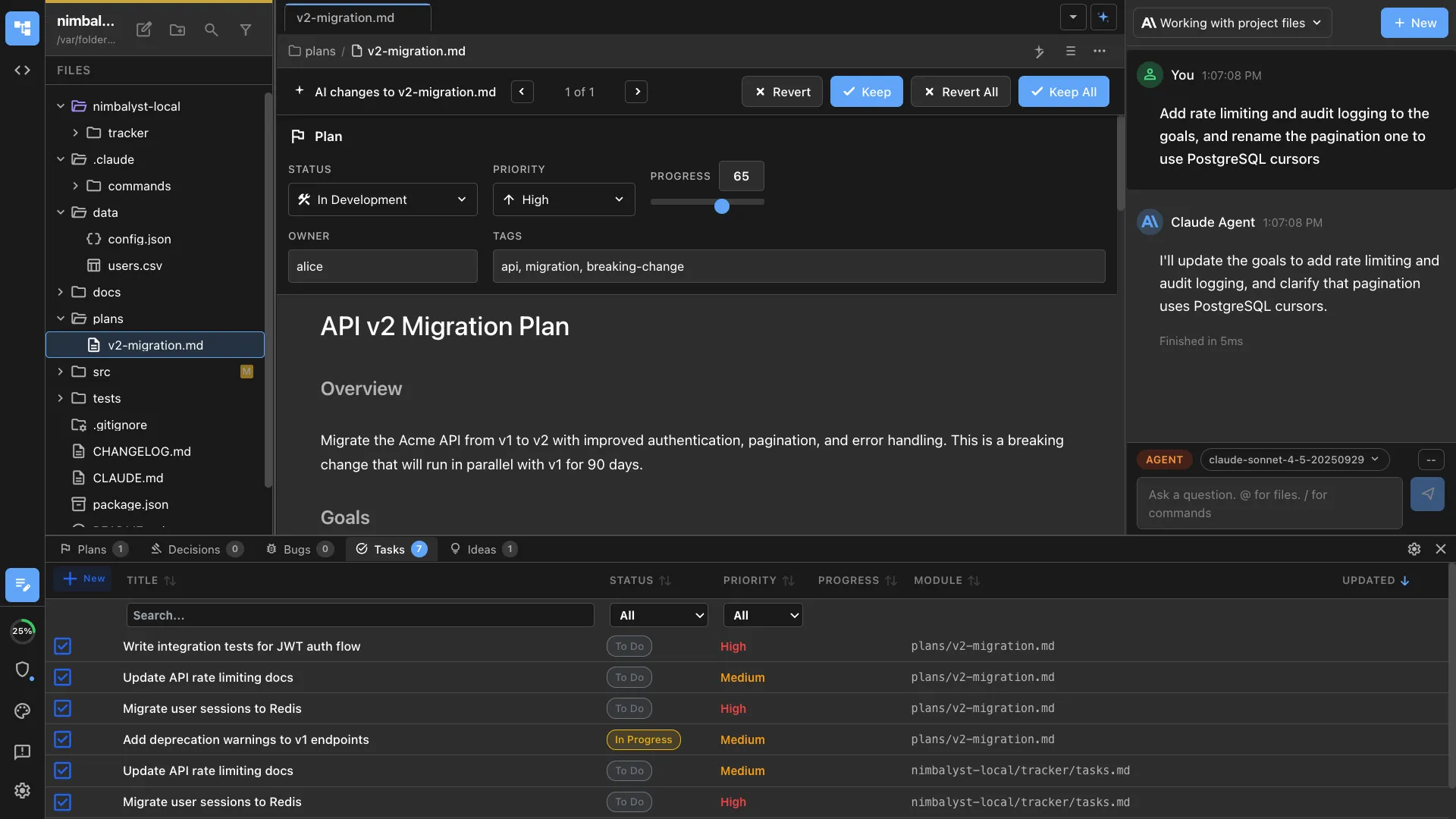
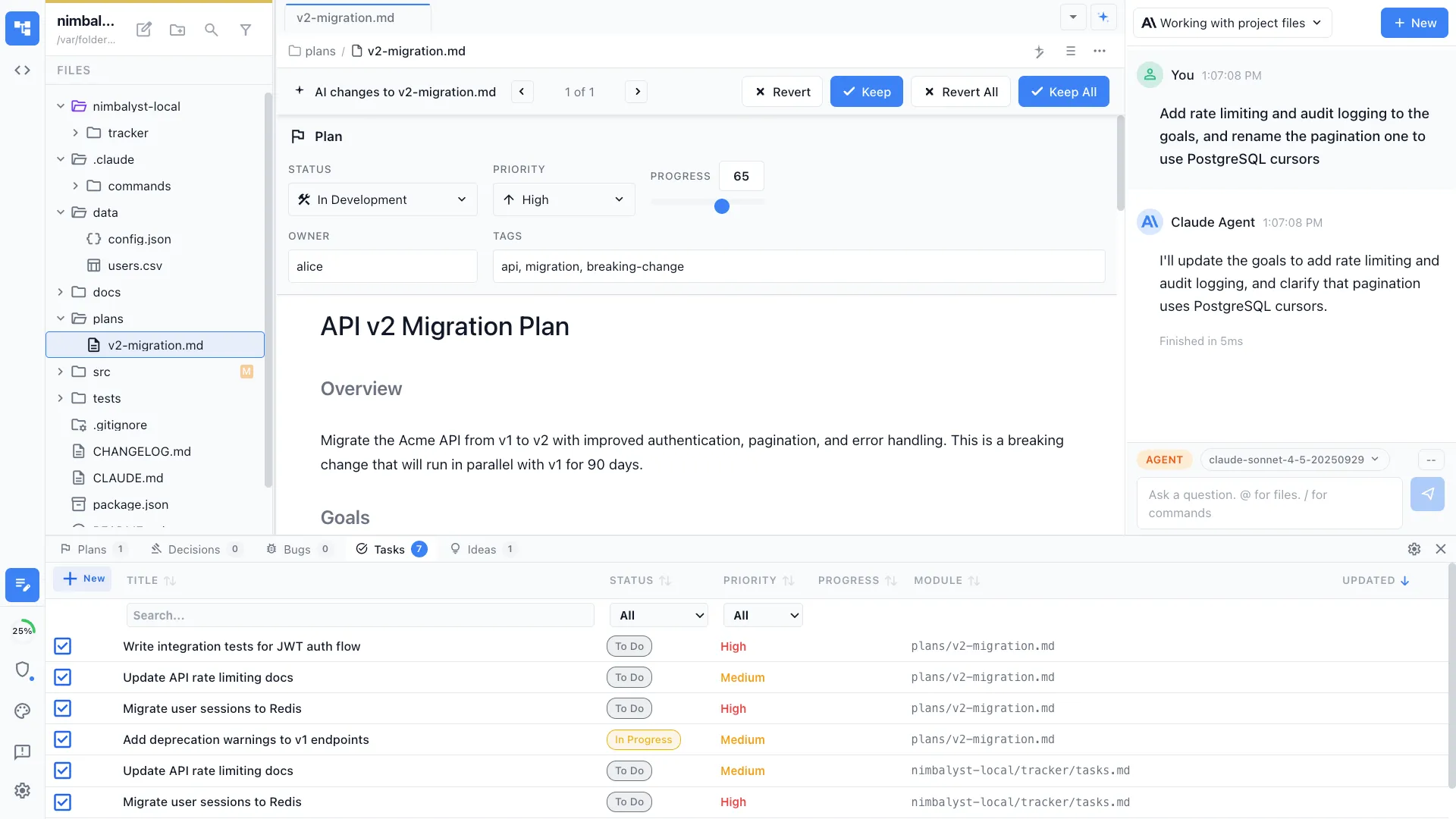
Your agent drafts follow-up tickets, plan doc sections, or feature briefs directly from the feedback themes it identified.
The Difference
Feedback that drives product decisions
Without Nimbalyst
- ✕ Spend hours reading and categorizing feedback manually
- ✕ Patterns are missed because nobody reads everything
- ✕ Insights live in a Google Doc that nobody references
- ✕ Feedback and product plans live in separate tools
With Nimbalyst
- ✓ Agent categorizes feedback by theme and sentiment in minutes
- ✓ Recurring patterns surfaced and ranked automatically
- ✓ Structured analysis with charts and examples
- ✓ Follow-up actions link directly to product plans and tickets
Powered By
Nimbalyst features behind this workflow
Agent Integration
Claude Code and Codex analyze large volumes of feedback with full context.
Markdown Editor
Rich editor for reading and refining feedback analysis documents.
Planning & Tracking
Link feedback insights to product plans and track follow-up actions.
Commands & Skills
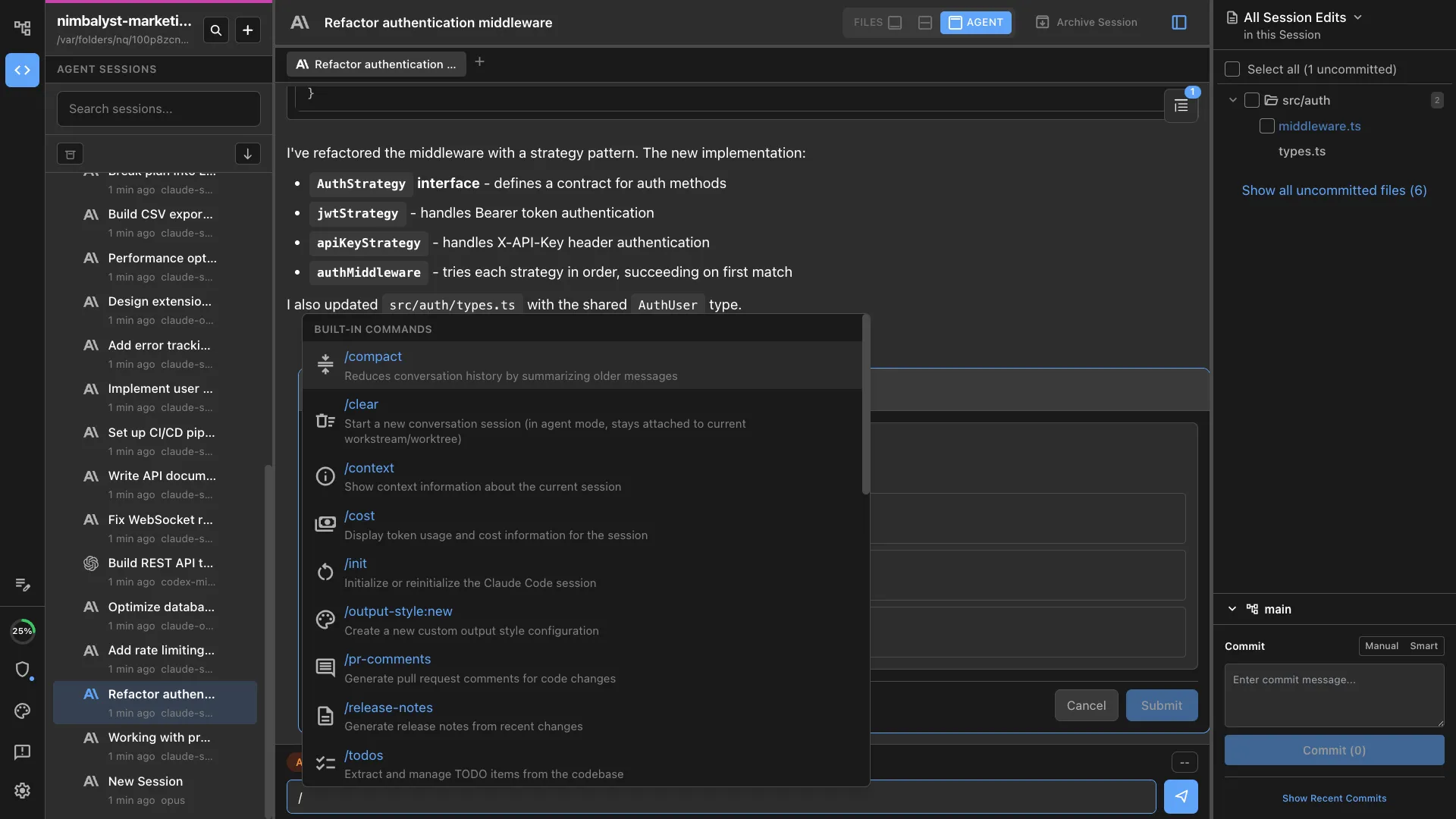
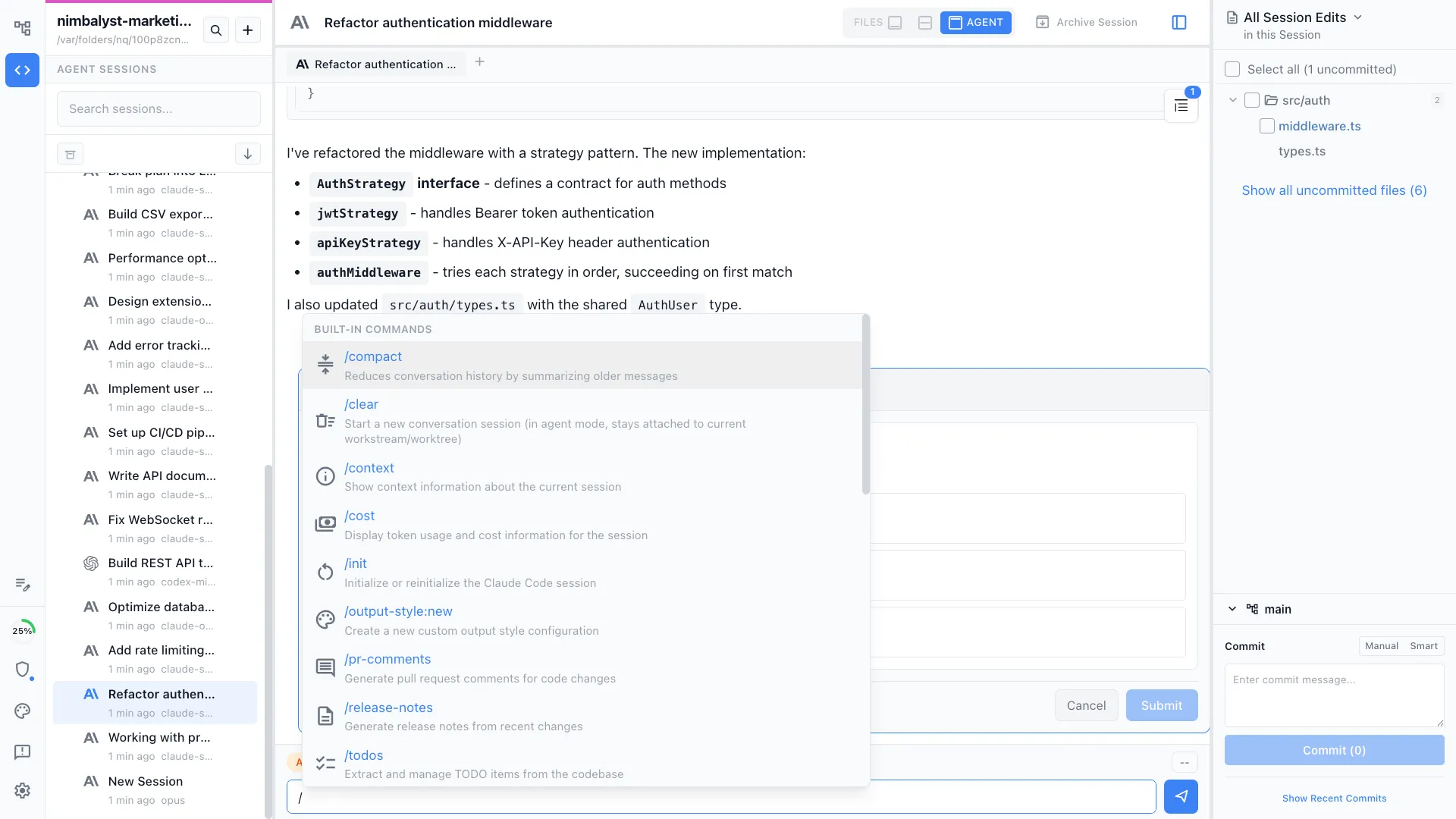
Use /feedback-analyze to run structured feedback analysis.

