Nimbalyst vs Claudia (Opcode) -- Which Claude Code GUI Is Better?
A direct comparison of Nimbalyst and Claudia (Opcode) as Claude Code GUI tools. Feature-by-feature breakdown covering session management, diff review, visual planning, mobile support, and multi-agent workflows.
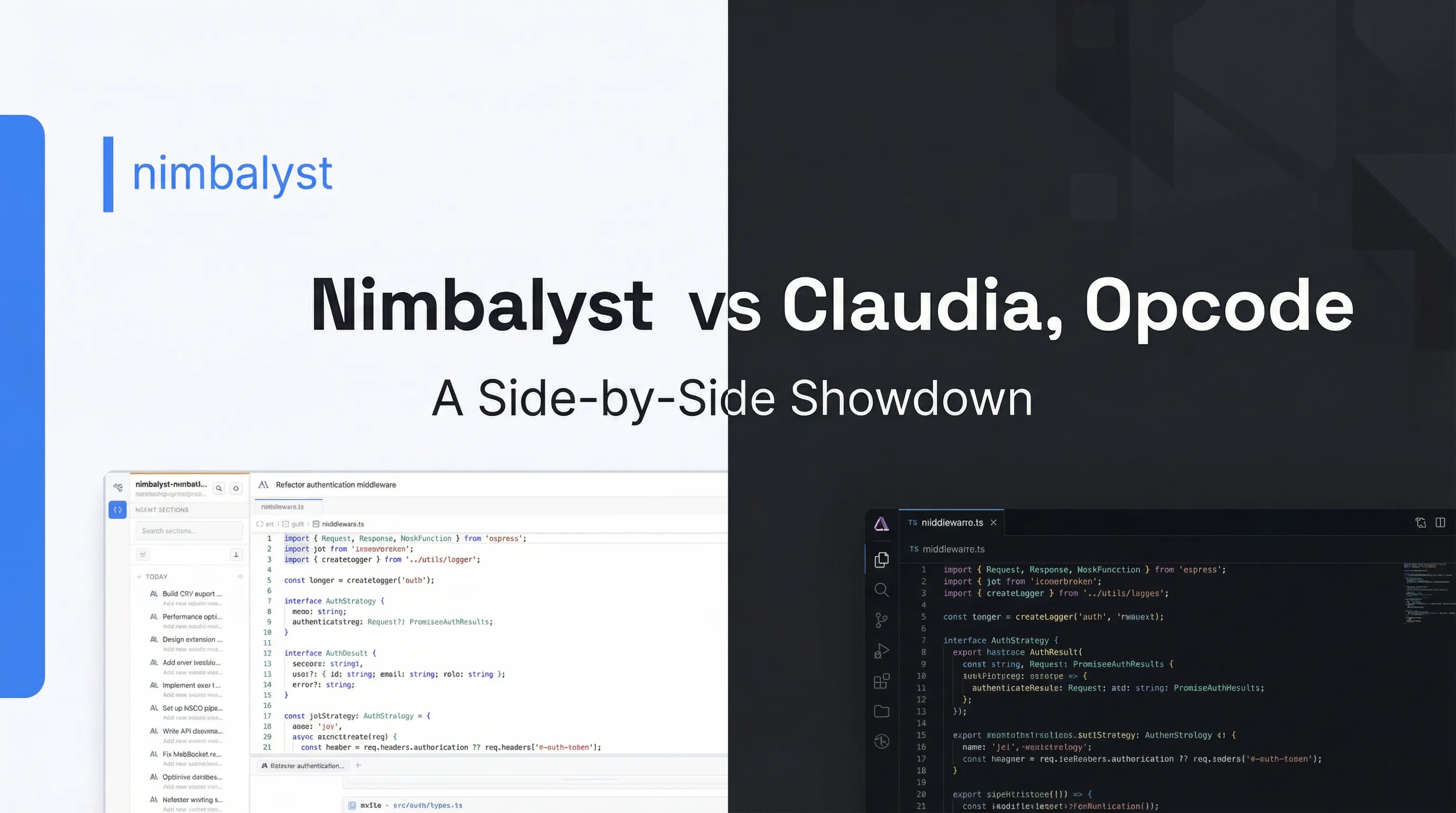
Two Approaches to the Same Problem
Claude Code is a terminal tool. It is powerful, fast, and — for a growing number of developers — the primary way they build software with AI. But the terminal has limits. Session management is manual. Diff review is linear. Visual context is nonexistent.
Two tools emerged to solve this: Claudia (now called Opcode) and Nimbalyst. Both are Claude Code GUI tools that wrap Claude Code in a graphical interface. They take fundamentally different approaches to what that interface should do.
This is a direct comparison.
What Is Claudia (Opcode)?
Claudia launched as an open-source Claude Code GUI and quickly gained traction. It was renamed to Opcode in mid-2025. With over 21,000 GitHub stars, it is the most popular community-built wrapper for Claude Code.
Opcode provides a clean chat-style interface for Claude Code conversations. You get a message input, a scrolling transcript, a file tree, and a built-in diff viewer. It looks and feels like a native chat app with your AI coding agent.
The focus is simplicity. Open a project, start a conversation, review the changes. That is the loop, and Opcode executes it well.
One thing to note: Opcode’s last release was August 31, 2025. As of this writing, the project has not shipped an update in nearly seven months. The developers have not responded to issues or discussions since then either. This is worth considering if you are evaluating it for ongoing use — Claude Code itself has changed significantly since August 2025, and an unmaintained wrapper may not support newer features or handle breaking changes.
What Is Nimbalyst?
Nimbalyst is a desktop application that treats Claude Code (and OpenAI Codex) as execution engines inside a broader visual workspace. Rather than wrapping a single chat session, it provides a multi-session development environment with visual editing tools, a session kanban board, and a mobile app.
The focus is orchestration. Run multiple agents in parallel, review diffs visually, manage work across sessions, and plan alongside execution — all in one application.
Feature-by-Feature Comparison
| Feature | Opcode (Claudia) | Nimbalyst |
|---|---|---|
| Chat interface | Clean, polished chat UI | Integrated chat panel with workspace context |
| Session management | Single session per window | Multi-session kanban board, search, resume |
| Diff review | Built-in diff viewer | Visual diff review with inline red/green diffs |
| Multi-agent support | One session at a time | 6+ parallel sessions with unified status view |
| Visual planning tools | None | WYSIWYG markdown, Excalidraw, mockups, data models |
| Mobile app | None | iOS app for monitoring, reviewing, approving |
| Git worktree isolation | None | Automatic worktree per session |
| Codex support | Claude Code only | Claude Code and OpenAI Codex |
| Extensions | Plugin support | Extension SDK for custom editors and tools |
| Voice control | None | Voice input for sessions |
| Open source | Yes | Yes |
| Active development | Last release Aug 2025 | Weekly releases |
| Price | Free | Free |
Where Opcode Excels
Opcode is good at what it does. A few areas where it has a genuine edge:
Simplicity. If you want a chat UI for Claude Code and nothing else, Opcode is lighter and faster to get started with. There is no onboarding. No workspace setup. Open a folder, start chatting.
Community size. 21,000+ GitHub stars means there is a large body of existing issues, discussions, and community knowledge. If you hit a problem that was reported before August 2025, there may already be an answer.
Familiarity. The chat interface paradigm is one everyone already understands. If you have used ChatGPT, Claude.ai, or any messaging app, you know how to use Opcode. The learning curve is essentially zero.
For developers who run a single Claude Code session at a time and just want a nicer interface than the terminal, Opcode may work — but the lack of active maintenance is a real concern.
Where Nimbalyst Excels
Nimbalyst pulls ahead when your workflow extends beyond a single conversation.
Multi-session management. Most developers using Claude Code seriously end up running multiple sessions. A refactor in one, a feature in another, a bug fix in a third. Opcode handles one session per window. Nimbalyst gives you a kanban board where every session is visible, organized, and resumable. You see status across all your agents at a glance.
Git worktree isolation. When running parallel sessions, file conflicts are a real problem. Nimbalyst creates a separate git worktree for each session automatically. Each agent works on its own branch in its own copy of the codebase. No stepping on each other’s changes.
Visual planning tools. Opcode is a chat wrapper. Nimbalyst is a workspace. You can write specs in a WYSIWYG markdown editor, sketch architecture in Excalidraw, generate UI mockups with MockupLM, and design data models with DataModelLM — all inside the same application where your agents are running. The planning and execution happen in the same environment.
Diff review at scale. Reviewing a 3-file change in a terminal or basic diff viewer is fine. Reviewing a 30-file refactor is not. Nimbalyst’s visual diff review is built for larger changes: file-by-file navigation, inline annotations, and accept/reject per change.
Mobile. Nimbalyst has an iOS app. You can monitor sessions, review diffs, and respond to agent questions from your phone. This matters when you kick off a long-running session and walk away from your desk. Opcode has no mobile support.
Multi-engine support. Nimbalyst supports both Claude Code and OpenAI Codex. If you use both (or want to compare them), you manage everything from one interface. Opcode is Claude Code only.
Who Should Use Opcode
- Developers who run one Claude Code session at a time and are comfortable with an unmaintained tool
- Anyone who wants the simplest possible GUI with no setup and can tolerate potential compatibility issues
- Users who prefer a minimal, chat-focused interface
- Contributors willing to fork and maintain it themselves — the developers have been unresponsive since August 2025
Who Should Use Nimbalyst
- Developers running multiple parallel Claude Code or Codex sessions
- Teams that need visibility across concurrent agent work
- PMs and technical leads who plan and build in the same workflow
- Anyone who wants visual editing (diagrams, mockups, data models) alongside their agent
- Developers who review large, multi-file changes frequently
- Anyone who wants to monitor or interact with sessions from mobile
The Verdict
Opcode was a good early entry in the Claude Code GUI space. It demonstrated that developers wanted a visual interface for their AI coding agent. But the project has not shipped an update or responded to its community since August 2025. Claude Code has evolved substantially in that time — new features, new APIs, breaking changes — and Opcode has not kept pace.
Nimbalyst is actively developed with weekly releases, a growing feature set, and ongoing support. It is built around the assumption that serious AI-assisted development involves multiple sessions, visual planning, structured review, and mobile access. You can see a full breakdown on our Why Nimbalyst page.
For a broader look at how Nimbalyst compares to AI-enhanced IDEs, see our Nimbalyst vs Cursor vs Windsurf comparison. If you need a Claude Code GUI today, the maintenance question matters. A tool that doesn’t ship updates against a rapidly evolving underlying platform will accumulate compatibility issues. Nimbalyst is the actively maintained option, and it was built for a more ambitious workflow from the start.
Download Nimbalyst free and see the difference.