Database Design
AI-powered database design
Describe your data model in plain language and your AI agent generates a visual ERD, Prisma schema, and database migrations. Design visually, implement automatically.
The Problem
Schema design is slow and error-prone
Database design requires balancing normalization, performance, and domain modeling -- and most tools make the visual and code sides completely separate.
- Drawing ERDs manually in diagramming tools takes hours and produces static artifacts
- Schema changes require updating both the diagram and the migration -- they always drift
- No feedback loop between the visual model and the actual database code
- Junior developers struggle to translate domain requirements into proper schema design
How It Works
From concept to schema to migration
Describe your domain
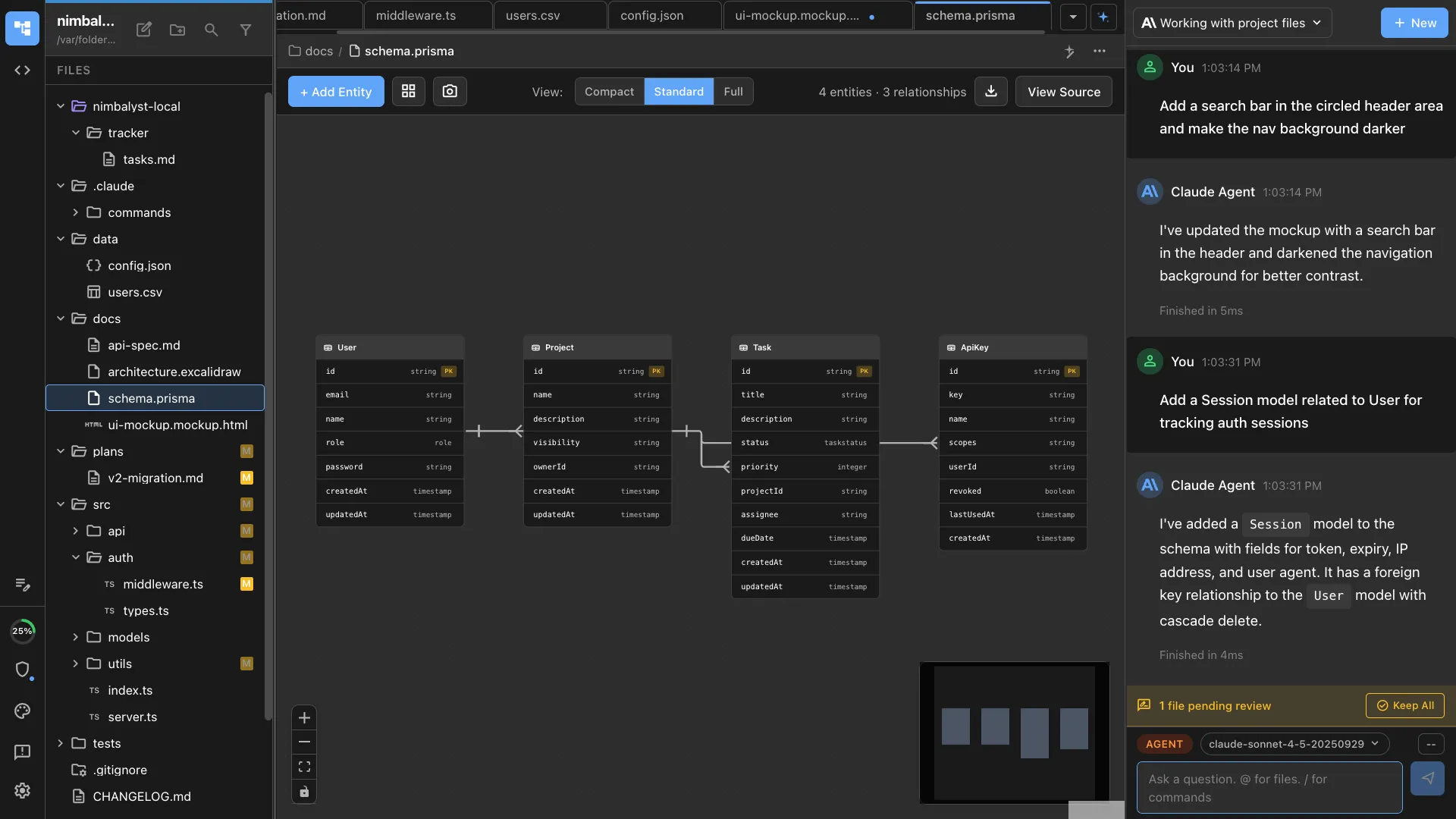
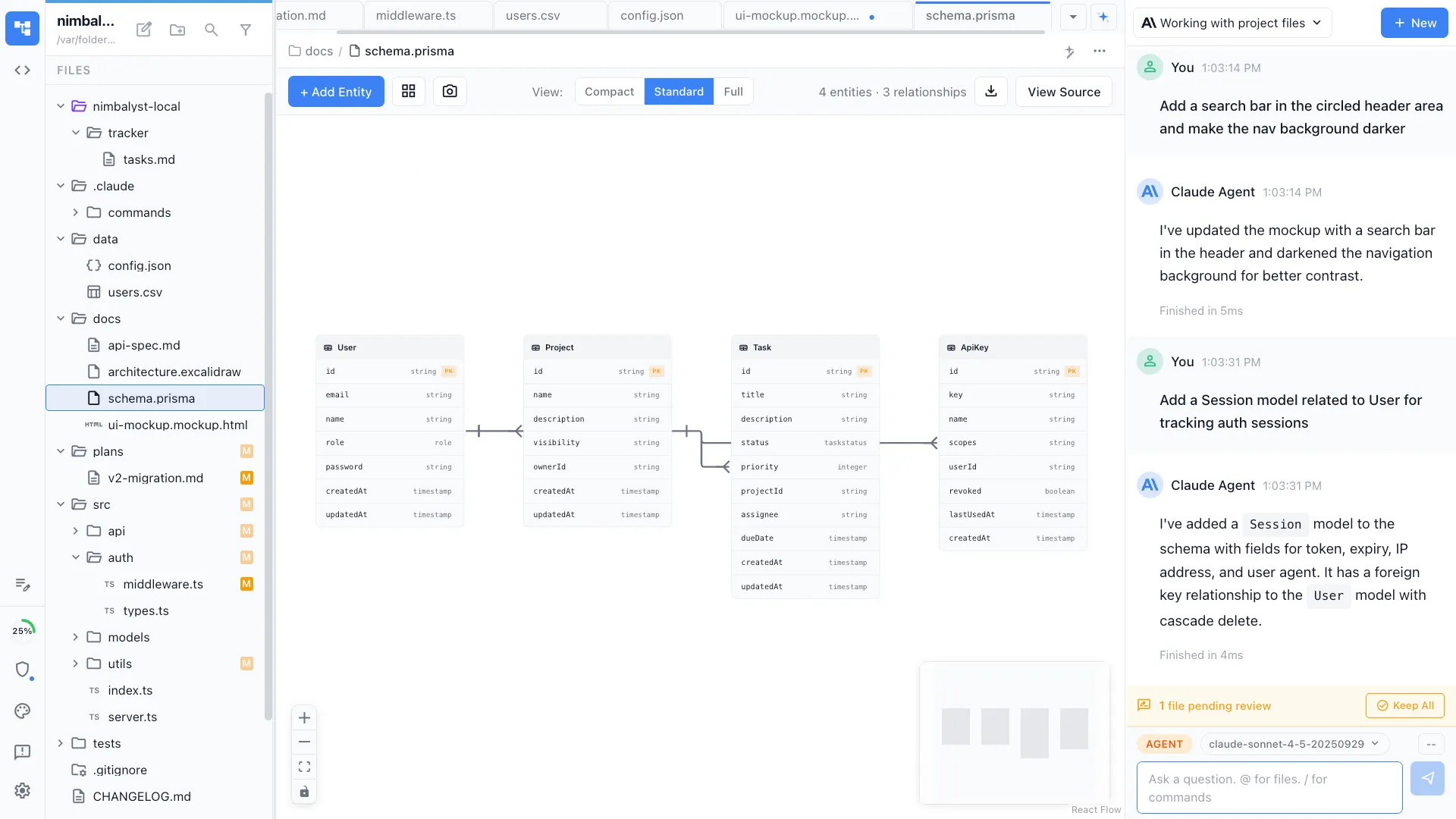
Tell your agent about your entities and relationships. It generates a visual data model with tables, columns, types, and foreign keys rendered as an interactive ERD.


Generate the schema
Your agent writes the Prisma schema (or raw SQL) based on the visual model. Every entity, relationship, and constraint is reflected in working code.


Iterate and migrate
Refine the model conversationally -- 'add a soft delete field to all entities' -- and your agent updates both the visual ERD and the schema code in sync.
The Difference
Database design in minutes, not days
Without Nimbalyst
- ✕ Draw ERDs in one tool, write schemas in another
- ✕ Diagrams and code drift apart after the first migration
- ✕ Manual migration writing is tedious and error-prone
- ✕ Schema reviews happen in PRs without visual context
With Nimbalyst
- ✓ Visual ERD and schema code generated from the same prompt
- ✓ Agent keeps diagram and code in sync as you iterate
- ✓ Migrations generated automatically from schema changes
- ✓ Review schema changes with both visual and code views
Powered By
Nimbalyst features behind this workflow
Data Model Editor
Visual ERD editor with AI generation, entity editing, and Prisma schema output.
Developer Tools
Edit Prisma schemas and SQL directly in the Monaco editor.
Agent Integration
Claude Code and Codex understand your domain and generate proper schemas.
Git & Version Control
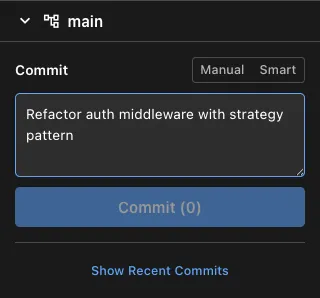
Track schema changes with visual diffs and smart commits.