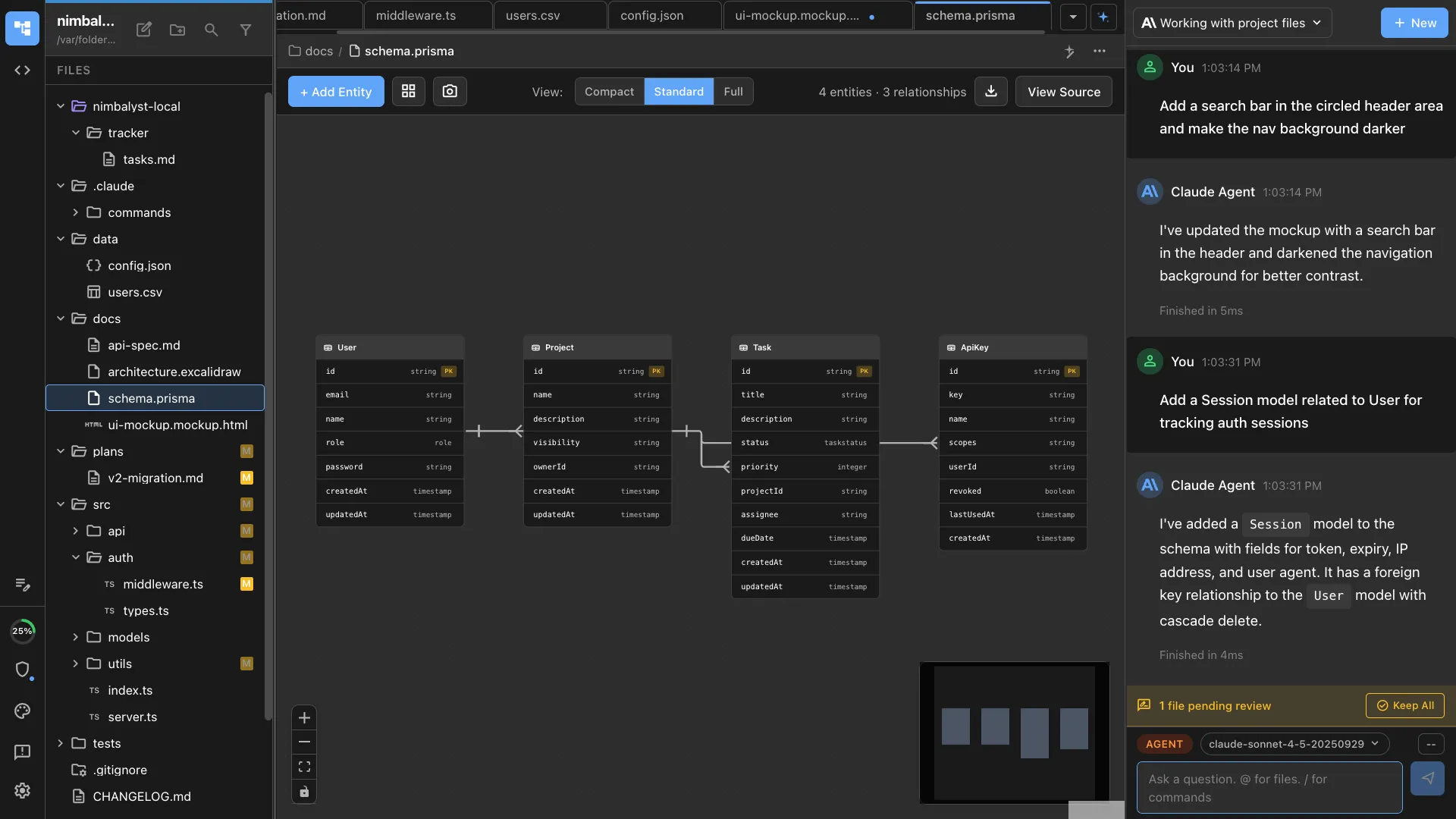
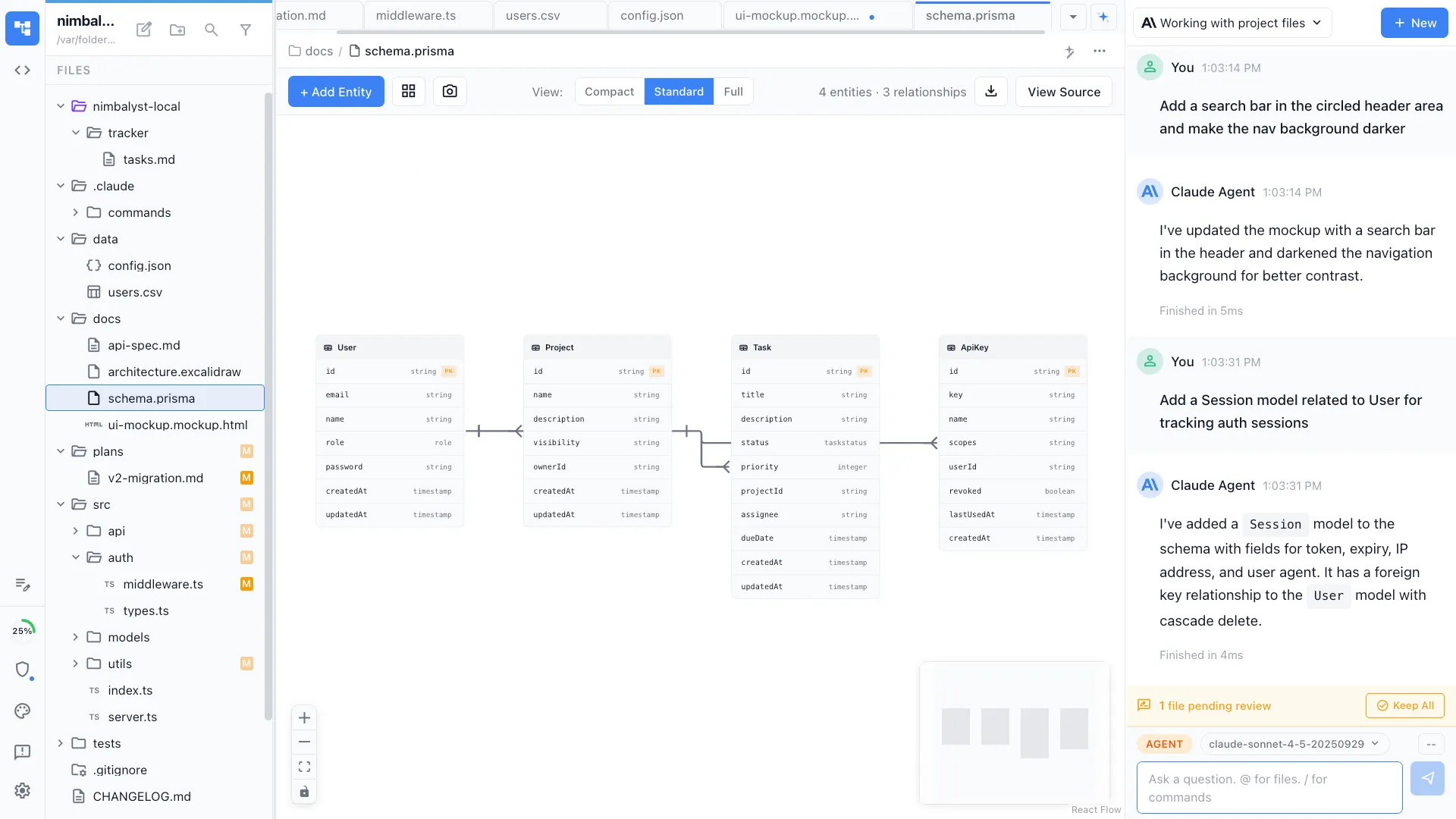
Architecture Diagrams
AI-powered architecture diagrams
Describe your system in plain language and your AI agent generates Mermaid and Excalidraw diagrams that reflect your actual codebase. Iterate conversationally, then implement from the diagram.


The Problem
Diagramming is disconnected from code
Architecture diagrams are essential for understanding systems, but current tools make them painful to create and impossible to keep in sync.
- Drawing tools like Lucidchart and Draw.io require manual box-and-arrow placement that takes hours
- Diagrams go stale the moment code changes -- nobody updates them
- Standalone diagram tools have no awareness of your actual codebase or project structure
- Switching between a diagram tool, your IDE, and documentation breaks flow
How It Works
From description to diagram to implementation
Describe what you need
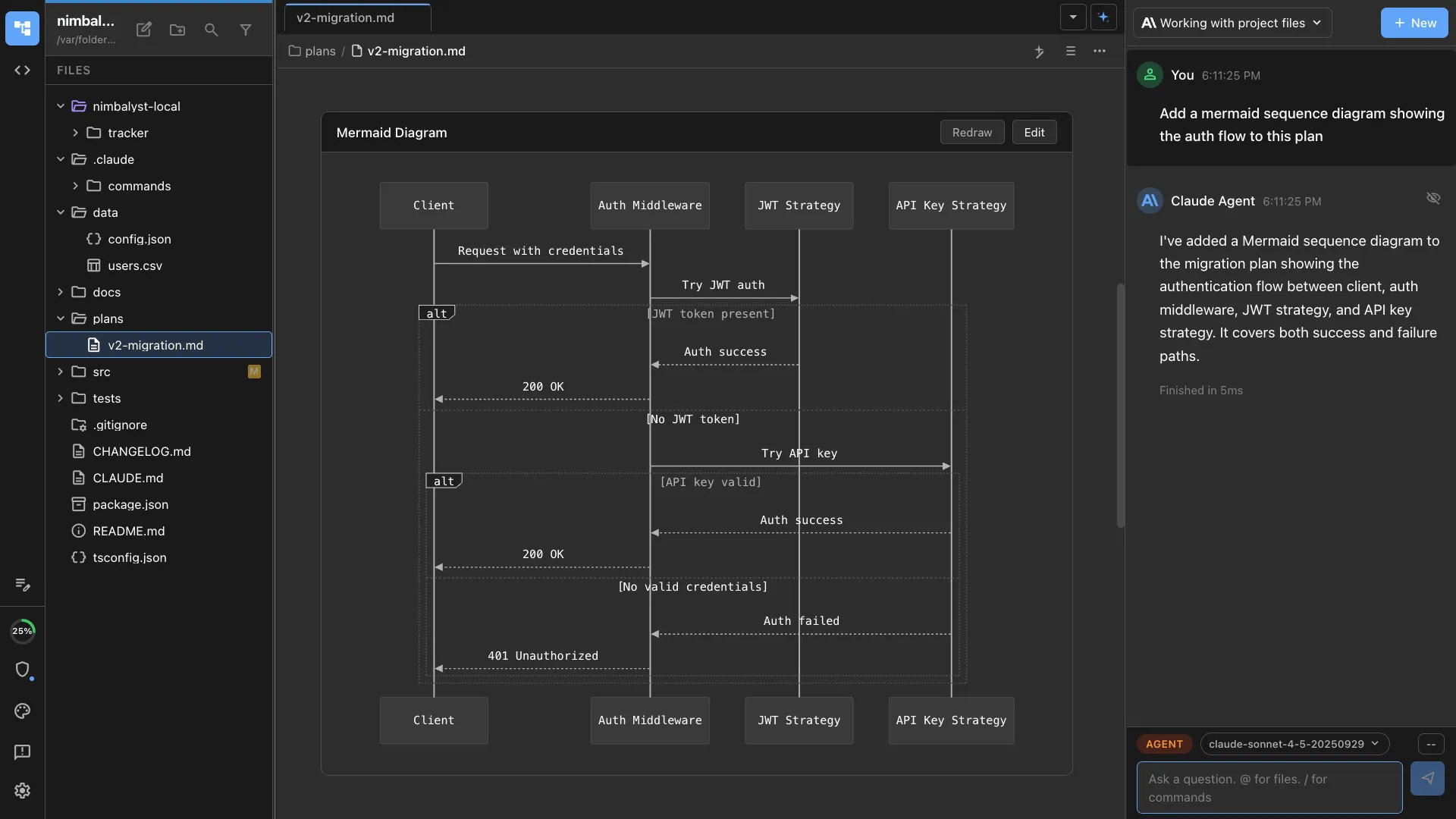
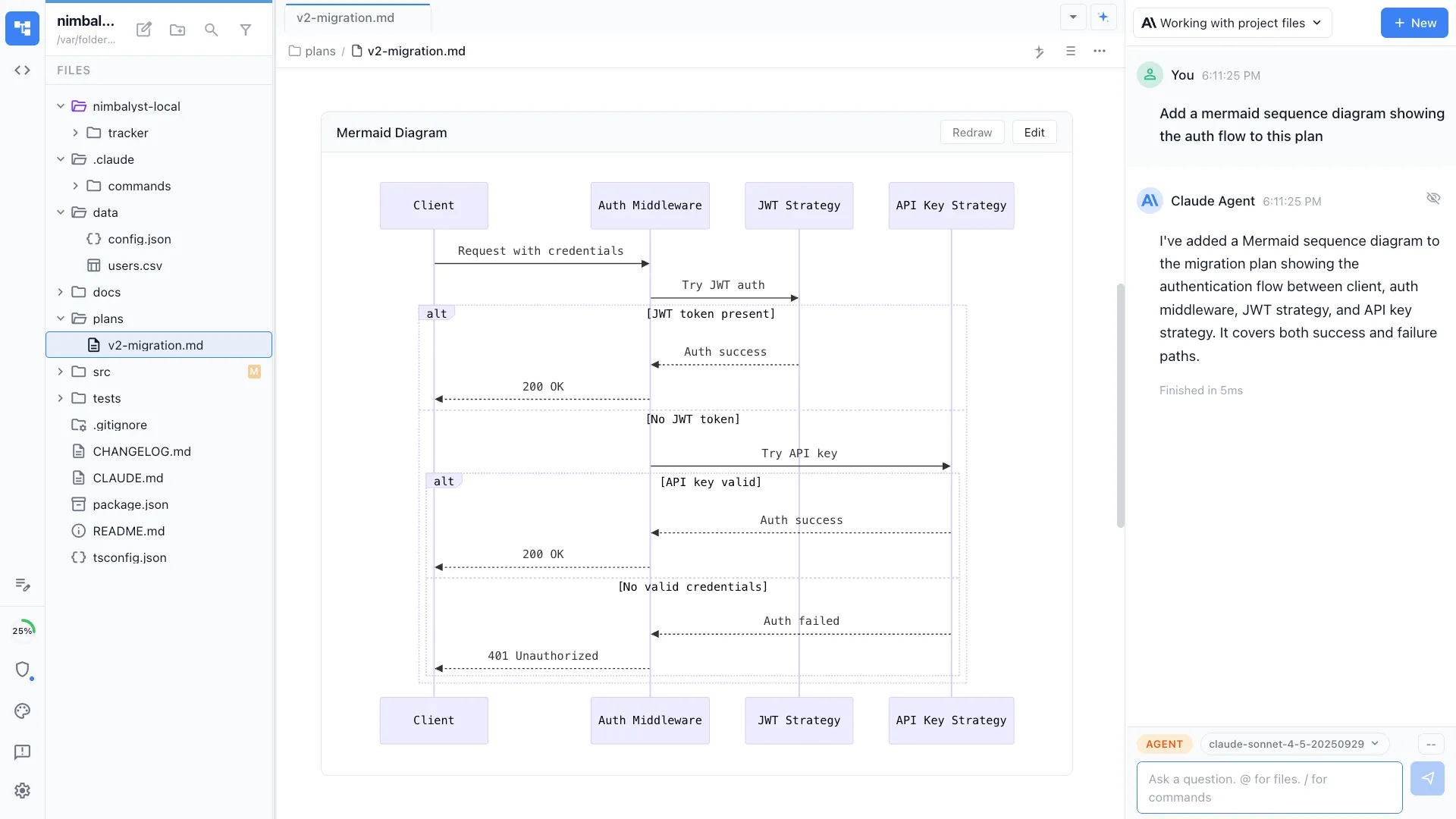
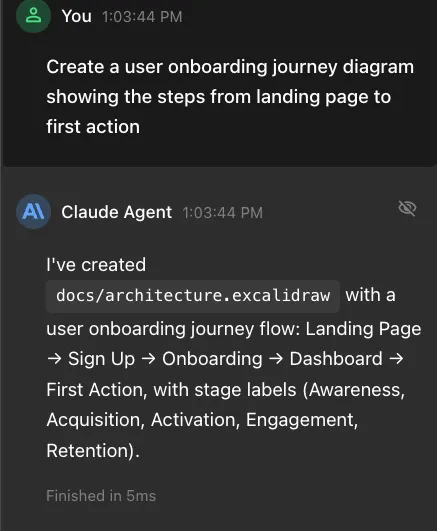
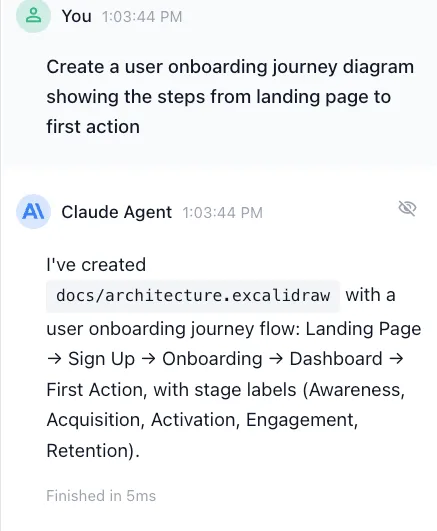
Tell your agent 'draw the architecture of this service' or 'create a sequence diagram for the auth flow.' It reads your codebase and generates an accurate diagram.
Iterate on the canvas
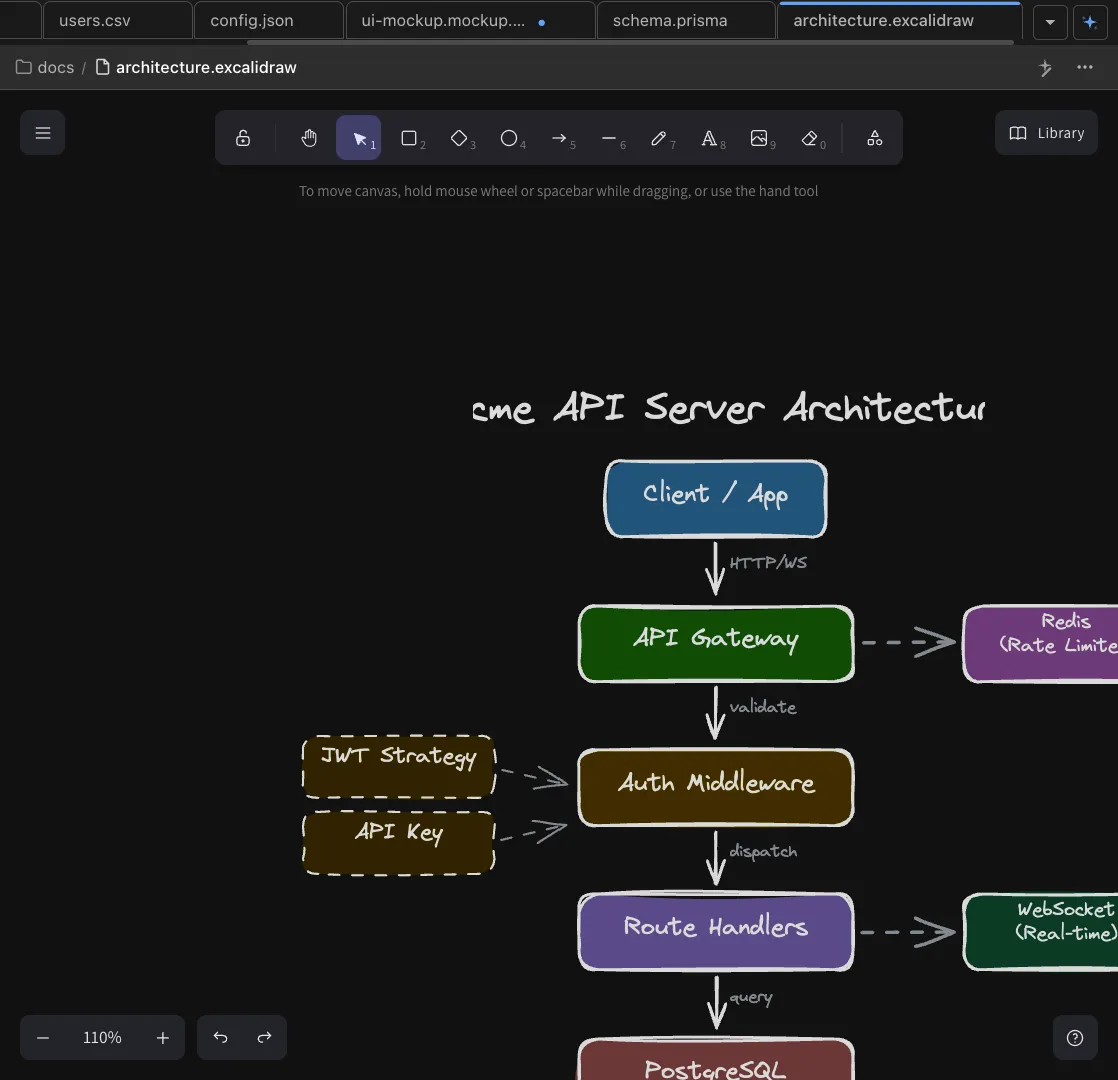
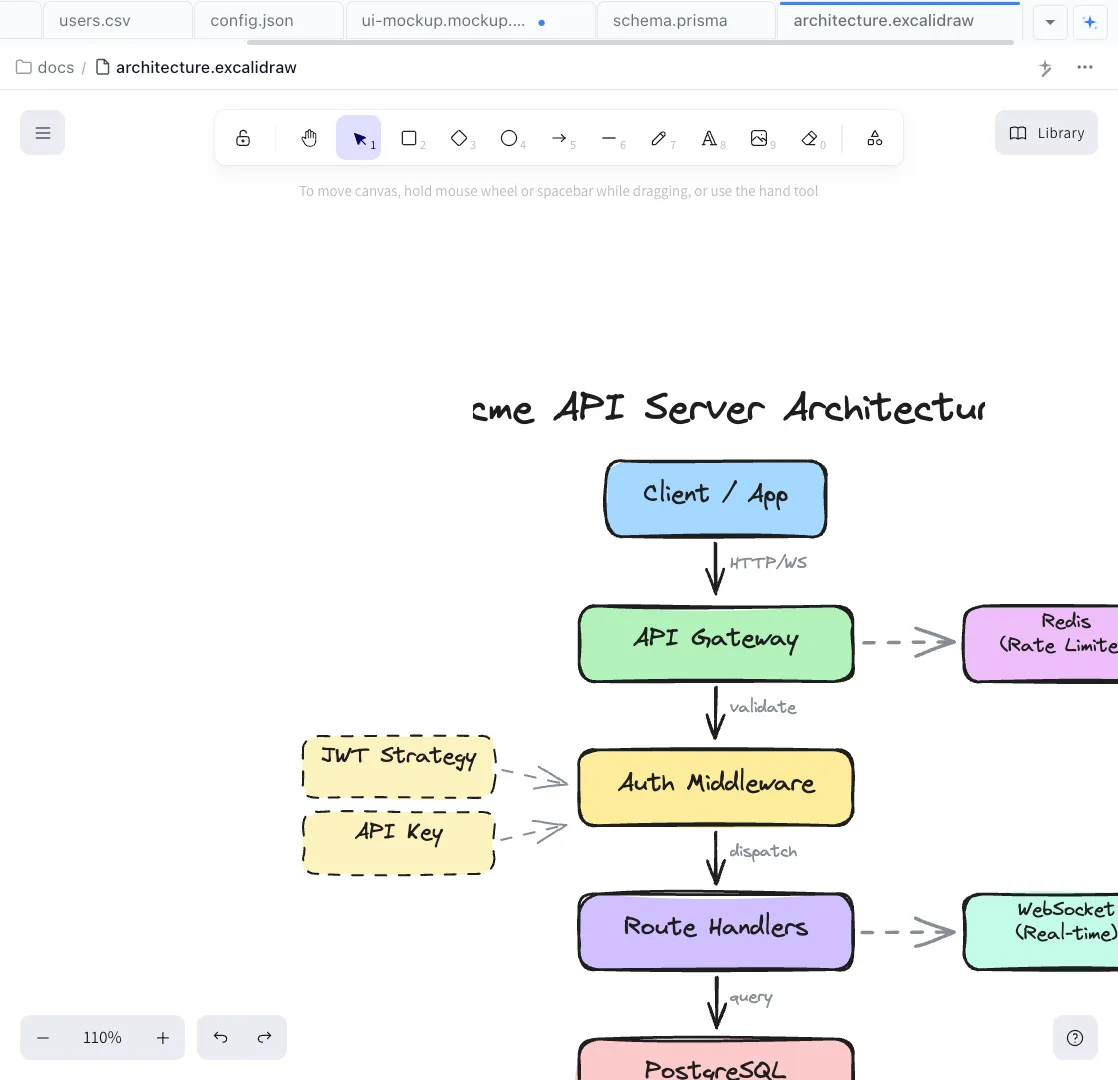
Refine the diagram conversationally -- 'add a cache layer between API and database' -- or edit directly on the Excalidraw canvas. Mermaid diagrams render inline in markdown.
Implement from the diagram
Turn an architecture diagram into a project scaffold. Your agent generates folders, files, and stubs based on the components and connections in your drawing.
The Difference
Architecture diagrams without the busywork
Without Nimbalyst
- ✕ Spend 2+ hours manually placing boxes and arrows in Lucidchart
- ✕ Diagrams go stale within days of code changes
- ✕ No connection between diagram tool and actual code
- ✕ Switch between 3+ apps to reference code while diagramming
With Nimbalyst
- ✓ Generate accurate diagrams from codebase analysis in seconds
- ✓ Agent updates diagrams when code changes
- ✓ Diagrams live in the same workspace as your code
- ✓ Go from diagram to scaffold to implementation in one flow
Powered By
Nimbalyst features behind this workflow
Diagrams & Drawing
Mermaid and Excalidraw with AI generation, conversational editing, and codebase-aware diagramming.


Agent Integration
Claude Code and Codex read your codebase to generate diagrams that reflect real system structure.


Markdown Editor
Embed Mermaid diagrams inline in your documentation and specs.
Planning & Tracking
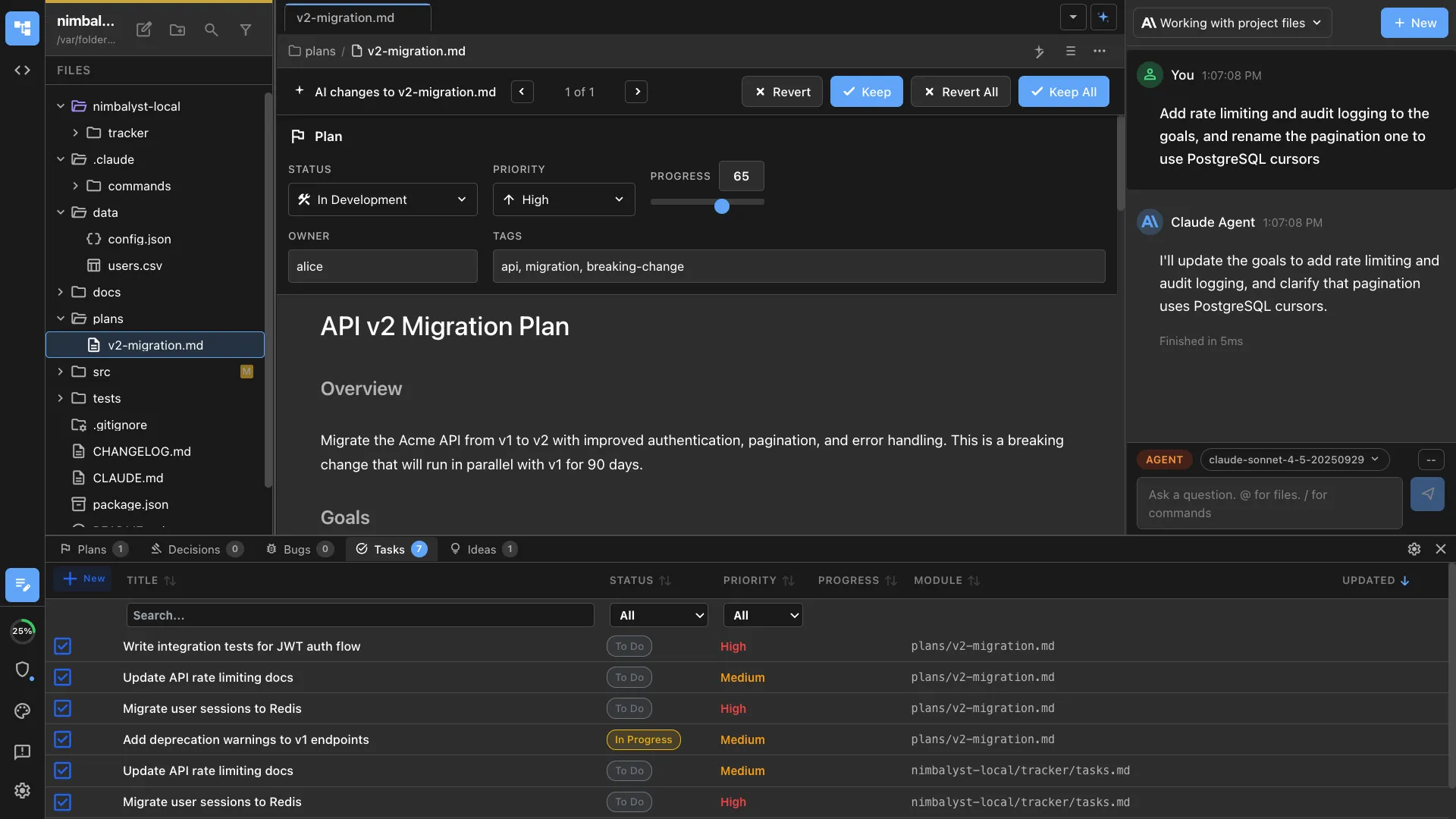
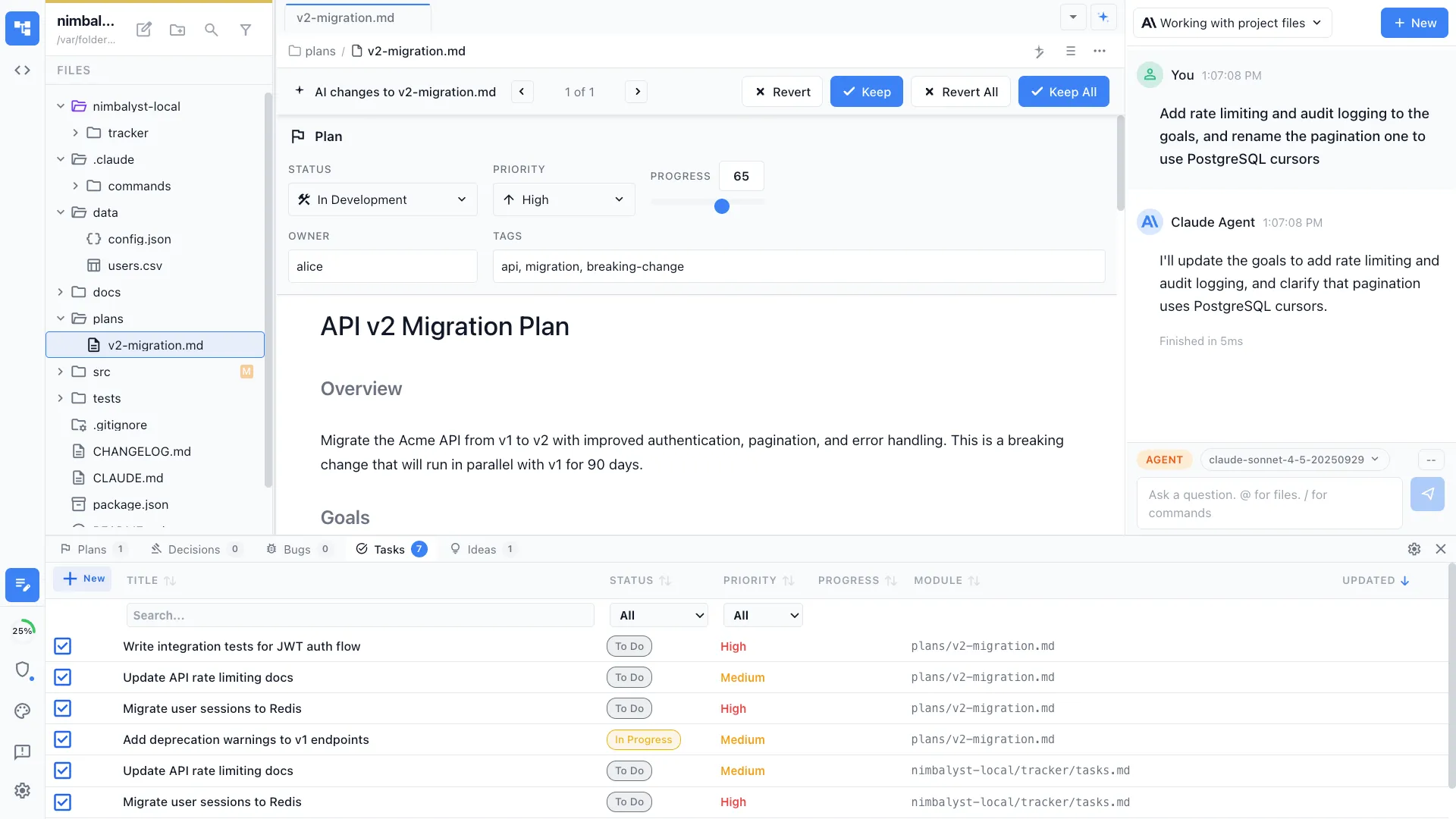
Attach architecture diagrams to plans and track implementation progress.