Context
Deep context for your agents
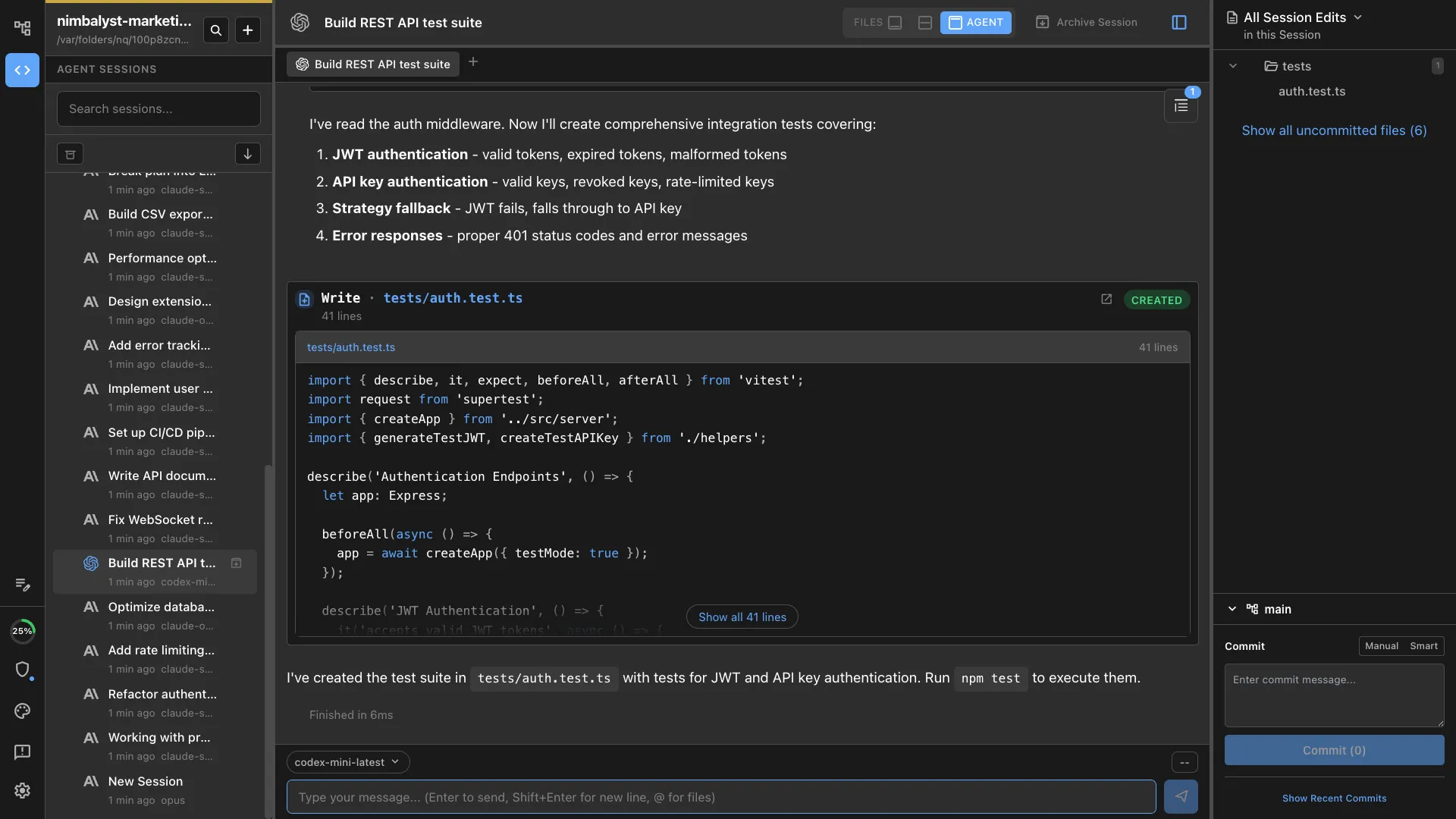
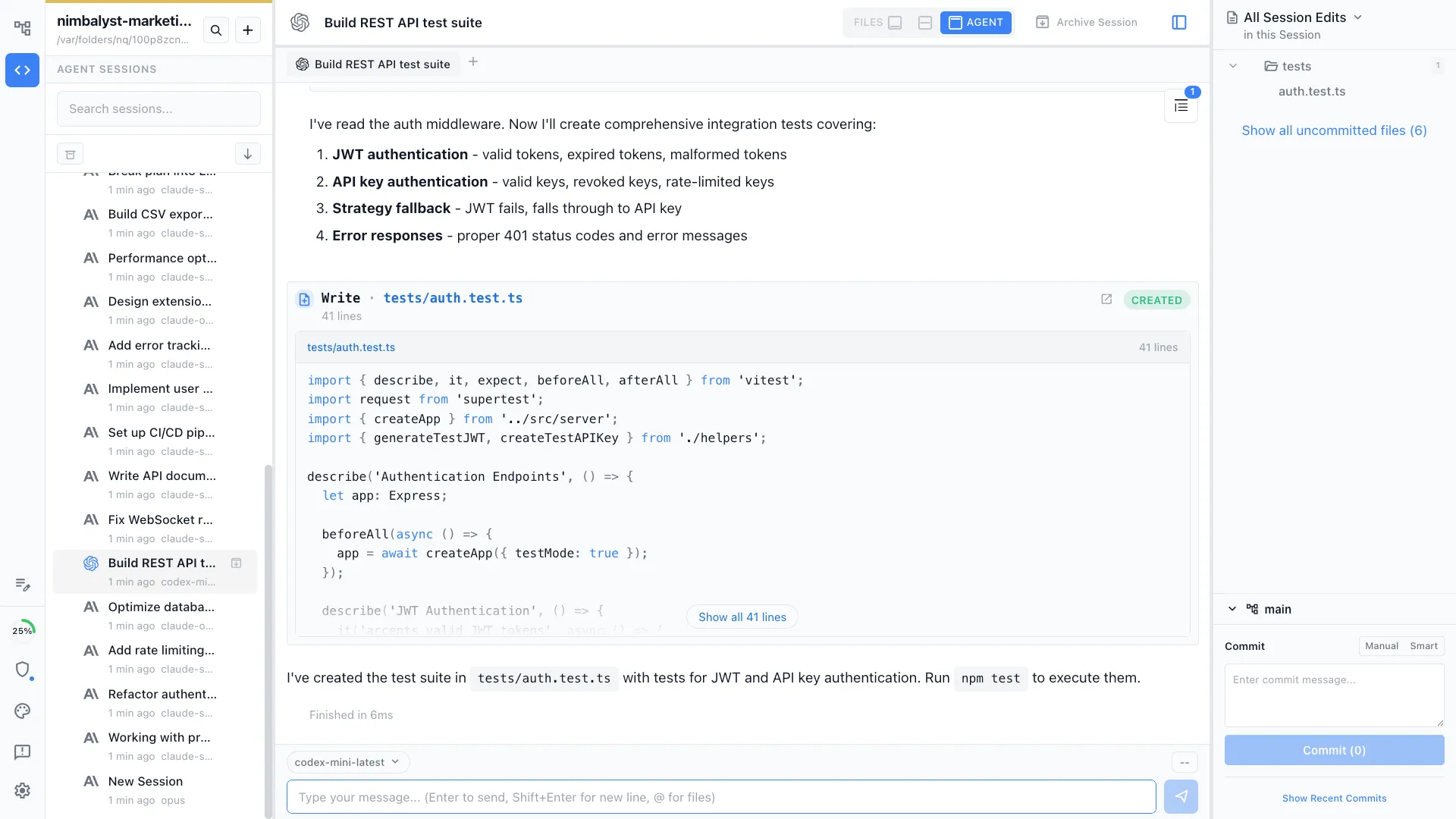
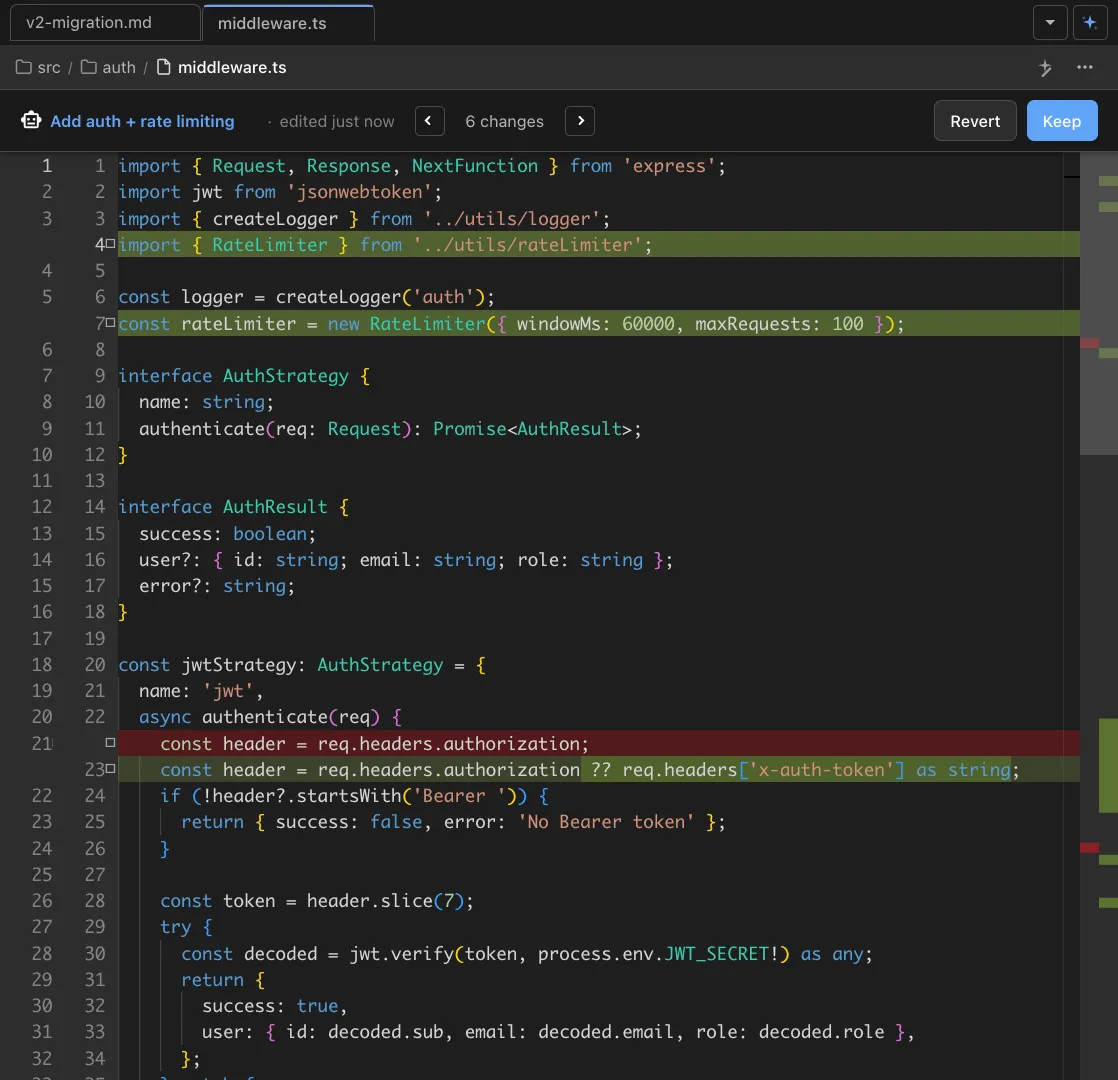
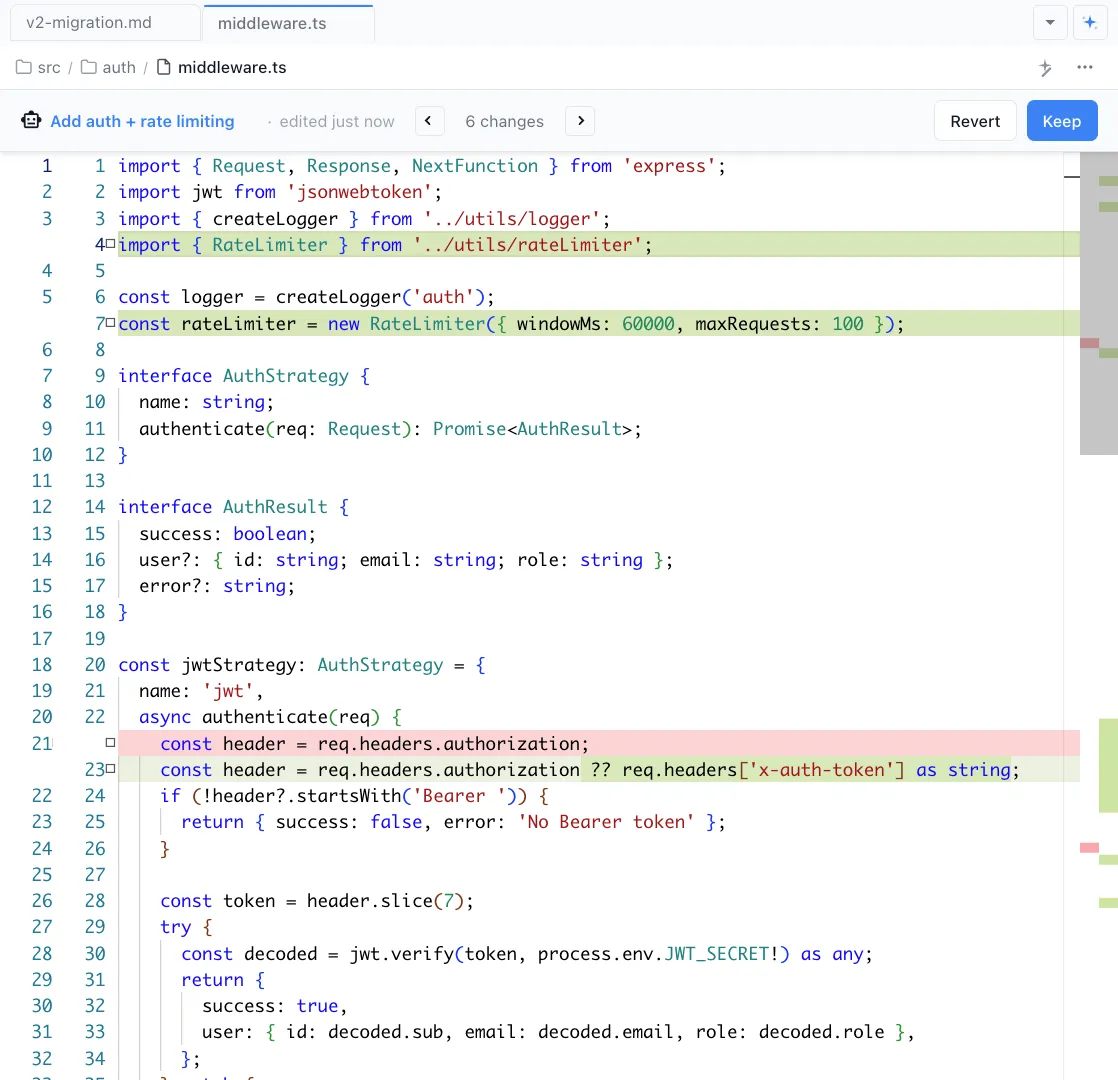
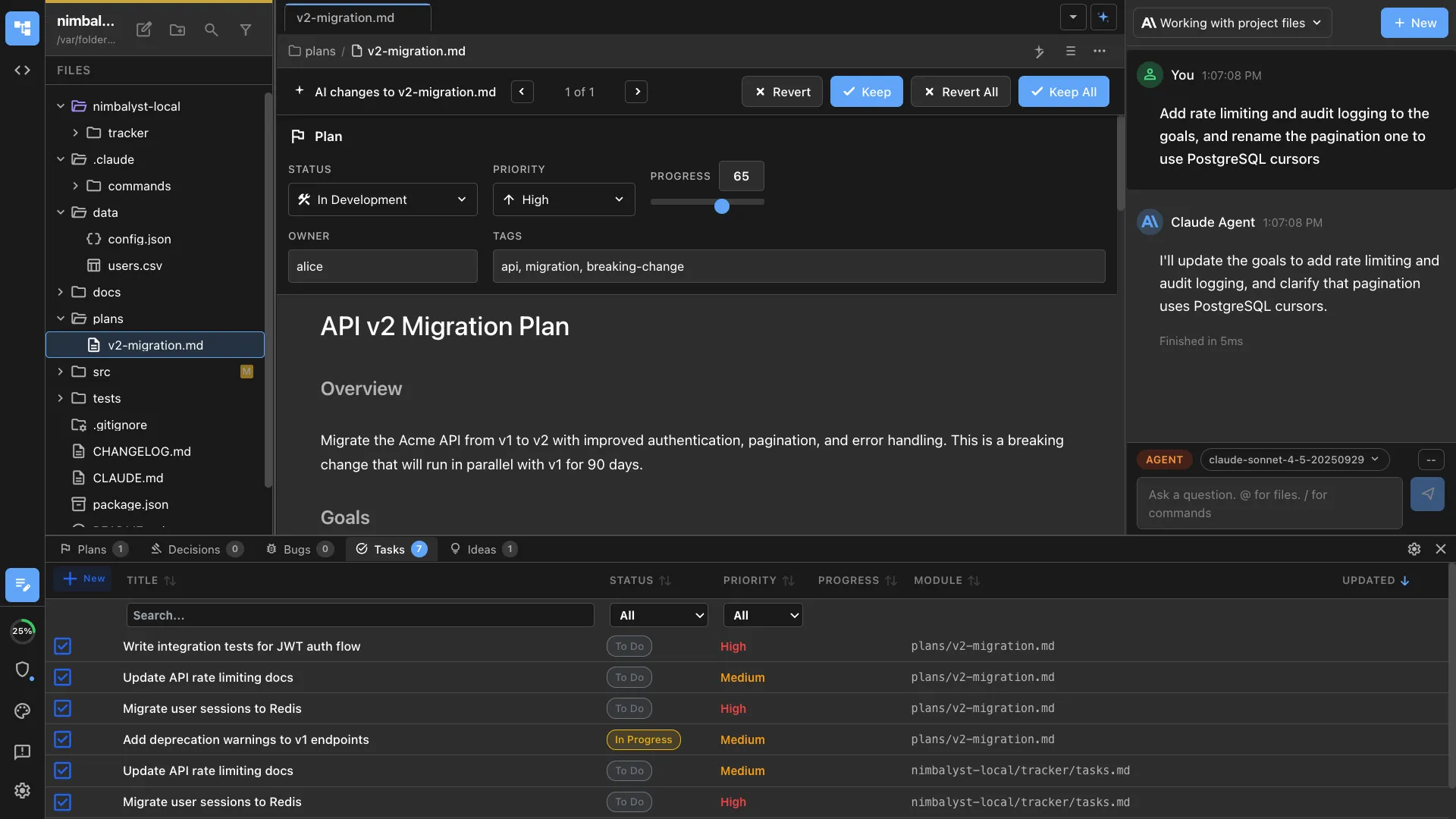
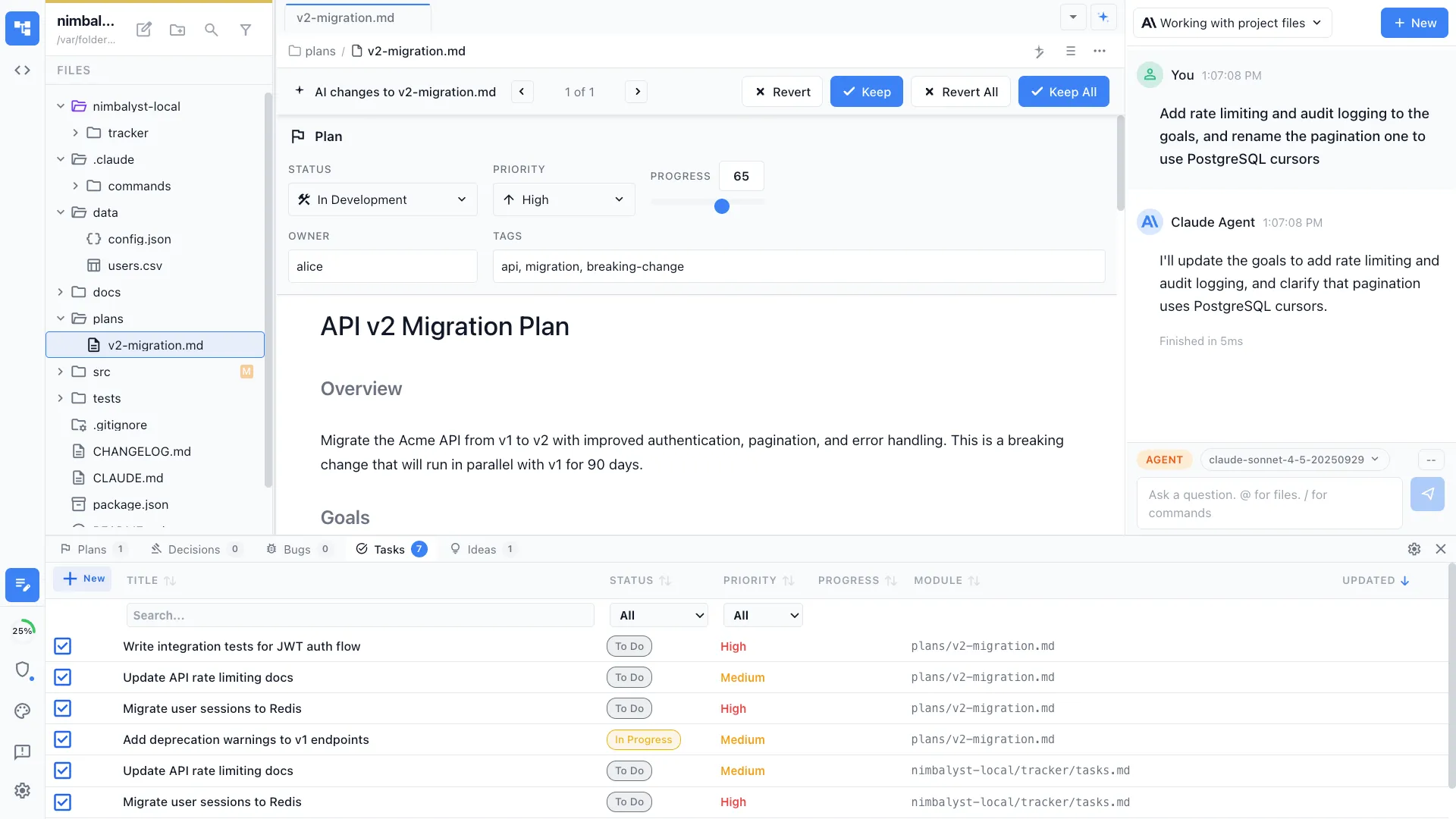
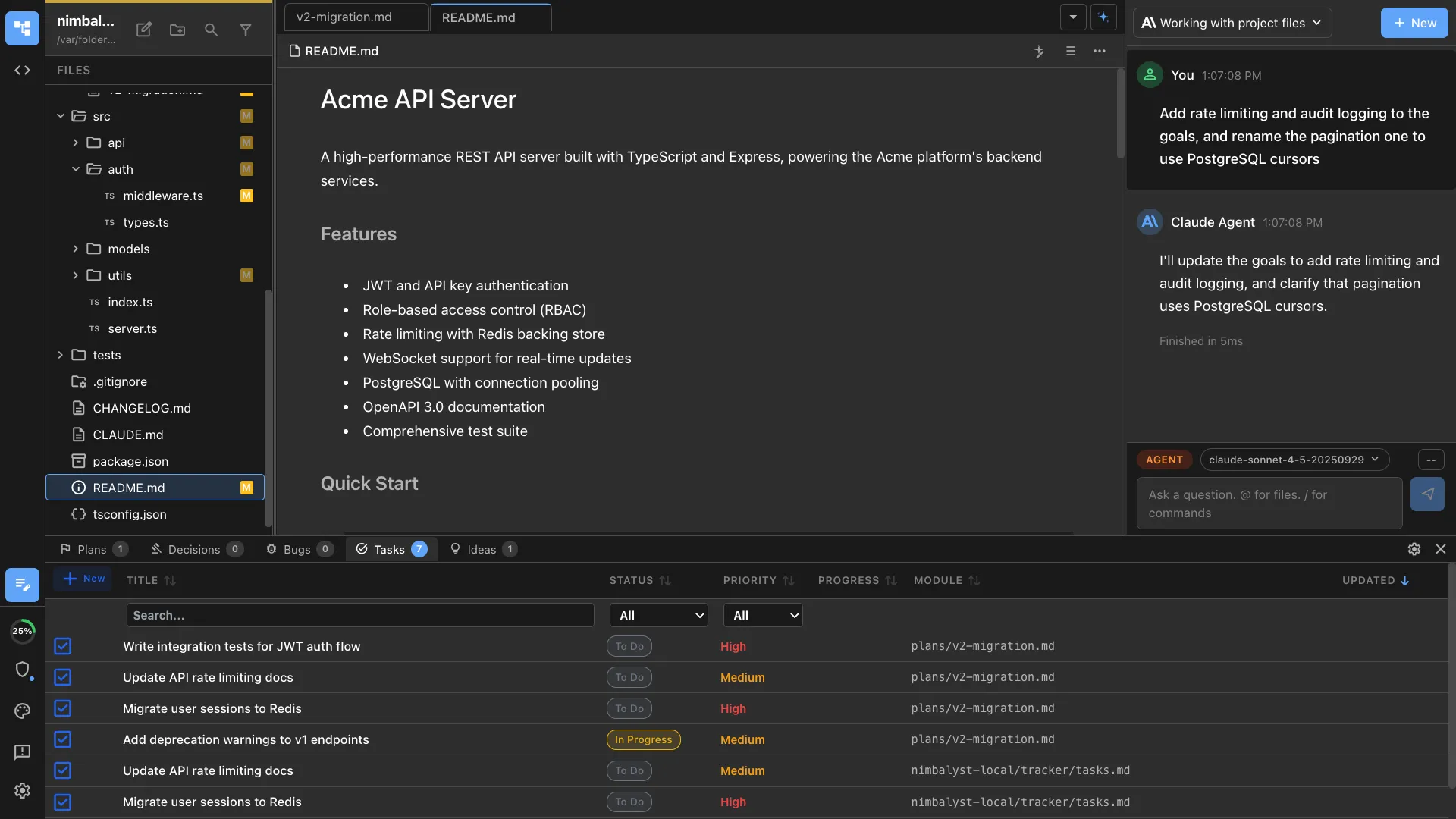
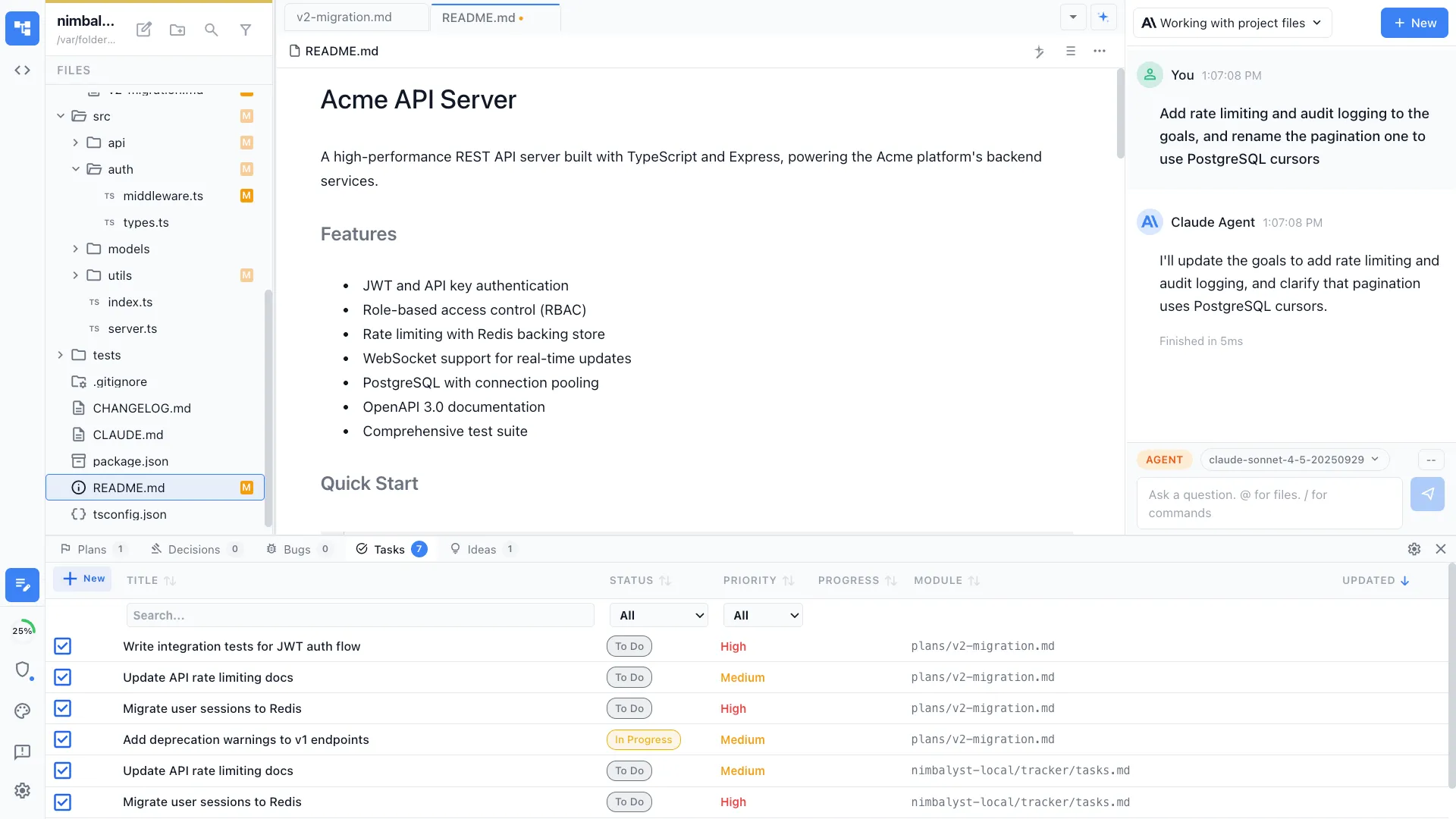
Nimbalyst maximizes context by connecting your files, sessions, tasks, and visual editors into one workspace. The richest context comes from human input: reviewing diffs, editing plans, annotating mockups, and guiding agents through conversation.
Capabilities
How context comes together


Full project context
Your agent sees the entire project file tree, not just the current file. It understands structure, dependencies, and conventions from your codebase and CLAUDE.md instructions.
Human review builds context
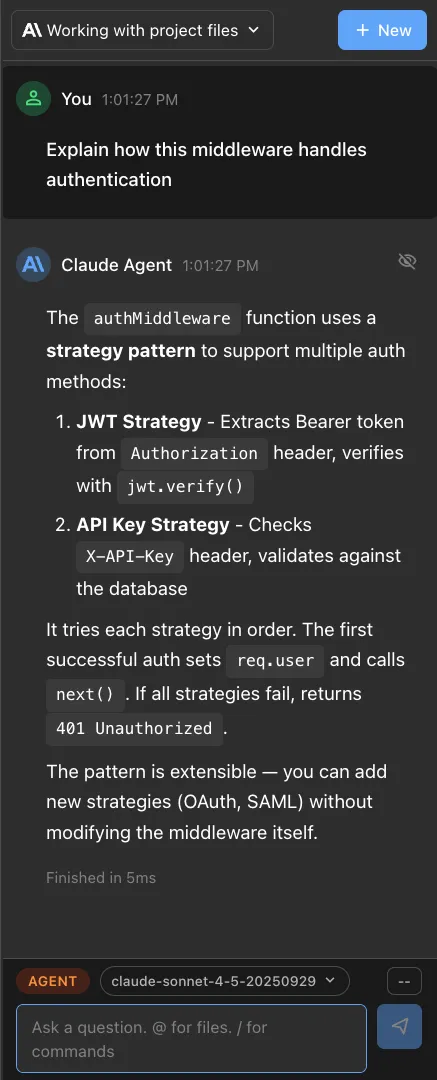
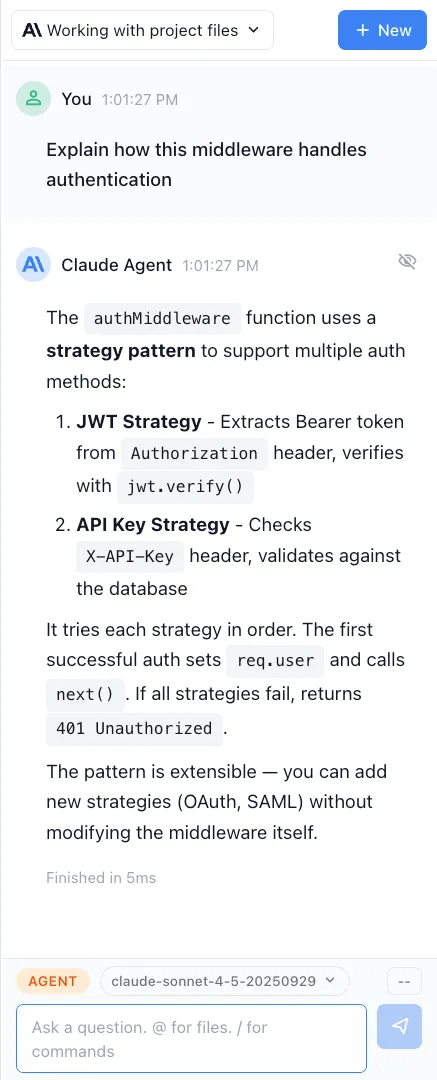
Review diffs, edit plans, correct the agent's approach, and steer through conversation. This high-bandwidth feedback loop between human and agent is what builds the deepest shared understanding.

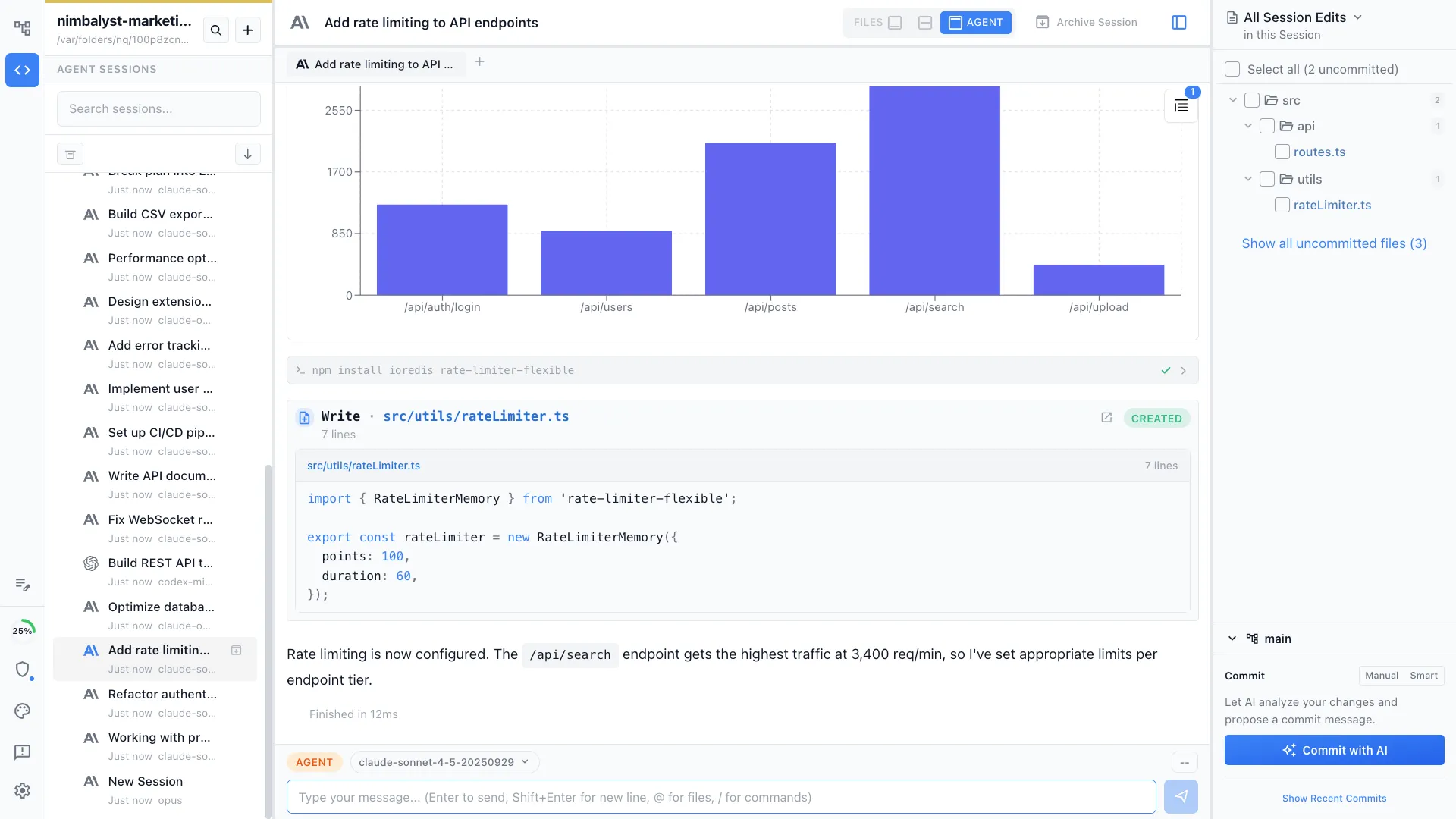
Session history as context
Resume any session with full context from previous turns. The agent remembers what you discussed, what you approved, and what you changed. No re-explaining, no starting over.


Visual context
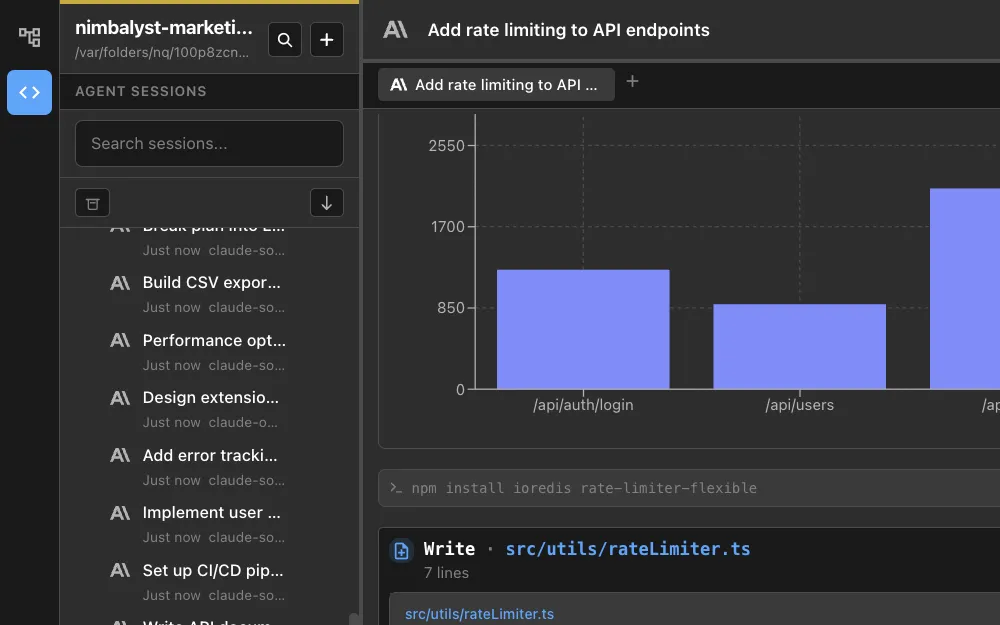
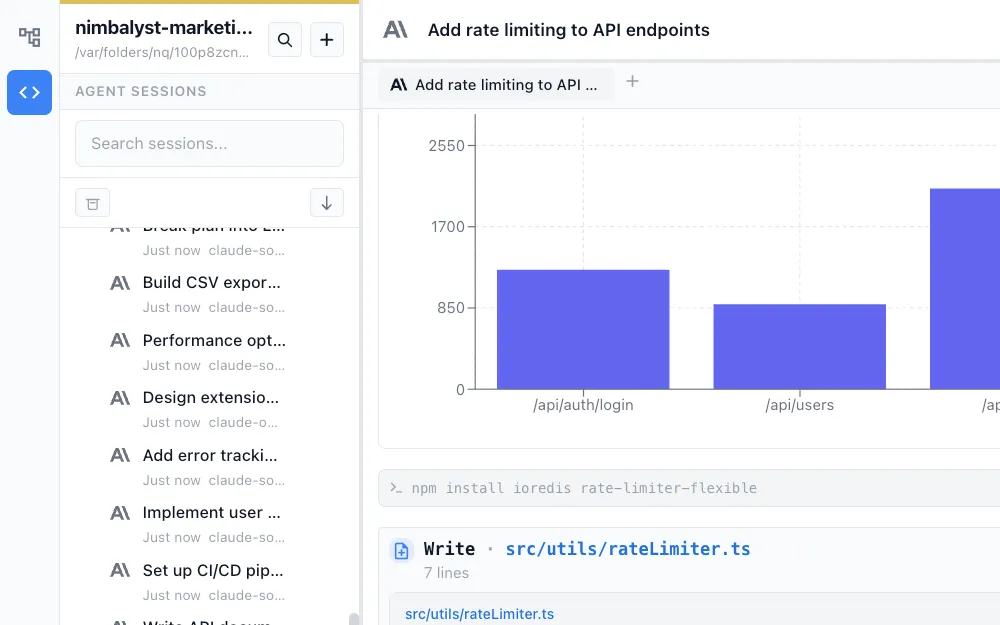
Agents can see images, diagrams, mockups, and data models. Annotate a mockup or draw a diagram to show the agent what you mean. Visual input is high-bandwidth communication.


Linked plans, tasks, and files
Plans, tracked items, and files are all connected. Your agent sees the task it is implementing, the spec behind it, and the files involved. Everything relates to everything.


Cross-file references
Mention files with @ syntax in your prompts. Link sessions to tasks. Connect plans to code. The more you relate things in Nimbalyst, the richer the context your agent has.
How It Works
How context works in Nimbalyst
Everything connects
Files, sessions, tasks, plans, and visual editors all live in one workspace. You and your agent sees the full picture, not isolated fragments.
Human input enriches context
Review diffs, edit plans, annotate mockups, and guide the agent through conversation. Each interaction deepens the shared understanding between you and your agent.
Context compounds over time
Session history, refined instructions, updated plans, and reviewed diffs all accumulate. The more you collaborate, the better the agent understands your project.
Comparison
Why Nimbalyst for AI context
Context is both the data your agent can access and the shared understanding built through collaboration. Nimbalyst maximizes both.
| Alternative | Nimbalyst Advantage |
|---|---|
| Chat-based AI tools | Full project access plus visual editors, diff review, and persistent sessions. Not just text pasted into a chat window. Real collaboration, not a one-shot prompt. |
| AI autocomplete | Multi-turn sessions with persistent context, linked tasks, and human review. Not just the current file buffer with no feedback loop. |
| RAG-based tools | Native filesystem access with visual editors and session history. Plus the human-in-the-loop feedback that turns raw data into real understanding. |
Explore More