UI Mockups & Wireframes
AI-generated wireframes and mockups
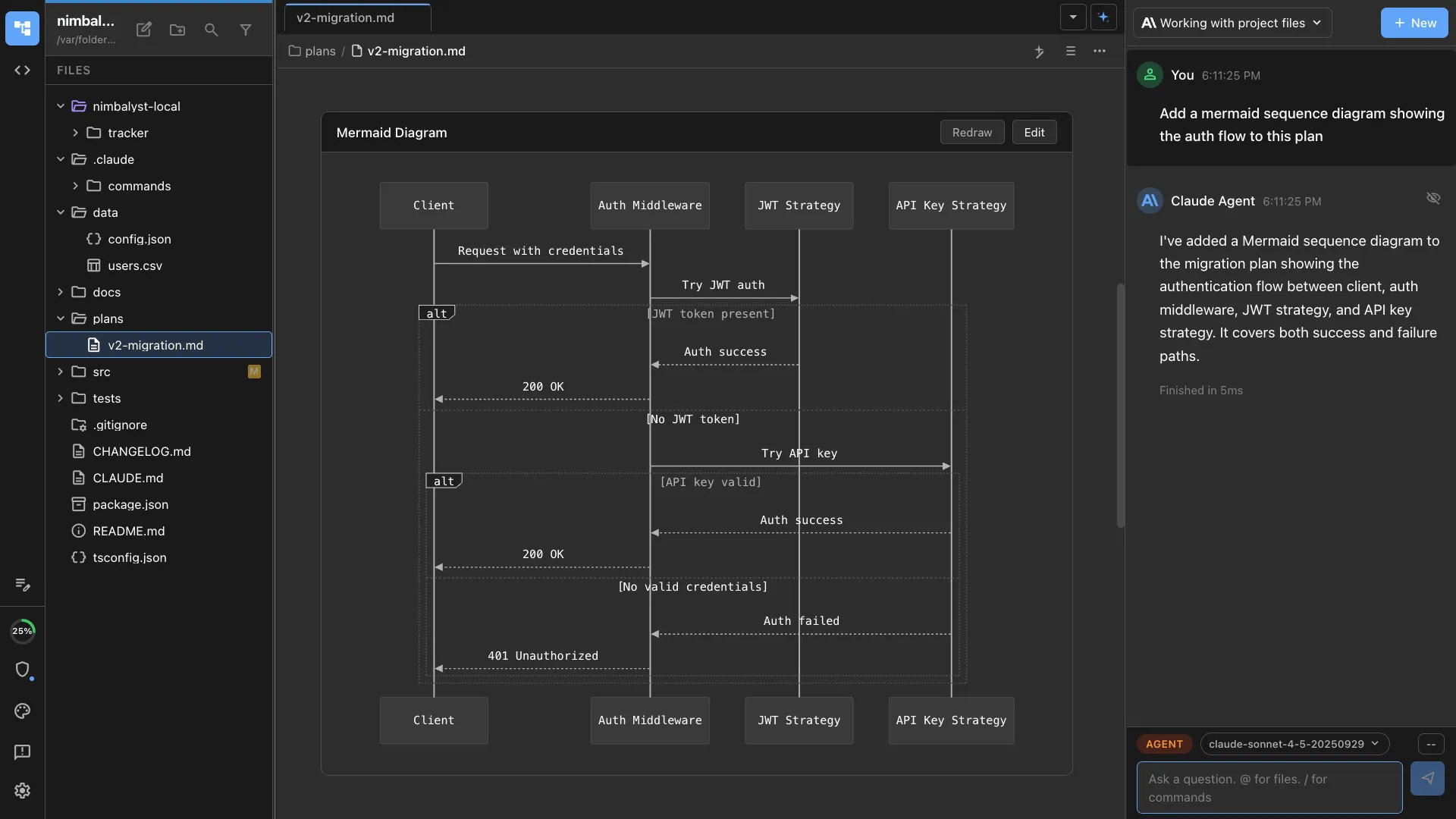
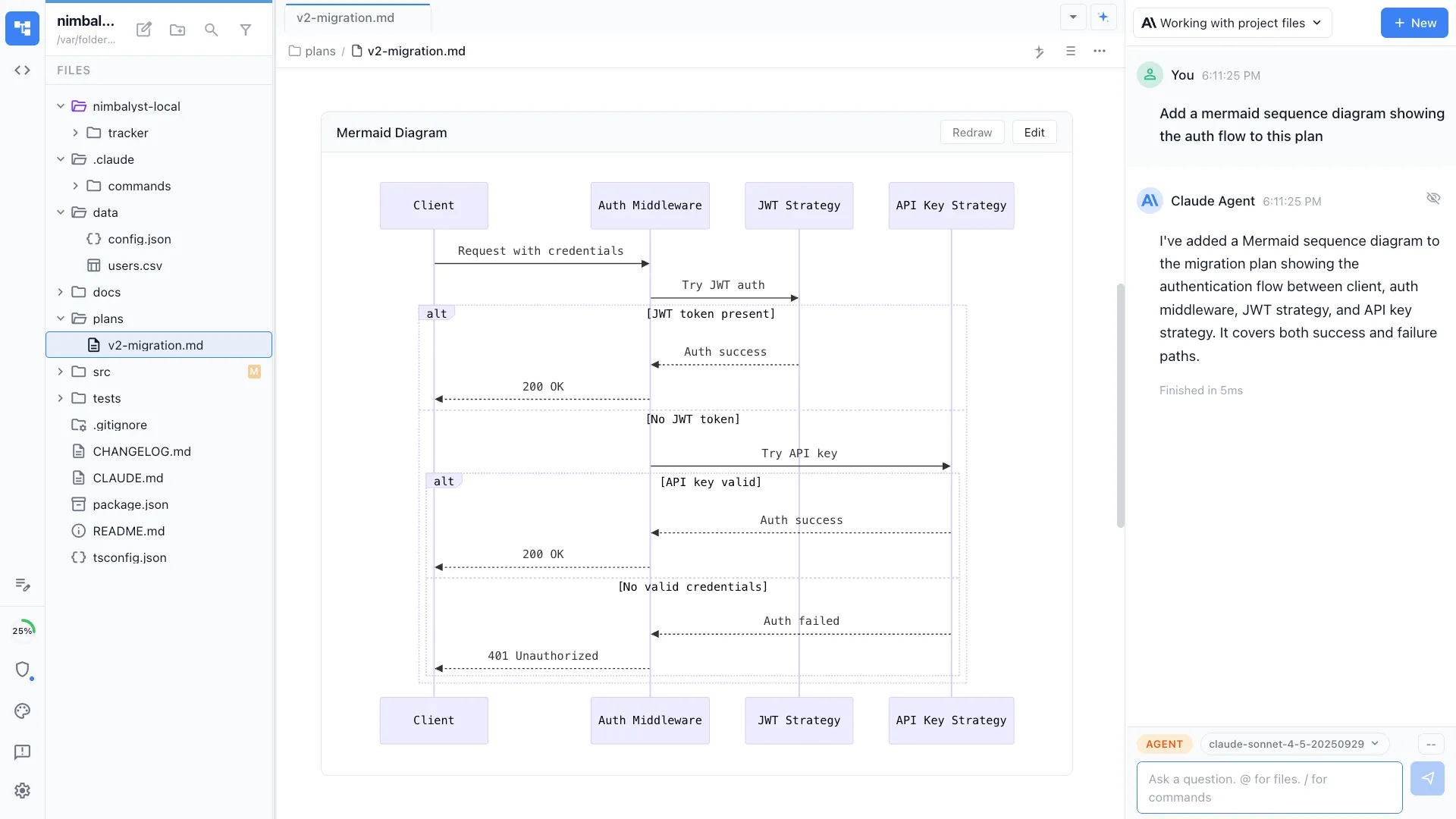
Describe a UI in plain language and your AI agent generates a visual mockup. Iterate on the design, then tell the same agent to implement it -- no handoff required.

The Problem
The design-to-code handoff is broken
Wireframing and mockup tools are built for designers. Developers and PMs who need quick UI sketches have no efficient workflow.
- Figma and Sketch have steep learning curves for non-designers
- Design tools produce static images that require manual translation to code
- The handoff from mockup to implementation loses context and intent
- Quick UI sketches still require opening a separate design tool
How It Works
From description to mockup to code
Describe the UI
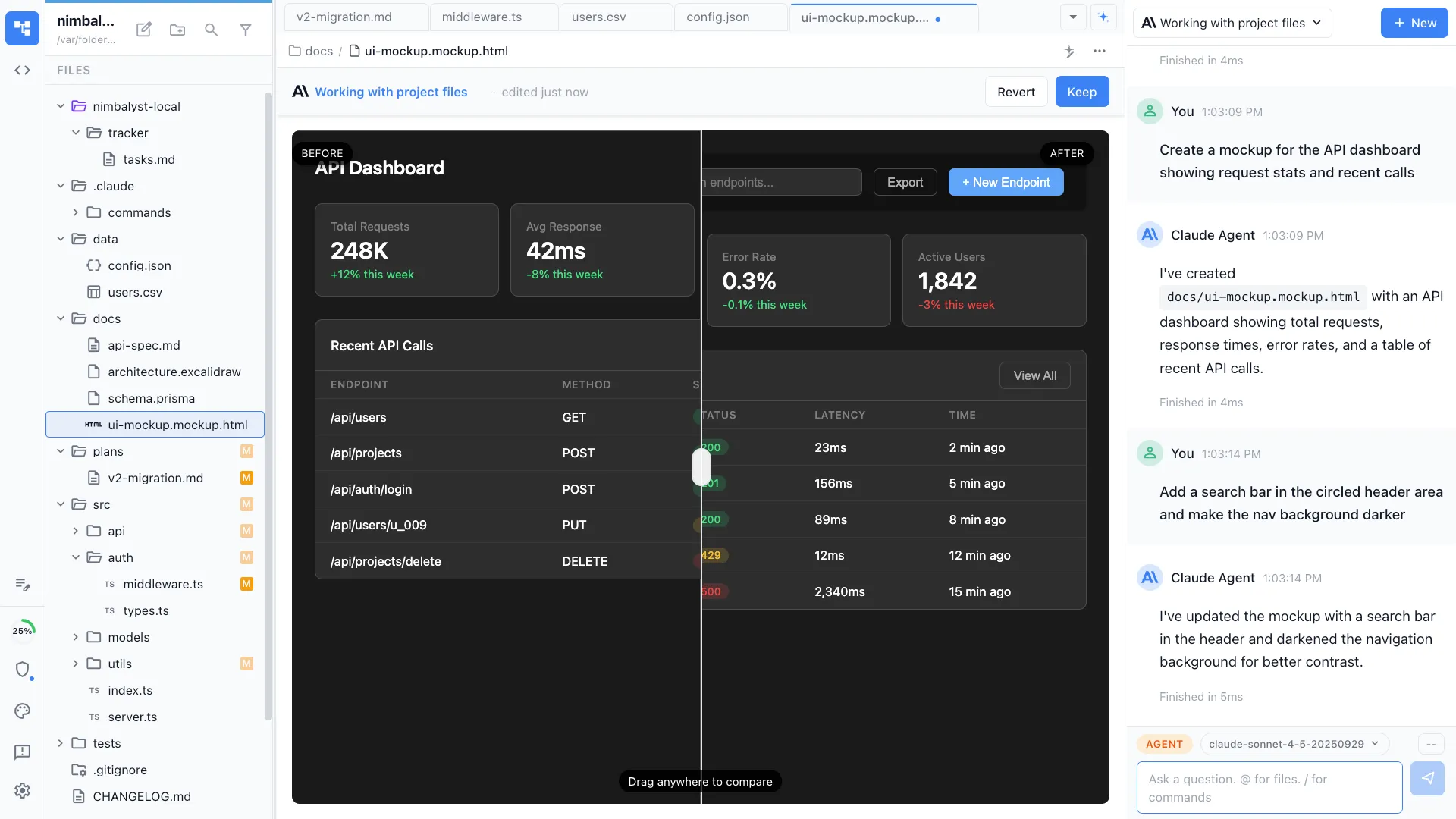
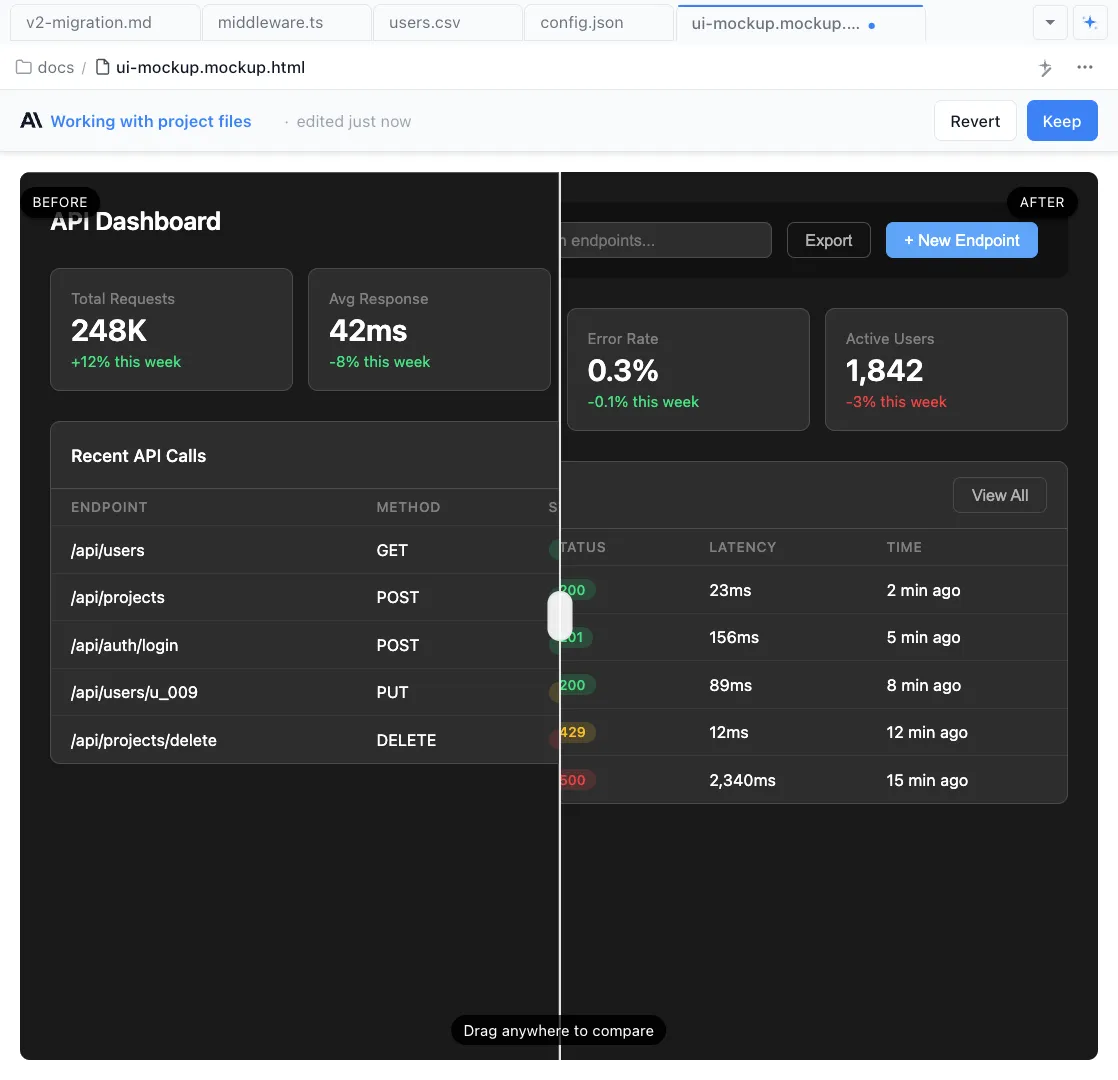
Tell your agent what you want -- 'a settings page with a sidebar nav, form fields, and a save button.' It generates an interactive HTML mockup in seconds.
Iterate visually
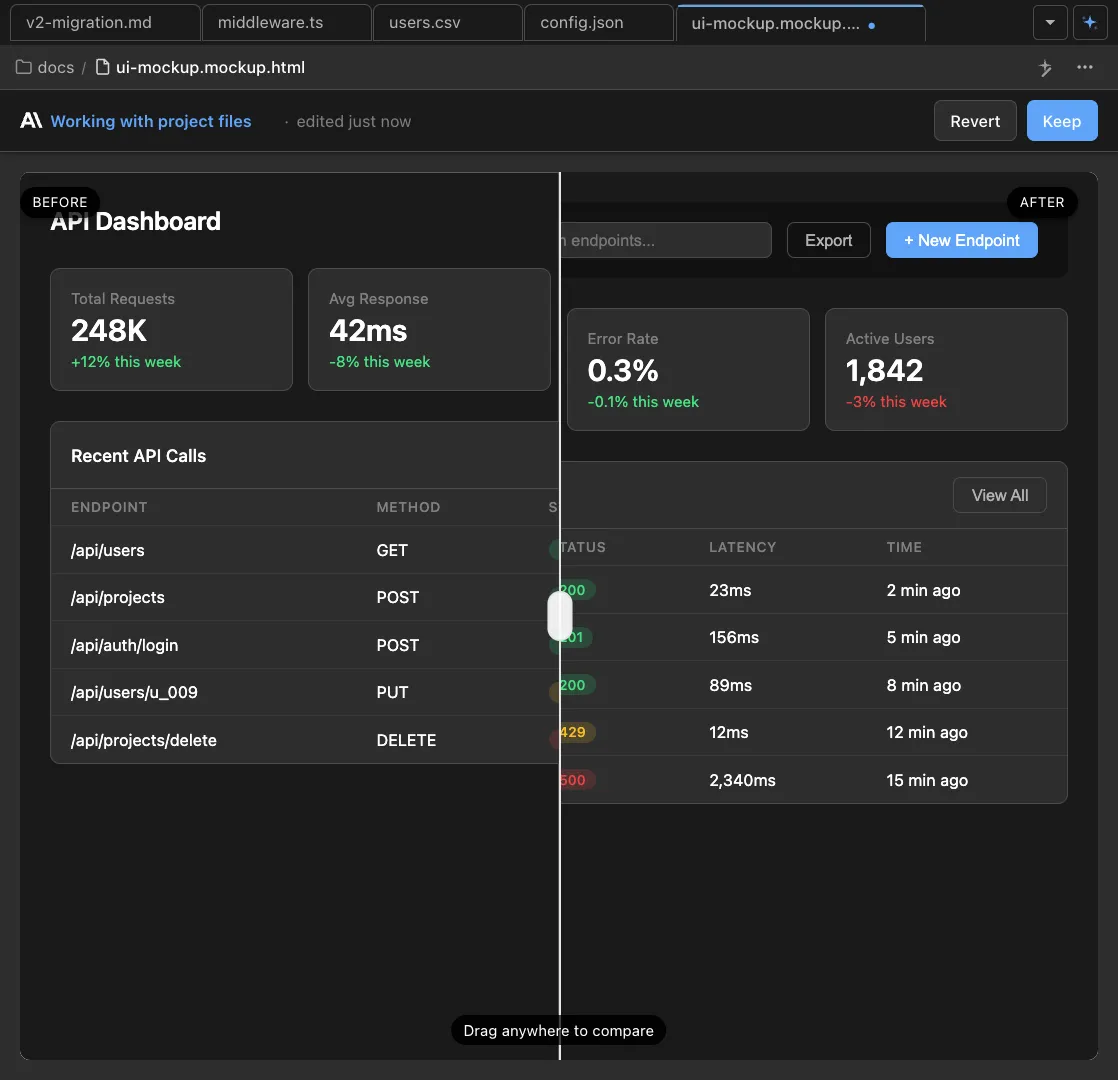
View the rendered mockup and refine it conversationally. 'Make the sidebar collapsible' or 'add a dark mode toggle to the header.' Each change renders instantly.


Implement from the mockup
When the mockup looks right, ask the same agent to implement it as a real React, Vue, or Astro component. It already has the full design context.
The Difference
Wireframing for everyone, not just designers
Without Nimbalyst
- ✕ Open Figma, learn the tool, spend an hour on a basic wireframe
- ✕ Export a static image and hand it to a developer with notes
- ✕ Developer interprets the mockup differently than intended
- ✕ Design iterations require another round-trip to the design tool
With Nimbalyst
- ✓ Describe a UI in words and get an interactive mockup in seconds
- ✓ Iterate on design and implementation with the same AI agent
- ✓ No handoff -- the agent that designs also implements
- ✓ Design iterations happen in conversation, not in a separate tool
Powered By
Nimbalyst features behind this workflow
Mockup Editor
AI-generated HTML mockups with live rendering and conversational editing.


Agent Integration
The same agent designs the mockup and implements the real component.
Developer Tools
Implement mockups as real code in the same workspace.
Planning & Tracking
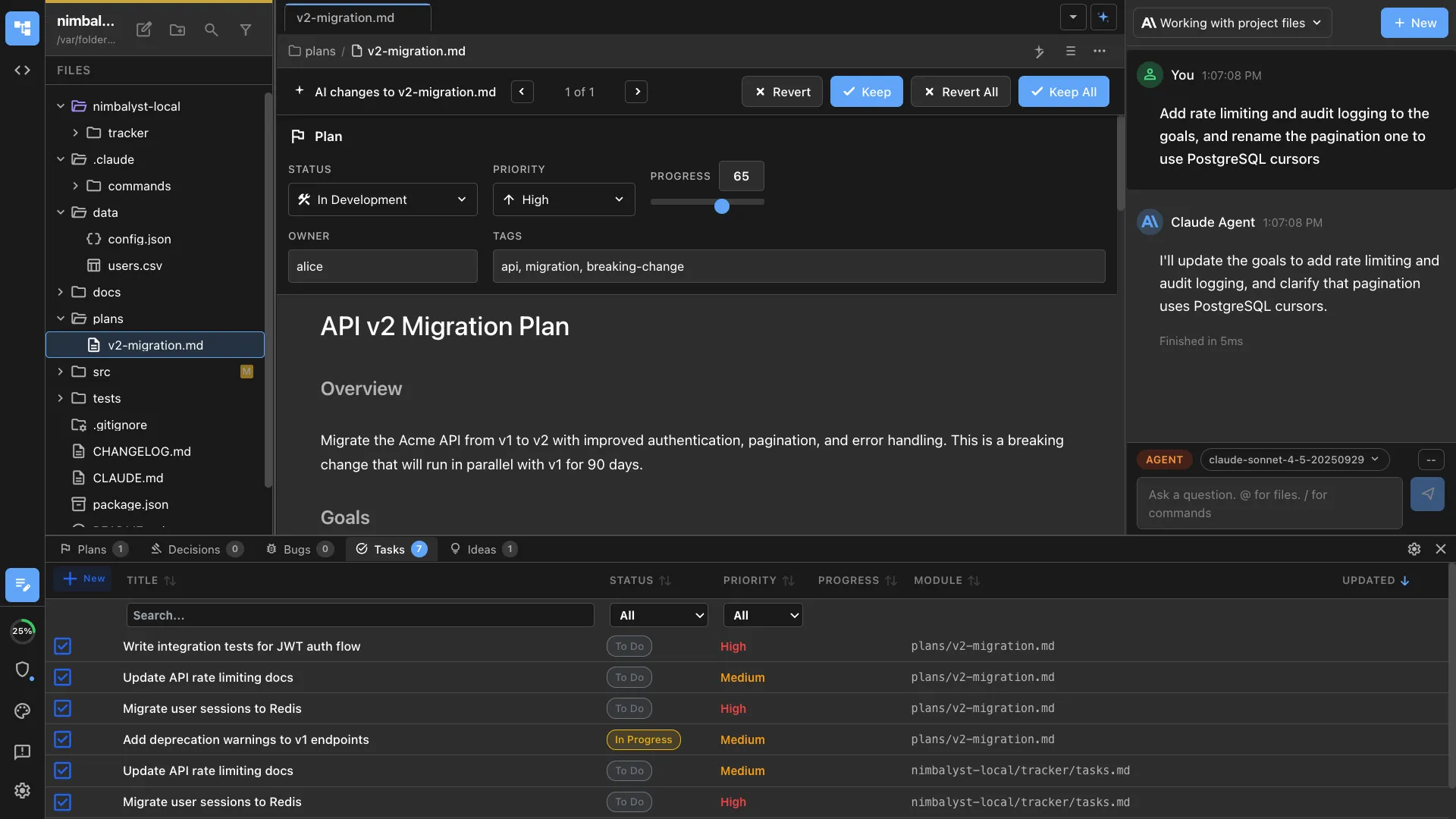
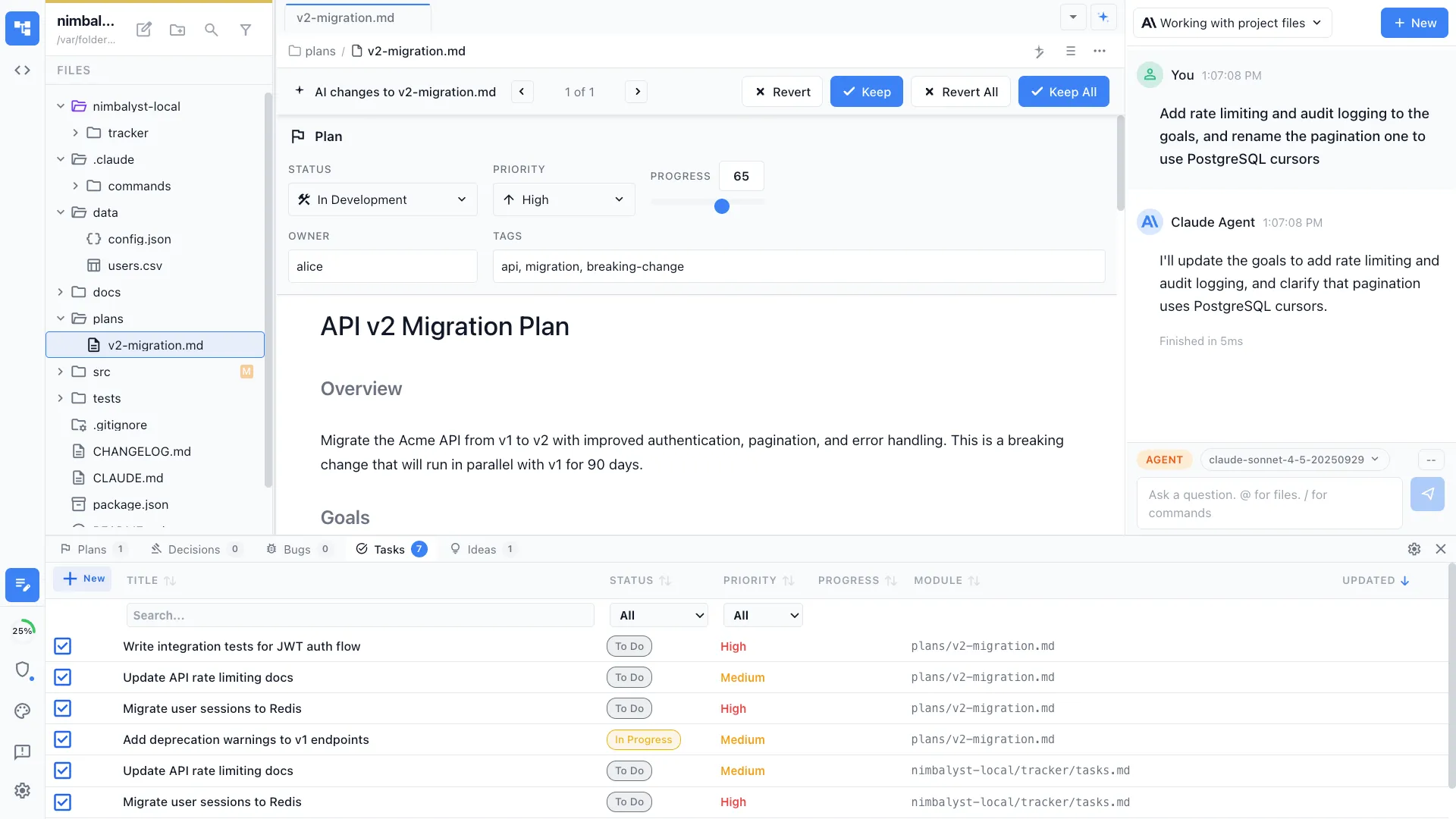
Attach mockups to feature plans and track implementation progress.