Best AI Tools for Product Managers in 2026
The best AI tools for product managers across research, PRDs, prototypes, and engineering handoff. Compared by use case, pricing, and PM fit.
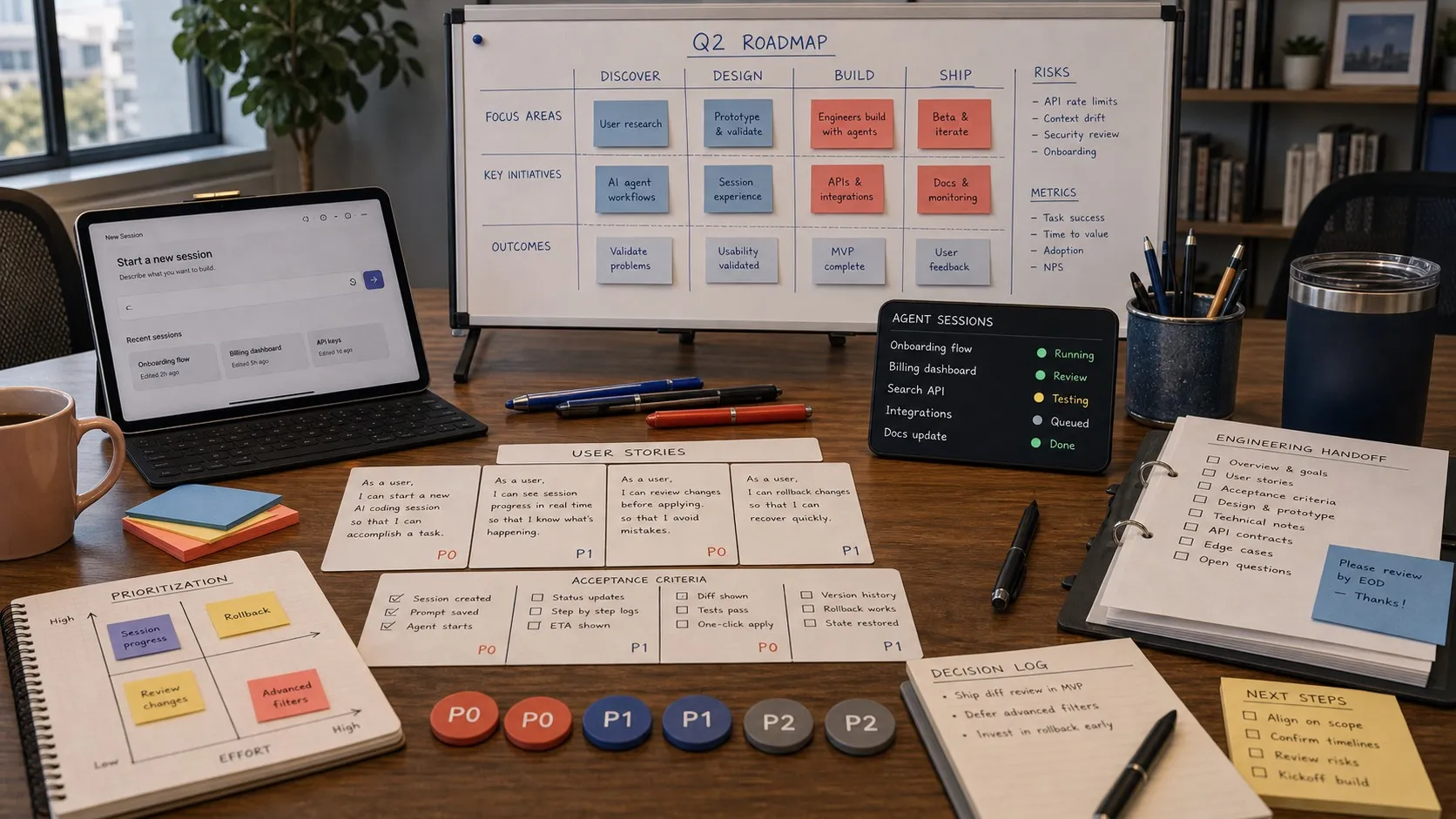
Product managers do not need a dozen AI tools. They usually need one good tool for research, one for planning, one for prototypes, and a clean path into engineering. The hard part in 2026 is not finding AI features. It is picking the ones that actually reduce PM work instead of adding another surface to maintain.
This guide is organized around the core PM loop: understand the problem, write the plan, make the idea visible, and hand it to engineering without losing context. Some of these tools are broad platforms. Some are narrow specialists. The useful distinction is not “which tool has AI,” but “which tool makes a PM’s next step easier.”
Pricing and packaging change often. Plan details below were checked against vendor pricing and product pages on June 1, 2026.
Comparison Table
| Tool | Best for | Starting price | PM fit |
|---|---|---|---|
| Dovetail | Interview and feedback synthesis | Free | Best when research is a repeatable function |
| Maven AGI | Support-driven product signals | Custom | Best for high-volume support orgs |
| Custom GPTs | Personalized research assistants | Free to use / $20 mo to create | Best for individual PM workflows |
| PostHog AI | Product analytics questions | Free | Best for product-led teams with strong instrumentation |
| Linear | Planning inside the engineering tracker | Free | Best when product and engineering already run in Linear |
| Notion AI | Long-form specs and internal knowledge | Business from $20 per seat mo | Best when docs are the center of the workflow |
| ChatPRD | Structured PRD drafting | Free / $15 mo | Best for first-draft speed |
| v0 | Code-first UI prototypes | Free / $20 mo | Best for React-heavy teams |
| Lovable | Fast standalone web app prototypes | Free / $25 mo | Best for concept validation and internal tools |
| MockupLM | Editable mockups beside the spec | Free for individuals via Nimbalyst | Best when mockups need to stay in the working project |
| Cursor | Technical PM workflows inside an editor | Free / $20 mo | Best for PMs comfortable reading code |
| Figma | Design-led prototyping and handoff | Free / $16 per editor mo | Best when design is a first-class partner |
| Nimbalyst | Shared PM and engineering workspace | Free for individuals | Best when spec, mockup, tracker, and code need shared context |
Research and Feedback
Dovetail
Dovetail is one of the strongest choices when PM research is a real operating function, not an occasional task. It is built to turn interviews, calls, documents, and survey responses into searchable themes and reusable insights instead of leaving them scattered across recordings and notes.
- Best for: PMs and researchers running regular interview programs
- Pricing: Free plan available; enterprise pricing is custom
- What stands out: AI summaries, clustering, searchable customer intelligence, strong research workflow
- Engineering handoff: Useful but indirect; it connects to tools like Linear and Notion rather than living inside engineering workflows
Maven AGI
Maven AGI is better understood as an enterprise support and CX AI platform than a classic PM research tool. For PMs, its value is that it can turn support conversations, tickets, and escalations into product signal without a manager manually reading queues all week.
- Best for: PMs at companies where product feedback arrives through support
- Pricing: Custom / enterprise sales
- What stands out: Deep support workflow orientation, ticketing and CRM context, issue escalation flows
- Engineering handoff: Stronger than many support tools because it can bridge support systems with trackers like Linear and Jira
Custom GPTs
Custom GPTs are still one of the cheapest high-leverage tools for PM work. Load a GPT with product docs, personas, interview transcripts, and competitive notes, and you get a reusable assistant that already understands your context before each session starts.
- Best for: PMs who want a lightweight research or writing copilot without buying another category tool
- Pricing: Public GPTs can be used on free accounts; creating and editing GPTs requires a paid ChatGPT plan, starting at $20 per month
- What stands out: Flexible setup, quick iteration, strong fit for repeated internal workflows
- Engineering handoff: None directly; outputs usually move into docs, tickets, or slides
PostHog AI
PostHog AI is a strong pick for PMs who already depend on product analytics and do not want analytics answers trapped behind SQL fluency. Its value is less “AI magic” and more direct access to product data, trends, feature flags, experiments, and related context in one system.
- Best for: PMs at product-led companies already using PostHog
- Pricing: Usage-based with free tiers across core products
- What stands out: Natural-language analytics help, product-data context, strong adjacency to experimentation
- Engineering handoff: Strong; product analytics, feature flags, experiments, and engineering workflows already live close together
Planning and Specs
Linear
Linear is no longer just a tracker. Between documents, AI settings, triage intelligence, and agent workflows, it can now absorb a meaningful share of planning work that used to live in a separate spec tool. That matters for PMs because fewer handoffs happen when the plan already lives where engineering executes.
- Best for: Product teams already planning and shipping in Linear
- Pricing: Free; Basic starts at $10 per user per month billed yearly; Business starts at $16 per user per month billed yearly
- What stands out: Docs inside the tracker, text-to-issue flows, triage intelligence, agent automations
- Engineering handoff: Native; the plan is already next to the work
Notion AI
Notion AI remains a strong choice for teams whose product knowledge base, meeting notes, and specs already live in Notion. It is especially useful when the bottleneck is writing, summarizing, and finding prior decisions rather than creating deeply structured engineering work.
- Best for: Teams that already run on Notion docs and wiki workflows
- Pricing: Notion AI is included on Business and Enterprise plans; Business starts at $20 per seat per month
- What stands out: Good long-form drafting, workspace search, meeting-note and knowledge workflows
- Engineering handoff: Moderate; good integrations, but the codebase and implementation context still live elsewhere
ChatPRD
ChatPRD is still one of the most PM-specific tools on the market. It is narrower than Notion or Linear, but that focus is useful: it is optimized for getting from blank page to structured product document quickly.
- Best for: PMs who want PRDs, user stories, and one-pagers drafted in a familiar format
- Pricing: Free; Pro starts at $15 per month; Teams starts at $29 per seat per month
- What stands out: PM-specific templates, structured output, low setup friction
- Engineering handoff: Light; good for drafting, but it is still a feeder into another system
Mockups and Prototypes
v0
v0 is one of the best tools here when the prototype needs to look like something engineering could actually ship from. It is especially strong for React-based teams that want a prototype to become a branch, not just a visual reference.
- Best for: PMs working with React and modern frontend stacks
- Pricing: Free; Premium starts at $20 per month
- What stands out: Code-first prototypes, strong UI generation, direct path into Vercel workflows
- Engineering handoff: Strong on the frontend side because the output is code, not just a picture
Lovable
Lovable is useful when speed matters more than architectural purity. It can produce functional web-app prototypes quickly, which makes it a strong validation tool for PMs testing a concept, workflow, or internal tool before a full engineering investment.
- Best for: Fast standalone prototypes and lightweight internal apps
- Pricing: Free; Pro starts at $25 per month; Business starts at $50 per month
- What stands out: Fast end-to-end generation, deployable output, low friction for non-engineers
- Engineering handoff: Better than many no-code tools because GitHub sync exists, but the primary workflow still lives in Lovable
MockupLM
MockupLM is the visual mockup editor inside Nimbalyst. It is less about spinning up a hosted app and more about keeping an editable mockup next to the plan, supporting notes, and implementation workflow.
- Best for: PMs who want editable mockups to live in the working project rather than a separate design surface
- Pricing: Included in Nimbalyst; free for individuals
- What stands out: Editable HTML mockups, local file-based workflow, easy iteration from spec to mockup
- Engineering handoff: Strong when the team wants the mockup to stay attached to the broader project context
Shared with Engineering
Cursor
Cursor is the strongest fit here for technical PMs who are comfortable working inside an editor. It gives them codebase awareness, agent workflows, background agents, rules, and MCP support without requiring a separate PM-specific layer.
- Best for: PMs who already read code or regularly work directly with engineering artifacts
- Pricing: Free; Pro starts at $20 per month; Teams starts at $40 per user per month
- What stands out: Codebase-aware agent workflows, background agents, strong technical depth
- Engineering handoff: Native because the PM is already operating in an engineering surface
Figma
Figma is still the default answer when design is a real peer function, not a quick step before code. Dev Mode, variables, and Figma Make have made it more useful to PMs, but its main strength remains collaboration among product, design, and engineering around the same design source.
- Best for: Design-led teams that care about polished interaction design and handoff quality
- Pricing: Free; Professional full seats start at $16 per month
- What stands out: Mature design workflow, Dev Mode, variables, and Figma Make for functional prototypes
- Engineering handoff: Strong, especially where design systems and design-to-code discipline already exist
Nimbalyst
Nimbalyst is an open-source visual workspace that runs Claude Code and OpenAI Codex side by side, with pluggable agent harnesses. The value for PMs is not that it replaces every other tool. It is that specs, mockups, tracker items, and implementation context can live in one working surface when that workflow matters.
- Best for: Product teams that want PM and engineering working from shared context
- Pricing: Free for individuals
- What stands out: Shared workspace model, visual editors, tracker integration, multi-agent workflow support
- Engineering handoff: Native to the workspace; strongest when AI coding agents are already part of delivery
- Open-source note: The desktop and iOS apps are MIT-licensed
How to Pick a Stack
If your current workflow already runs smoothly across Notion, Figma, and Linear, the best move is usually to turn on more AI inside the tools you already use. That is the lowest-friction path, and for many PM teams it is enough.
If research synthesis is the bottleneck, start with Dovetail or Maven AGI and add PostHog AI if product analytics is part of the same loop. If spec drafting is the bottleneck, start with ChatPRD, Notion AI, or Linear depending on where the approved plan needs to live. If prototype speed is the bottleneck, choose between v0, Lovable, and MockupLM based on whether you need code, a hosted app, or an editable mockup tied to the rest of the project.
The shared-workspace category matters most when the cost of handoff is high. That usually means PMs are iterating on specs often, engineering is using AI agents, and the team keeps losing context between doc, mockup, tracker, and codebase. In that case, tools like Cursor, Figma, and Nimbalyst stop being edge cases and become part of the core PM workflow.
Related Reading
Related posts
-
Best Conductor Alternatives 2026: Windows, Linux, and Open Source
Conductor is macOS only. The best Conductor alternatives in 2026 compared on platform support, agent coverage, licensing, and worktree isolation.
-
Best AI Agent Orchestration Platforms 2026: Coding vs Workflow
AI agent orchestration means two different products. Compare control planes for your own coding agents (Nimbalyst, Orca, Emdash, Superset, Conductor, Warp) against workflow frameworks like LangGraph and CrewAI.
-
Open Source Agent Workspaces 2026: 8 Tools Compared
cmux, Superset, Orca, Paseo, Herdr, T3 Code, Goose, and Warp compared in 2026: platforms, licences, worktree isolation, mobile access, and which agent workspace fits which workflow.