Collaborative Documents
Every document, shared
with your team and their agents
Markdown, mockups, diagrams, and more, edited together in real time. Each teammate's Claude Code and Codex agents work in the same shared files, not separate copies.
Real-time editing
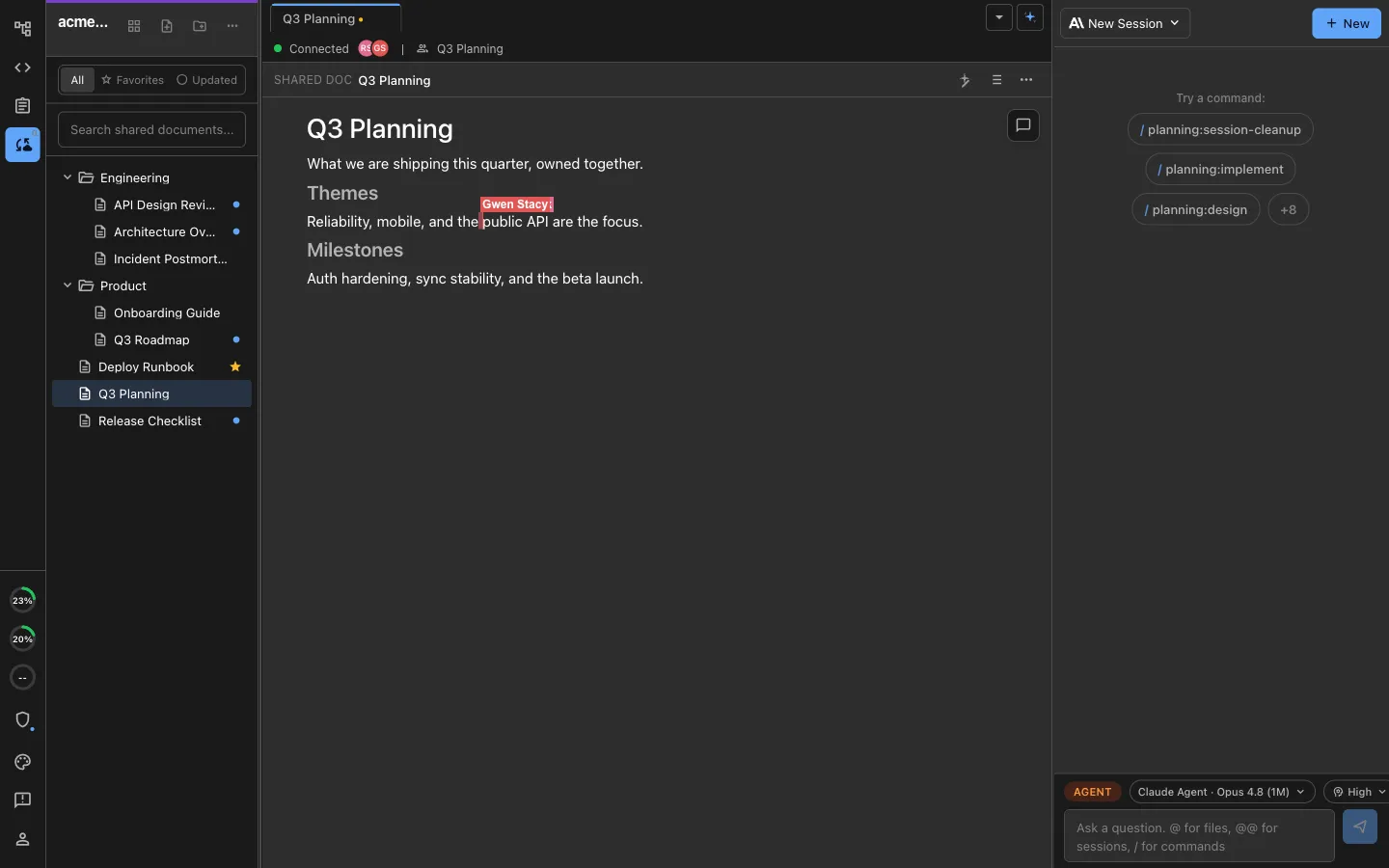
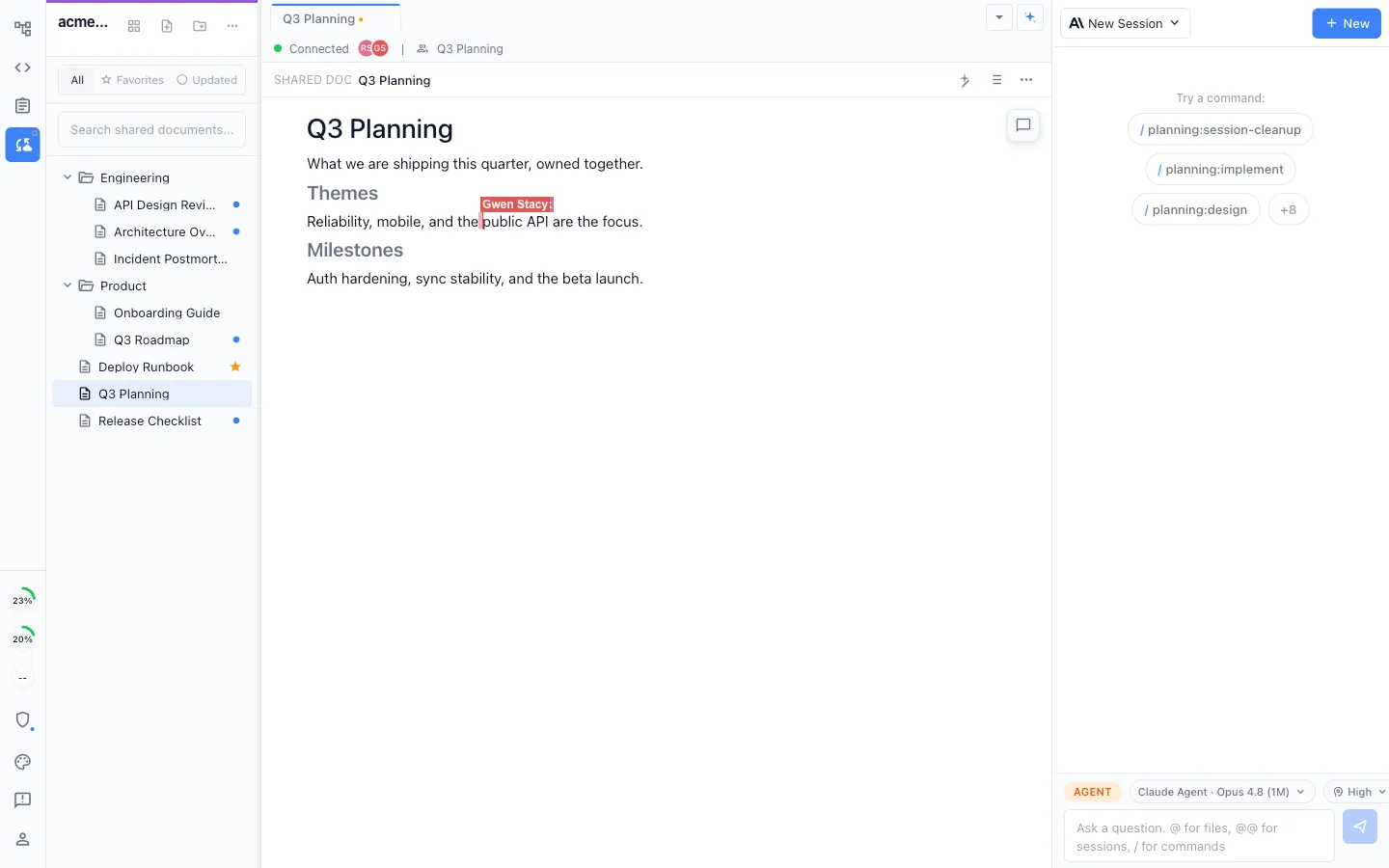
Everyone in the same document at once
True multiplayer
Type in the same markdown, mockup, or diagram at the same time, with a live cursor for every person in the document.
See who is here
Presence avatars show who is in the document with you and where they are working right now.
Your agents, in the same file
Each teammate's local Claude Code and Codex agents edit the same shared document, so people and agents stay on one copy.
Any file type
One document, every kind of content inside it
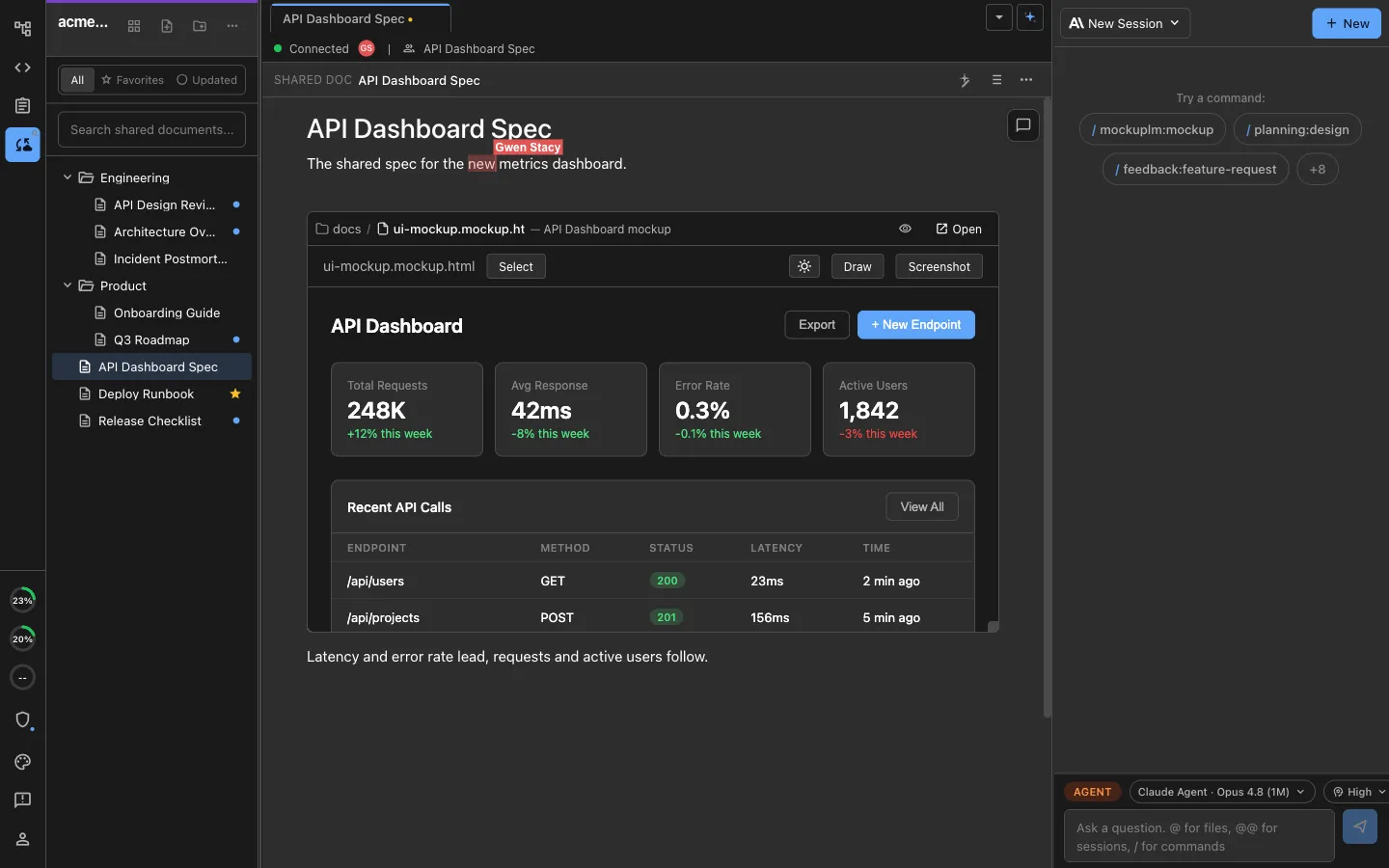
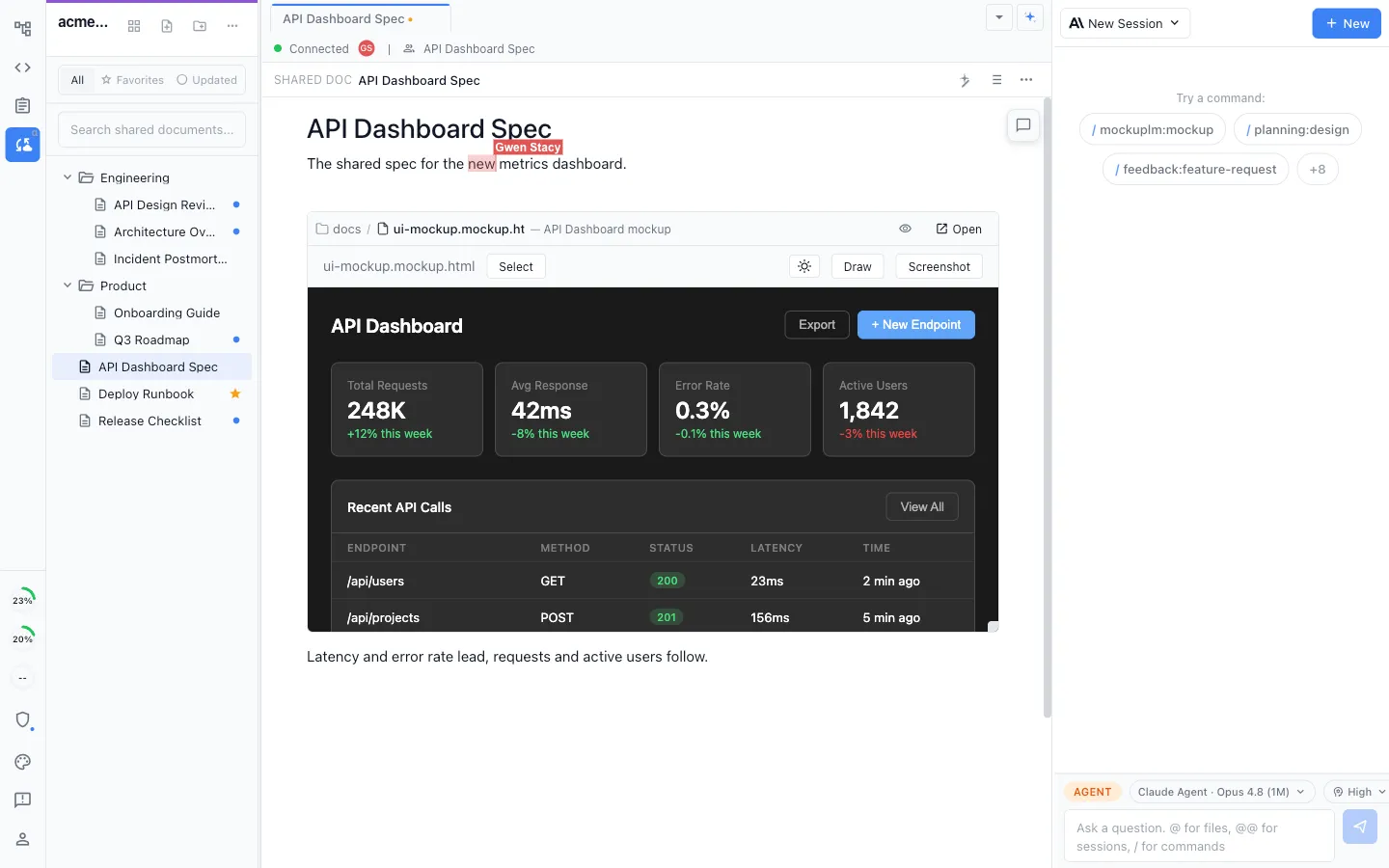
Shared documents are not limited to text. Embed a mockup, a diagram, an image, or an inline tracker right in the page and edit it in place.
Markdown, mockups, and diagrams
Work in shared markdown, UI mockups, Excalidraw, Mermaid, mind maps, data models, and spreadsheets, all in one workspace. Editors installed from the marketplace can collaborate the same way the built-in ones do.
Embed anything inline
Drop an Excalidraw canvas, a mockup, or an image into a document and it renders and edits inline, with no switching files.
Inline trackers
Add an editable tracker block inside a document, so the plan and the task live in the same place.
Local to shared
Promote any local file to shared in a click
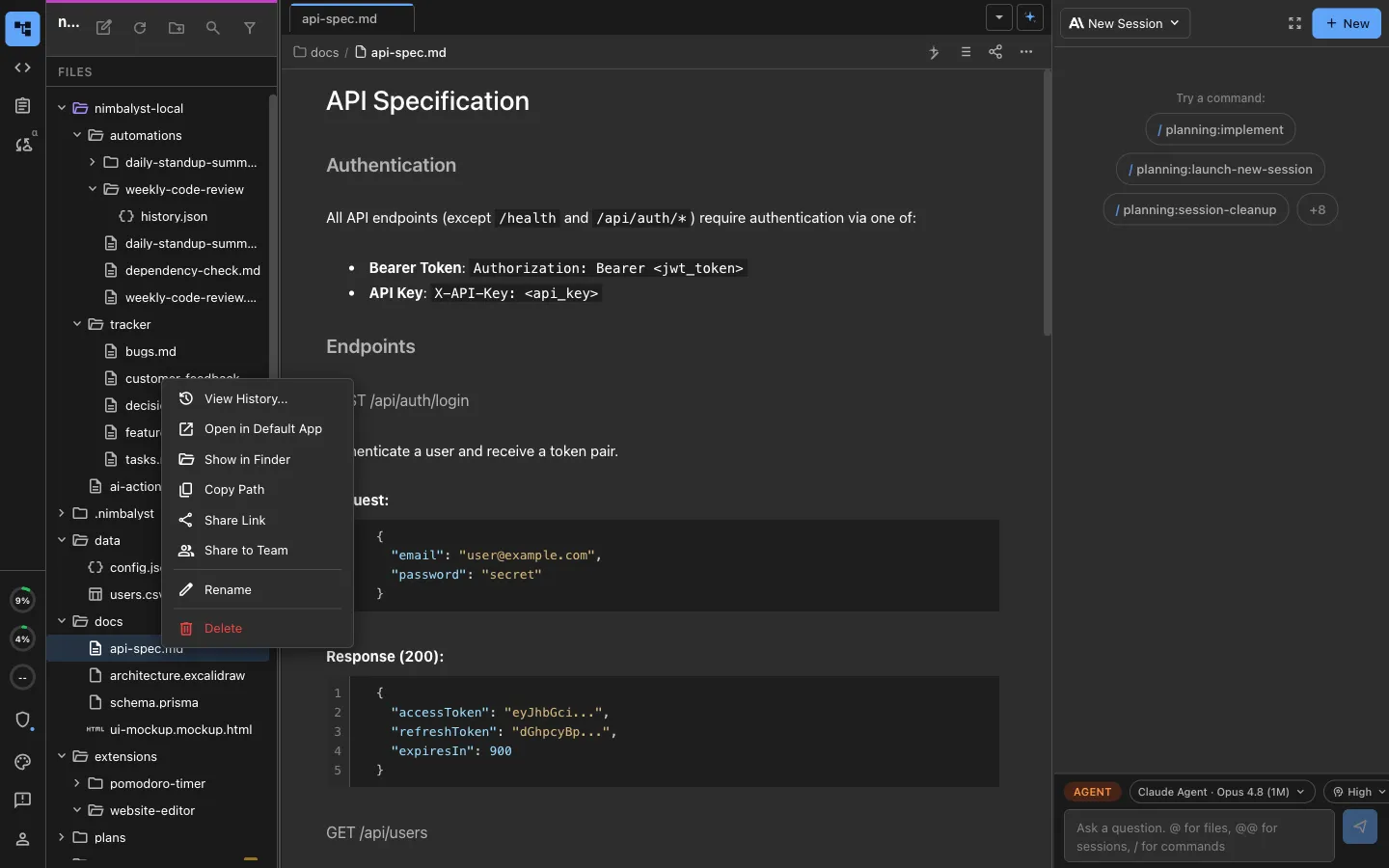
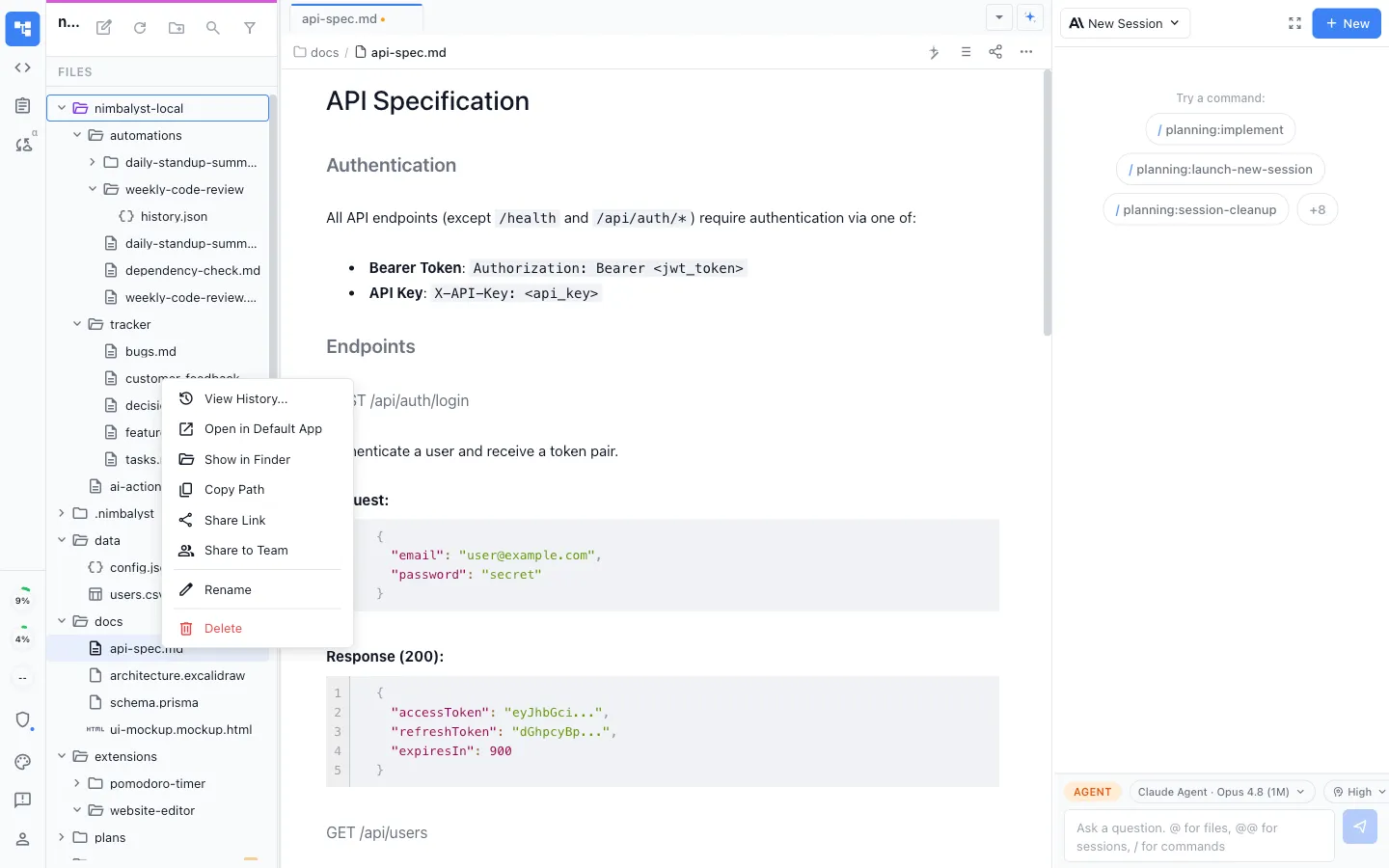
Start local, share when ready
Draft privately on your machine, then promote the file to a shared document the moment your team should see it.
Only what you choose
Nothing syncs until you promote it. Your local files stay on your machine until you decide otherwise.
Shared with your team
Promote a document and your whole team can open and edit it, each in their own workspace.
Comments
Discuss the work right where it lives
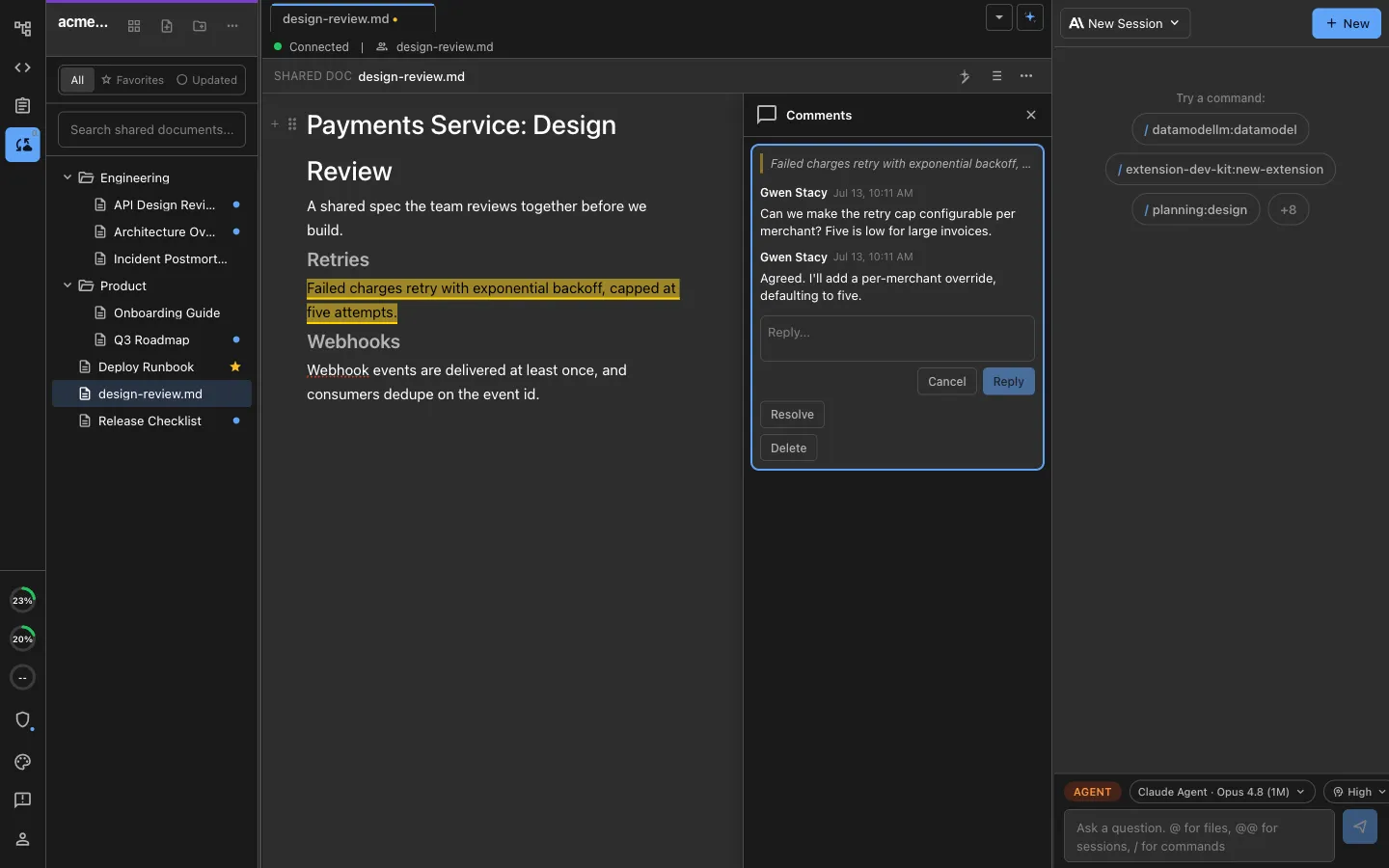
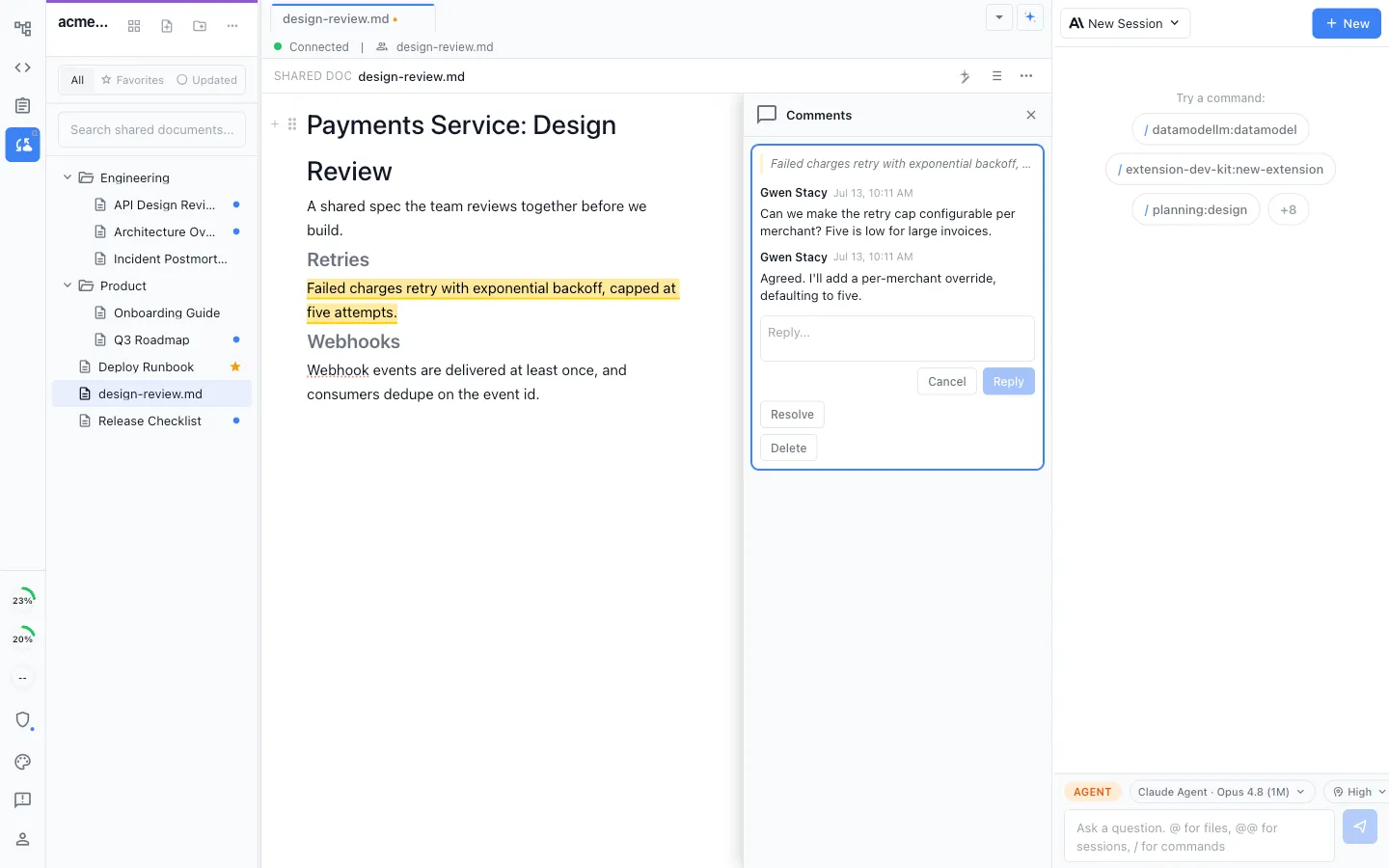
Comment in context
Leave a comment on a passage or a section, so feedback sits next to the exact thing it is about.
Threads that resolve
Reply, resolve, and reopen threads, so review happens in the document instead of a separate chat.
Everyone stays in sync
Comments sync in real time, so the whole team sees the discussion as it happens.
History
Never lose a version
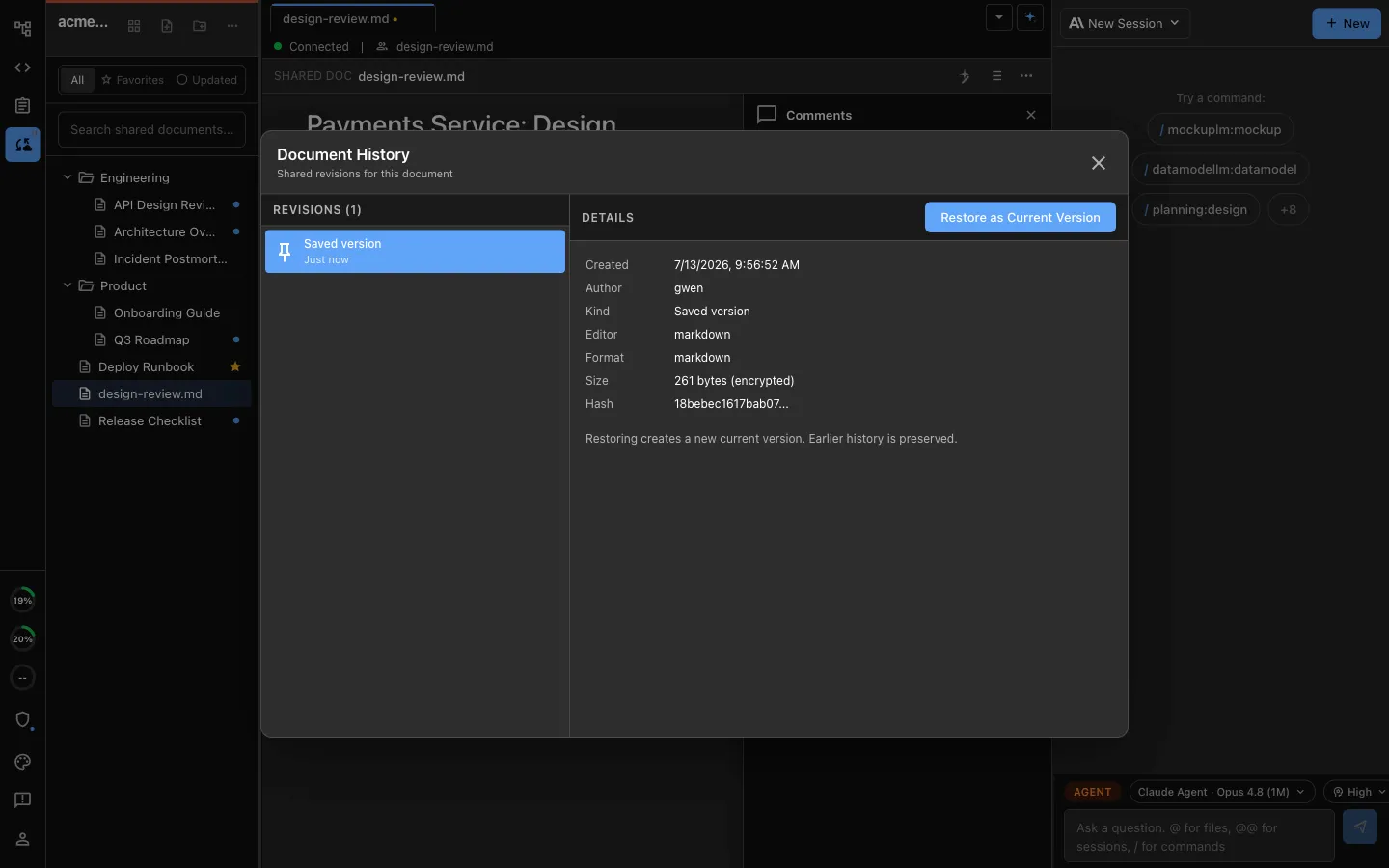
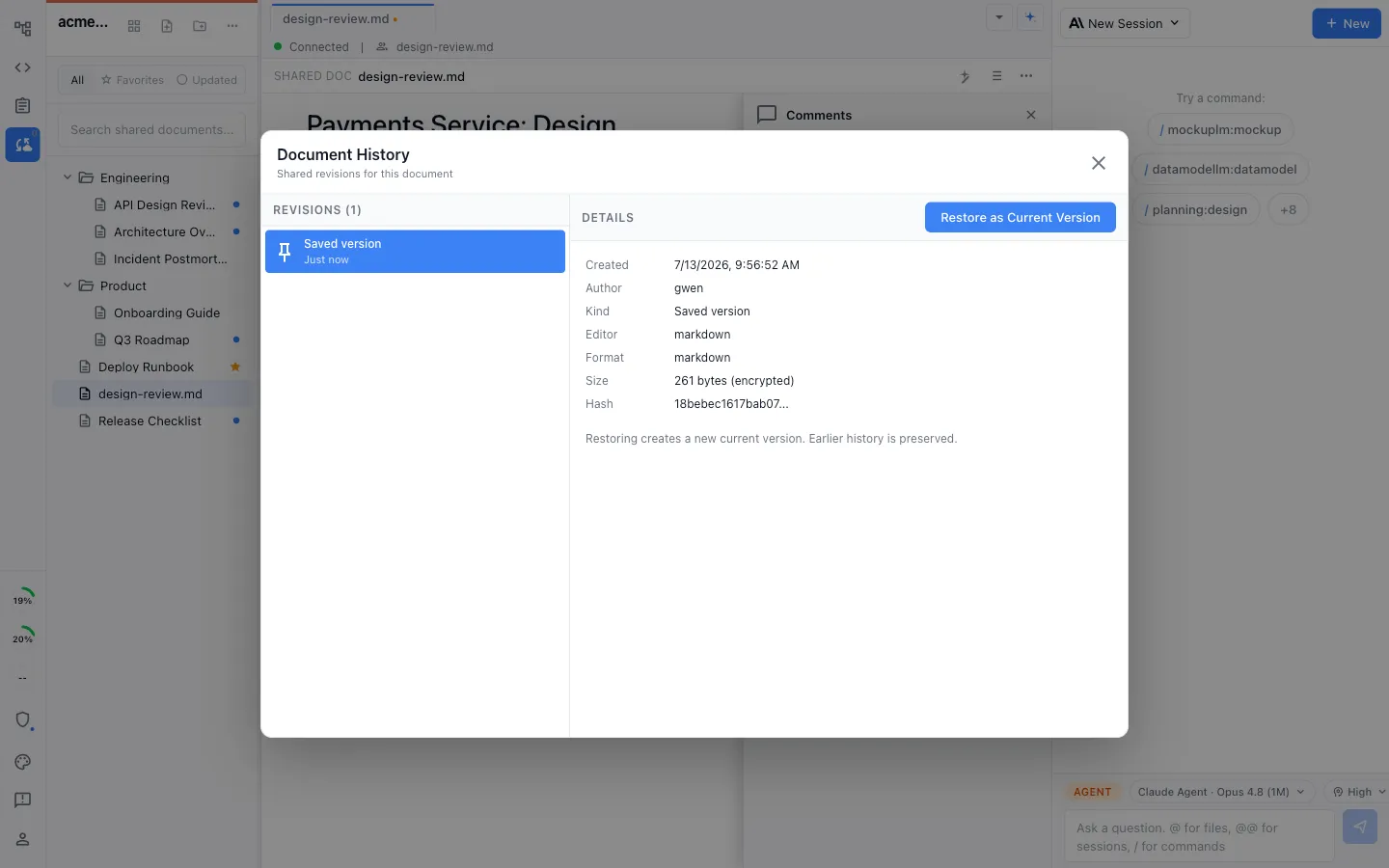
Full change history
Every shared document keeps its history, so you can see how it changed and who changed it.
Restore in one click
Roll a document back to an earlier version when you need to, without leaving the editor.
Review before you trust
Scan what changed since you last looked, so nothing slips by unnoticed.
Favorites and recent
Favorites, and what changed since you were last here
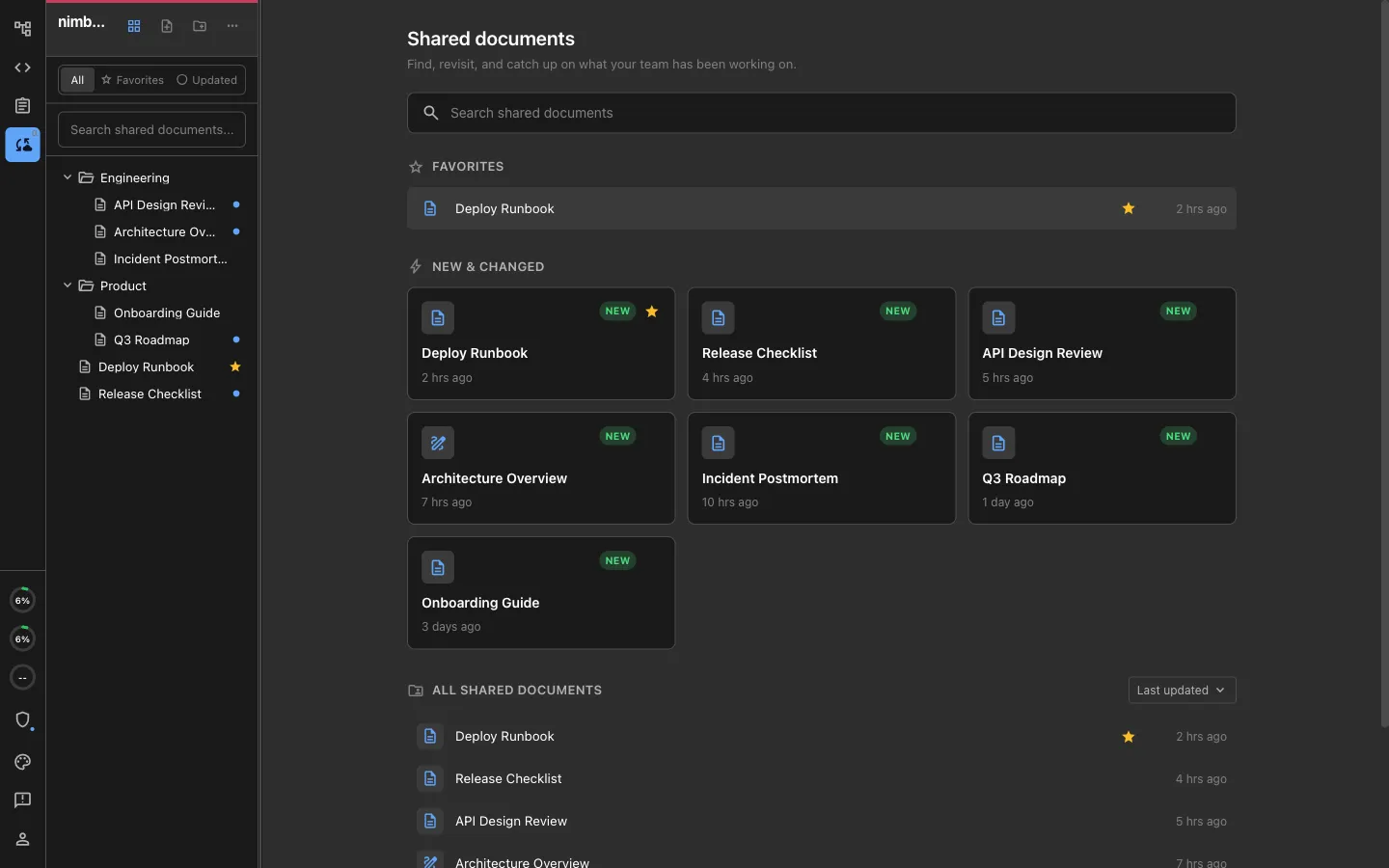
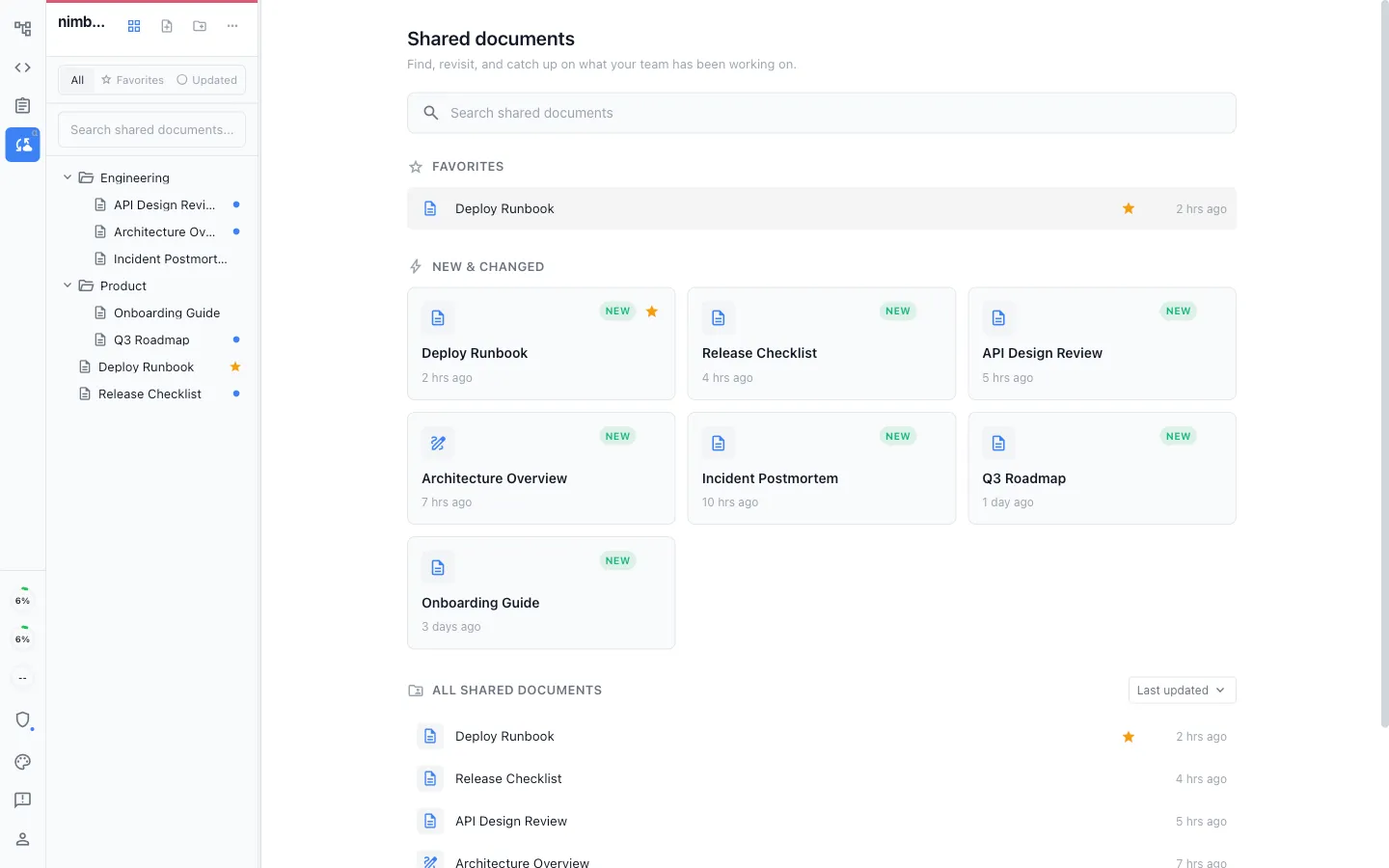
Favorites
Star the documents you keep coming back to and reach them from a Favorites list, so the work you care about is one click away.
Changed since you were away
A blue dot marks each shared document that changed since you last opened it, so you can see what your team touched without opening everything.
New and recently updated
Filter the shared docs to what is new or recently updated across the team, sorted by last change.
Review in the browser
Share the plan and collect feedback without asking anyone to install
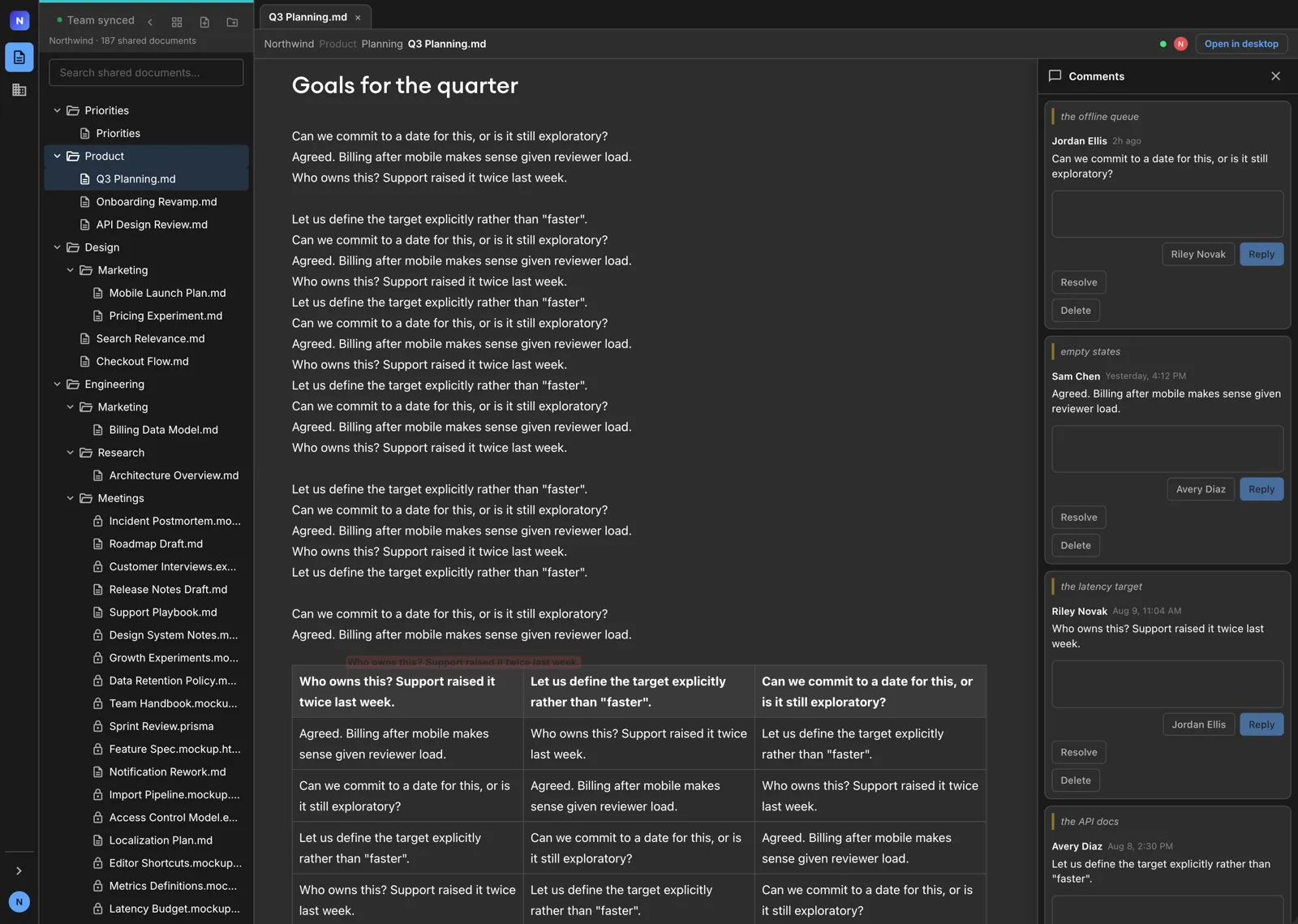
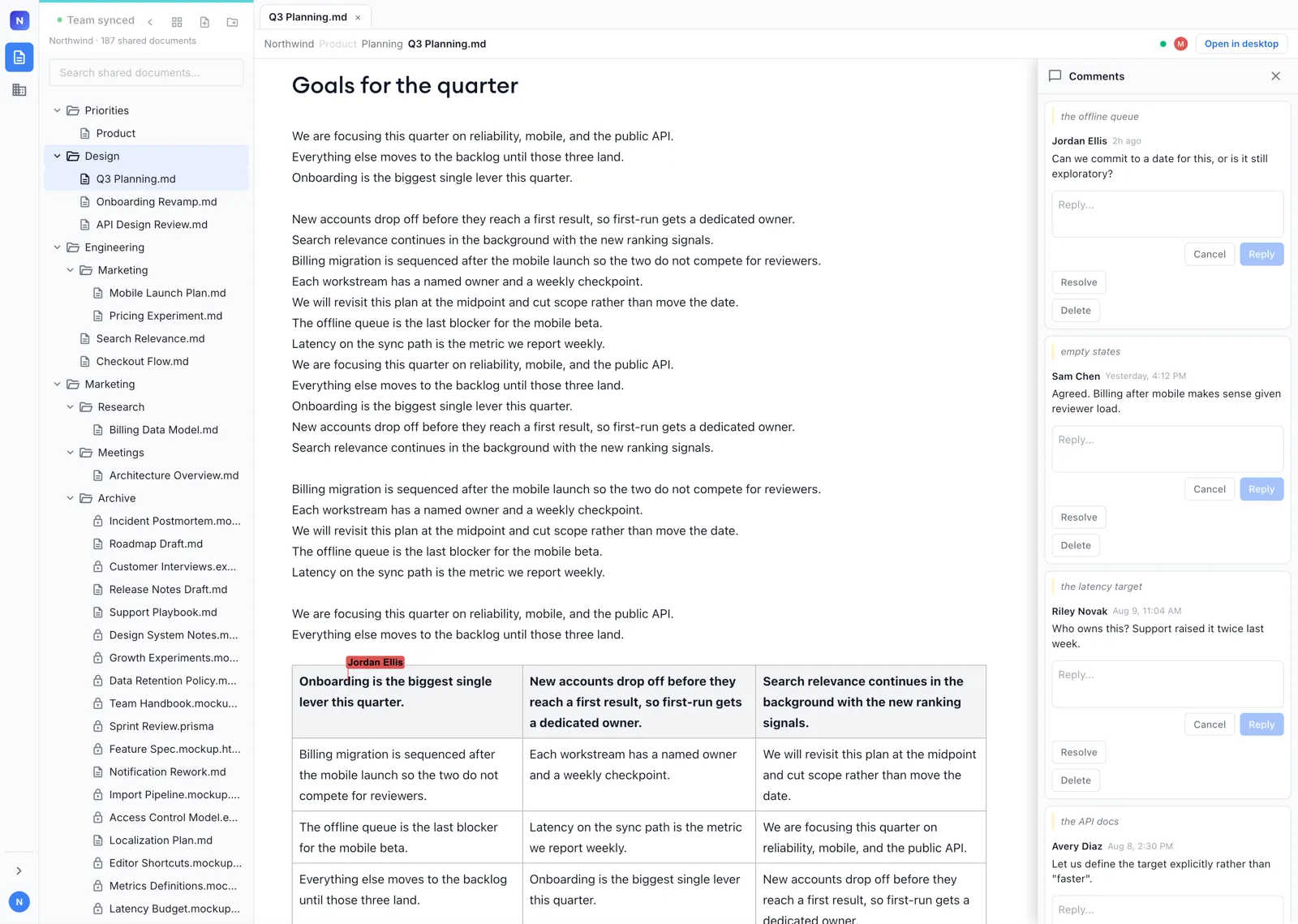
Open at console.nimbalyst.com
Shared markdown documents open in any browser, signed in with a work email or Google. Same collaboration service and same permissions as the app.
Edit and comment live
Reviewers follow your changes as you make them, with a labeled cursor for each person, and comment on the exact passage they are reacting to.
Open in the desktop app anytime
One click hands the document off to Nimbalyst on their machine when a reviewer wants the full workspace and their own agents.
Collaborative Trackers
Plan and track the work on one shared board your team and its agents keep current.
How Collaboration Works
See how local agents, shared documents, and real-time sync fit together.
Read the docs: shared documents
Bring your team into the same documents
Nimbalyst for Teams is free during Beta. Download Nimbalyst, create your org in the app, and collaborate on shared documents with your team and their agents.