Best AI Mockup Tools for Developers in 2026
Eight AI mockup tools compared from a developer's perspective: which ones output repo-ready artifacts, which ones stay cloud-native, and which ones fit a Claude Code or Codex workflow.
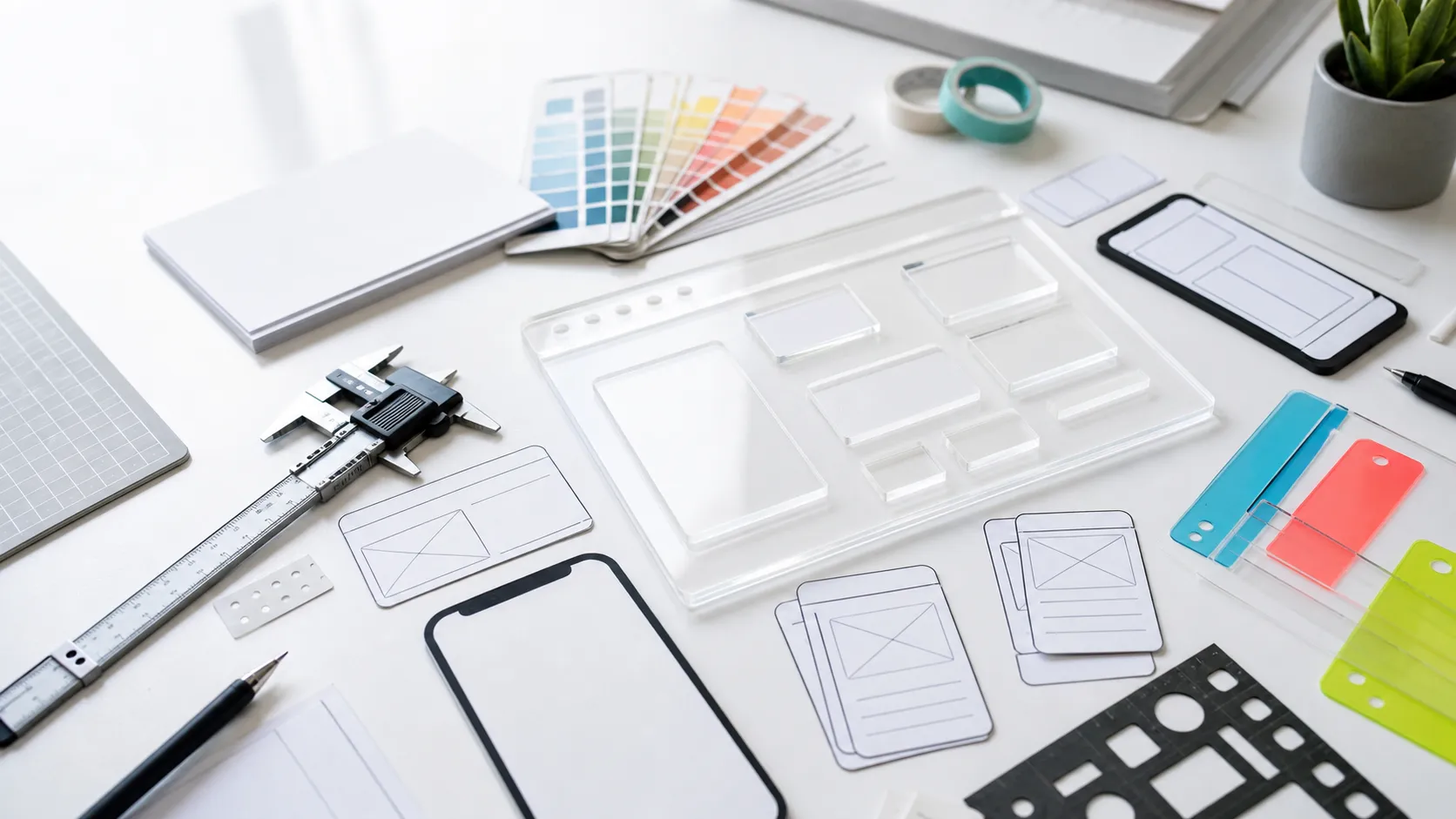
If you are searching for the best AI mockup tools in 2026 as a developer, the question that matters is which artifact comes out the other end, and whether your coding agent can do useful work from it. Pretty first screens are common; agent-ready output is not.
A designer can stop at a polished screen. A developer usually cannot. You need something a Claude Code or Codex session can inspect, diff, turn into components, and keep iterating against after the first pass. Output format, file ownership, and agent-readiness end up mattering more than screenshot quality.
Disclosure up front: we build Nimbalyst. Nimbalyst is an open-source visual workspace where you work with agents, sessions, tasks, and files, and edit markdown, mockups, diagrams, diffs, and code. It runs Claude Code and OpenAI Codex side by side, with pluggable agent harnesses. Nimbalyst Mockups is the mockup editor inside that workspace. I am including it here because it solves a concrete developer workflow problem, but I will keep the trade-offs explicit.
One notable change from older 2025 and early 2026 roundups: Galileo AI is no longer on this list. The current galileo.ai product is an AI observability and evaluation platform, not a UI mockup tool, so it no longer belongs in a live buyer’s guide for this category.
Quick answer
- If you want the cleanest agent handoff, choose Nimbalyst Mockups or Subframe.
- If you want a Git-backed app builder that can become production code fast, choose v0, Lovable, or Bolt.new.
- If your team already lives in Figma, choose Figma Make.
- If you want lower-fidelity planning and flow work, choose Uizard.
- If you want a free experiment that generates UI designs and front-end code, test Google Stitch.
Quick comparison
| Tool | Primary output | Where the canonical artifact lives | Can a coding agent work from it? | License / business model |
|---|---|---|---|---|
| Nimbalyst Mockups | .mockup.html HTML/CSS mockup file | Your repo | Yes, directly | Open source. Desktop and iOS apps are MIT |
| v0 by Vercel | Git-backed app code, editor, preview | v0 project plus GitHub when connected | Yes, through repo sync or export | Proprietary hosted product |
| Lovable | Full-stack app project with GitHub connection | Lovable project plus GitHub when connected | Yes, after Git sync | Proprietary hosted product |
| Figma Make | Functional prototype or web app in Figma Make | Figma cloud | Partially, through export, Dev Mode, or MCP bridge | Proprietary hosted product |
| Bolt.new | Running app with Git-backed version history | Bolt project plus GitHub when connected | Yes, after Git sync | Proprietary hosted product |
| Uizard | Wireframes, screens, prototypes, handoff assets | Uizard cloud | Partially. Better for human handoff than direct agent loop | Proprietary hosted product |
| Google Stitch | UI designs plus front-end code | Google Labs cloud | Partially. Exported code is usable, but the tool is not agent-native | Free Google Labs experiment |
| Subframe | React + Tailwind code, inspectable design surface | Subframe cloud plus synced codebase | Yes, through export and MCP flow | Proprietary hosted product |
What developers should optimize for
Before picking a tool, decide which of these workflows you actually want:
- Repo file first. The mockup is a file in your codebase. The agent reads it directly.
- Git-backed app builder. The tool lives in the cloud, but the code can stay in sync with GitHub.
- Design tool with export or bridge. The mockup lives in a design runtime, and code comes later through export, Dev Mode, or MCP.
- Prototype-first planning. The output is mainly for humans, not for a coding agent to pick up without translation.
Picking the right workflow shape matters more than ranking the tools by visual polish.
Nimbalyst Mockups
Nimbalyst Mockups generates .mockup.html files that render as live HTML/CSS mockups in the editor and live beside your code in the repo.
- What comes out: A real file. Plain HTML/CSS inside a
.mockup.htmlextension. - Why developers like it: A coding agent can open the file directly, reason about it, and implement from it in the same workspace.
- Where it is weaker: It is a planning surface, not a pixel-perfect design tool. If you need polished marketing comps, Figma Make or Stitch will look better faster.
- Licensing: Nimbalyst’s desktop and iOS apps are MIT licensed. The local app is free for individuals.
This is the lowest-friction option if your real goal is “mock it up, then have the agent ship it.”
v0 by Vercel
v0 has moved well beyond “prompt me a component.” Current v0 is a Git-aware development platform with an integrated editor, previews, automatic branching, automatic commits, and pull requests.
- What comes out: Real app code. v0 is strongest with Next.js, React, Tailwind, and shadcn/ui style workflows.
- Why developers like it: It can work on existing GitHub repos, generate production-leaning code, and manage a PR-based workflow without leaving the product.
- Where it is weaker: The mockup is no longer the center of the product. v0 is closer to an app builder than a dedicated mockup tool, so it can be heavier than necessary for low-fi planning.
- Licensing: Proprietary hosted product.
If you already want Git-backed code and Vercel-style deployment, v0 is one of the strongest choices in the category.
Lovable
Lovable sits in the same broad camp as v0, but leans even harder toward “describe the product, get a working app.”
- What comes out: A full-stack app project, not just a screen or component.
- Why developers like it: It is fast for turning a product idea into something runnable and shareable. GitHub connectivity gives it a stronger ongoing workflow than a one-time export model.
- Where it is weaker: It is better for building the app than for maintaining a durable mockup artifact that sits beside the code as a design spec. If your team wants a mockup that stays the source document, Lovable is not the cleanest shape.
- Licensing: Proprietary hosted product.
Choose Lovable when the mockup is a waypoint on the way to a working product, rather than a stable design artifact for an external coding agent to keep revisiting.
Figma Make
Figma Make is the strongest option when your team already works in Figma and wants prompt-to-app behavior inside that ecosystem.
- What comes out: A Figma Make file that can become a functional prototype or web app. Figma also supports code export paths and broader Dev Mode workflows.
- Why developers like it: It fits the design system many product teams already have, and it gives a cleaner bridge to engineering than older static-design handoff models.
- Where it is weaker: The canonical artifact still lives in Figma’s cloud, not in your repo. An external coding agent can work from exported code or a bridge, but not as directly as it can from a repo file.
- Licensing: Proprietary hosted product.
If your organization is already deep in Figma, Make is the default answer. If you want the mockup to be repo-native, look elsewhere.
Bolt.new
Bolt.new is best understood as a browser-native app builder with strong GitHub integration and fast iteration speed.
- What comes out: A running app project, with version control tied to GitHub when connected.
- Why developers like it: Bolt auto-commits changes and can pull external GitHub updates back in. It is good when you want to see something running immediately.
- Where it is weaker: Like Lovable, Bolt is more app-builder than mockup editor. It optimizes for getting something live, not for preserving a dedicated mockup artifact a coding agent keeps consulting.
- Licensing: Proprietary hosted product.
Bolt is a good fit if “show me the product working now” matters more than preserving a long-lived design document.
Uizard
Uizard is still one of the clearer tools in the low-fi planning lane: wireframes, flows, quick screen sets, and collaboration with non-designers.
- What comes out: Uizard-native screens and prototypes, plus handoff assets and export options.
- Why developers like it: It is fast for multi-screen ideation, rough product flows, and collaborative planning with PMs and founders.
- Where it is weaker: The core artifact is still a cloud design document, not a repo-native file or an MCP-addressable design surface. That makes it weaker for direct coding-agent loops than the repo-first and Git-backed tools above.
- Licensing: Proprietary hosted product.
Uizard is strong when the immediate next step is discussion, iteration, or human review. It is weaker when the next step is “agent, implement this.”
Google Stitch
Google Stitch is the most interesting free experiment in the category right now.
- What comes out: UI designs and front-end code from text or image prompts.
- Why developers like it: Google positions Stitch as a bridge between design and development, with paste-to-Figma and front-end code export built into the story.
- Where it is weaker: Stitch is still a Google Labs experiment, so the roadmap and long-term durability are less predictable than with a mature product. It also does not give you the same repo-native or MCP-native loop as Nimbalyst Mockups or Subframe.
- Licensing: Free experiment from Google Labs, not an open-source product.
If budget matters and you want to test ideas quickly, Stitch is worth trying. I would be cautious about making it the center of a long-lived team workflow.
Subframe
Subframe is one of the few tools in this category that speaks directly to agent-driven developer workflows.
- What comes out: React + Tailwind code, CSS inspection, component syncing, and MCP-oriented prompts.
- Why developers like it: Subframe explicitly documents setup for Claude Code, Cursor, and Codex MCP servers. That makes it much more agent-friendly than a typical design tool.
- Where it is weaker: The canonical design surface still lives in the vendor’s cloud. It is cleaner than Figma for code-minded teams, but it still differs from a plain file in your repo.
- Licensing: Proprietary hosted product.
If you want a visual editor an agent can actually work with through an MCP-style flow, Subframe is one of the best current options.
What actually preserves the agent loop
From a developer workflow perspective, the eight tools above collapse into three patterns:
1. Repo-native mockups
Nimbalyst Mockups is the cleanest example. The mockup is just a file in the codebase. The same agent that read the plan can read the mockup and implement from it.
2. Git-backed app builders
v0, Lovable, and Bolt.new all fit here. The tool experience is cloud-native, but the code can live in GitHub and move through a real branching workflow. This is much better than one-shot export, but it is still not the same as a design artifact that lives directly in the repo from the start.
3. Design surfaces with export or MCP bridges
Figma Make, Stitch, Uizard, and Subframe fit here, though Subframe is the strongest for direct agent workflows because it explicitly supports code export and MCP-oriented usage.
If you want the shortest path from “I have an idea” to “my agent can ship this,” choose from pattern 1 or the stronger end of pattern 2 and 3.
Which one should you pick?
- Pick Nimbalyst Mockups if you want the mockup to live in the repo as a file your coding agent can read directly.
- Pick v0 if you want a Git-backed app builder that already thinks in code, branches, and PRs.
- Pick Lovable if your main goal is to turn product ideas into working apps quickly.
- Pick Figma Make if your team already lives in Figma and wants prompt-to-app inside that world.
- Pick Bolt.new if speed to a working app matters more than preserving a dedicated mockup artifact.
- Pick Uizard if you want fast low-fi ideation and collaborative flows.
- Pick Google Stitch if you want a free experiment that outputs both UI designs and front-end code.
- Pick Subframe if you want a visual editor with a stronger MCP and code-export story for agent workflows.
Try the repo-native route
If the pattern you want is “the mockup is a file in the repo, and the agent can implement from it without a separate handoff step,” that is exactly what Nimbalyst Mockups is for.
The broader workspace runs Claude Code and Codex side by side, mockups sit next to specs and components in git, and the same agent that drafts the mockup can implement it. If that workflow is what you are optimizing for, download Nimbalyst or browse Nimbalyst Mockups in the extension catalog.
Related reading
- Best AI diagram tools for engineers and Claude Code workflows
- Best vibe coding tools for Claude Code and Codex users
- Best AI editors for markdown and diagrams
FAQ
Which AI mockup tool gives a coding agent the cleanest handoff?
Nimbalyst Mockups gives the cleanest direct handoff because the mockup is a plain .mockup.html file in your repo. Subframe is also strong because it supports MCP workflows and React plus Tailwind export.
Can Claude Code or Codex work from Figma Make?
Yes, but not as directly as a file in your repo. Figma Make can export code, and Figma’s broader Dev Mode and MCP tooling can bridge design data into an agent workflow.
Are any of these AI mockup tools open source?
Nimbalyst is the only open-source product in this list. The desktop and iOS apps are MIT licensed. The other tools here are proprietary cloud products or experiments.
What should developers optimize for when choosing an AI mockup tool?
Optimize for the artifact that comes out the other end: whether the mockup becomes a repo file, a Git-backed codebase, an MCP-addressable design surface, or a cloud-only design document.
Karl Wirth is a founder of Nimbalyst, an open-source visual workspace where you work with agents, sessions, tasks, and files, and edit markdown, mockups, diagrams, diffs, and code. Nimbalyst Mockups generates AI UI mockups that sit as files in your repo.
Related pages
Related posts
-
Best Conductor Alternatives 2026: Windows, Linux, and Open Source
Conductor is macOS only. The best Conductor alternatives in 2026 compared on platform support, agent coverage, licensing, and worktree isolation.
-
Best AI Agent Orchestration Platforms 2026: Coding vs Workflow
AI agent orchestration means two different products. Compare control planes for your own coding agents (Nimbalyst, Orca, Emdash, Superset, Conductor, Warp) against workflow frameworks like LangGraph and CrewAI.
-
Open Source Agent Workspaces 2026: 8 Tools Compared
cmux, Superset, Orca, Paseo, Herdr, T3 Code, Goose, and Warp compared in 2026: platforms, licences, worktree isolation, mobile access, and which agent workspace fits which workflow.