MockupLM
AI-generated UI mockups rendered as live HTML/CSS
.mockup.html Available in the Nimbalyst Extension Marketplace
Don't have Nimbalyst yet? Download it
Design Without Leaving Your Editor
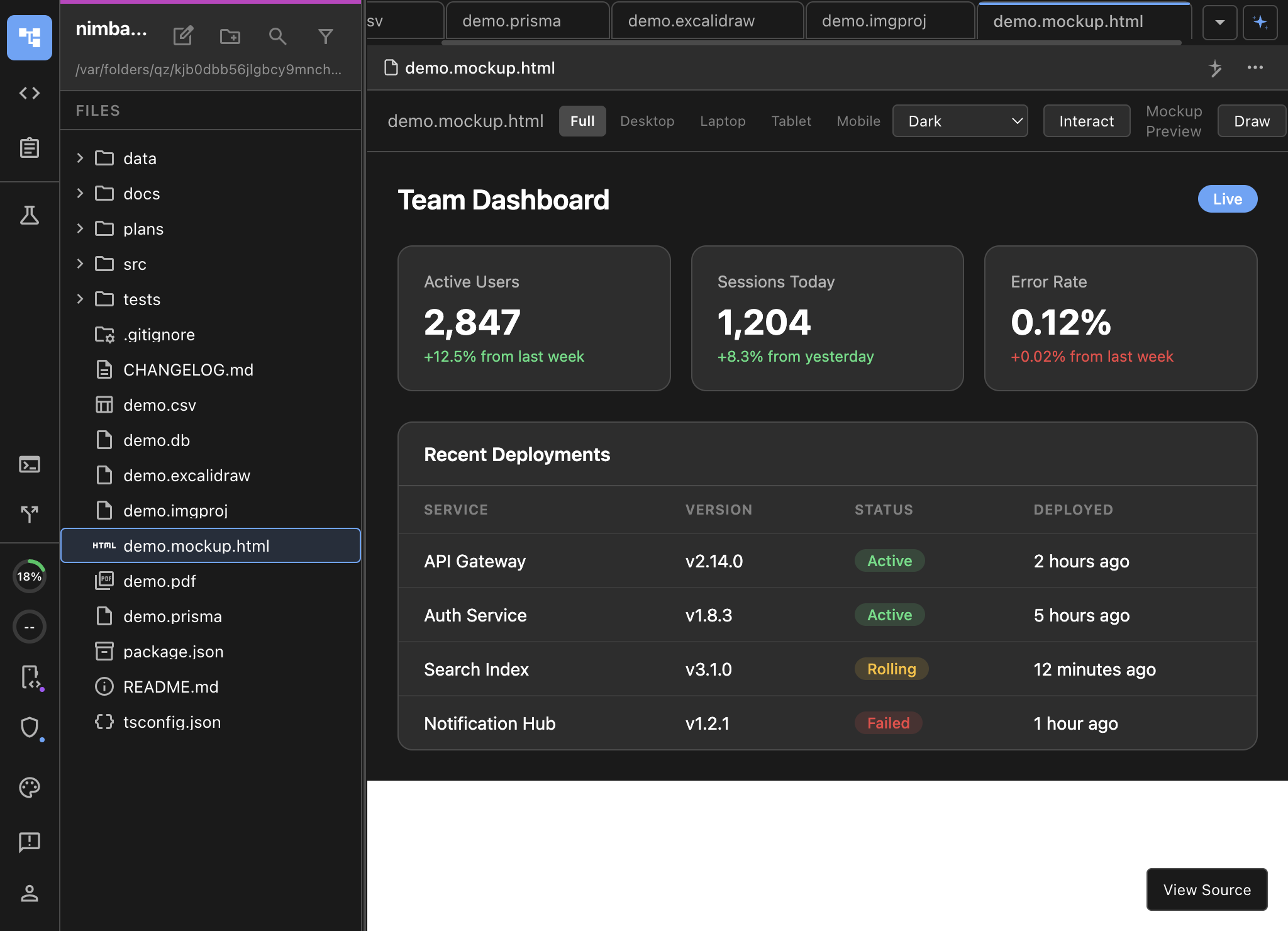
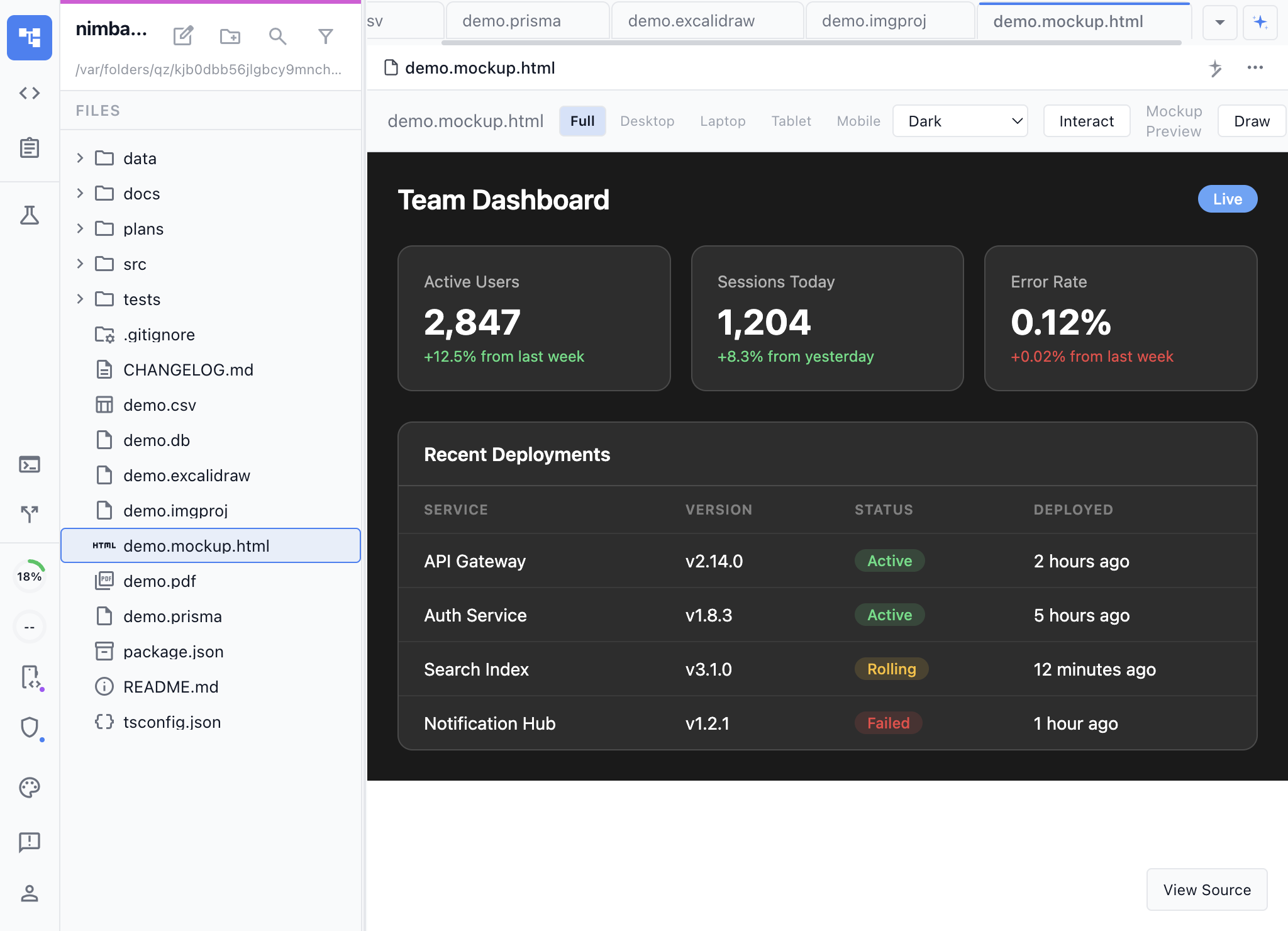
MockupLM turns Nimbalyst into a rapid prototyping tool. Describe a UI and the AI generates a complete HTML/CSS mockup that renders live in the editor. No Figma, no design tool context switching. Your full context (plans, code, diagrams) are available to you and AI for the mockup. Your mockup can be used by AI directly to generate plans and code.
The mockups are real HTML files. They render with full CSS styling, responsive layouts, and interactive elements. You can hand-edit the source code or ask the AI to iterate on the design.
Key Features
- AI-generated mockups — Describe a dashboard, settings page, or any UI and get a complete HTML/CSS implementation.
- Live rendered preview — See your designs exactly as they’ll look, rendered in the editor.
- Annotations — Annotate the preview with your changes, describe them in your AI chat, the AI can see and modify based on your suggestions
- **Before/After with approval ** — Changes to the preview are shown with a before/after slider. Approve or reject the change.
- Source mode editing — Switch to view and edit the raw HTML and CSS when you need precise control.
- Rapid iteration — Ask the AI to change colors, rearrange layouts, add components, or redesign sections.
- Git-friendly output — Mockups are plain HTML files that diff cleanly and version naturally.
Use Cases
- Feature planning — Create visual mockups before writing implementation code. Share with your team for feedback.
- Design exploration — Quickly explore multiple layout options by describing alternatives to the AI.
- Client presentations — Generate polished UI mockups from requirements documents or user stories.
- Documentation — Include visual mockups in design docs and planning documents.
- Onboarding — Show new team members what a feature should look like before they start building.
How It Works
Create a .mockup.html file or use the /mockup command in an AI session. Describe the UI you want — “a settings panel with a sidebar navigation and form fields for user preferences” — and the AI generates the complete mockup. Iterate by describing changes or editing the source directly.