Comparison
Best Figma Alternative for Developer Mockups
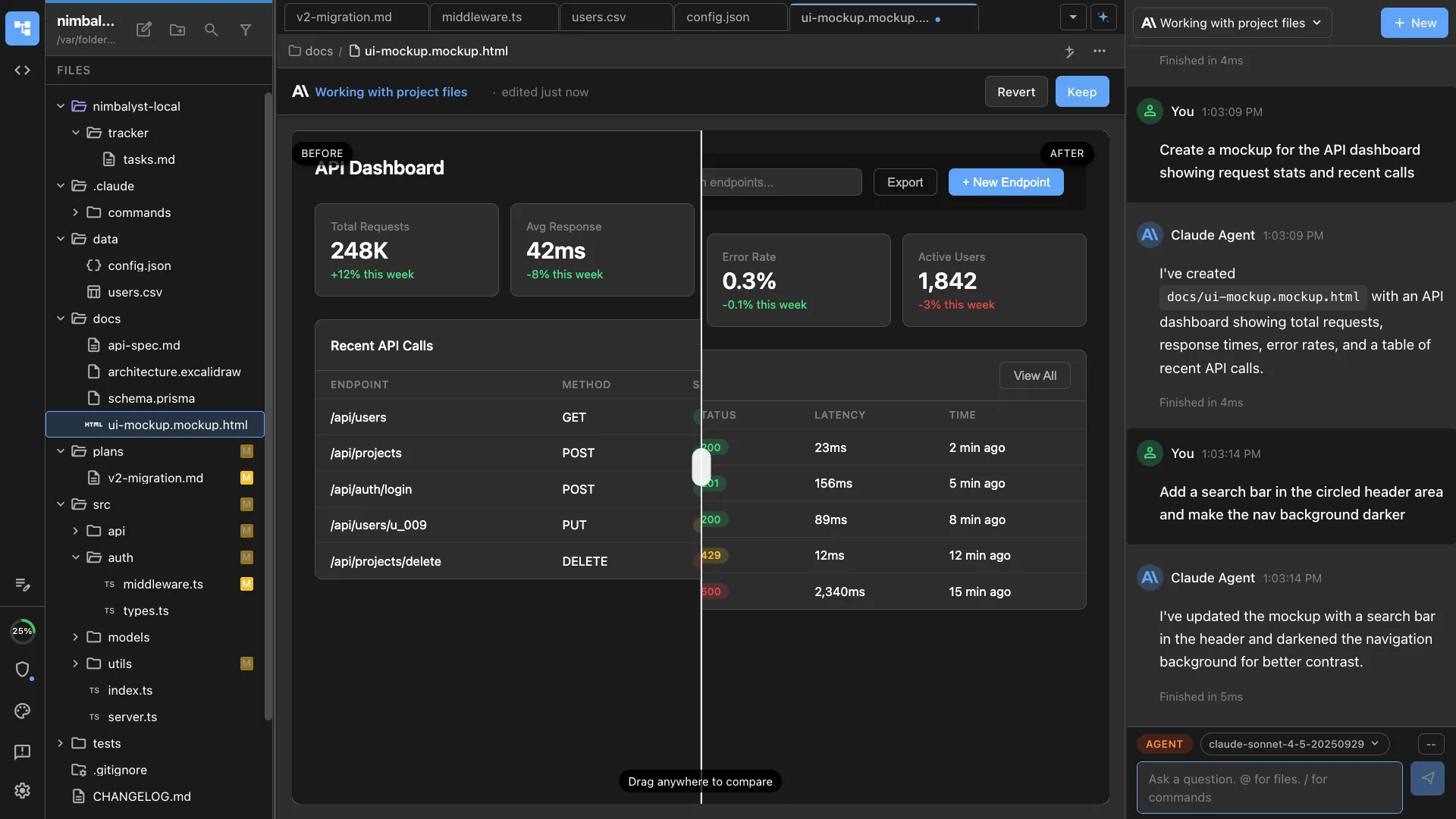
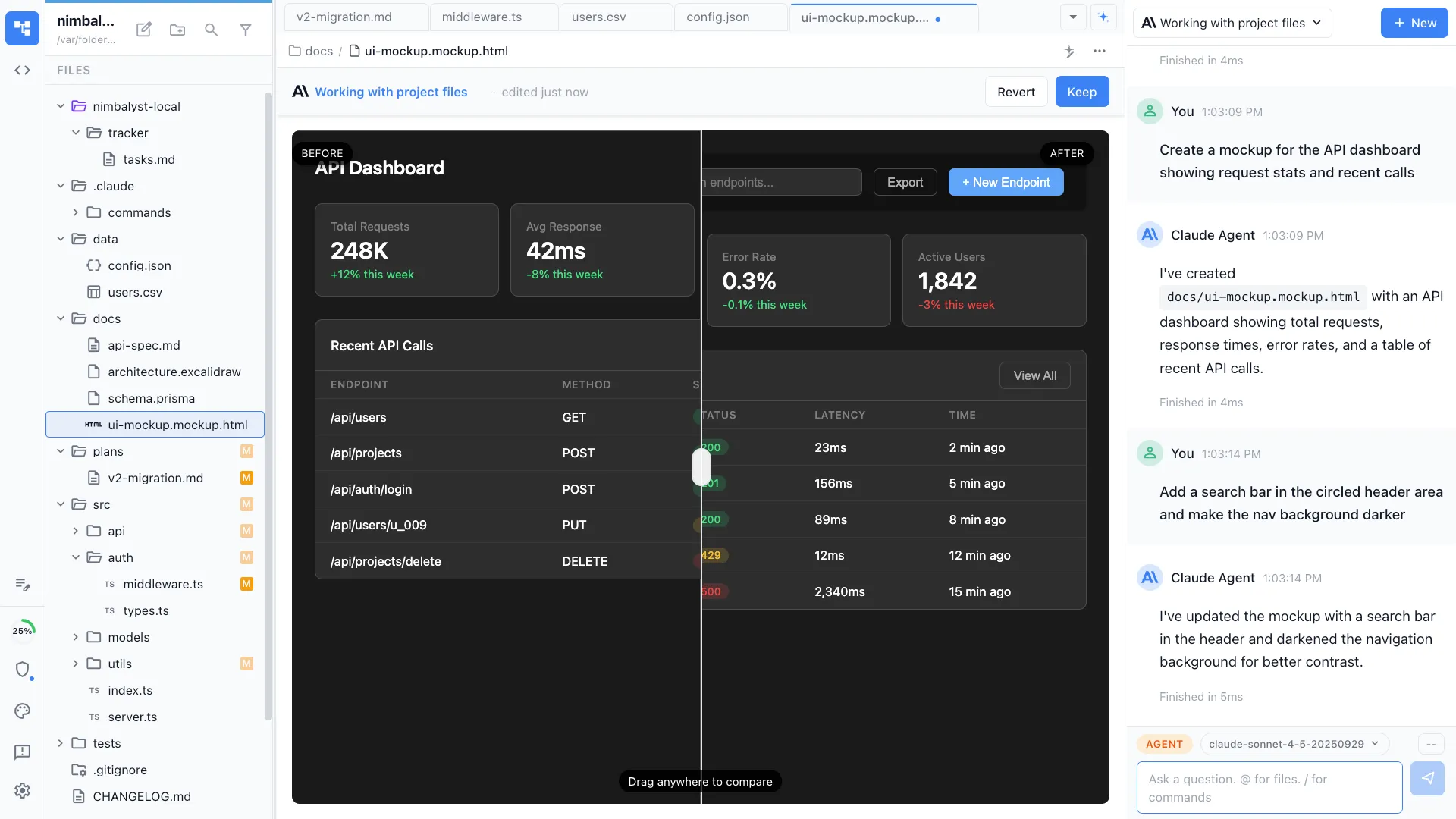
Looking for a Figma alternative for developers? Figma is the premier tool for professional UX designers. Nimbalyst is the open-source visual workspace for building with Codex, Claude Code, and more. In Nimbalyst, mockups are native to your coding agents: your agent designs the mockup from your code and implements it, next to sessions, tasks, and diagrams.
Free for individuals. Works with your existing Claude Code or Codex subscription or API key.
Overview
Two tools, different approaches
Nimbalyst
Nimbalyst is an AI-native workspace built on top of Claude Code and Codex. Your agent can create a mockup based on your docs, diagrams, and code, then turn it into an interactive mockup with transitions or a canvas that shows the flow. You iterate on it with the agent, and the same agent can implement it as real code, so there is no design handoff. Nimbalyst also adds a session kanban board for managing parallel agents, visual editors for markdown, mockups, diagrams, and data models, built-in planning and task tracking, and a mobile companion app.
Figma
Figma is the industry-standard design tool for UI/UX professionals. It provides a powerful vector editor, component libraries, prototyping, design tokens, and real-time team collaboration. It is used by design teams at companies of all sizes.
Feature Comparison
Side-by-side breakdown
Nimbalyst Advantages
Where Nimbalyst shines
Design to code, no handoff
The same AI agent that creates your mockup implements it as real code. There is no designer-to-developer handoff. In Figma, designs must be translated to code separately.
Codebase-aware design
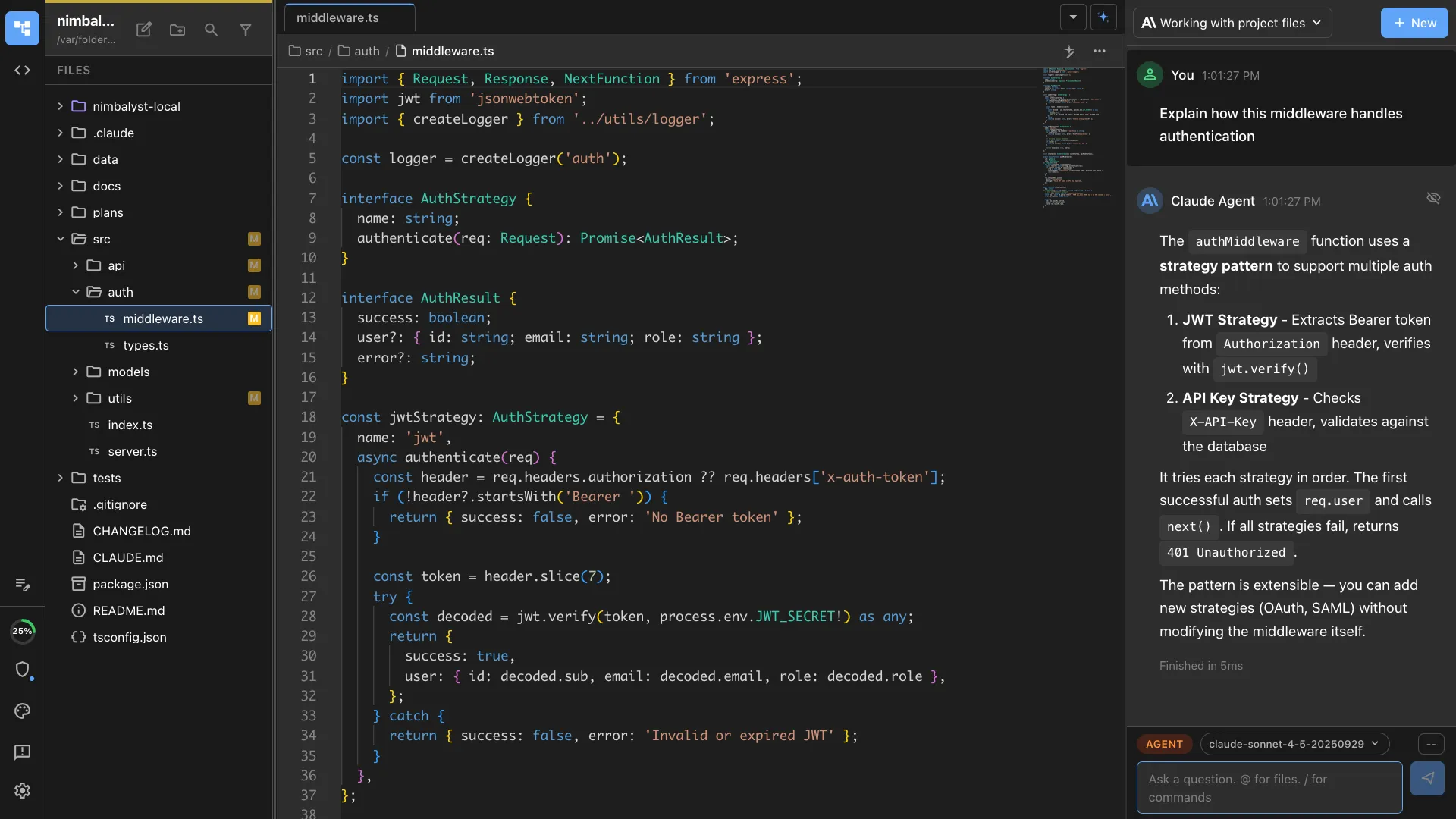
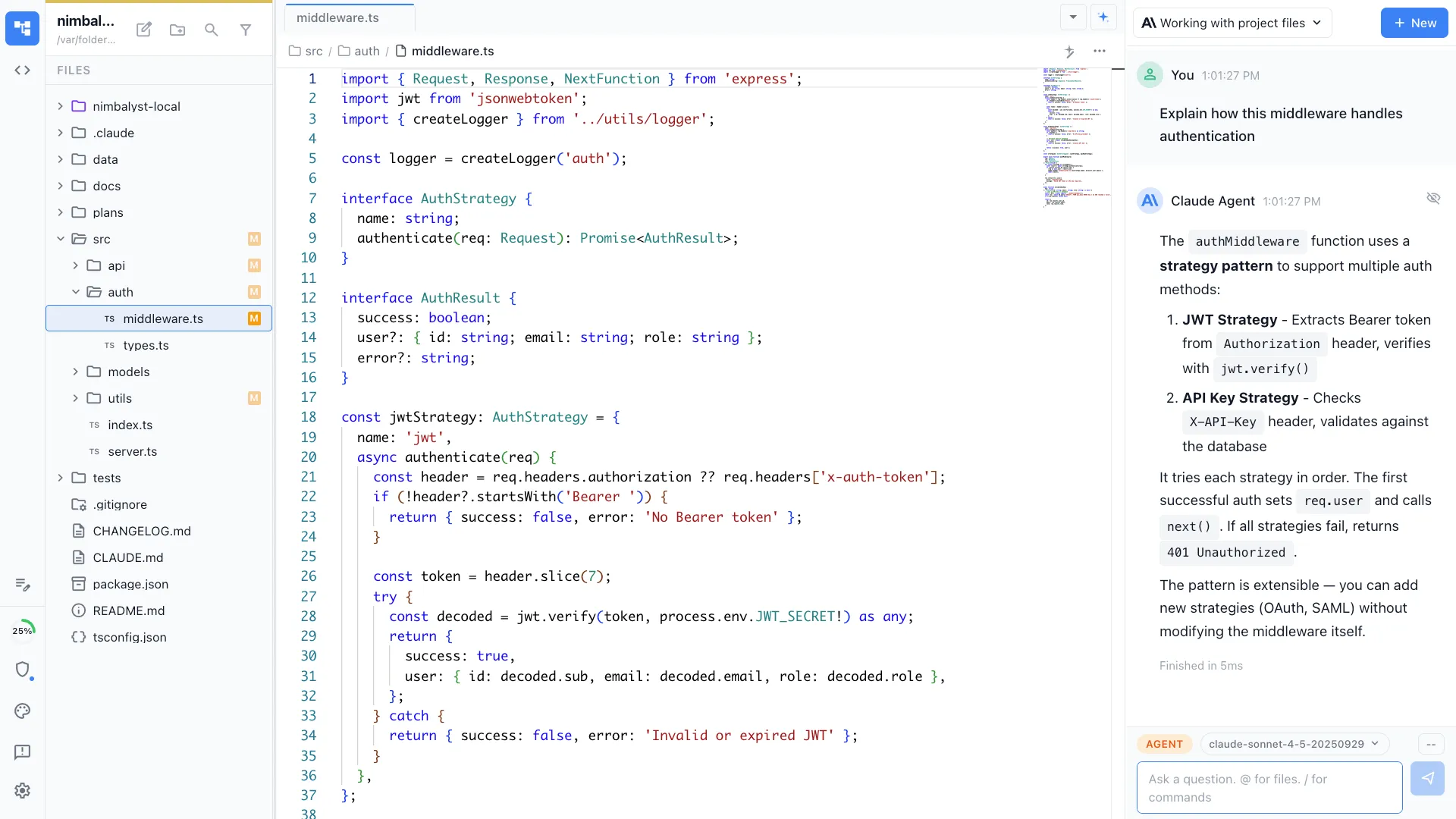
Your agent knows your existing components, styles, and patterns when creating mockups. It designs within the constraints of your actual codebase.
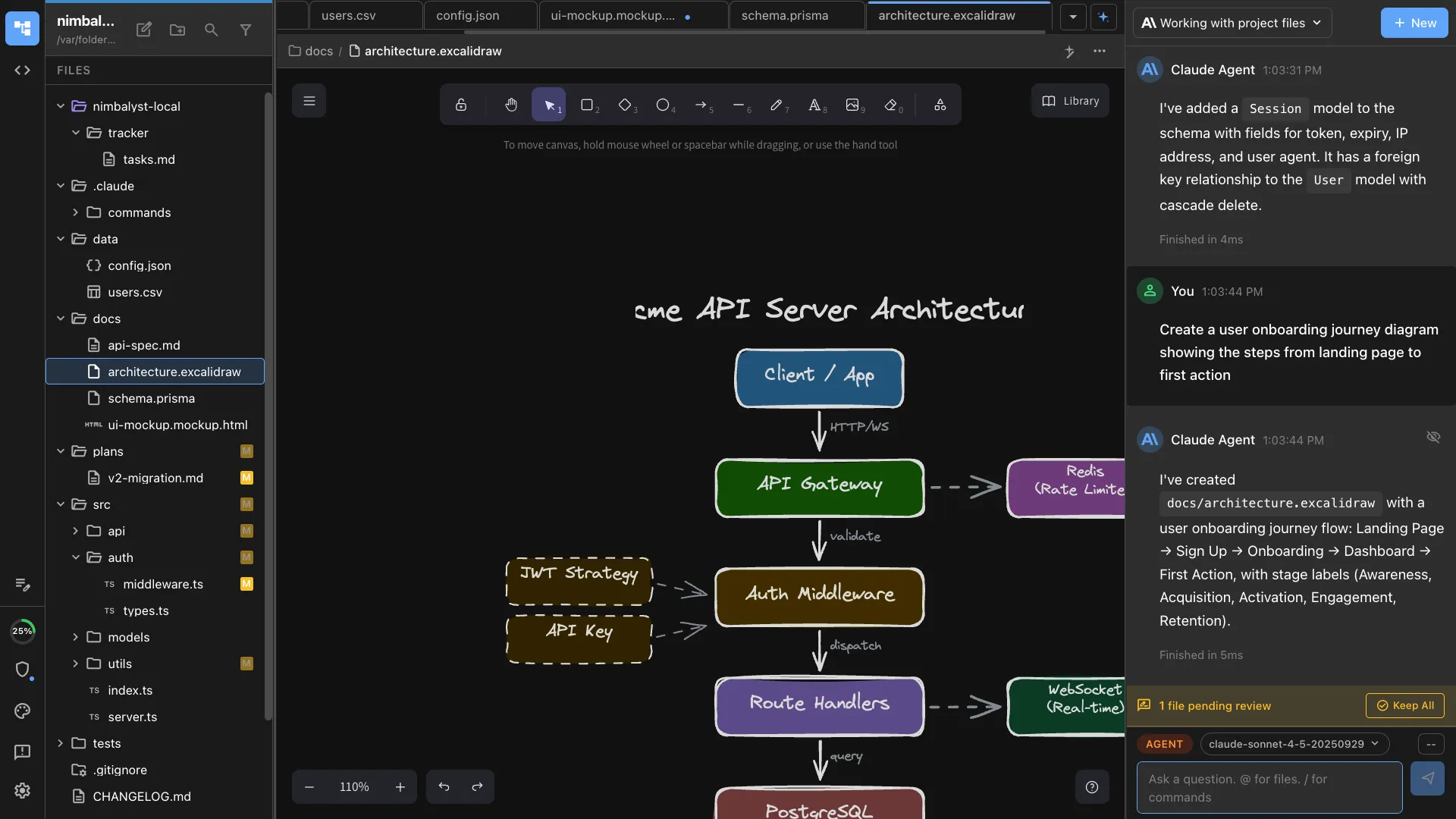
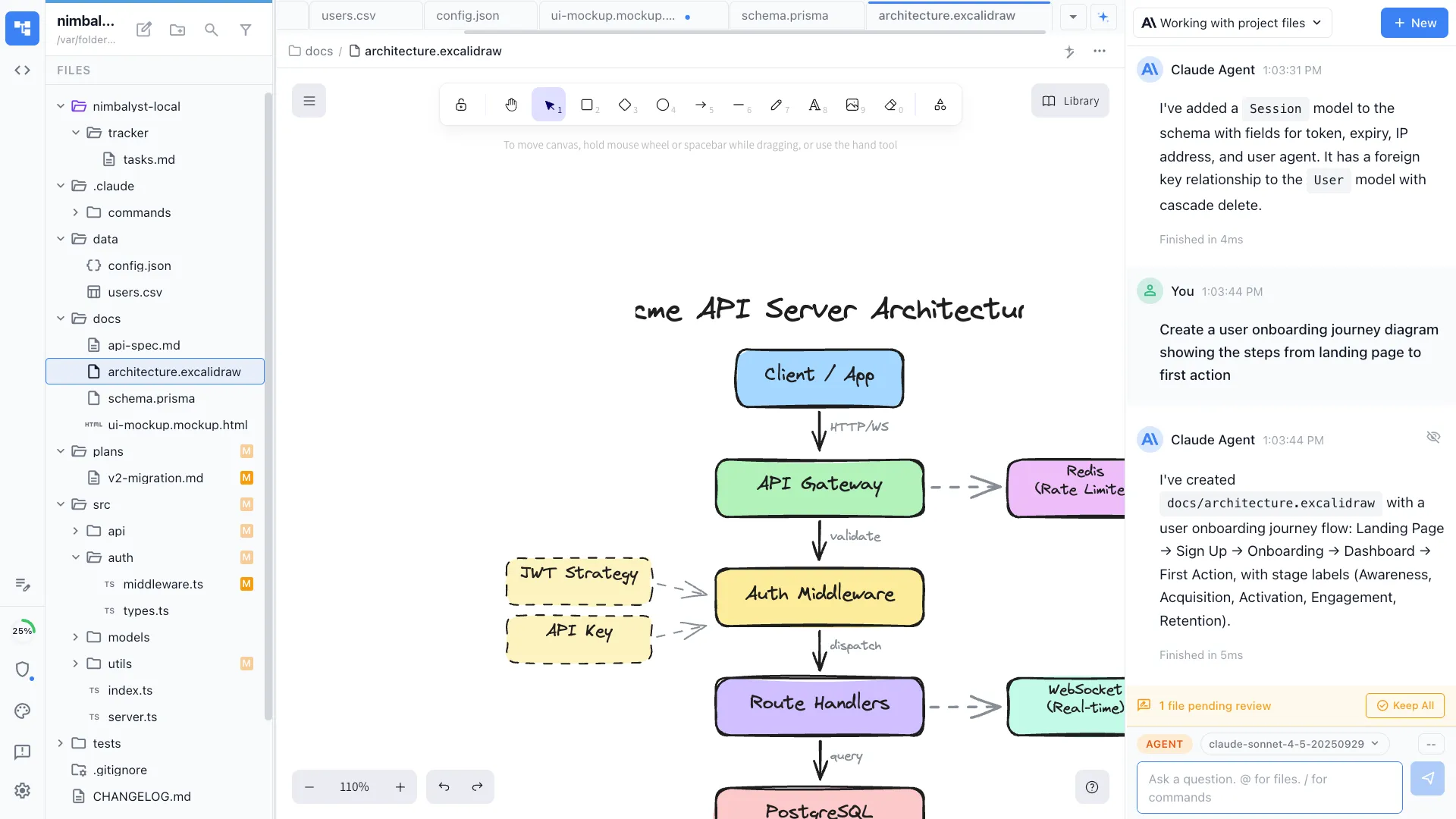
Interactive flows alongside UI
Ask for an interactive mockup and your agent can add transitions or create a canvas that shows the flow between screens. Plan behavior and implementation in the same workspace.
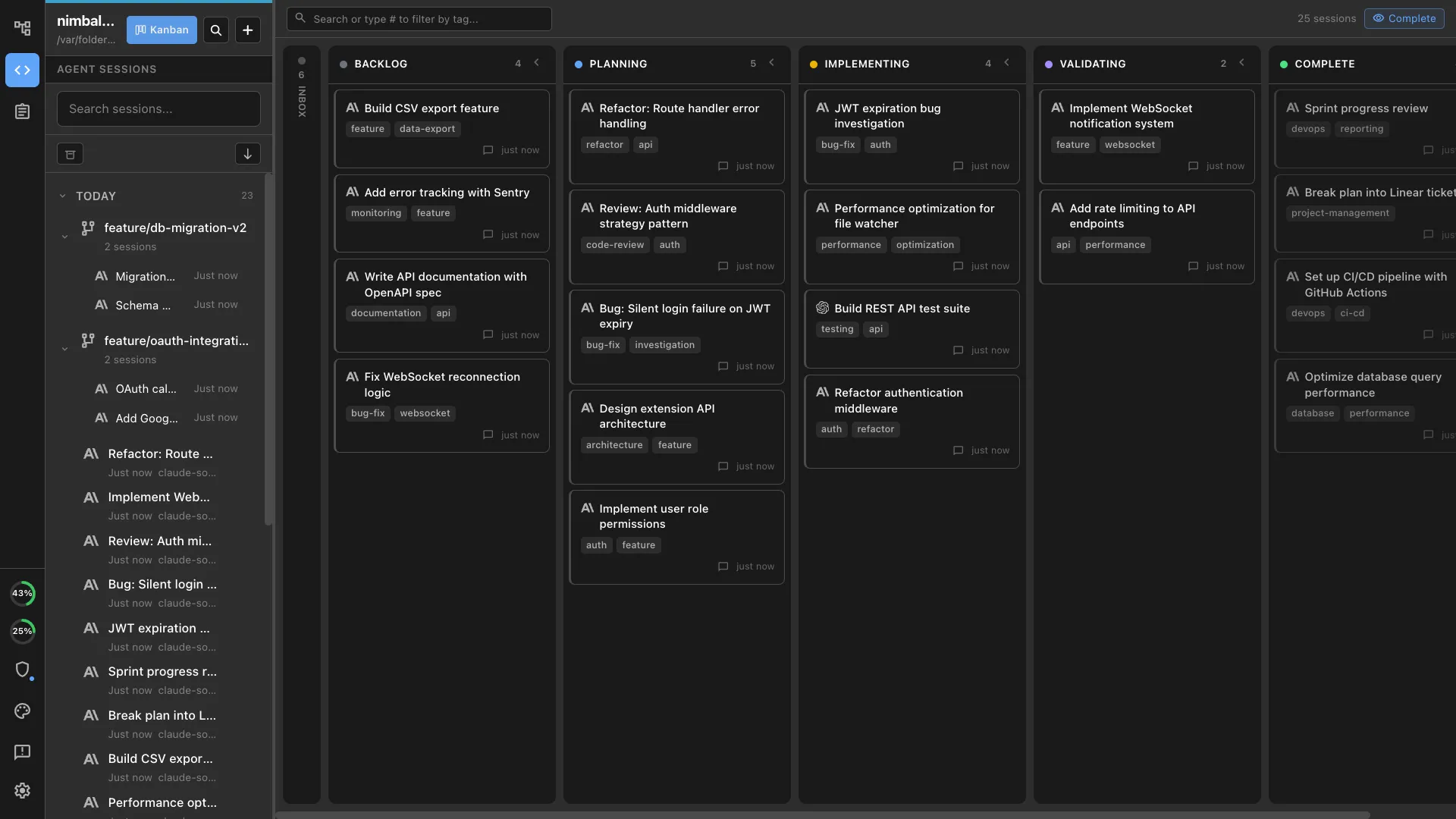
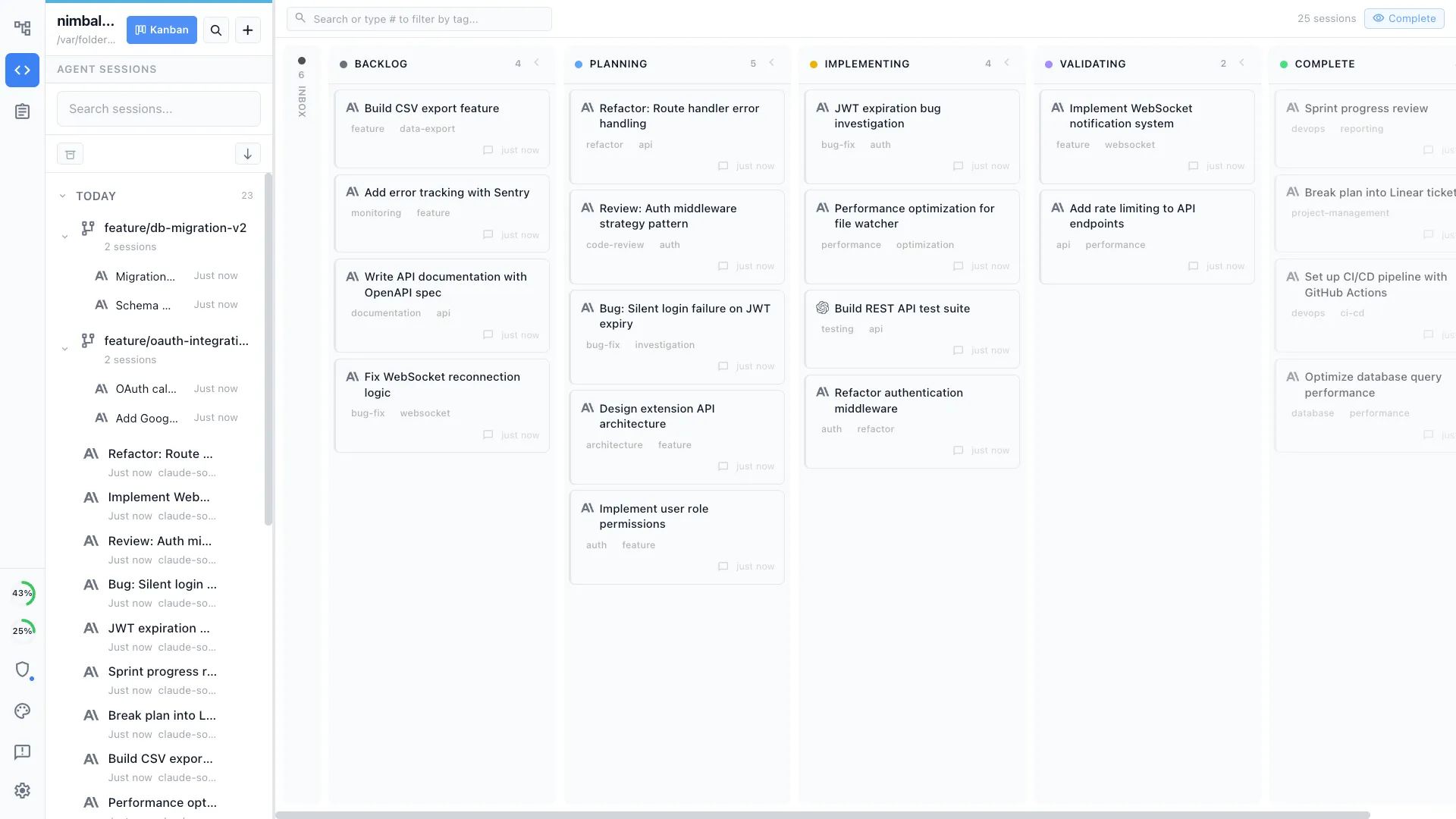
Your coding agents, integrated
Claude Code, Codex, and other supported agents work directly with the files, plans, tasks, and visual artifacts in the workspace.
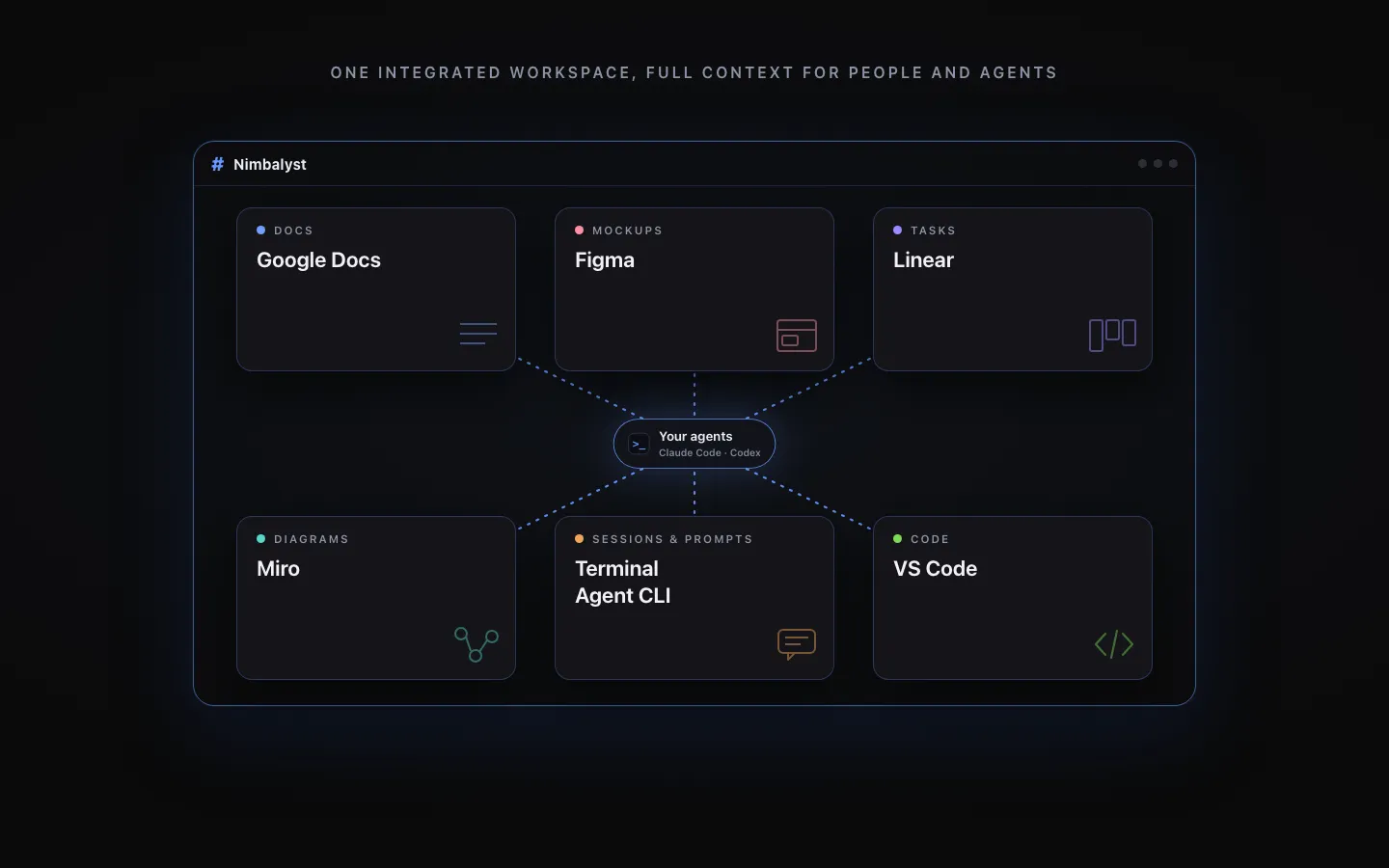
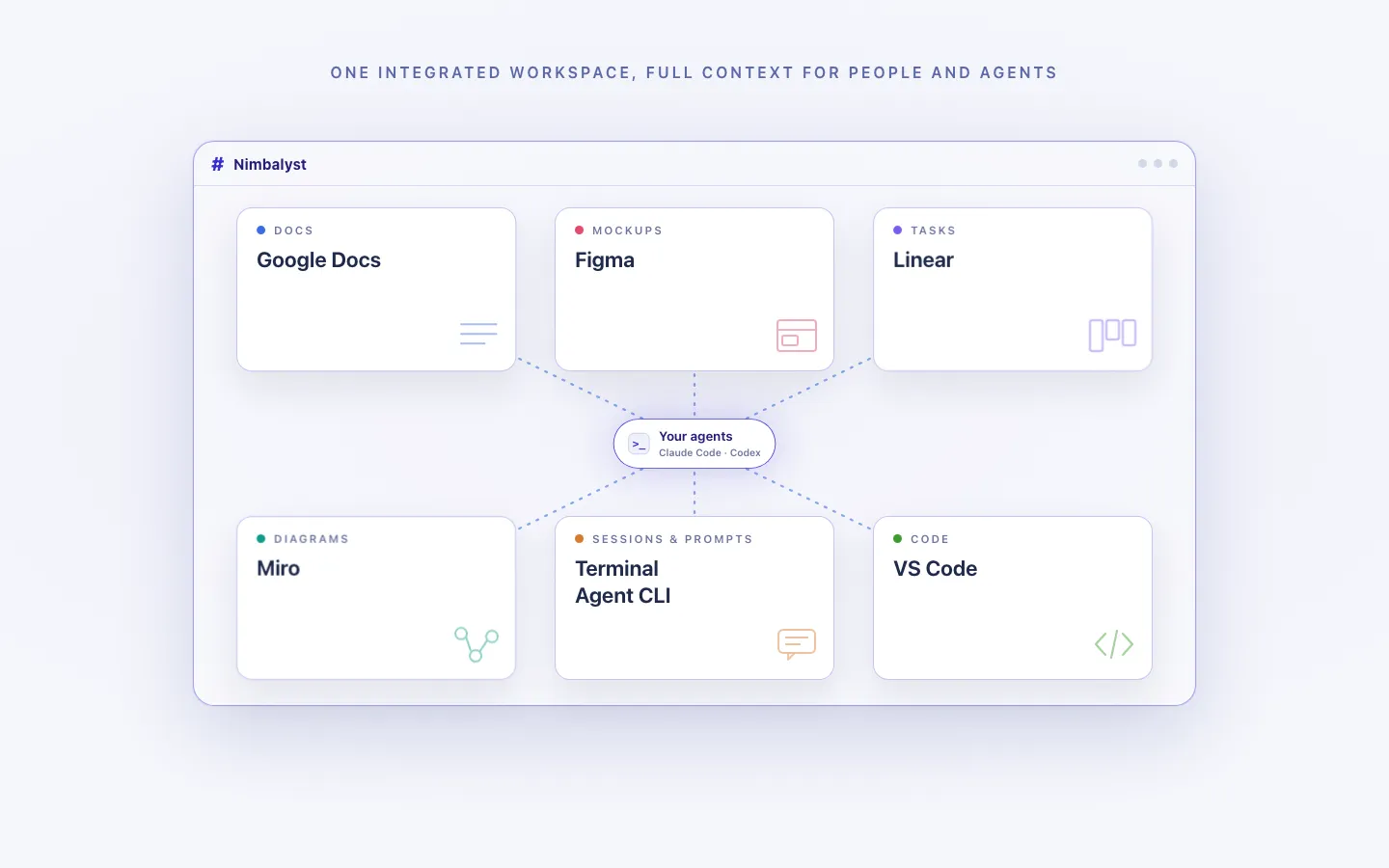
Every artifact in one workspace
Edit markdown, mockups, diagrams, code, and CSV data together, with the same project context available to people and agents.
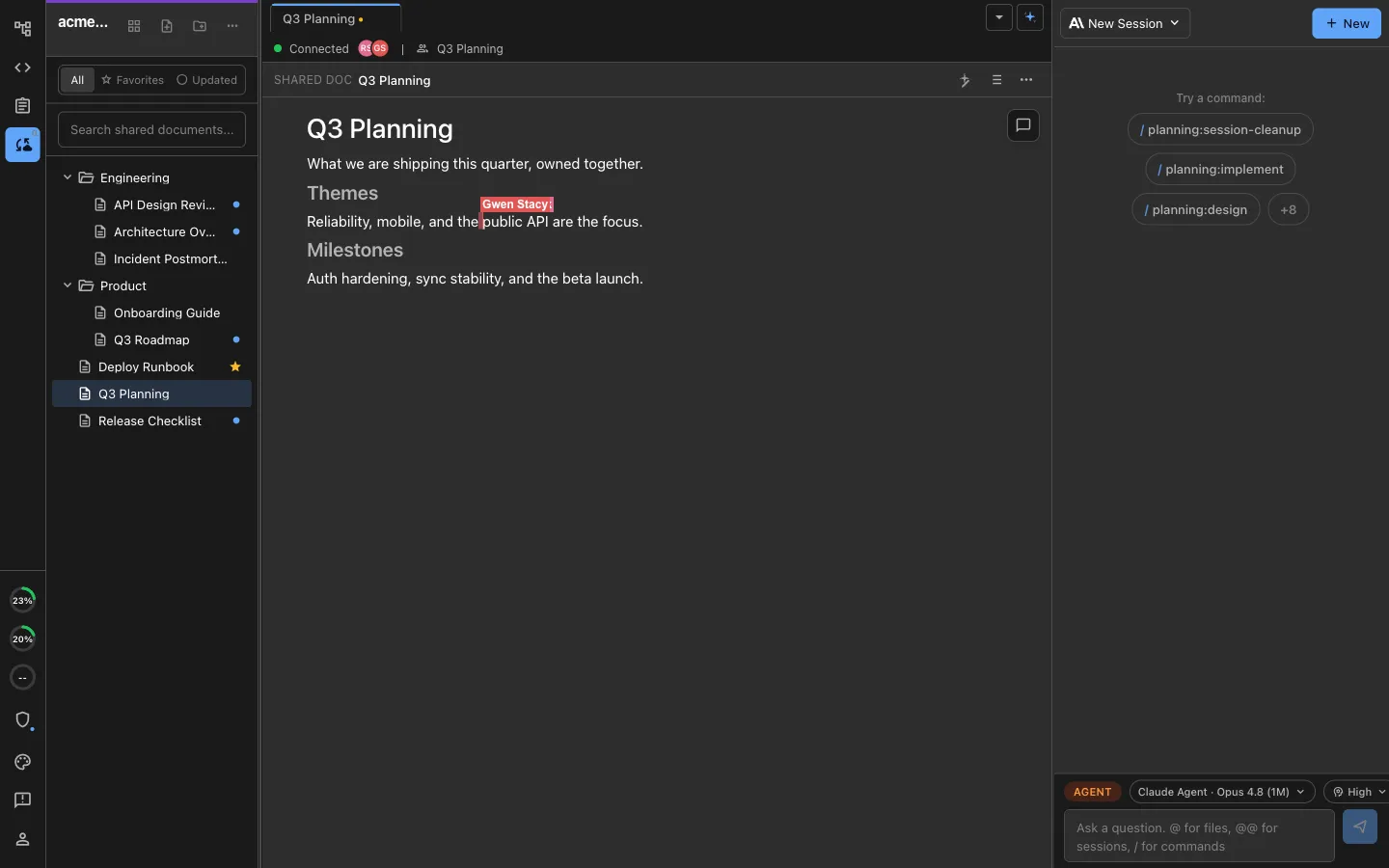
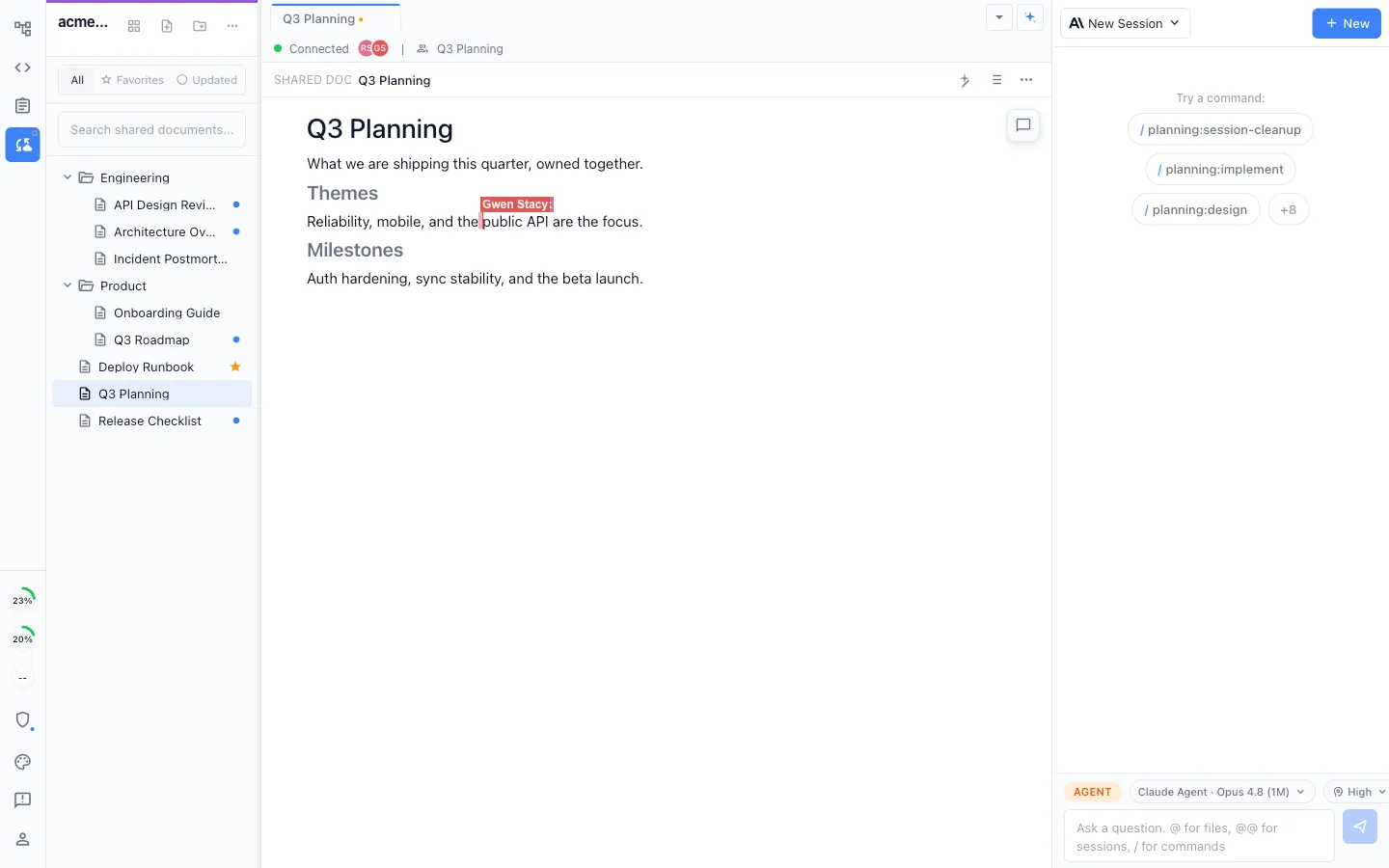
Local for individuals, collaborative for teams
Work locally in the MIT-licensed desktop app, or collaborate in real time on shared docs, diagrams, mockups, and trackers.
Honest Assessment
Where Figma is stronger
Professional design tools
Figma is the industry standard for a reason. Its vector editing, component system, auto layout, and prototyping are unmatched for professional design work.
Team collaboration
Figma's real-time multi-user editing, commenting, and design review workflows are built for design teams working together at scale.
Design system management
Figma handles complex design systems with variables, component variants, and tokens. It is built for maintaining design consistency across large products.
Recommendation
Who should use which
Choose Nimbalyst if…
You are a developer or PM who needs mockups for planning and wants the same agent to implement the design. You value speed from idea to working code over pixel-perfect design. You prefer to work in one integrated workspace.
Choose Figma if…
You are a designer who needs professional-grade design tools, team collaboration, prototyping, and design system management.
More Comparisons
Related comparisons
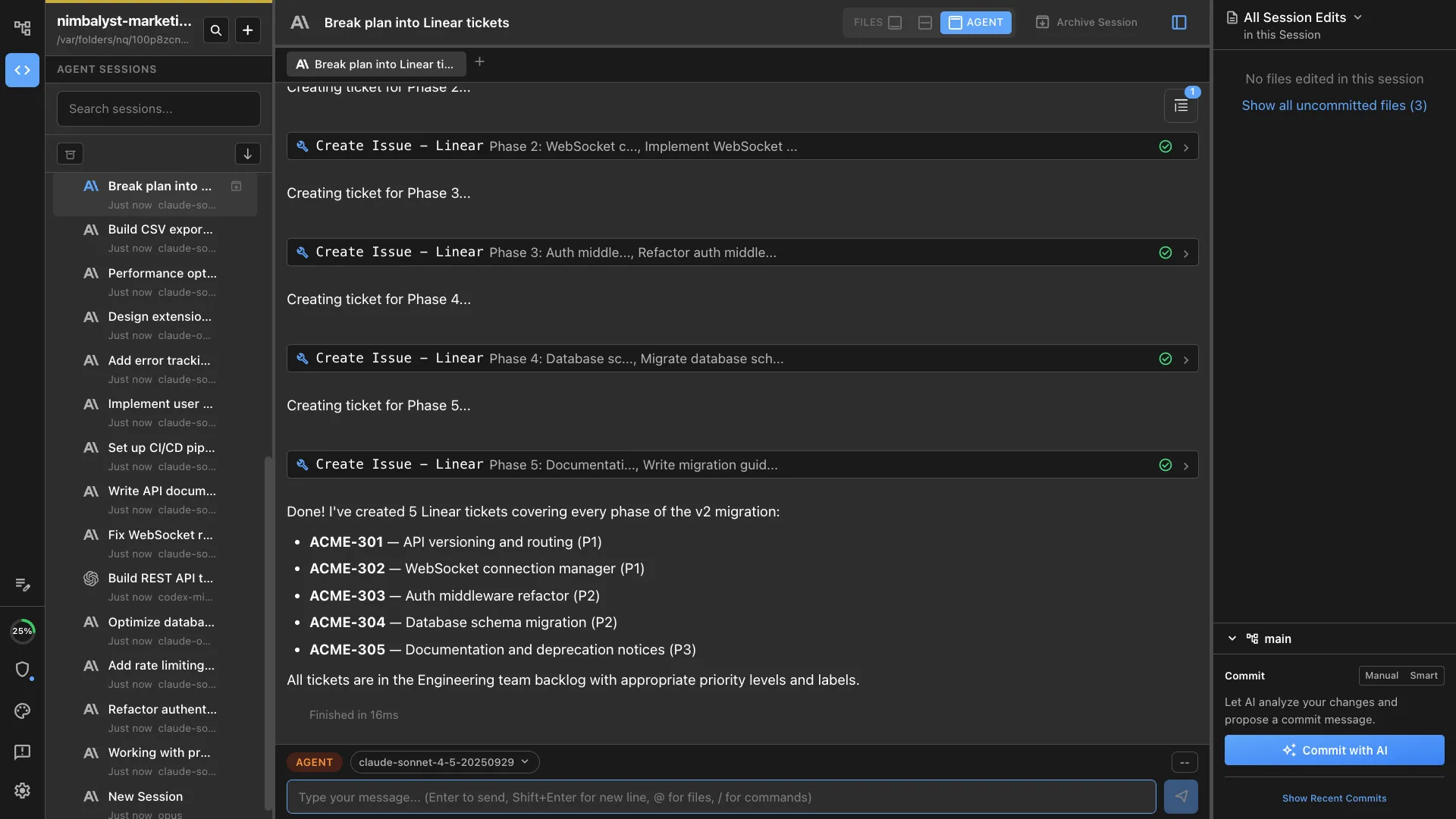
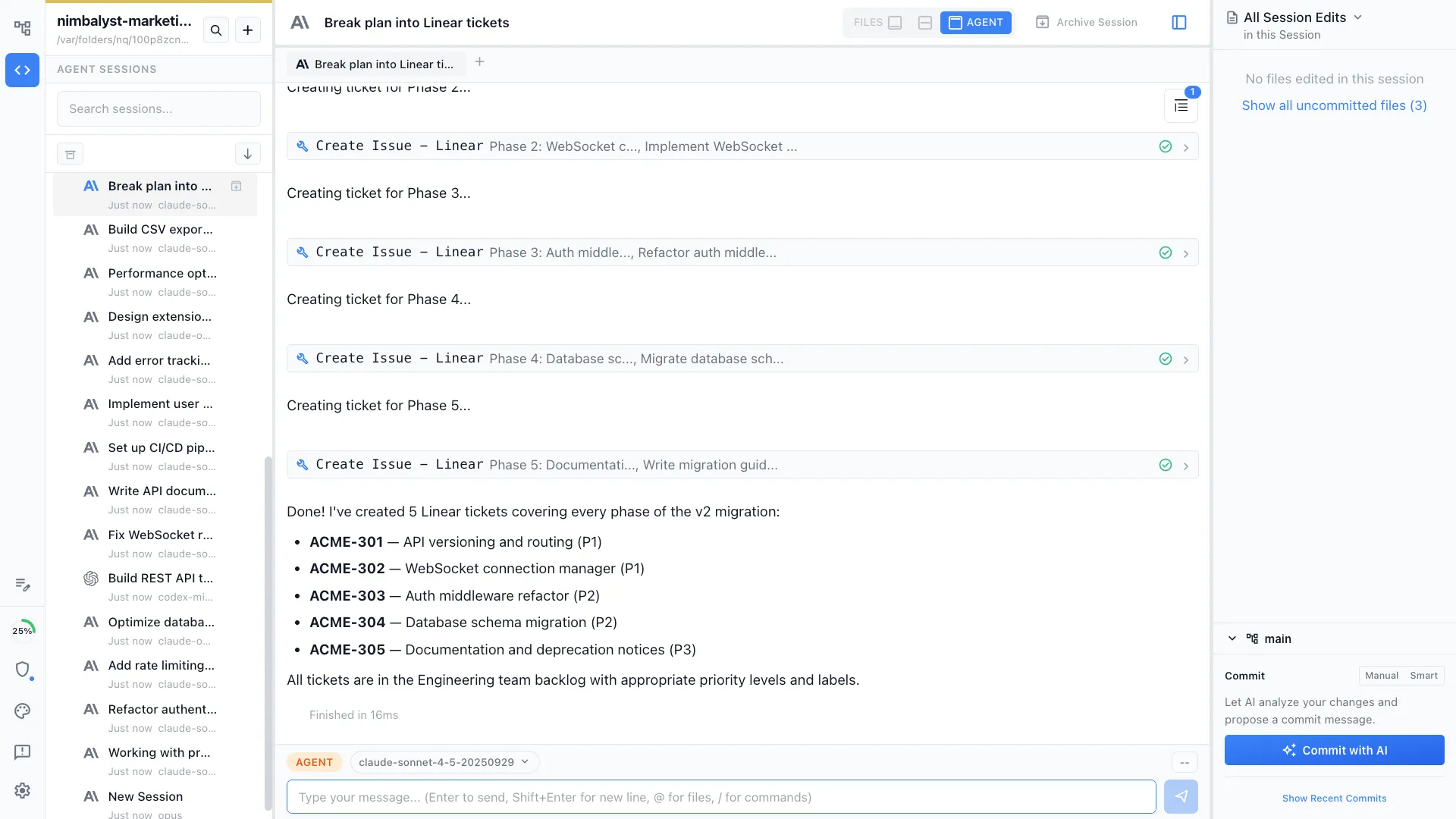
Want to go from mockup to working code in one AI workspace? Try Nimbalyst free.
Free for individuals. Works with your existing Claude Code or Codex subscription or API key.
Wiki Teams is one multiplayer wiki for your whole team and all of your agents.