Nimbalyst Features
Nimbalyst is an agent-native visual workspace that lets builders collaborate with Claude Code and Codex on files, sessions, and tasks in a single interface
Markdown Editor
Research, write, plan, document in a local, agentic, WYSIWYG AI-powered markdown editor
Approve AI red/green changes.


Use AI and Claude Code and Codex to research, write, inspect your code, and edit markdown
Collaborate with AI and agents in your planning and spec documents, with your code, and in your workflow.
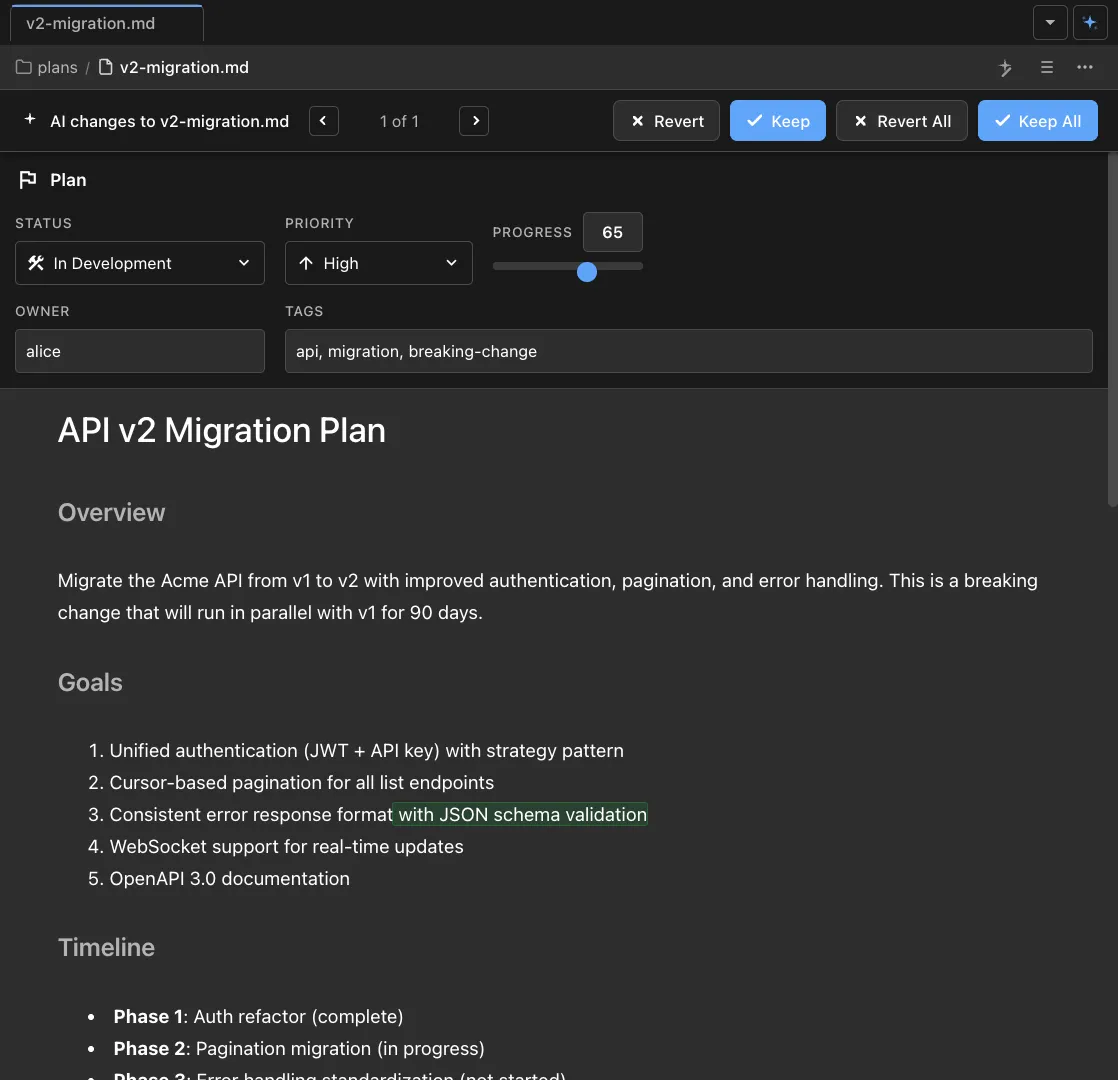
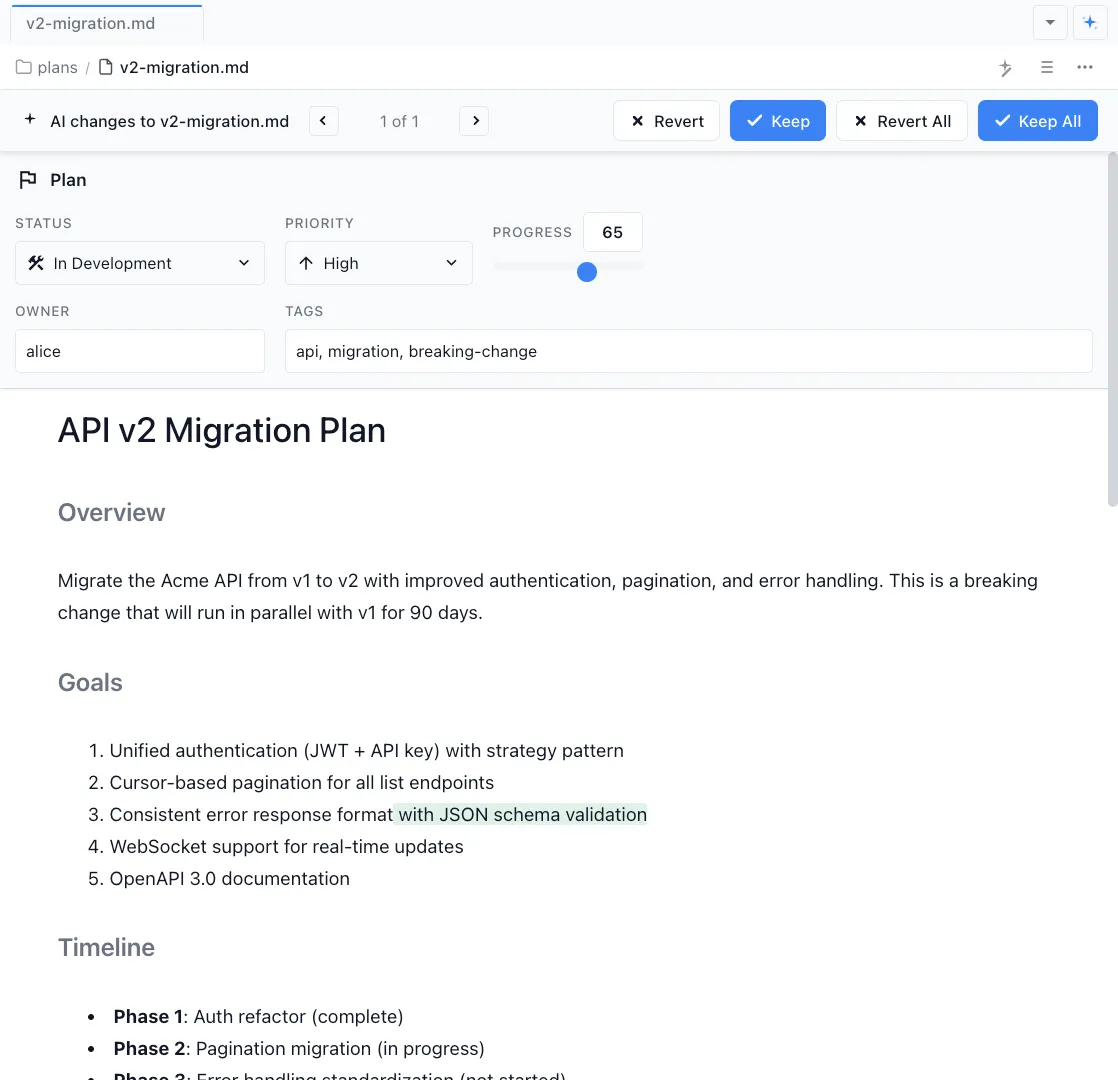
Editable WYSIWYG and native markdown
Work in a first-class fast markdown editor
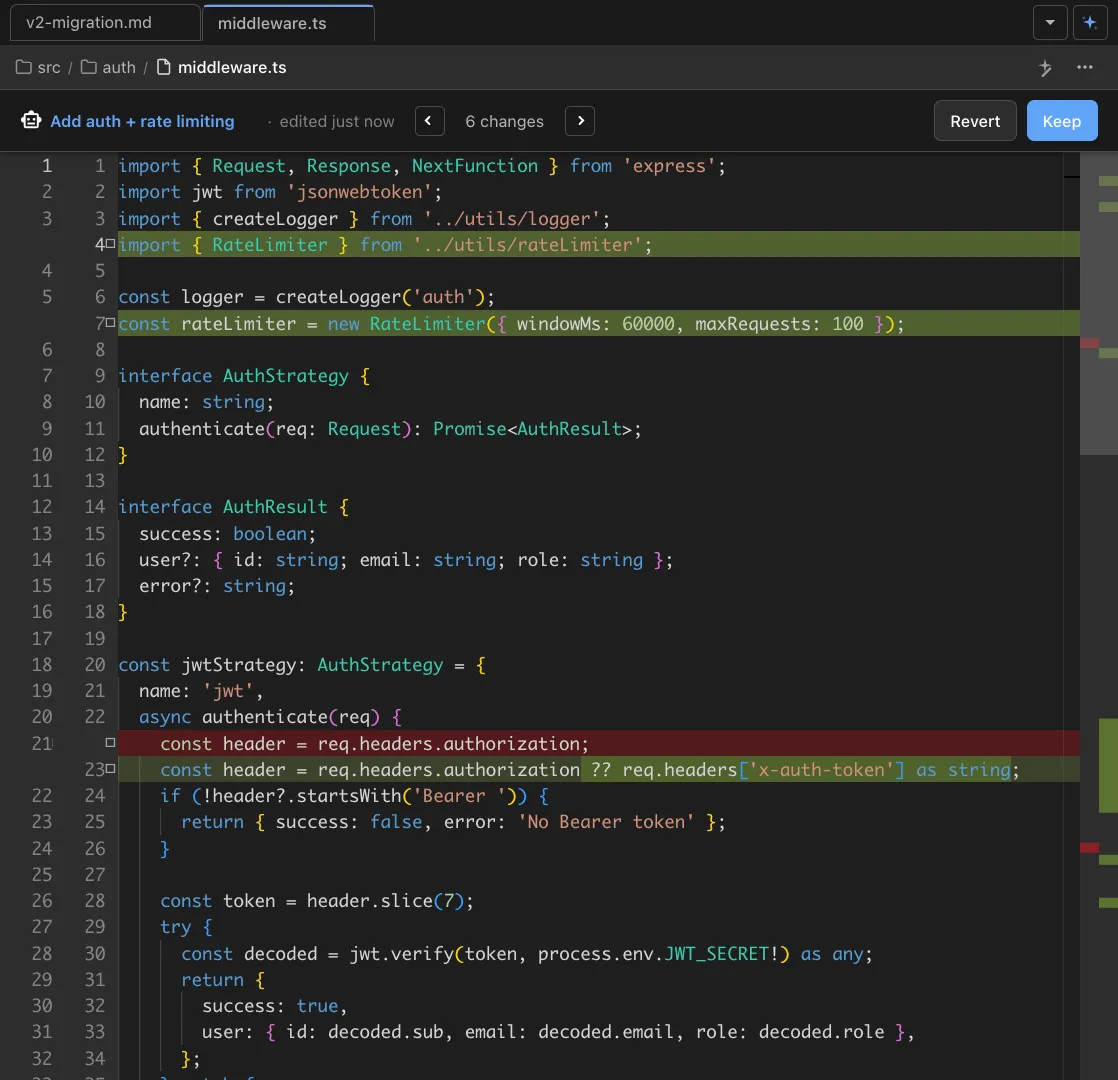
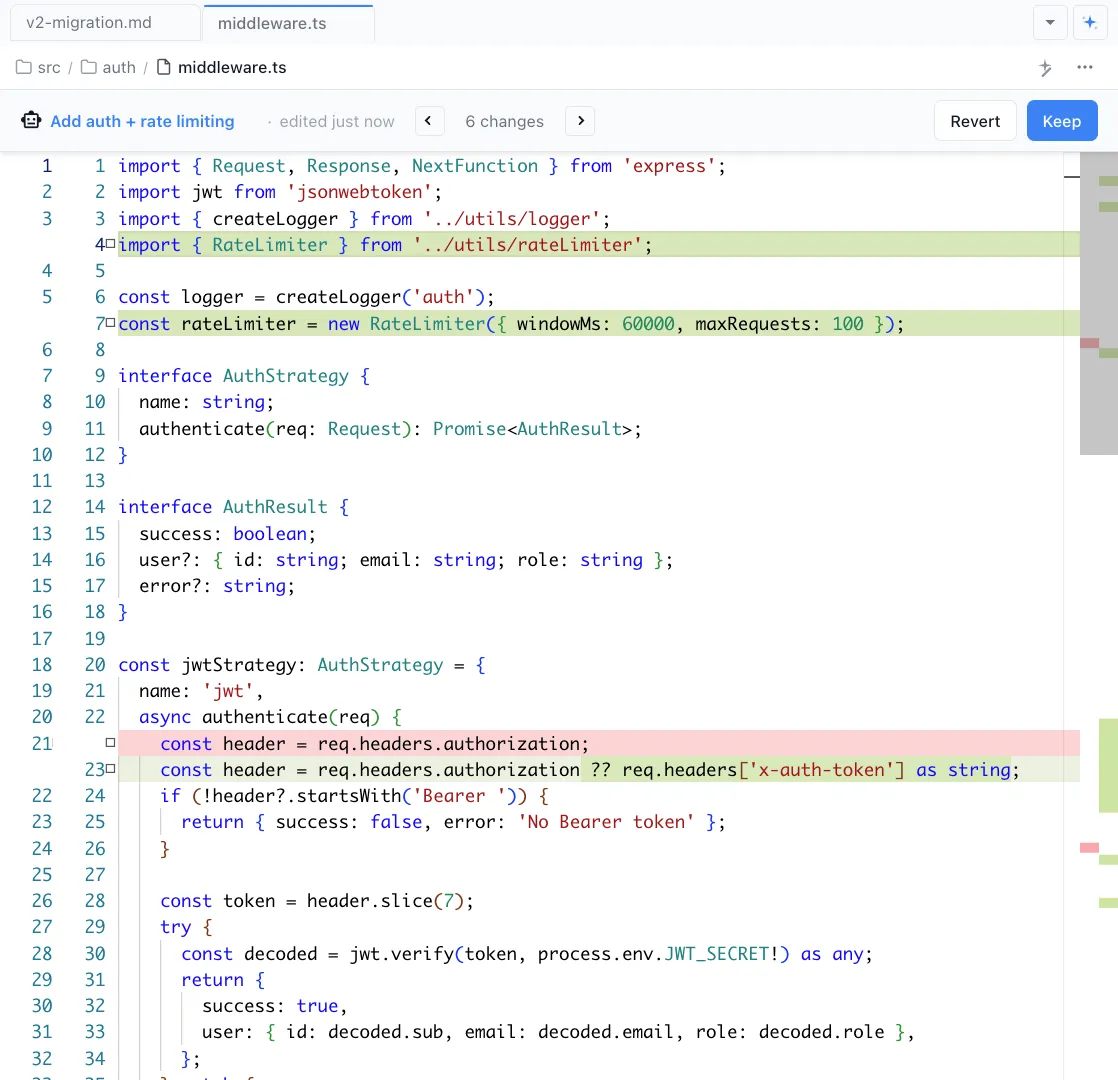
Red / Green diffs show AI changes for approval
Review every change the AI makes. Accept, reject, or edit
Text, lists, tables, code
Full markdown support across every content type
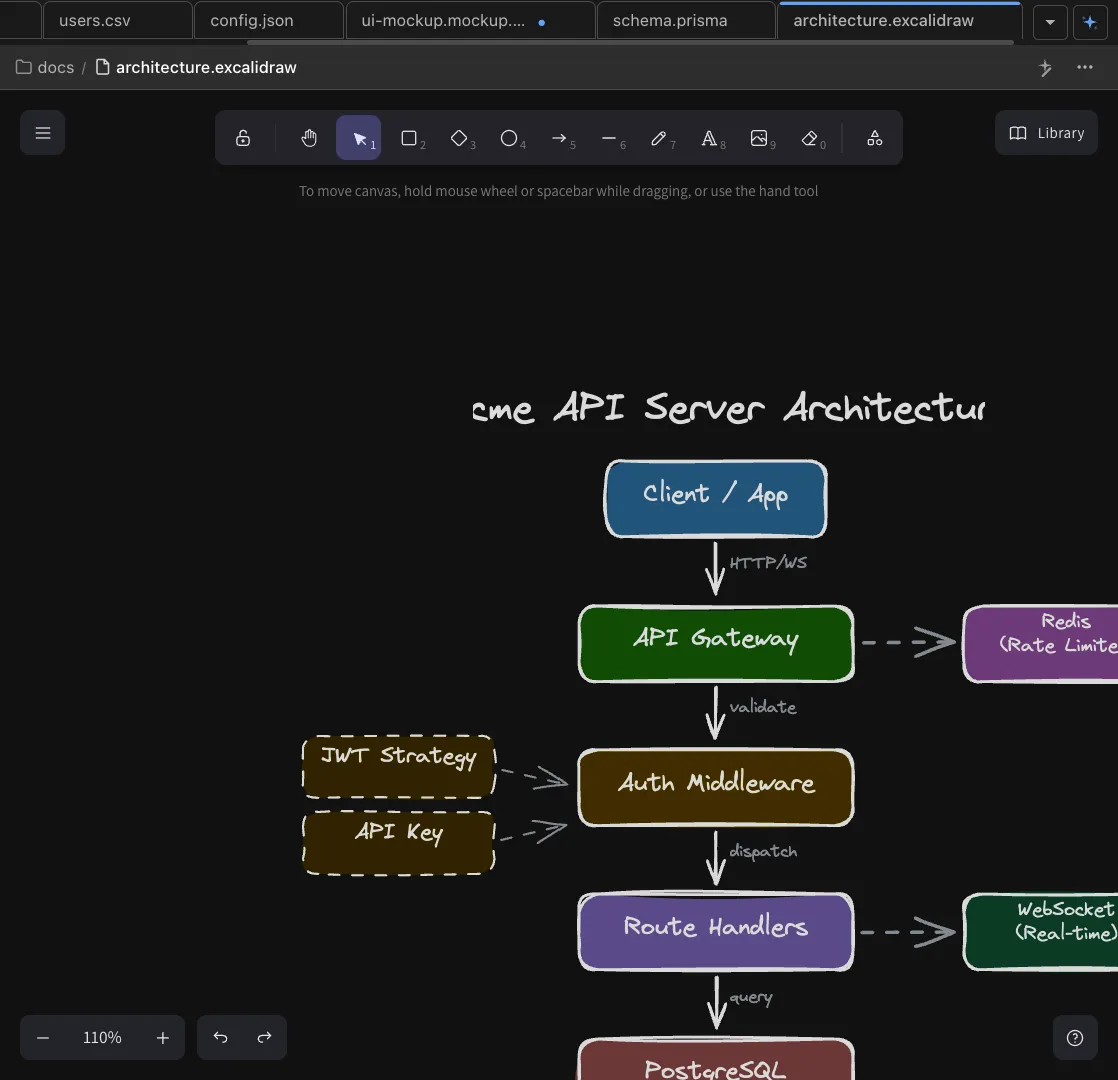
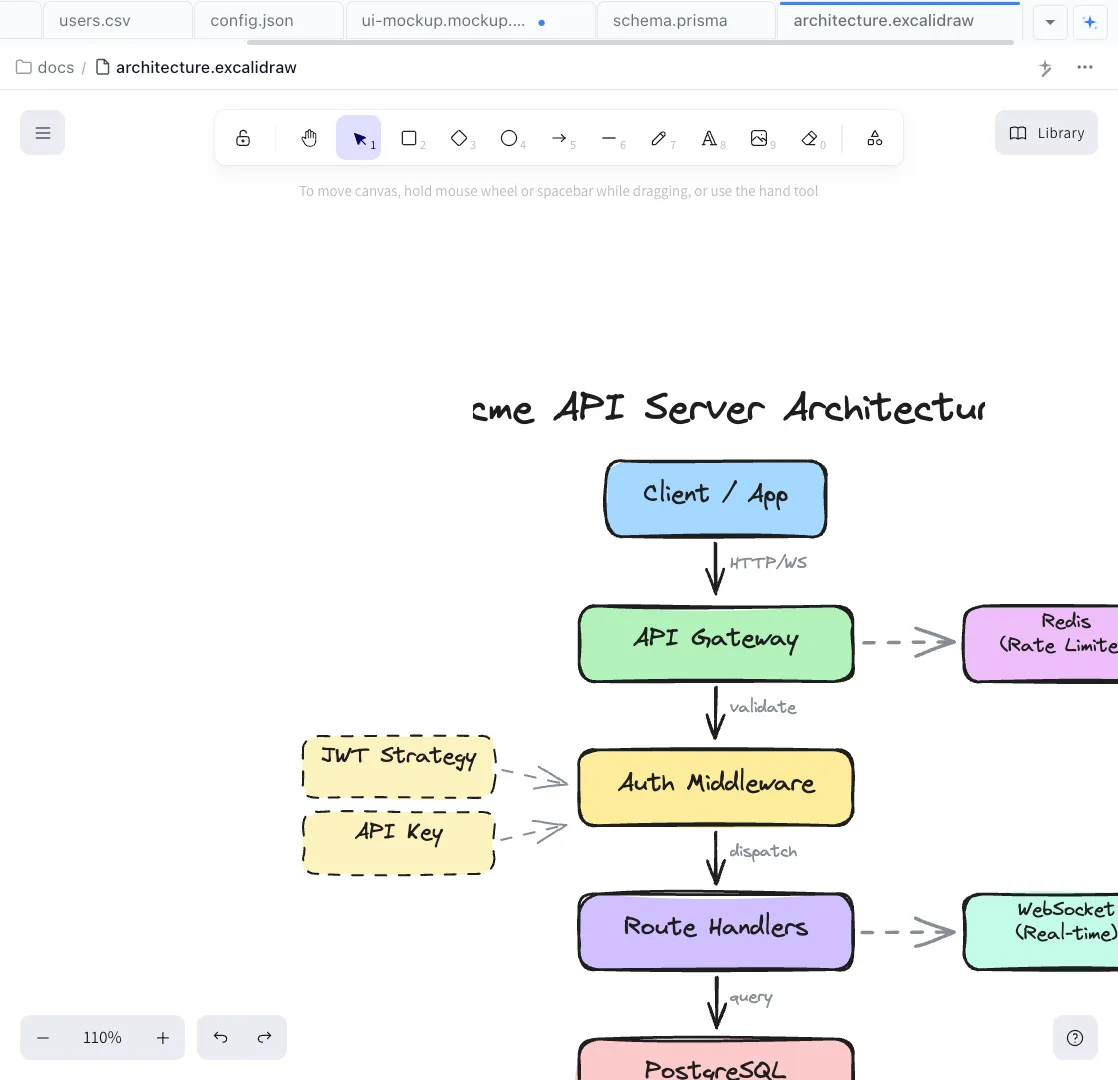
Images
Embed images inline. AI can see images.
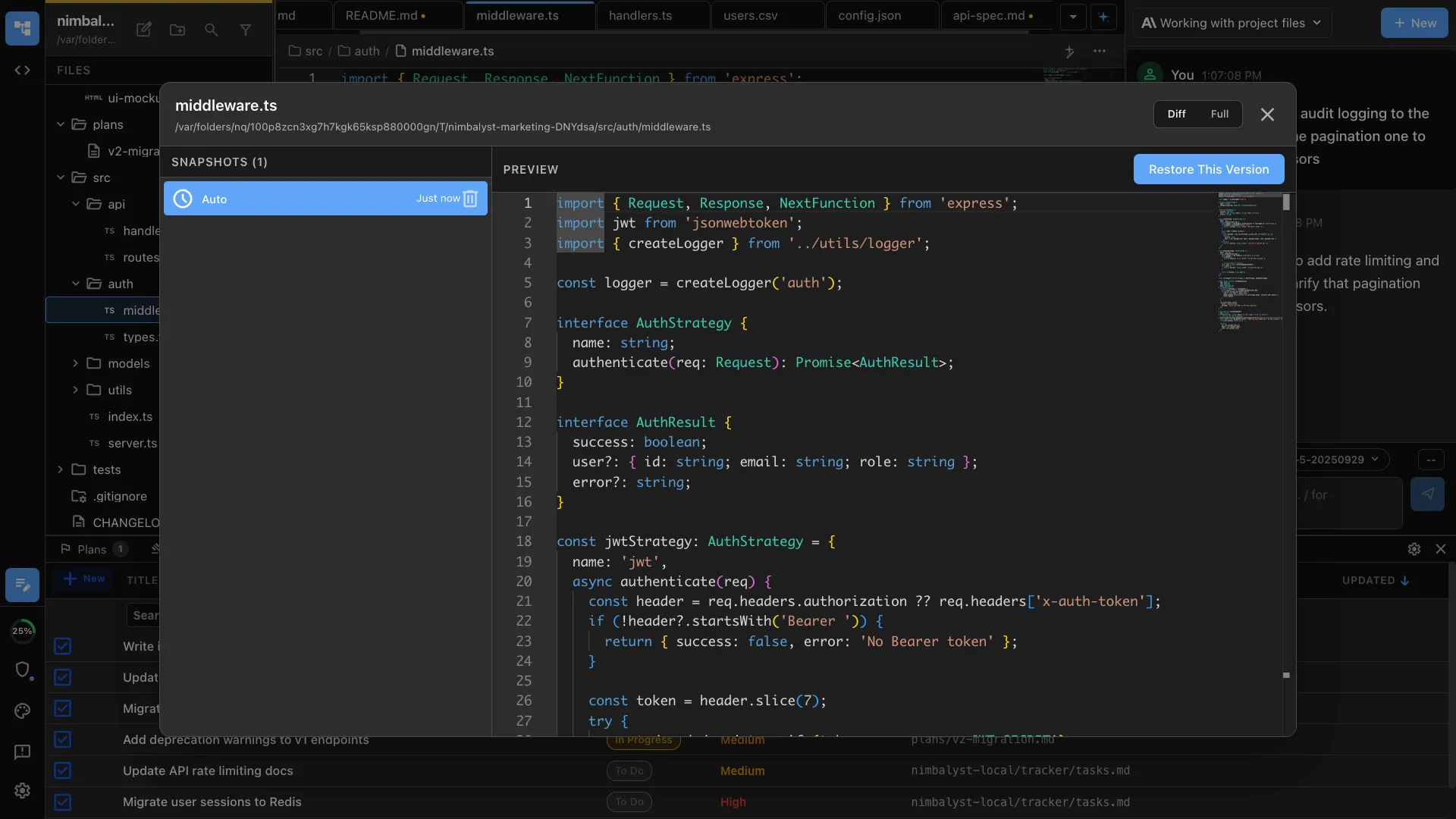
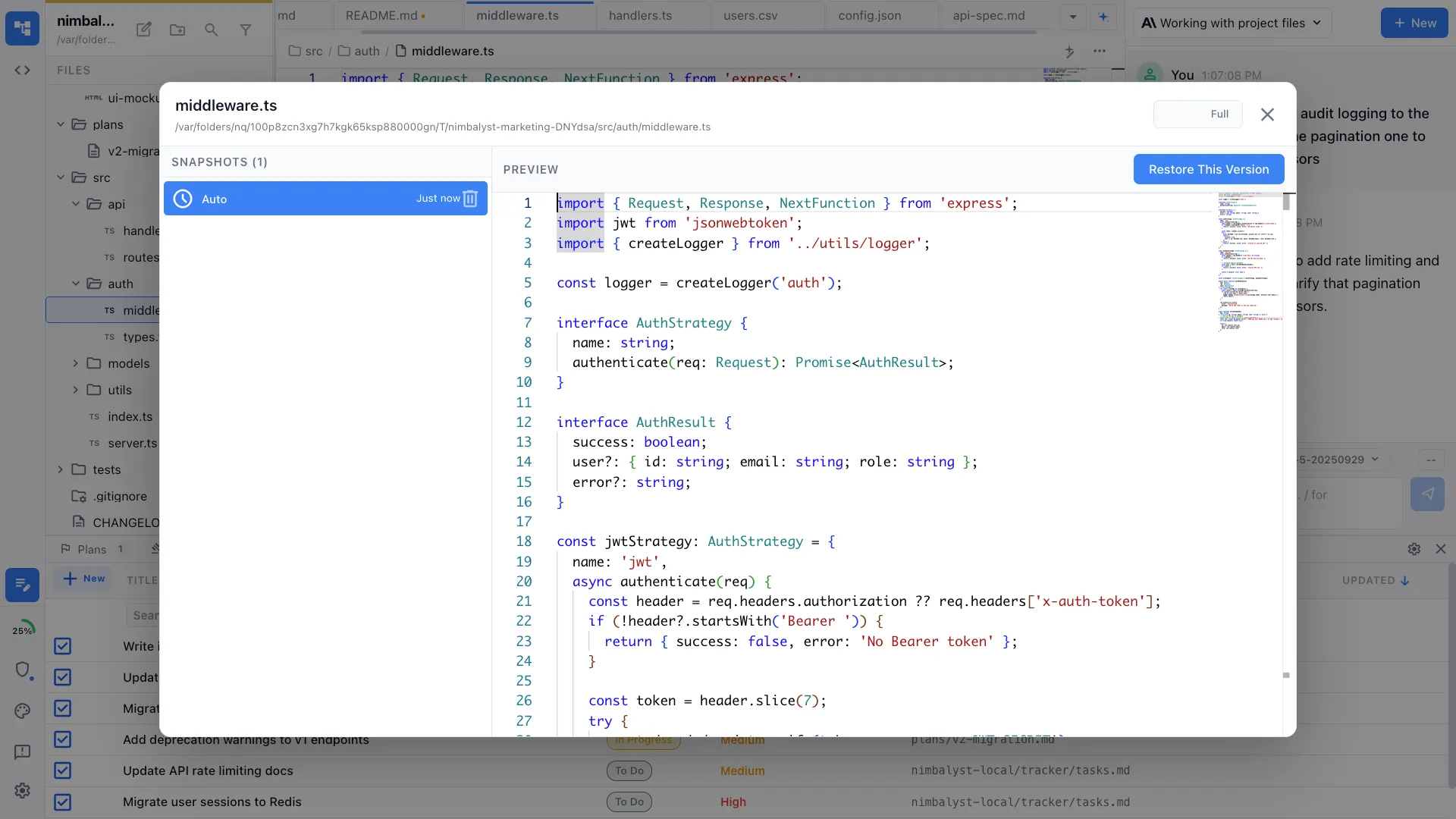
File history with restore
Every document version is saved. Browse history and restore any prior state of your file.
Drawing & Diagrams
Create and edit drawings and diagrams visually with your agents
Use Mermaid and Excalidraw to diagram systems, flows, and architecture
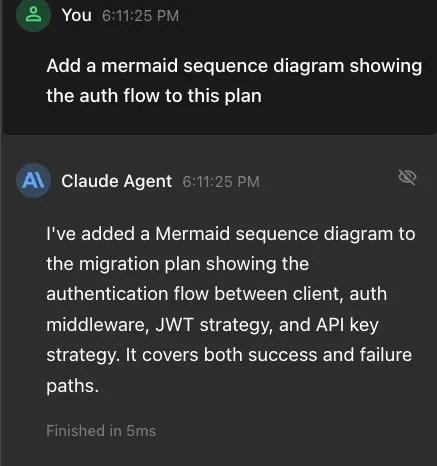
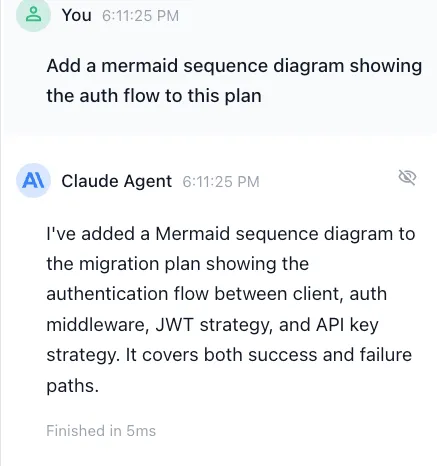
AI-generated Mermaid diagrams
Describe a flowchart, sequence diagram, or class diagram in plain language and Claude Code and Codex generates the Mermaid code instantly.
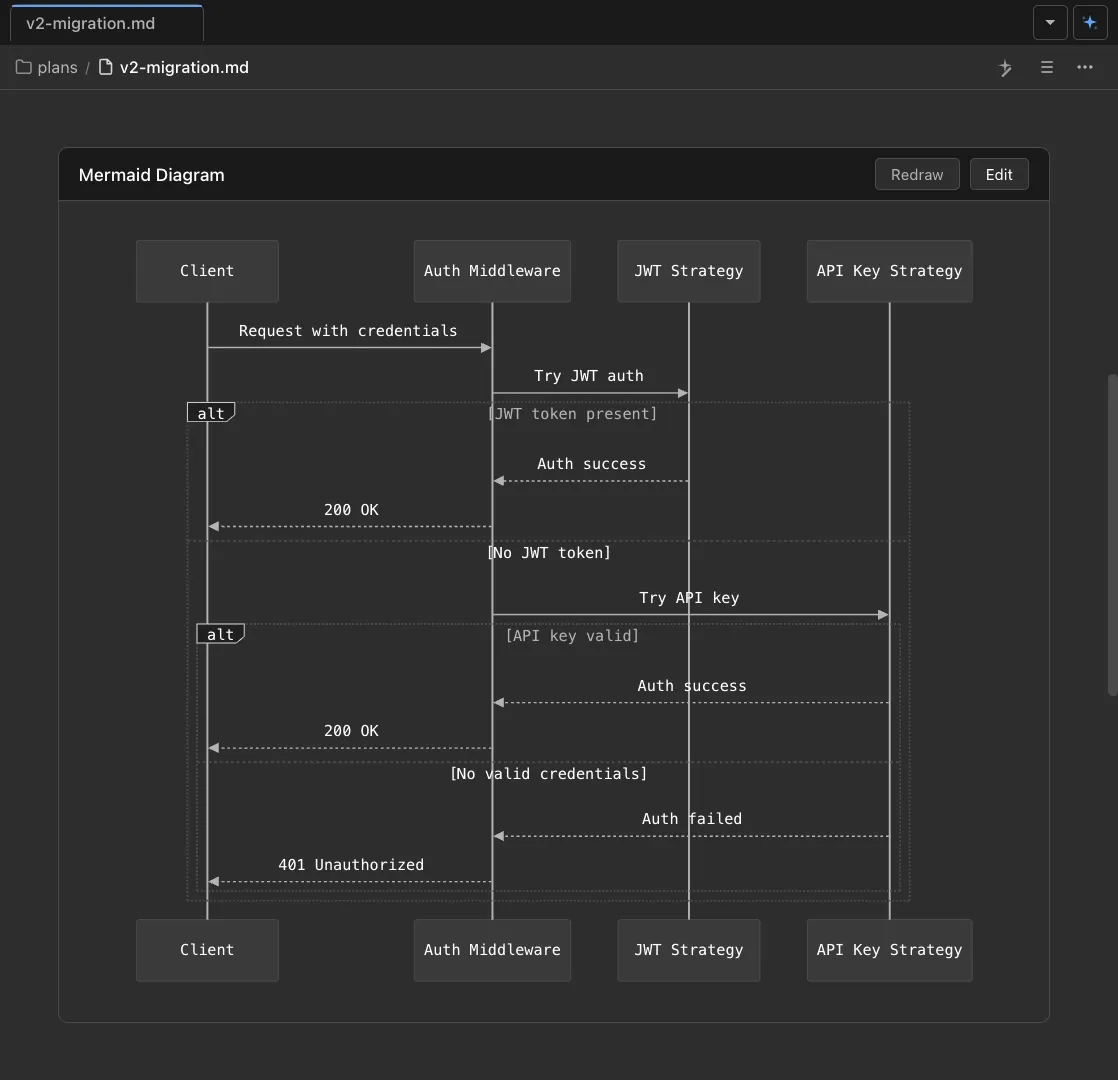
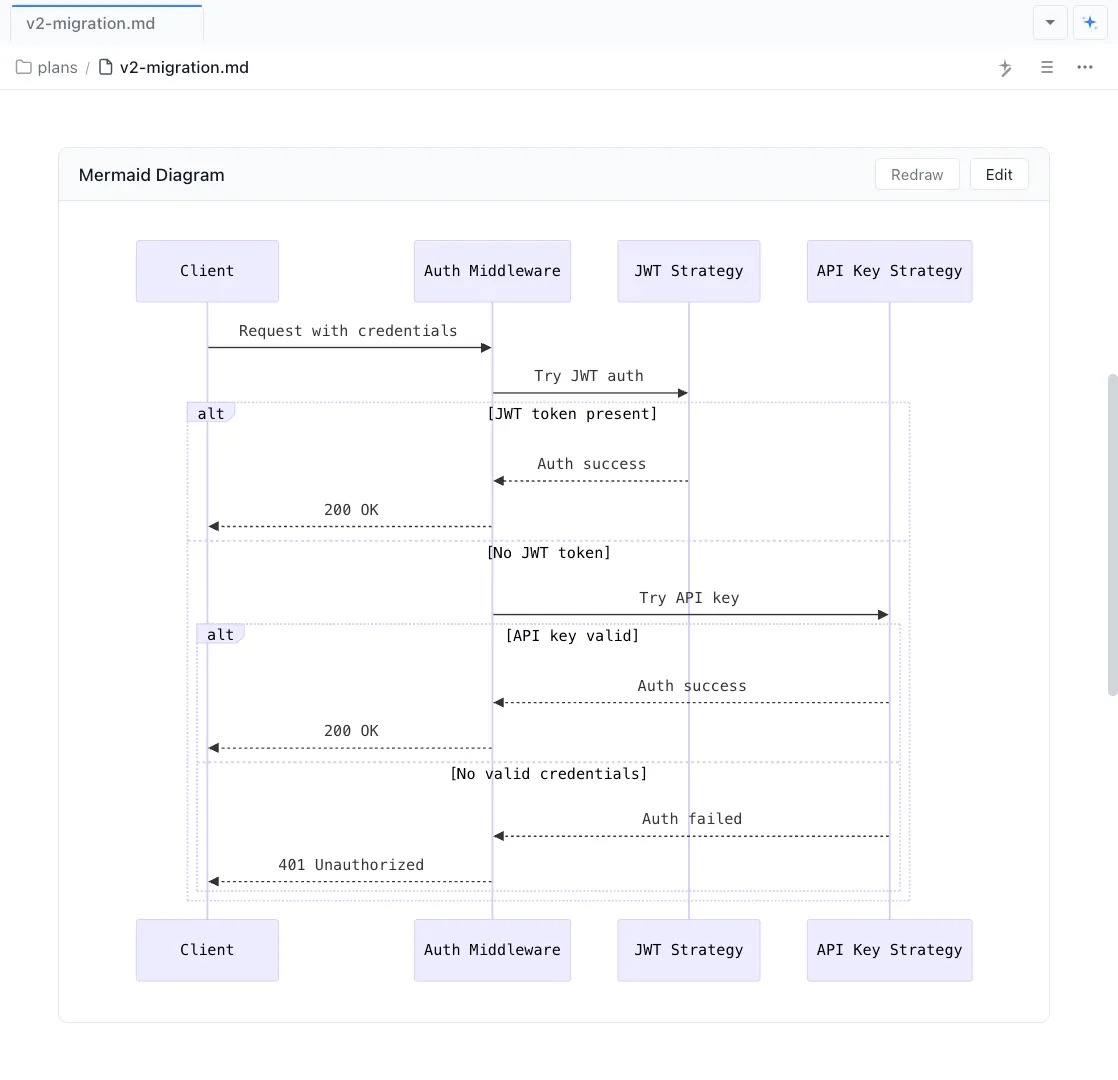
Live rendered in markdown
Mermaid diagrams render inline in your markdown files with a live preview. Edit the Mermaid yourself or with your agent.


Draw with Excalidraw
Sketch architecture diagrams, user flows, and system maps on an infinite canvas with Excalidraw edit by hand or with AI.
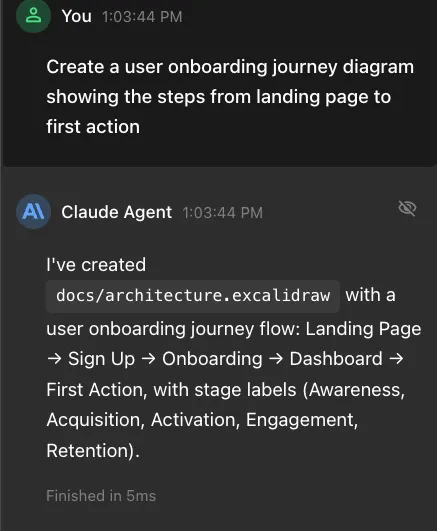
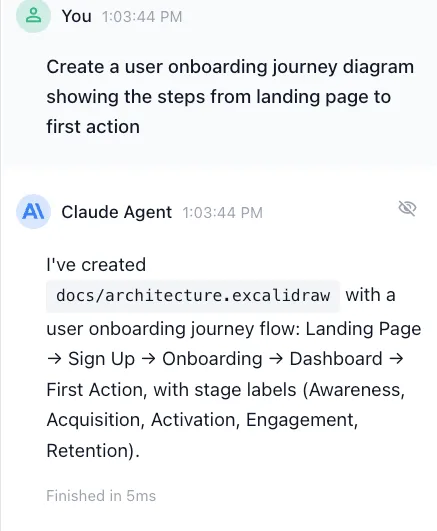
AI-powered drawing
Describe what you want and Claude Code and Codex places, connects, and styles Excalidraw elements for you. Iterate conversationally or with the drawing tools.
Agent Sessions
Manage your agents' work across parallel sessions in a UI
Run multiple agents simultaneously. Organize them. Find, resume, branch. Connect sessions to files and files to sessions.

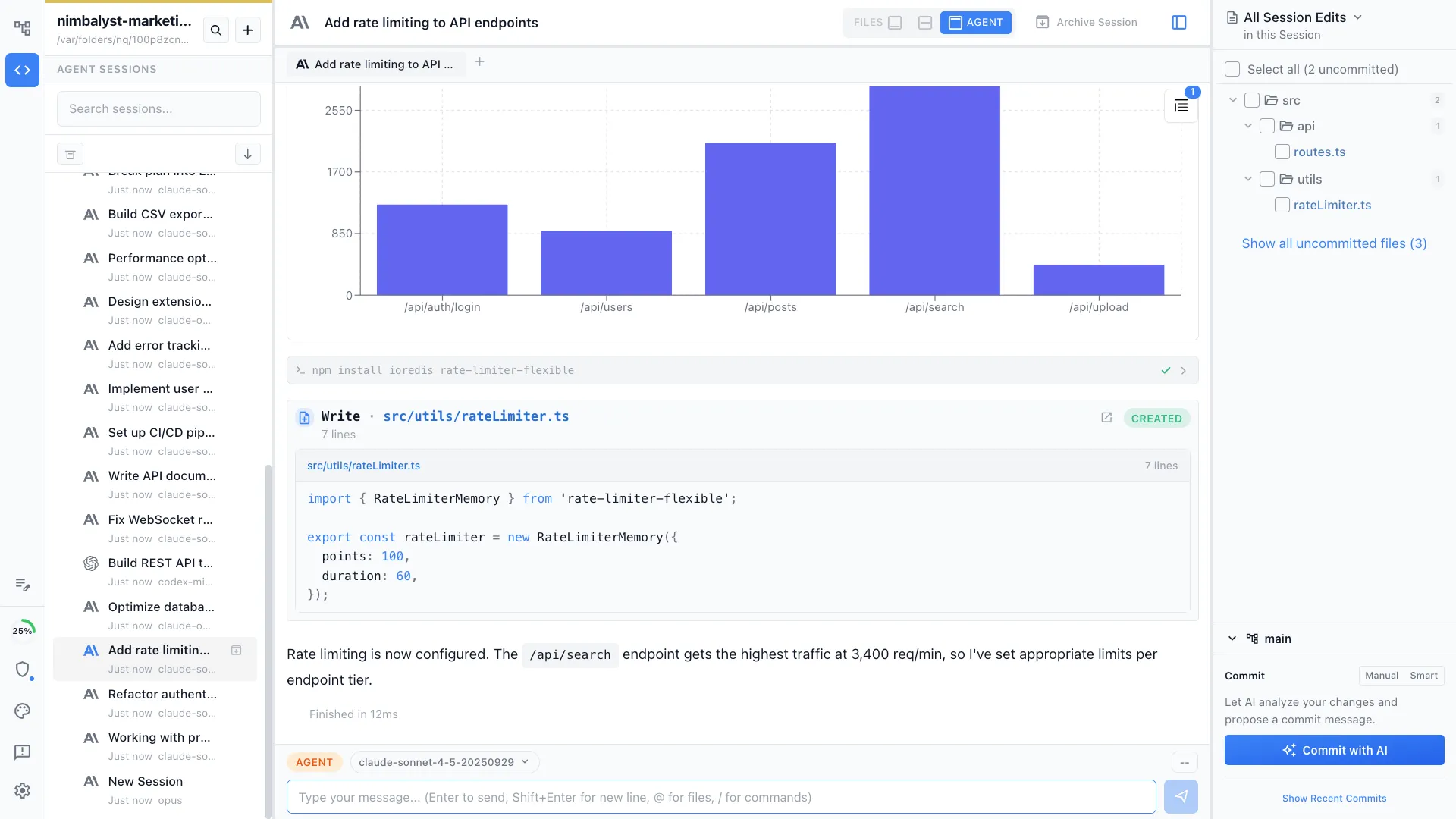
Run multiple sessions in parallel. Alert when done.
Kick off agents across different tasks and get notified as each one completes.


Tie sessions to files and files to sessions
Every session is linked to the files it read and wrote. Optionally open edited files and review.
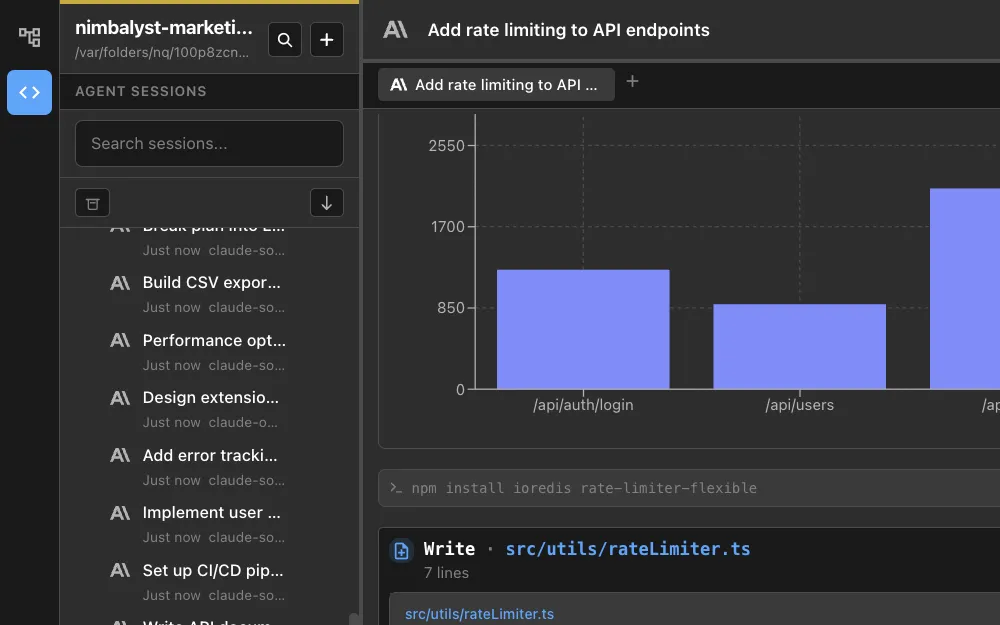
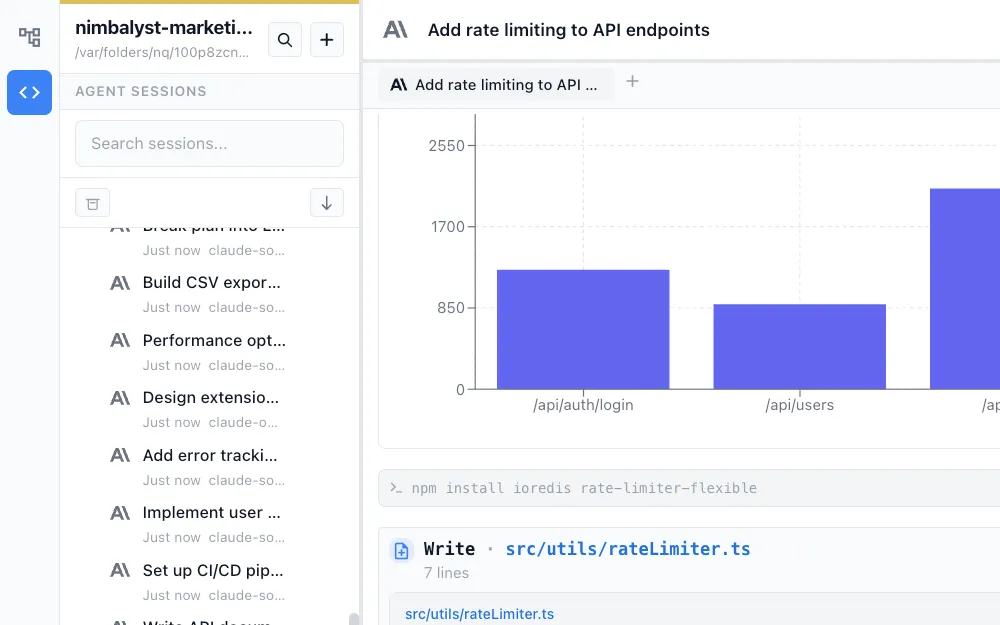
Search & resume your persistent AI sessions
Sessions are saved and searchable. Pick up any conversation exactly where you left off. Branch. Archive.
Developer Features
Code with your agents, iterate, review changes, manage files, use AI to commit
You are coding in a new way. You need a purpose-built environment for agentic coding. Chat, read, edit, and review — all without leaving the workspace.
Instruct your coding agent.
Talk to Claude Code and Codex in a full chat interface. Describe what to build, @ mention files, use / commands and skills, and watch it work.


Read and human edit code in Monaco editor. Use AI to edit.
Full Monaco editor with syntax highlighting. Edit manually or ask AI to make targeted changes.
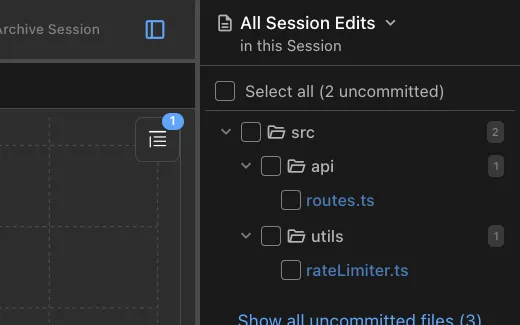
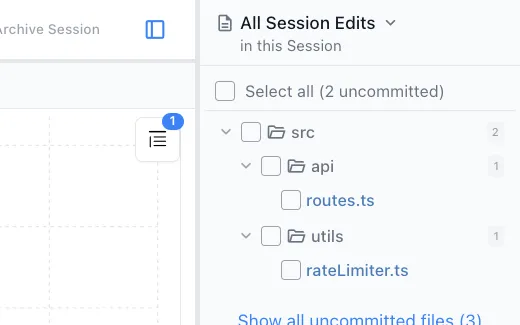
See files changed by agent session
A sidebar lists every file the agent read or wrote. Review what changed before you commit.
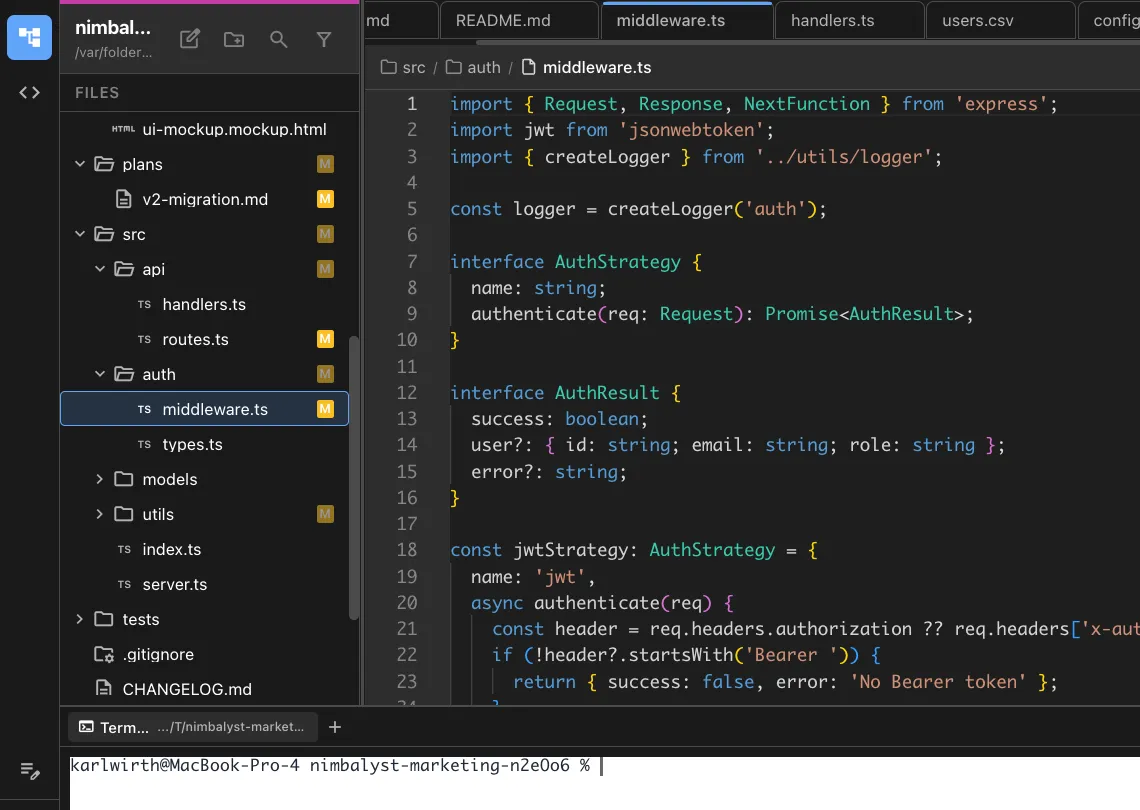
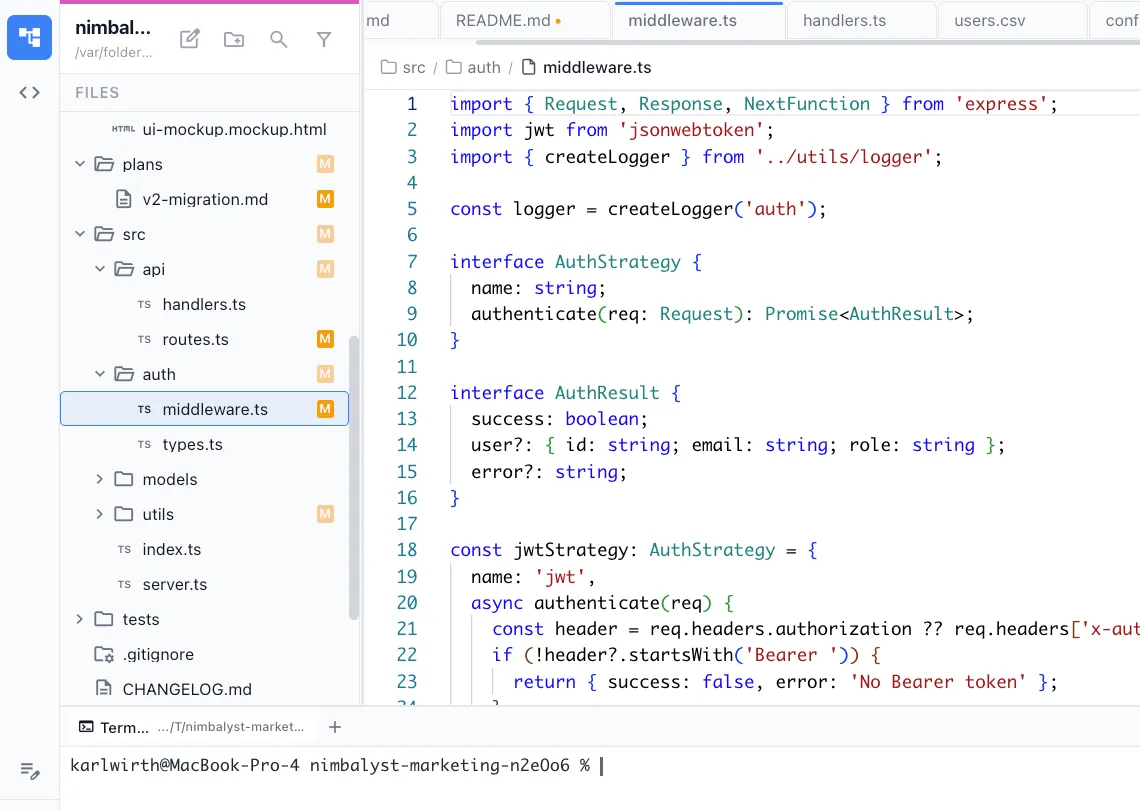
Integrated terminal
Run commands, scripts, and build tools without leaving Nimbalyst. Full terminal access alongside your editor and agent sessions.
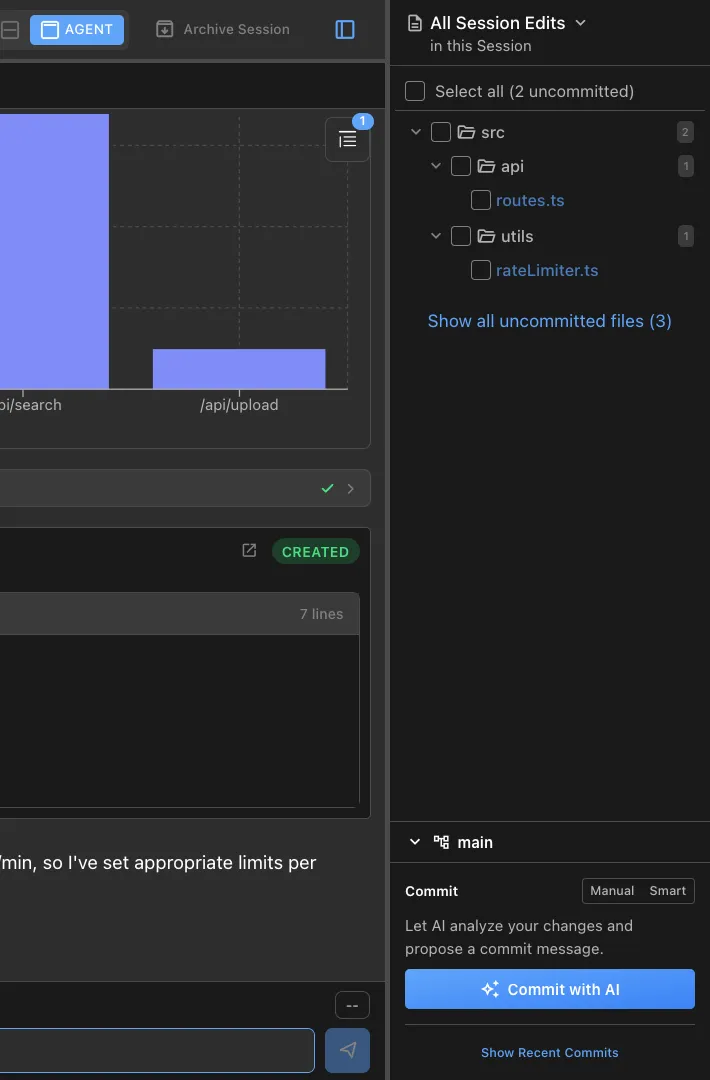
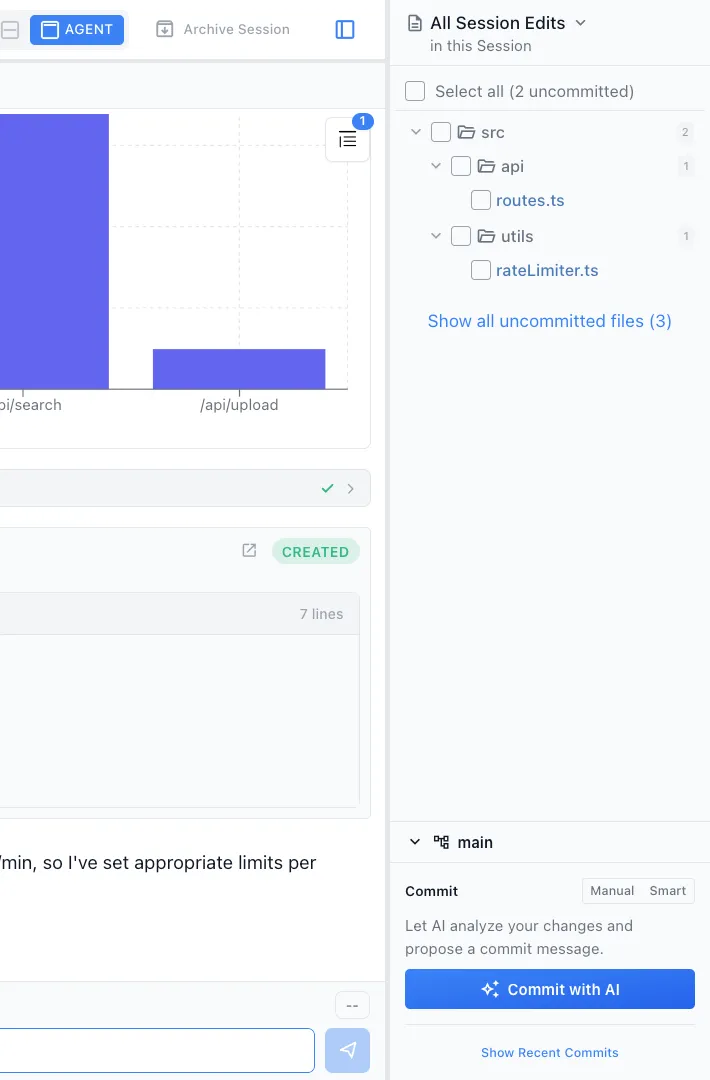
Git management
View diffs, stage changes, and manage branches from a visual git interface built into your workspace.
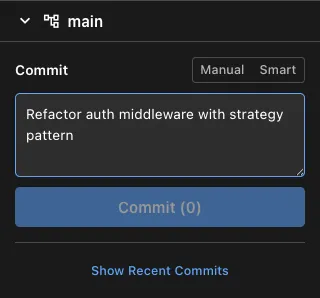
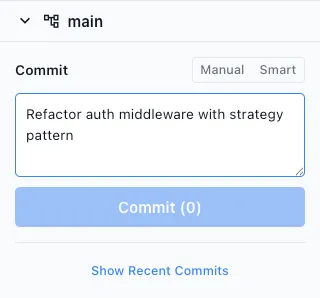
AI-assisted git commits
Claude Code and Codex reviews your staged changes and drafts a commit message. Review, edit, and commit in one step.
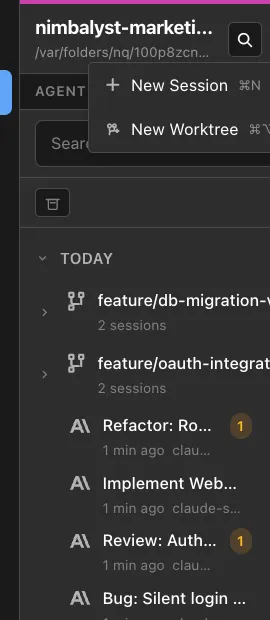
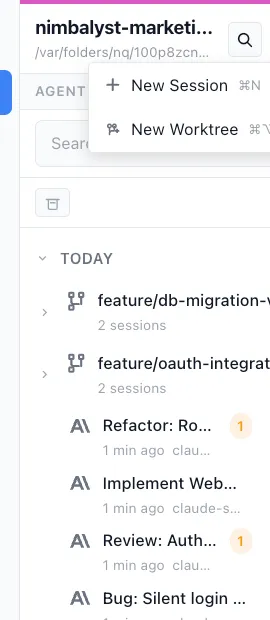
Worktree support
Work on multiple branches simultaneously with git worktrees. Each worktree gets its own editor context and agent sessions.
Planning & Tracking
Track your document status and ideas, plans, and to-dos in markdown
WYSIWYG and stored as markdown frontmatter so humans and any agent can read and update while working.
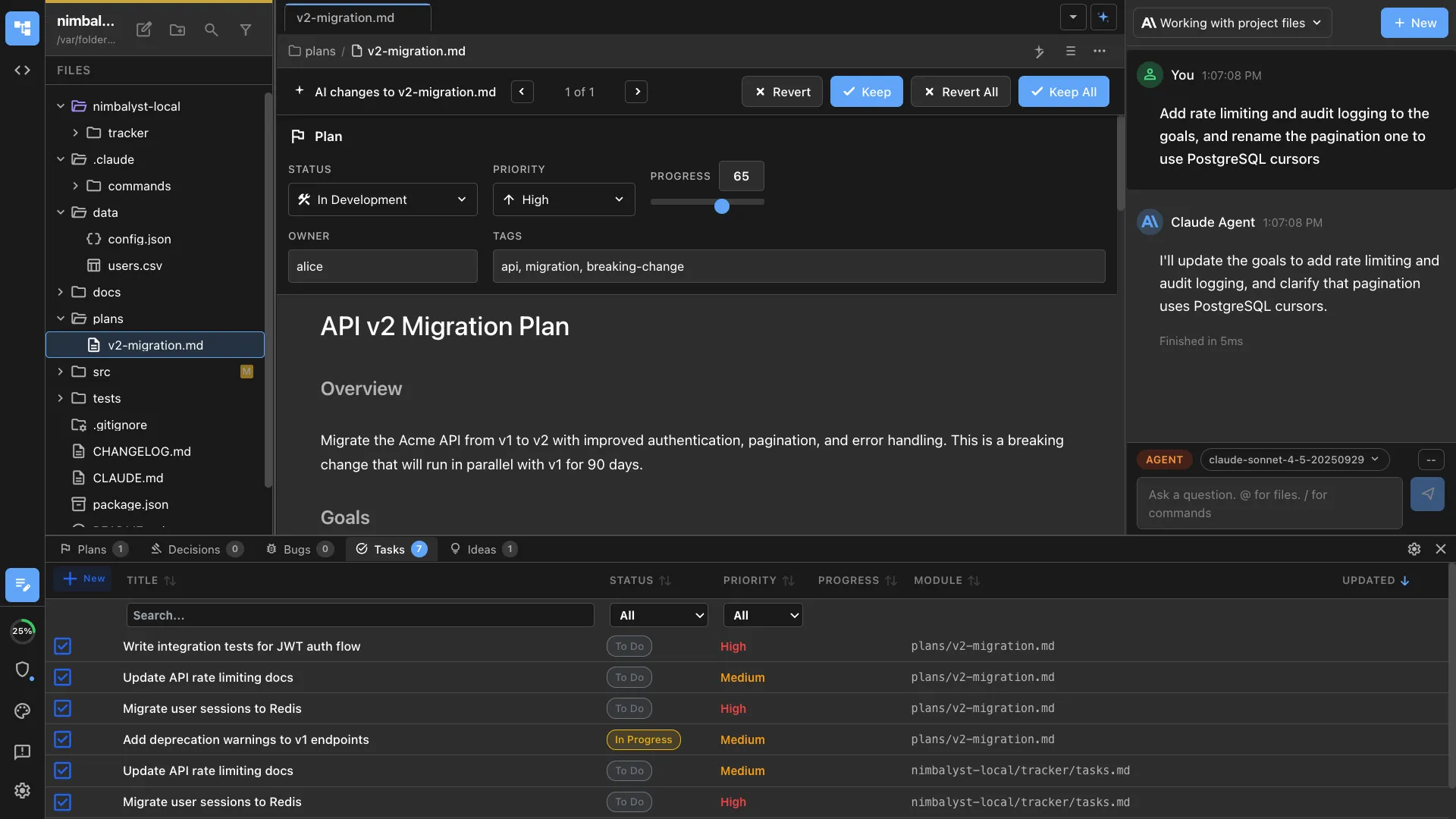
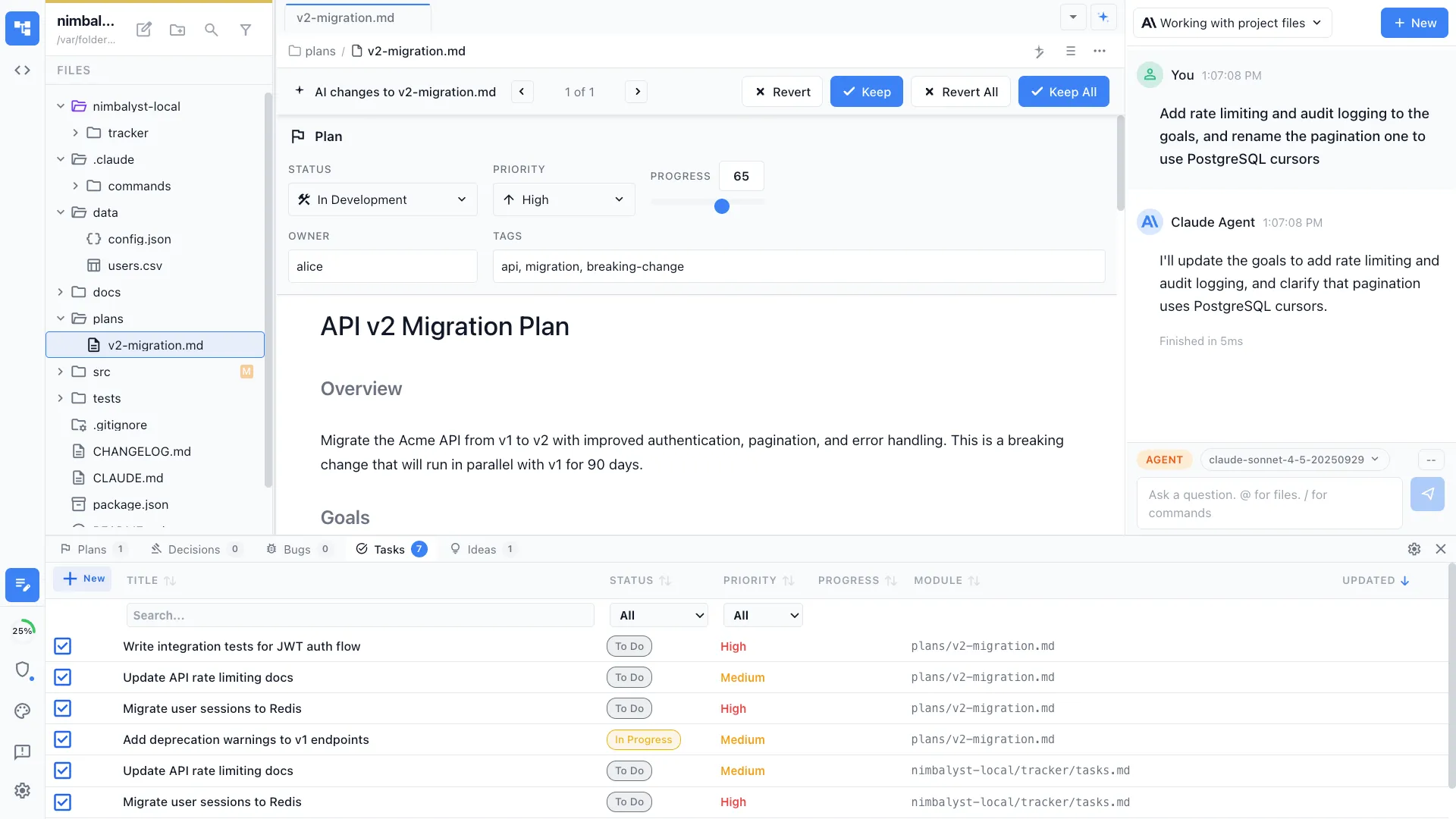
Workflow & status in your plan
Kanban board views, priority, progress, and owner — all stored in your plan document as markdown frontmatter.
Cross-plan status in markdown
See status across all your plans in one view. Decisions, bugs, tasks, and ideas tracked in one dashboard.
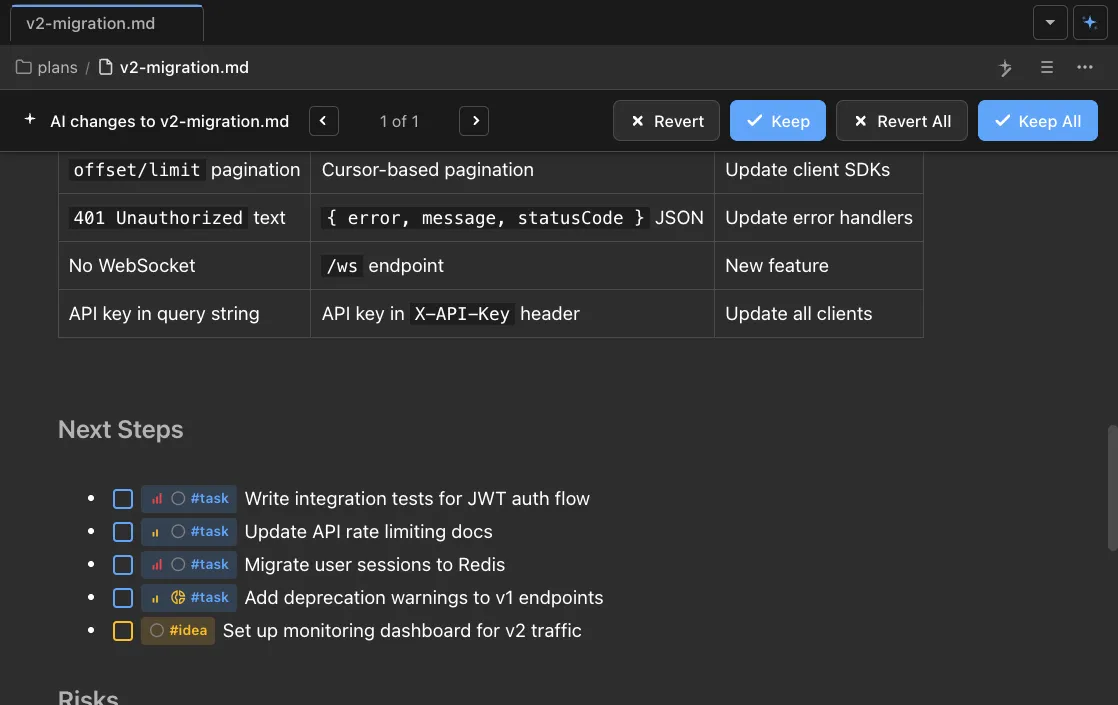
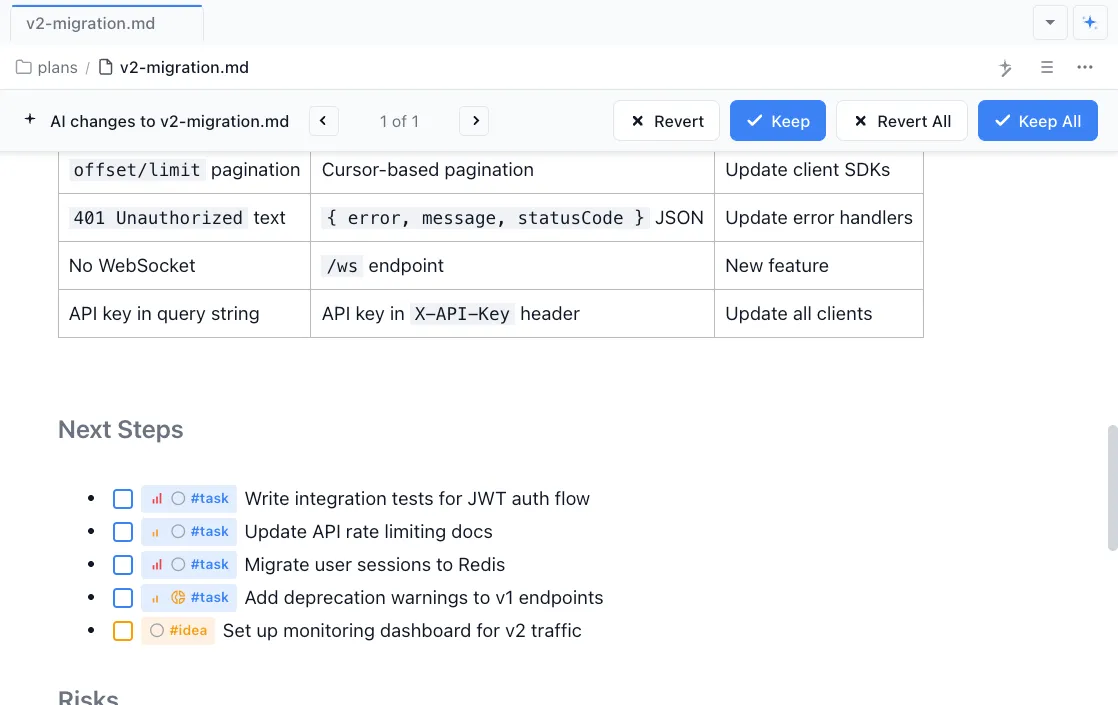
To-dos, tasks, ideas in your doc
Tag items inline as @task, @idea, @bug, or @decision. They surface in your sidebar and plans automatically.
Agent Integration
Multi-agent workspace for Claude Code, Codex, and more
Run Claude Code and Codex side by side. Use the best agent for each task, with shared context, MCP servers, and a unified workflow.
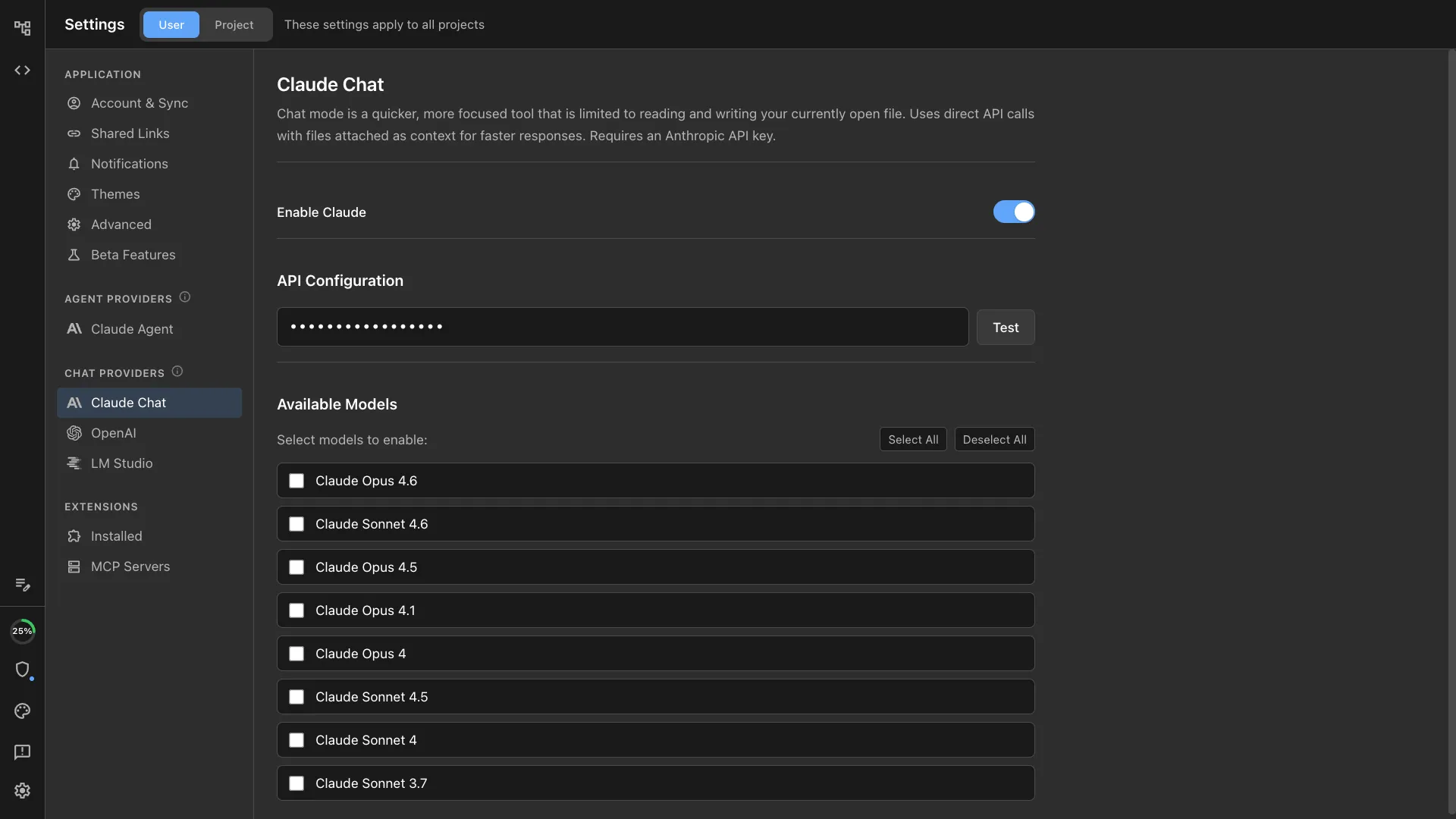
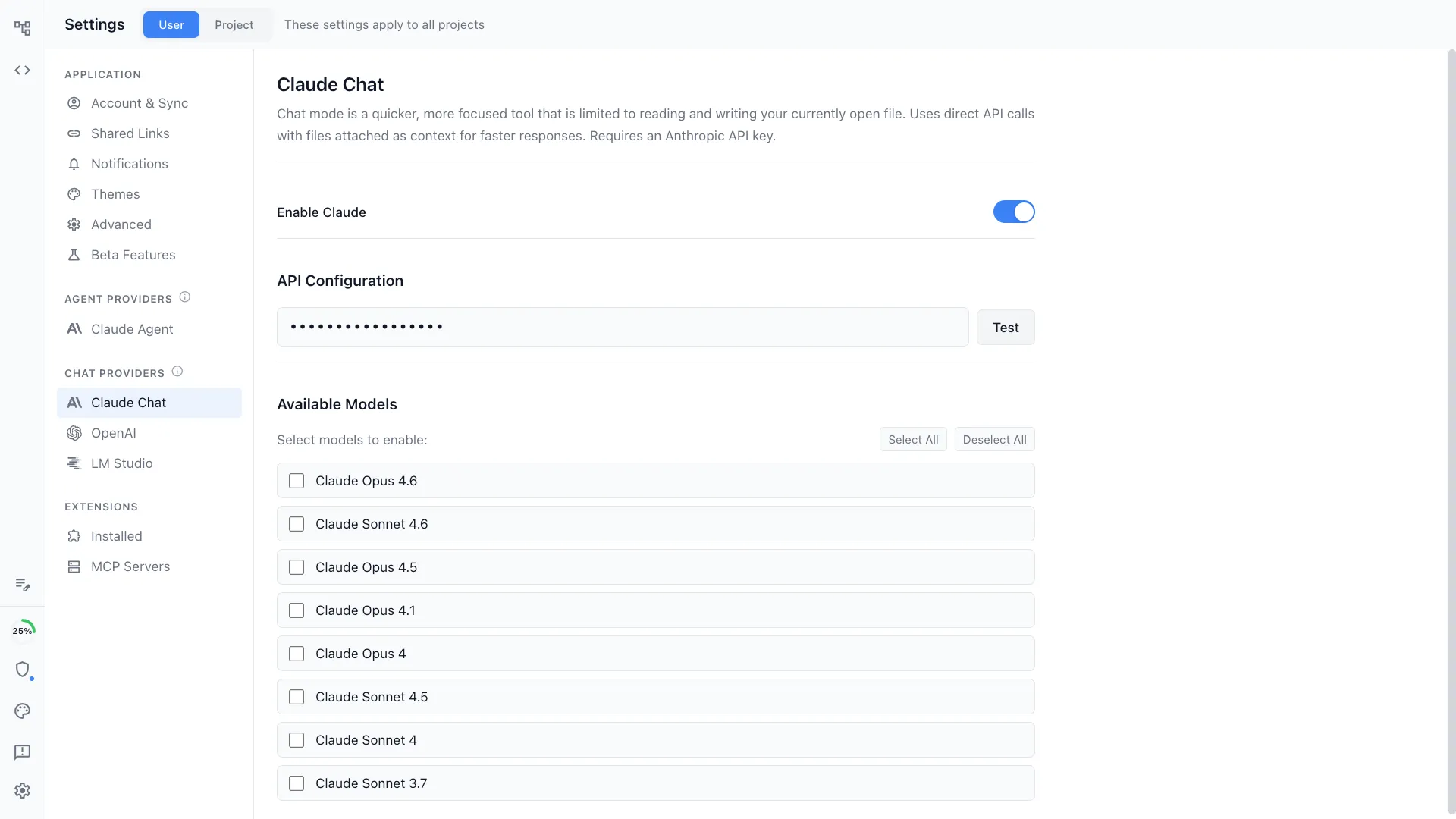
Claude Code
Built around Claude Code. Chat, plan, code, and review
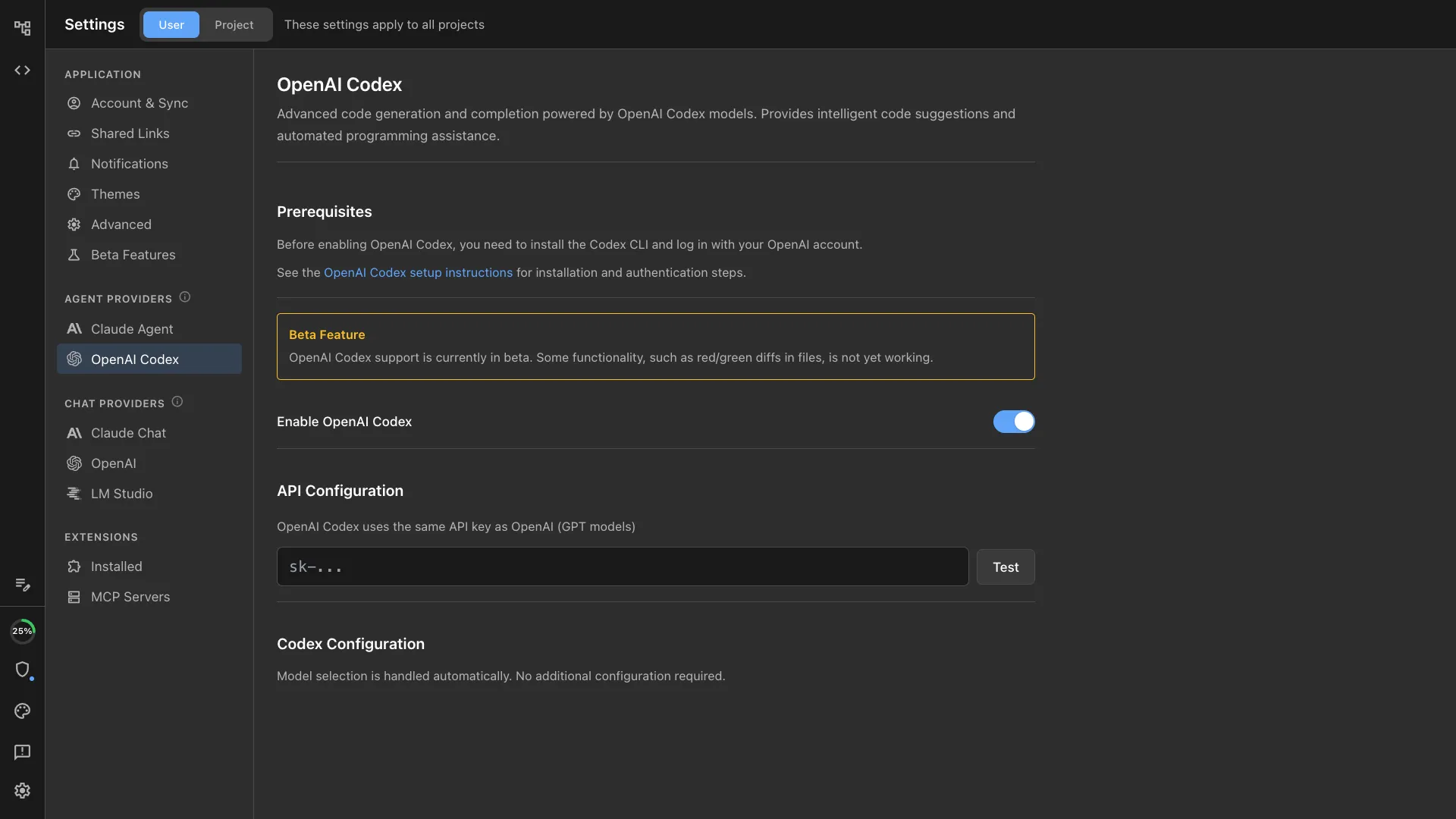
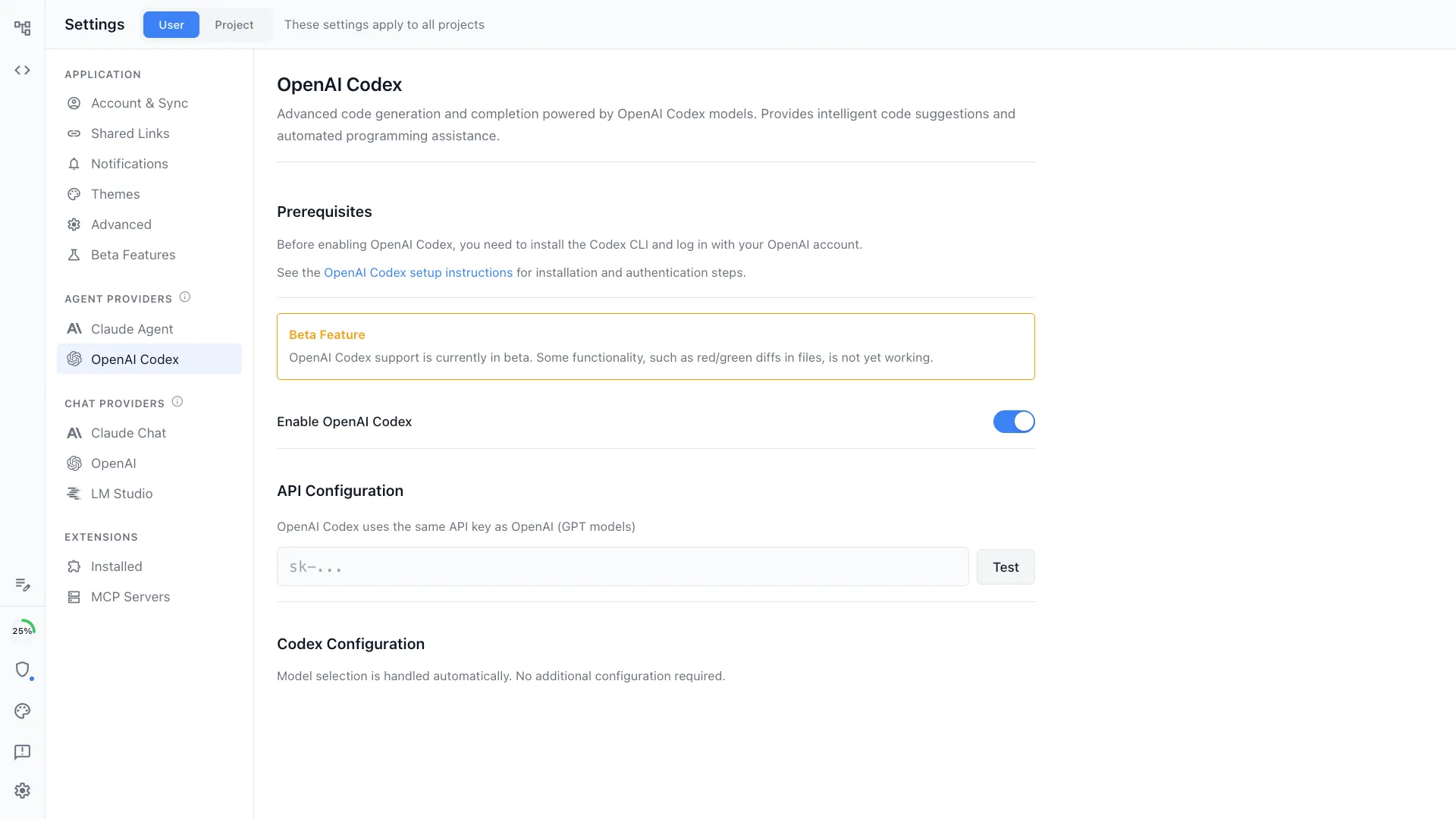
Codex
Run OpenAI Codex alongside Claude Code. Use the best agent for each task.
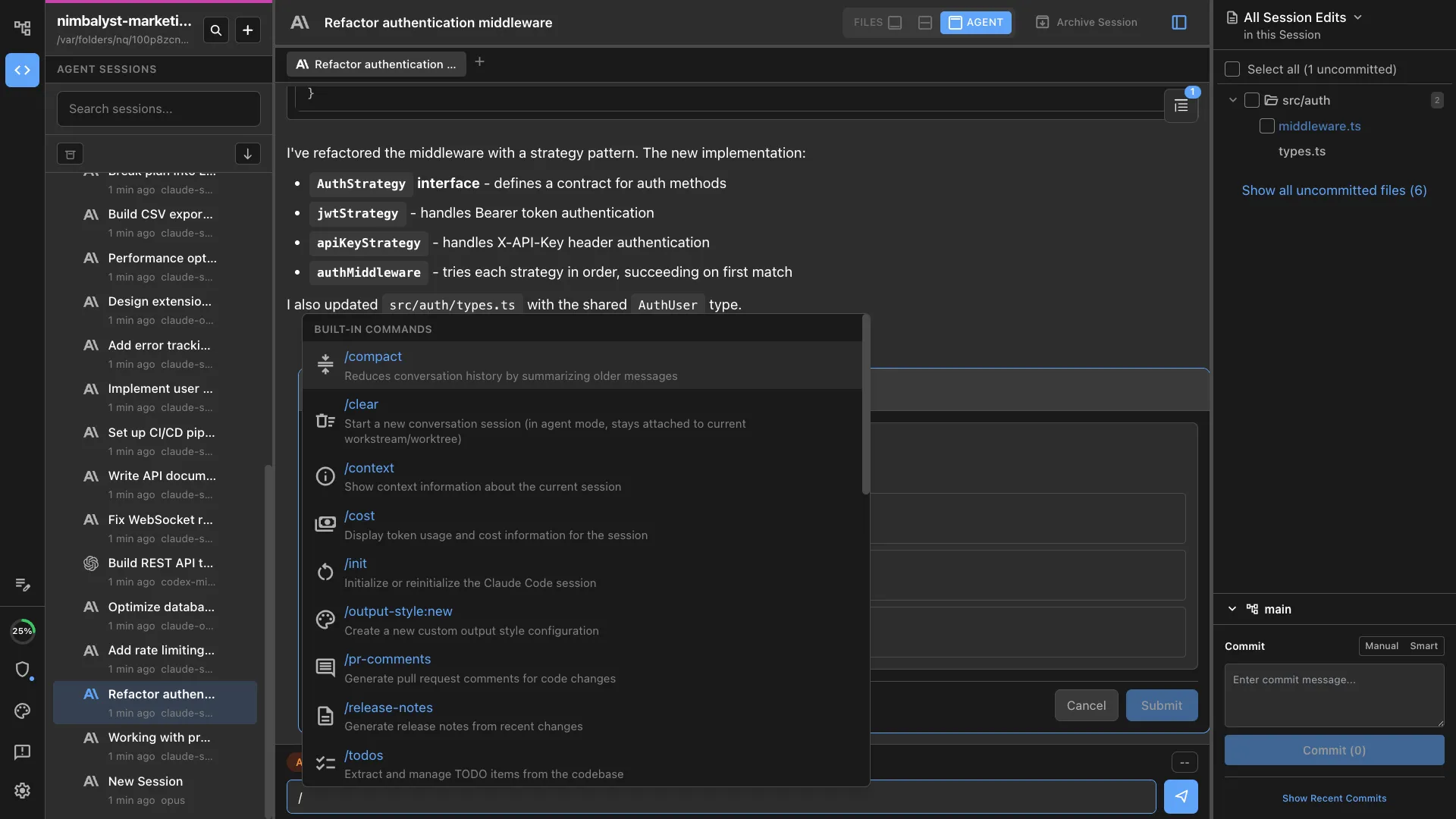
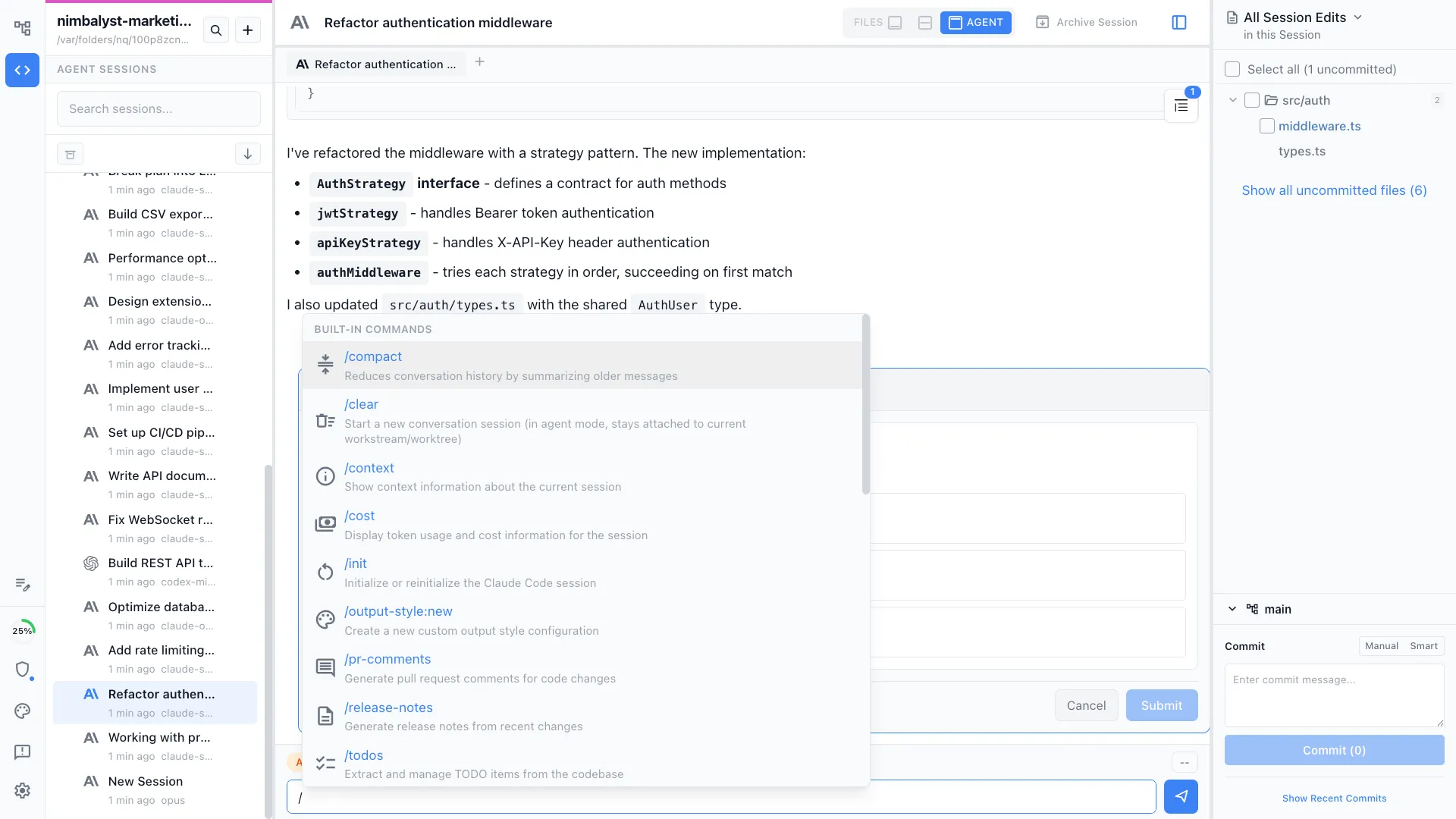
/ commands and skills
Extend your agent with custom slash commands and skills. Project-specific or personal, versioned with your repo, and shareable with your team.
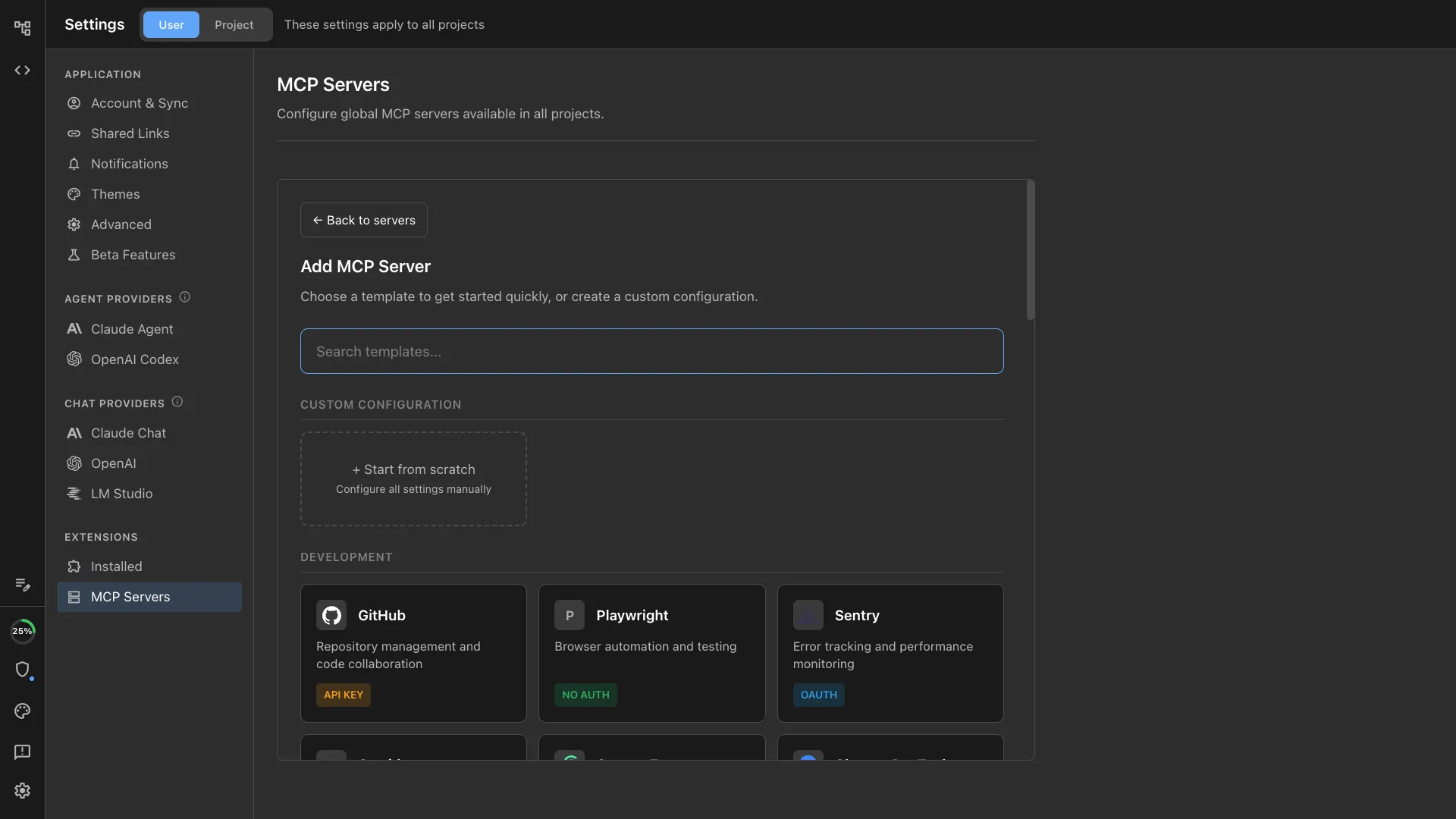
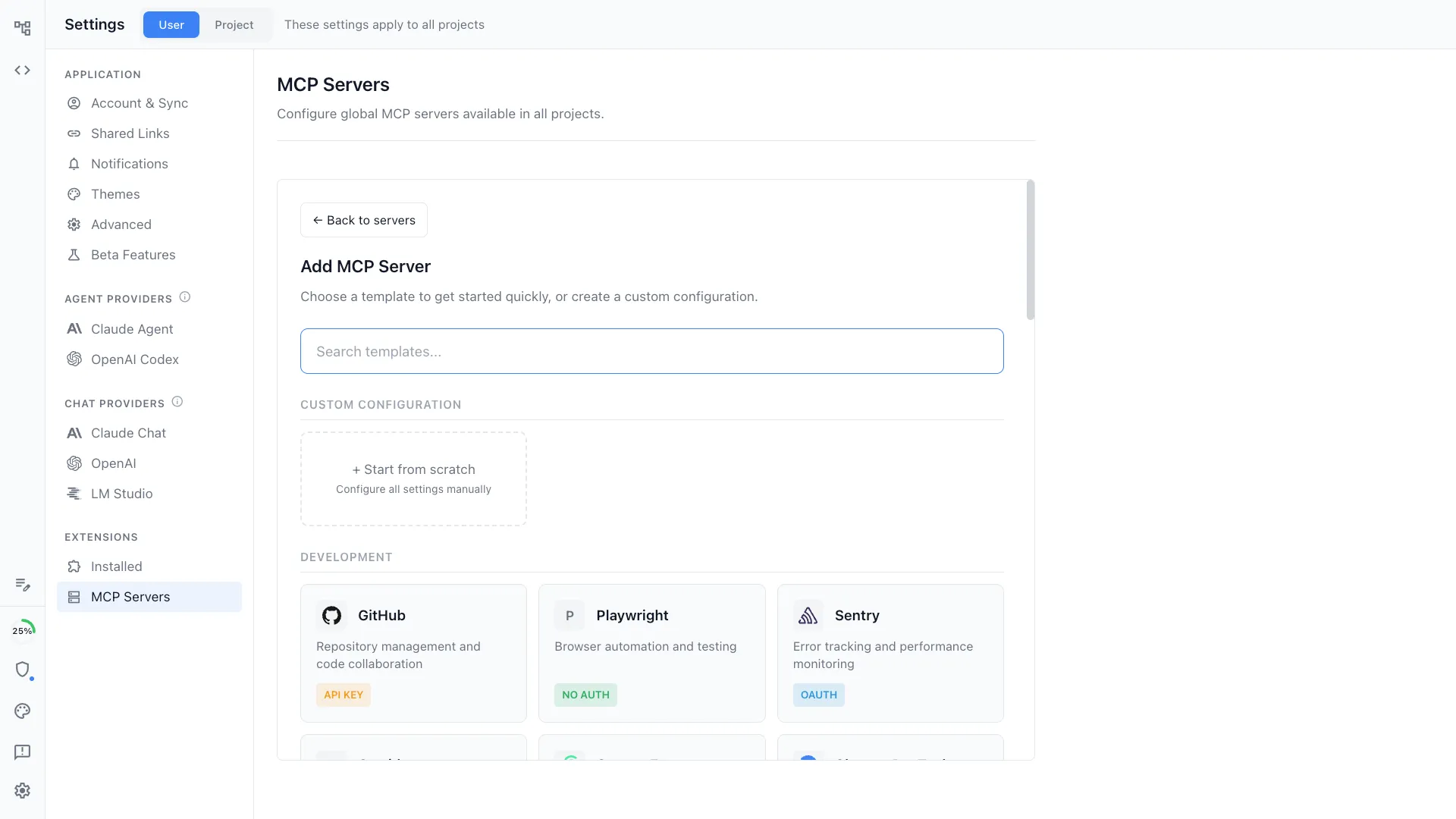
MCP support
Connect your agents to external tools and services via Model Context Protocol. Linear, GitHub, Slack, databases, and more — all accessible from your sessions.
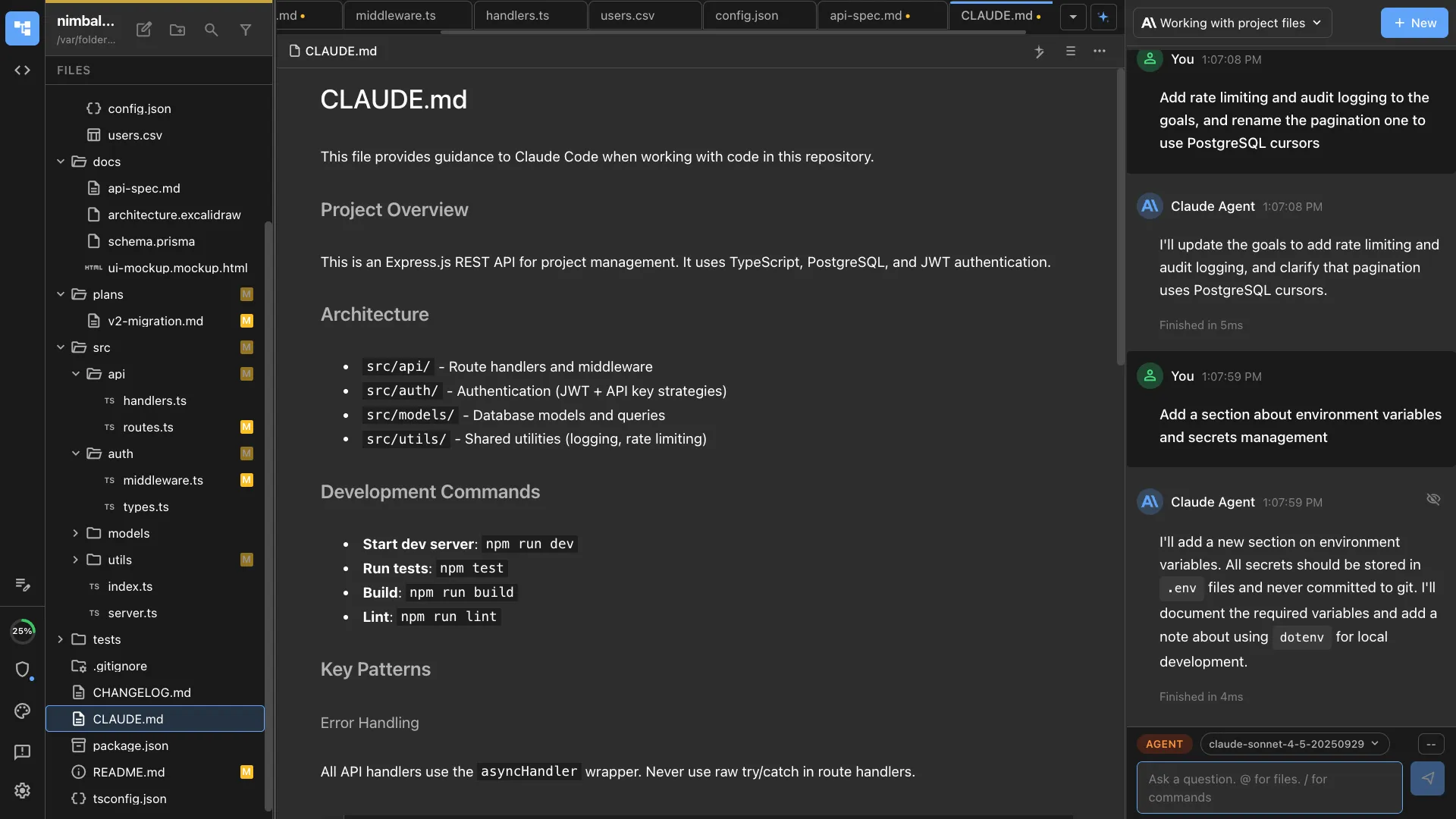
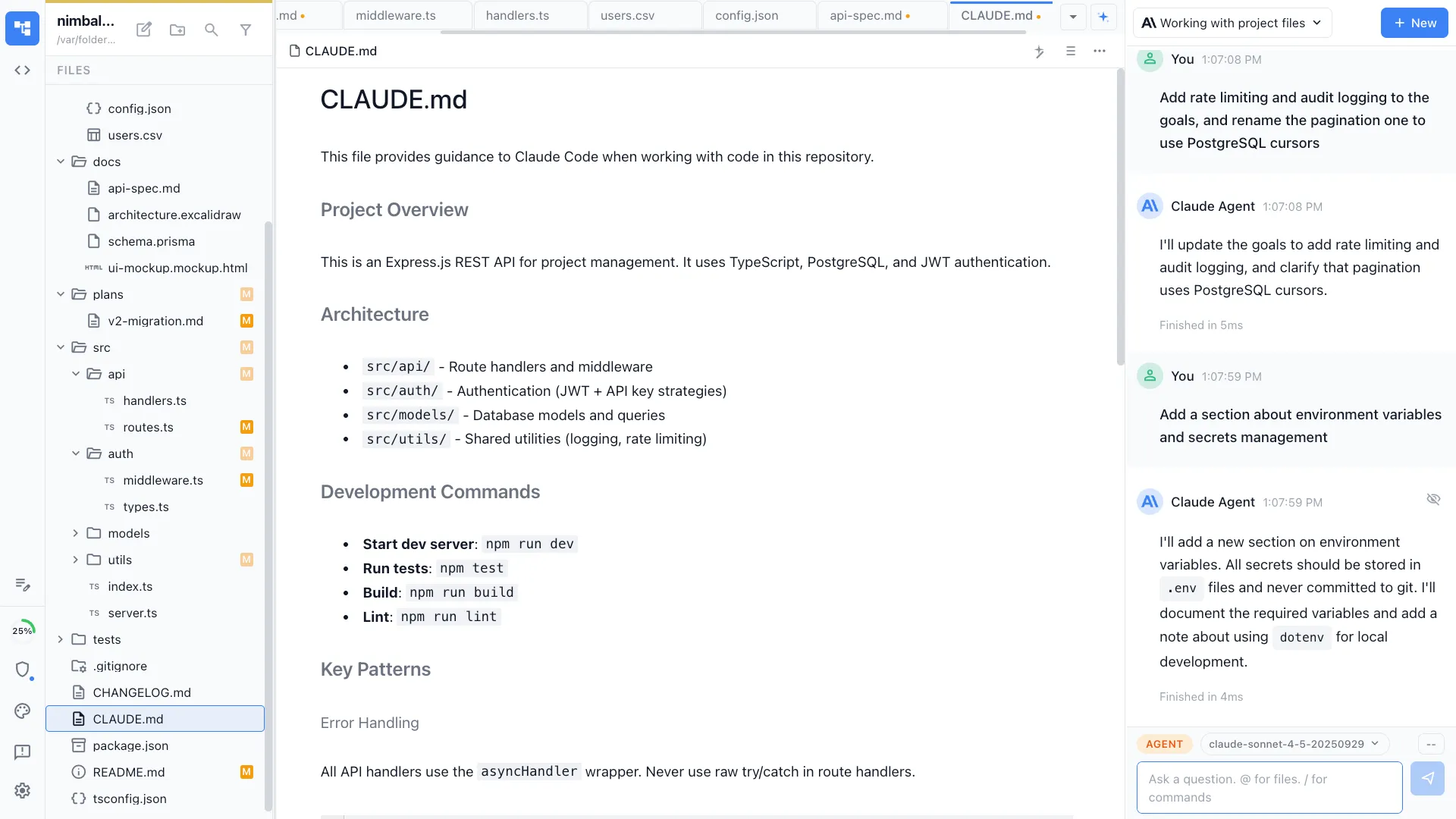
CLAUDE.md / Agents.md
Configure agent behavior with project-level instruction files. Set context, constraints, and conventions that your agents follow automatically.
Open & Secure
Its your content and your data.
Everything is open, local, and yours.
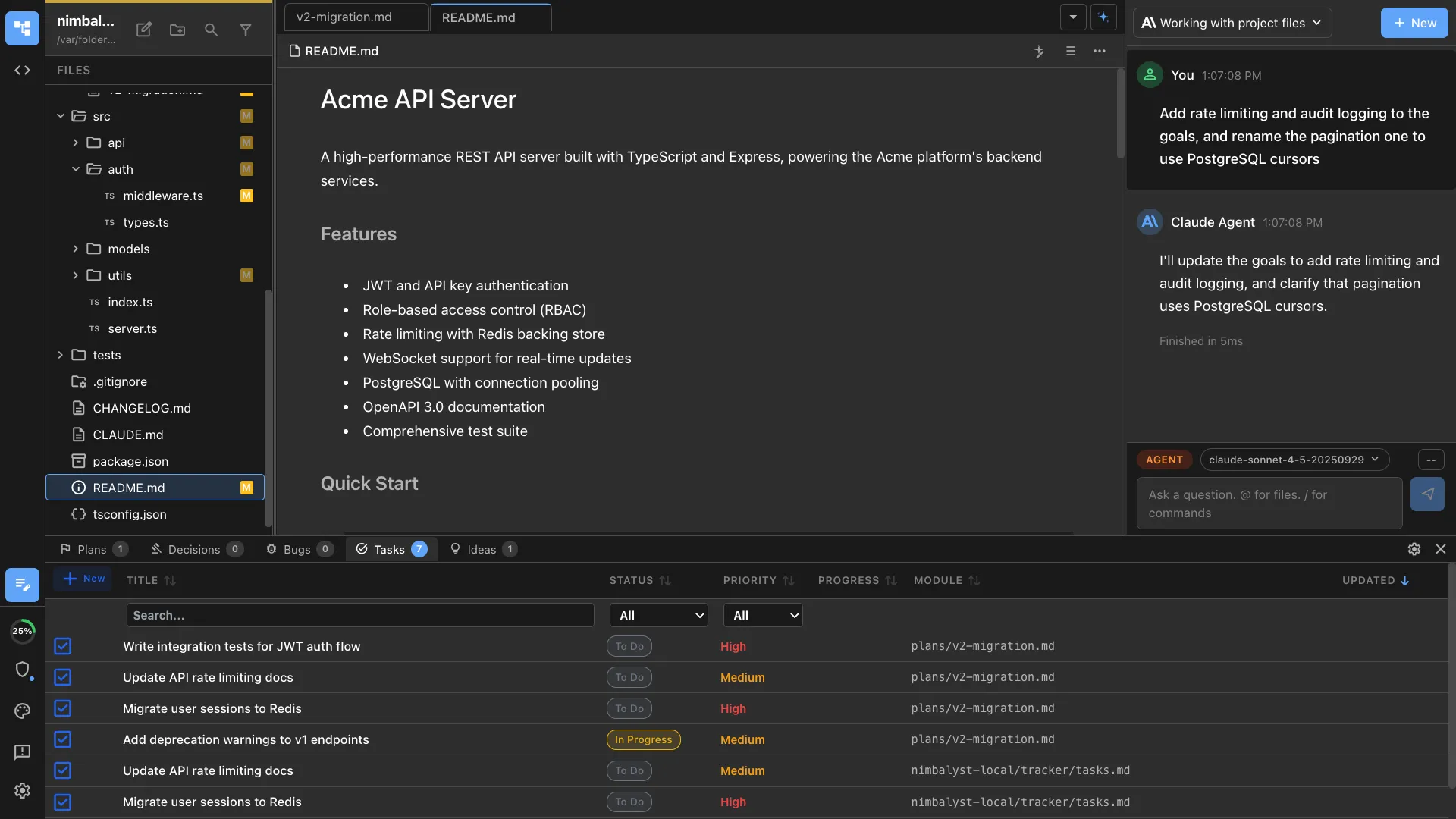
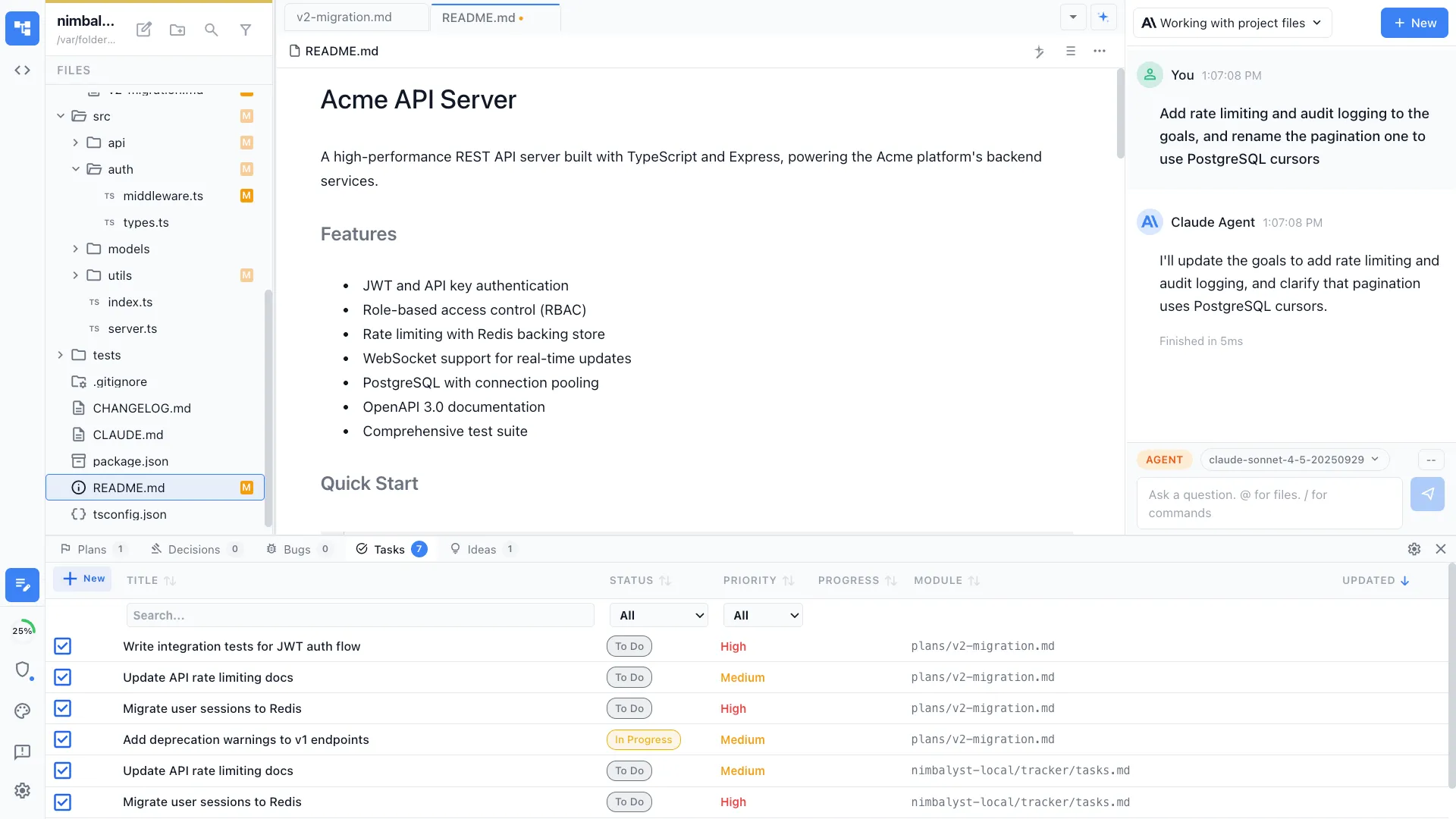
Open storage of content and status in markdown
All content and metadata lives in plain markdown and other standard files on your filesystem. No proprietary formats, no lock-in.
Use your own AI APIs
Bring your own API keys for Claude, OpenAI, and more. Run entirely locally with LM Studio. You're always in control.
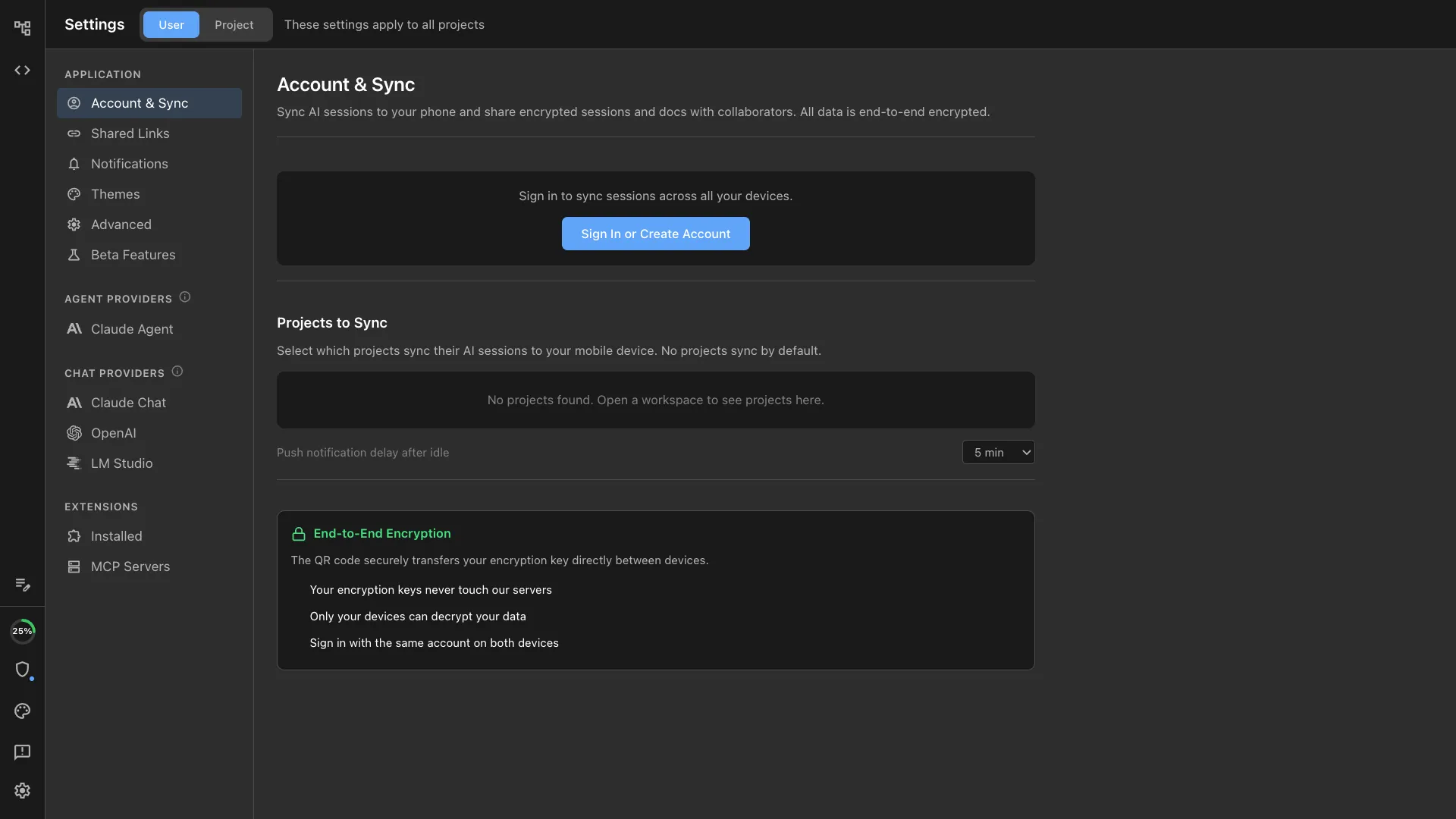
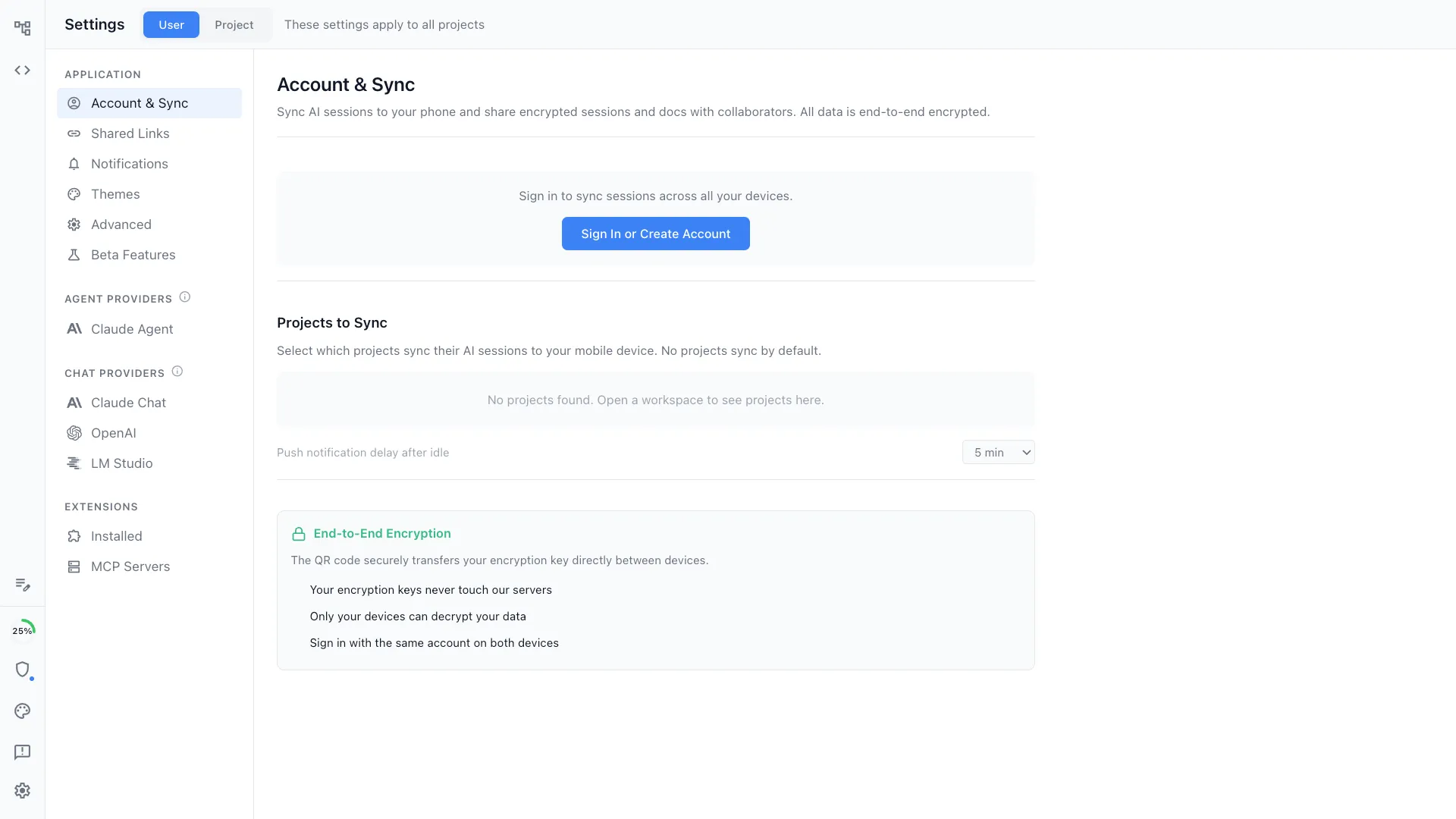
We don't collect your data
Your data lives locally in your file system and is synced via GitHub if you choose. We collect usage data only, and you can opt out.
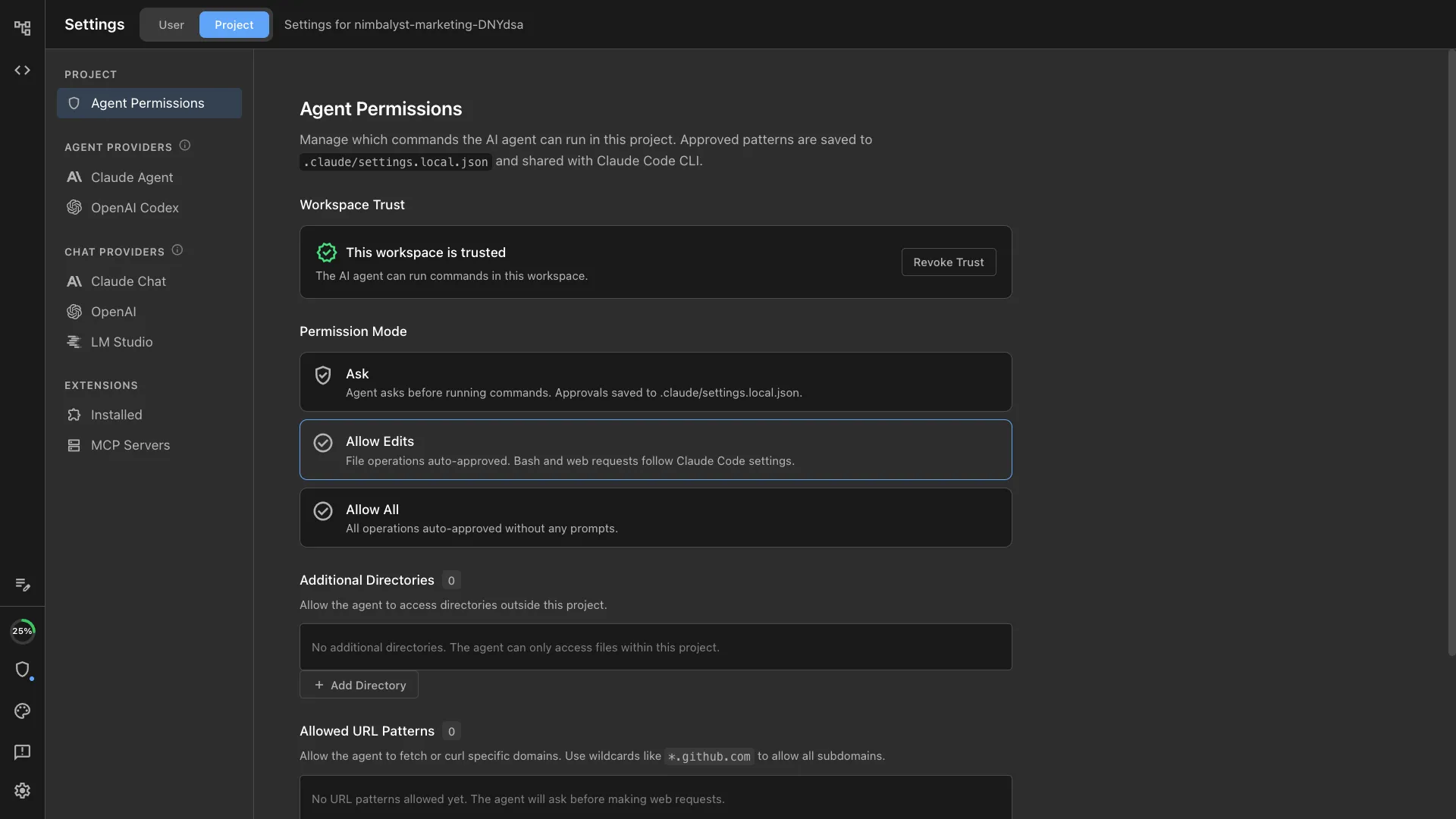
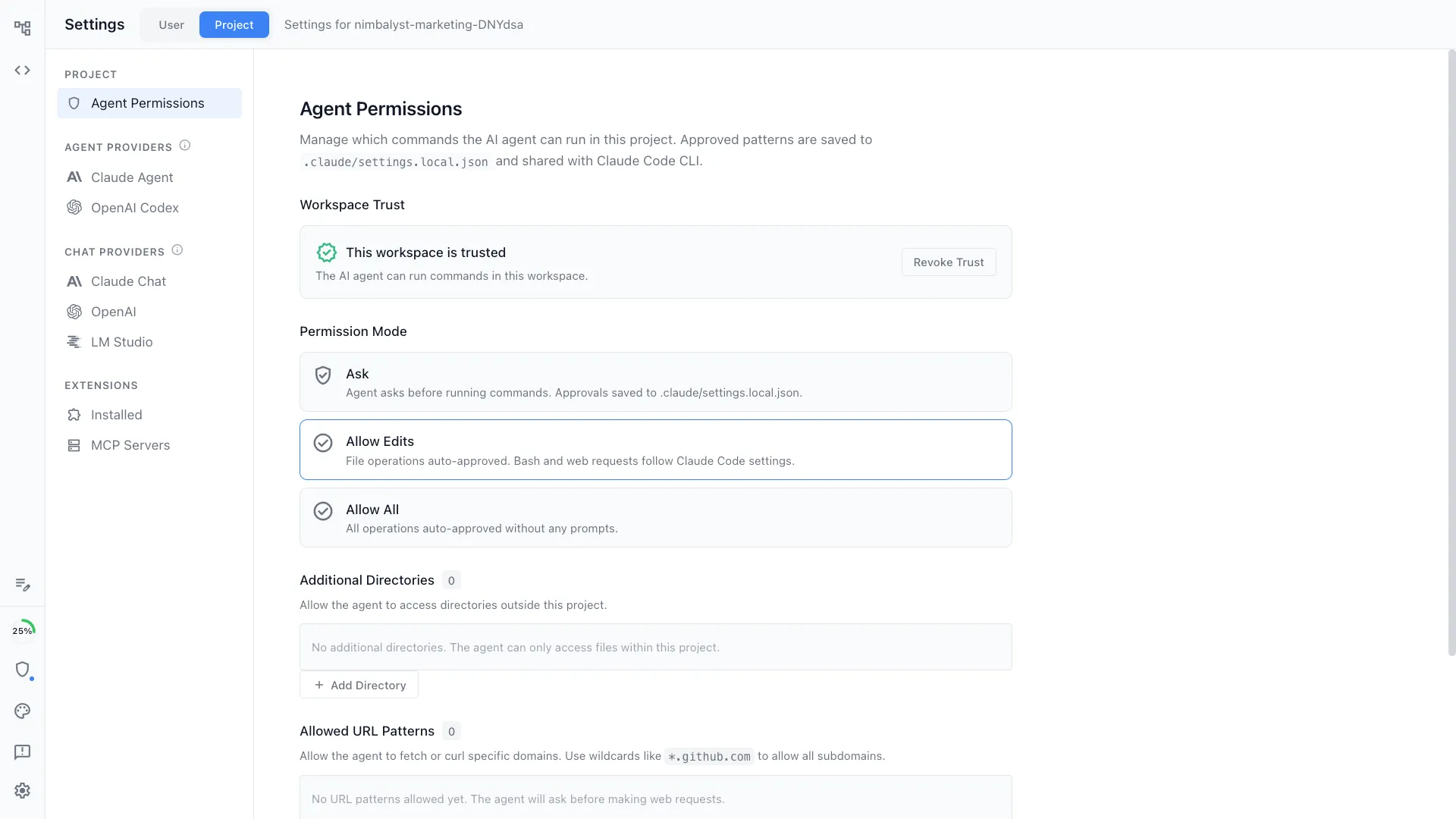
Permission System
Fine-grained control over what agents can do. Set trust levels, permission modes, allowed tools, and filesystem access per project.
Nimbalyst is SOC Certified
Nimbalyst is SOC 2 Type 2 Certified
Nimbalyst is SOC 2 Certified
Nimbalyst is SOC 2 Type 2 certified. Enterprise-ready security you can trust.
Explore
All features
Markdown Editor
WYSIWYG AI-powered writing and planning
Diagrams & Drawing
Mermaid and Excalidraw with AI generation
Mockup Editor
AI wireframes and UI mockups for developers
AI Data Modeling
AI-powered ERDs and database schema design
Spreadsheet Editor
AI-powered CSV and spreadsheet editing
Agent Sessions
Run and manage parallel AI coding sessions
Agent Orchestration
Kanban board for multi-agent workflows
Task Management
Organize tasks, bugs, features, and ideas
Developer Tools
Monaco editor, terminal, and code review
Agent Integration
Claude Code, Codex, MCP, and slash commands
AI-Powered Git
Visual diffs, AI commits, and worktrees
Security & Privacy
Local-first, BYOK, SOC 2 compliant
Mobile App
Manage sessions from your phone
Automations
Trigger workflows on events and schedules
Commands & Skills
Built-in and custom slash commands
AI Context
CLAUDE.md, cross-file refs, and deep context
FAQ
Frequently Asked Questions
What editors does Nimbalyst support?
Can I use Nimbalyst with both Claude Code and Codex?
How does the AI diff review work?
Does Nimbalyst support MCP servers?
Is my data stored locally?
What tools can I use to manage AI coding sessions?
From the Blog
Deep dives on Nimbalyst features
Best AI-Native Editors for Markdown, Mockups, and Diagrams
How visual editors integrated with AI agents change the way you plan and build.
Best Session Managers for Claude Code and Codex
Compare tools for organizing, searching, and resuming your AI coding sessions.
How to Review Agent Code Changes Visually
Why visual diff review matters when AI agents touch dozens of files per session.
Best Practices for Coding with Agents
A 9-step workflow from spec to ship using Nimbalyst and Claude Code.