Comparison
Codex vs Claude Code vs Nimbalyst
OpenAI Codex and Claude Code are two leading coding agents, and most teams do not have to pick just one. Codex is OpenAI's coding agent across the Codex App, CLI, IDE, and cloud surfaces. Claude Code is Anthropic's coding agent, strongest for Claude-first workflows with skills, hooks, and subagents. Nimbalyst is an open-source visual workspace that runs both side by side, so a team can compare them on real work and keep both in one project.
Free for individuals. Works with your existing Claude Code or Codex subscription or API key.
Overview
3 tools, different approaches
Nimbalyst
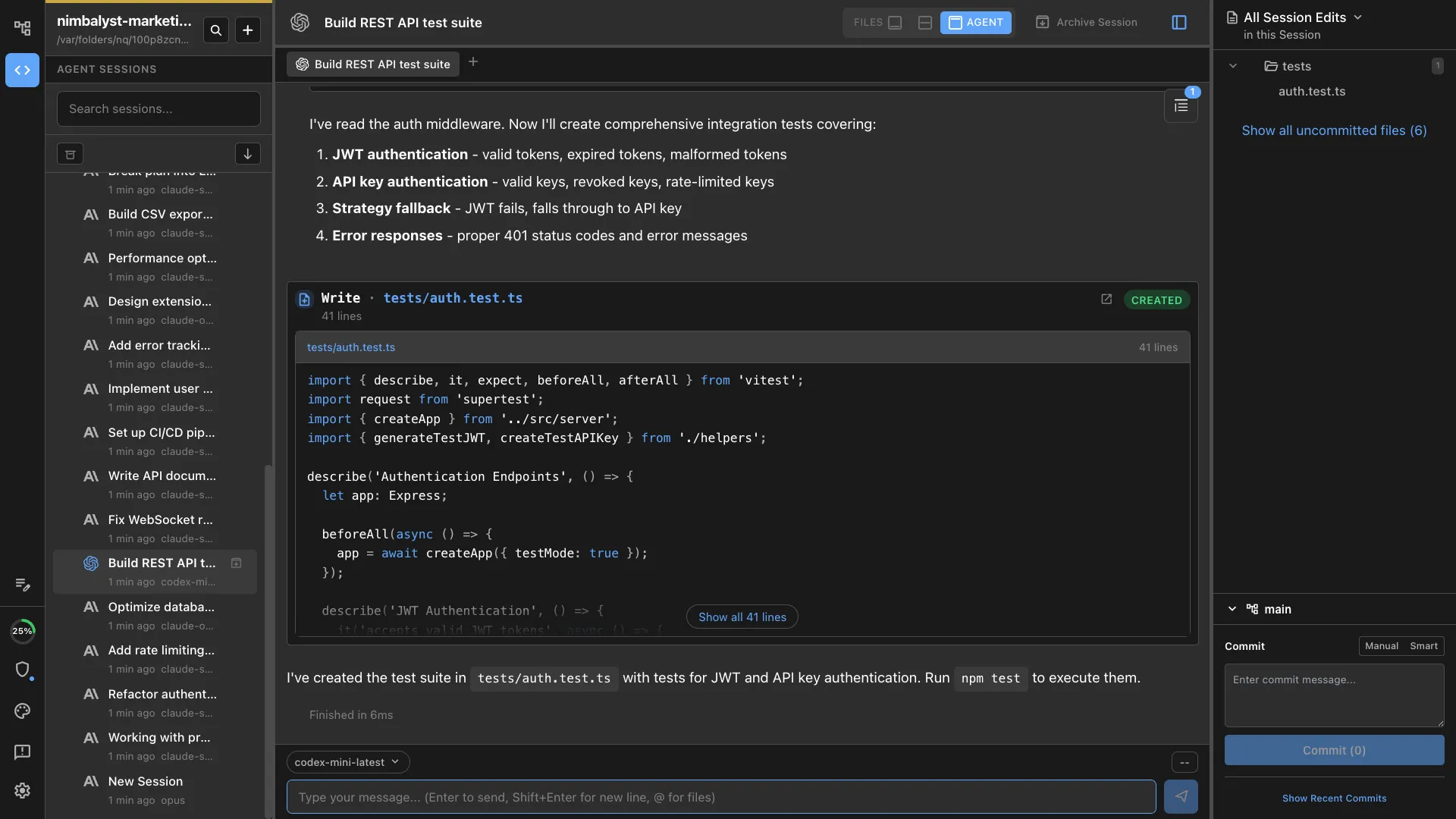
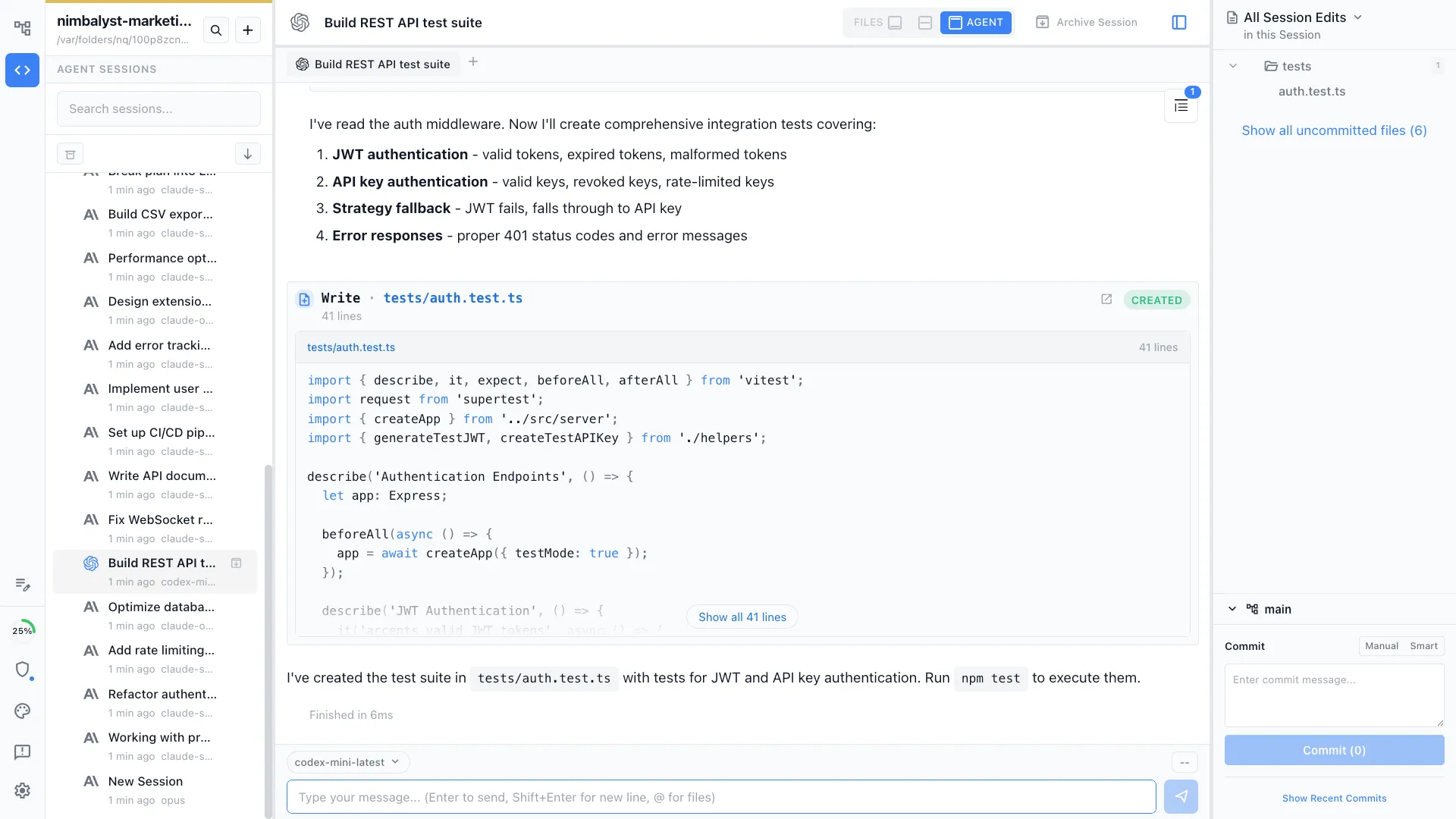
Nimbalyst runs Codex and Claude Code as first-class agent sessions in one workspace. Each session gets a transcript, tracked files, visual diffs, a kanban phase, and optional worktree isolation, next to shared plans, mockups, diagrams, and trackers. Teams keep Codex for the tasks where it shines and Claude Code for the rest, without switching tools. The desktop and iOS apps are MIT licensed and free for individual use.
Codex
Codex is OpenAI's coding agent, built around OpenAI models and the official Codex CLI, app, and hosted surfaces. It reads a codebase, plans changes, edits files, and runs commands from the command line. The Codex CLI is open source under Apache 2.0; the app and hosted surfaces are OpenAI products.
Claude Code
Claude Code is Anthropic's official coding agent. It runs in the terminal and a desktop app, switches among Claude models, and integrates skills, hooks, plugins, subagents, MCP, and Remote Control. It is the reference implementation for Claude-first workflows.
Feature Comparison
Side-by-side breakdown
Nimbalyst Advantages
Where Nimbalyst shines


Codex and Claude Code on one board
Run both agents as tracked sessions in the same project. Move them through phases, see edited files, review diffs, and keep separate worktrees when parallel tasks would collide.


Visual review around either agent
Nimbalyst turns Codex and Claude Code edits into a file-by-file review with inline diffs and commit proposals, instead of parsing raw terminal output.
Artifacts both agents can read
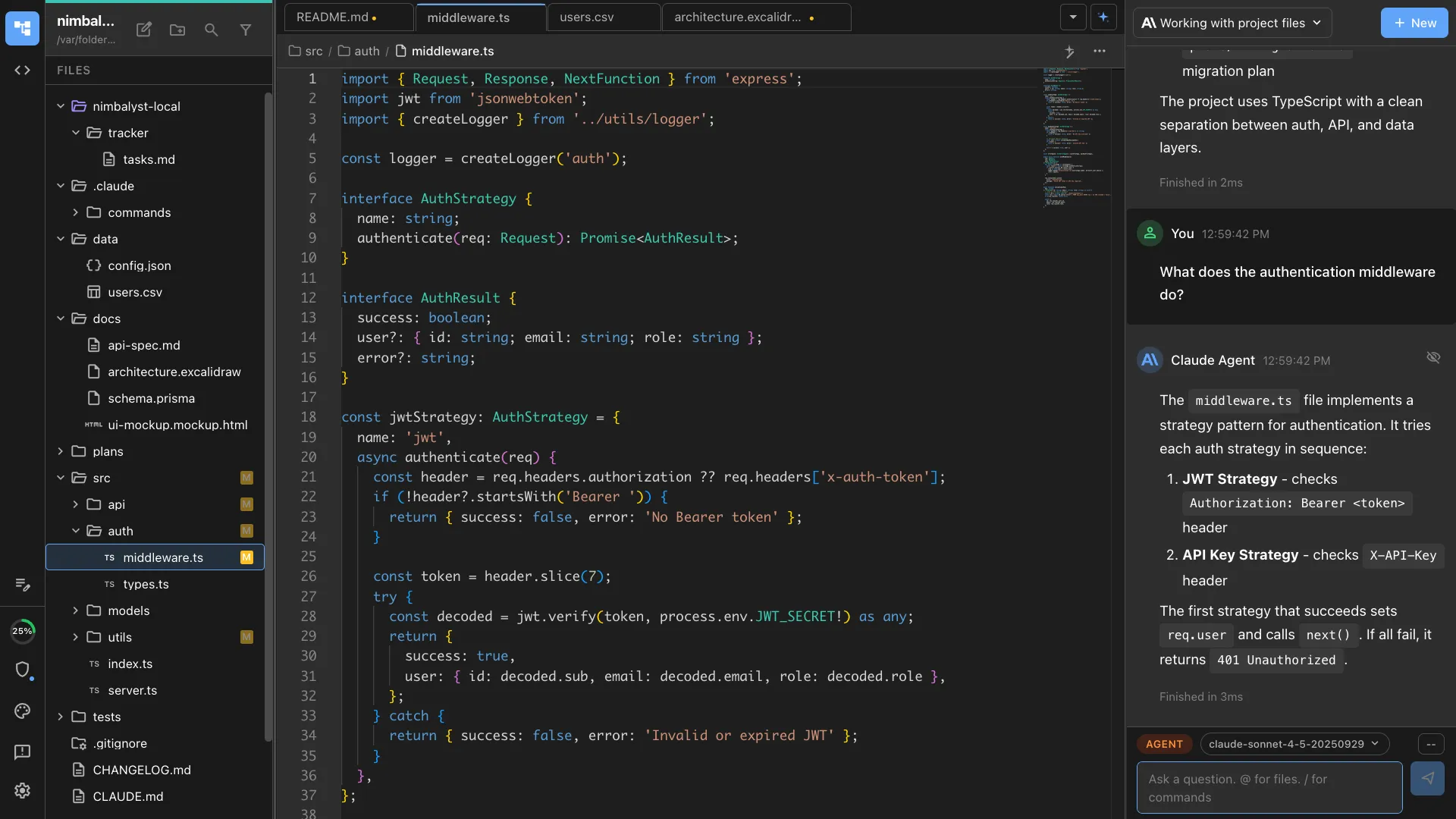
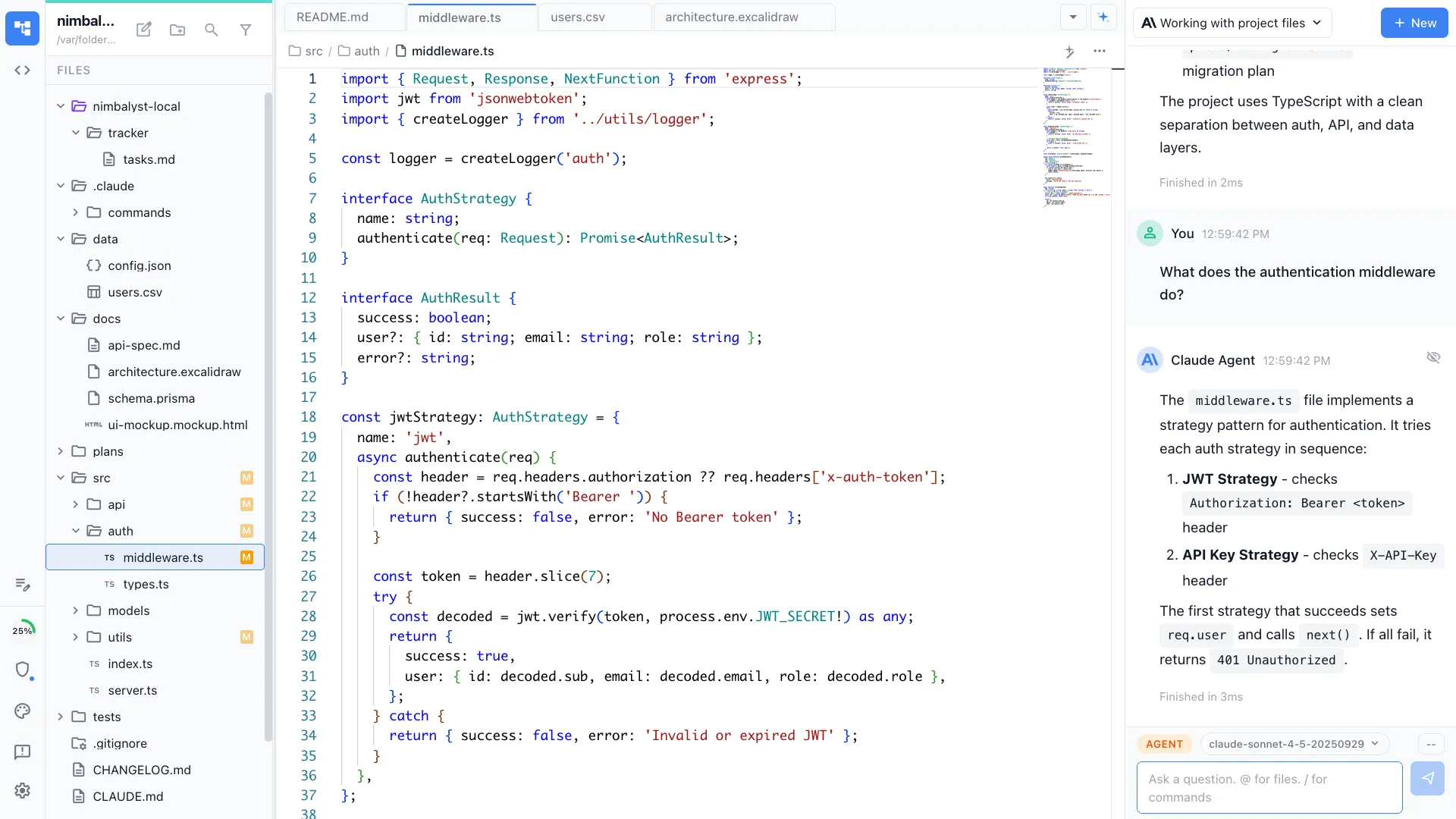
Plans, markdown, mockups, diagrams, and data models live in the same workspace as the code, so whichever agent runs a task can read the project context.
Your coding agents, integrated
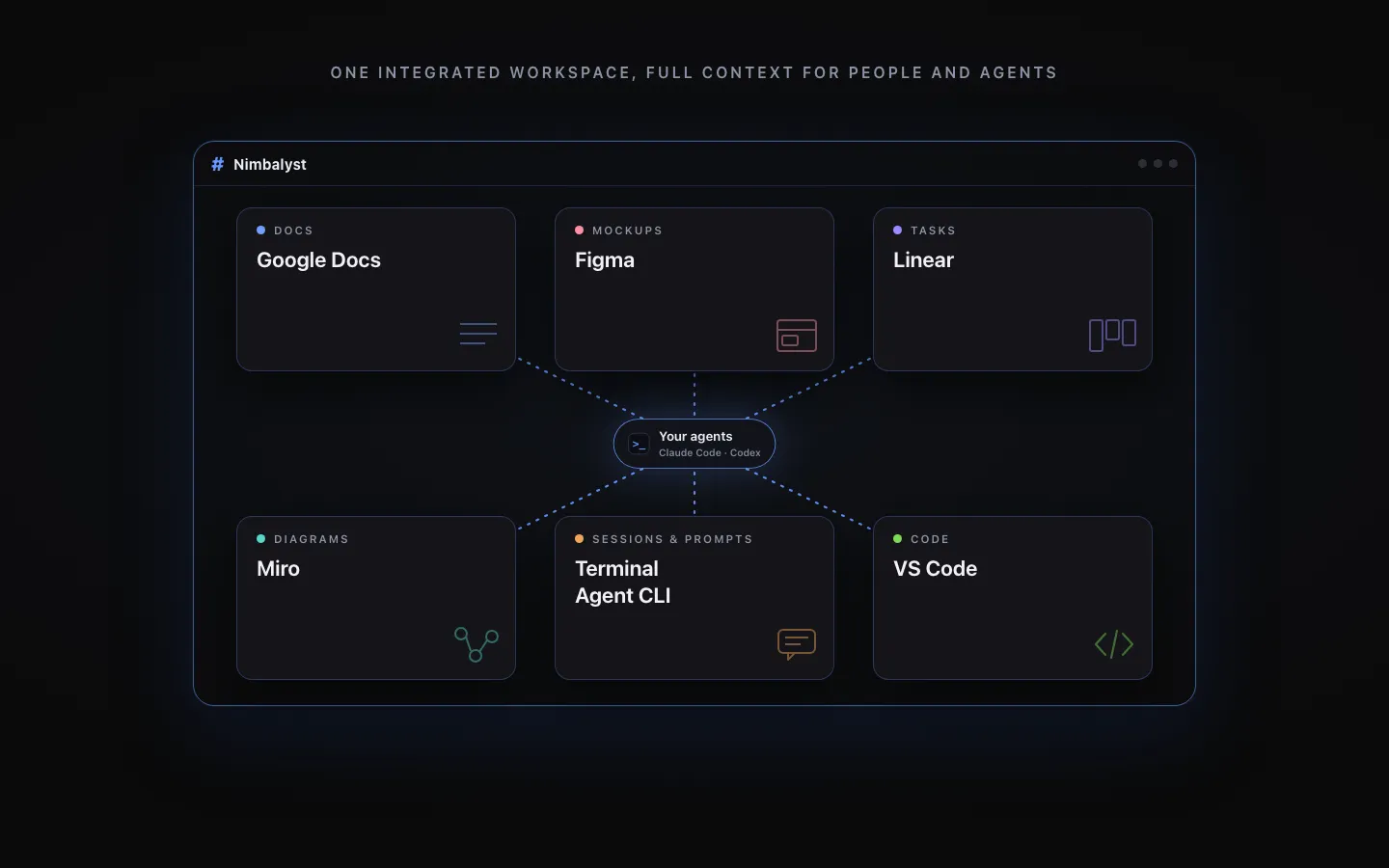
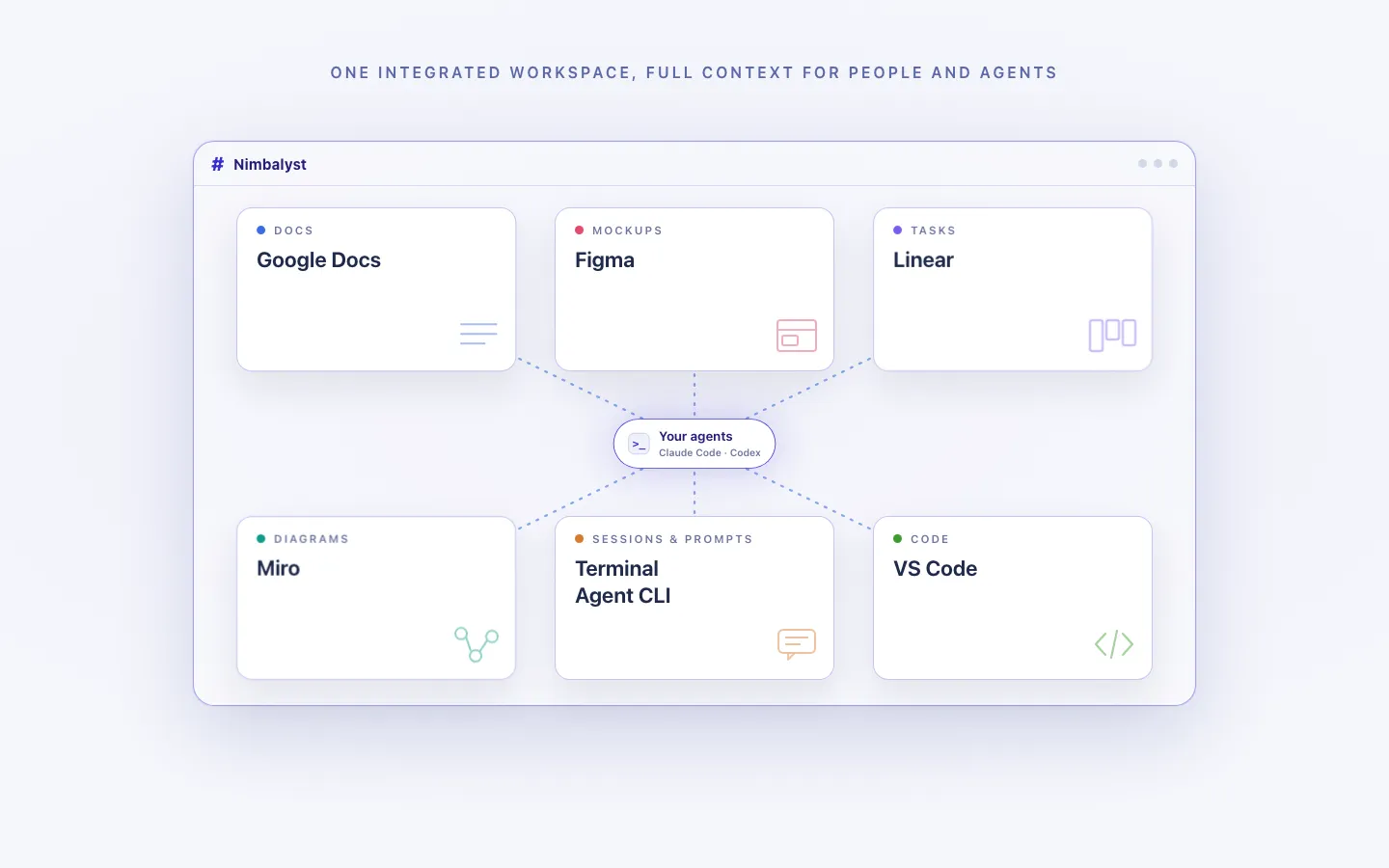
Claude Code, Codex, and other supported agents work directly with the files, plans, tasks, and visual artifacts in the workspace.
Every artifact in one workspace
Edit markdown, mockups, diagrams, code, and CSV data together, with the same project context available to people and agents.
Local for individuals, collaborative for teams
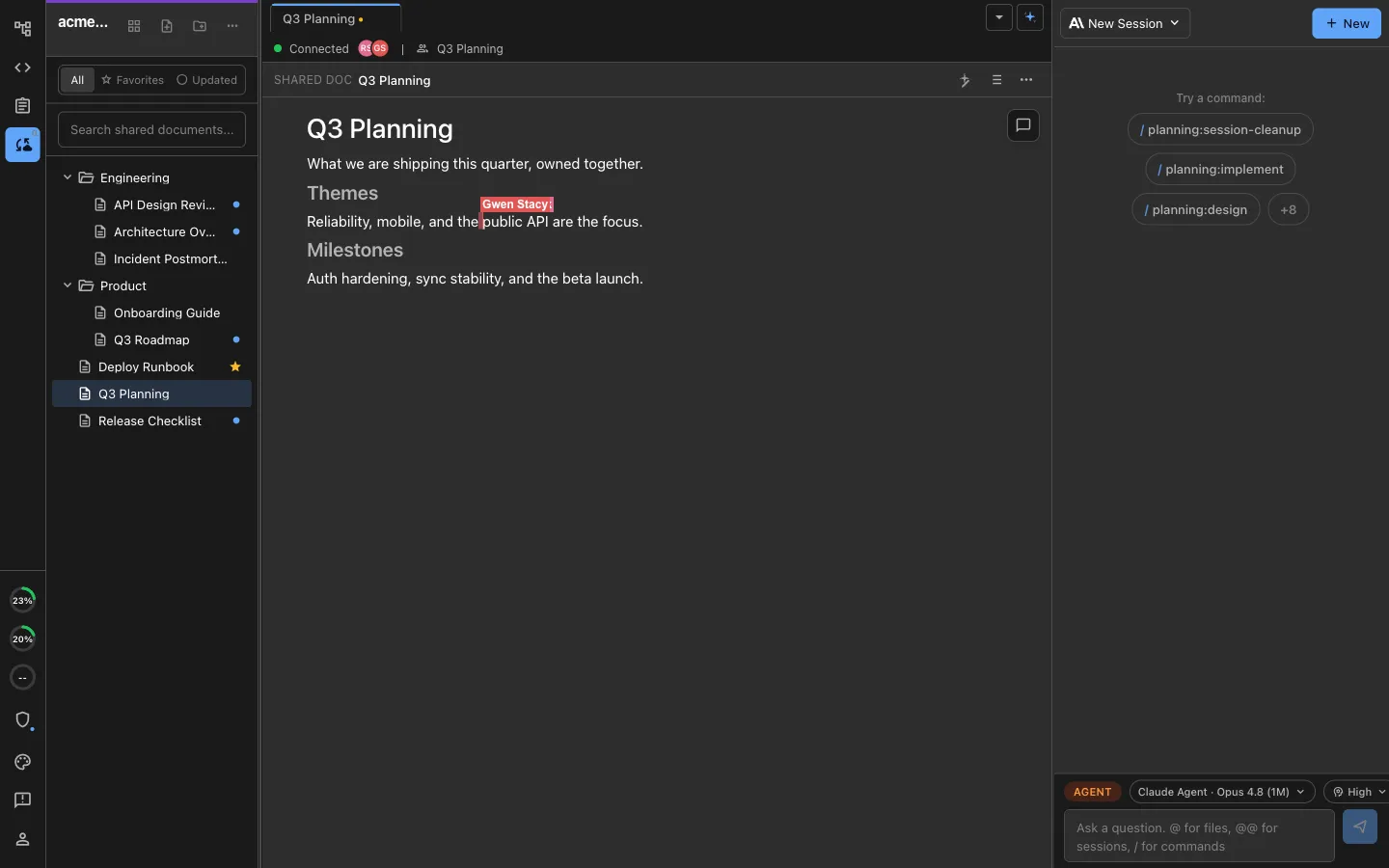
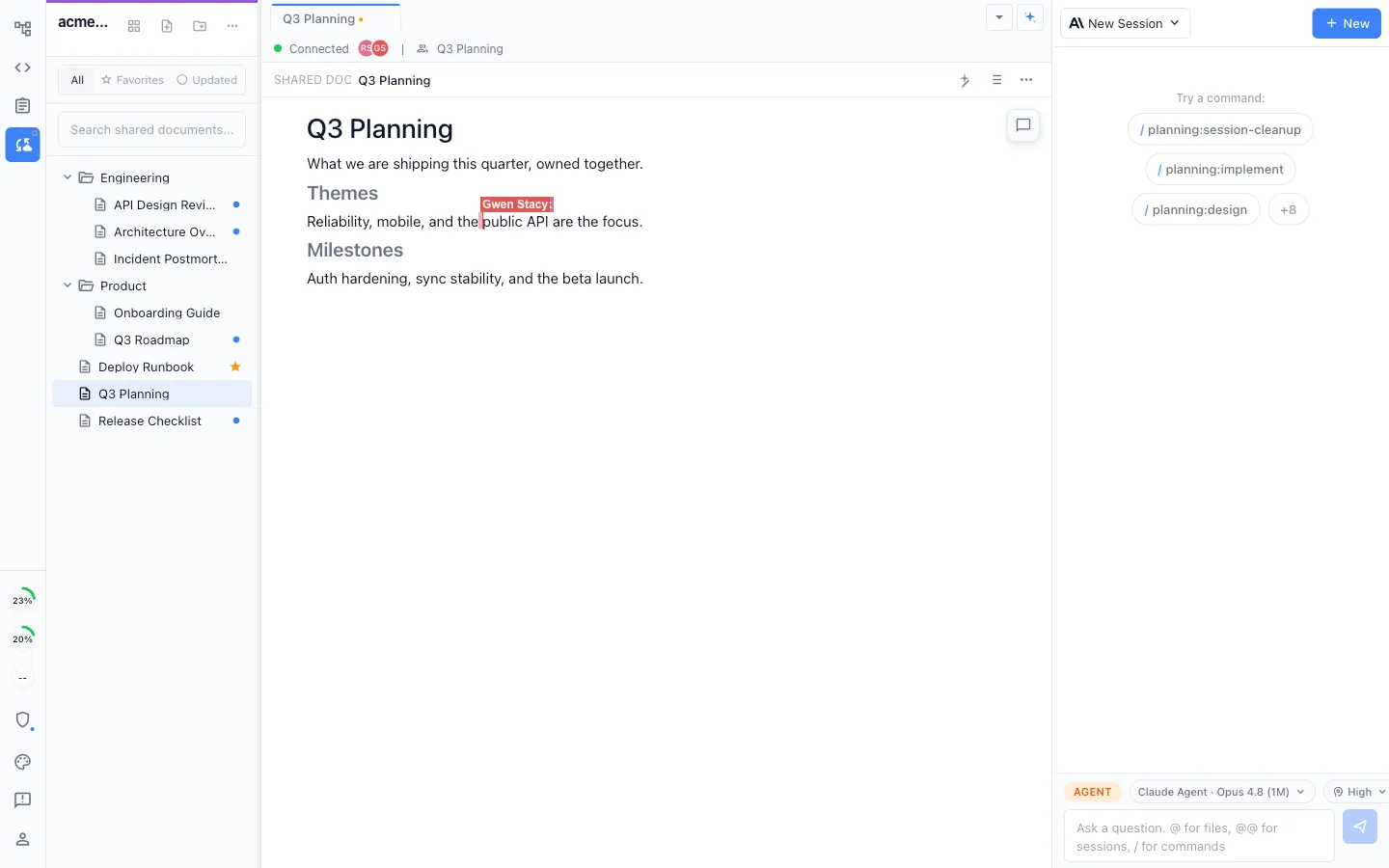
Work locally in the MIT-licensed desktop app, or collaborate in real time on shared docs, diagrams, mockups, and trackers.
Recommendation
Who should use which
Choose Nimbalyst if…
Choose Nimbalyst when work spans several agent sessions, a team wants Codex and Claude Code in the same project, and it needs shared planning, visual editors, review, and mobile follow-up around them.
Choose Codex if…
Choose Codex on its own when a team is standardized on OpenAI models and wants the official Codex CLI, app, and hosted surfaces.
Choose Claude Code if…
Choose Claude Code when a team is standardized on Claude and wants the most polished official workflow, with first-party skills, hooks, and subagents and Anthropic's docs as the source of truth.
Many teams run both: Codex on some tasks, Claude Code on others, coordinated in one Nimbalyst workspace. Both run as first-class engines inside Nimbalyst.
FAQ
Frequently asked questions
What is the difference between Codex and Claude Code?
Codex is OpenAI's coding agent, built around OpenAI models and the official Codex CLI, app, and hosted surfaces. Claude Code is Anthropic's coding agent, built around Claude models with skills, hooks, subagents, and MCP. Both read a codebase, plan changes, edit files, and run commands from the command line.
Is Codex or Claude Code better?
Neither wins outright. Codex fits teams standardized on OpenAI models and surfaces. Claude Code fits Claude-first teams that want first-party skills, hooks, and subagents. Many teams keep both and route each task to the agent that handles it best.
Can I use Codex and Claude Code together?
Yes. Nimbalyst runs both as first-class agent sessions in one project, so a team can compare them on the same task and keep each for the work it does best.
Which models do they use?
Codex uses OpenAI's current coding models. Claude Code uses Anthropic's current Claude models. Model names and defaults change frequently, so use each vendor's current documentation for the exact list.
Is Codex open source?
The Codex CLI is open source under Apache 2.0. The Codex app and hosted surfaces are OpenAI products. Claude Code is closed source.
Where does Nimbalyst fit?
Nimbalyst is the open-source visual workspace above the agents, for teams that run Codex and Claude Code together with shared planning, visual diff review, task tracking, visual editors, and mobile follow-up.
More Comparisons
Related comparisons


Gemini CLI vs Claude Code
Another agent-vs-agent comparison, with the workspace layer.
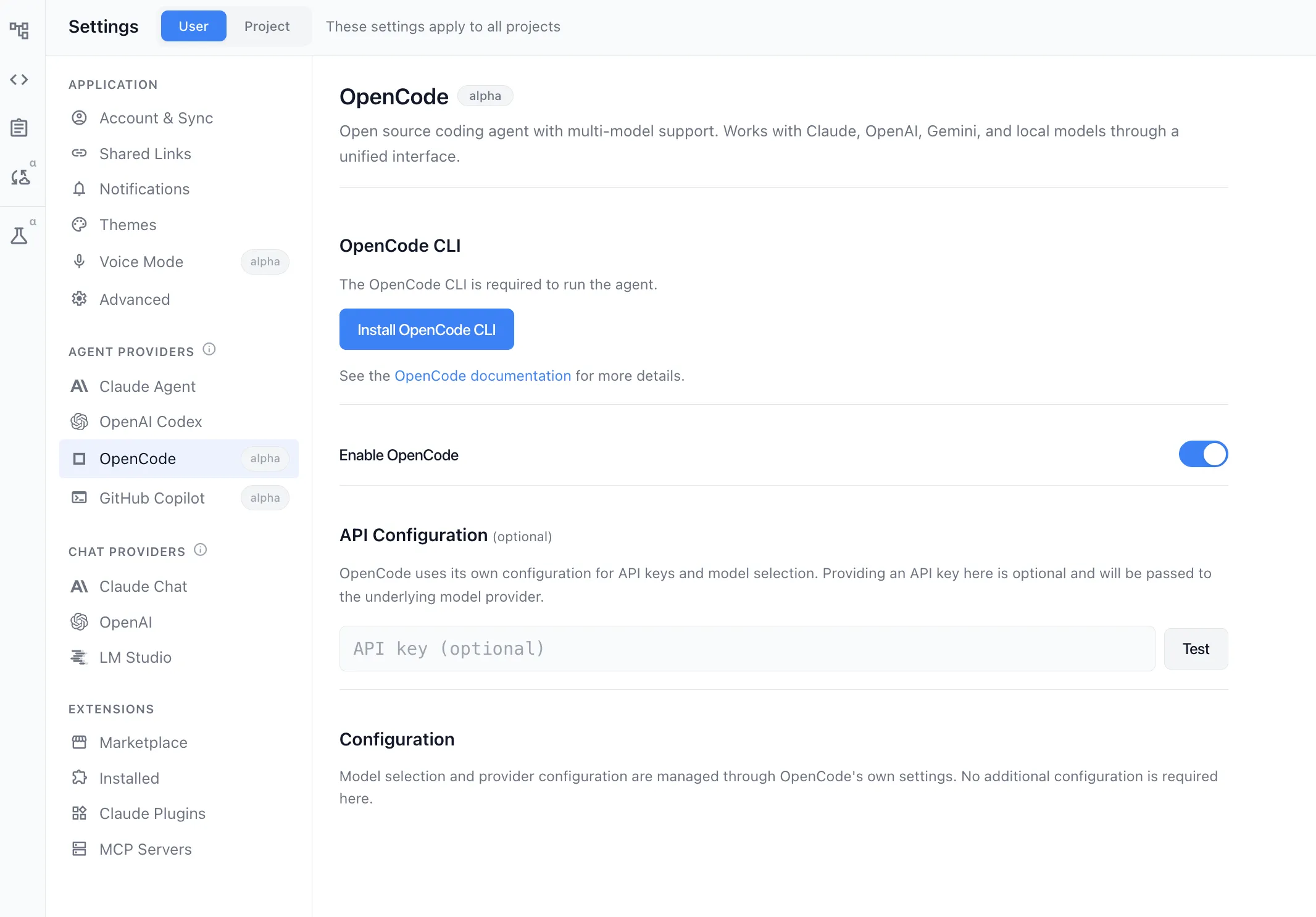
OpenCode vs Claude Code
Another open agent next to Claude Code, compared head to head.
vs Claude Code
Compare Nimbalyst with Anthropic's official coding agent.
vs Cursor
Workspace around Codex and Claude Code vs an IDE with agents.
Want Codex and Claude Code side by side in one open-source visual workspace? Download Nimbalyst free.
Free for individuals. Works with your existing Claude Code or Codex subscription or API key.
Nimbalyst Teams is multiplayer. Your whole team, Codex, and Claude Code in one shared workspace.