Marketing, content, and website work
with your coding agents and team in the same room
Nimbalyst brings the work together: documents, trackers, mockups,
diagrams, spreadsheets, and your website's code, with Claude Code and Codex
editing the same files you do and every change arriving as a diff you approve.


Two people and their own coding agents editing the same document at the same time.
Where marketing work sits today
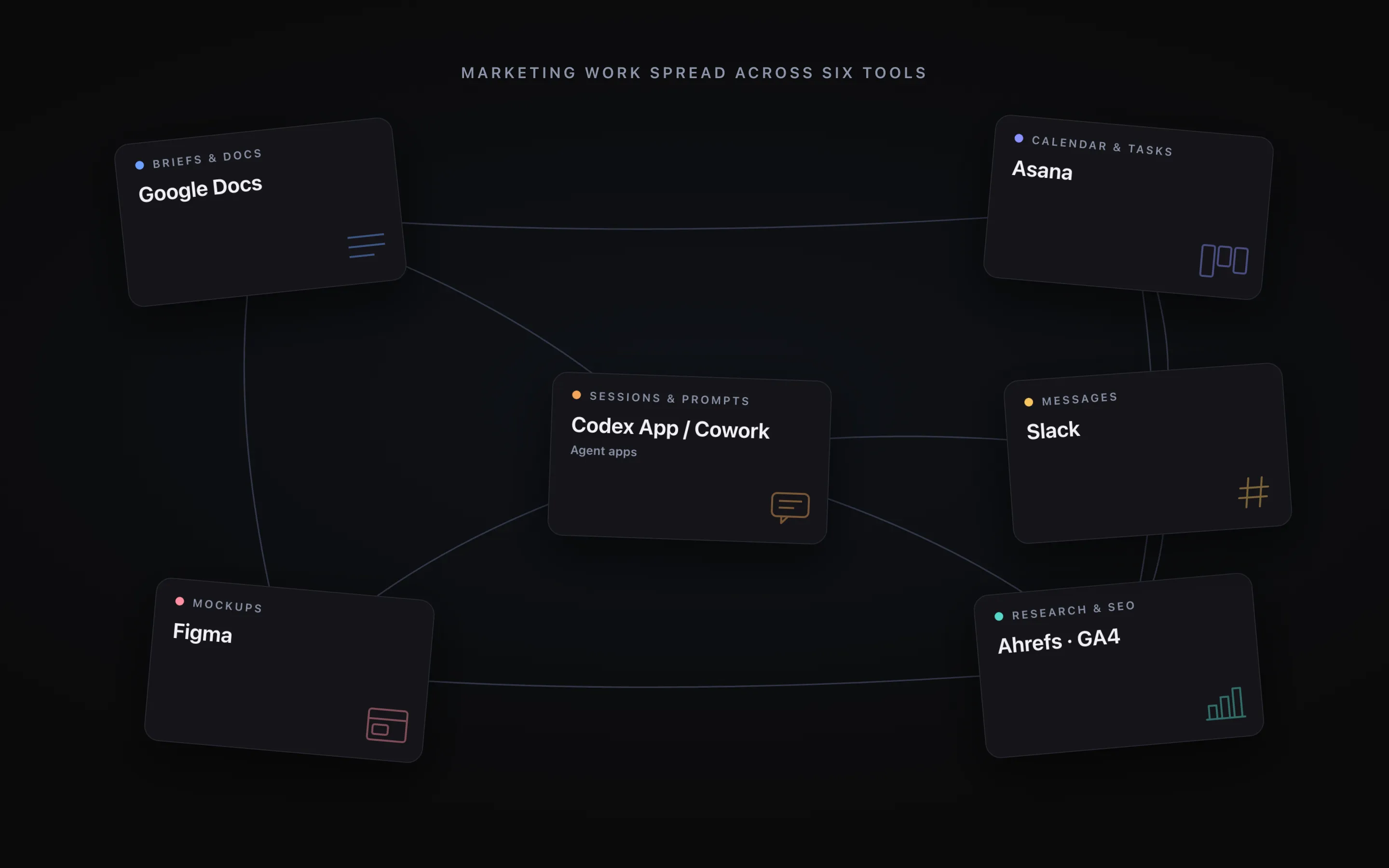
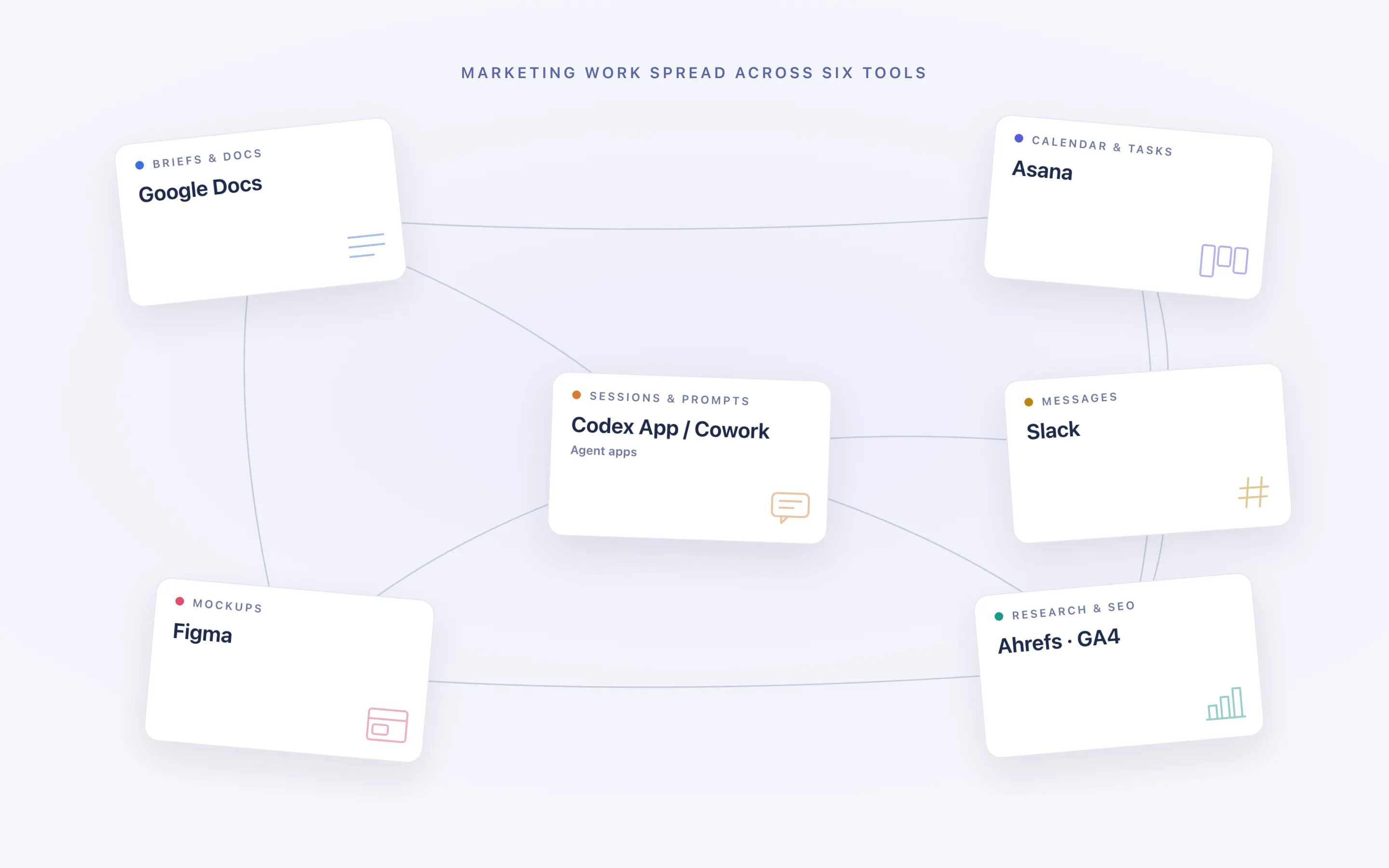
The work is spread across six tools, and the agent only ever sees one of them
A campaign lives in a doc, the research and keywords in an analytics tool, the calendar in a project tool, the mockup in a design tool, the agent in its own app, and the discussion in chat. Everyone spends the day carrying context between them by hand, and an agent pointed at any one of them is working half blind.
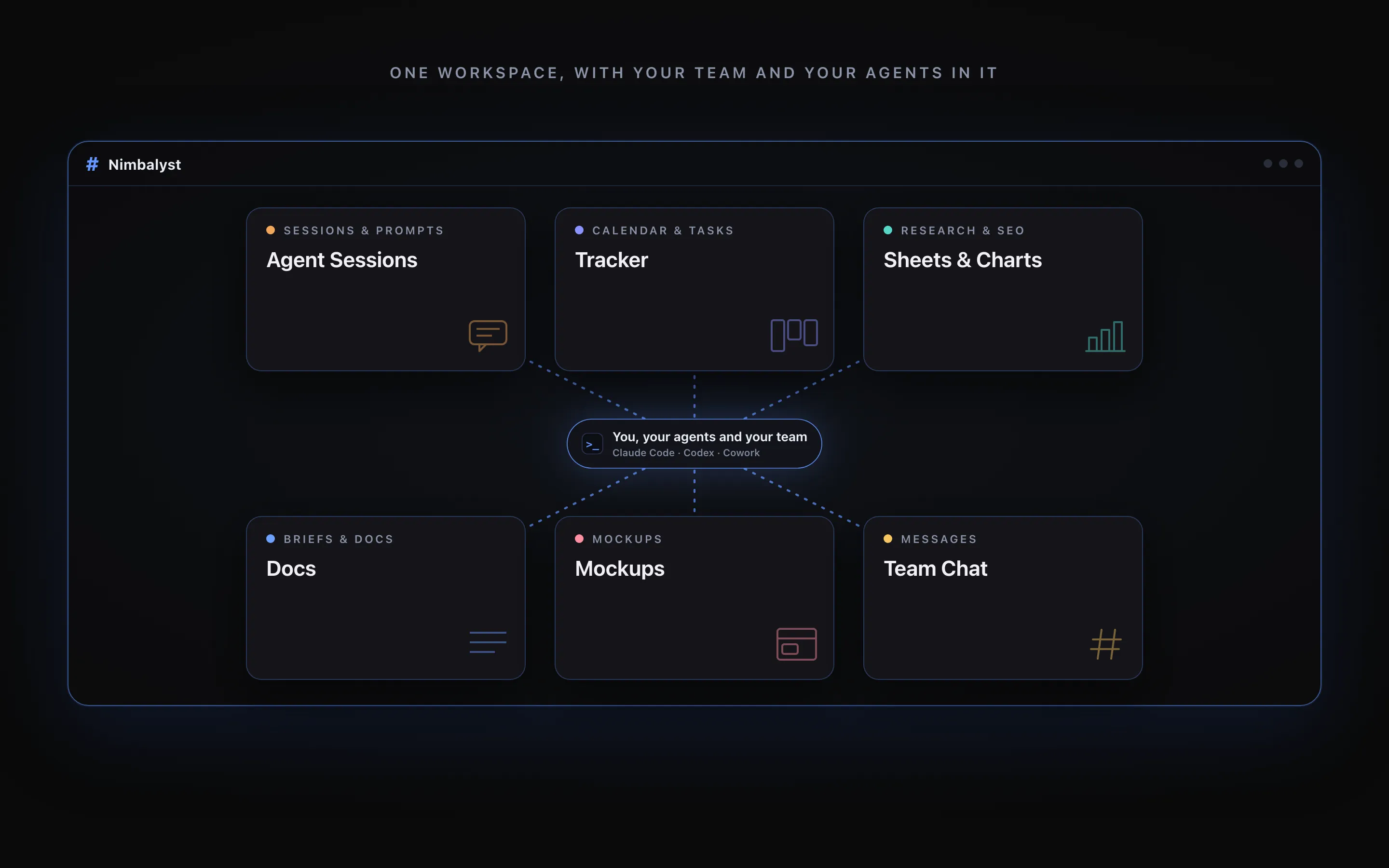
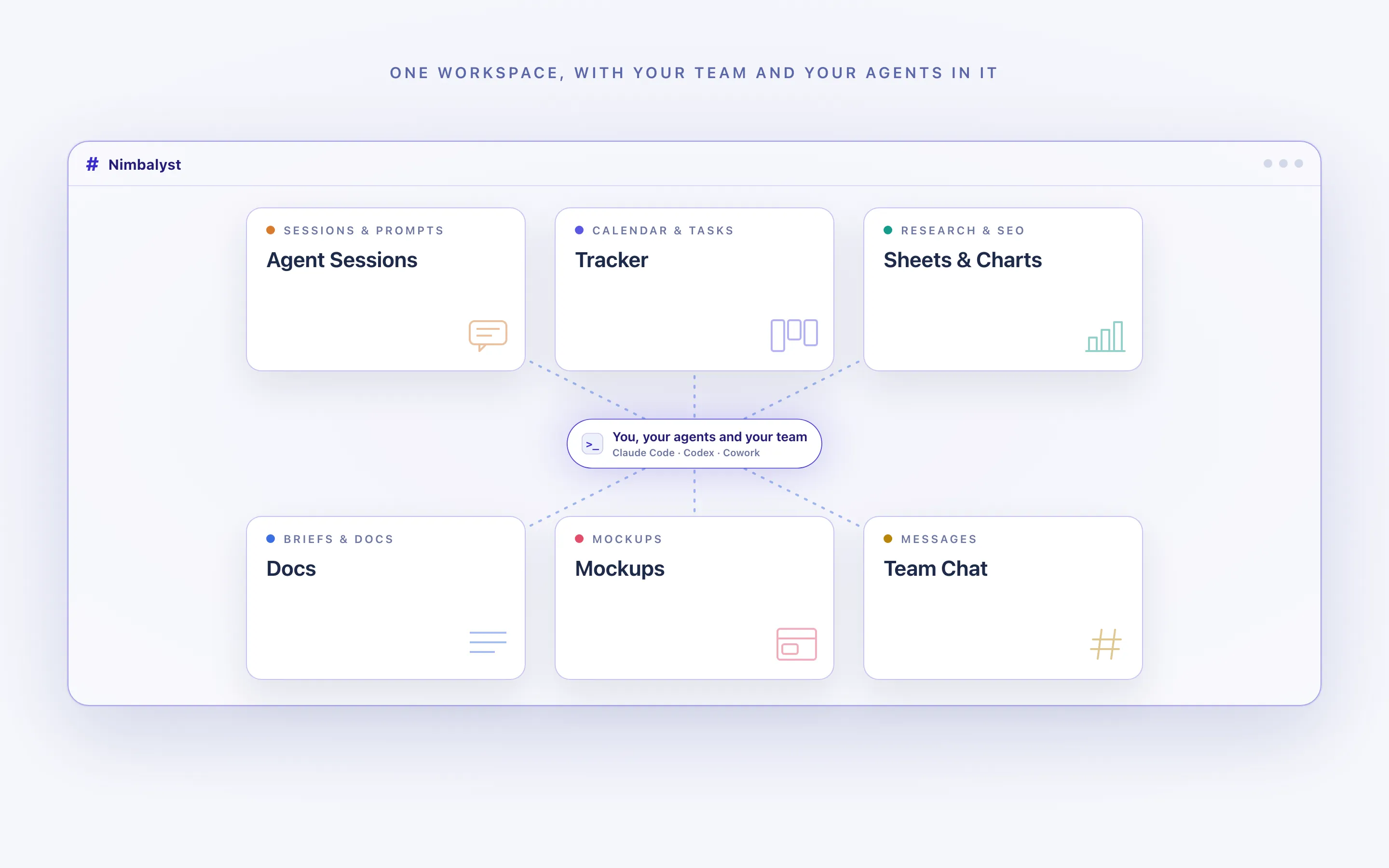
One workspace, deeply linked
The brief, the draft, the keyword sheet, the mockup, the calendar item, and the page all live together and point at each other. Open one and the rest are a click away rather than a search away.
Agents with the whole picture
An agent asked to write the launch page can read the positioning doc, the research, and the page it is editing, because all three are files in the same project.
Your team in the same document
Editing, comments, and review happen on the artifact itself, with each teammate running their own agent against the same shared files.
What marketing teams do with it
From the brief to the page, in one workspace
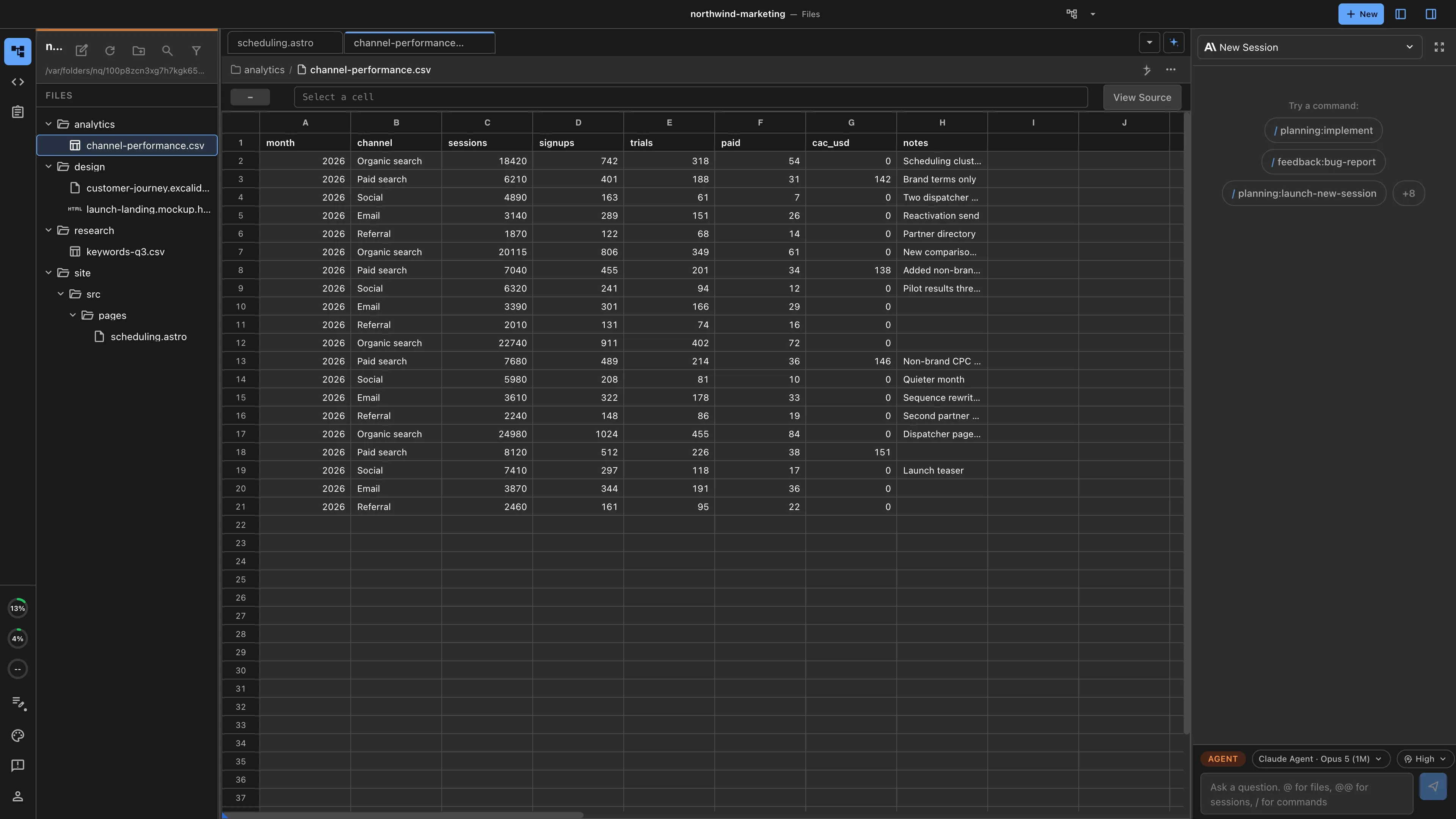
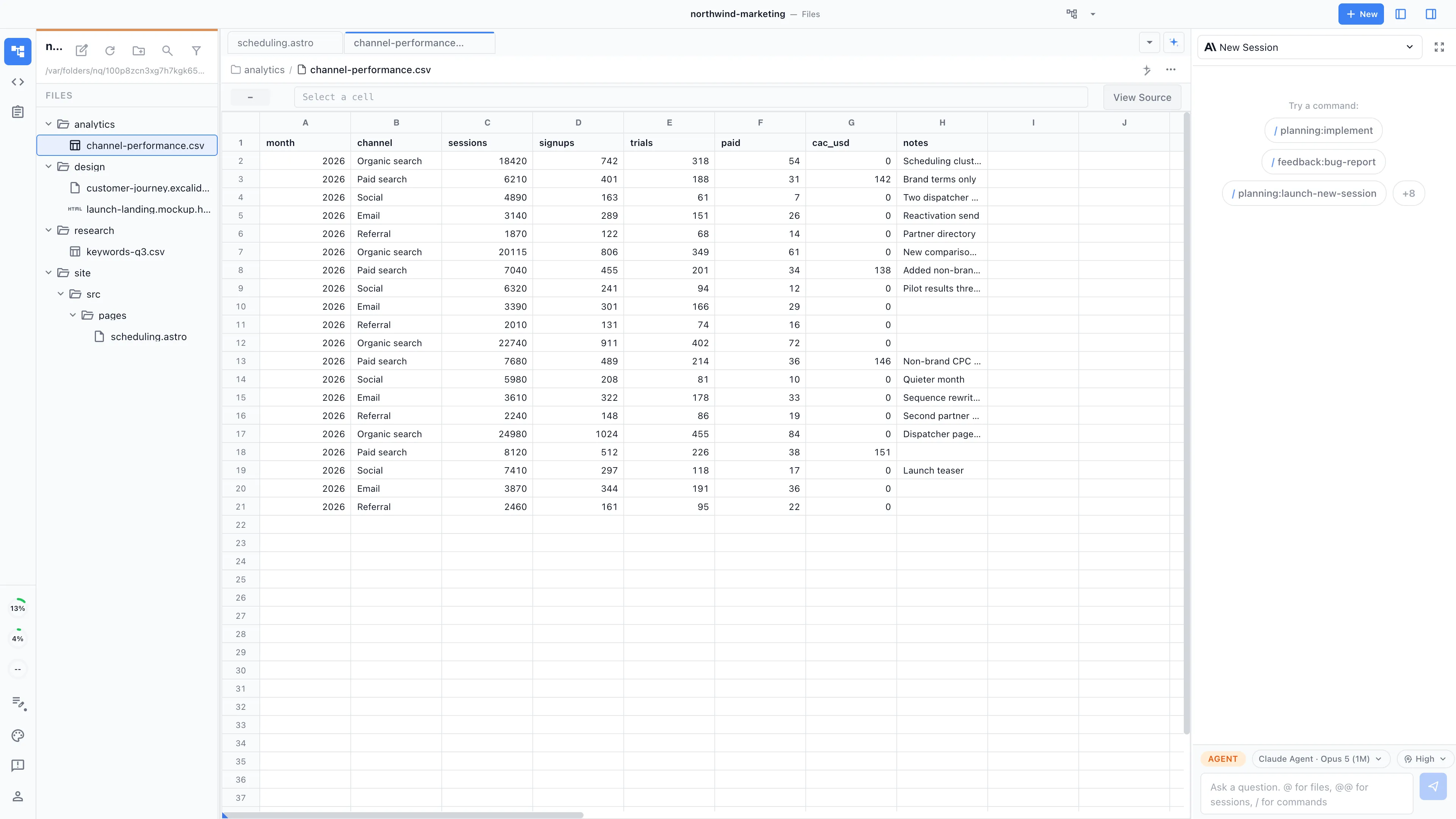
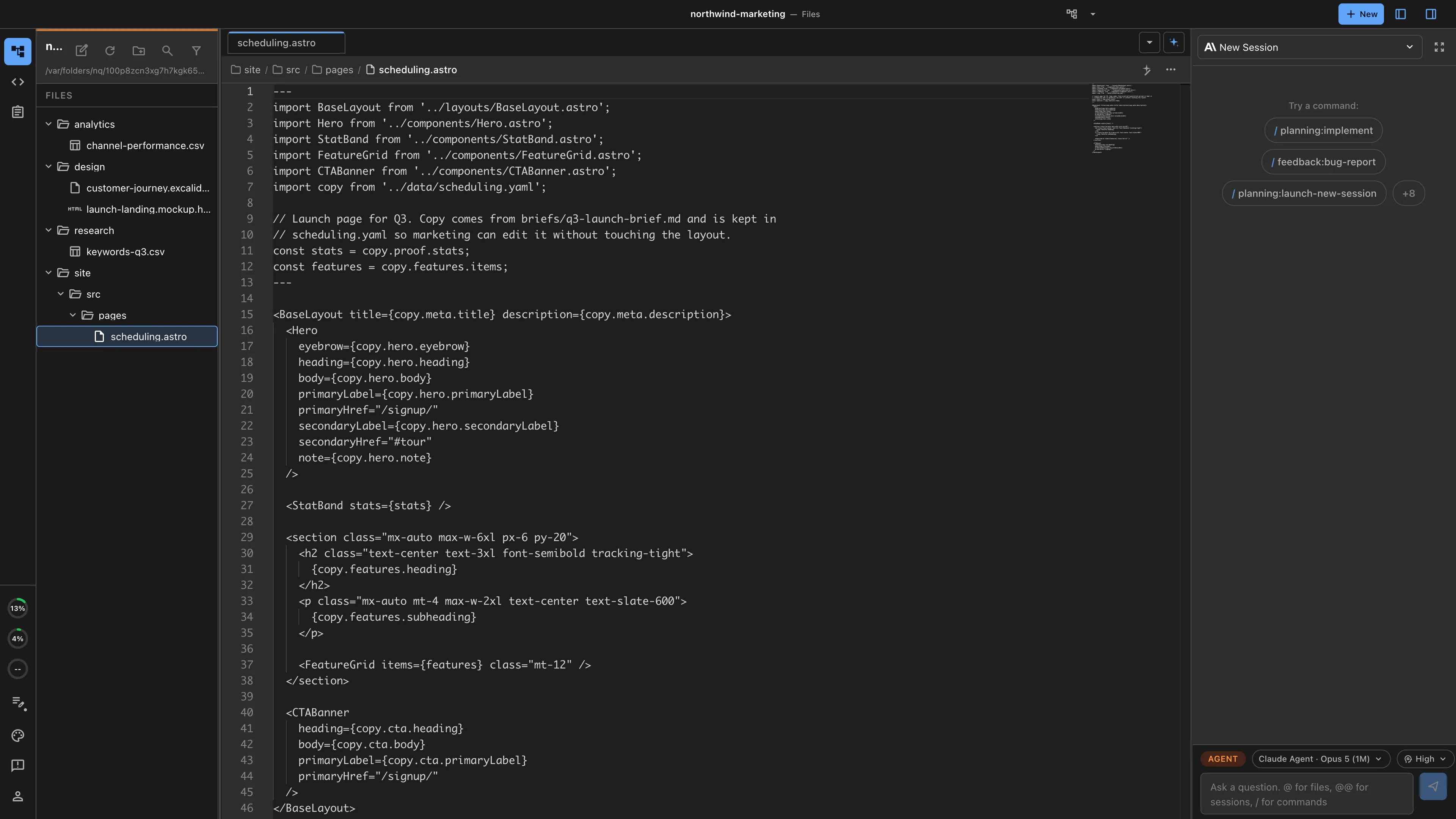
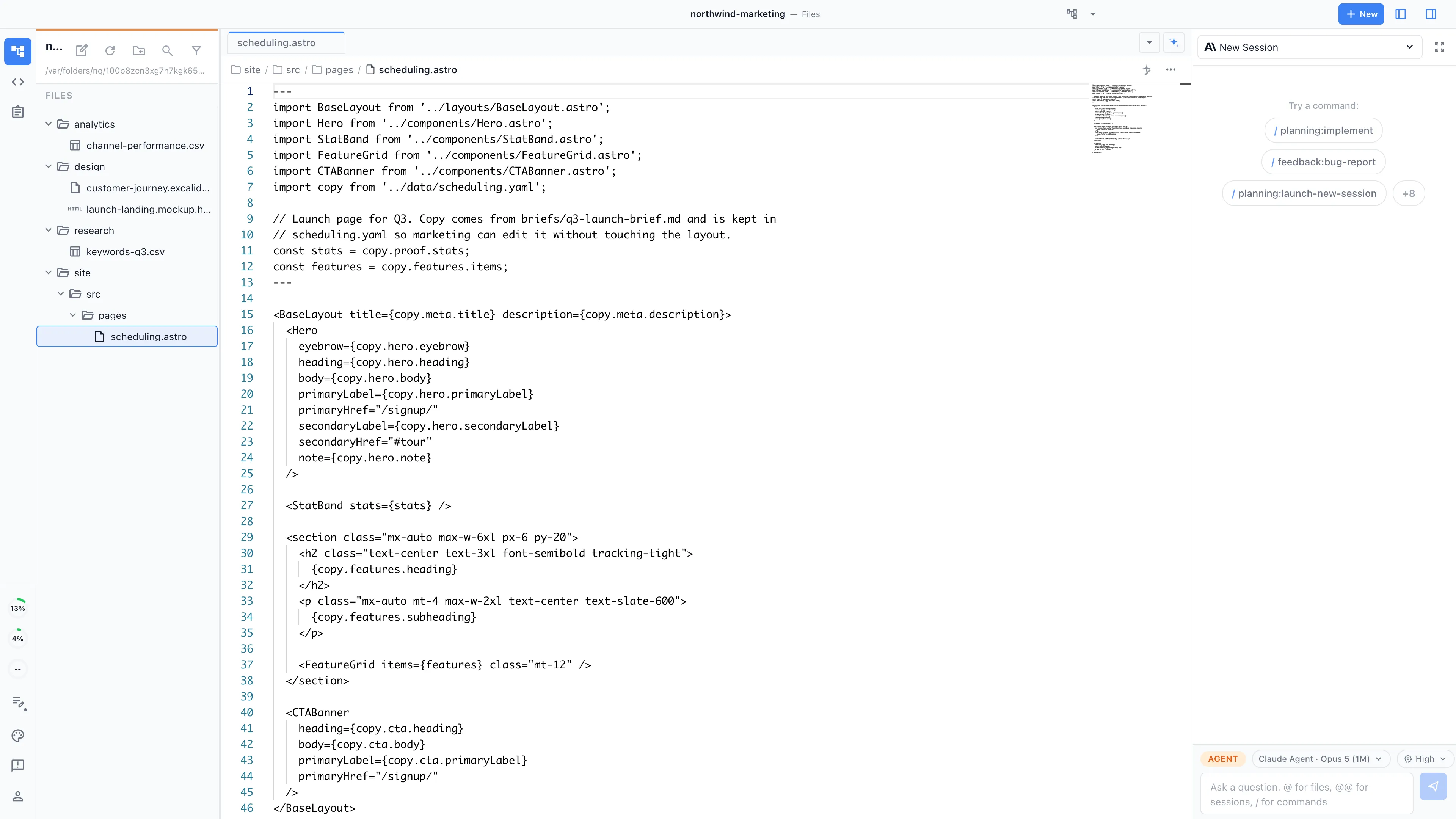
This is how our own marketing runs: the strategy documents, SEO and analytics work, competitor research, and landing pages behind this site are produced in Nimbalyst with coding agents. The workspace handles artifact production while channel operation stays in the tools you already run.
Campaign brief to assets
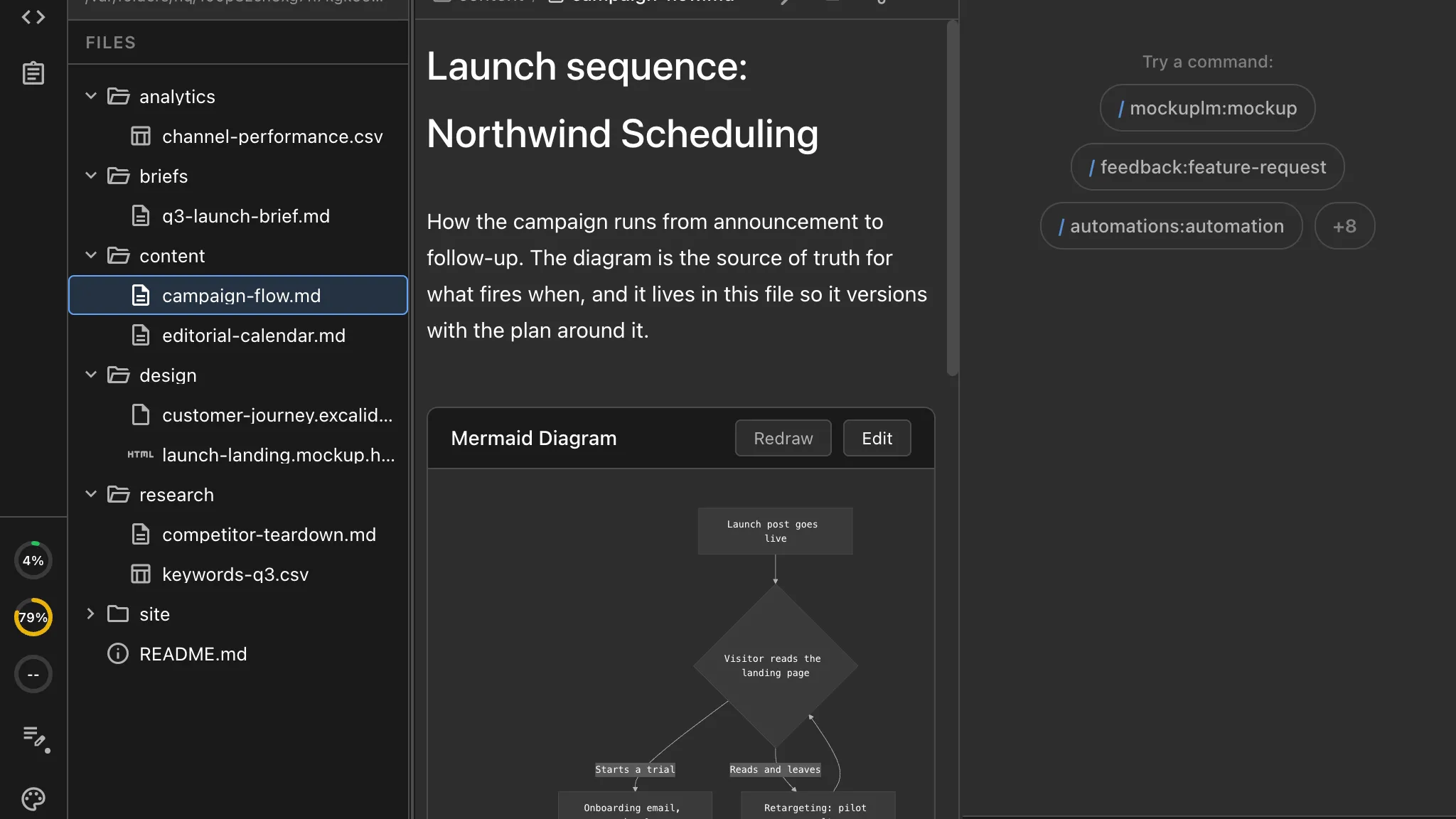
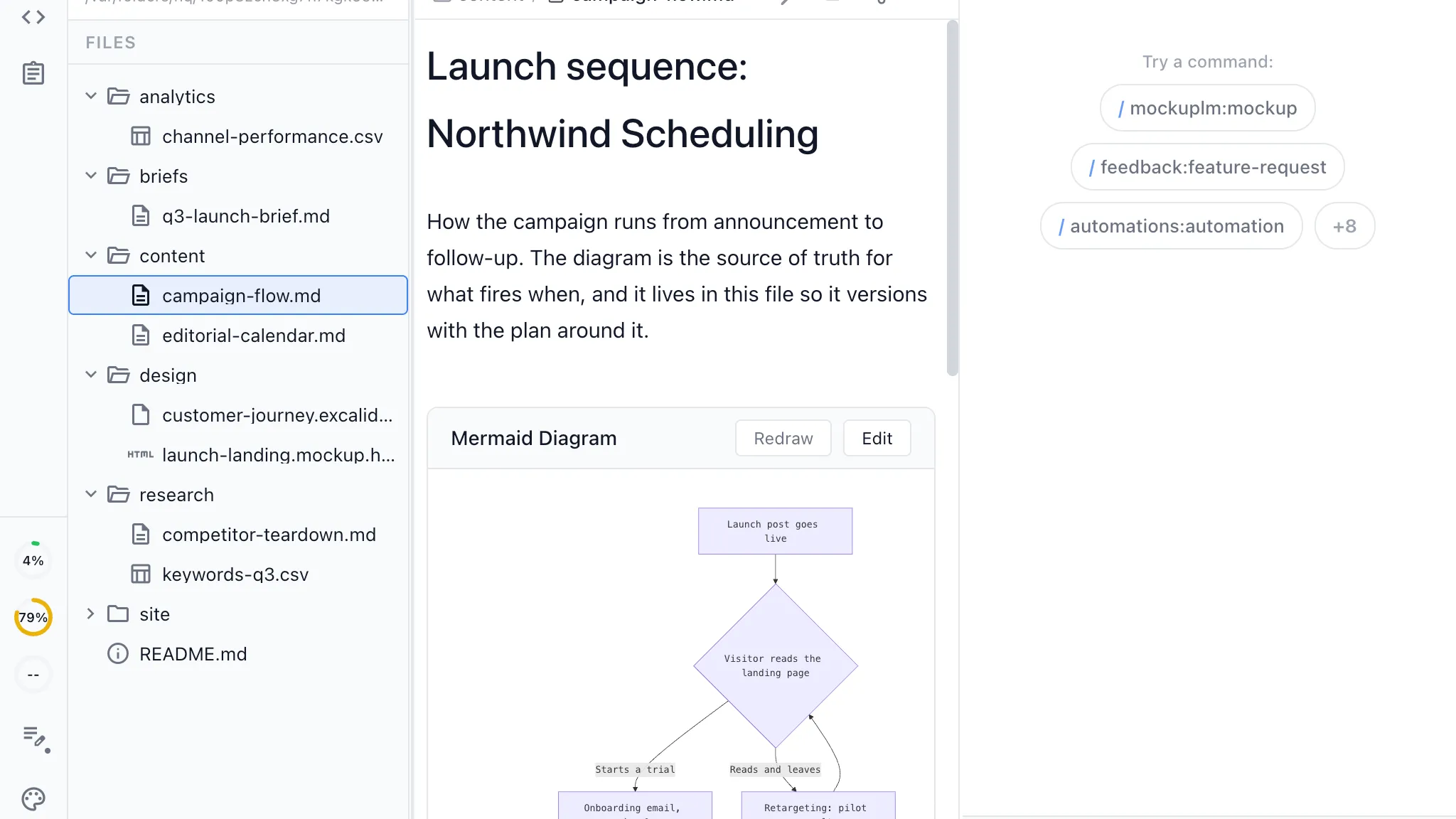
The brief is a shared document the agent works from. Ask for the landing page copy, the email sequence, and the social variants, and each is generated against the same source. Change the brief and the derived assets get regenerated from it.
Content calendar and pipeline
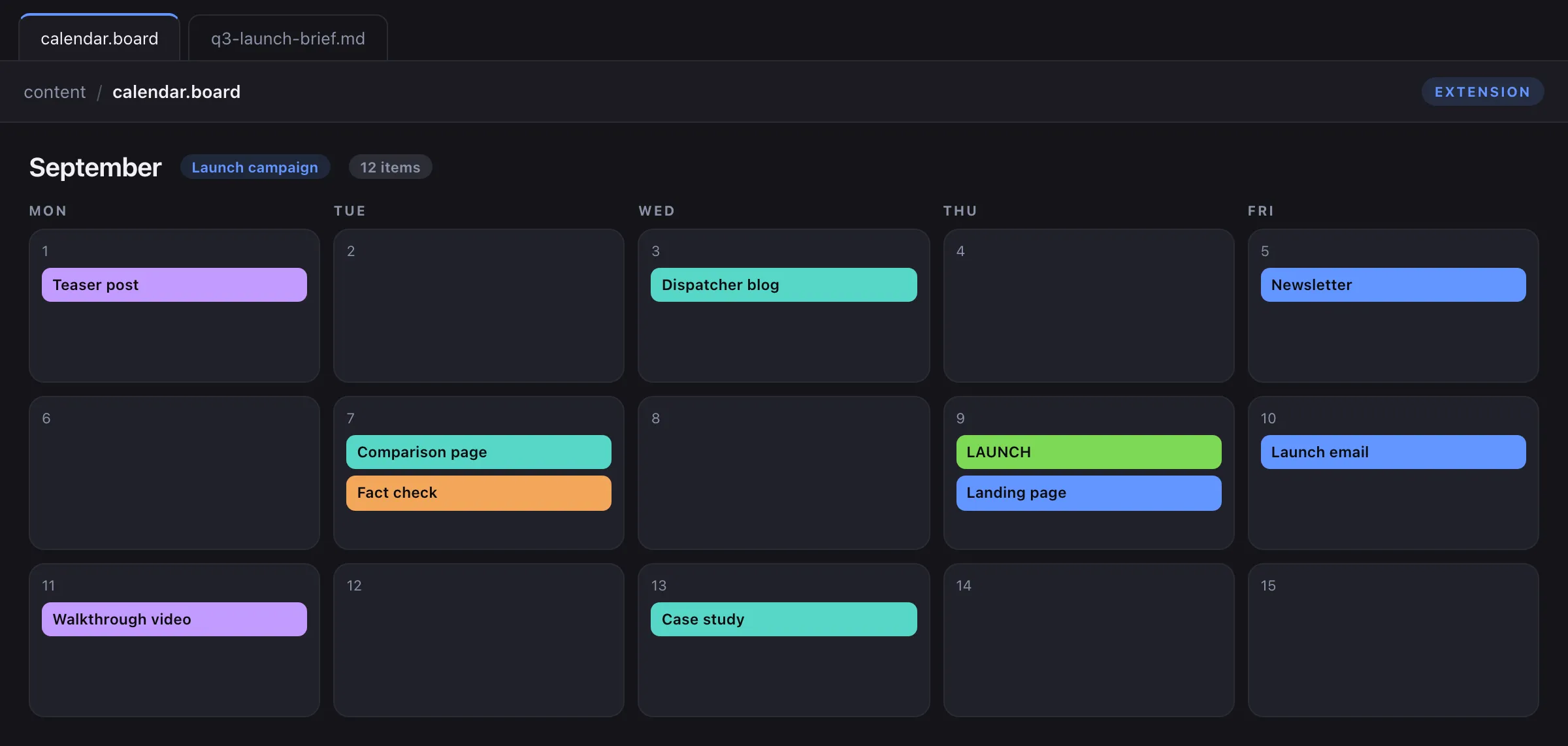
The editorial calendar is a tracker with your own item types, statuses, and fields. Drafts are collaborative documents linked to their calendar item, and review happens on the draft rather than in an email thread about the draft.
Positioning and messaging
The messaging document is co-edited by people and agents and becomes the source every asset derives from. When positioning changes, the agent can find what depended on it, because the dependants are files in the same workspace.
For teams whose product is software
Marketing that can see what engineering is actually shipping
When the marketing workspace and the product live in the same place, the connection stops being a status meeting.
Launch content from the actual changes
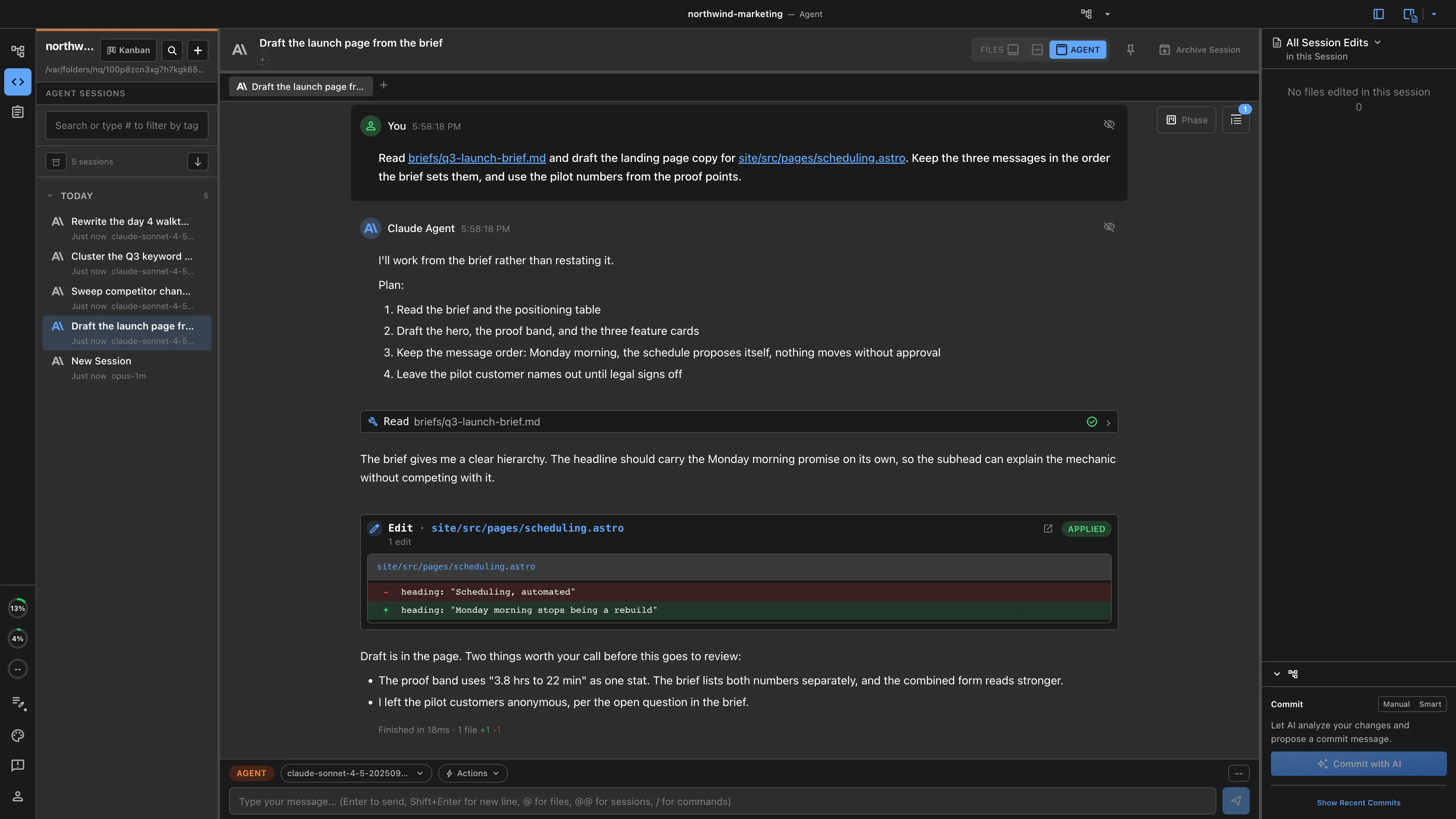
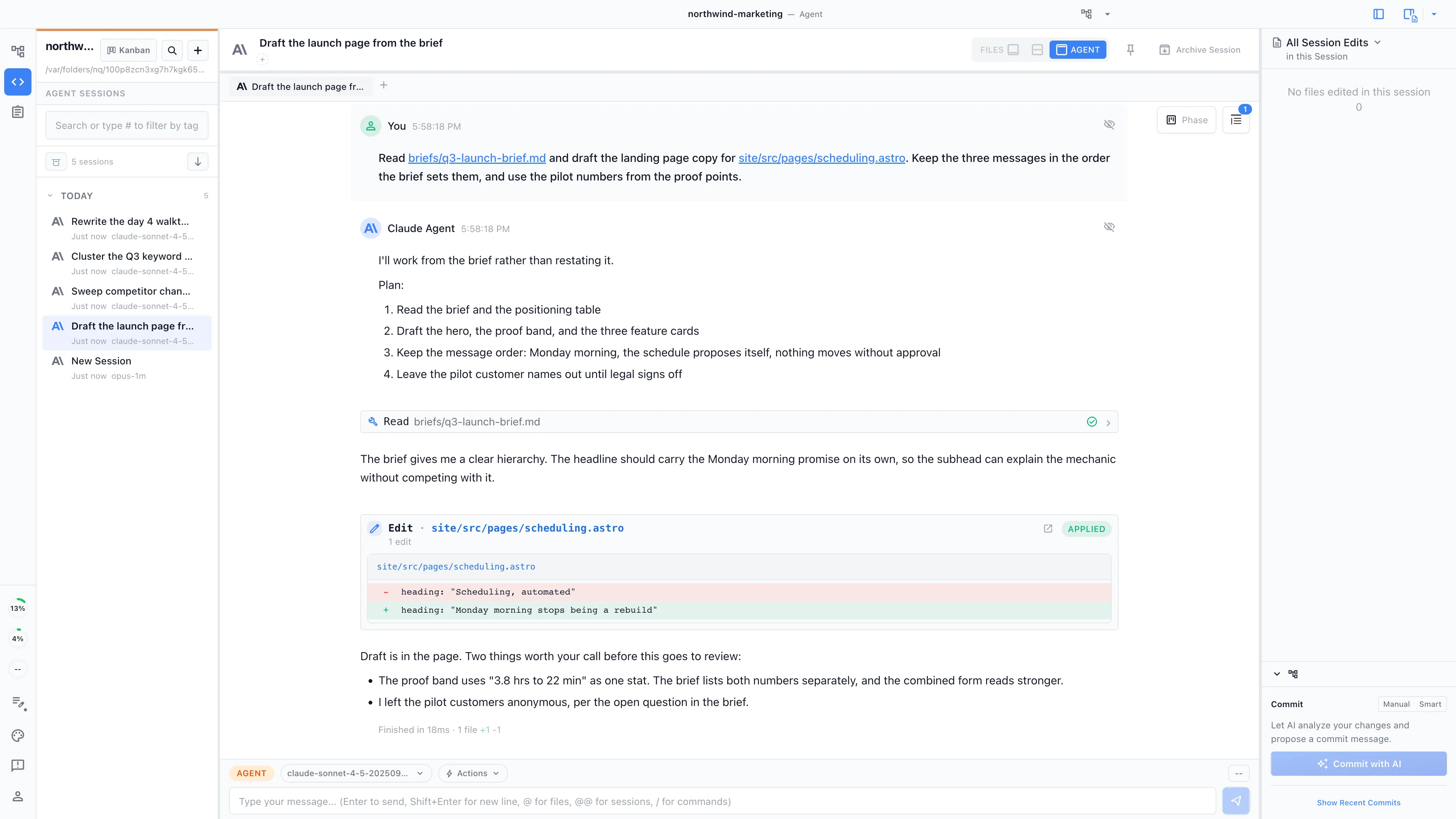
An agent can read the changelog, the pull requests, and the tracker items behind a release, then draft the release notes, the launch page, and the announcement from what shipped rather than from what someone remembered to mention.
The website as a first-class artifact
If your site is a repository, marketing works in it directly: copy, layout, metadata, and instrumentation, with a developer reviewing the diff instead of receiving a ticket.
One tracker across both sides
Campaign items and engineering items can live in the same tracker with different types, so a launch date and the feature it depends on are visible to the same people and the same agents.
What the workspace is
Agent-powered visual editors
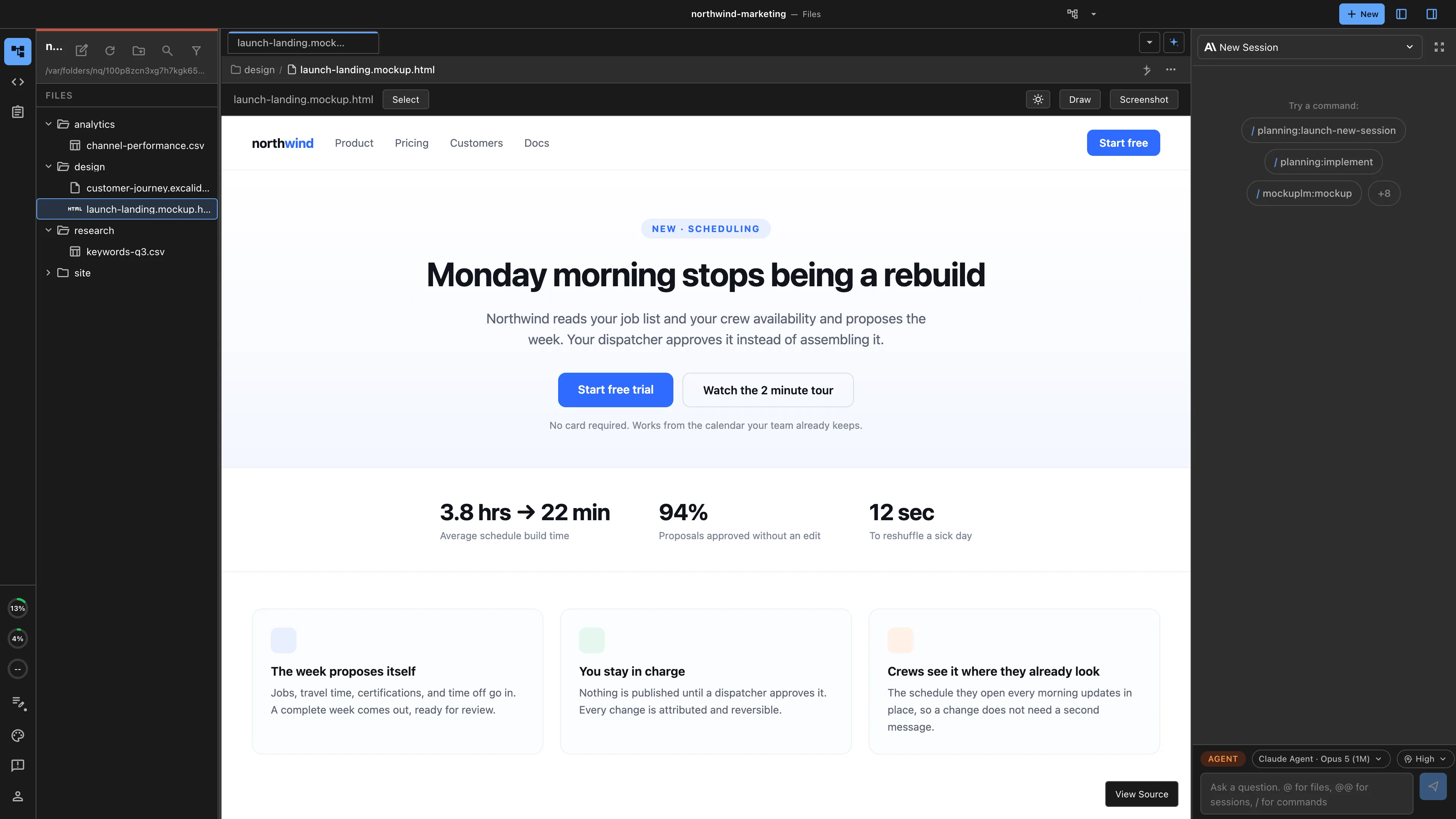
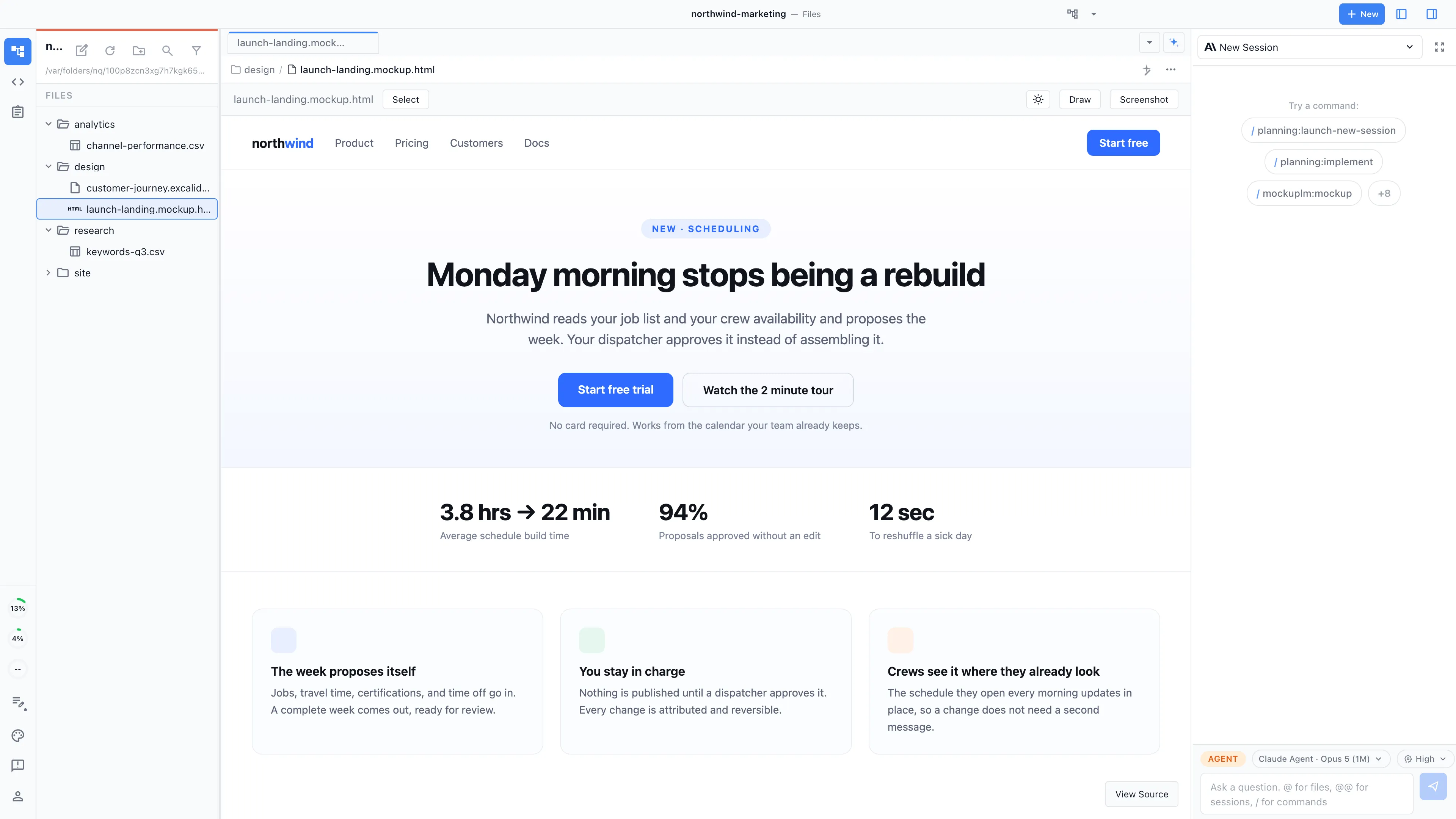
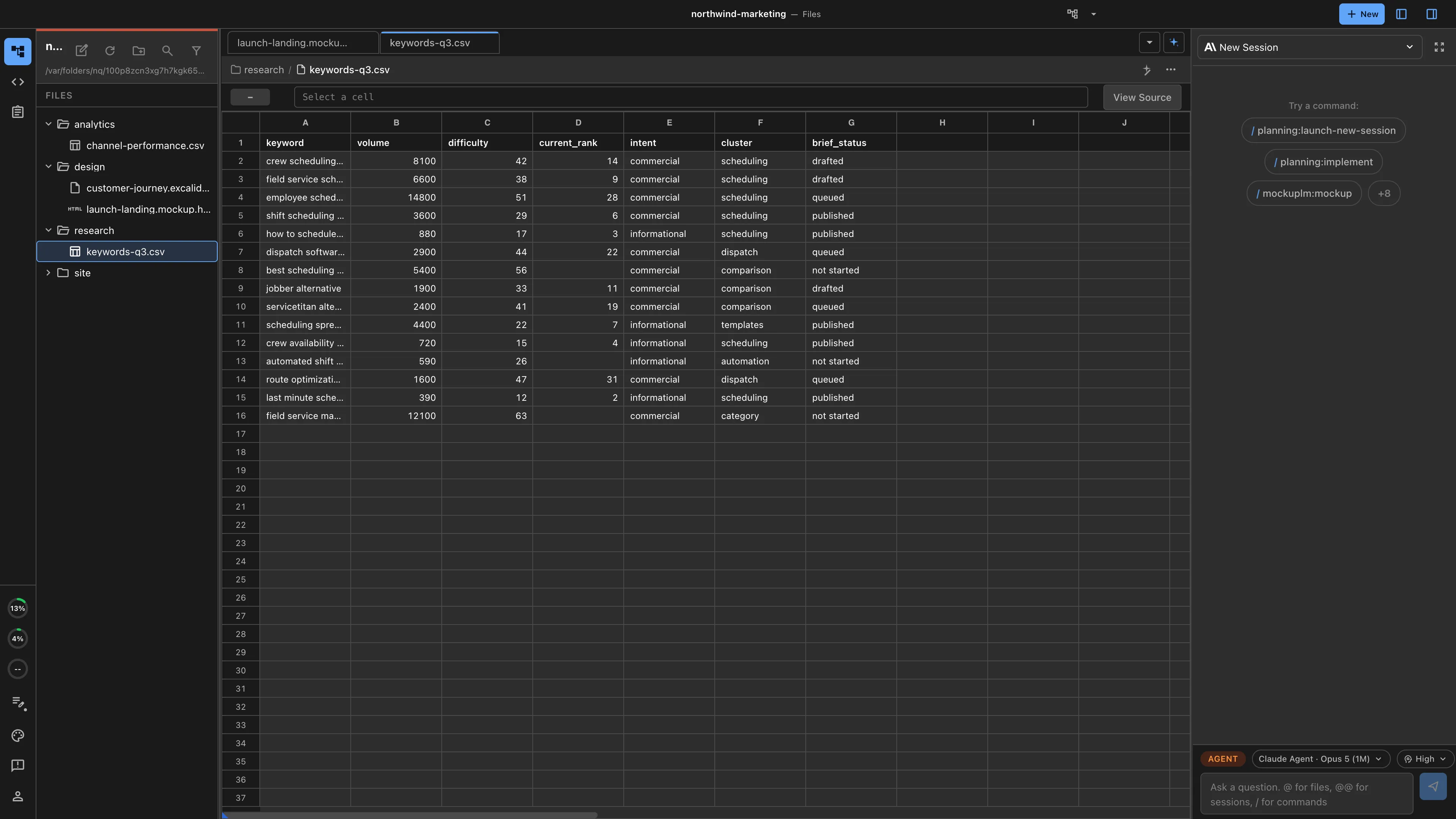
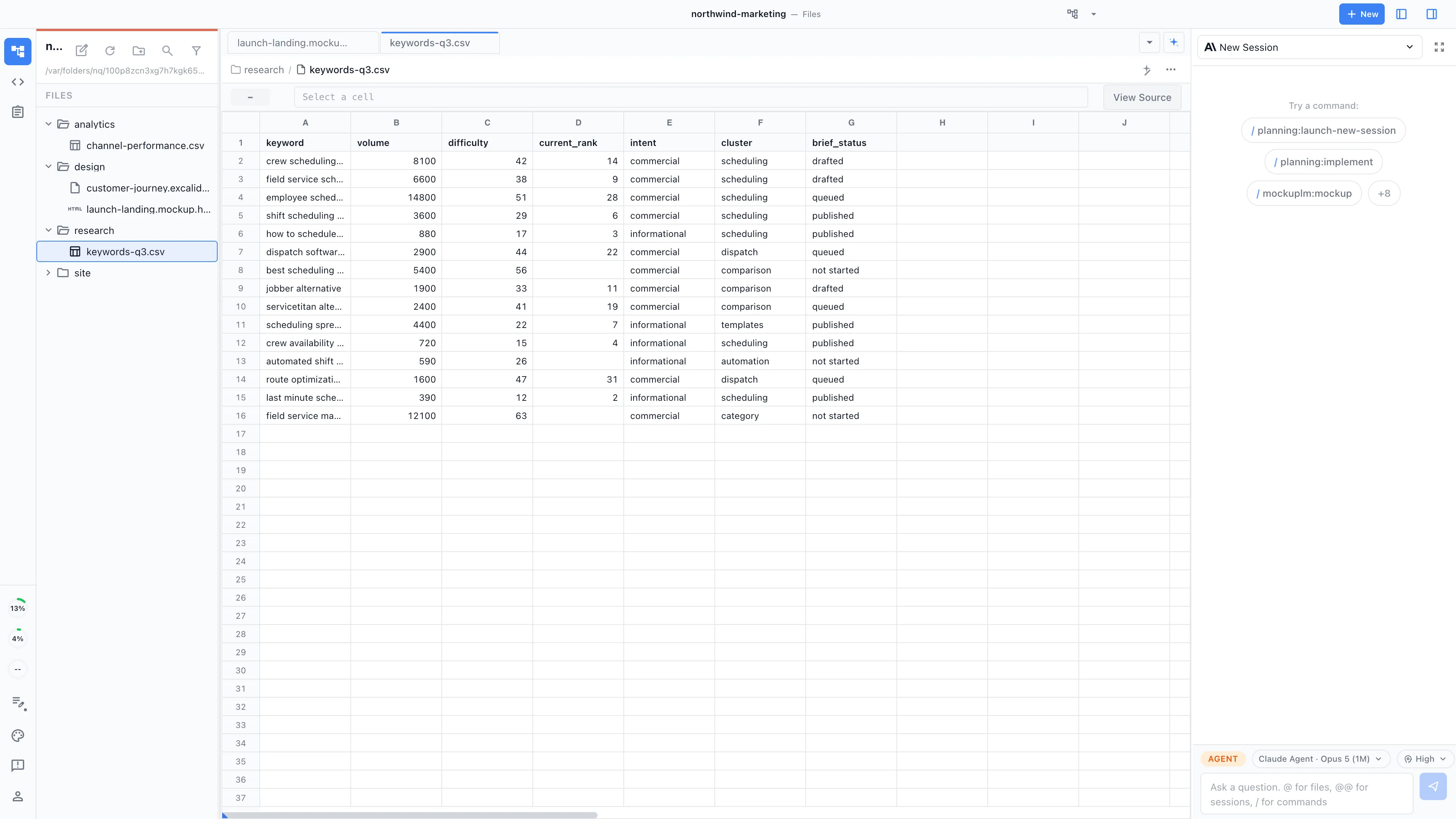
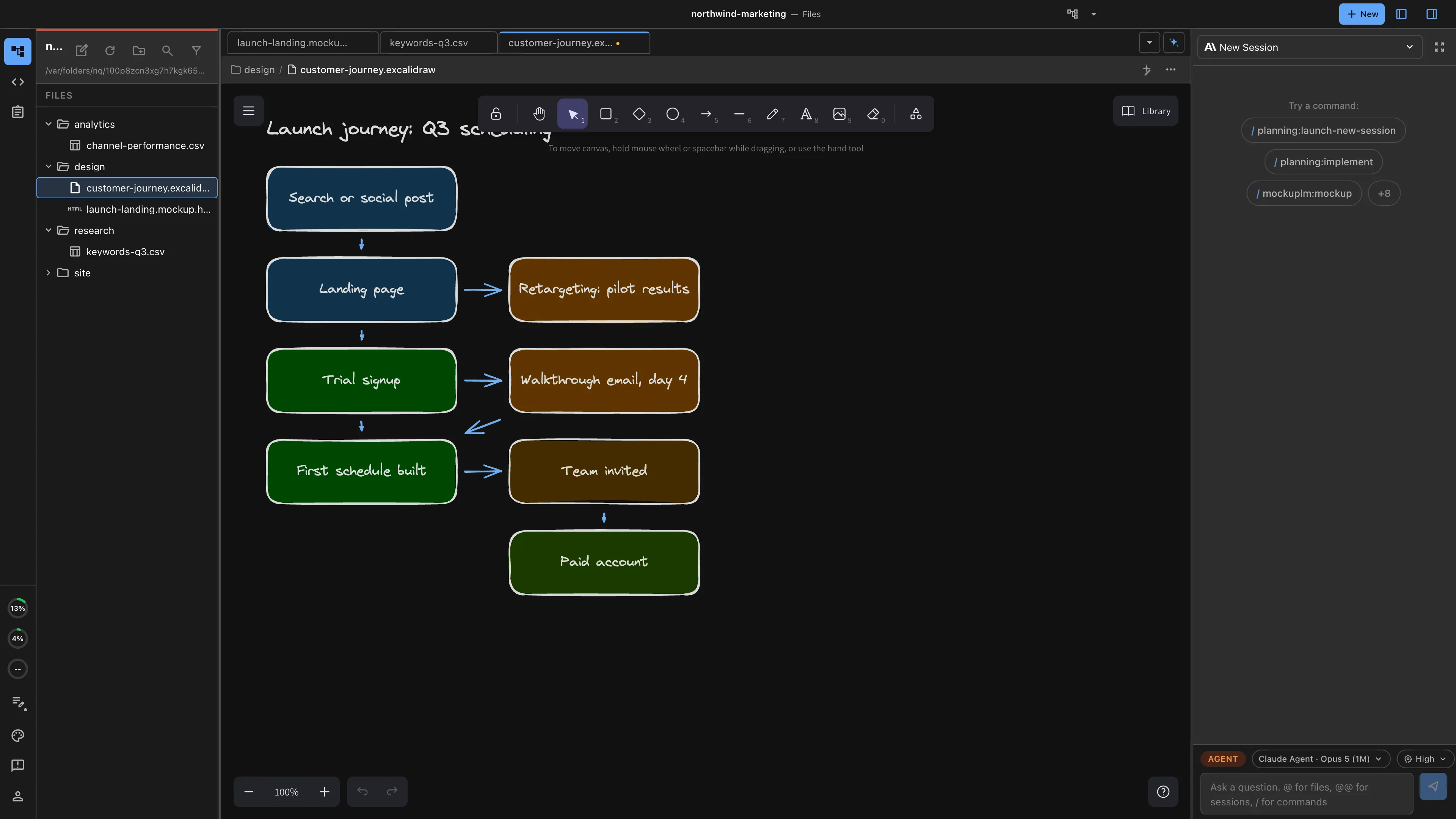
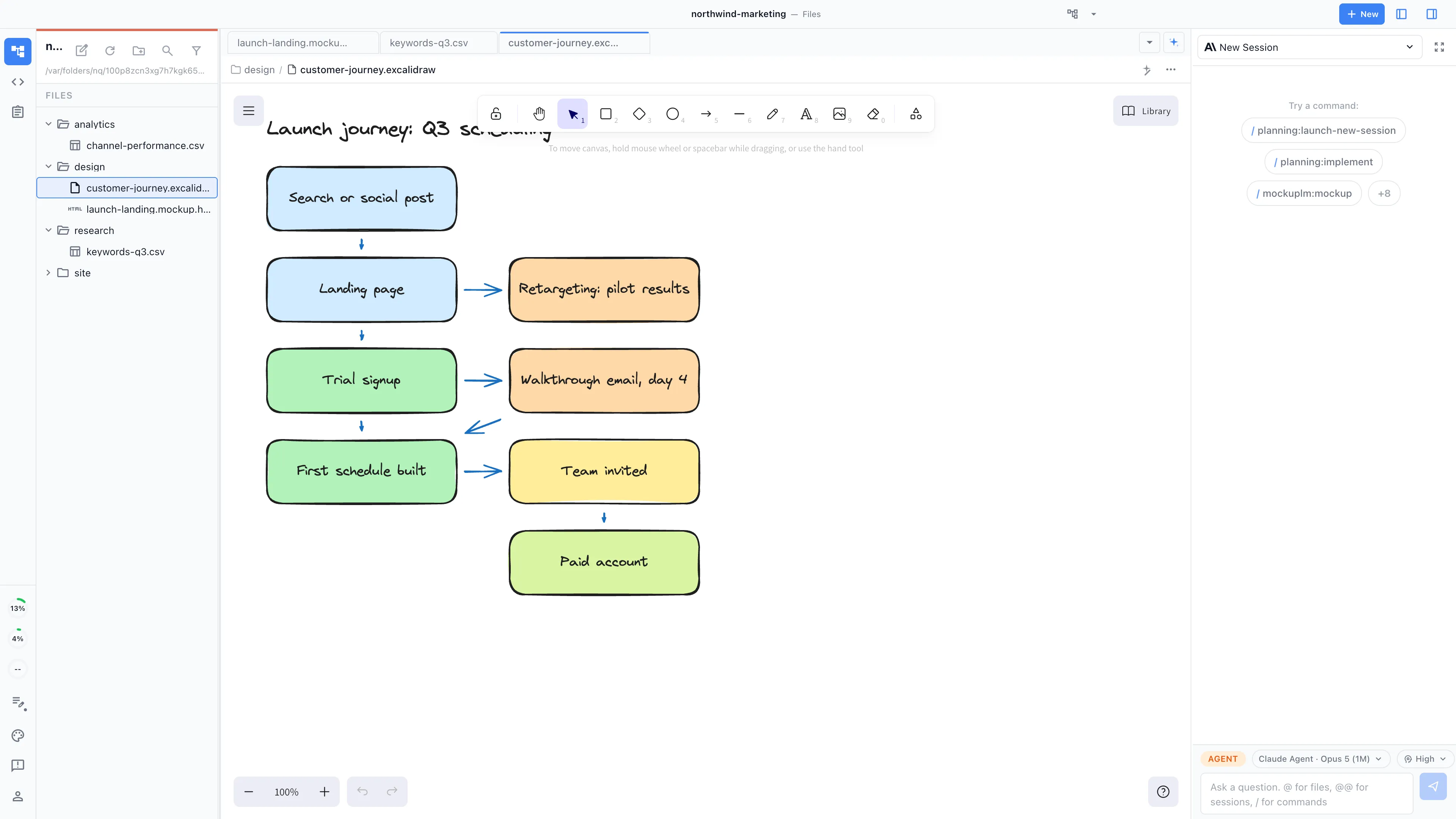
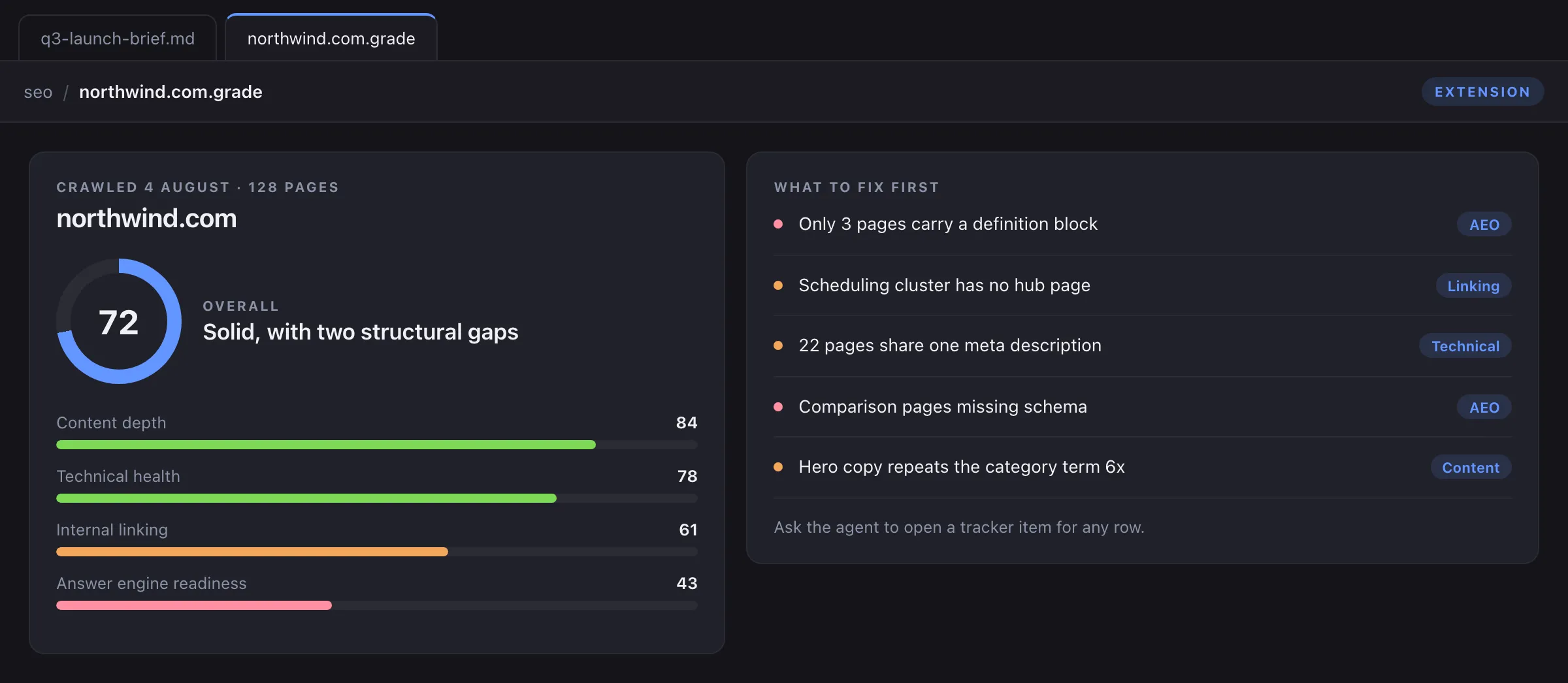
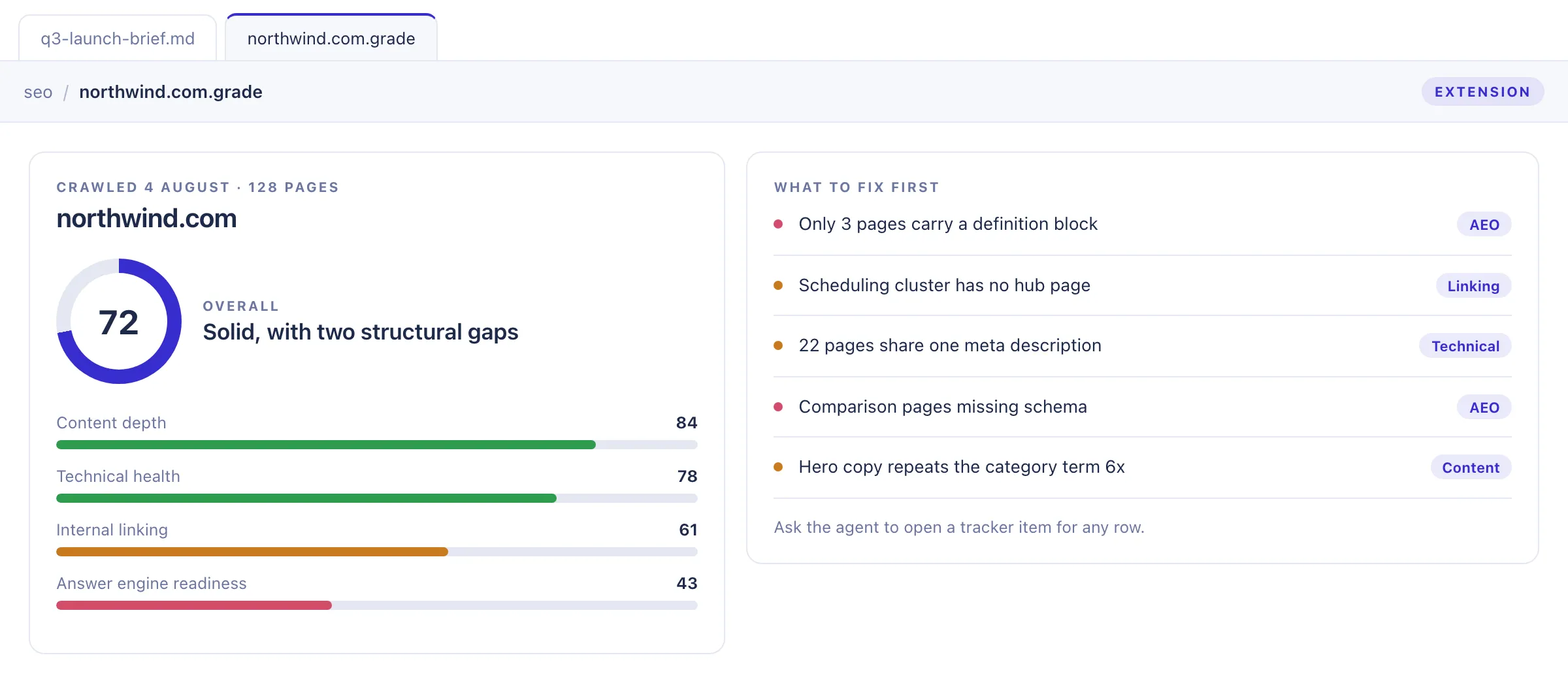
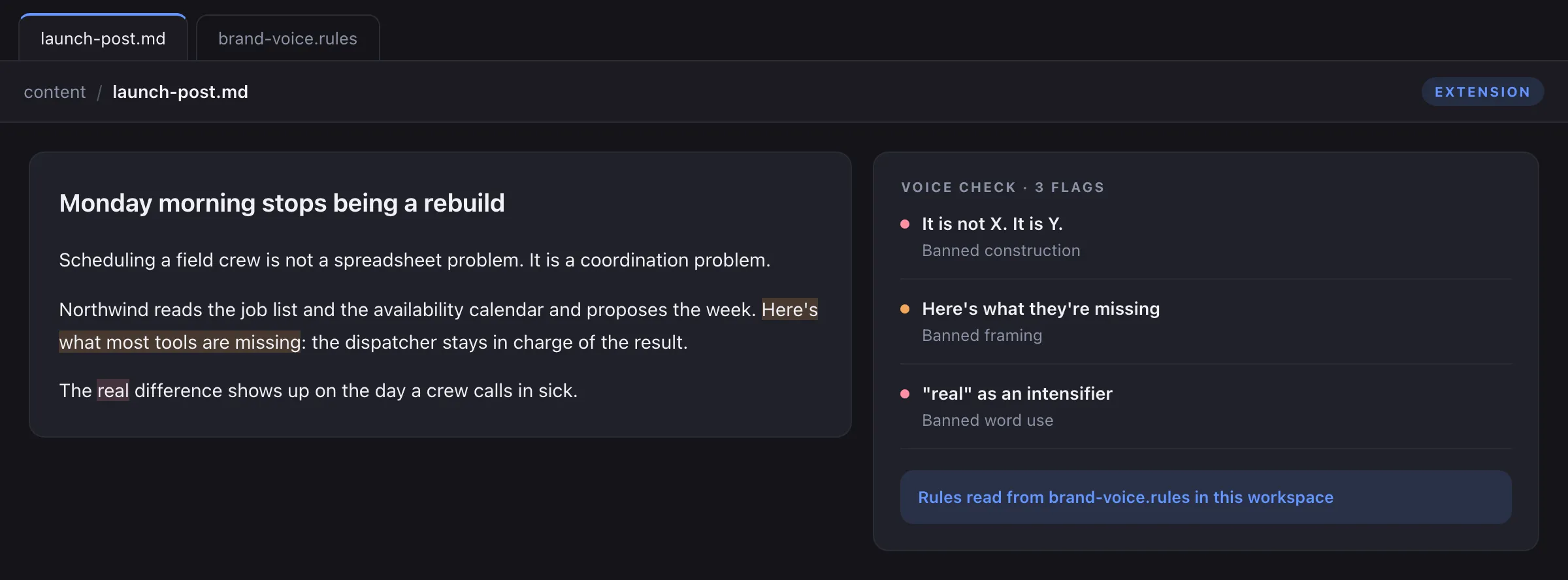
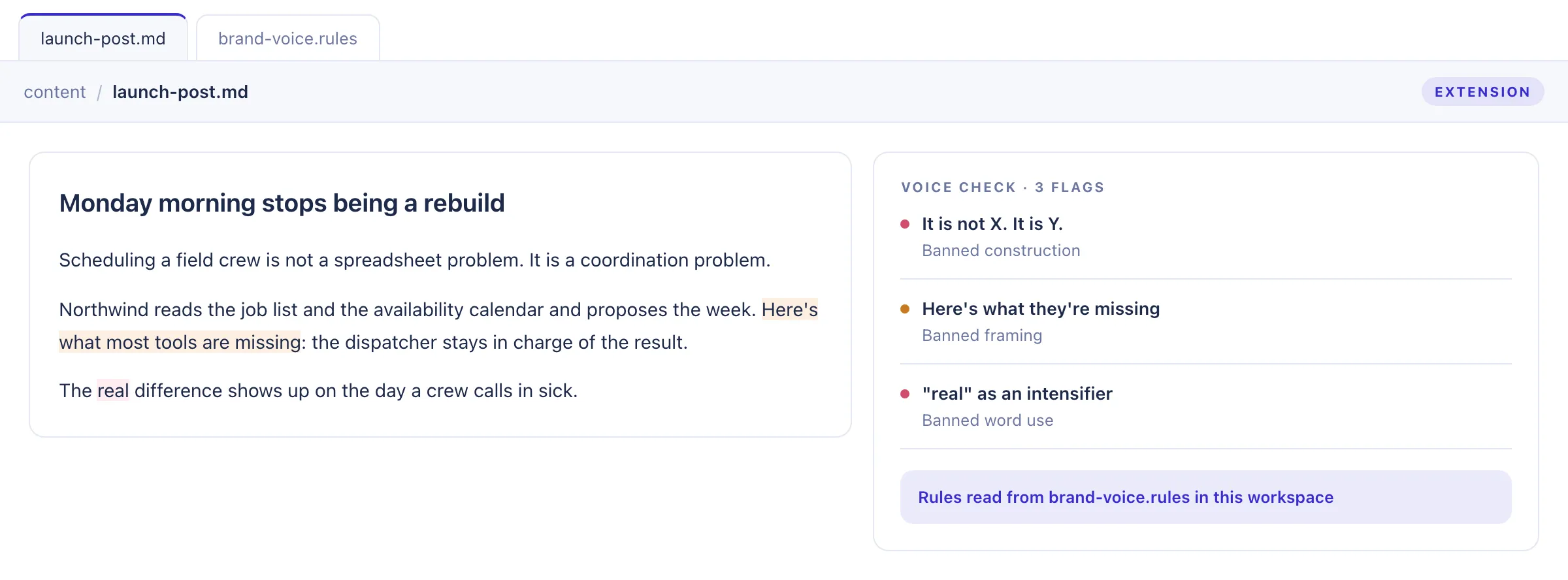
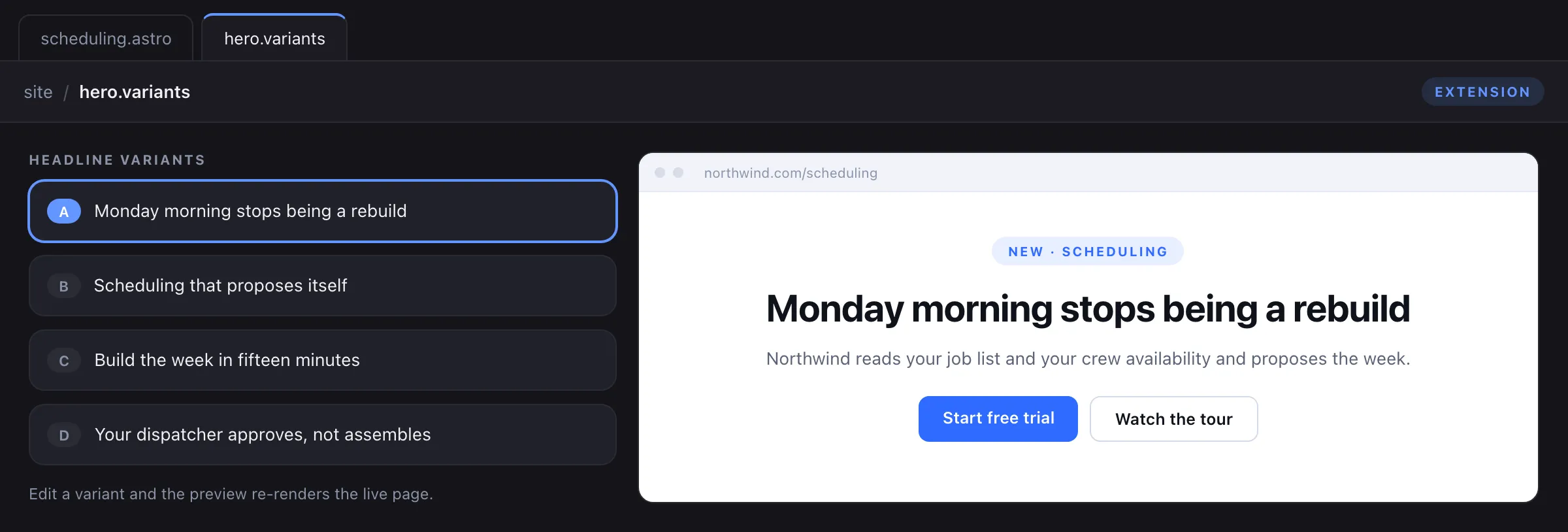
Documents, mockups, spreadsheets, diagrams, and code, all editable by your team and readable and writable by your agents. Every agent change arrives as a diff someone approves, rejects, or edits. Every editor is an extension, including the ones we ship, so an artifact type we do not cover is one your own agent can build against the SDK, as code your team owns.
Extensions you can build
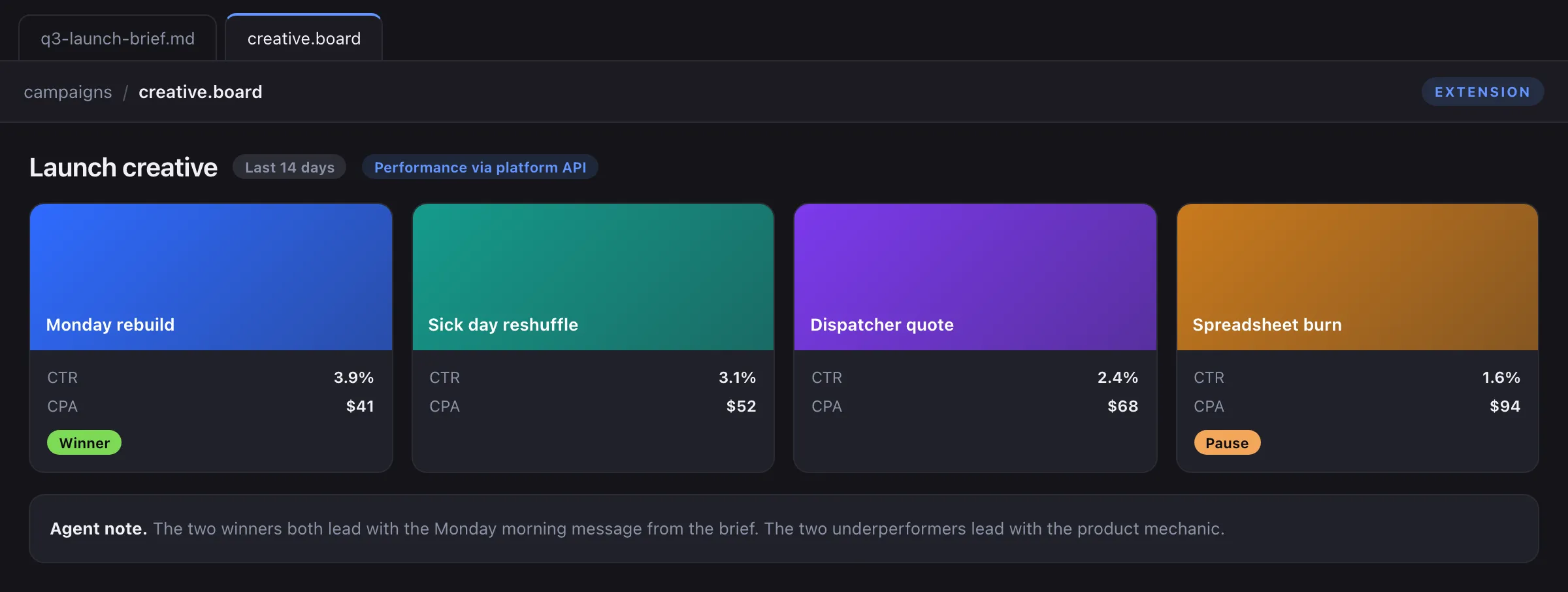
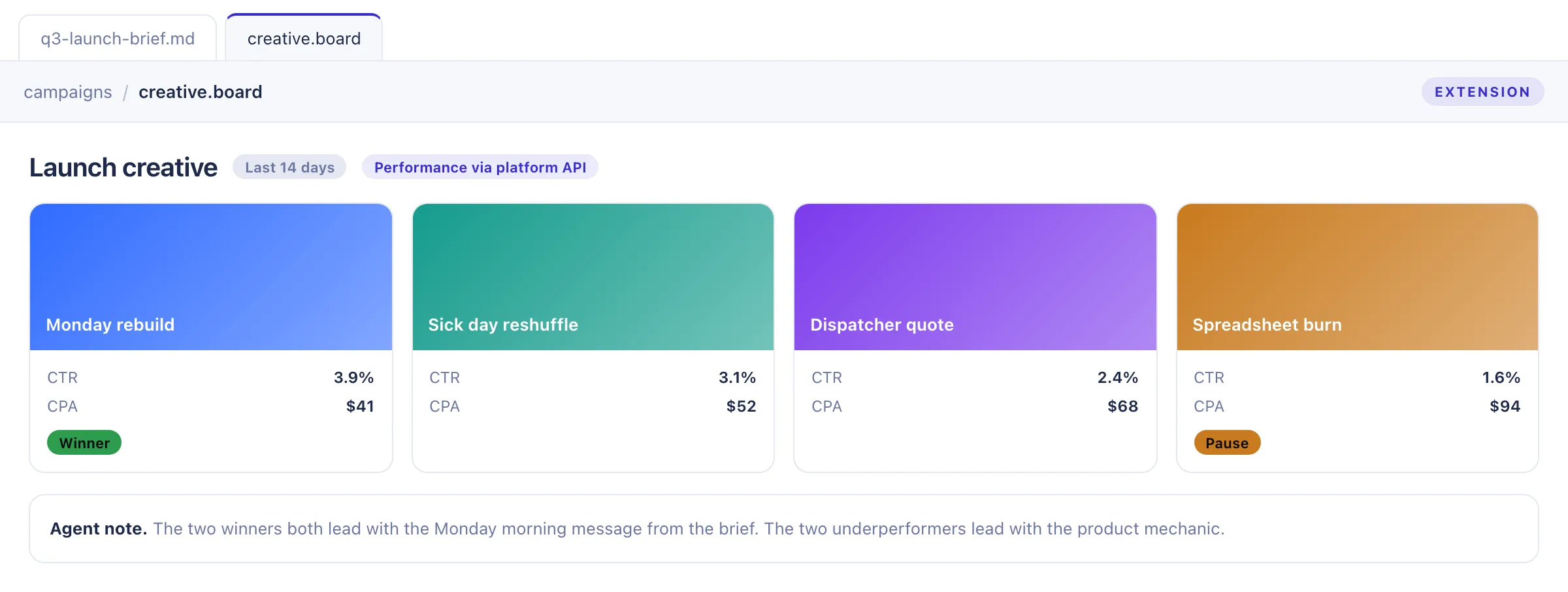
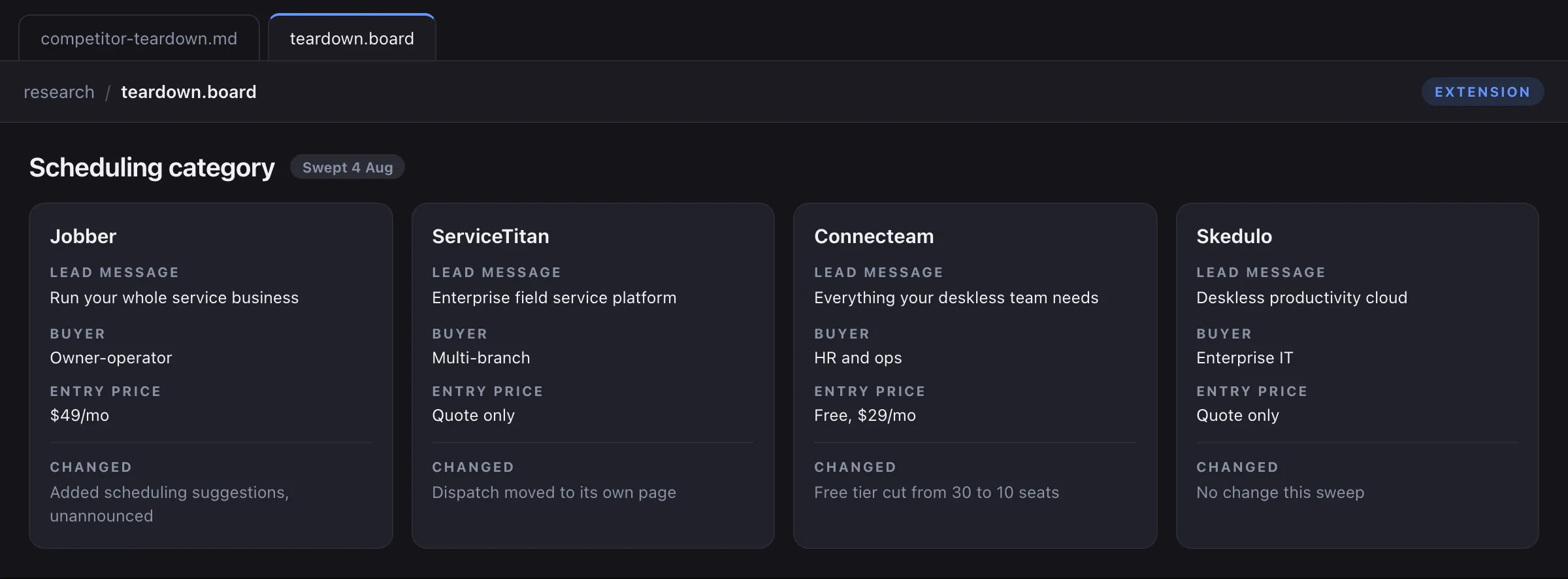
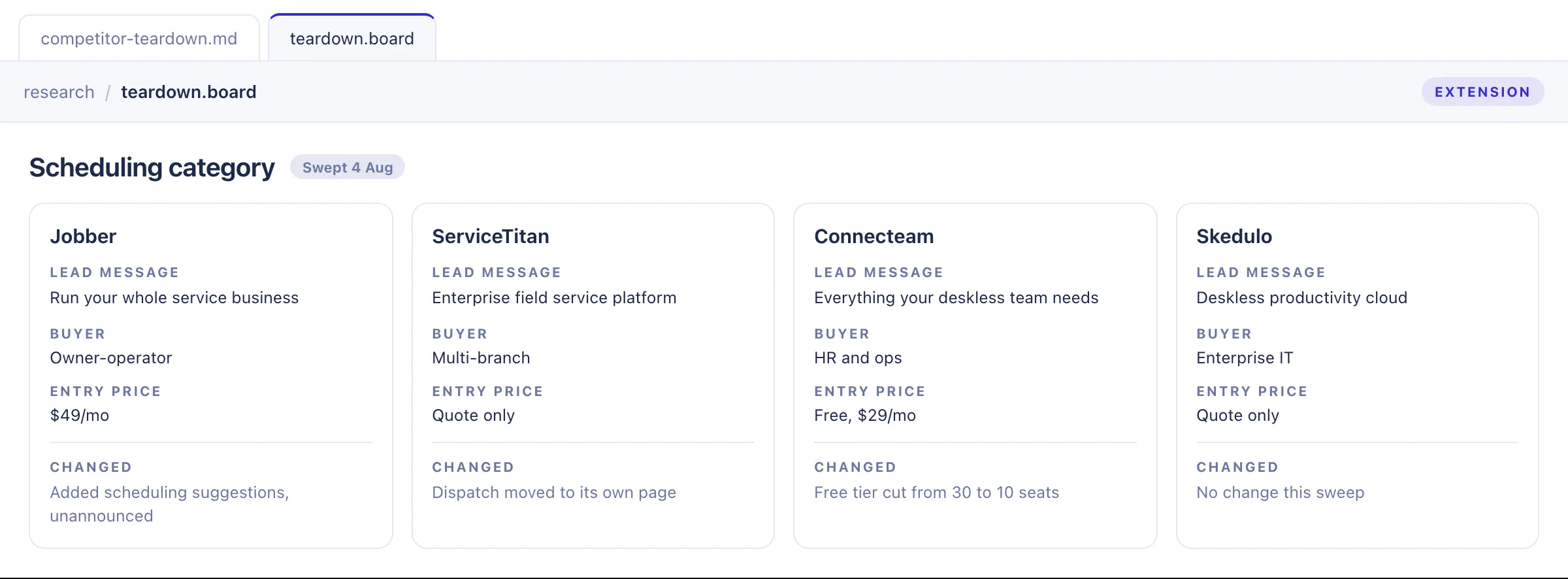
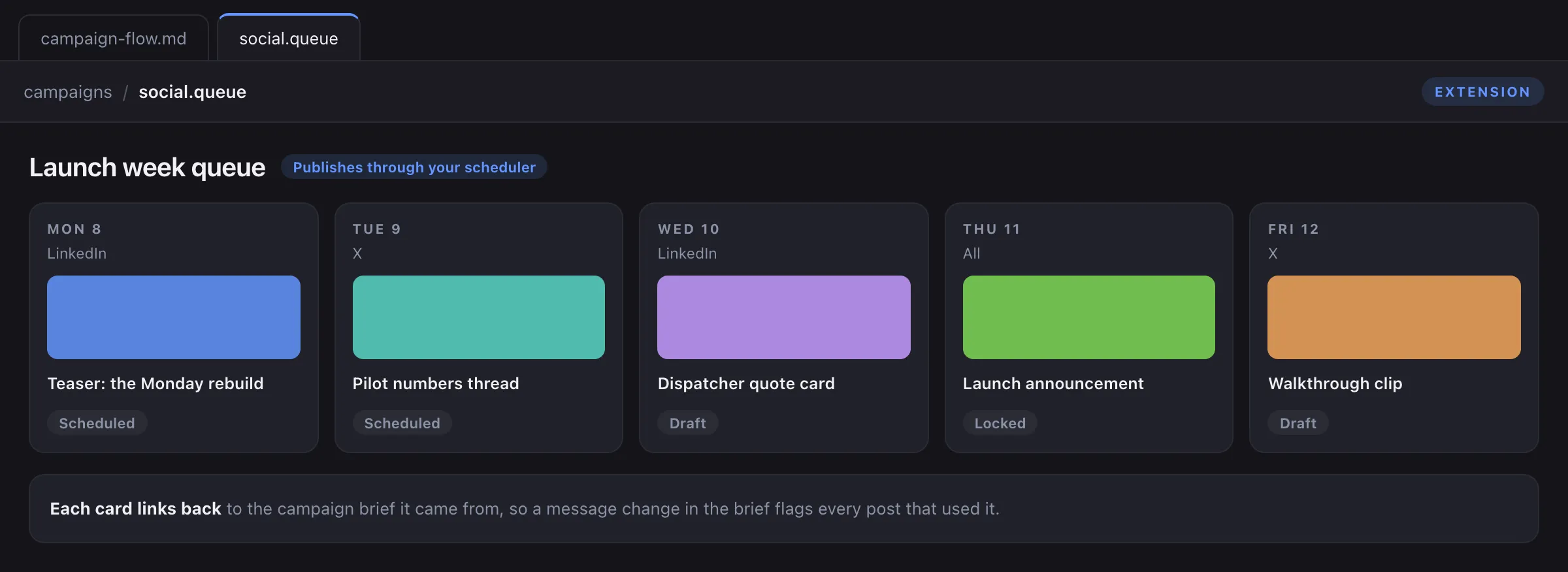
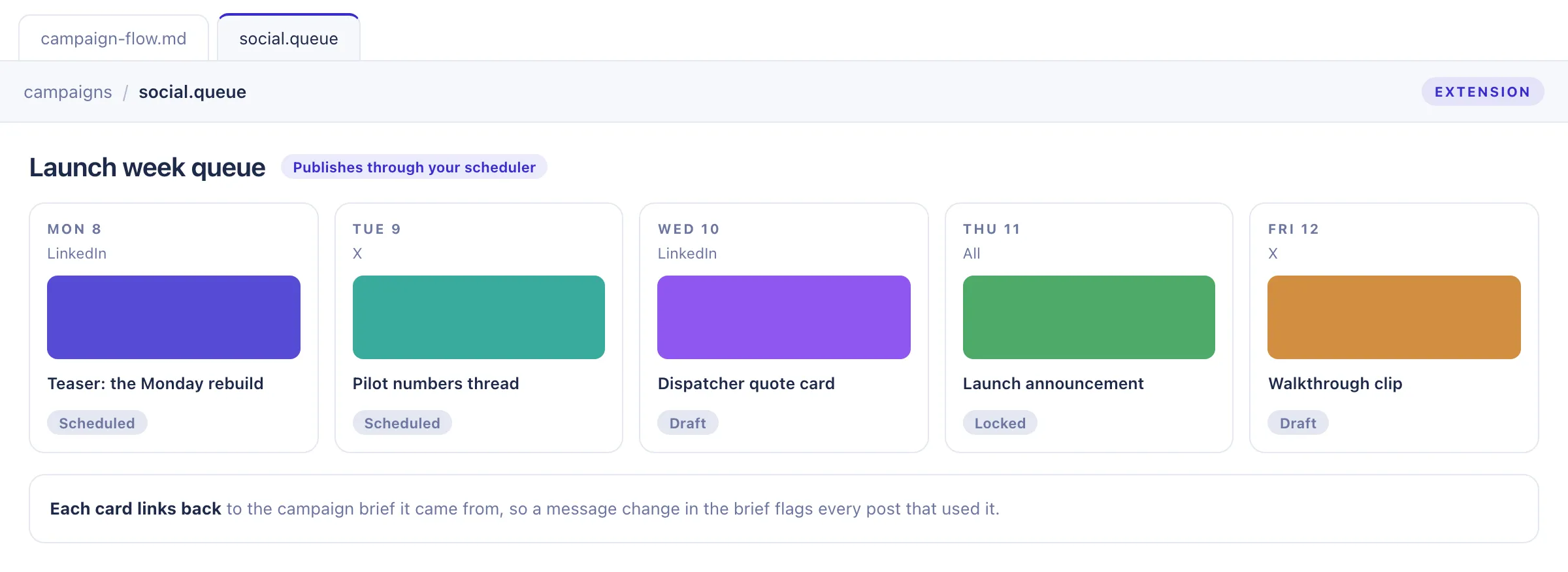
Briefs, drafts, and messaging docs
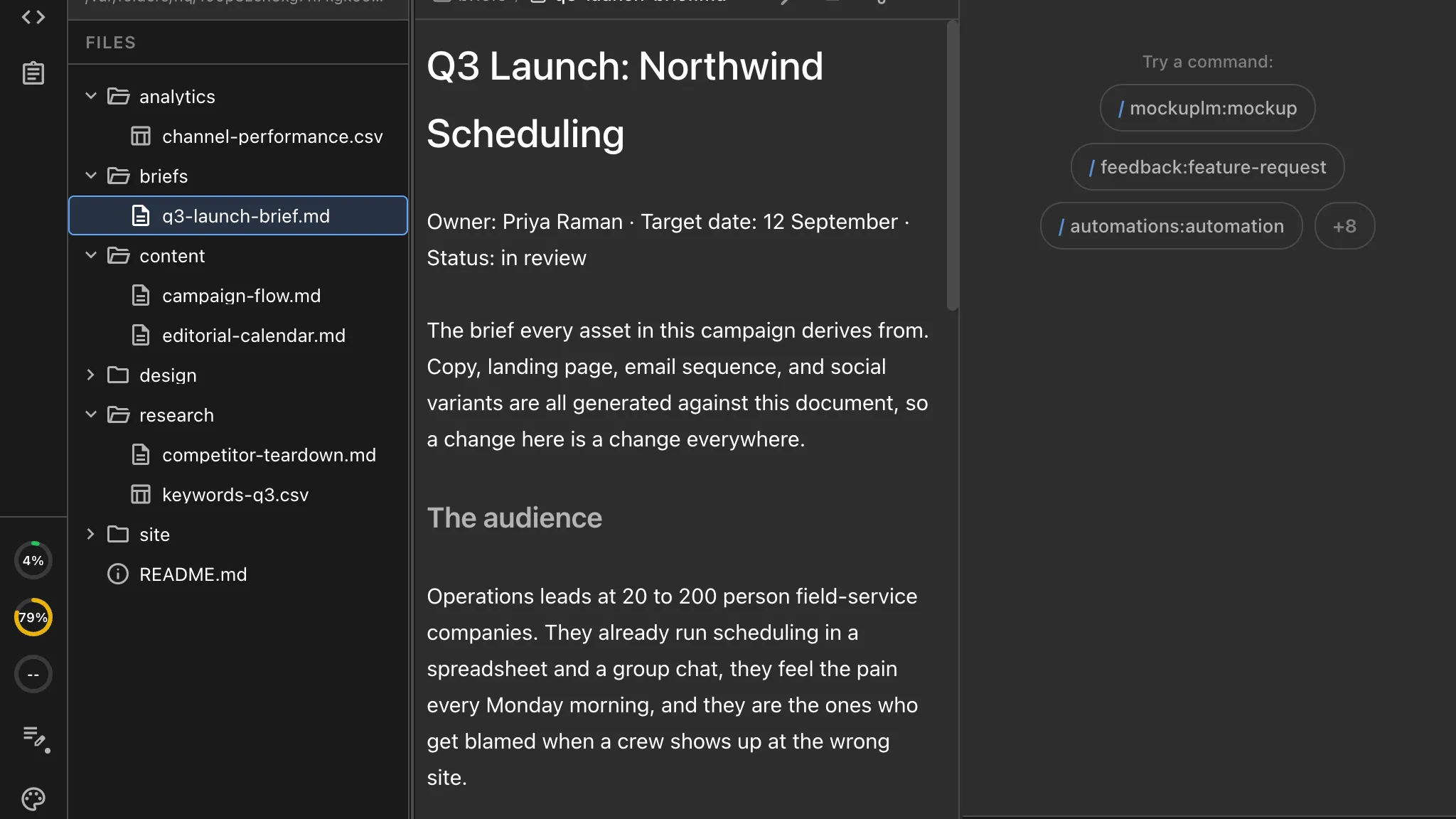
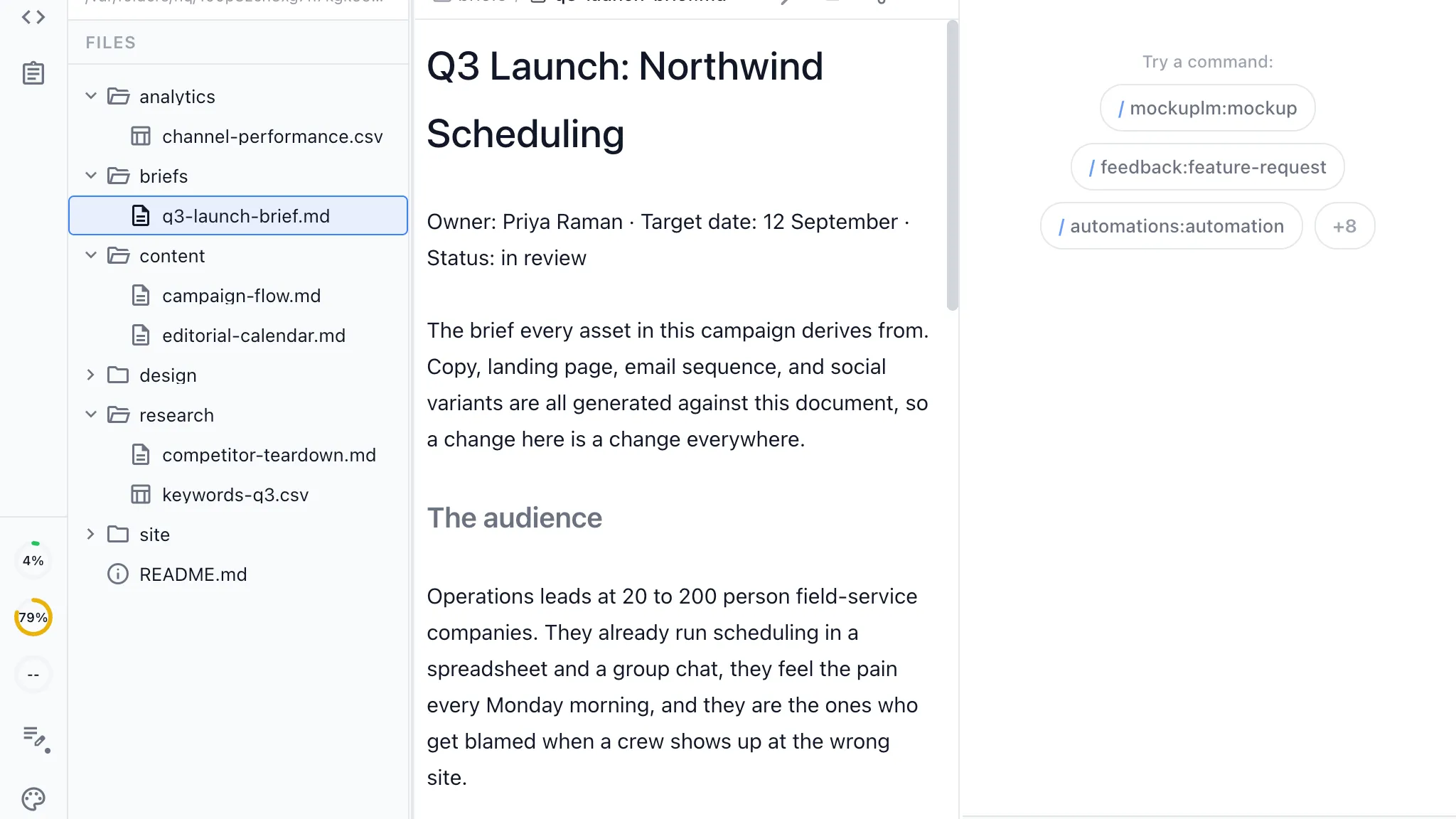
Write in a rich editor over plain markdown files your agents read directly, with diagrams, images, and tables in the same document.
Review every agent edit
Changes from Claude Code and Codex arrive as inline red and green diffs. Accept, reject, or edit each one before it lands in the file.
Linked to everything else
Reference a calendar item or another document and the link resolves, so the brief, the draft, and the task stay attached to each other.
Tracking the work
The content calendar as a tracker your agents can read
Campaigns, drafts, experiments, and tasks live in the same workspace as the documents and the agent sessions, so a draft points back to the brief that produced it and your agents can see what is queued without anyone pasting a ticket into a prompt.
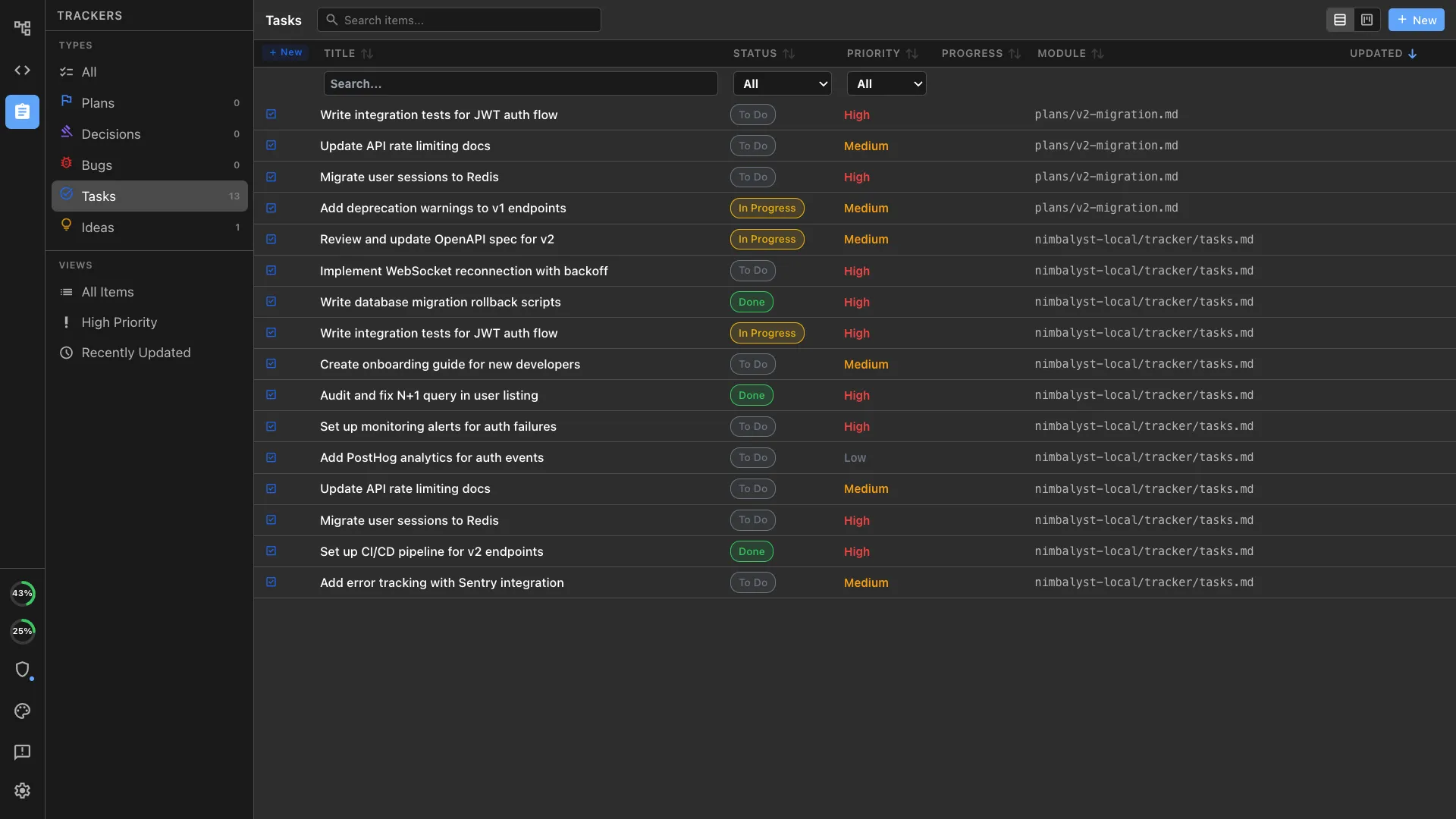
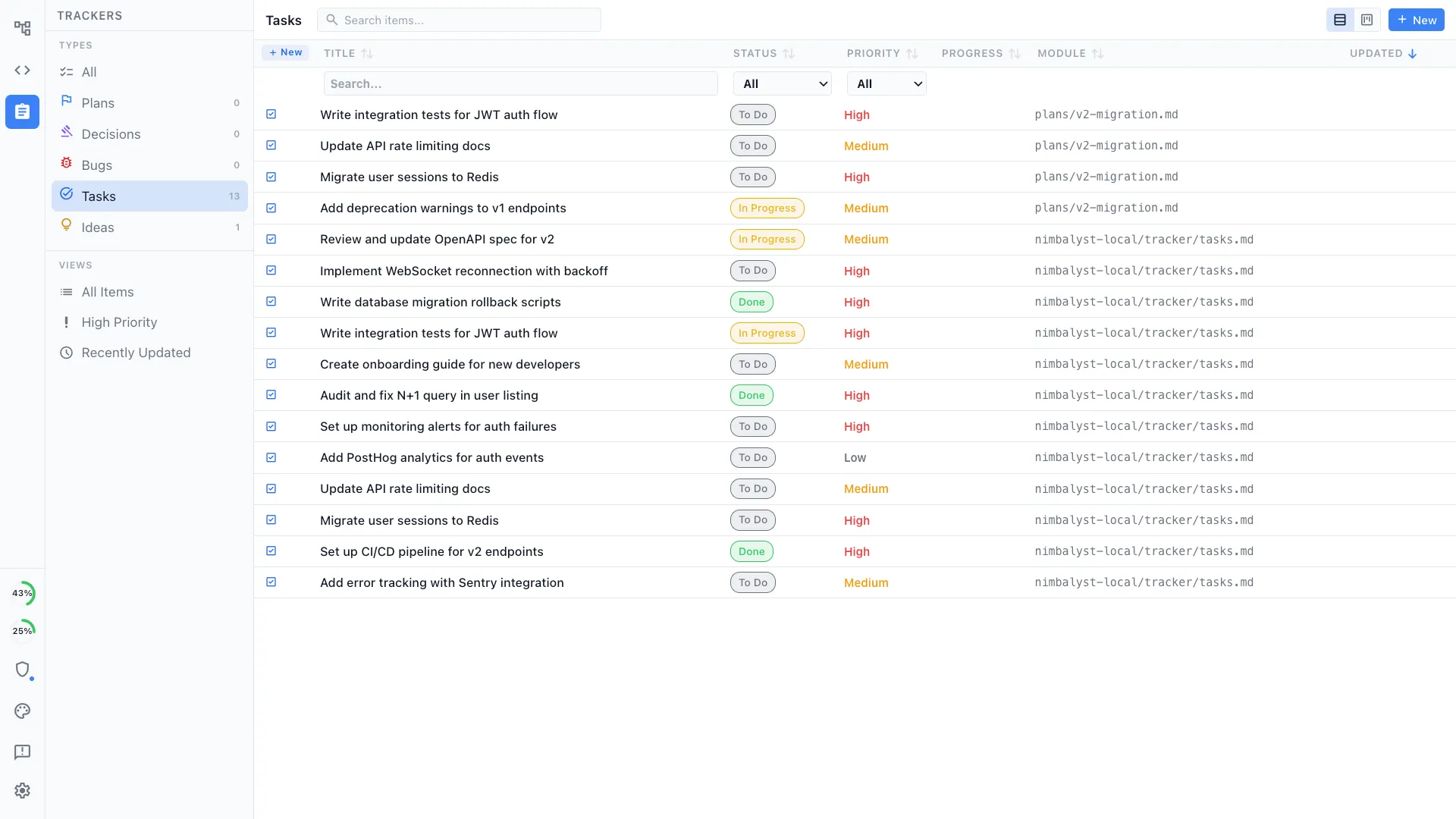
Define your own item types
A campaign, a content piece, and an experiment are not the same object. Define the types your team uses, with your own fields, statuses, and board views.
Your agents know what is open
An agent can read the item, the linked brief, and the session that worked on it, because the tracker is part of the workspace rather than a separate product.
The board reflects the work
Agents update campaign items through the same tracker the team uses, so the calendar reflects completed drafts and open review work.
Decisions recorded in place
Log the positioning call, the channel you decided against, or the message that tested badly, next to the document it applies to.
Multiplayer on the work
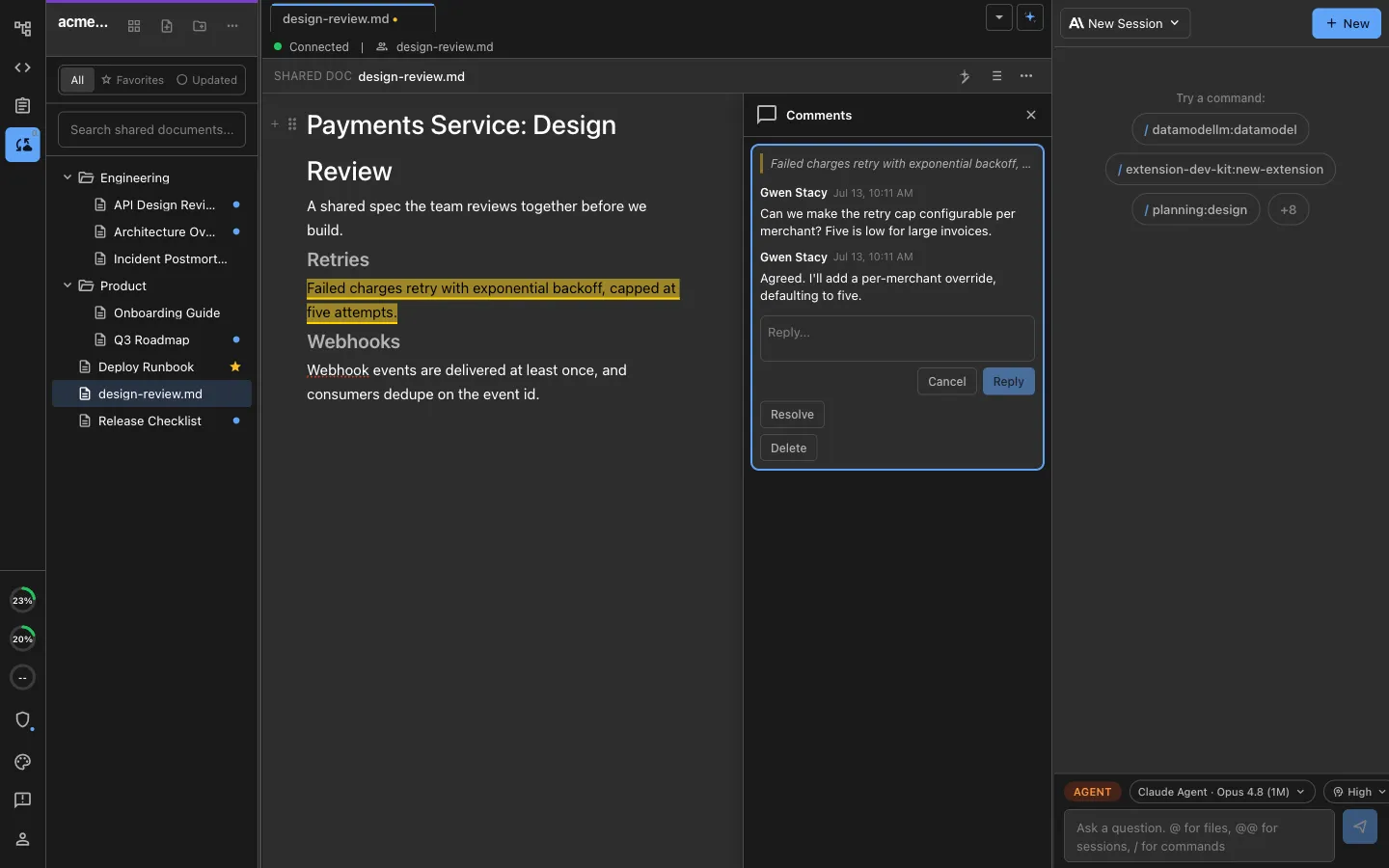
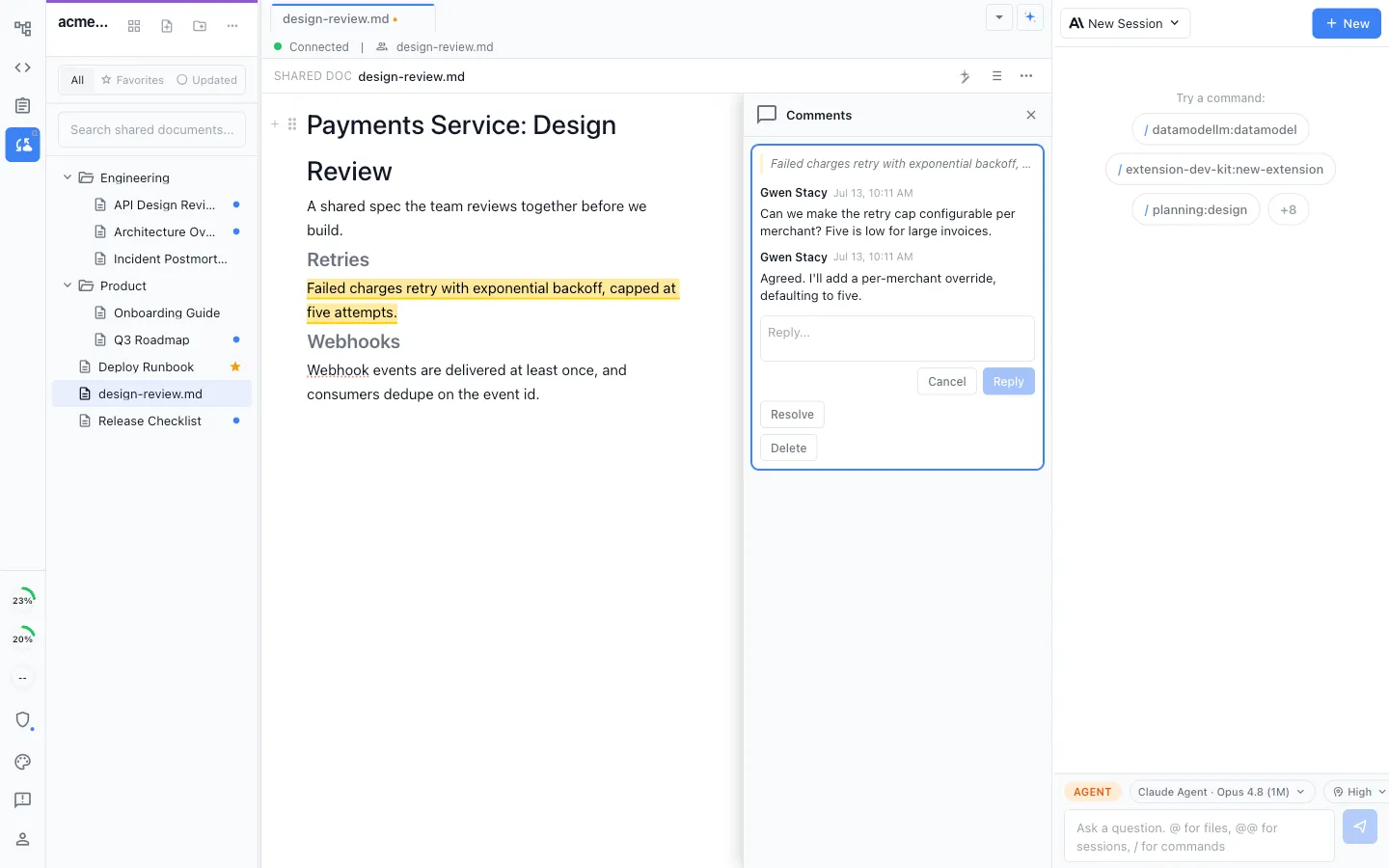
Edit, comment, and review on the artifact, with your agents in the room
Live shared editing
Shared documents, diagrams, and mockups are edited together in real time, with a cursor for everyone in the file.
Each person's own agent
Every teammate runs their own local Claude Code or Codex against the same shared files, rather than the whole team queueing behind one hosted assistant.
Comments on the passage
Mark the sentence, reply in a thread, and resolve it in place. The feedback and the draft never separate.
Share one thing, not everything
Promote a single local file to a shared one in a click, and leave the rest of your machine alone.
Discussion beside the work
Team chat sits in the same workspace as the briefs, calendars, and documents the conversation is about.
Full history
Read the full change history of a shared document, so a draft can be walked back to an earlier version.
Running the agents
Several agents working at once, and a record of what each one did
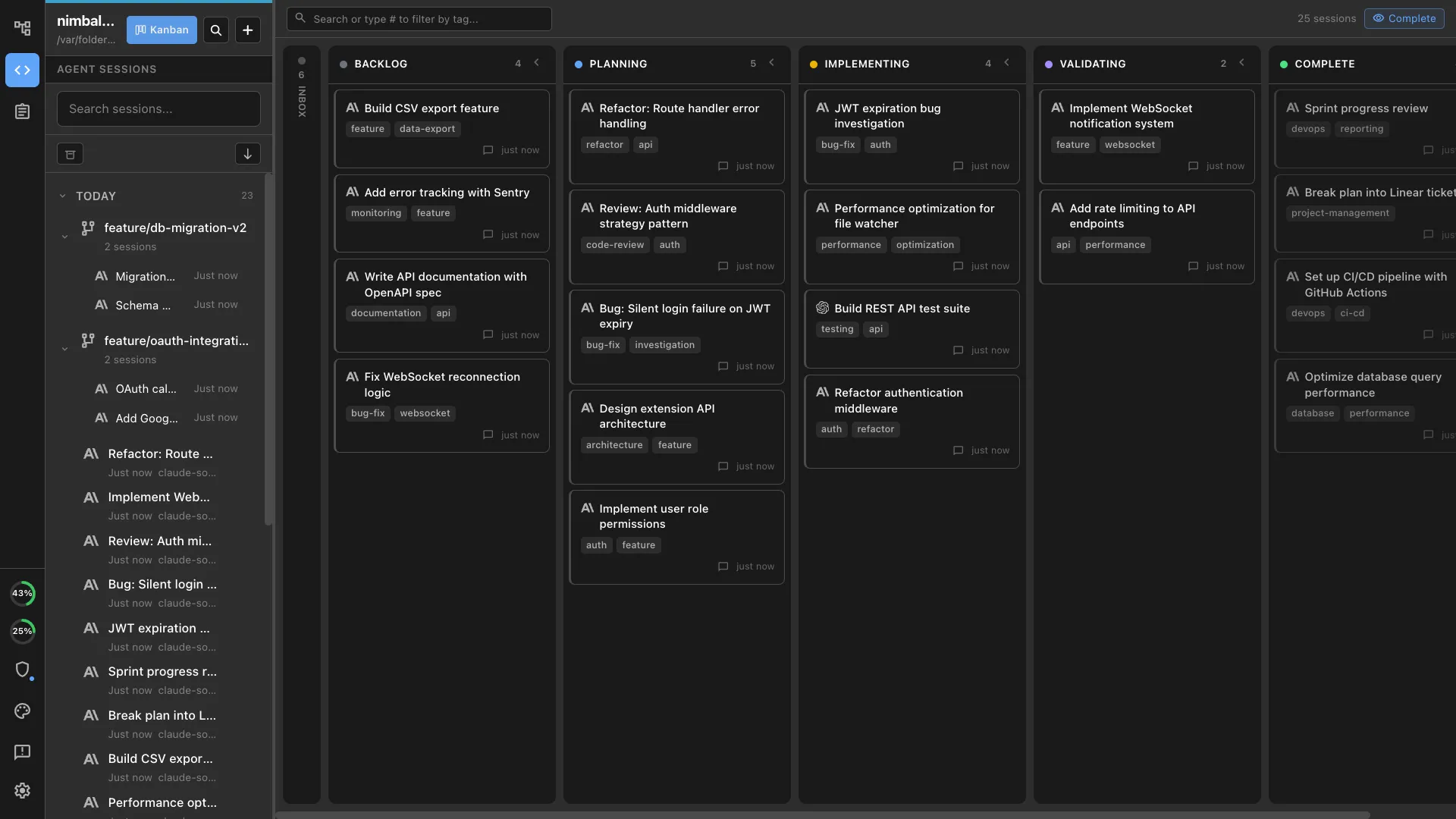
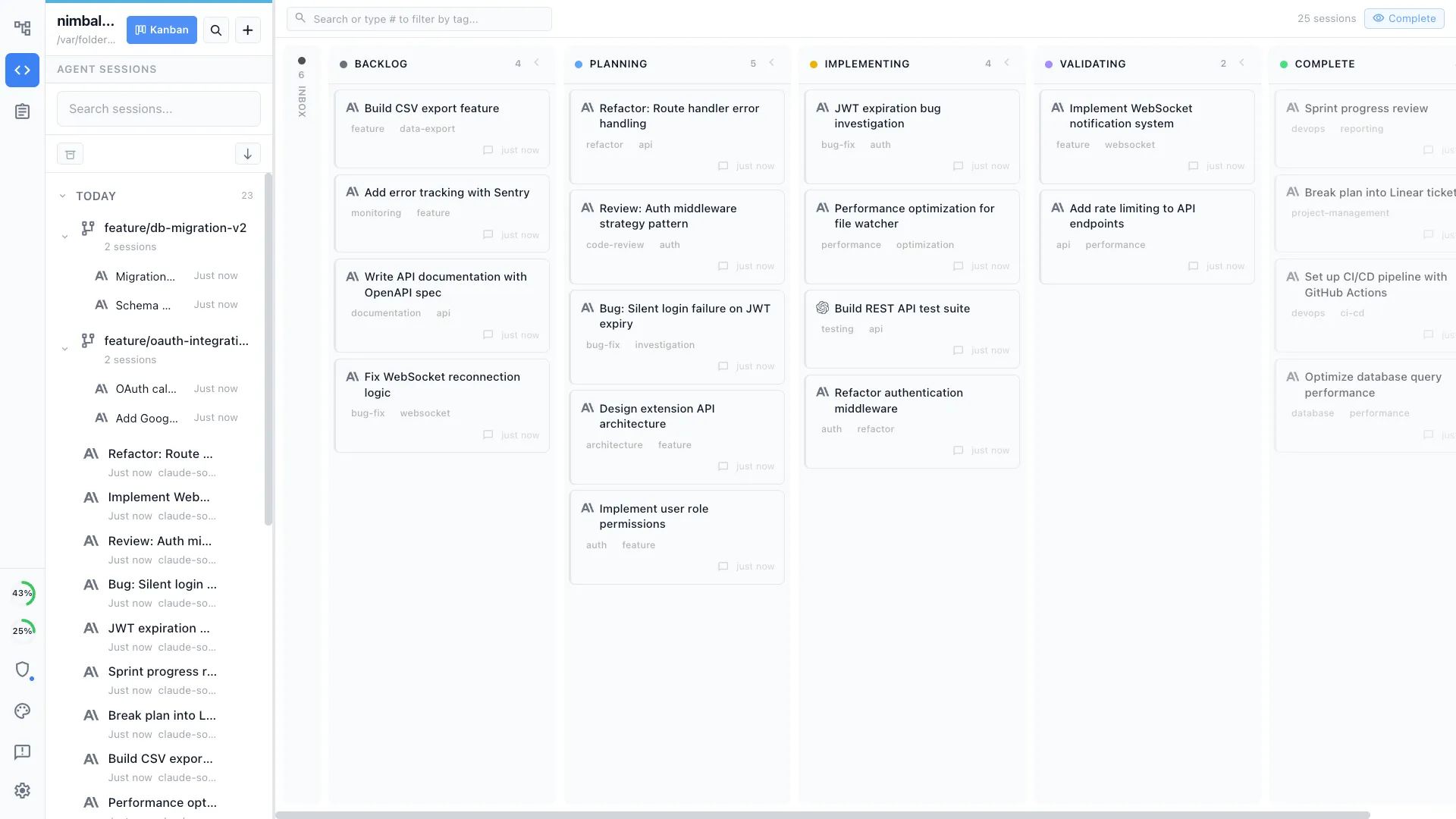
A marketing team ends up running more than one agent at a time: a competitor sweep, a page build, and an analytics pull. The workspace is where you point them, watch them, and review what came back.
A board for every session
Each agent run is a card you can see, name, and move through phases, rather than a terminal window you have to remember you left open.
Run them in parallel
Give each session its own branch so a content sweep and a page build proceed at the same time without colliding in the same files.
Pick the agent per job
Claude Code, Codex, and others run side by side in the same workspace, so a drafting task and a code task can use different models.
Every run leaves a transcript
Full history for each session, so a question about what changed and why has an answer that is not somebody's recollection.
Approve before anything lands
Agent edits arrive as red and green diffs on the file, and permissions decide what a session may do unattended.
Check in from your phone
The iOS app shows what your sessions are doing and lets you answer a prompt without going back to the desk.
Where it sits
Nimbalyst extends the coding agents you already use
Keep your Claude Code and Codex subscriptions and keep the agents you have chosen. Nimbalyst runs them locally against the project you already have open, and gives them a visual surface: the document, the mockup, the spreadsheet, the board, and the record of what changed.
- Claude Code
- Codex
- Gemini CLI
- Your own harness
Point at the artifact
The work is a set of editable artifacts you and your agents share, so a marketer directs an agent by opening the document, the mockup, or the spreadsheet it should work on rather than describing it in prose.
Local execution on your own files
Agents run on your machine against the open project directory. Inference traffic follows the provider, gateway, and model configuration your team chose.
Heterogeneous by design
Claude Code, Codex, and other agents run side by side in one workspace, so your team is not tied to a single harness.
Two ways to start, both self-serve
Install it yourself this afternoon, or set your team up on the shared workspace. No call required for either.
Free and open source
The full workspace on macOS, Windows, and Linux, MIT licensed, with an iOS app for following sessions away from the desk. Bring your own Claude Code or Codex subscription.
Download NimbalystShared documents, trackers, and chat
Add the collaboration layer so the brief, the calendar, and the drafts are edited together, with each teammate running their own agent. Paid per seat, and you can start without talking to us.
Set up a teamPricing is on the pricing page. Nimbalyst runs the coding agents you already pay for.