Comparison
Best Confluence Alternative for Engineering Teams
Looking for a Confluence alternative? Confluence is a team wiki. Nimbalyst is the open-source visual workspace for building with Codex, Claude Code, and more. In Nimbalyst, docs are native to your coding agents: keep docs, tasks, diagrams, and code in one workspace the agents can read and act on.
Free for individuals. Works with your existing Claude Code or Codex subscription or API key.
Overview
Two tools, different approaches
Nimbalyst
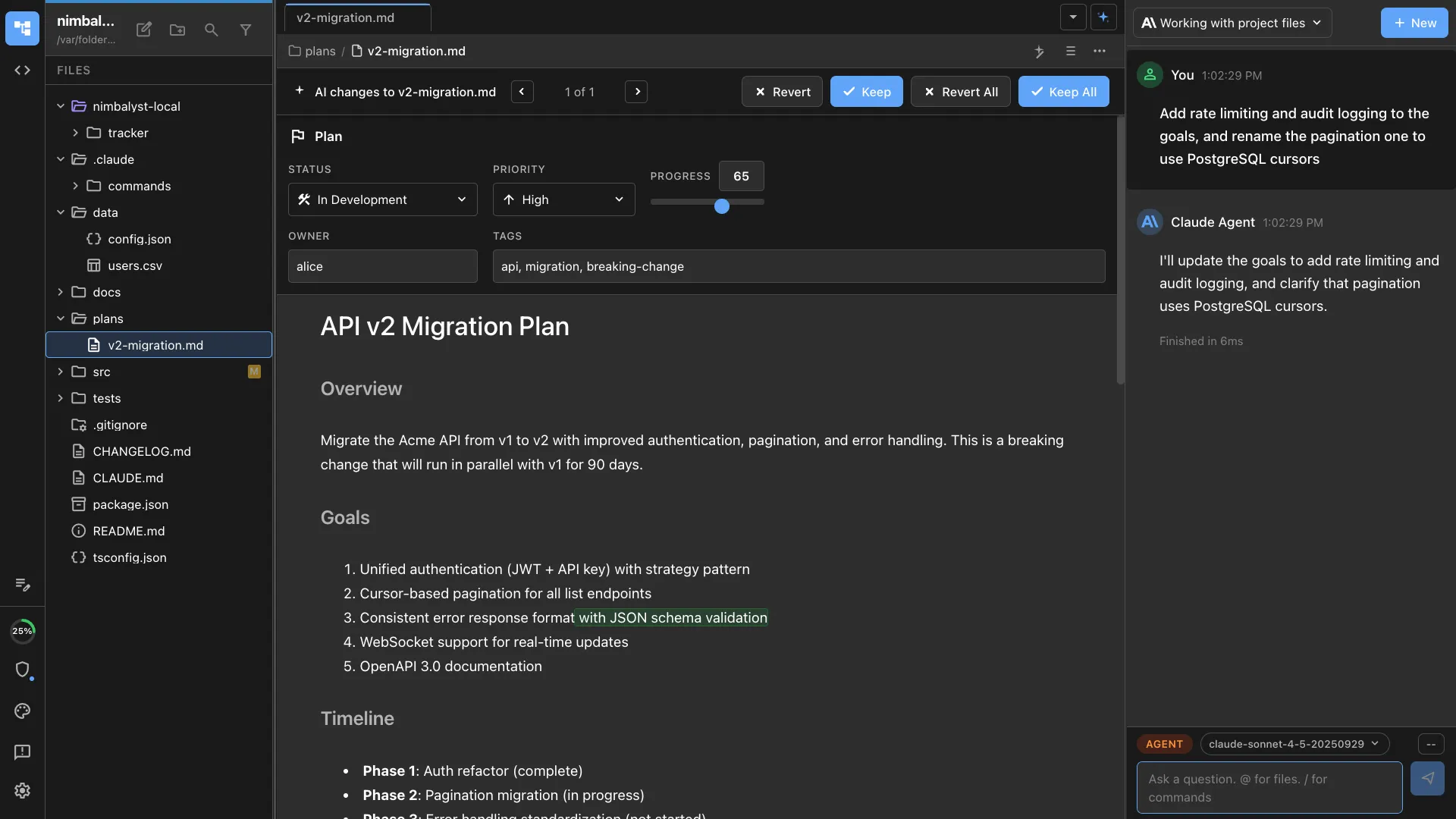
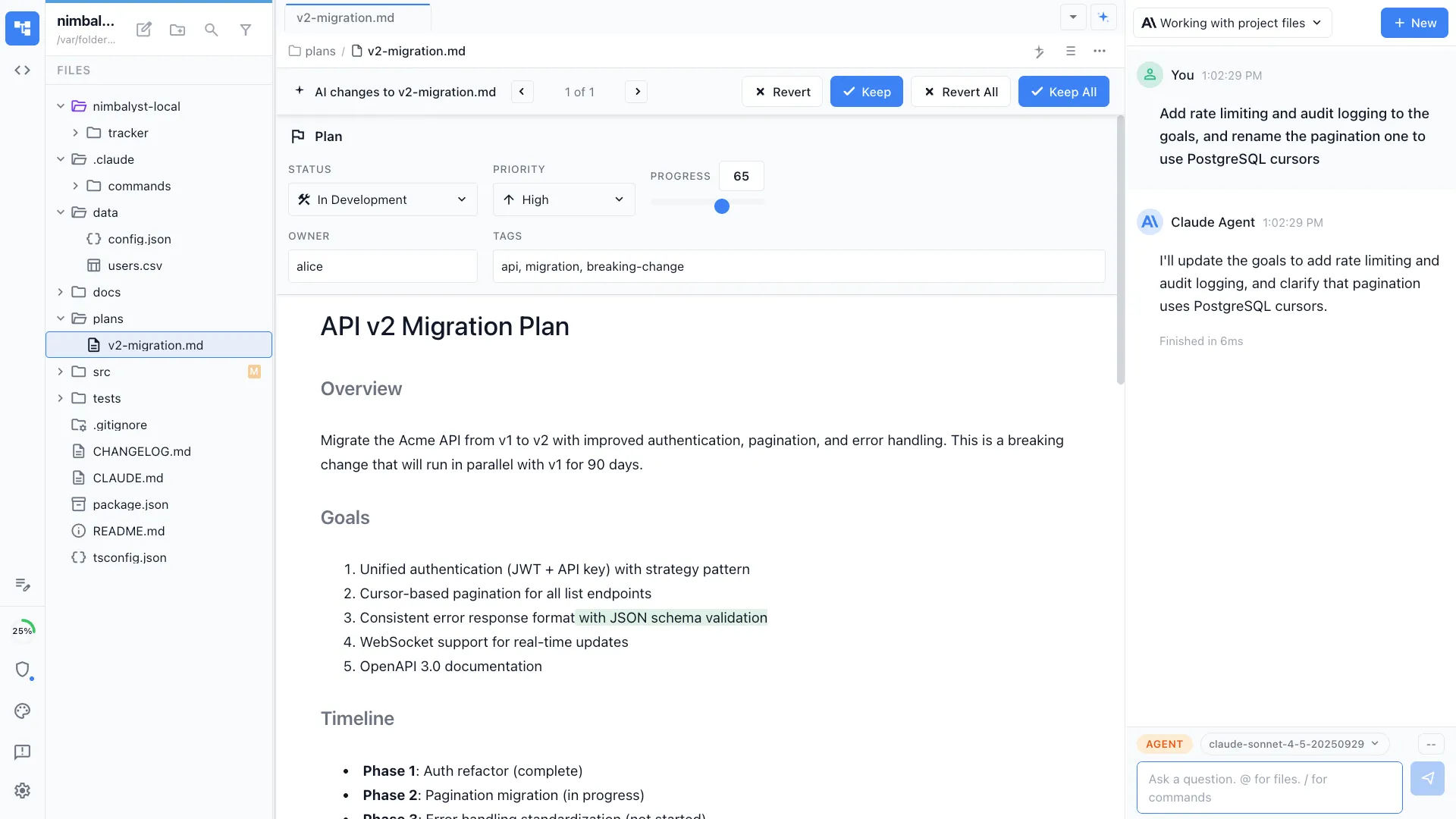
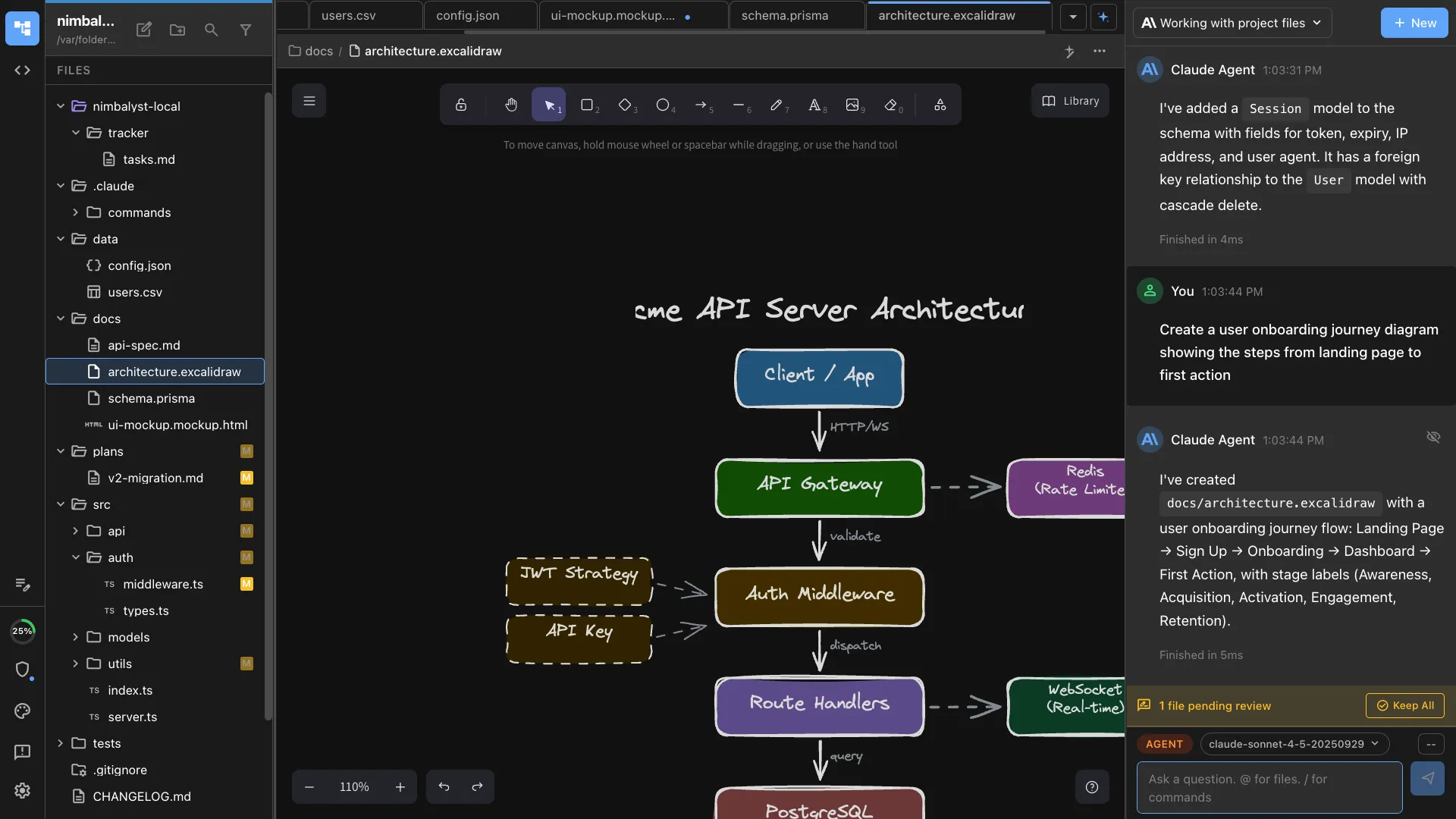
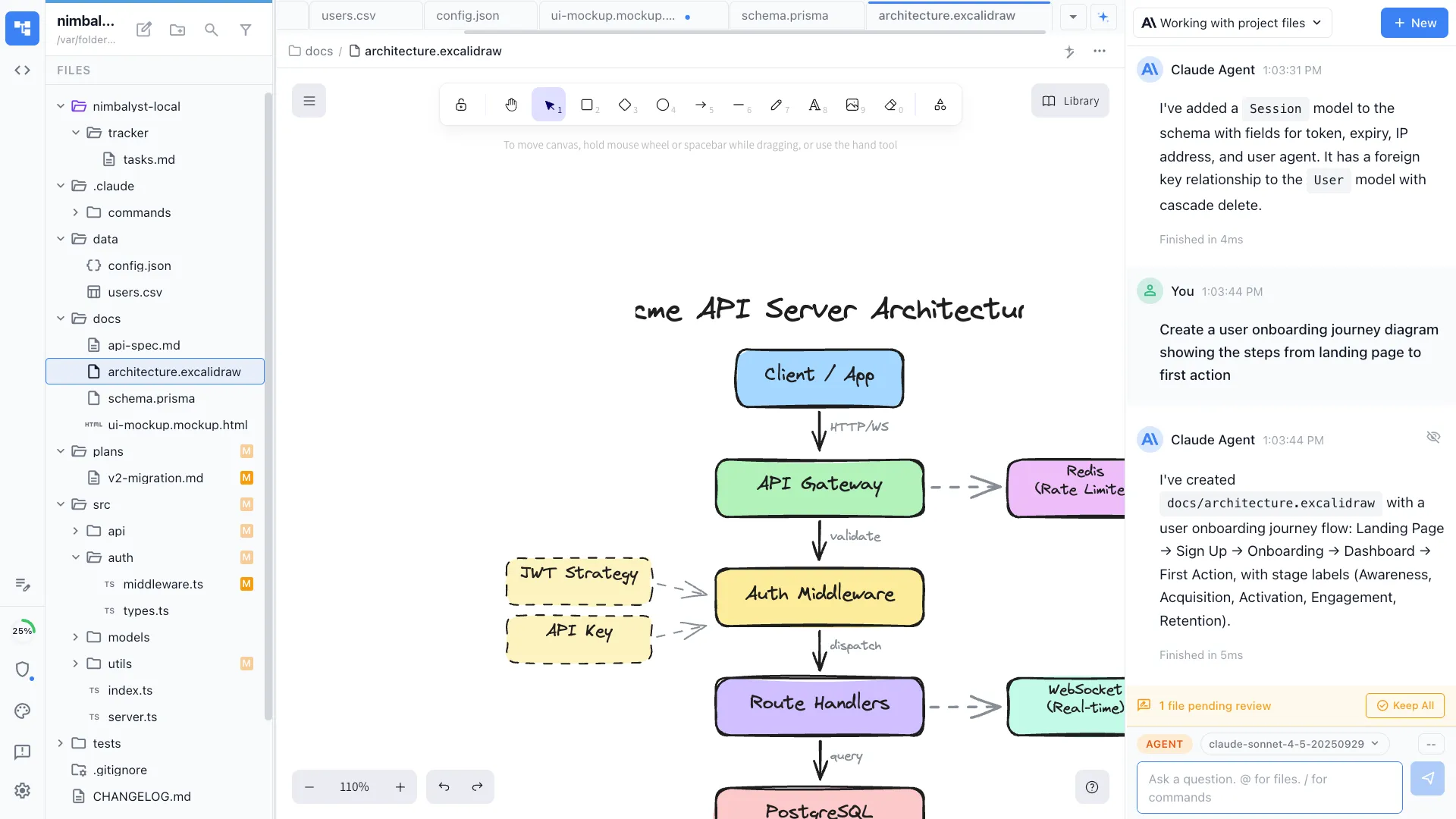
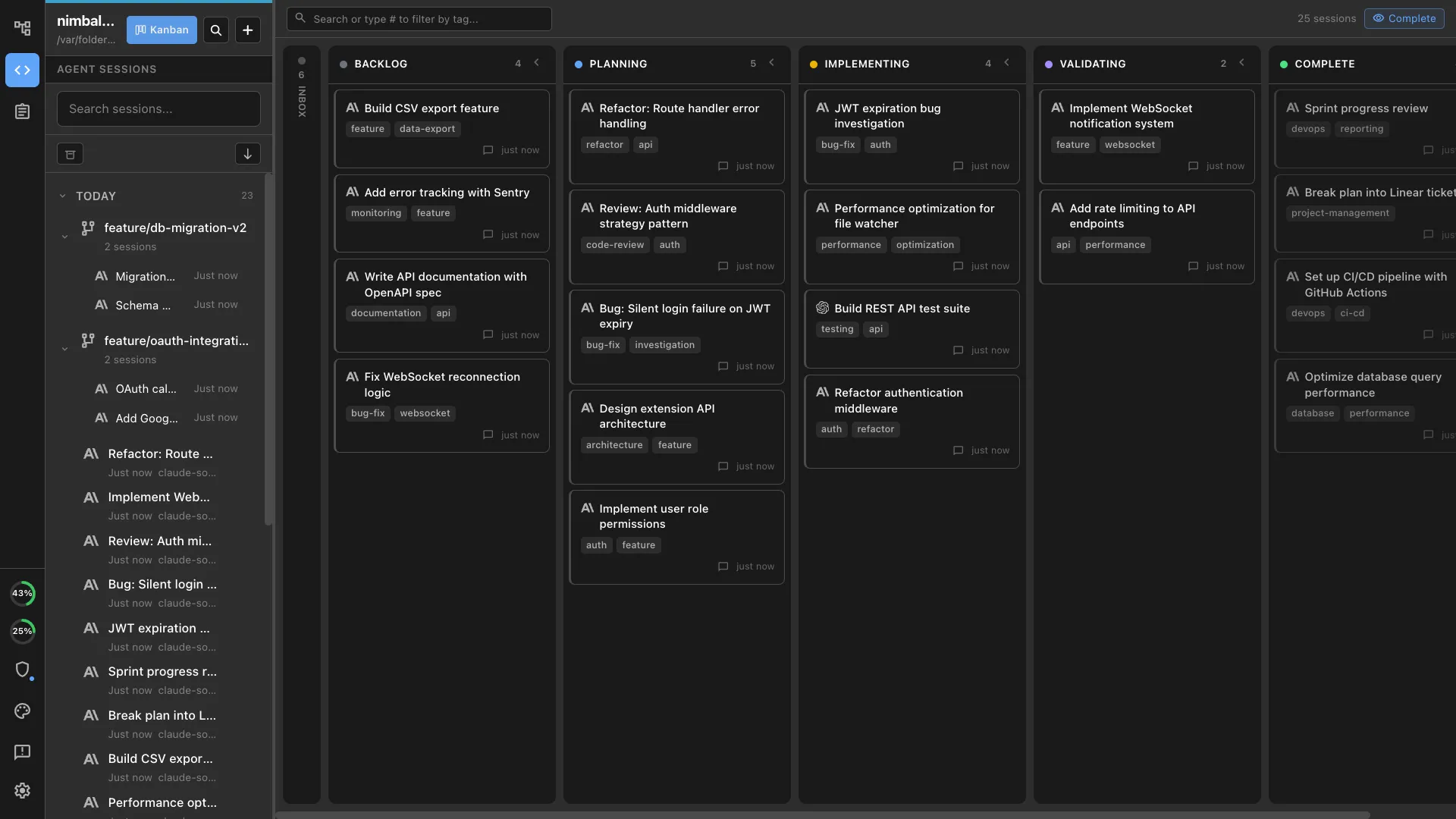
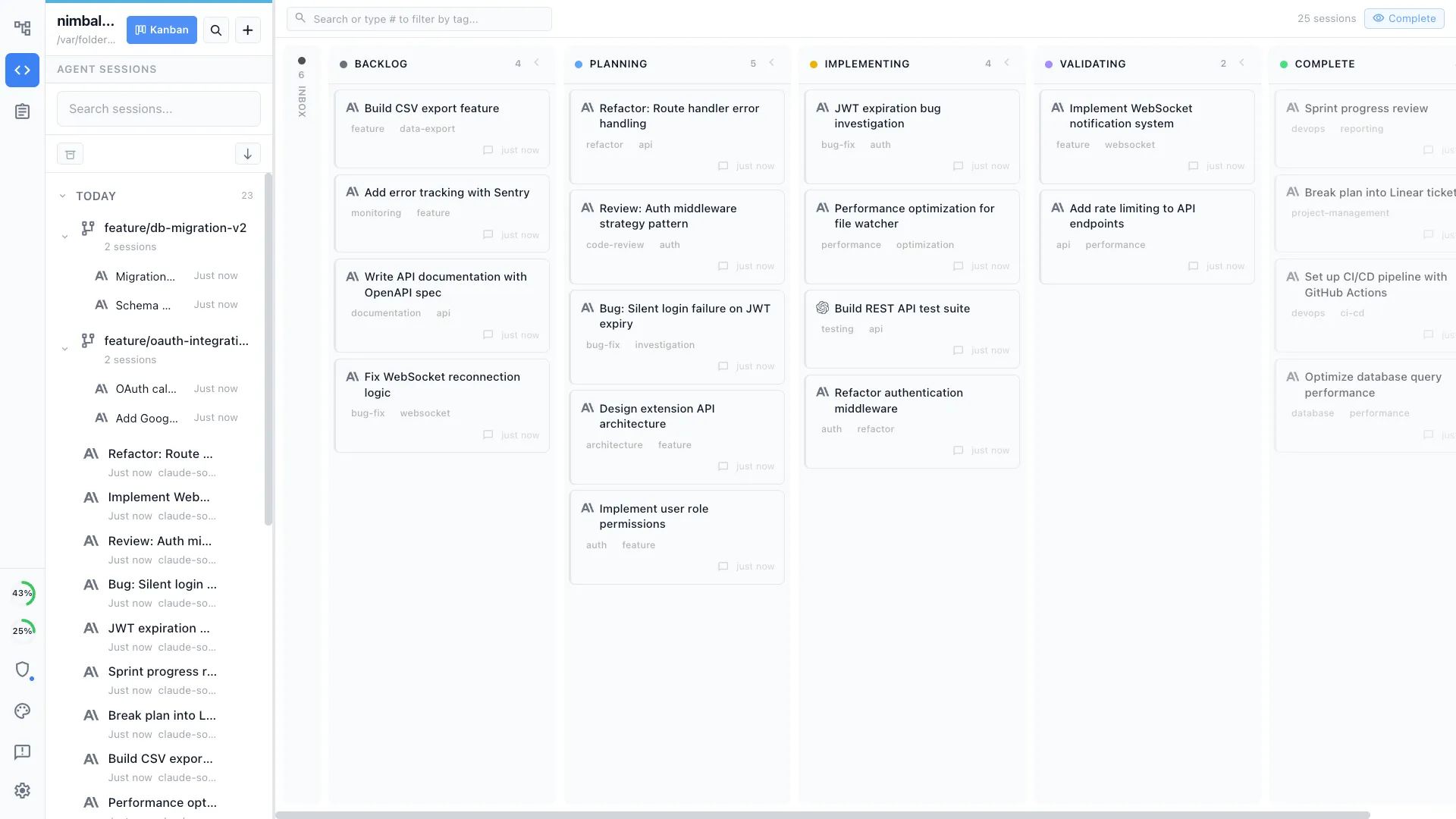
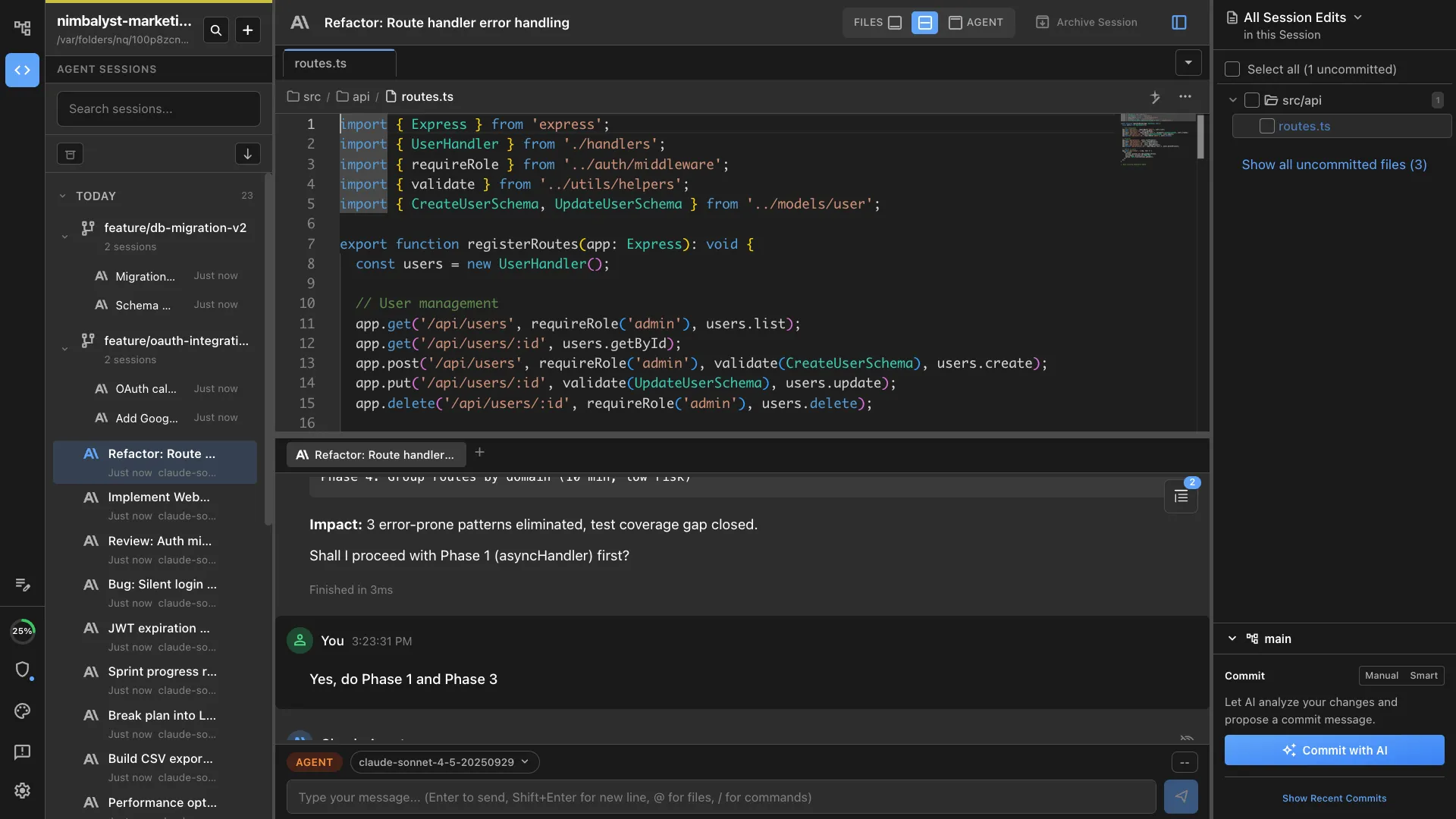
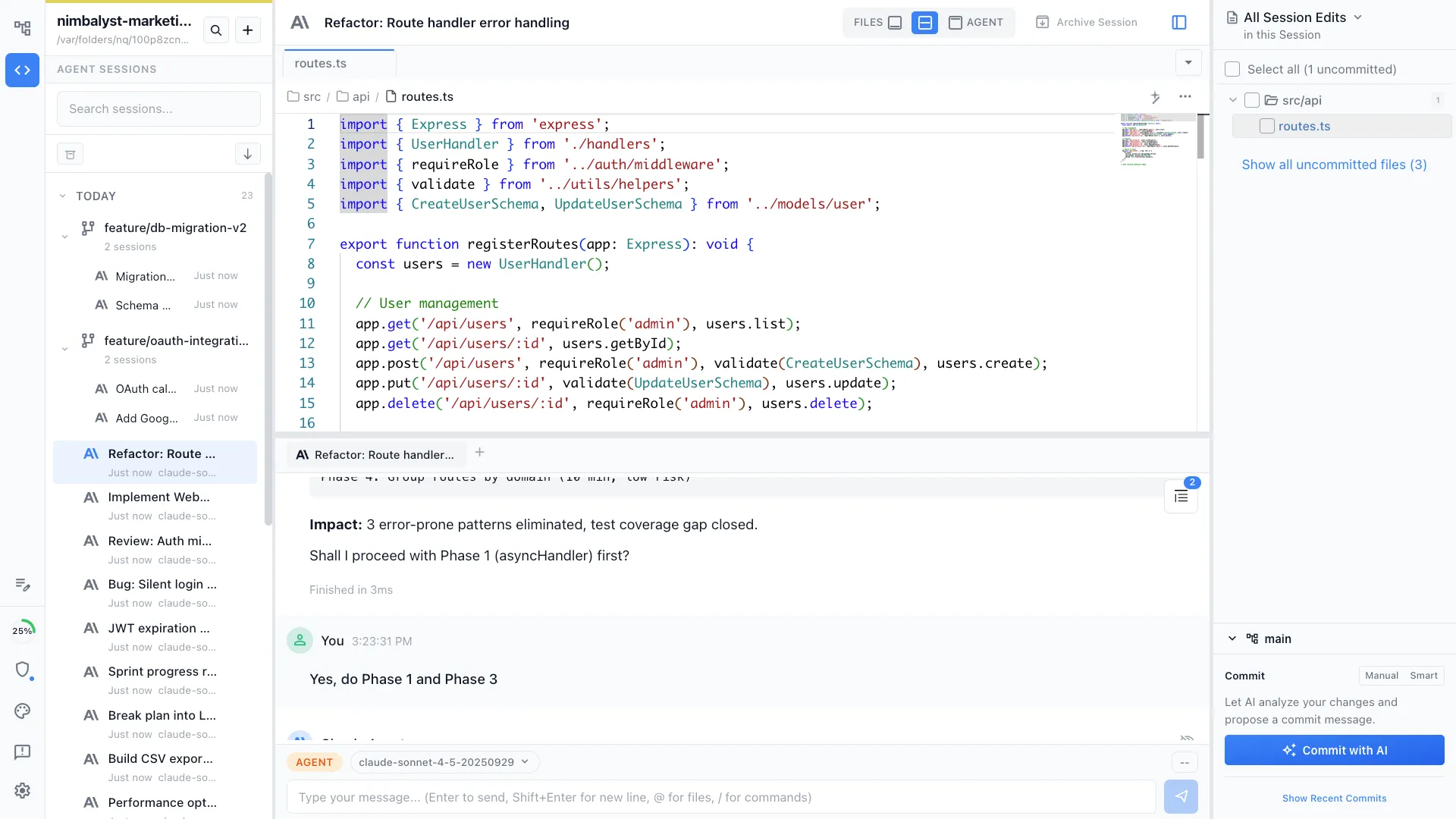
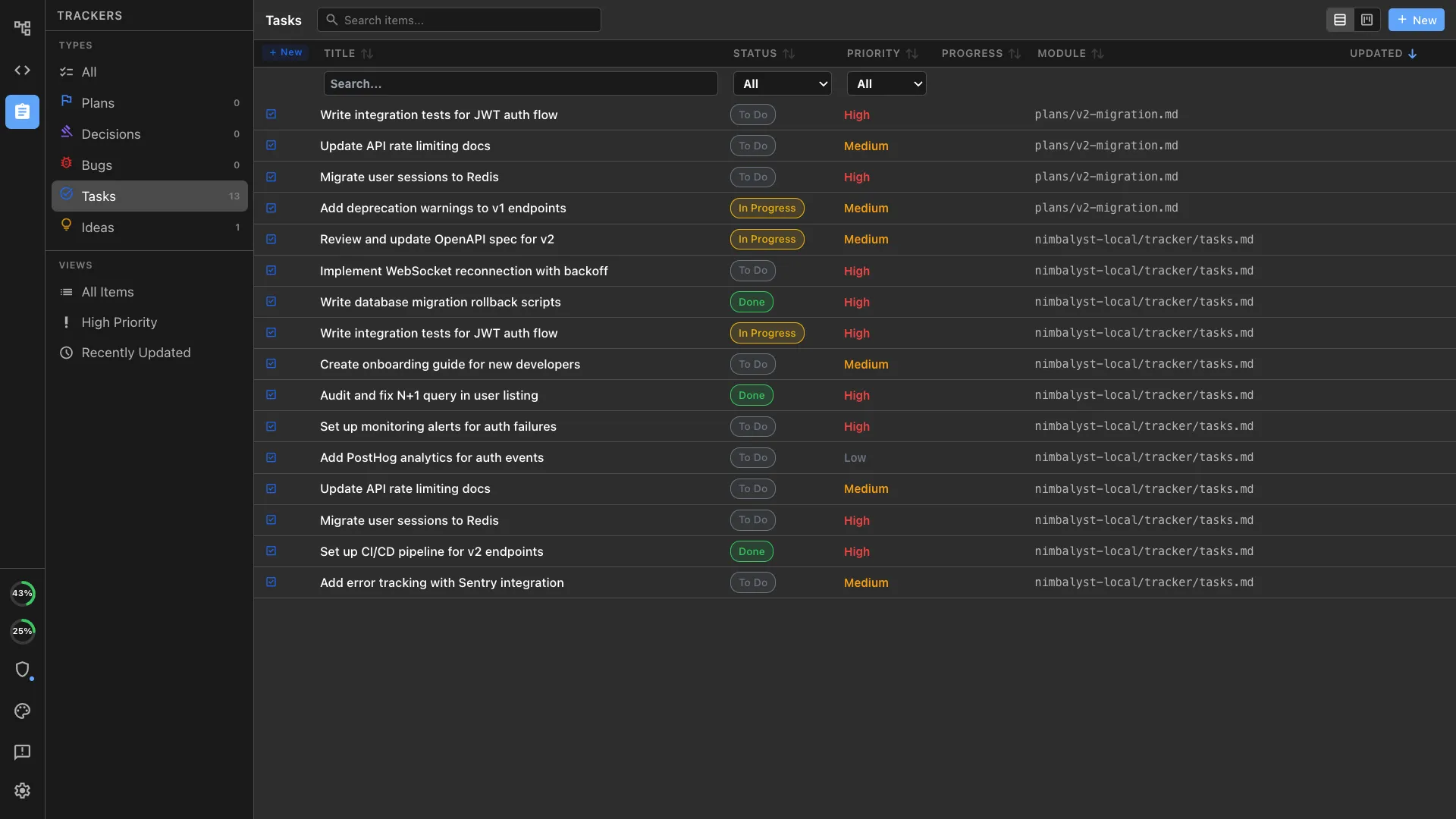
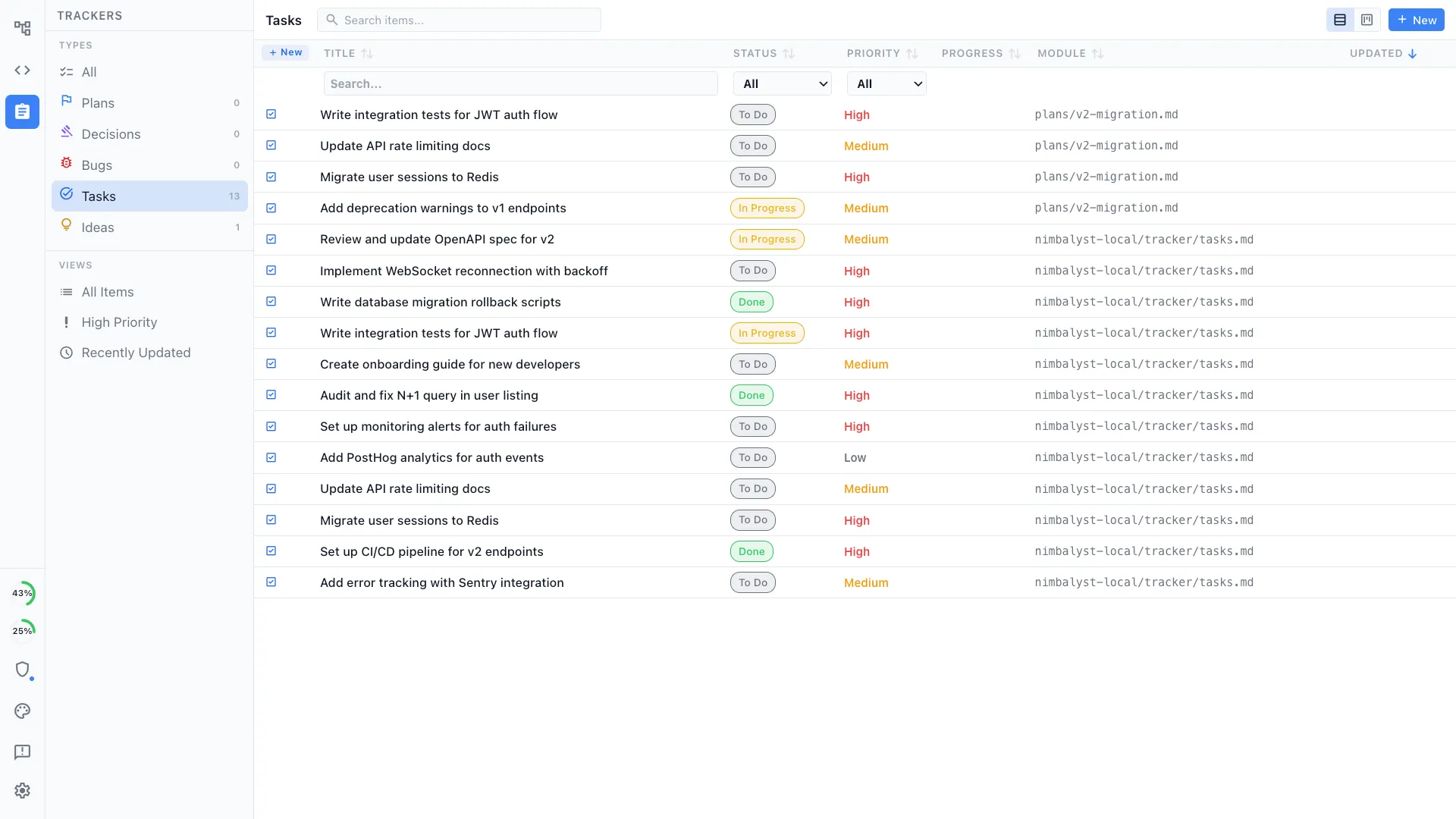
Nimbalyst is an AI-native workspace built on top of Claude Code and Codex. It adds a session kanban board for managing parallel agents, visual editors for markdown, mockups, diagrams, and data models, built-in planning and task tracking, and a mobile companion app. Your documentation lives next to your code and can directly guide implementation.
Confluence
Confluence is Atlassian's documentation and knowledge management platform. Teams use it for internal wikis, requirements, architecture notes, runbooks, and project documentation. It is strong at organizational knowledge sharing, permissions, and cross-team collaboration.
Feature Comparison
Side-by-side breakdown
Nimbalyst Advantages
Where Nimbalyst shines
Docs stay attached to the code
Specs, implementation notes, and runbooks sit in the same workspace as your code. When the code changes, your agent can update the docs in the same session. Confluence pages drift because they live outside the codebase.
Visual artifacts in the same workflow
Create architecture diagrams, mockups, and data models alongside the documentation they support. Your AI agent can reference and edit those artifacts directly.
Go from document to execution
A plan is not the end of the workflow. In Nimbalyst, you can turn a doc into an active AI session, track the implementation, and review the resulting changes without switching tools.
Your coding agents, integrated
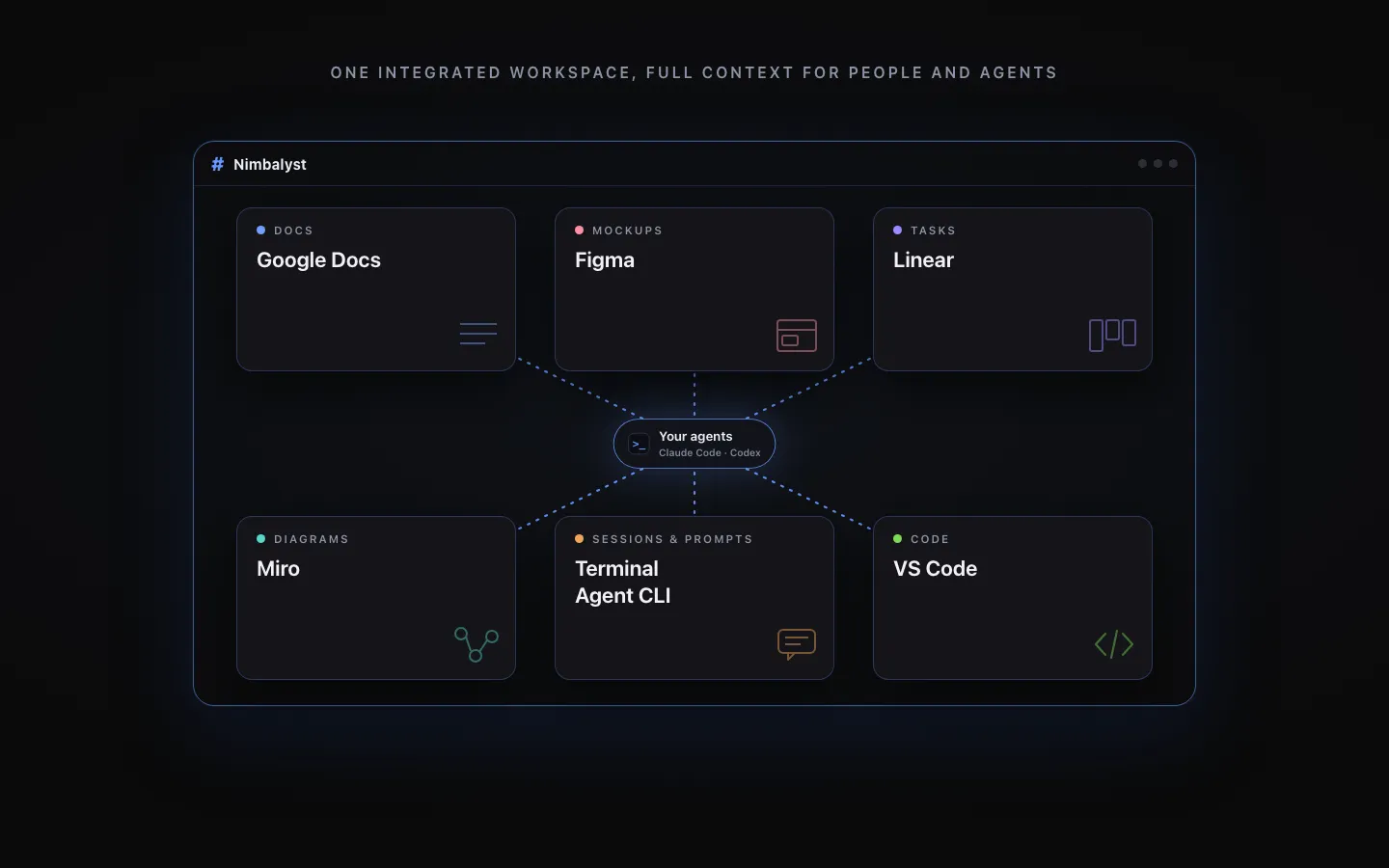
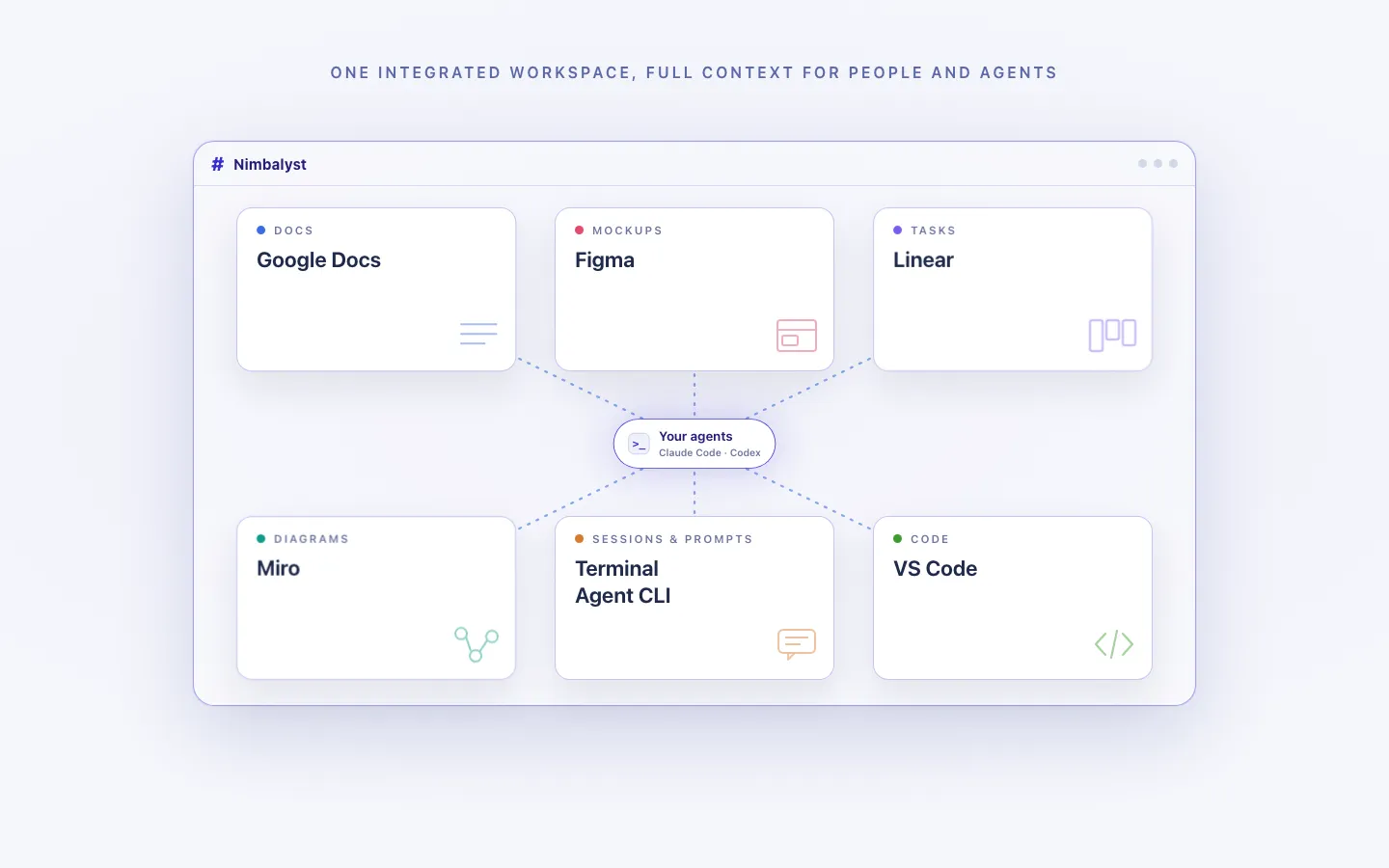
Claude Code, Codex, and other supported agents work directly with the files, plans, tasks, and visual artifacts in the workspace.
Every artifact in one workspace
Edit markdown, mockups, diagrams, code, and CSV data together, with the same project context available to people and agents.
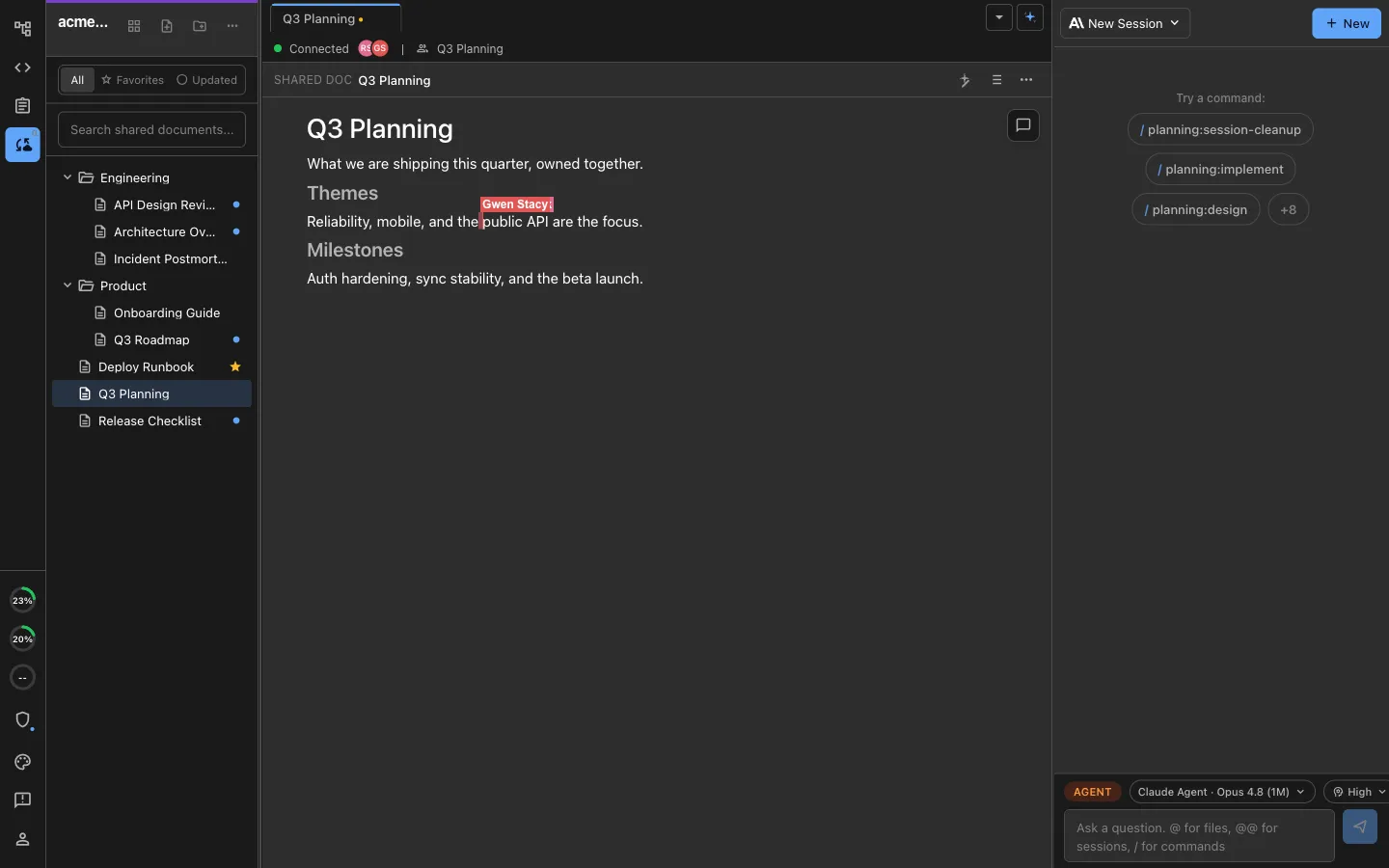
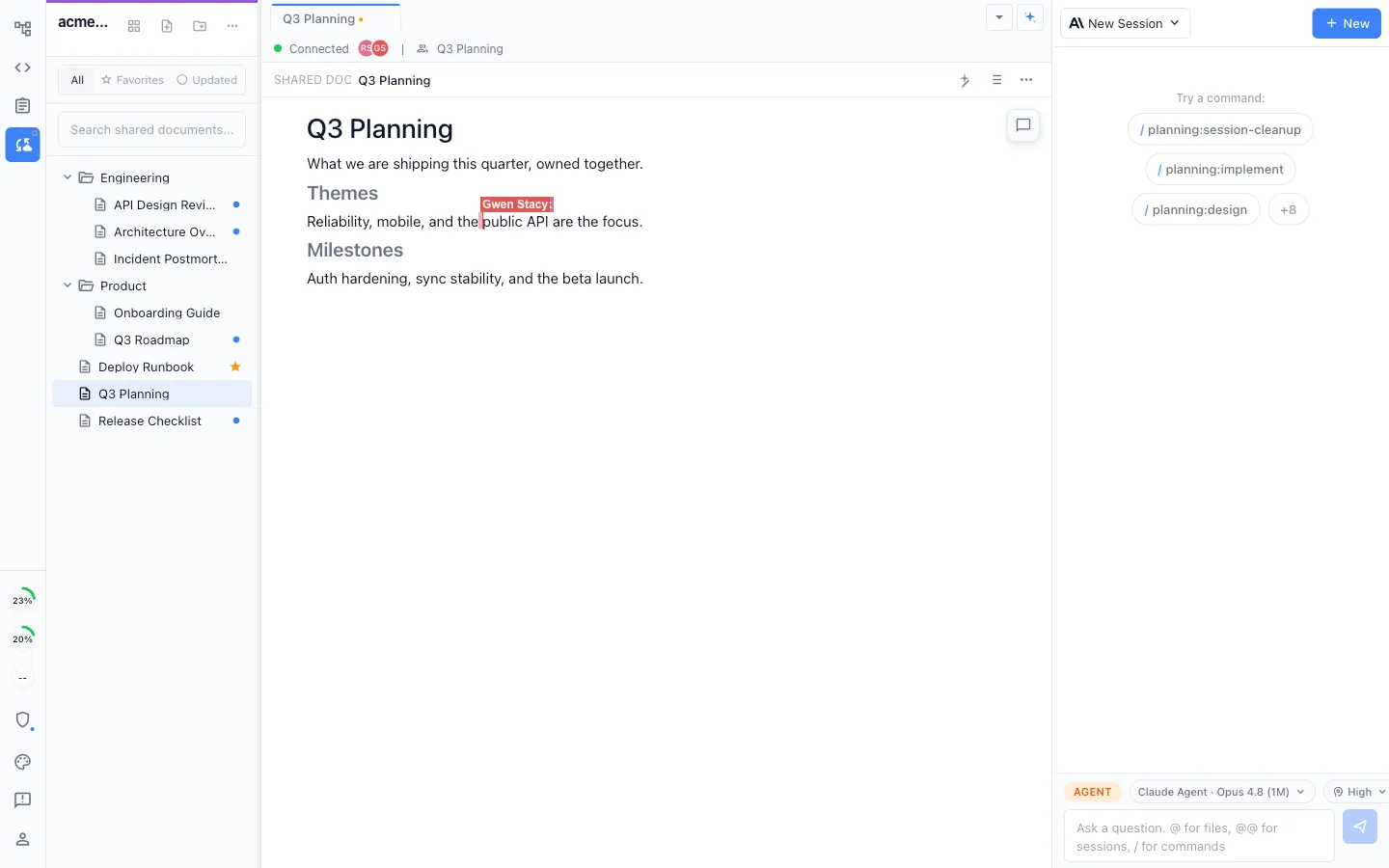
Local for individuals, collaborative for teams
Work locally in the MIT-licensed desktop app, or collaborate in real time on shared docs, diagrams, mockups, and trackers.
Honest Assessment
Where Confluence is stronger
Enterprise collaboration
Confluence is built for large teams with comments, approvals, page history, and sharing patterns that work across departments.
Atlassian ecosystem
Confluence connects deeply with Jira, Jira Product Discovery, and the rest of Atlassian's stack. If your organization already runs on Atlassian, that integration matters.
Knowledge base at organization scale
Confluence is better suited for company-wide wikis, policy docs, onboarding, and broad internal documentation that many teams need to access.
Recommendation
Who should use which
Choose Nimbalyst if…
You want technical docs, plans, diagrams, and code connected in one AI-native workspace so agents can both understand the context and execute the work.
Choose Confluence if…
You need a company wiki with enterprise permissions, broad cross-functional collaboration, and tight integration with Atlassian's SaaS stack.
Note: You can connect Nimbalyst to Confluence via MCP and work with both solutions.
Want docs, plans, and execution connected in one workspace instead of another team wiki? Try Nimbalyst free.
Free for individuals. Works with your existing Claude Code or Codex subscription or API key.
Wiki Teams is one multiplayer wiki for your whole team and all of your agents.