Overwhelmed and disorganized by Codex and Claude Code? Use Nimbalyst Wiki.
A local wiki your agents write for you so you can think, organize, and set direction
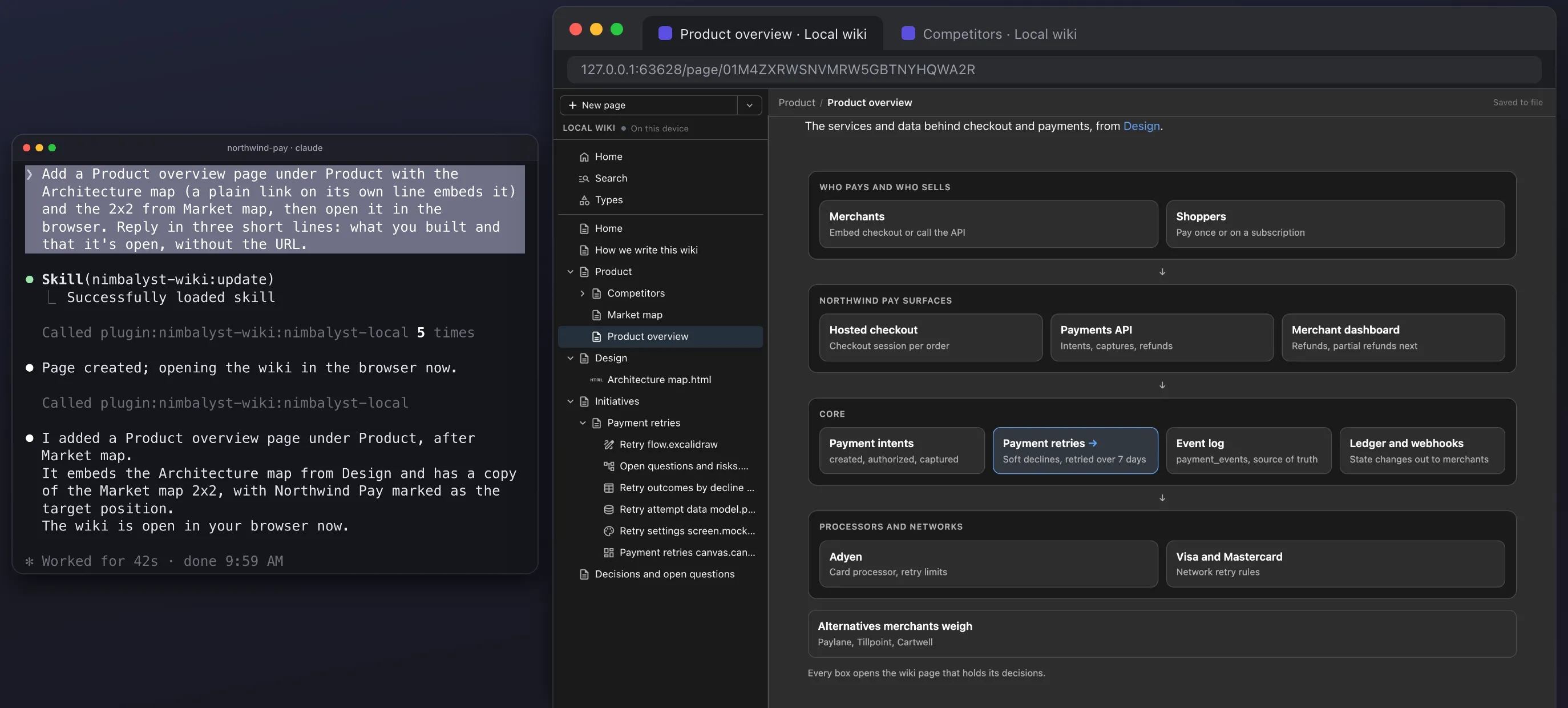
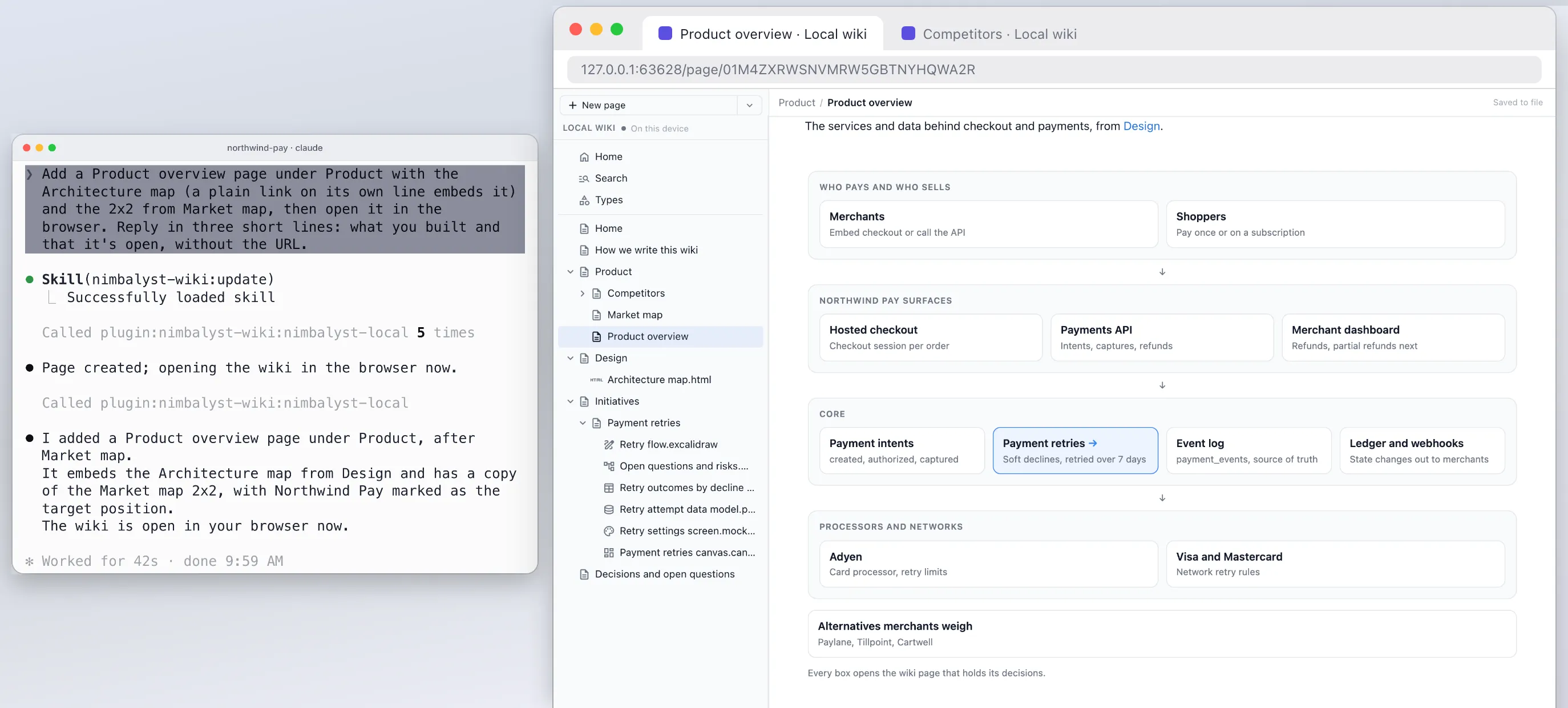
Your agents organize decisions, open questions, and the big picture into a wiki you can edit.
Free plugin for Claude Code, Codex, Cowork, Cursor, VS Code or any MCP agent. No Nimbalyst app or account needed.
How it works
Plug it into your coding agents
Install it in your agent workspace
Pick the agent workspace you use. Each one takes one setup step, and every agent works on the same wiki, so you can switch later without losing anything.
Install the Nimbalyst Wiki plugin. It brings the wiki tools, the setup, capture and recall commands, and two reminders. At the start of a session the agent hears what your wiki covers and which pages cover the files you changed, and before a session ends it is reminded to record what you decided.
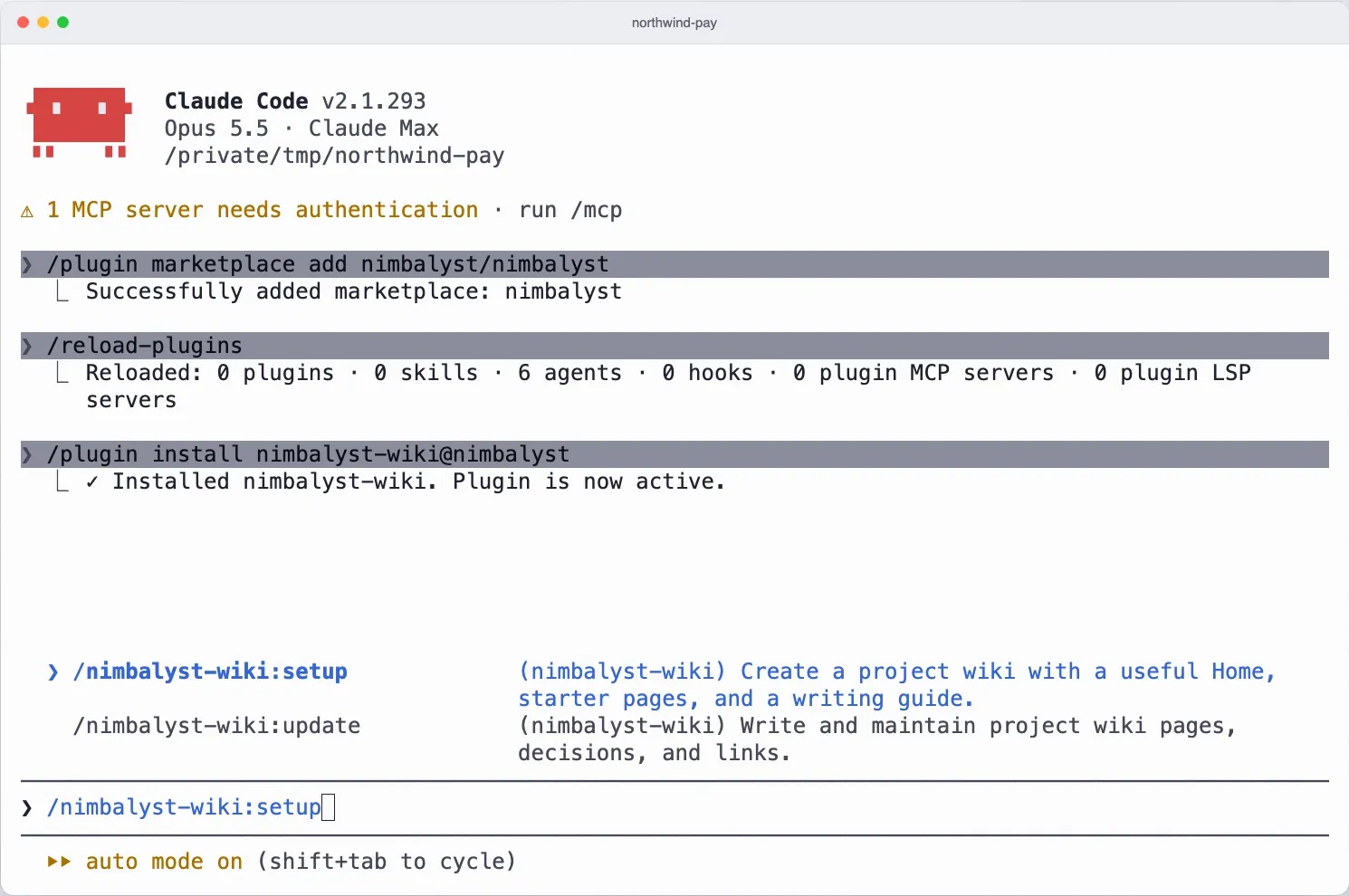
/plugin marketplace add nimbalyst/nimbalyst-wiki
/plugin install nimbalyst-wiki@nimbalyst-wiki
Then run /nimbalyst-wiki:setup and your agent builds a Home page, a writing guide and starter pages from your repo. For a short tour first, run /nimbalyst-wiki:start.
Run setup and your agent builds the wiki
Claude asks who the wiki is for, then writes a Home page, a writing guide and starter pages from your README and docs, as markdown files in your repo.
/nimbalyst-wiki:setup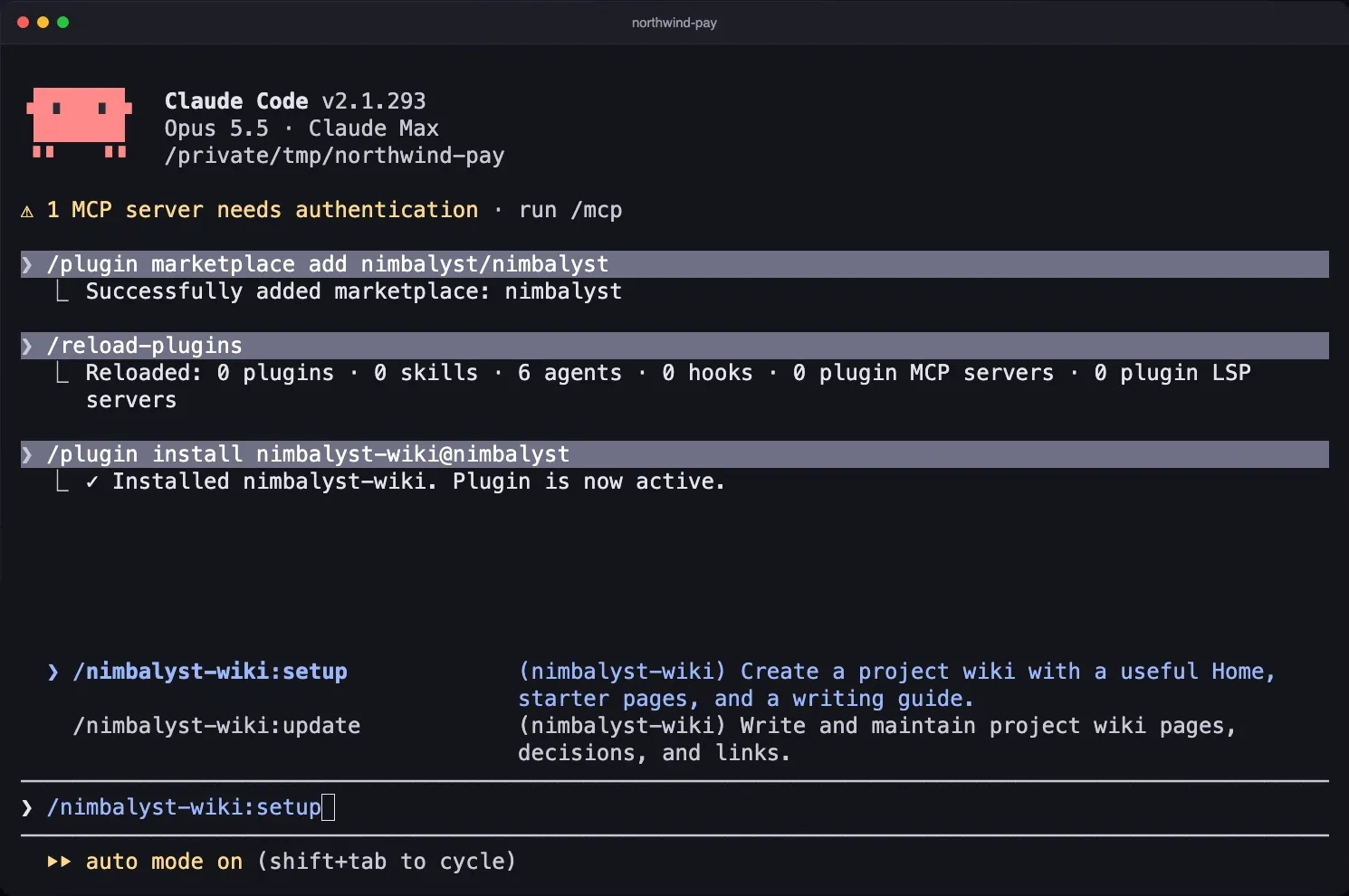
Capture what you decided
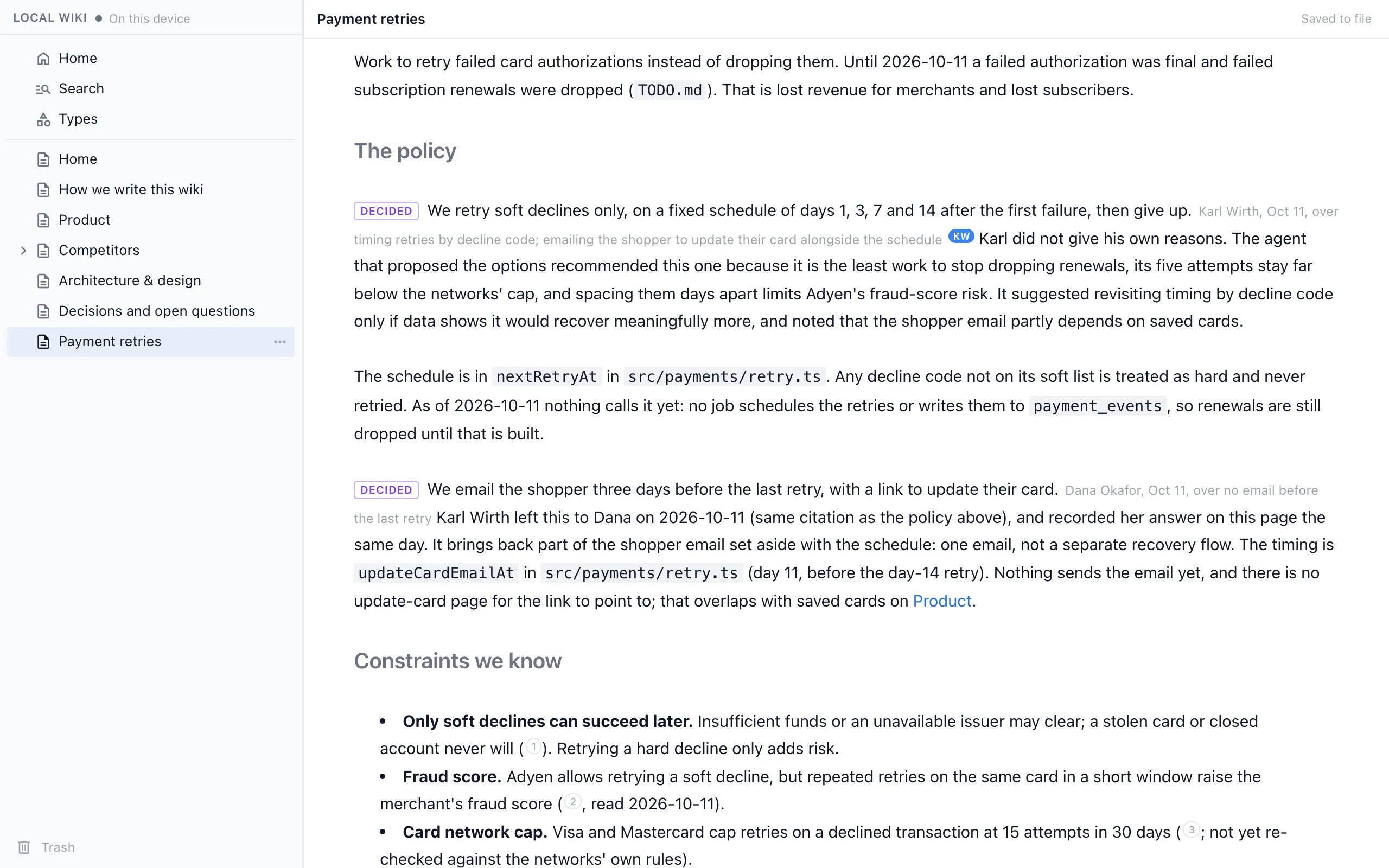
At the end of a session, capture writes each decision into the page it affects, with who decided, when and what was passed over, and records open questions with their owners.
/nimbalyst-wiki:capture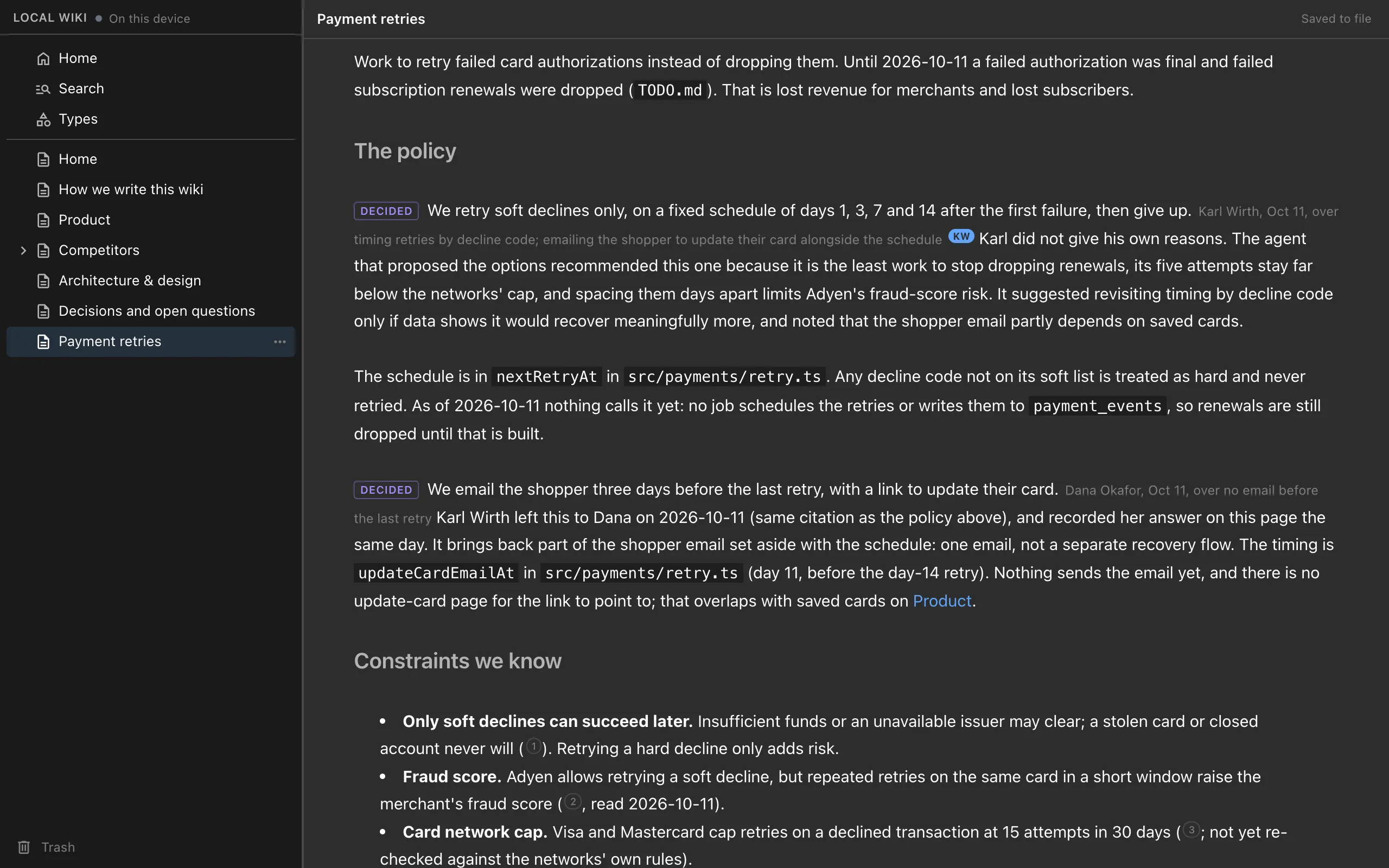
Read and edit it in your browser
Ask your agent to open the wiki in your browser, with nothing to install, or run nim wiki serve from a terminal. Edit pages, drawings, mind maps, spreadsheets and mockups, with edits saved straight to the files and what your agent writes showing up live.
npm install -g @nimbalyst/wiki-web
nim wiki serve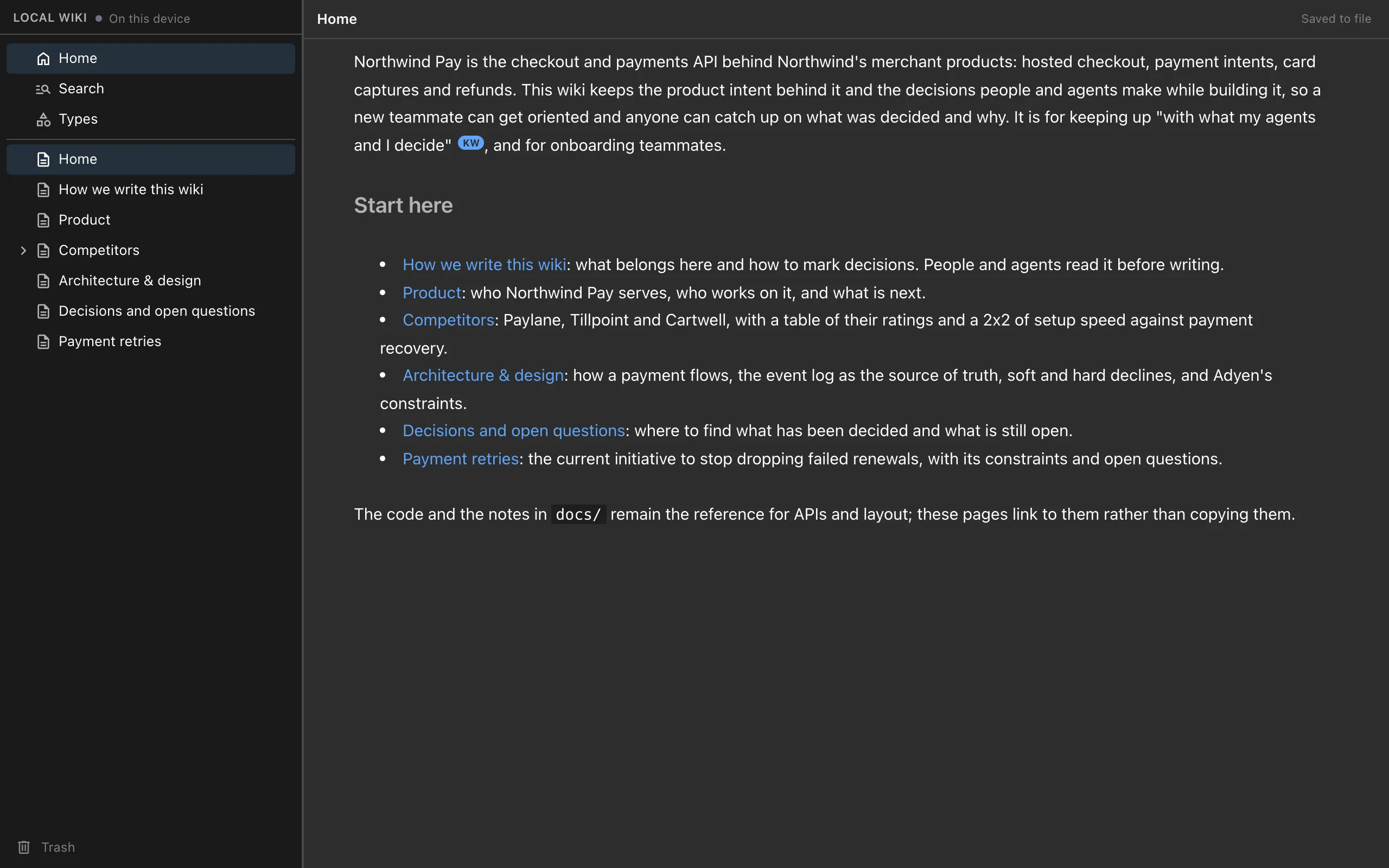
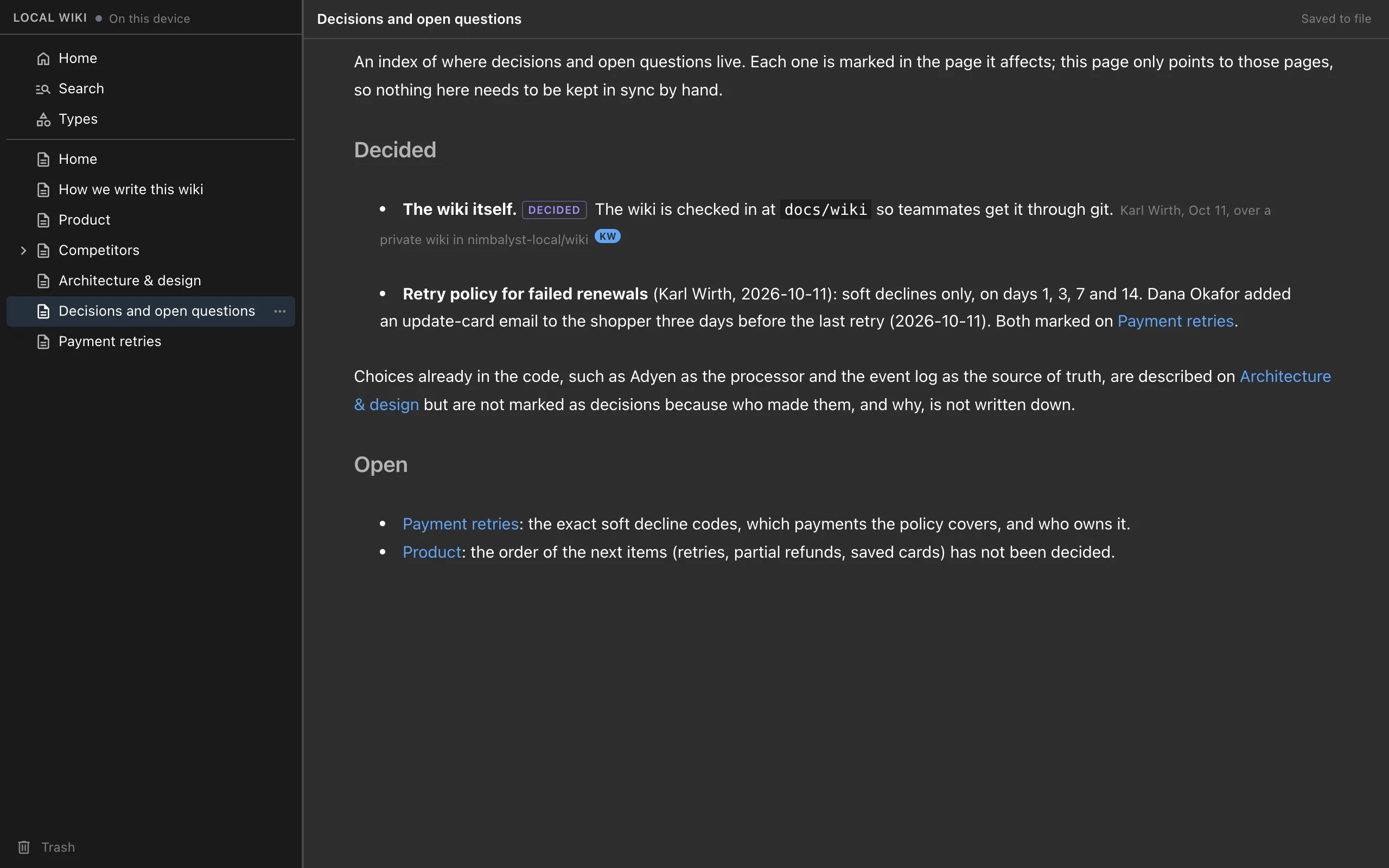
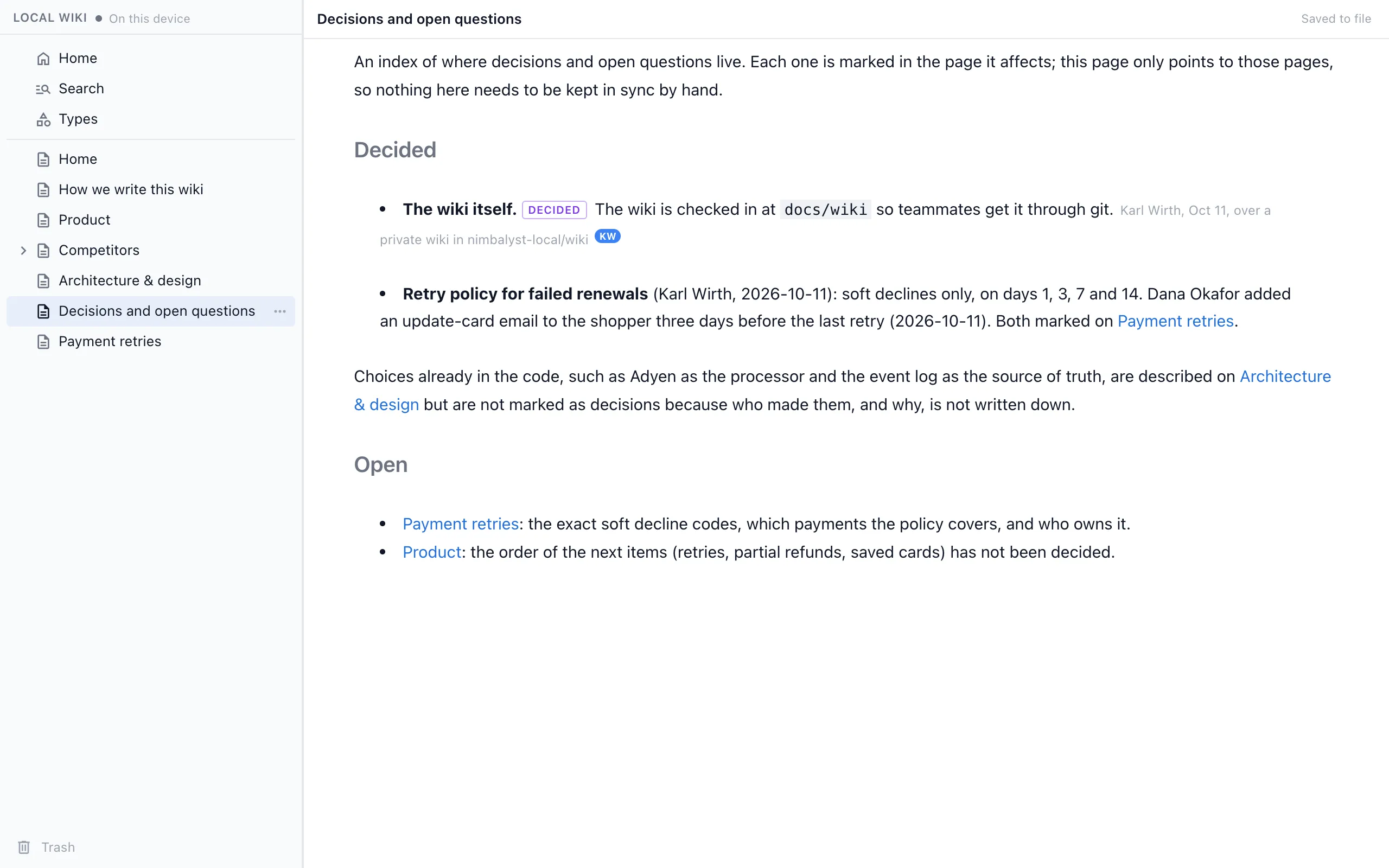
See what is decided and what is still open
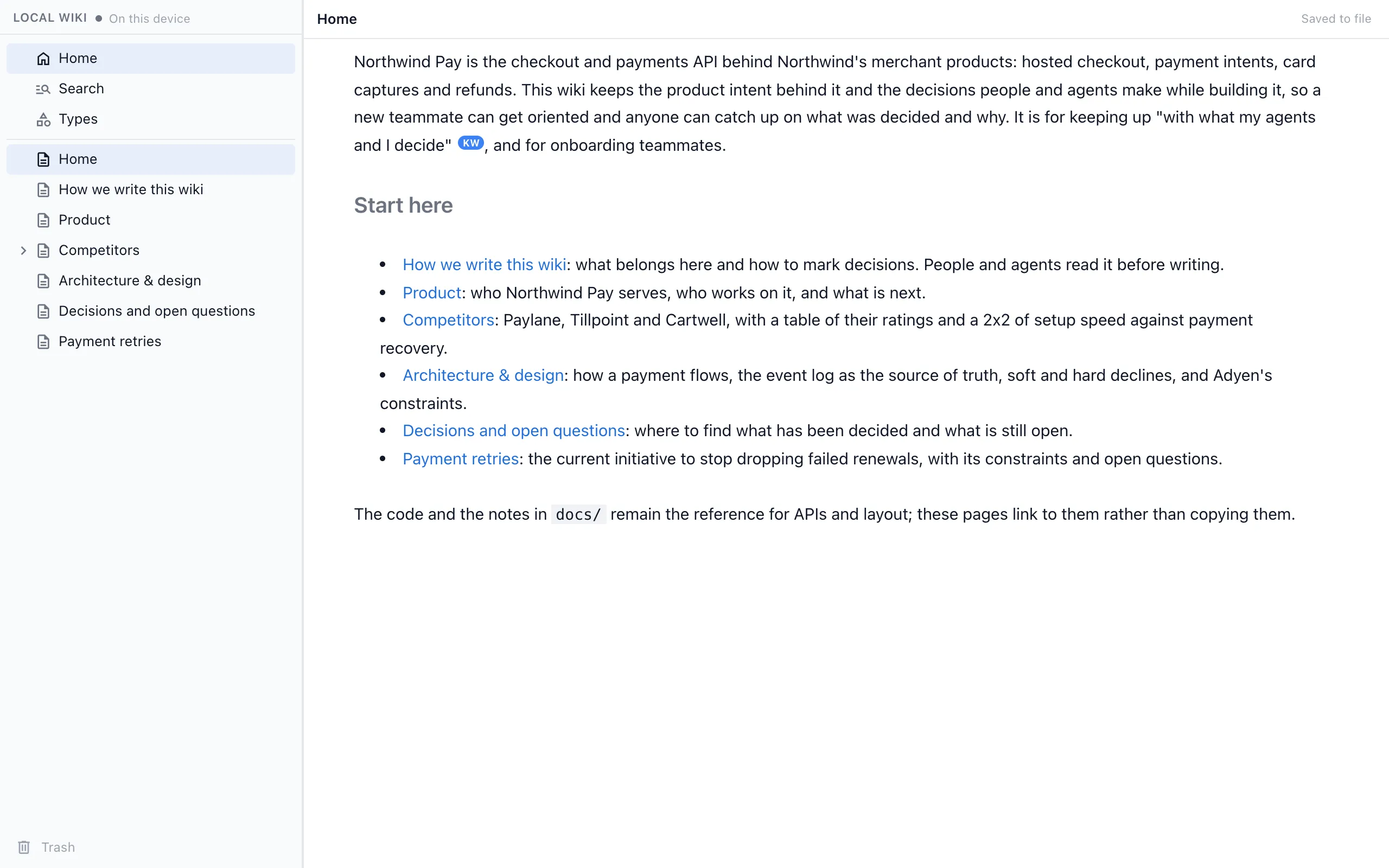
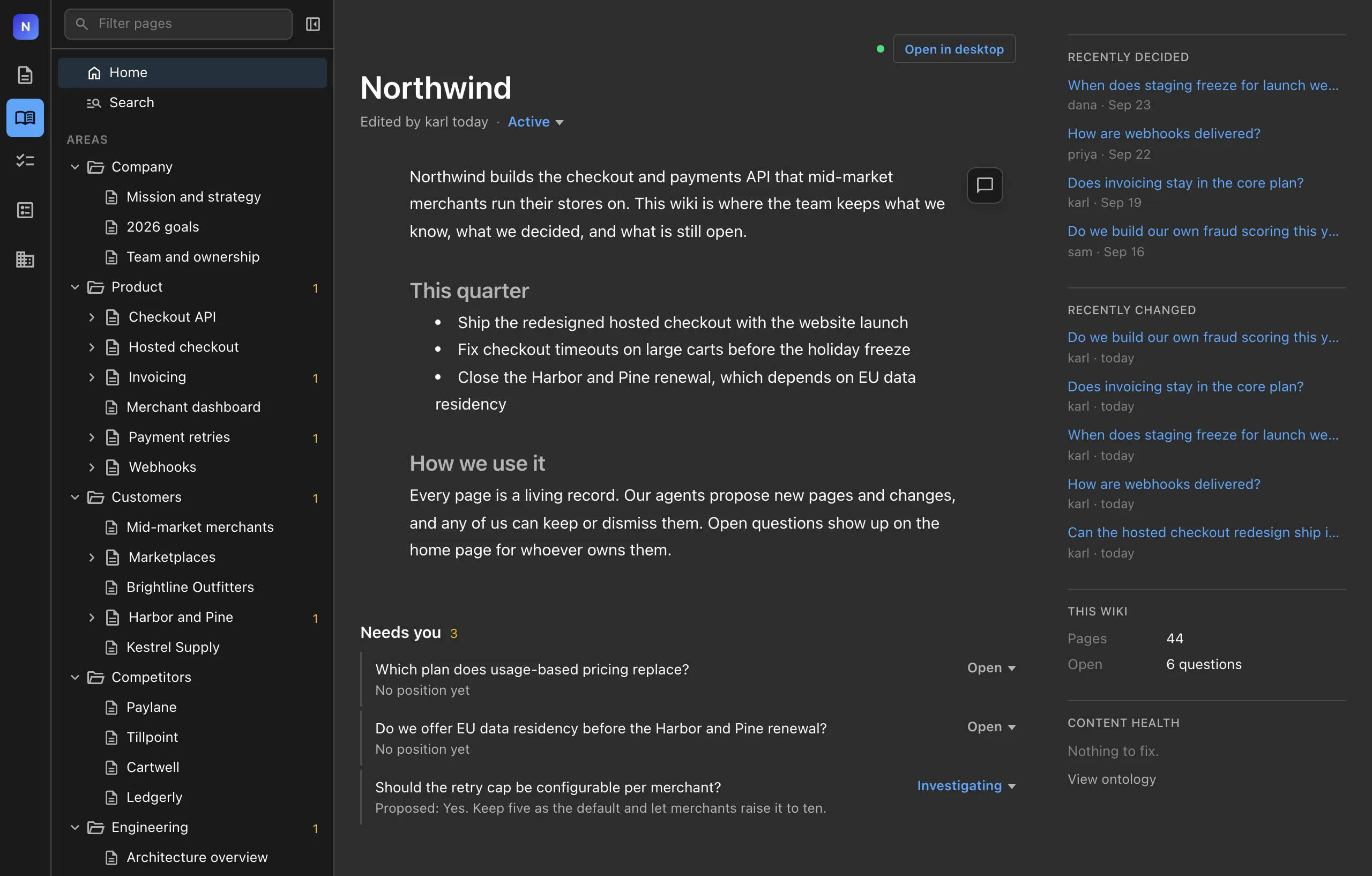
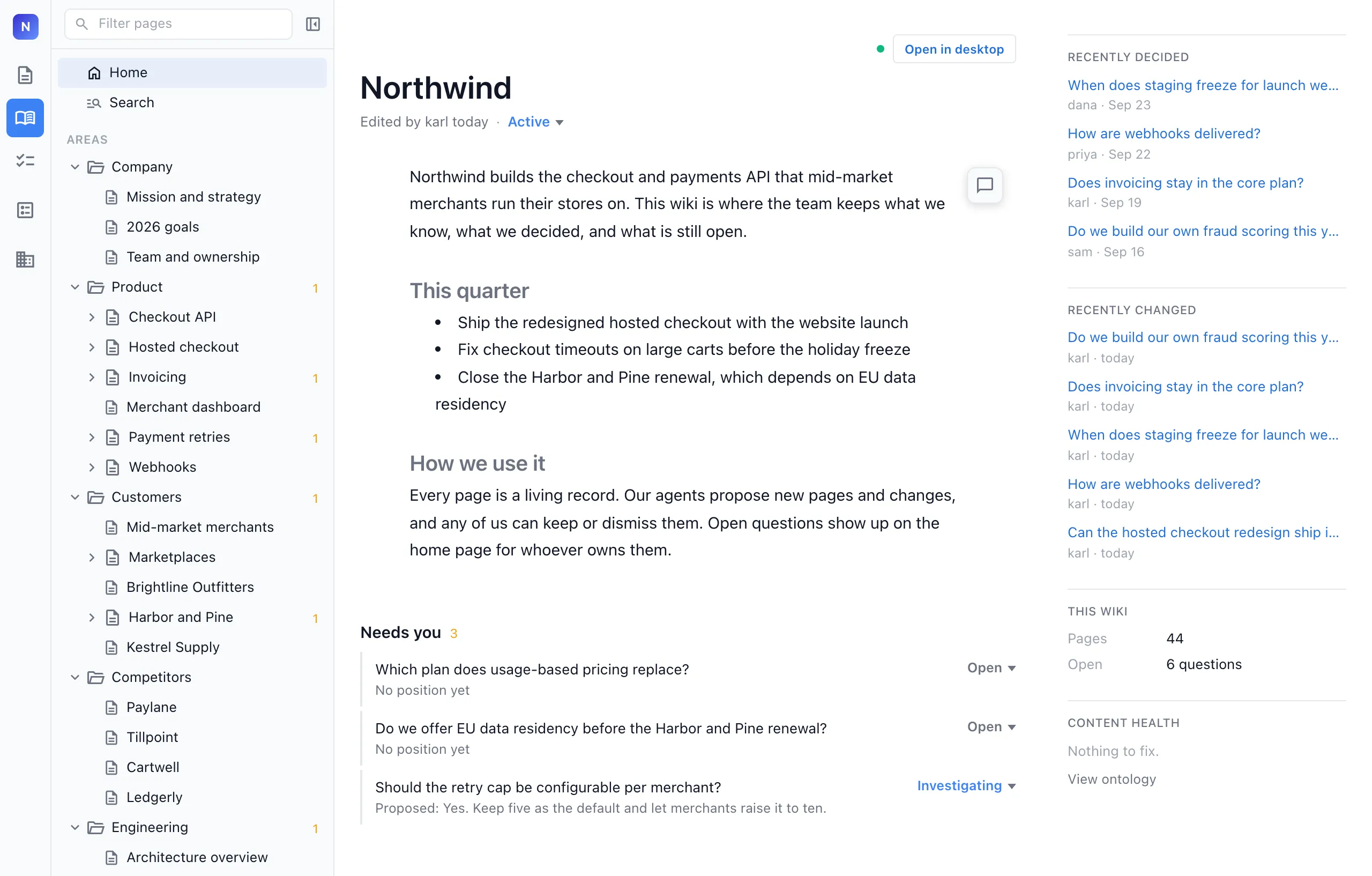
Every decision and open question is marked in the page it affects, and an index page links to each one, so you can catch up in a few minutes.
Track things with types
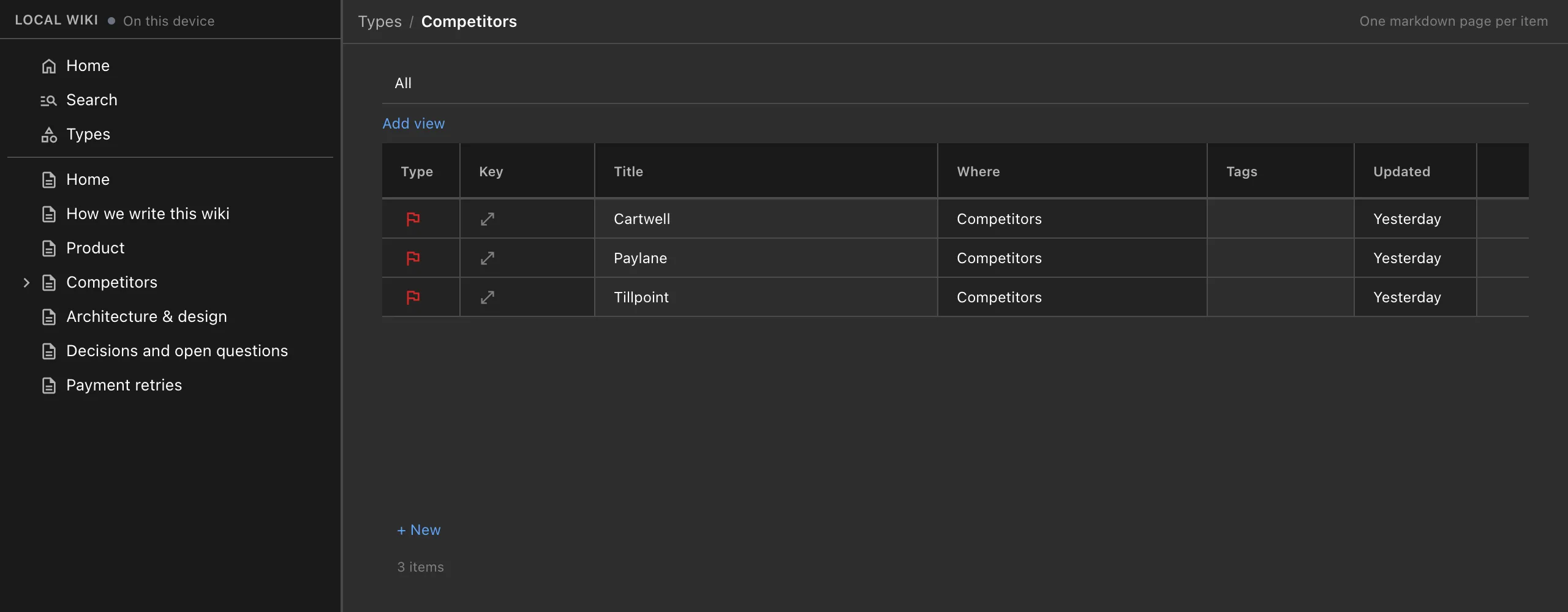
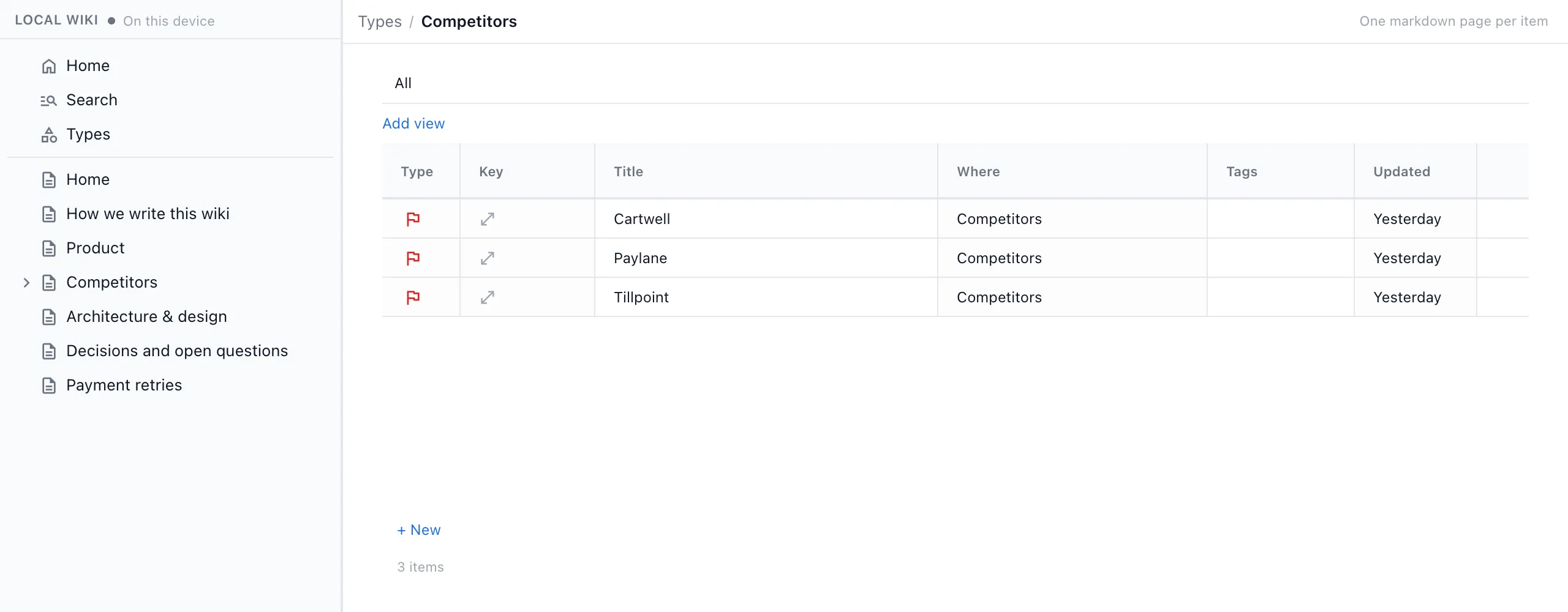
Ask your agent to track competitors, customers or features, and it creates a type with the fields you care about. Each item gets its own page with those fields at the top, and the type keeps a table of every item.
Track our competitors in the wiki: category, threat, setup speed and payment recovery for each.
Add drawings, mind maps, spreadsheets and more
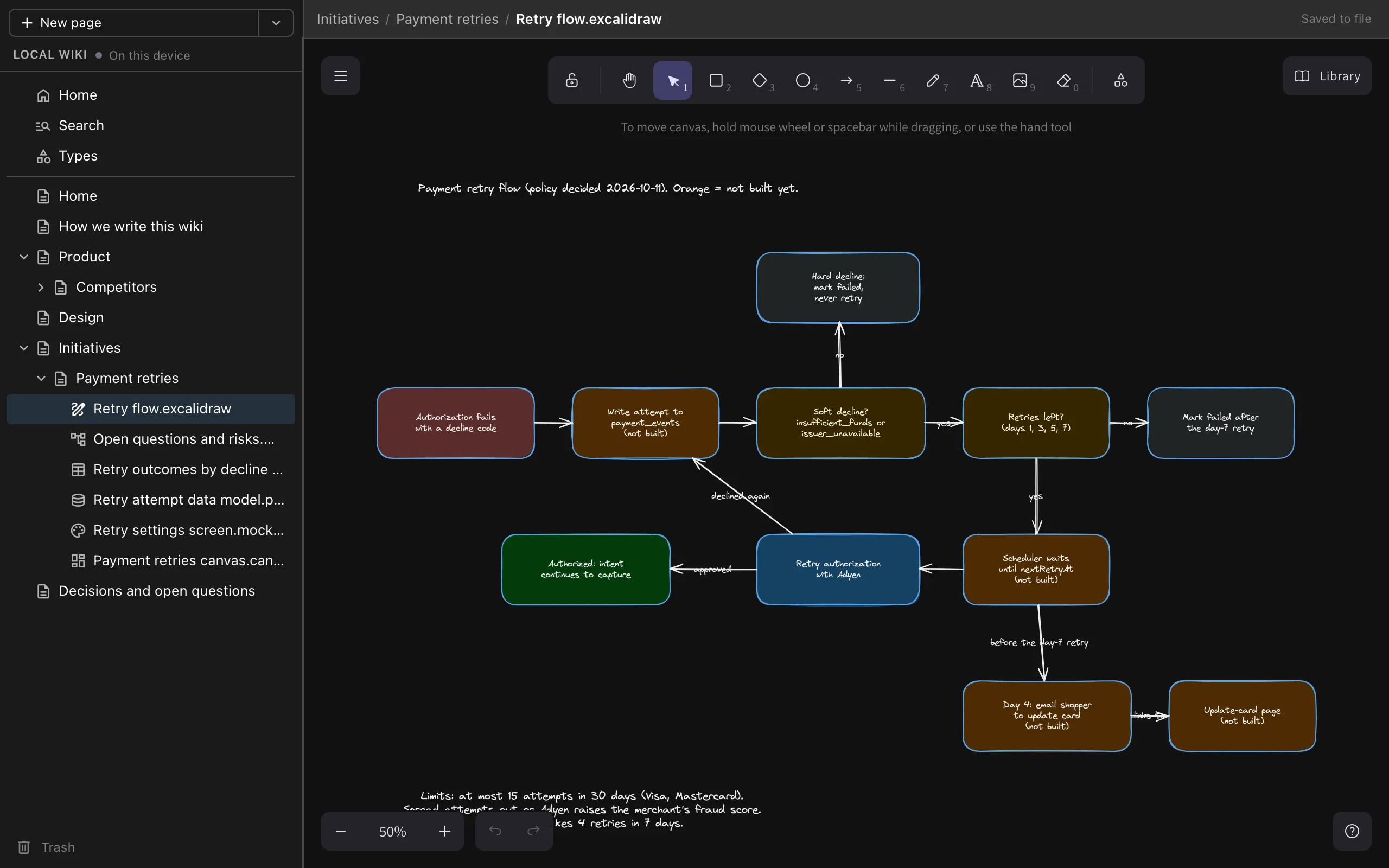
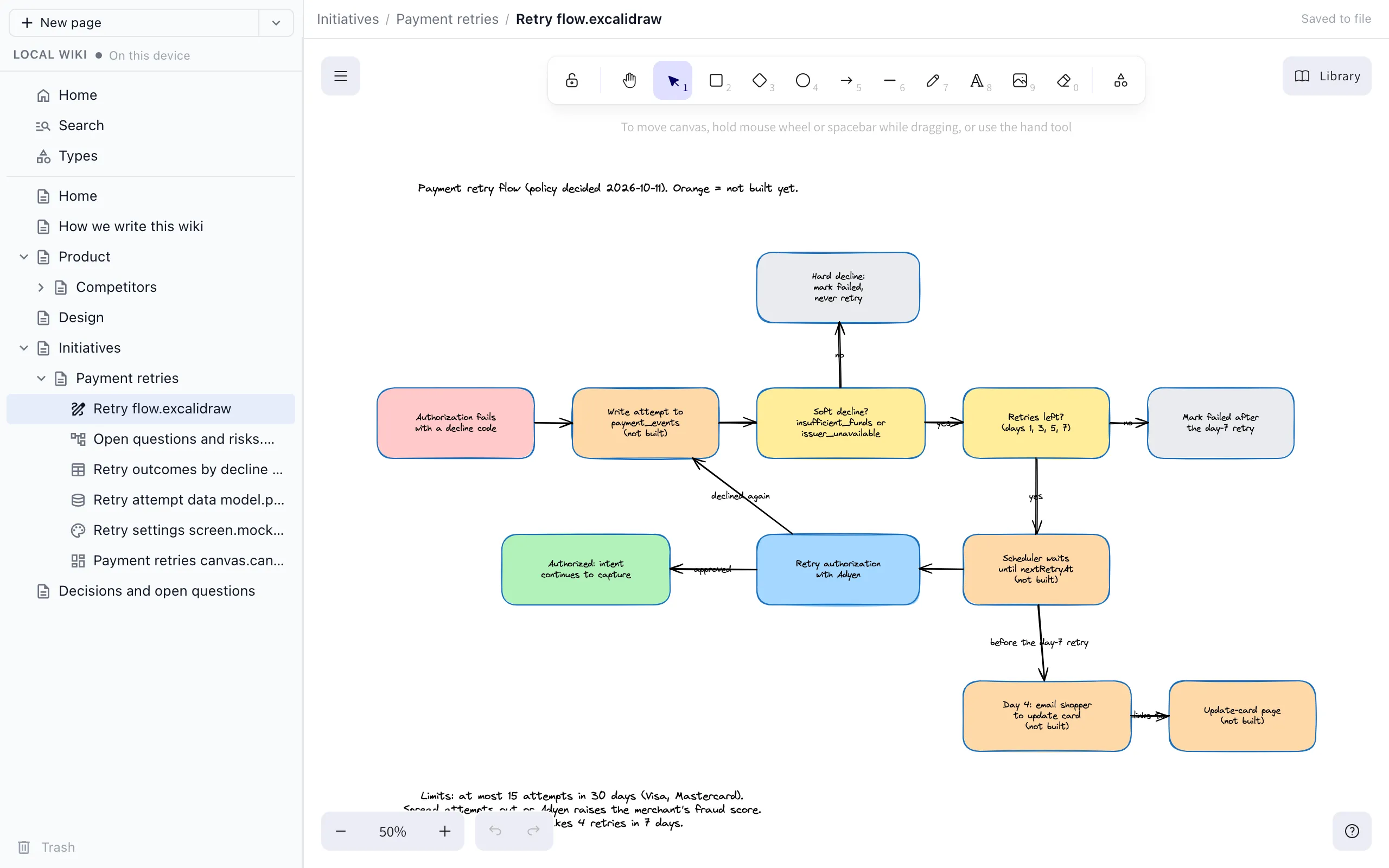
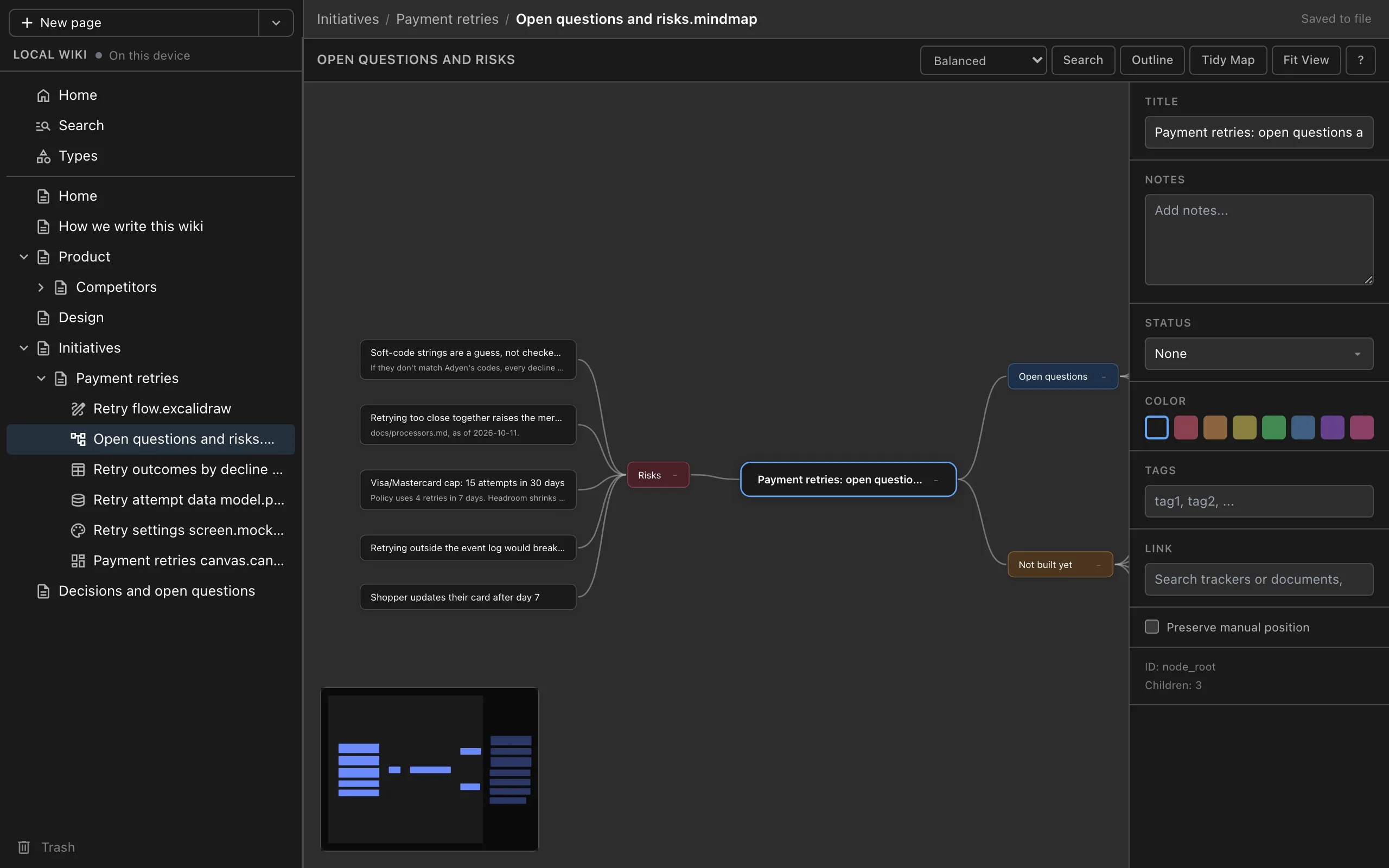
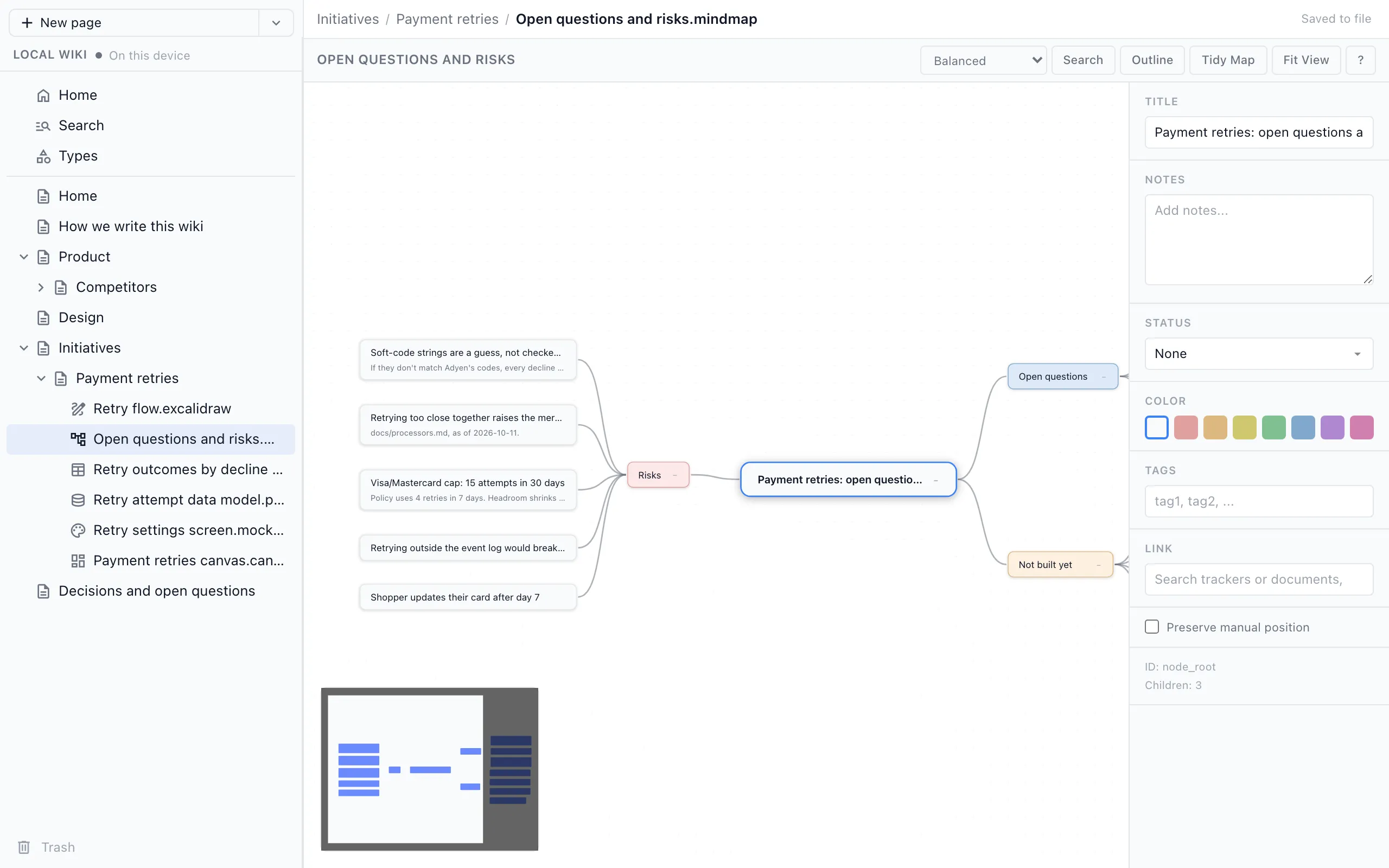
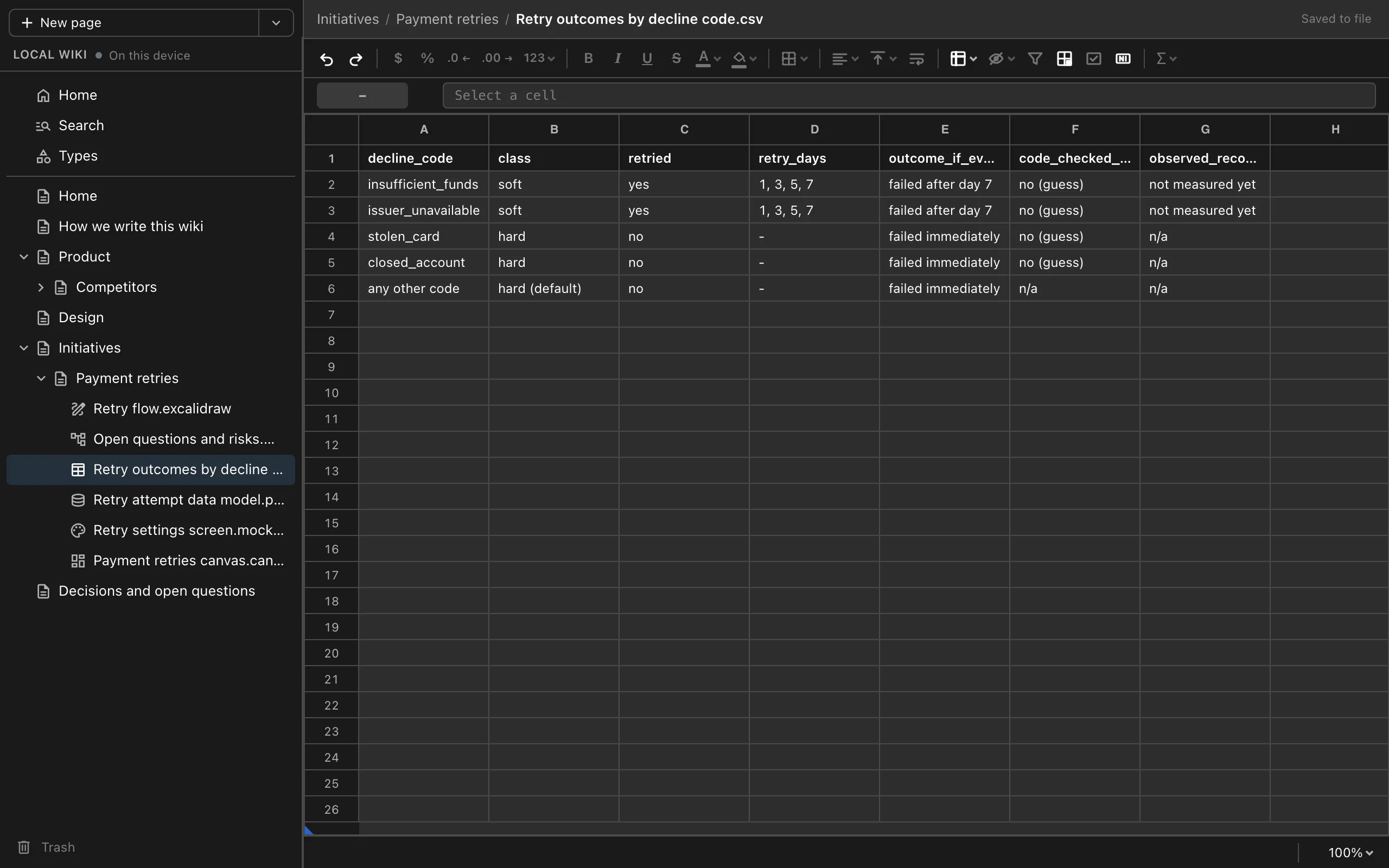
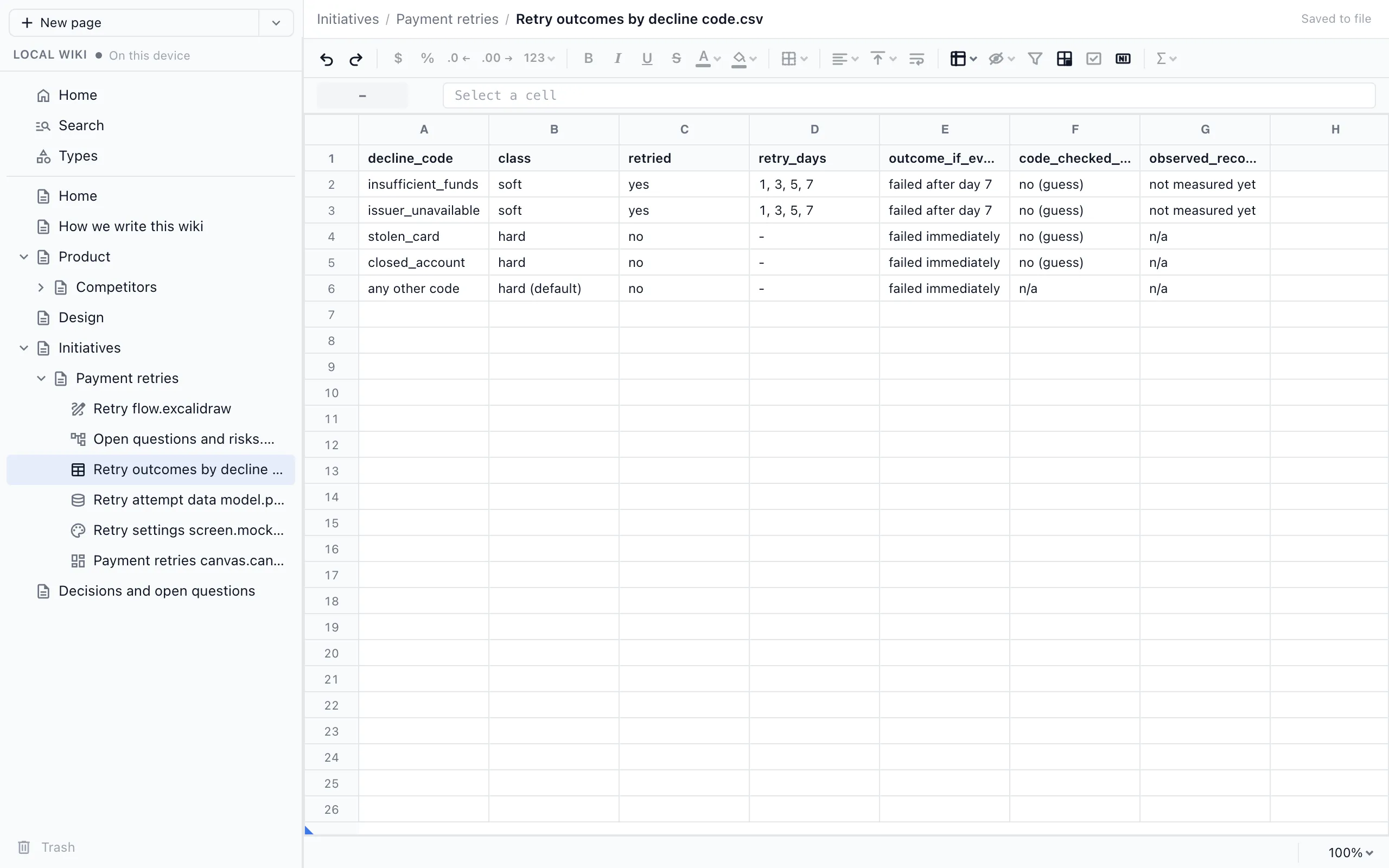
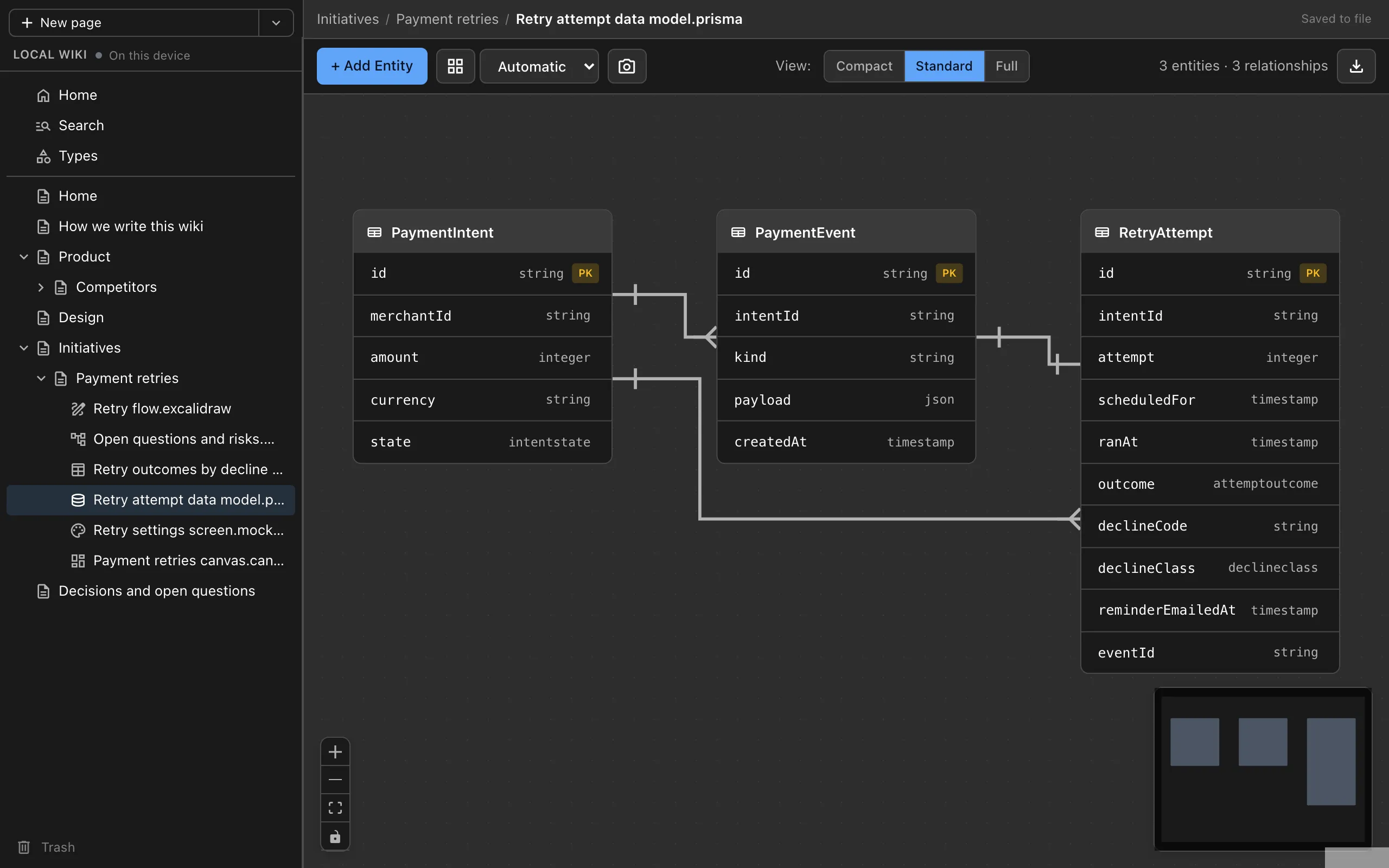
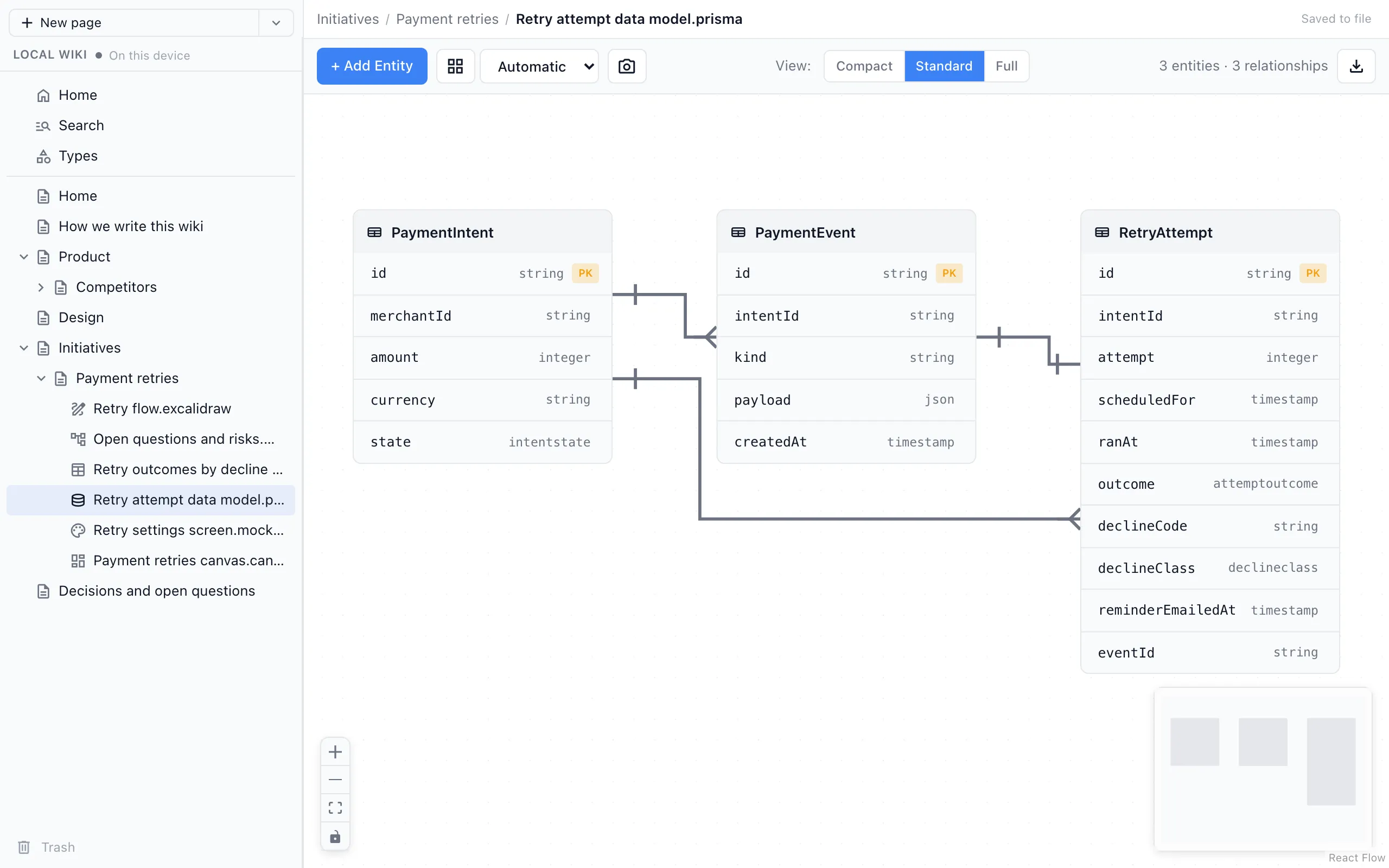
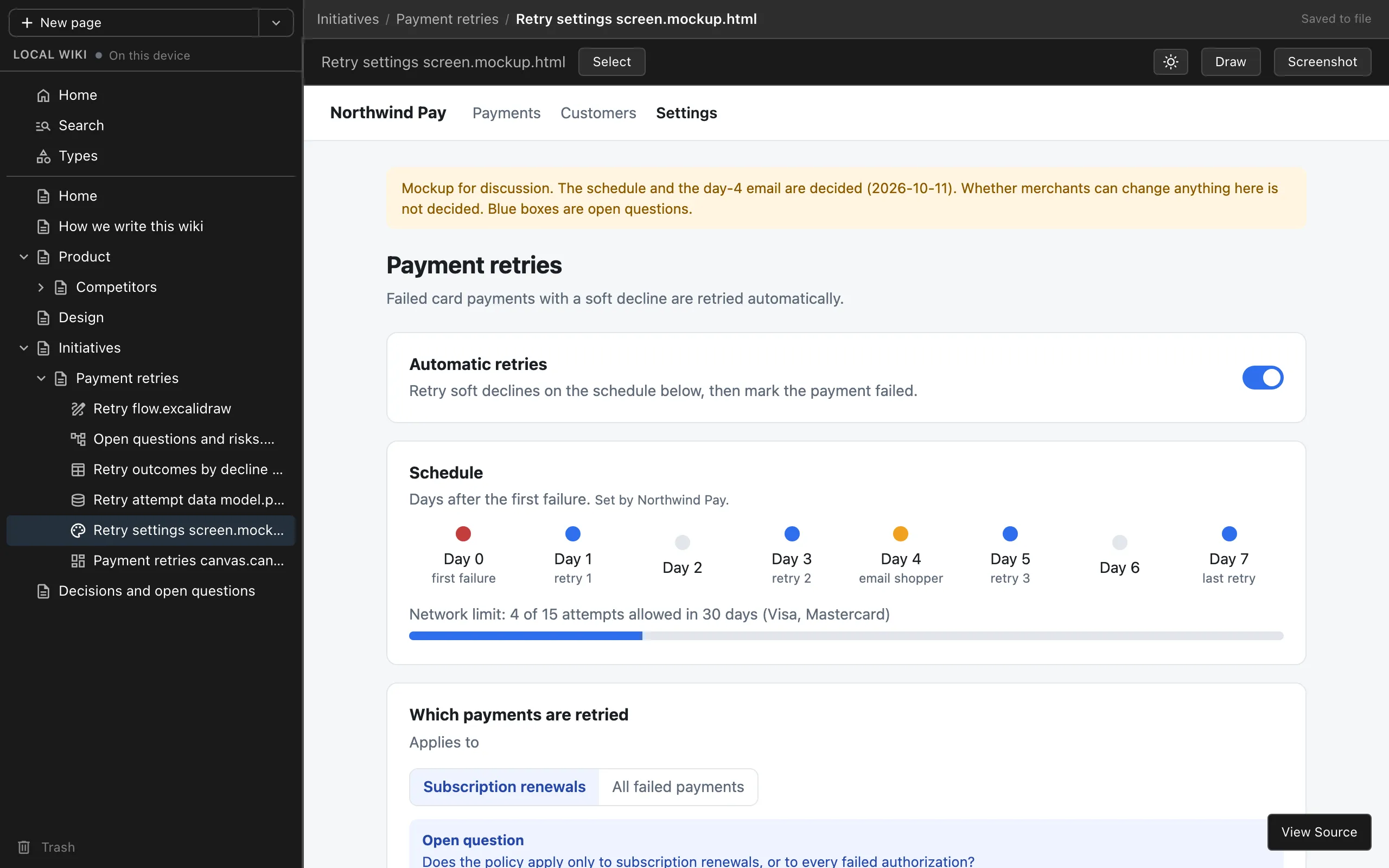
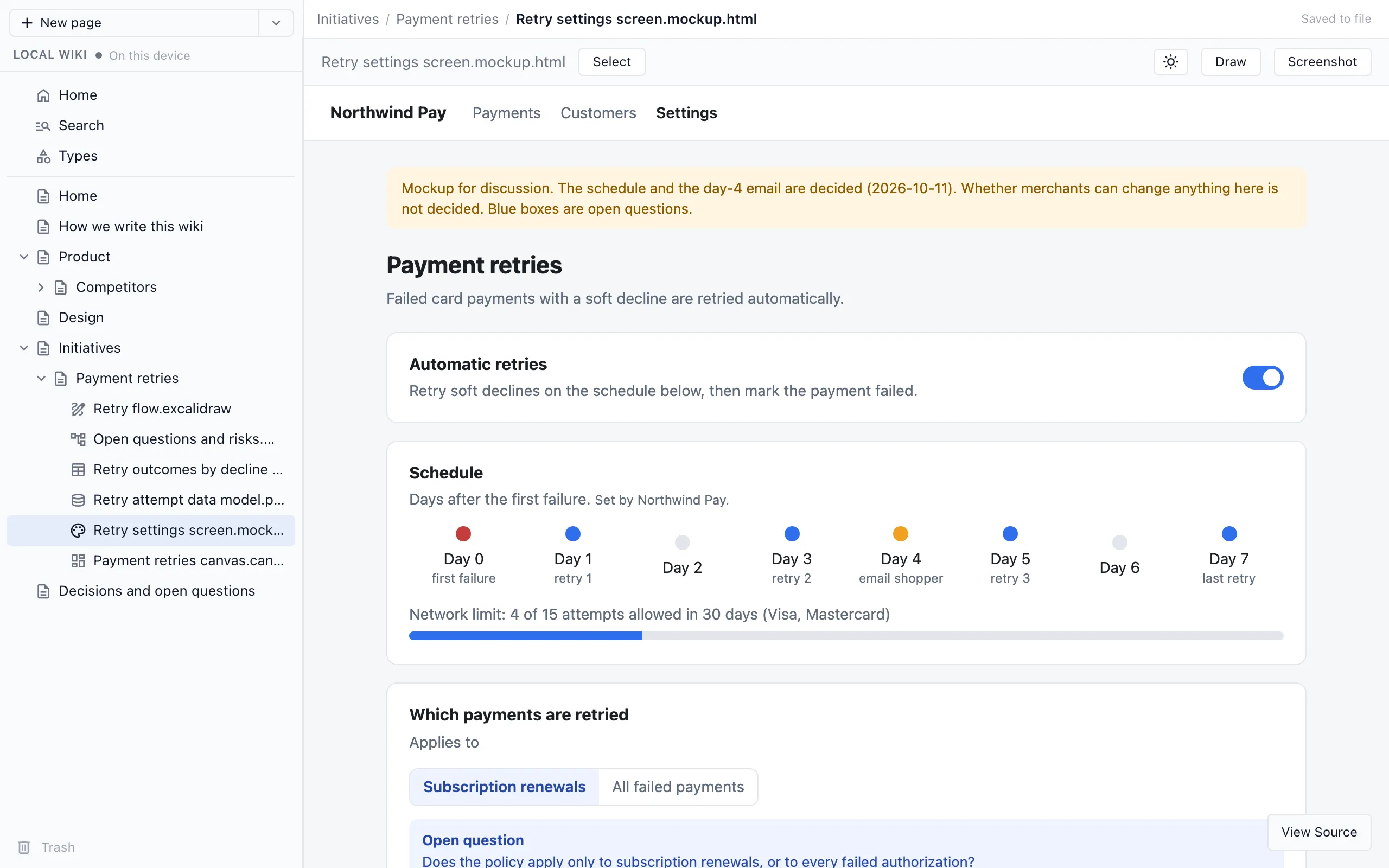
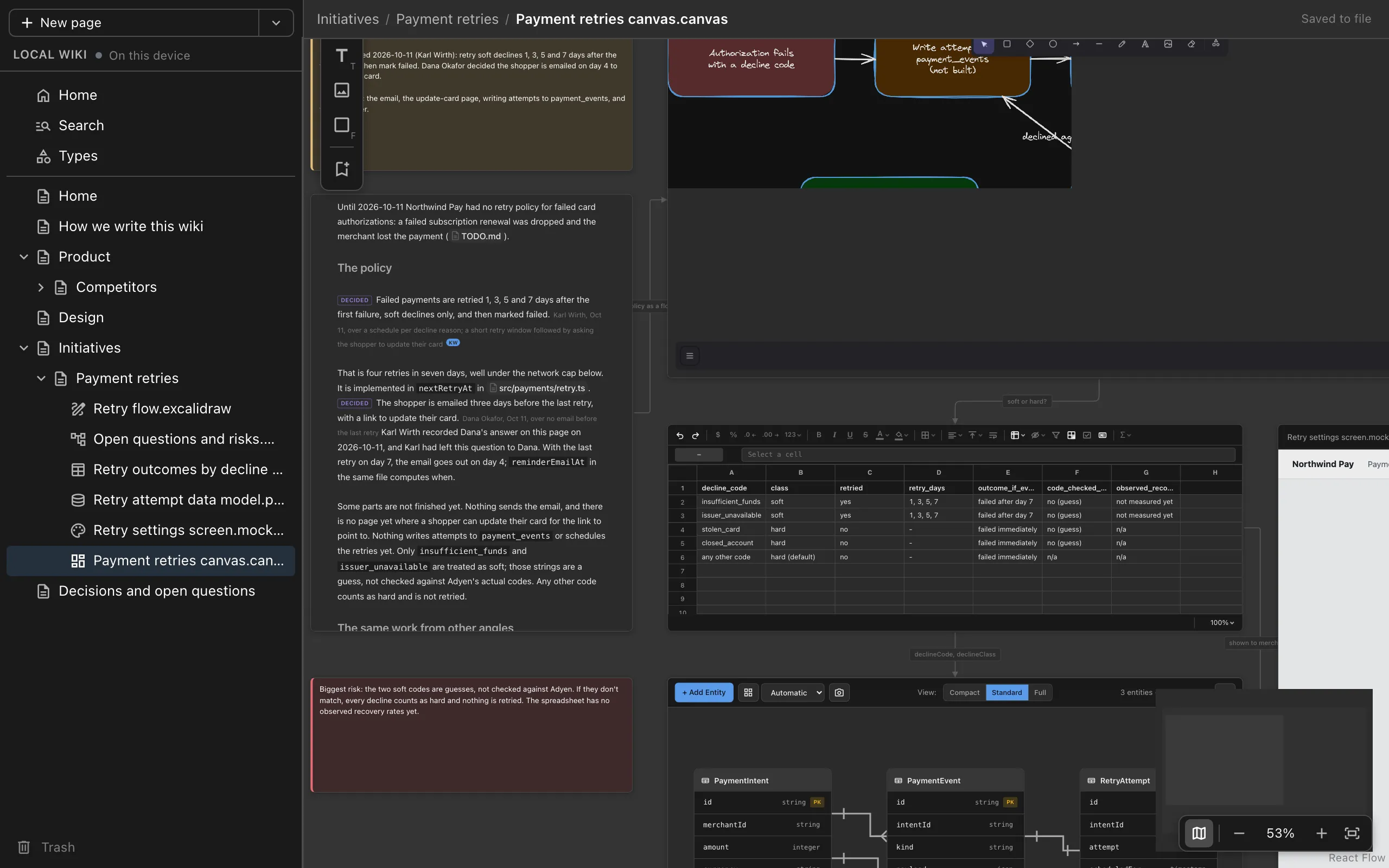
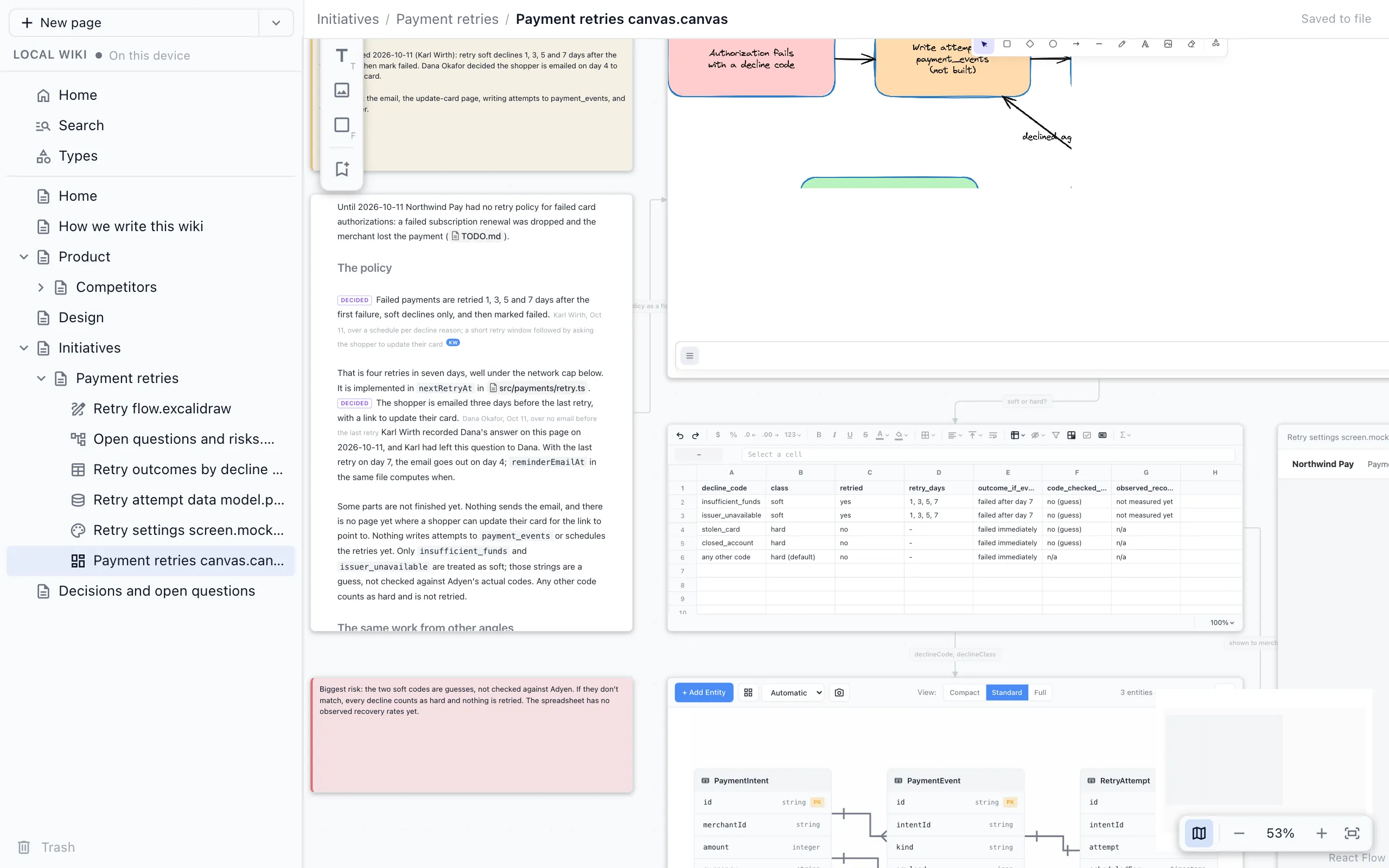
Pages hold more than text. Ask your agent for an interactive HTML page, a drawing, a mind map, a spreadsheet, a data model, a mockup or a canvas, and it builds the page in your wiki. Open any of them in your browser to edit, or start one yourself from the New page menu.
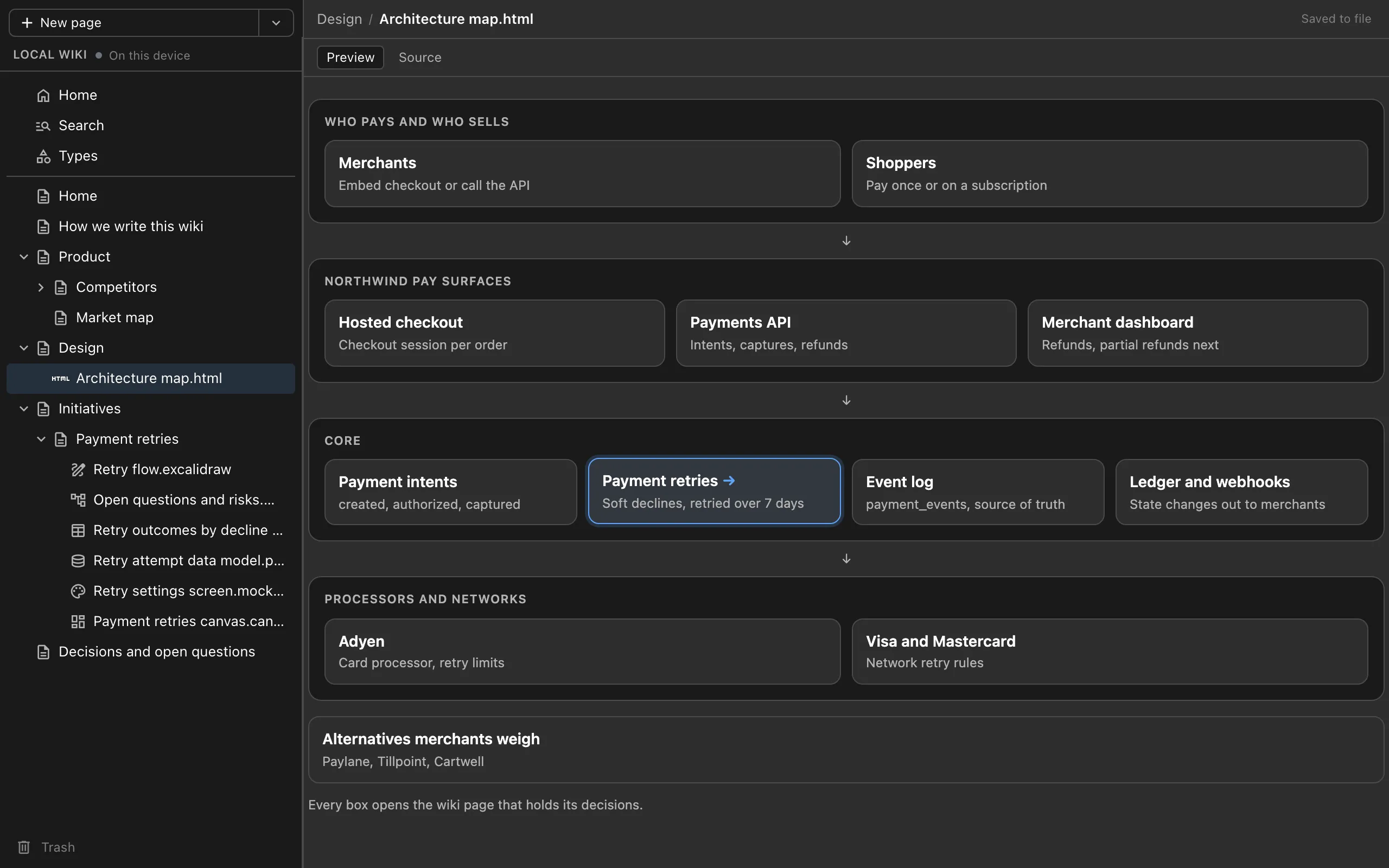
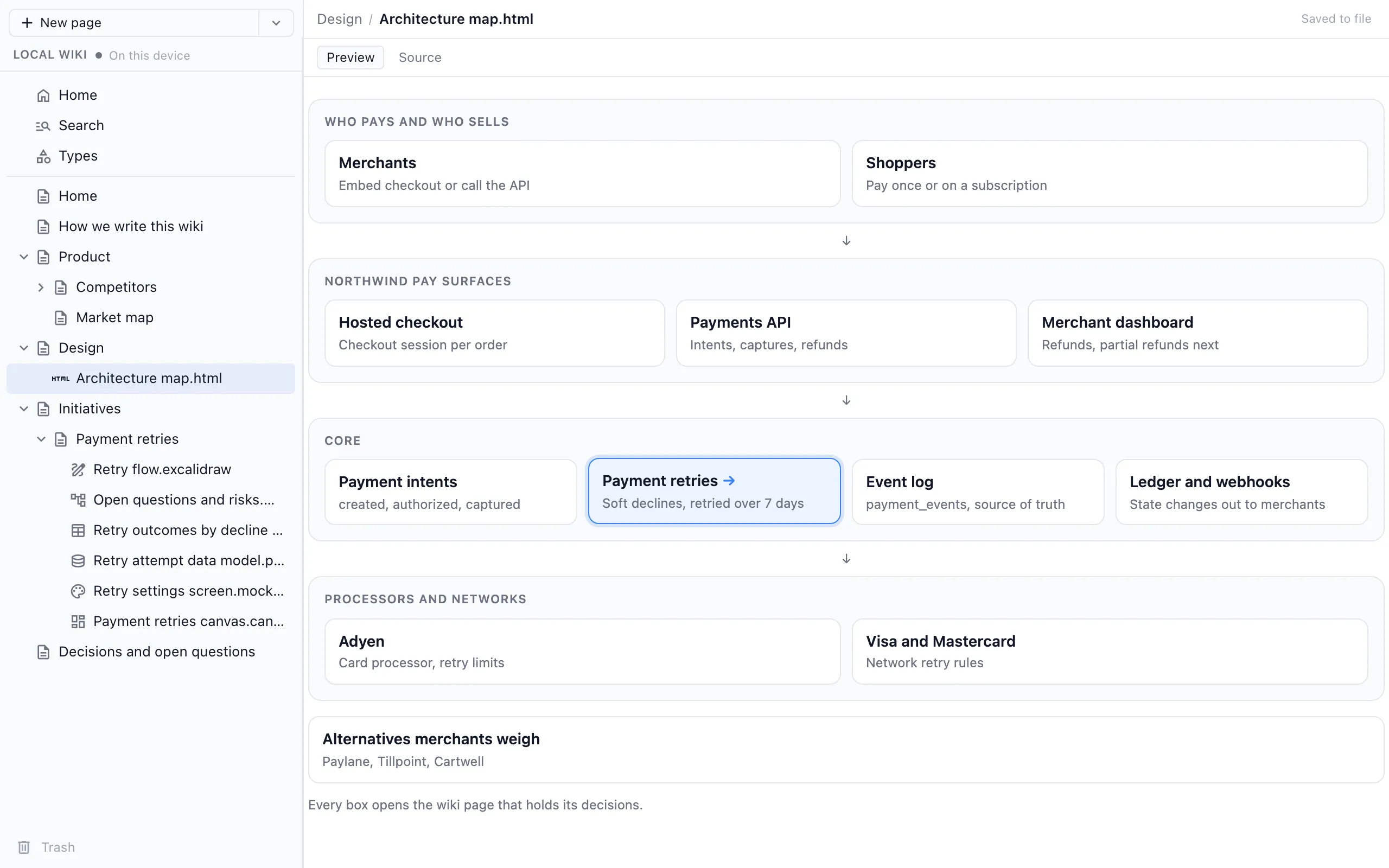
Interactive HTML pages for maps and diagrams you click through. Each link opens a wiki page, so a box on the architecture map takes you to the decisions behind it.
Make an architecture map of Northwind Pay as an HTML page, with each box linking to the wiki page for that part.
Share it with your team
When your team needs the wiki too, run /nimbalyst-wiki:team in Claude Code, or ask any agent to move it to Wiki Teams. Your text pages, typed pages and the links between them move to a team wiki where everyone edits the same pages in their browser and every teammate's agents write into it.
- The team command installs the nimbalyst-wiki-team add-on after you agree.
- Sign in with your Google account.
- Create a team and invite teammates by email.
- The team wiki runs on Nimbalyst's servers on Cloudflare, at console.nimbalyst.com.
- In Cursor, VS Code, Cowork and other agents, sign in with nim login and your agent uses the team wiki through nim wiki commands.
/nimbalyst-wiki:team
The team wiki add-on
The team wiki's sign-in comes in its own small plugin, so a local wiki never asks you to sign in. The team command installs it for you, or teammates can install it themselves to use the team wiki from their agent.
Claude Code
/plugin install nimbalyst-wiki-team@nimbalyst-wikiRestart Claude Code (claude --continue picks up where you were), run /mcp, choose nimbalyst-team and pick Authenticate.
Codex
codex plugin add nimbalyst-wiki-team@nimbalyst-wiki
codex mcp login nimbalyst-team
Then start a new Codex session and ask it to move the wiki to your team.
Wiki updates
Follow the Nimbalyst Wiki as it grows
Get an email when we ship something new for the Wiki: new page types, team features, and support for more agents. We only write when there is something worth showing you.
Watch
The wiki in Claude Code and your browser
What you get
Plain files, on your machine, for every agent
Files in your repo
Text pages are markdown files in your project. By default the wiki lives in nimbalyst-local/wiki, a folder kept out of git so it stays private to you. To share it through your repo, put it in a checked-in folder like docs/wiki and diff and commit it like code.
Stays on your machine
A local wiki needs no account and no server. The browser view listens on your machine only and is protected by a token.
One wiki across every agent
Claude Code, Codex, Cowork, Cursor and VS Code all use the same tools on the same files, so you can switch agents without losing what they wrote.
Drawings, sheets and mockups too
Drawings, mind maps, spreadsheets, data models, mockups and canvases are pages too. Each keeps its editor's own file, such as .excalidraw, .csv, .prisma or .mockup.html, so other tools can still open it.
Open source
Open source and MIT licensed
The Nimbalyst Wiki plugin, the nim CLI, its MCP server and the browser app are MIT licensed. The plugin's code is on GitHub, where you can read it, file issues and send pull requests.
Questions
Common questions
What should go in it?
Decisions and their reasons, open questions, the preferences and constraints people set, and hard-won lessons. The work itself stays in your sessions, code and trackers, and the wiki links to it.
Where does my wiki live?
In your project, in nimbalyst-local/wiki by default, which git ignores. Choose a folder such as docs/wiki to check it in and share it through git.
How does my agent use what the wiki already says?
Pages can name the code they cover. In Claude Code, the plugin tells the agent at the start of each session what your wiki covers and which pages cover the files you have changed, and capture starts from the pages your changes touched. Run /nimbalyst-wiki:recall, or just ask "why did we...", and the agent answers from what the wiki says and decided. It can also check the wiki for broken links and stale or orphaned pages.
Do I need an account?
Not for a local wiki. You only sign in to Nimbalyst when you share the wiki with your team.
Do I need the Nimbalyst app?
No. Your agent, the nim CLI and the browser view give you a complete wiki, including drawings, mind maps, spreadsheets, data models, mockups and canvases you can edit in the browser. Open it in the Nimbalyst app when you want the wiki in the same place as your sessions and code.
What is Nimbalyst?
Nimbalyst makes a wiki your coding agents write for you, and a visual workspace for working with Claude Code, Codex and other agents. The wiki works in your coding agent with no app or account. The desktop app runs your agents in parallel sessions with visual editors for tasks, docs, diagrams, mockups, spreadsheets and code, and every AI edit arrives as a diff you can review. Both are free and open source for individuals, on macOS, Windows and Linux, and Wiki Teams makes the wiki multiplayer.
Is it the same wiki as the one in the app?
Yes. The app's Local wiki is the same folder of files, so you can start in your agent and open the app later without moving anything.