Comparison
Best Linear Alternative for AI Coding
Looking for a Linear alternative? Linear tracks issues. Nimbalyst is the open-source visual workspace for building with Codex, Claude Code, and more. In Nimbalyst, tracking is native to your coding agents: go from a tracked issue to an agent session that solves it, next to visual editors for markdown, mockups, diagrams, and code.
Free for individuals. Works with your existing Claude Code or Codex subscription or API key.
Overview
Two tools, different approaches
Nimbalyst
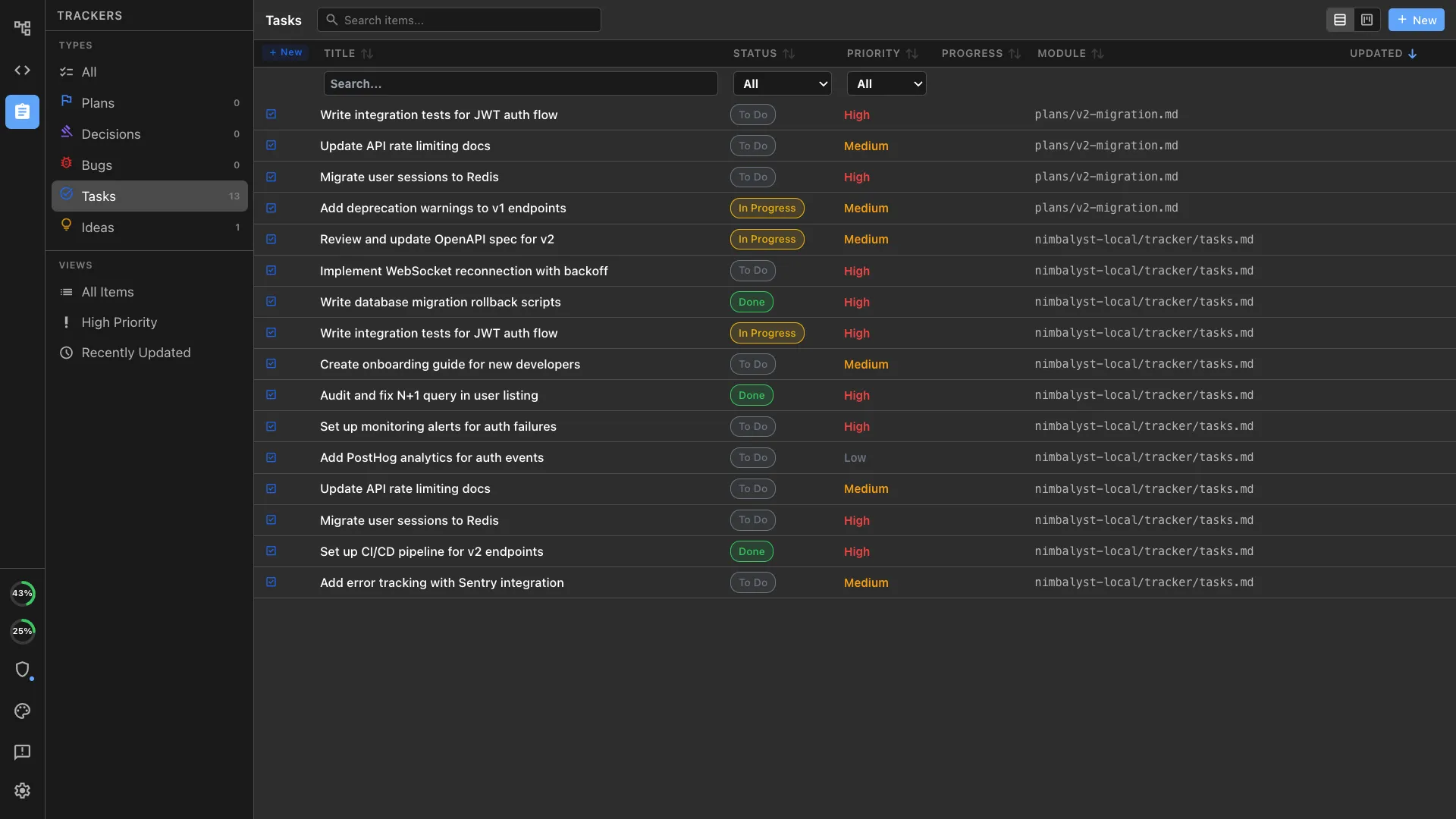
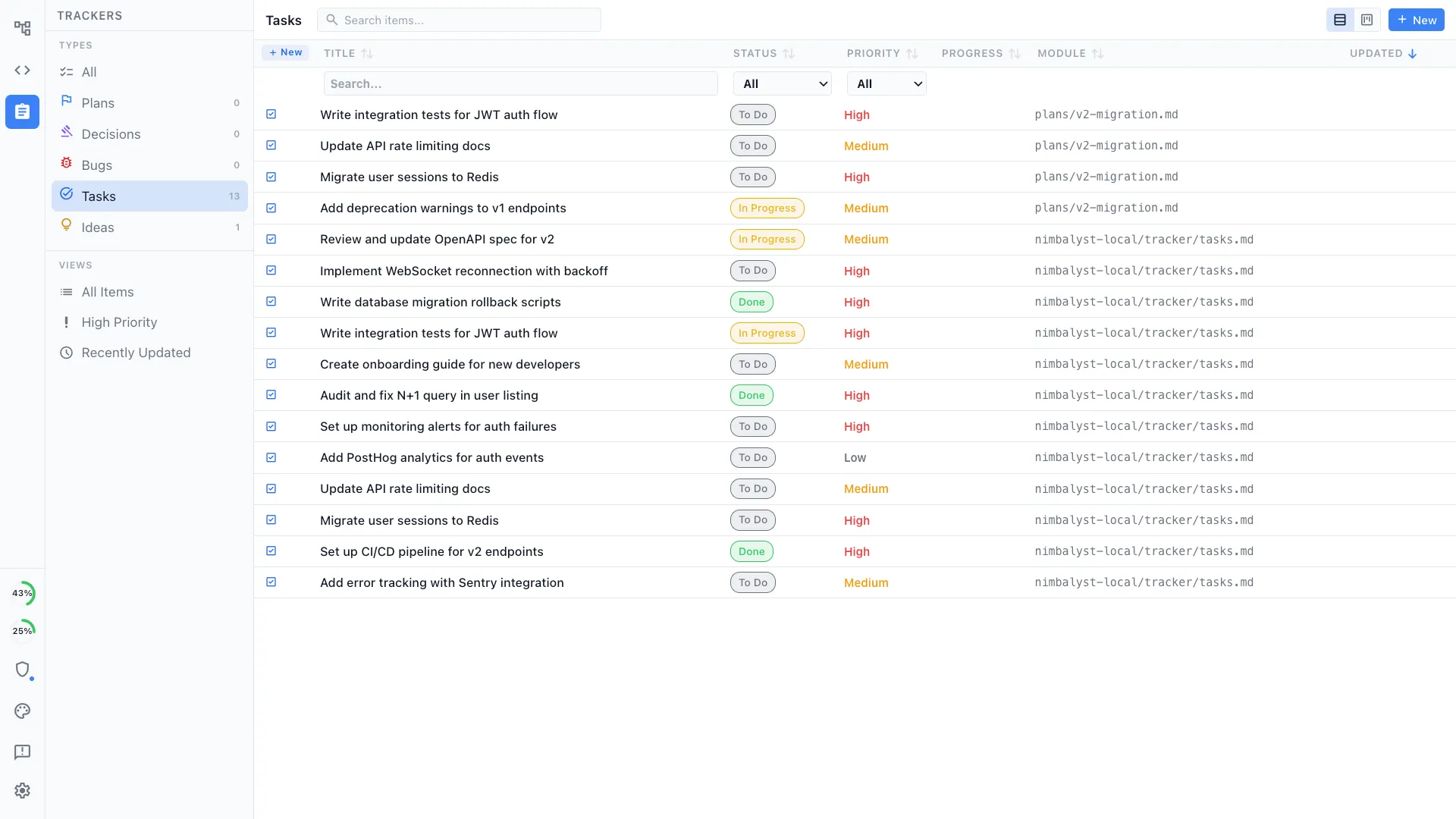
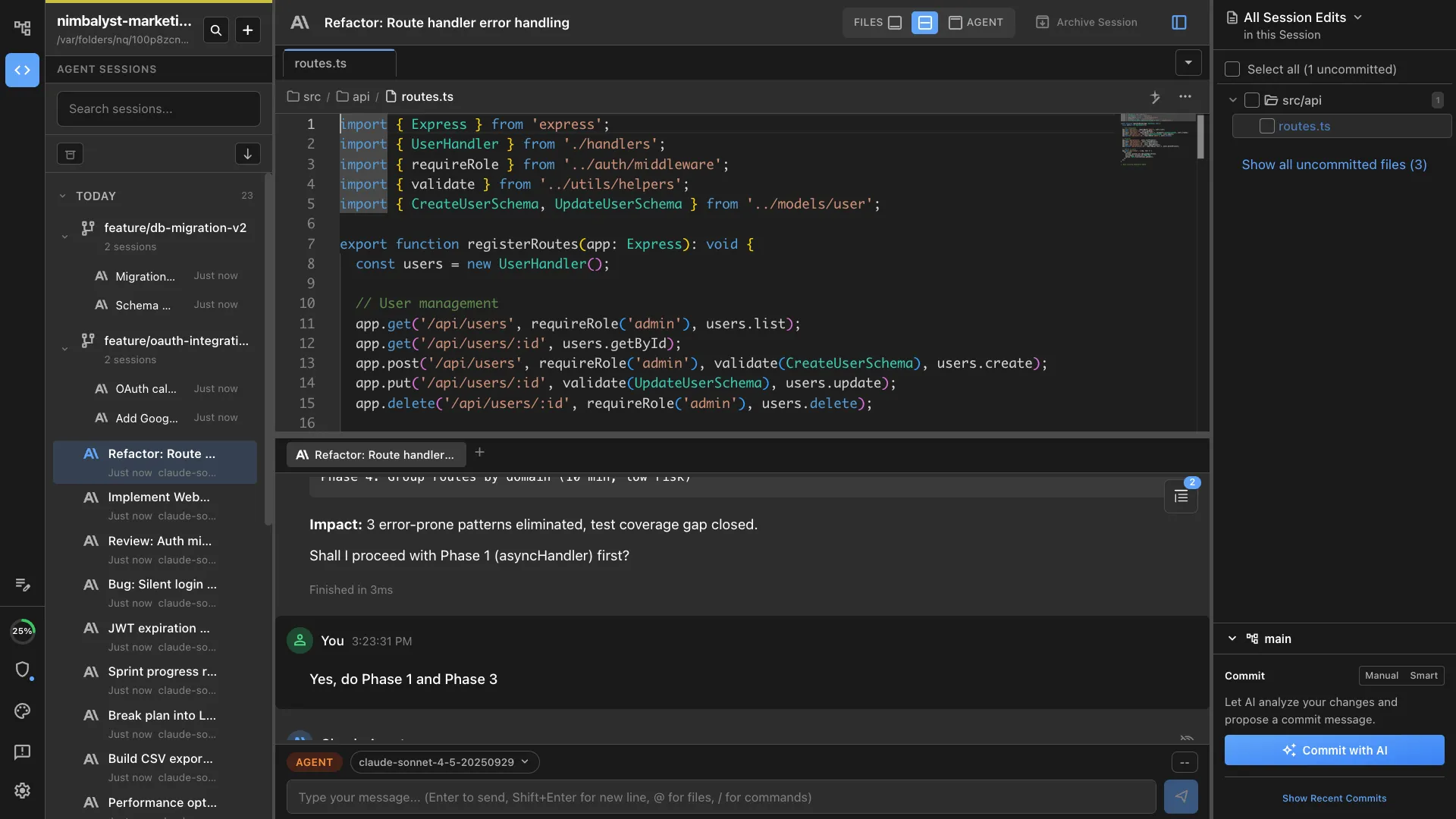
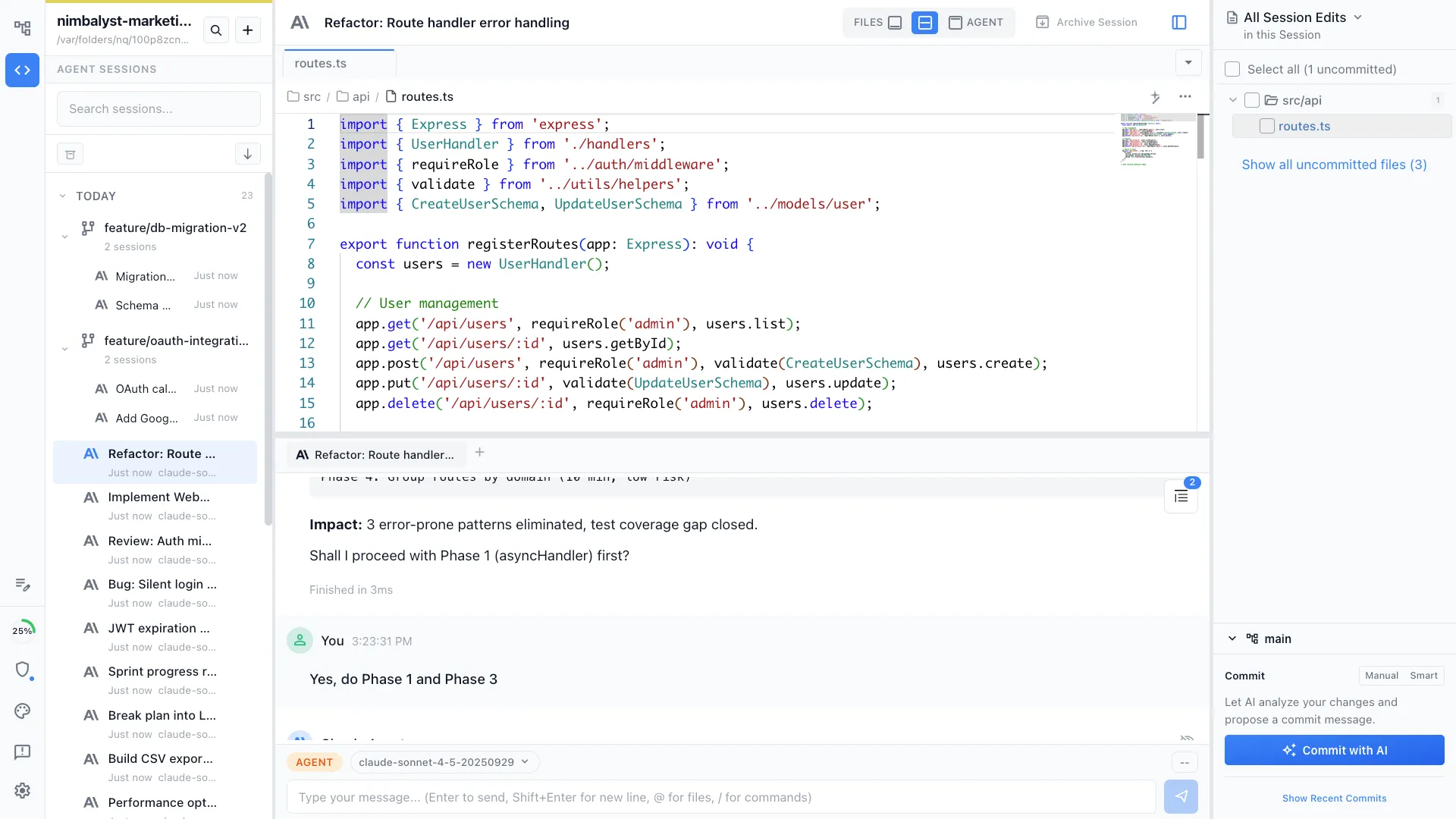
Nimbalyst is an AI-native workspace built on top of Claude Code and Codex. It adds a session kanban board for managing parallel agents, visual editors for markdown, mockups, diagrams, and data models, built-in planning and task tracking, and a mobile companion app. Write a task, launch an AI session to implement it, review the result, and have the agent manage the task as it works linking it to sessions and files — all in one workspace.
Linear
Linear is a purpose-built issue tracker for software teams. It provides fast, keyboard-driven project management with cycles, milestones, triage workflows, and team views. It is widely regarded as the best issue tracker for engineering teams.
Feature Comparison
Side-by-side breakdown
Nimbalyst Advantages
Where Nimbalyst shines
From task to execution
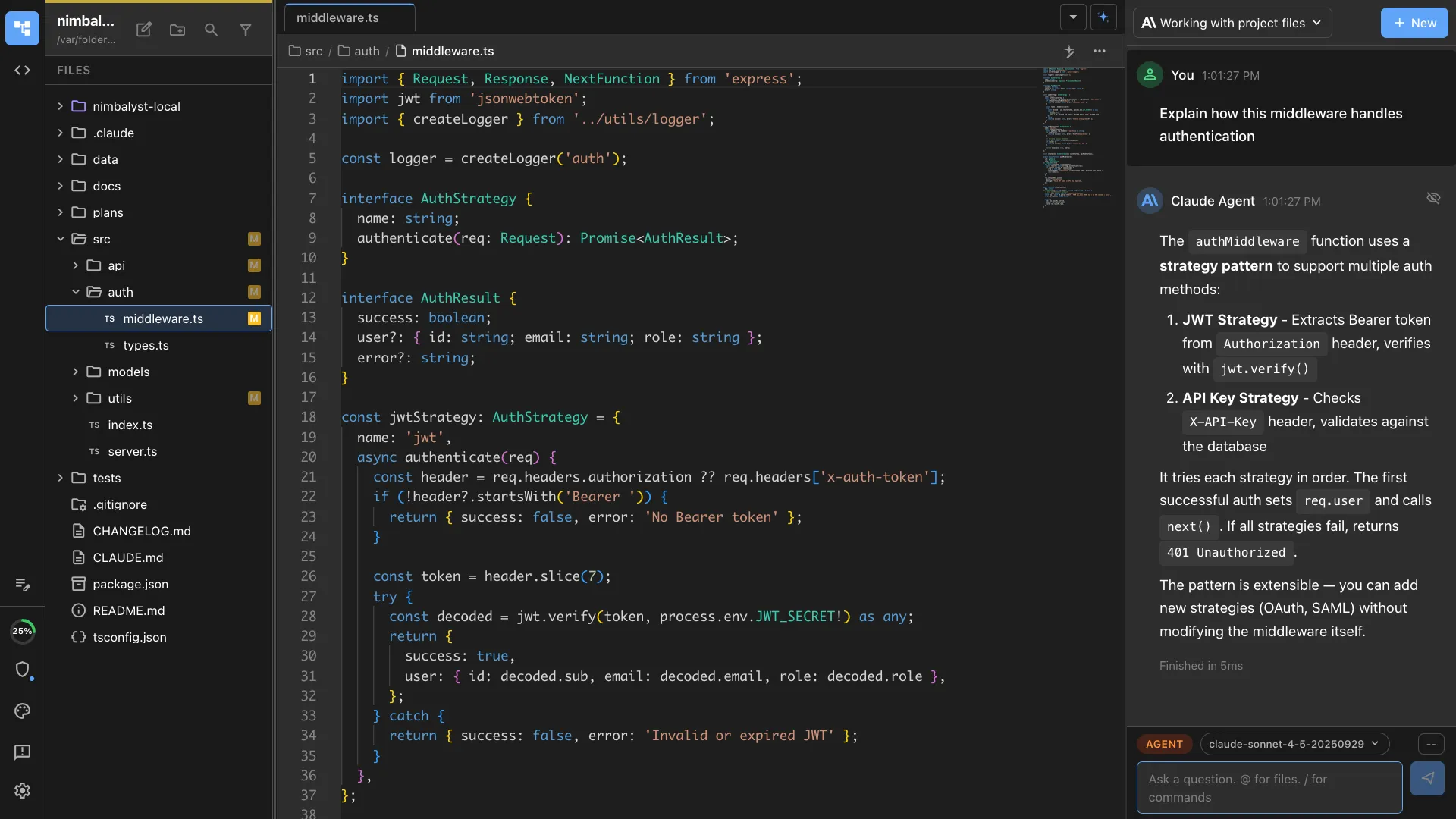
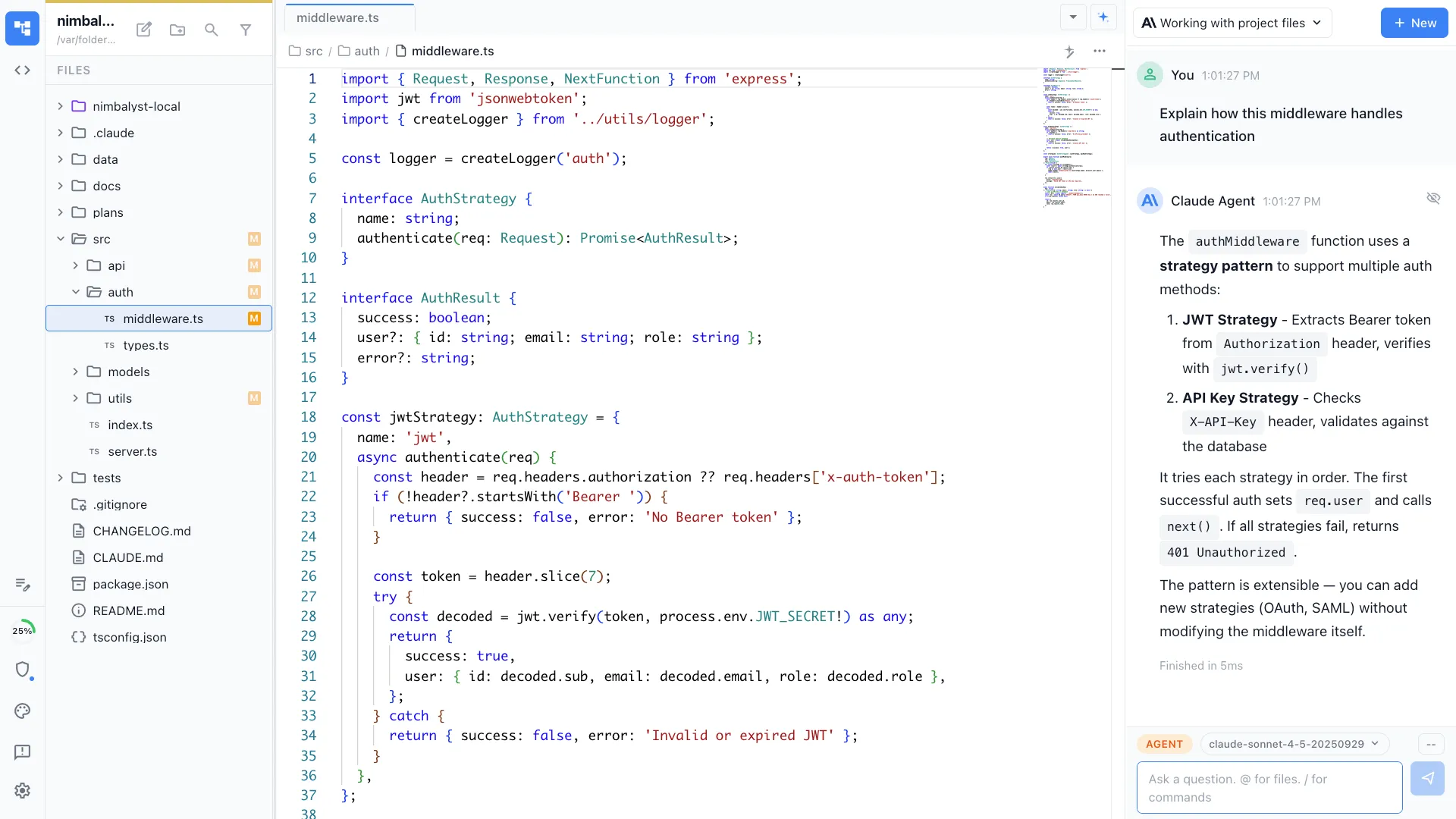
Write a task in Nimbalyst and launch an AI session to implement it. The agent reads the task description, builds the feature, and you review the result. Linear tracks tasks but cannot execute them.
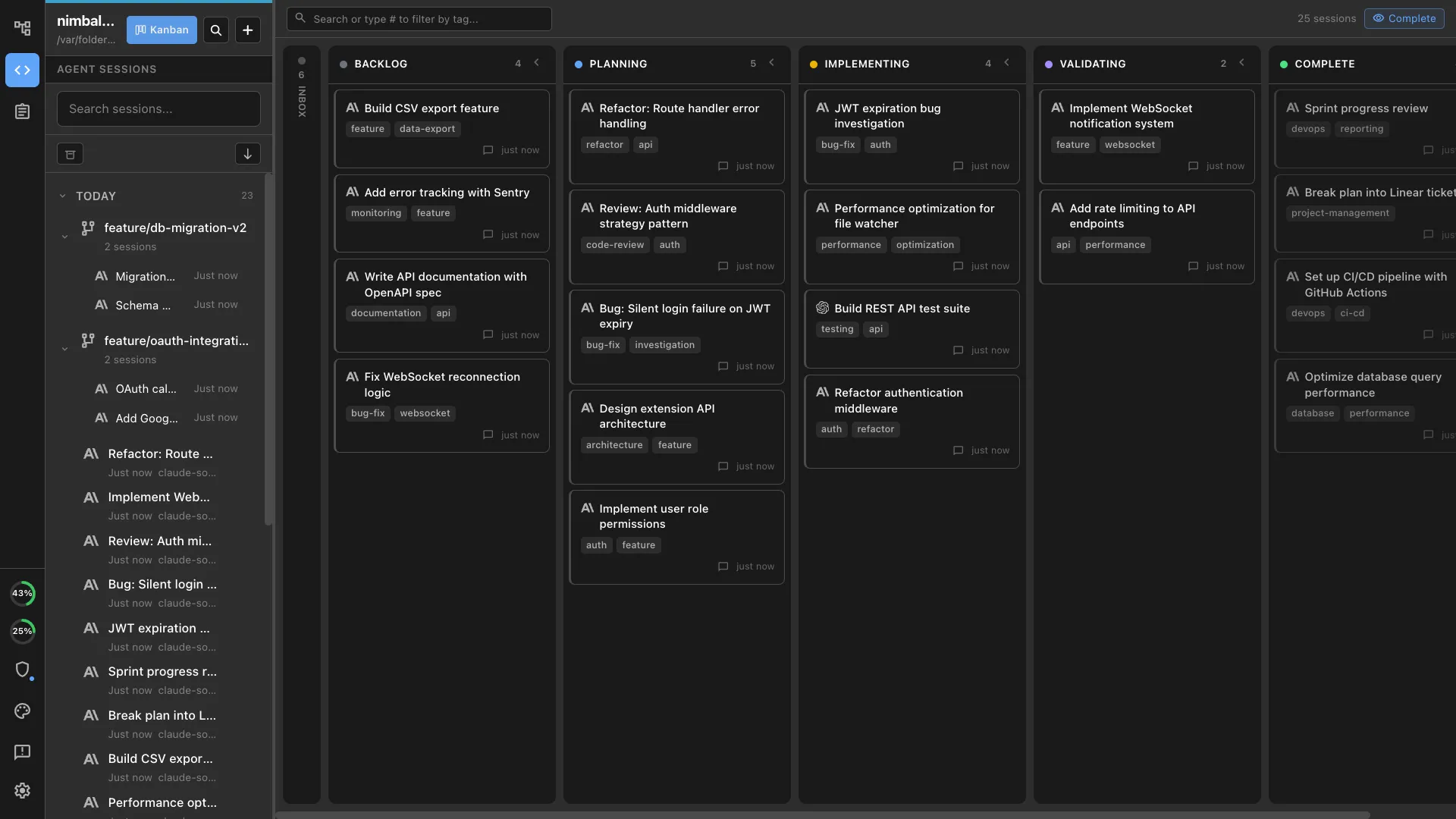
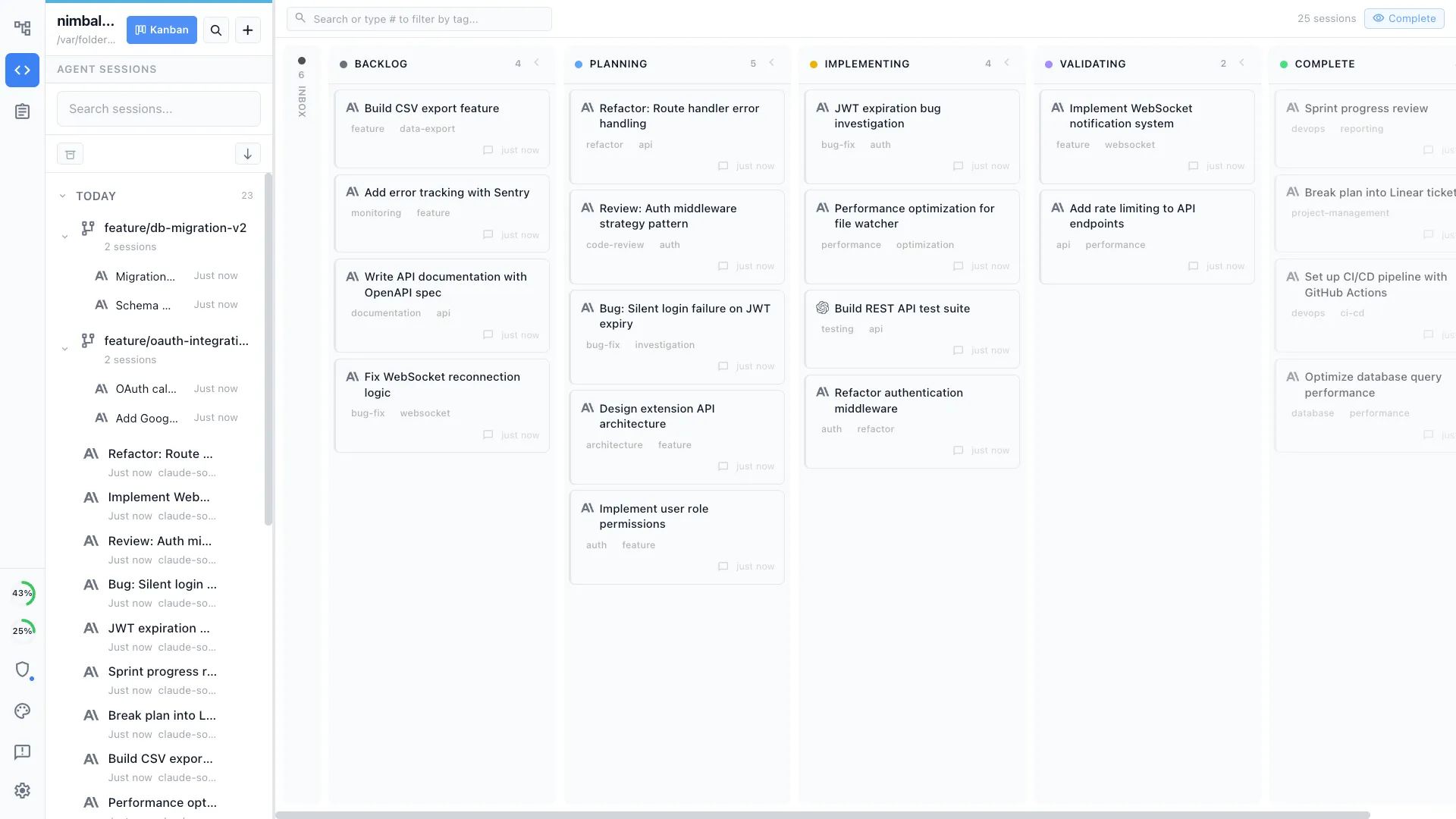
Agent integration
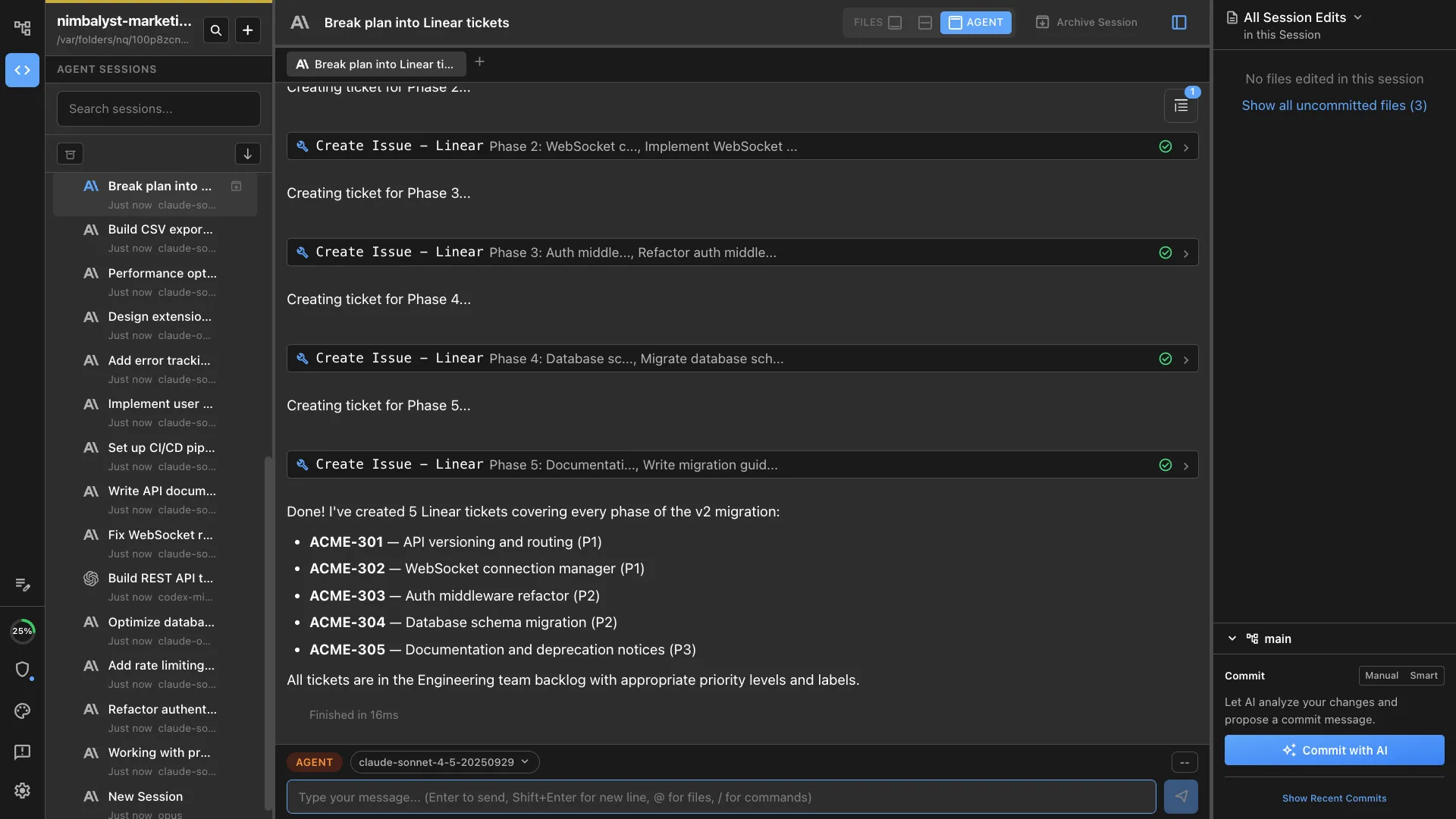
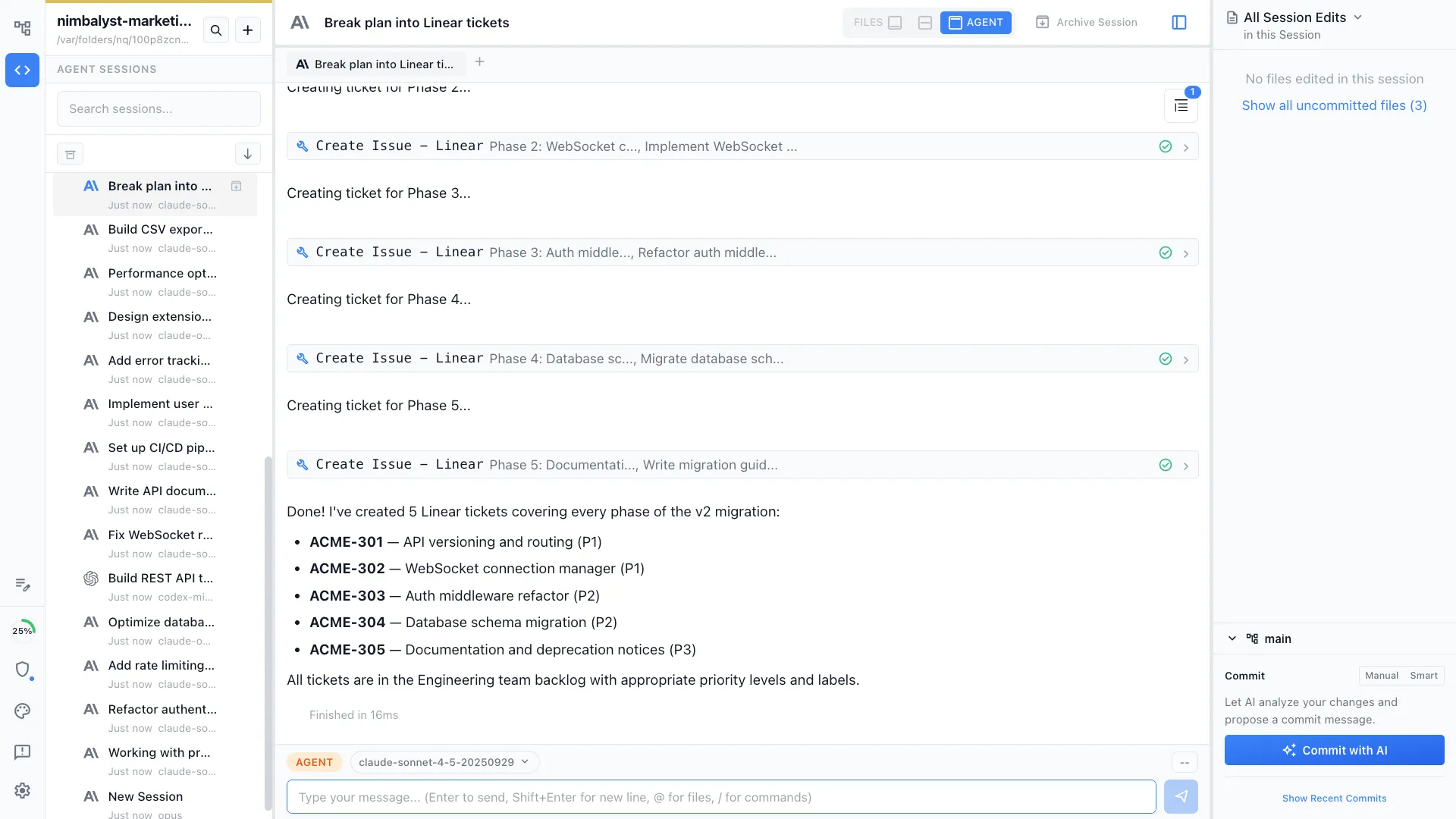
Agents understand your issues. Your issues connect your files and sessions. Agents manage your issues, update, and edit them and use them to do work. You supervise, edit, and manage.
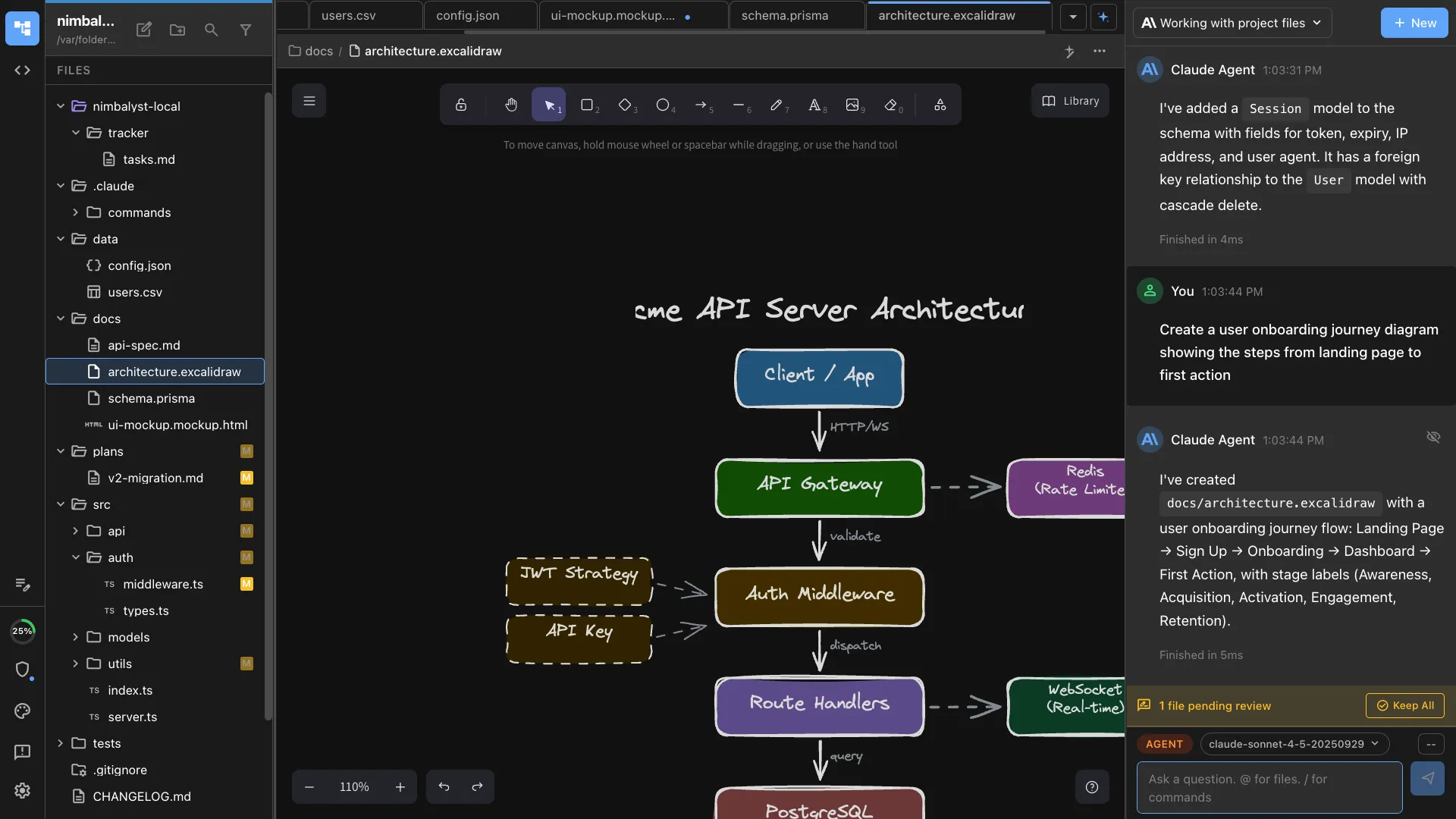
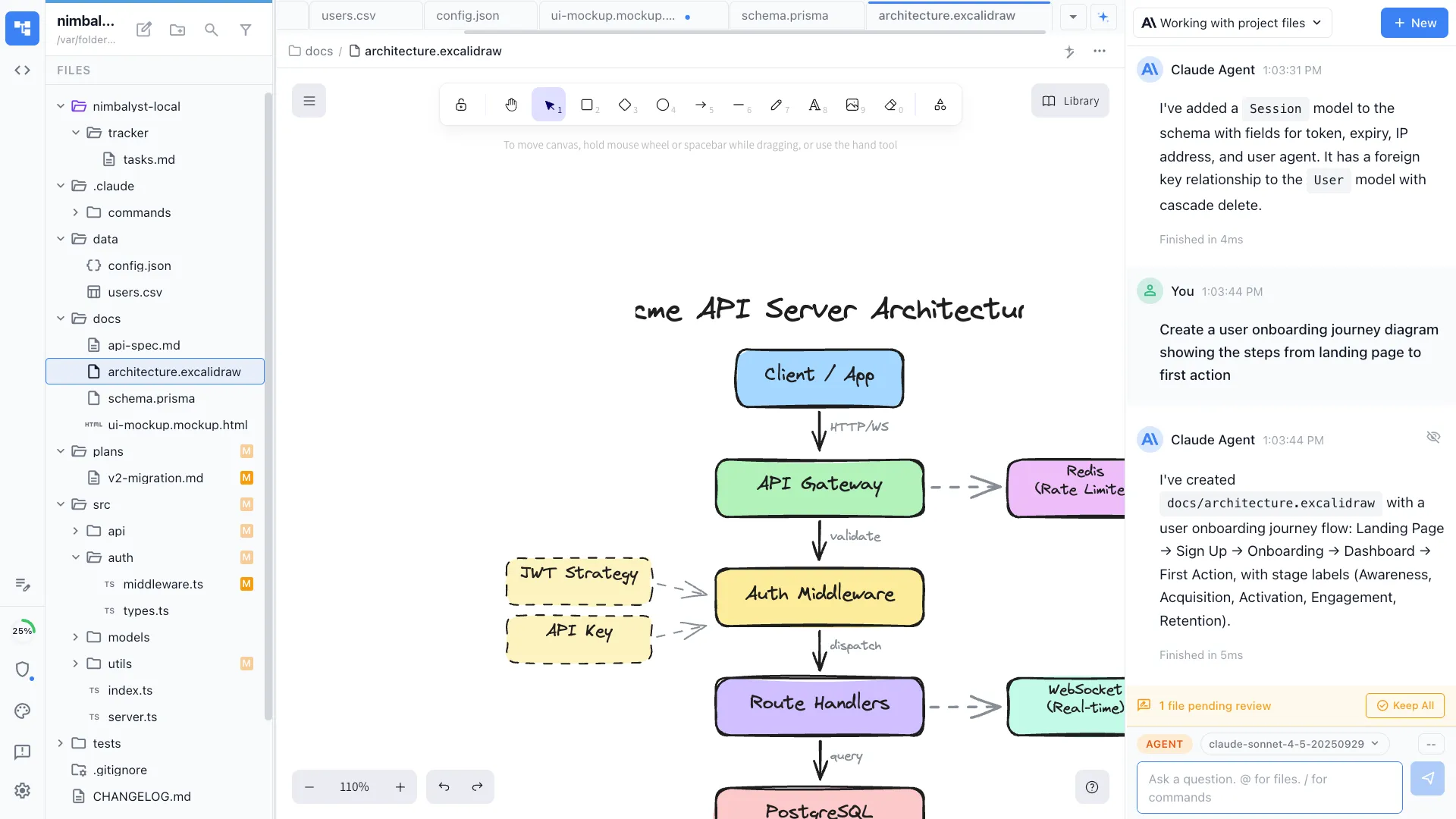
Design alongside planning
Create architecture diagrams and mockups as part of your planning workflow. Linear has no visual design tools.
Your coding agents, integrated
Claude Code, Codex, and other supported agents work directly with the files, plans, tasks, and visual artifacts in the workspace.
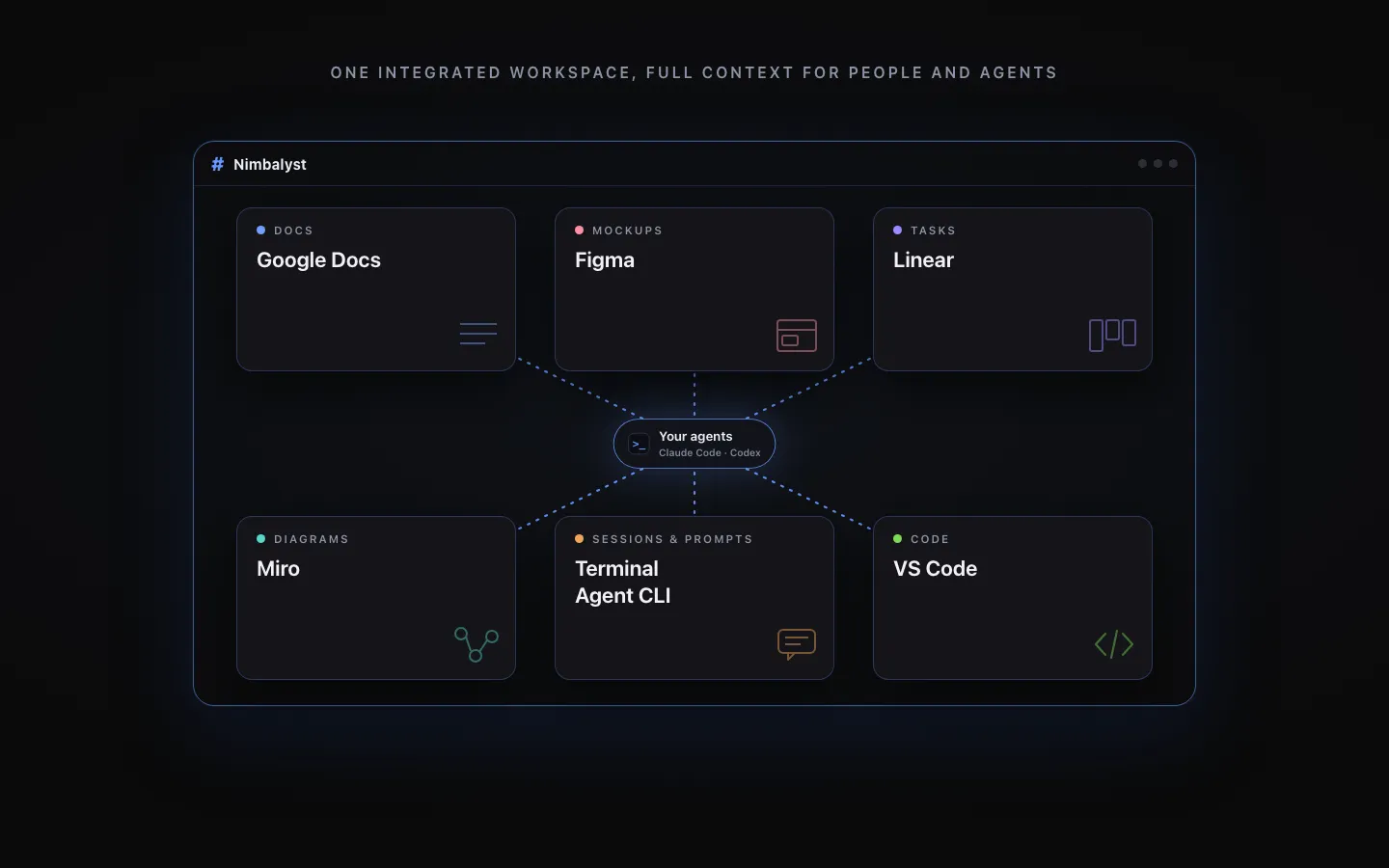
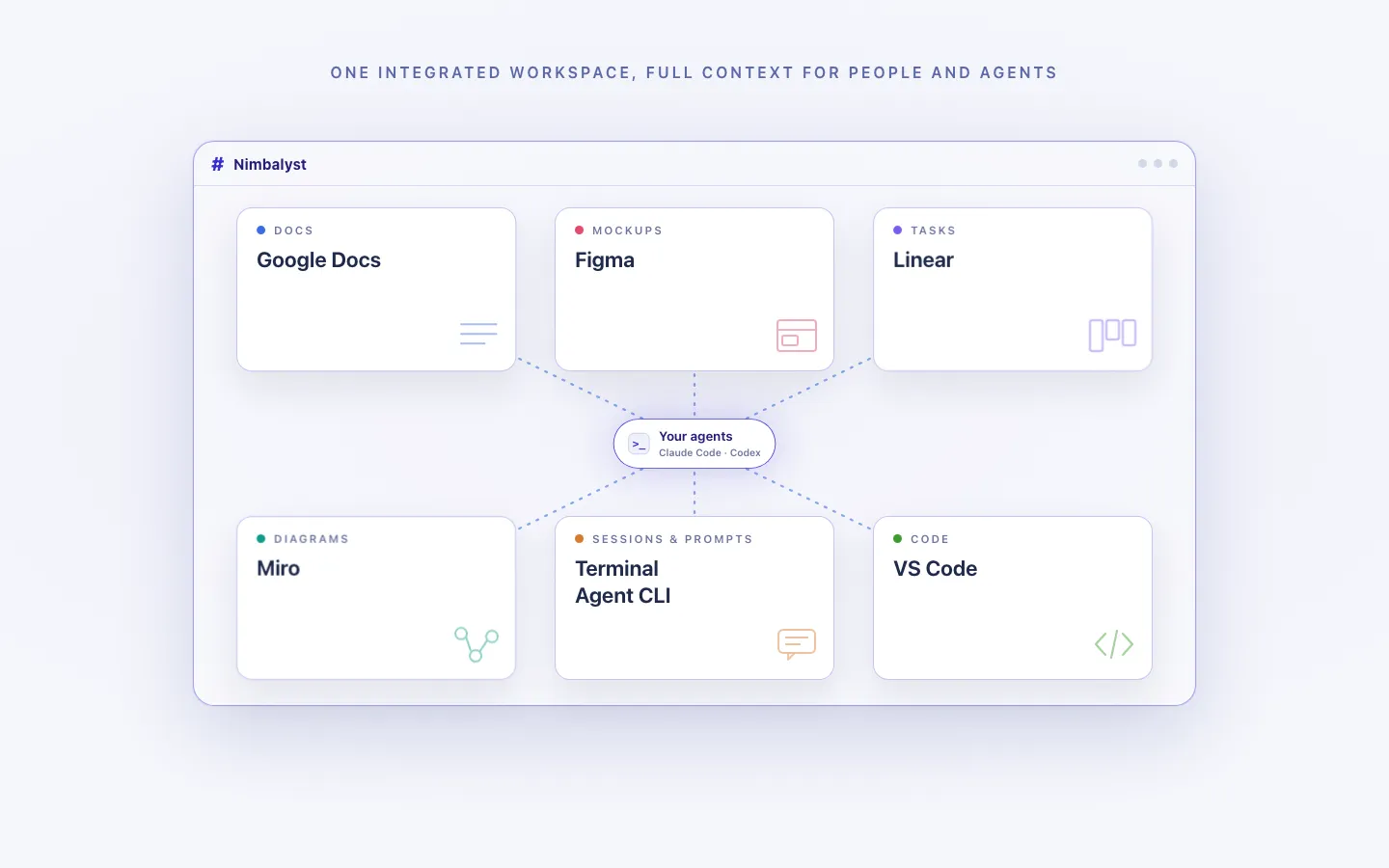
Every artifact in one workspace
Edit markdown, mockups, diagrams, code, and CSV data together, with the same project context available to people and agents.
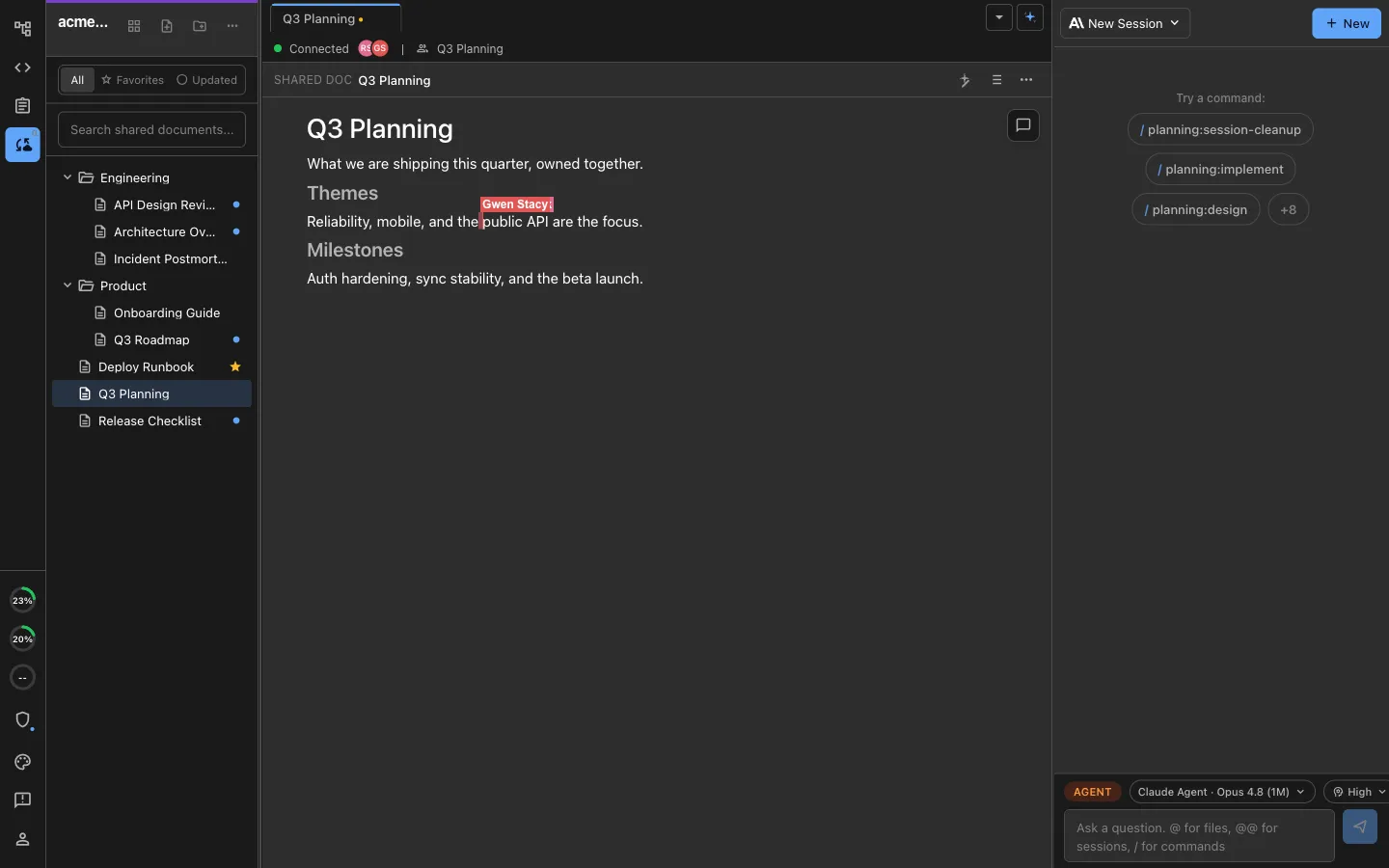
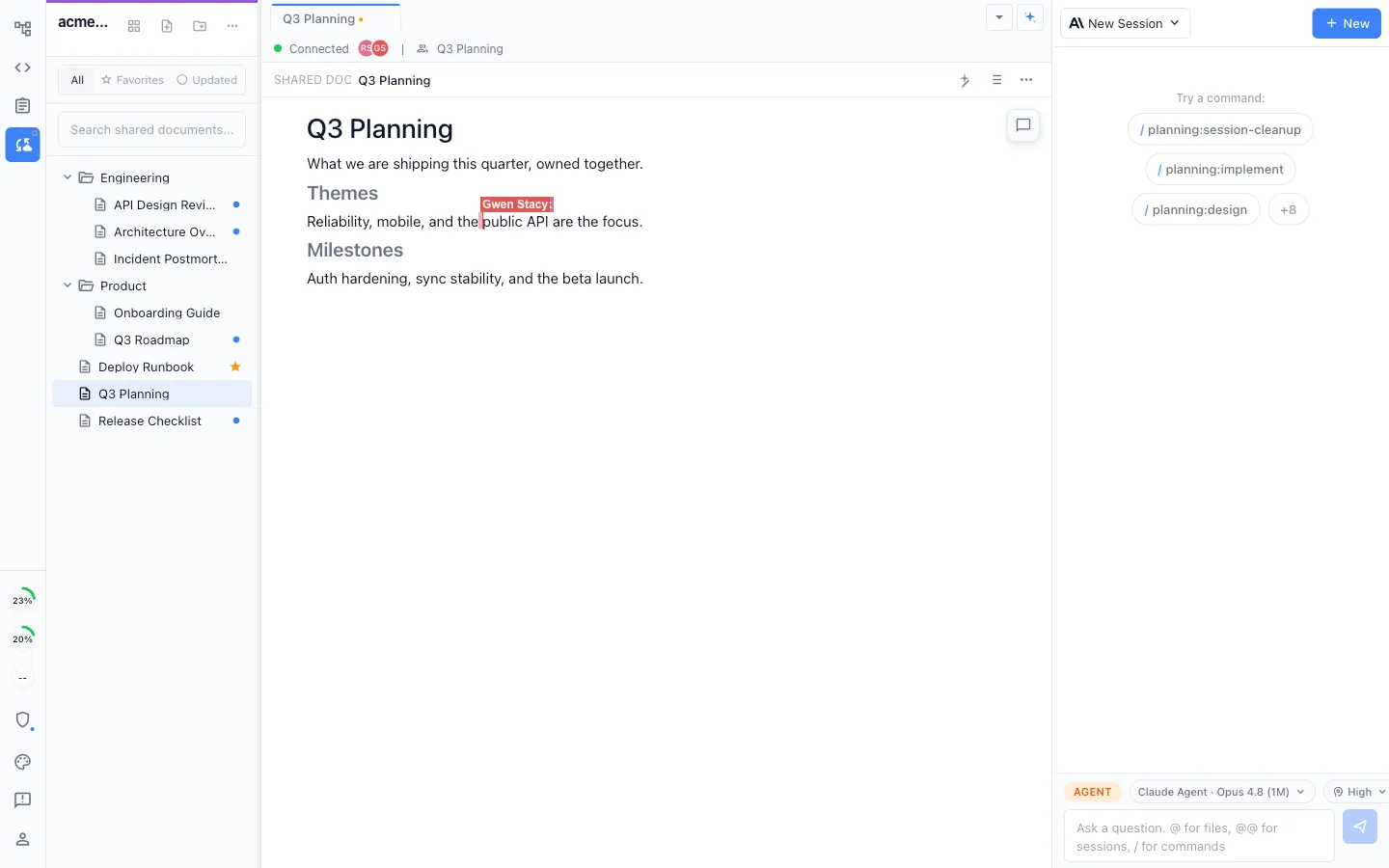
Local for individuals, collaborative for teams
Work locally in the MIT-licensed desktop app, or collaborate in real time on shared docs, diagrams, mockups, and trackers.
Honest Assessment
Where Linear is stronger
Team-scale project management
Linear is built for engineering teams with assignments, mentions, cycles, milestones, and team views. It handles multi-team coordination at scale.
Integration ecosystem
Linear integrates with GitHub, Slack, Figma, and dozens of other tools. It fits into existing team workflows.
Recommendation
Who should use which
Choose Nimbalyst if…
You want tasks that connect directly to AI coding sessions, visual editors, and code review. You work primarily with AI agents and want planning and execution in one tool.
Choose Linear if…
You need team-scale project management with assignments, cycles, integrations, and collaboration features for an engineering organization.
Note: You can connect Nimbalyst to Linear via MCP and work with both solutions.
Want product planning that turns directly into agent work and shipped code? Try Nimbalyst free.
Free for individuals. Works with your existing Claude Code or Codex subscription or API key.
Wiki Teams is one multiplayer wiki for your whole team and all of your agents.