CSV Spreadsheet
Visual CSV editing with formulas and column formatting, with AI assistance
.csv.tsv Available in the Nimbalyst Extension Marketplace
Don't have Nimbalyst yet? Download it
Why a Spreadsheet in Your Code Editor?
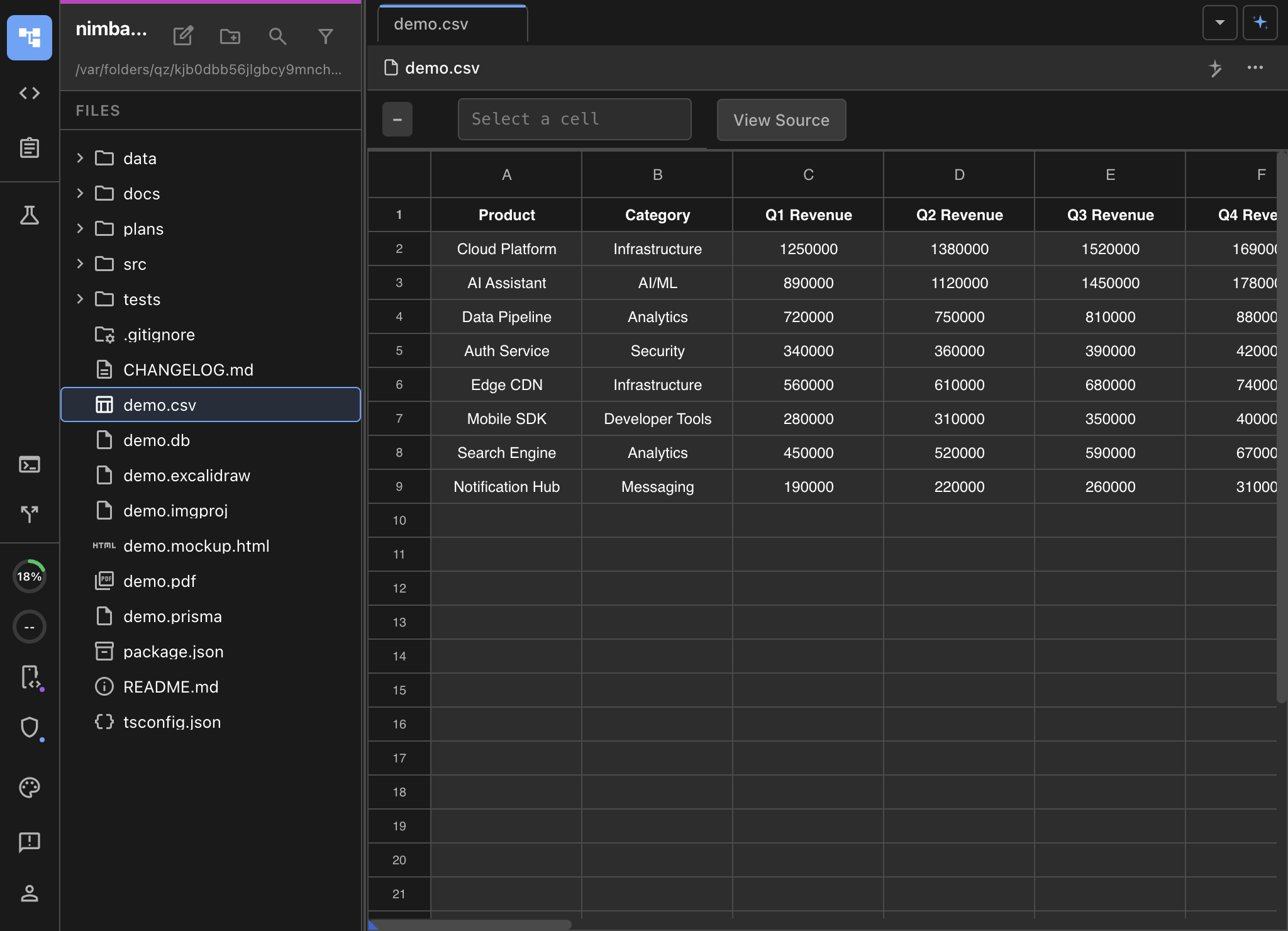
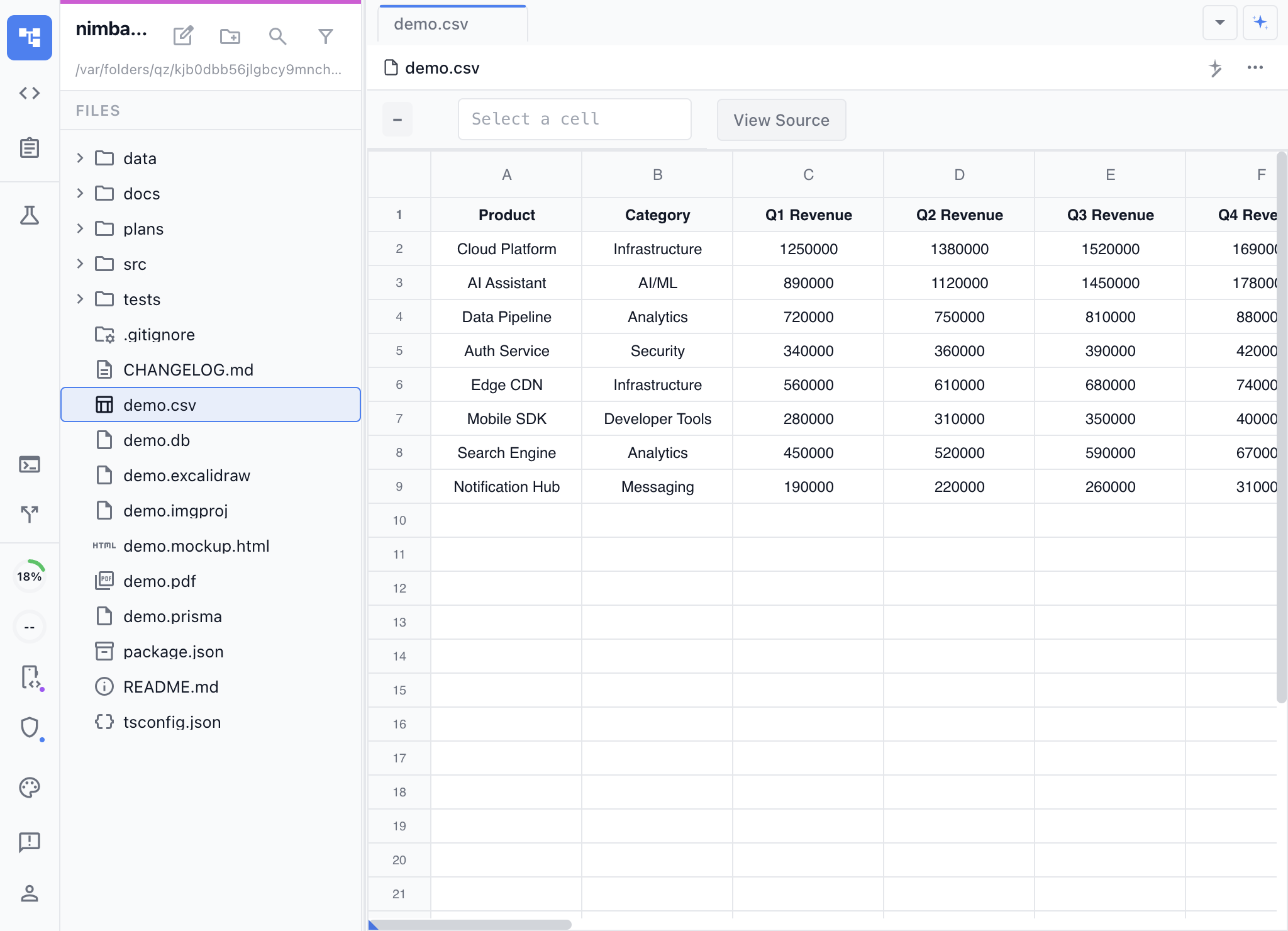
CSV files are everywhere in software projects — seed data, configuration, exports, test fixtures. Most editors show them as raw comma-separated text. Nimbalyst’s CSV Spreadsheet extension renders them as an interactive spreadsheet with editing, red/green diffs for AI changes that you approve, and sorting.
The underlying file stays a clean, git-friendly CSV. No proprietary formats, no lock-in.
Key Features
- Full spreadsheet UI — Column resizing, row selection, cell editing with a familiar spreadsheet experience.
- **Red/Green diff to show AI changes **— AI changes show up as red/green diffs, that you can review and approve
- Sortable headers — Click column headers to sort data ascending or descending.
- Source mode toggle — Switch to raw CSV text editing when you need to work with the underlying format.
- Configurable metadata storage — Store column widths and formatting as an inline comment or a separate sidecar file.
Use Cases
- Editing seed data and fixtures — Work with database seed files, test data, and CSV exports visually.
- Reviewing data exports — Open CSV exports from APIs, databases, or analytics tools for quick review.
- Configuration files — Edit CSV-based config files with proper column alignment.
- Data cleanup — Sort, filter, and fix data issues visually before committing changes.
How It Works
Open any .csv or .tsv file and it automatically renders as a spreadsheet. Use the source mode toggle to switch between visual and raw text editing. All changes save back to the original CSV format.