Electronics Studio
Design, simulate, test, and manufacture circuits with an AI-driven tscircuit studio
Available in the Nimbalyst Extension Marketplace
Don't have Nimbalyst yet? Download it
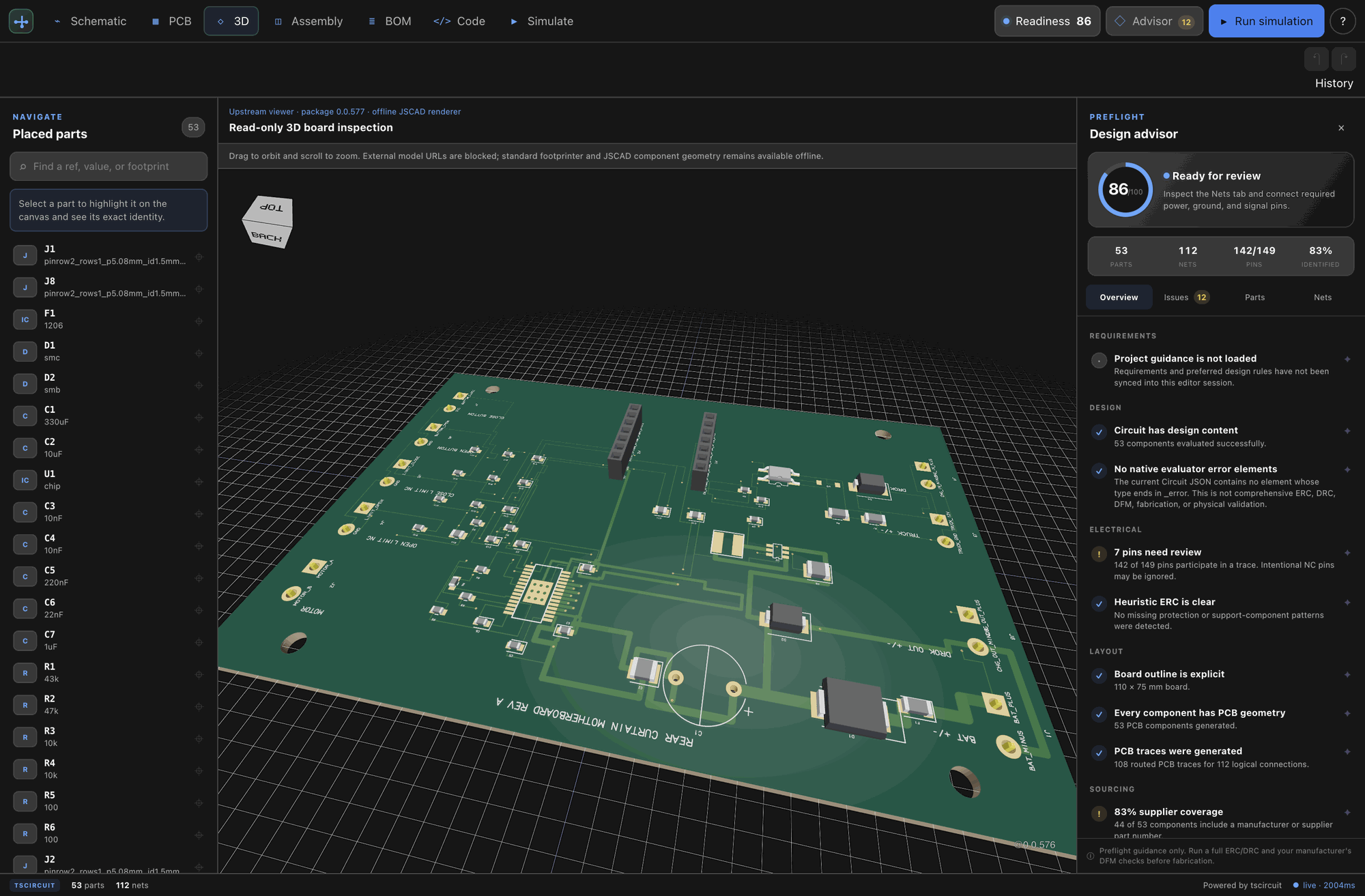
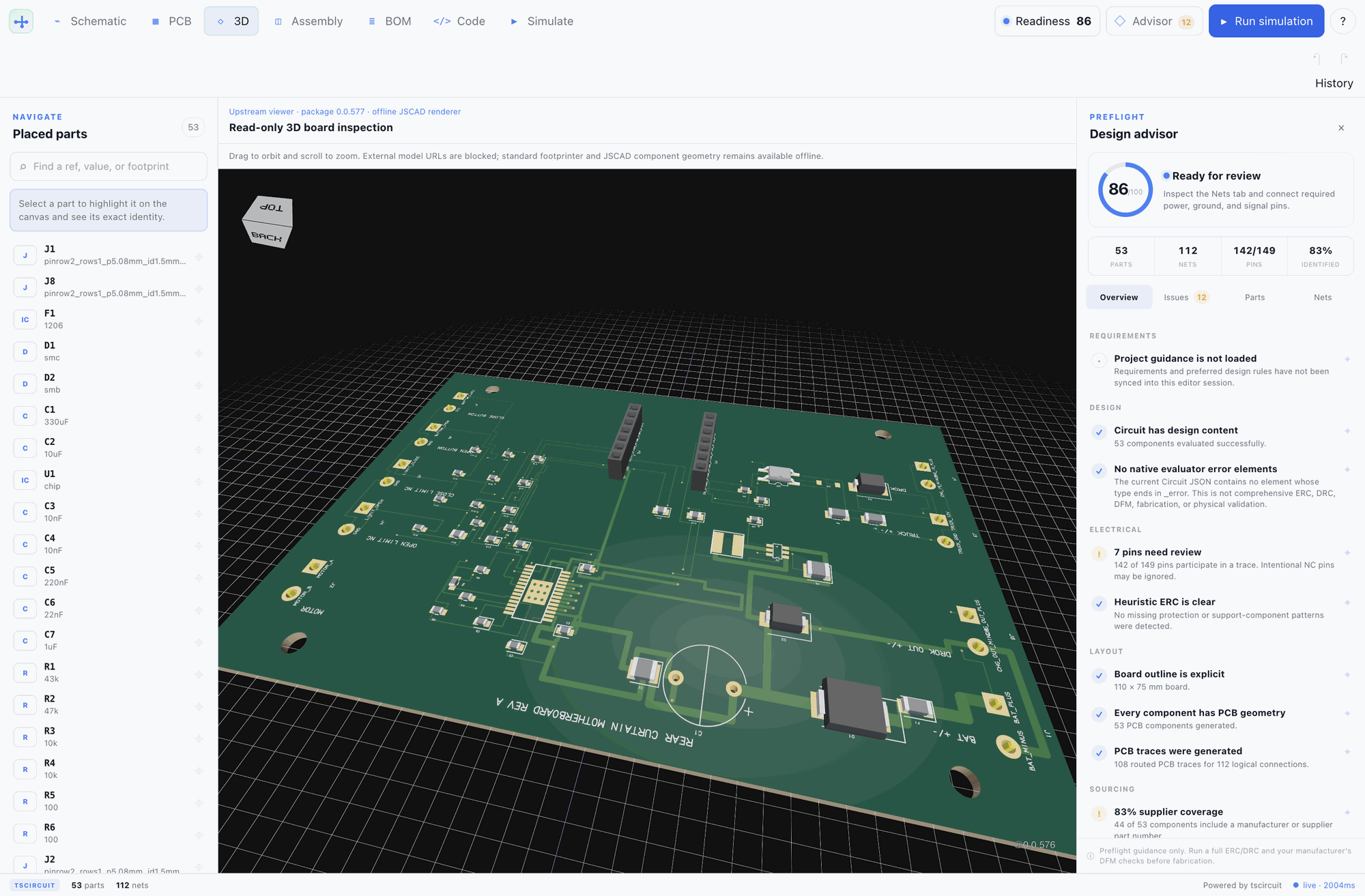
Why Electronics Studio in Nimbalyst?
Electronics Studio keeps circuit source, interactive design views, simulation evidence, agent workflows, and manufacturing handoff together. Author a circuit as reviewable tscircuit TypeScript, inspect the resulting Circuit JSON in direct viewers, and use the same live editor contract from the UI or an AI agent.
The agent works through guarded design transactions. Selection-aware tools inspect exact parts, pins, nets, and geometry. High-impact edits stop at a local preview and approval gate, while source or selection changes revoke stale grants.
Key Features
- Direct circuit viewers — Interactive schematic and PCB canvases plus read-only assembly and offline 3D views, all sharing the host React tree.
- Hybrid circuit authoring — Edit
.circuit.tsxdirectly or insert catalog parts, functional blocks, and controller templates from the design cockpit. - Agent-guided design — Selection-aware tools can inspect, connect, transform, simulate, review, and export through explicit preview and approval boundaries.
- Local simulation and testing — Logical, ngspice analog, AVR, and RP2040 workflows with deterministic fixtures and freshness-bound regression artifacts.
- Evidence-backed review — Readiness, rule, connectivity, part-evidence, assembly, and provenance tools clearly separate confirmed evidence from guidance.
- Manufacturing handoff — Export BOM, Gerber and drill files, pick-and-place data, KiCad projects, design images, SPICE netlists, enclosures, and review packets.
Use Cases
- Code-native PCB projects — Keep circuit designs reviewable and version controlled beside firmware and mechanical files.
- AI-assisted prototyping — Let an agent propose parts, connections, geometry, and tests while retaining explicit approval over mutations.
- Firmware behavior checks — Exercise local MCU fixtures and save deterministic simulation tests or matrices for later regression runs.
- Design readiness reviews — Inspect connectivity, dimensions, routing candidates, part evidence, and manufacturing handoff before export.
- Fab and CAD handoff — Produce portable manufacturing bundles, editable KiCad projects, and board-sized OpenSCAD enclosures.
How It Works
Create or open a .circuit.tsx file. Electronics Studio evaluates it in a Web Worker and renders direct schematic, PCB, assembly, and 3D views beside the code and analysis tools. Select parts or pins to give an agent exact context, preview guarded edits before applying them, run the relevant simulation and readiness checks, then export the artifacts needed by your fabrication or downstream CAD workflow.