Replicad CAD
Code-CAD with a real B-rep kernel and an AI see-correct loop
Available in the Nimbalyst Extension Marketplace
Don't have Nimbalyst yet? Download it
Why Code-CAD in Nimbalyst?
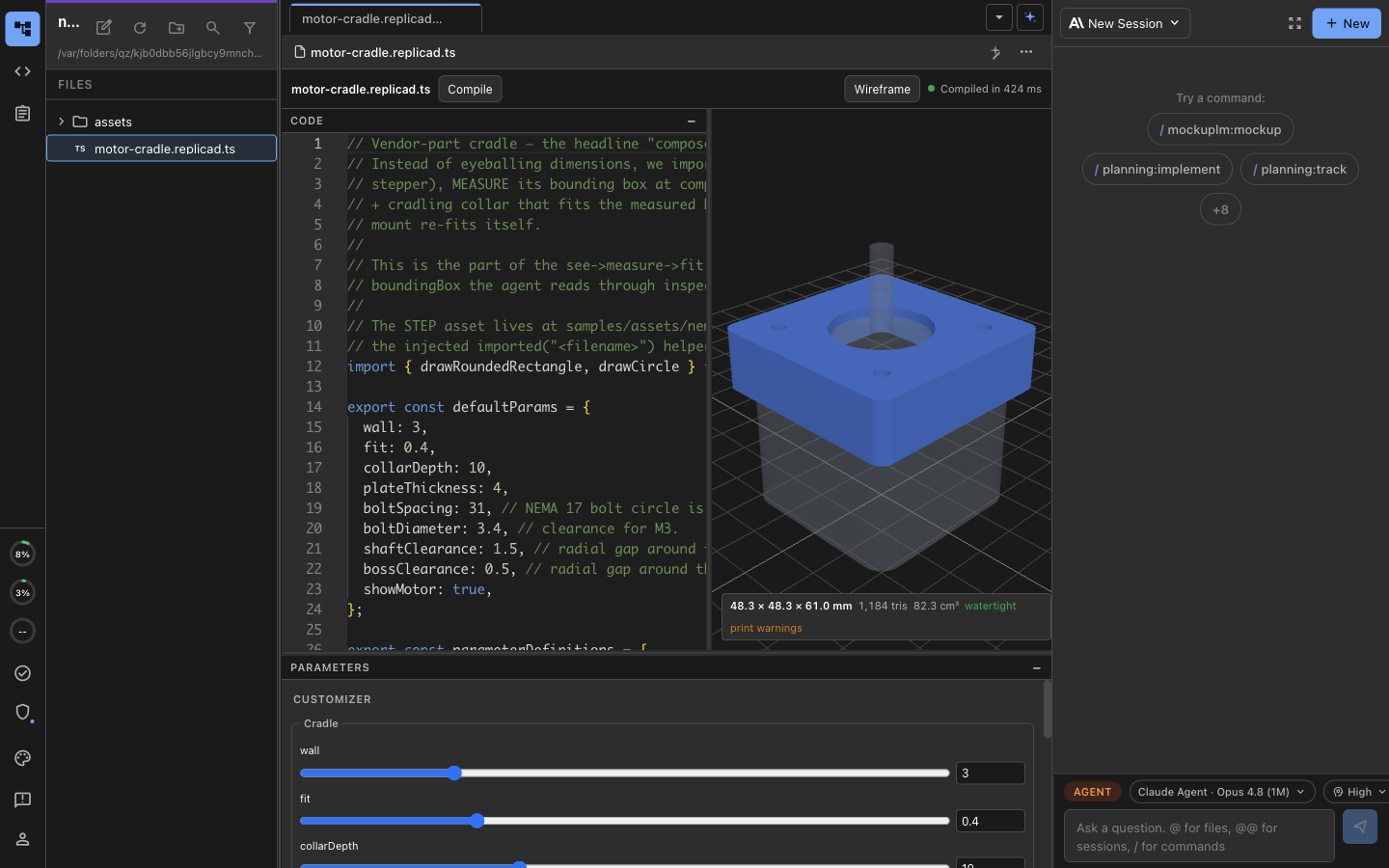
Most CAD tools are heavyweight desktop applications where the model lives in a binary file you can’t diff, review, or generate. Replicad CAD brings a real geometry kernel into your workspace as code: a *.replicad.ts file describes the part in TypeScript, and a live preview renders it with the full OpenCascade (OCCT) B-rep kernel compiled to WebAssembly — the same kernel behind professional CAD, not a mesh approximation.
The AI can see the part it builds. The agent doesn’t model blind. Its tools compile the model, capture multi-view screenshots, measure geometry, and run printability checks, so it can look at what it made, catch a wrong dimension or a missing fillet, and correct it — a see-and-correct loop instead of one-shot guessing.
Key Features
- Real B-rep kernel (OCCT) — Fillets, chamfers, booleans, and true solids from the full OpenCascade kernel in WebAssembly, not a triangle mesh.
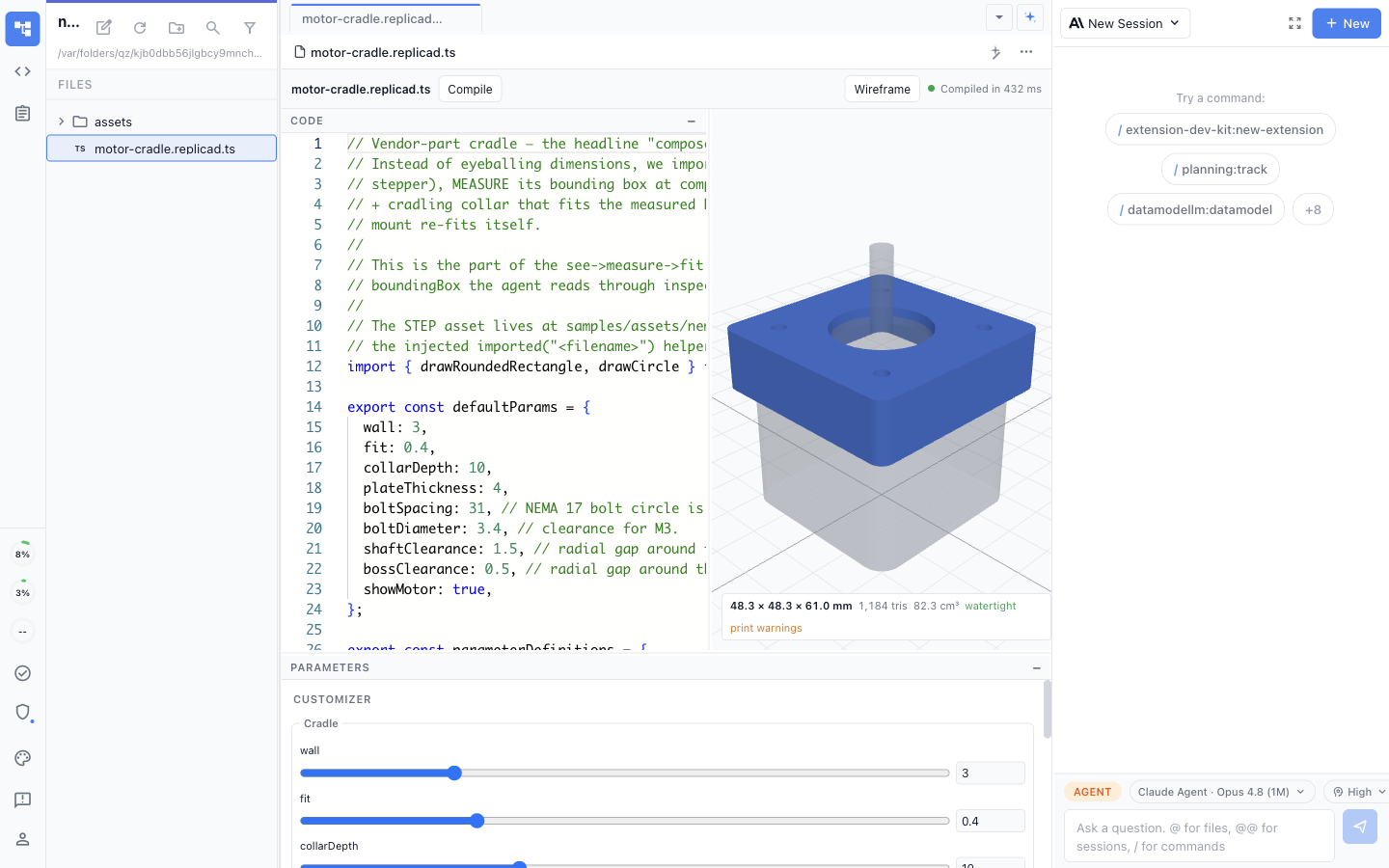
- Split editor — TypeScript on the left, a live 3D model preview on the right, updated as you type.
- Customizer panel — Expose numbers, booleans, enums, and vectors as parameters with grouped sections, and tweak the part without touching code.
- AI see-correct tools — Compile, multi-view inspect, measure metrics, and printability check so the agent can verify and fix its own geometry.
- STEP import — Bring in vendor CAD parts as STEP and build around them.
- Export anywhere — STEP, STL, 3MF, and OBJ output for manufacturing, 3D printing, or downstream tools.
Use Cases
- Parametric parts — Model brackets, enclosures, and fixtures whose dimensions are driven by named parameters.
- AI-assisted CAD — Describe a part and let the agent build, inspect, and refine it against real geometry.
- 3D printing — Design a part, run a printability check, and export STL or 3MF ready for the slicer.
- Design around vendor parts — Import a STEP model of an off-the-shelf component and build a mating part to fit it.
- Version-controlled models — Keep CAD as reviewable, diffable TypeScript in your repo alongside the rest of the project.
How It Works
Create a *.replicad.ts file from the New File menu, or open an existing one. The split editor loads with your code on one side and a live OCCT preview on the other; edits recompile the model on a short debounce. Export defaultParams from your module and they appear in the Customizer panel as editable controls. Ask the AI to build or adjust the part in natural language — it compiles the model, looks at rendered views, measures the result, and iterates until the geometry is right. When the part is done, export it as STEP, STL, 3MF, or OBJ.