Claude Code Plan Mode: How I Use It on Real Multi-File Work
A practical guide to Claude Code plan mode: when to use it, how the approval loop works, and why serious changes need a plan you can keep.
The first time I let Claude Code take a serious auth change straight from prompt to patch, it changed nine files. Three of them were subtly wrong. The compiler was happy. The behavior was not.
The mistake was not using an agent. The mistake was letting implementation start before I understood the approach.
Claude Code plan mode fixes that specific failure. It splits the work into two steps: decide what should happen, then change the code. For small edits, the extra step is unnecessary. For anything with real blast radius, it is the difference between reviewing an approach and untangling a bad patch.
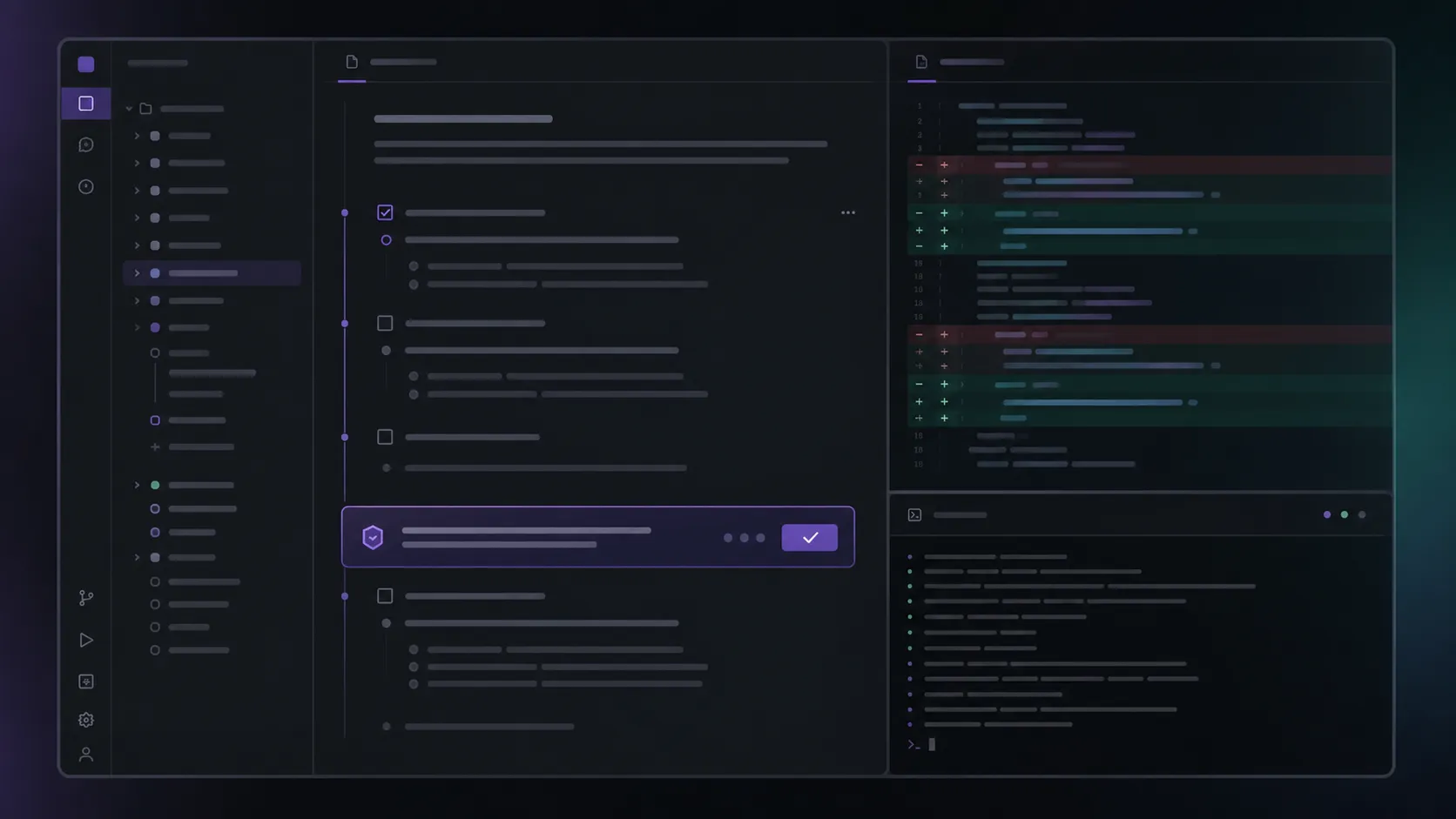
I use it constantly in Nimbalyst, the desktop workspace I build around Claude Code and Codex. Any time the work touches auth, sync, migrations, agent sessions, or more than a couple of files, I want the plan in front of me before the first edit lands.
What Claude Code plan mode does
Plan mode is a permission mode in Claude Code. Claude can inspect the codebase, reason through the task, and propose an implementation plan. It waits for approval before making changes.
You can start Claude Code in plan mode:
claude --permission-mode planYou can also switch modes during a session with the Claude Code shortcut. In most terminals, Shift+Tab cycles through the available permission modes, including plan mode. Some setups use Alt+M instead.
The shortcut is just mechanics. The value is the checkpoint. Before Claude edits files, you get to see:
- Which files it thinks matter
- What order it intends to change them in
- What assumptions it is making
- What it plans to test
Push back there. Once there is a nine-file diff, you are already paying the expensive version of the review.
When I use plan mode
I turn on plan mode when a wrong assumption would be expensive. In practice, that means:
- A change spans three or more files
- The work touches auth, permissions, sync, billing, migrations, or data loss risk
- I am asking Claude to infer an architecture it may not understand yet
- The code path has side effects I cannot check by glancing at one file
- The final diff will need a careful human review anyway
I skip it for the obvious stuff: a typo, a small copy edit, a single-file fix, a quick rename, or a prototype I expect to throw away.
Plan mode is not ceremony. It is a filter. If a bad direction would be cheap to fix, just make the edit. If it would be painful, make the agent show its direction first.
How to use plan mode in Claude Code
Start in plan mode. Give Claude the task and the constraints. Let it read. Then read the plan like the opening comment on a pull request from a developer you trust but still review carefully.
I look for four things:
- Did it find the right files?
- Is it using existing helpers and patterns?
- Is the order of work safe?
- Did it name the tests or checks that would prove the change works?
If the answer to any of those is no, I do not let it edit yet. I correct the plan.
Corrections need to be specific. “Be careful with auth” is too vague. “Use the existing org-scoped JWT helper and do not read tokens from environment variables” is the kind of instruction that changes the result.
Once the plan is specific enough that I would be comfortable assigning it to a teammate, I leave plan mode and let Claude execute. Auto-accept can be useful at that point, but only after the plan is clear. Auto-accept without a good plan is just a faster way to create review work.
A good plan is concrete
Weak plans sound like this:
Update the relevant files, add tests, and ensure everything works.
That is not a plan. It is a placeholder.
A useful plan names the files, the sequence, the existing conventions, and the verification path. For example:
First inspect the current session-token helpers and the IPC path that calls them. Then update the call site to use the existing org-scoped token helper. Add a regression test for the team workspace case. Run the focused auth tests before touching unrelated cleanup.
I want that level of detail before edits begin. It gives me something to approve, reject, or rewrite.
My rule: if the plan could apply to almost any codebase, it is too generic. Make it name your code.
Where plan mode falls short
Claude Code’s plan mode is useful. The weak spot, at least in the terminal workflow, is where the plan lives.
The plan is usually something you read, approve, and then lose track of while the implementation scrolls by. For serious work, that is backwards. The plan is often the most valuable artifact in the session because it captures the reasoning before the code starts changing.
I want that plan beside the diff. I want to check each edit against the step it was supposed to satisfy. I want to hand the plan to another developer before implementation starts. And if the change turns out to be wrong a month later, I want to see the reasoning that led us there.
That is one reason I built Nimbalyst around persistent planning. I keep the plan as a real markdown document in the workspace, next to the generated diff and the agent session. When I run several tasks in parallel, I pair each plan with its own git worktree so the code, context, and reasoning stay isolated.
This does not replace Claude Code plan mode. It makes the output easier to keep, edit, compare, and review after the terminal has moved on.
The takeaway
Use Claude Code plan mode when the change is large enough that you would want a human developer to explain their approach first.
That is the real standard. Three files? Plan first. Auth or migrations? Plan first. Unfamiliar code? Plan first. A diff you already know you will review line by line? Plan first.
The benefit is not that Claude “thinks harder.” The benefit is seeing the thinking while it is still cheap to correct. A bad plan is a paragraph. A bad implementation is an afternoon.
And if the plan matters, keep it. Do not let the most considered part of the session disappear as soon as the code starts changing.
Related pages
Related posts
-
Spec-Driven Development with Coding Agents: A Practical Guide
Spec-driven development treats a written specification as the source of truth and code as its output. What a spec contains, how to hand one to Claude Code or Codex, how to keep it current as the code moves, where the practice breaks, and how Spec Kit, Kiro, BMAD, GSD, and OpenSpec compare.
-
Best AI Agent Orchestration Platforms 2026: Coding vs Workflow
AI agent orchestration means two different products. Compare control planes for your own coding agents (Nimbalyst, Orca, Emdash, Superset, Conductor, Warp) against workflow frameworks like LangGraph and CrewAI.
-
What Is an Agentic Development Environment (ADE)?
An agentic development environment is the workspace you use to direct several coding agents at once. Definition, origins, how an ADE differs from an IDE and a CLI agent, and criteria for evaluating one.