Your provider supplies the agent
Claude Code access comes from Anthropic. Codex access comes from OpenAI. Their current plans, model availability, usage windows, and rate limits continue to apply.
Bring your existing AI access
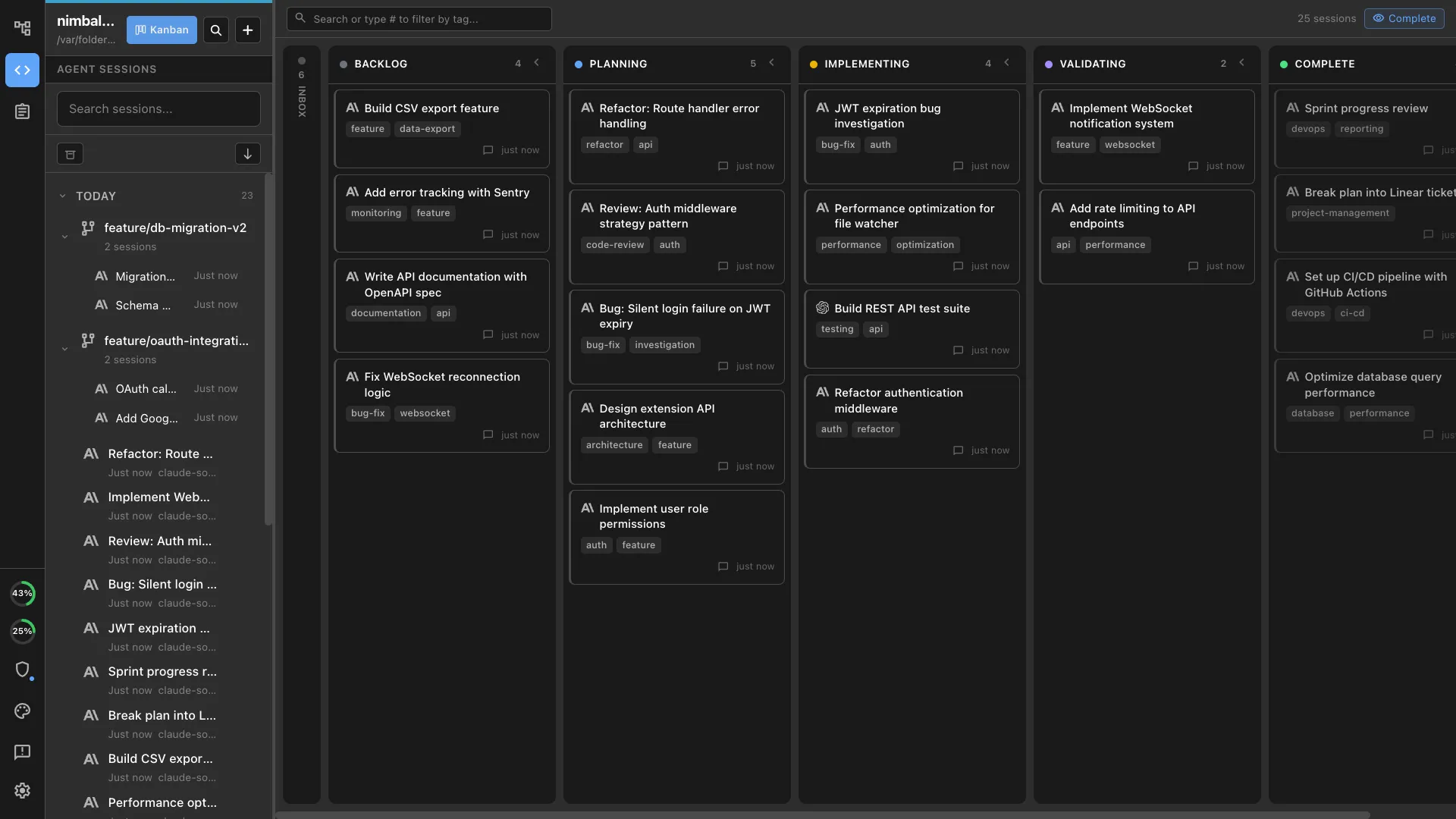
Nimbalyst provides the visual workspace around your agents. Keep using supported Anthropic and OpenAI access, then manage both agents, their sessions, worktrees, files, and diffs from one place.
Free for individuals. Works with your existing Claude Code or Codex subscription or API key.
Quick answer
Nimbalyst is the workspace layer. Anthropic and OpenAI still provide the agents, authenticate your account, meter usage, and enforce plan limits. Nimbalyst connects to the supported Claude Code and Codex access you already have, including provider accounts and API-key configurations.
Nimbalyst is free for individuals. Your model-provider costs and usage limits remain with the provider.
How the pieces fit
Claude Code access comes from Anthropic. Codex access comes from OpenAI. Their current plans, model availability, usage windows, and rate limits continue to apply.
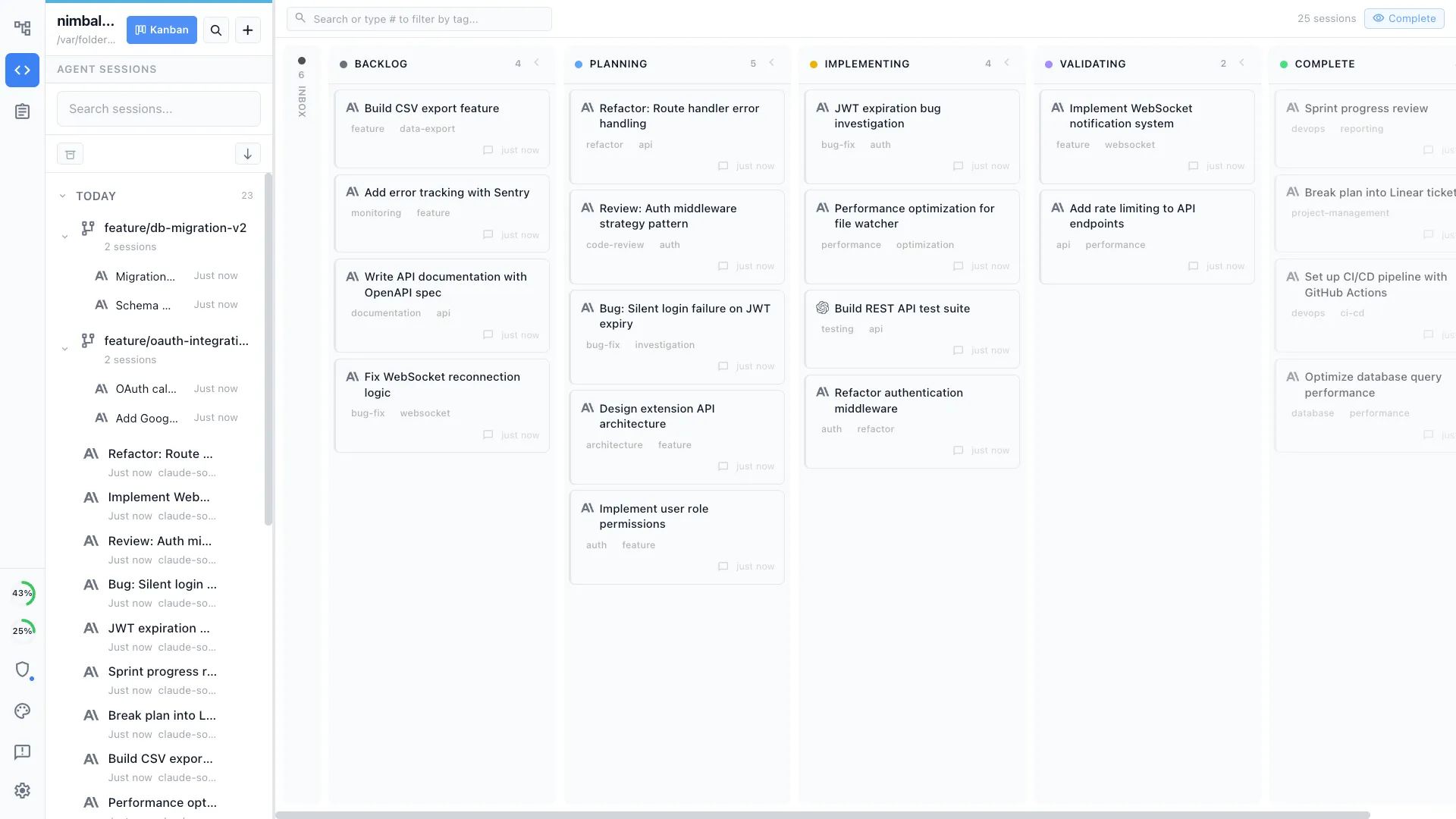
Sessions appear on a visual kanban board with project files, optional git worktrees, transcripts, visual editors, and file-by-file diff review around the agent.
Use supported provider sign-in for one agent, an API key for another, and local models through LM Studio when a local workflow is the better fit.
Setup
Provider eligibility and sign-in flows change, so confirm the latest details in the official documentation before connecting an account.
Confirm that Claude Code and Codex work with the accounts or API keys you intend to use.
Open a project, create a session, and choose Claude Code or Codex. Nimbalyst uses the supported access configured for that provider.
Launch sessions side by side, give parallel work an isolated worktree when needed, and review every changed file from the same visual workspace.
Choose your access model
The workspace stays the same. What changes is who provides the model, how usage is billed, and where limits are enforced.
| What changes | Provider account | API key | Local model |
|---|---|---|---|
| Who bills model usage | Anthropic or OpenAI under the eligible plan | The API provider | No model provider; you supply the hardware |
| Authentication | Supported provider account sign-in | A key you explicitly configure | Local LM Studio connection |
| Usage limits | Your provider plan's current limits | Provider rate limits and usage budget | Your machine's available resources |
| Best for | People already paying for Claude or ChatGPT access | Usage-based billing, automation, or separate provider accounts | Privacy-sensitive work and local experimentation |
| Nimbalyst workspace | Same sessions, files, worktrees, and review | Same sessions, files, worktrees, and review | Same project and visual editors; agent capabilities vary by model |
Why combine them
Use Claude Code for one task and Codex for another, or run both against separate workstreams while keeping the project context visible.
Each session has its own status, transcript, files, and optional worktree instead of disappearing into another terminal or provider app.
Inspect code, markdown, diagrams, mockups, data models, and other changed files with the session context still attached.
FAQ
Yes, when your eligible Anthropic account includes Claude Code access and the supported provider sign-in flow is available. You can also use an Anthropic API key that you explicitly configure. Anthropic determines current eligibility and limits.
Yes, when your current ChatGPT plan includes Codex and supports the sign-in method used by the Codex tooling. OpenAI determines plan eligibility, usage allowances, and any additional-credit options.
Yes. Nimbalyst can run Claude Code and Codex sessions side by side in the same project workspace. Each provider still owns its authentication, billing, model availability, and usage limits.
Nimbalyst does not resell or meter Claude Code or Codex tokens. You bring supported provider access, an explicitly configured API key, or a local model. Any provider usage charges remain between you and that provider.
Yes. Nimbalyst supports provider access and explicitly configured API keys, plus local models through LM Studio. Availability and agent capabilities depend on the provider and model you choose.
The provider's limit still applies. Wait for the provider window to reset, change to another supported access method, or route the next task to another configured agent. Nimbalyst does not bypass provider limits.
Configure API keys explicitly in Nimbalyst settings. Nimbalyst does not silently import unrelated environment variables as provider credentials.
Go deeper
Compare the three dominant coding-agent approaches, then decide whether to use one or several.
Compare the official Claude surface with open-source and multi-session workspace options.
See the official Codex app, Codex-first tools, and broader visual workspaces.
See how sessions, worktrees, status, and review fit together when several agents are running.
Free for individuals. Works with your existing Claude Code or Codex subscription or API key.