Comparison
Nimbalyst vs Claude Code CLI
Claude Code is one of the most capable AI coding agents in 2026. It is also a terminal application. Nimbalyst is the open-source visual workspace that runs Claude Code underneath, with kanban session management, optional one-click git worktree isolation per session, inline diff review, and an iOS companion app. Same agent, more workflow around it.
Free for individuals. Works with your existing Claude Code or Codex subscription or API key.


Overview
Two tools, different approaches
Nimbalyst
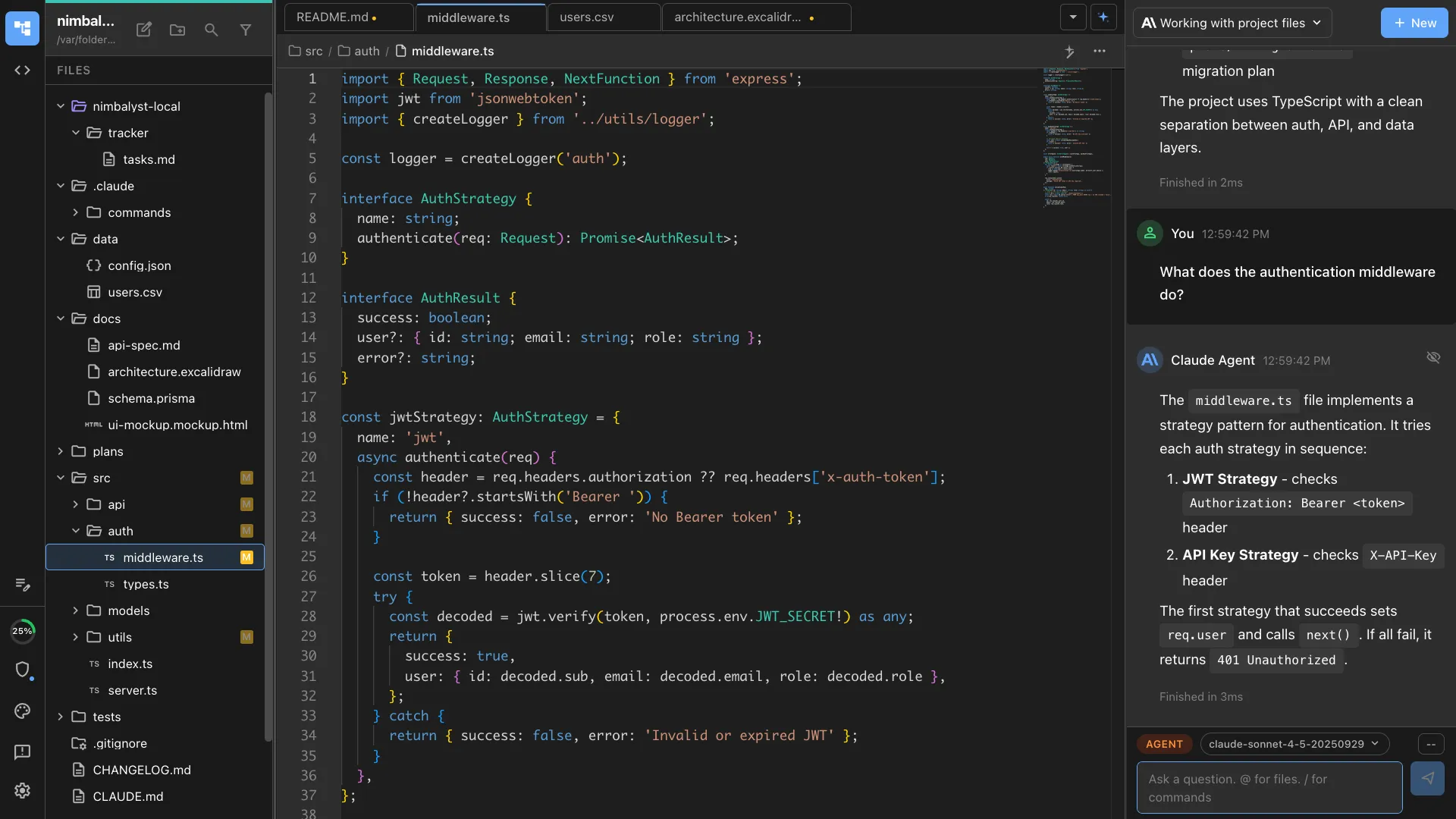
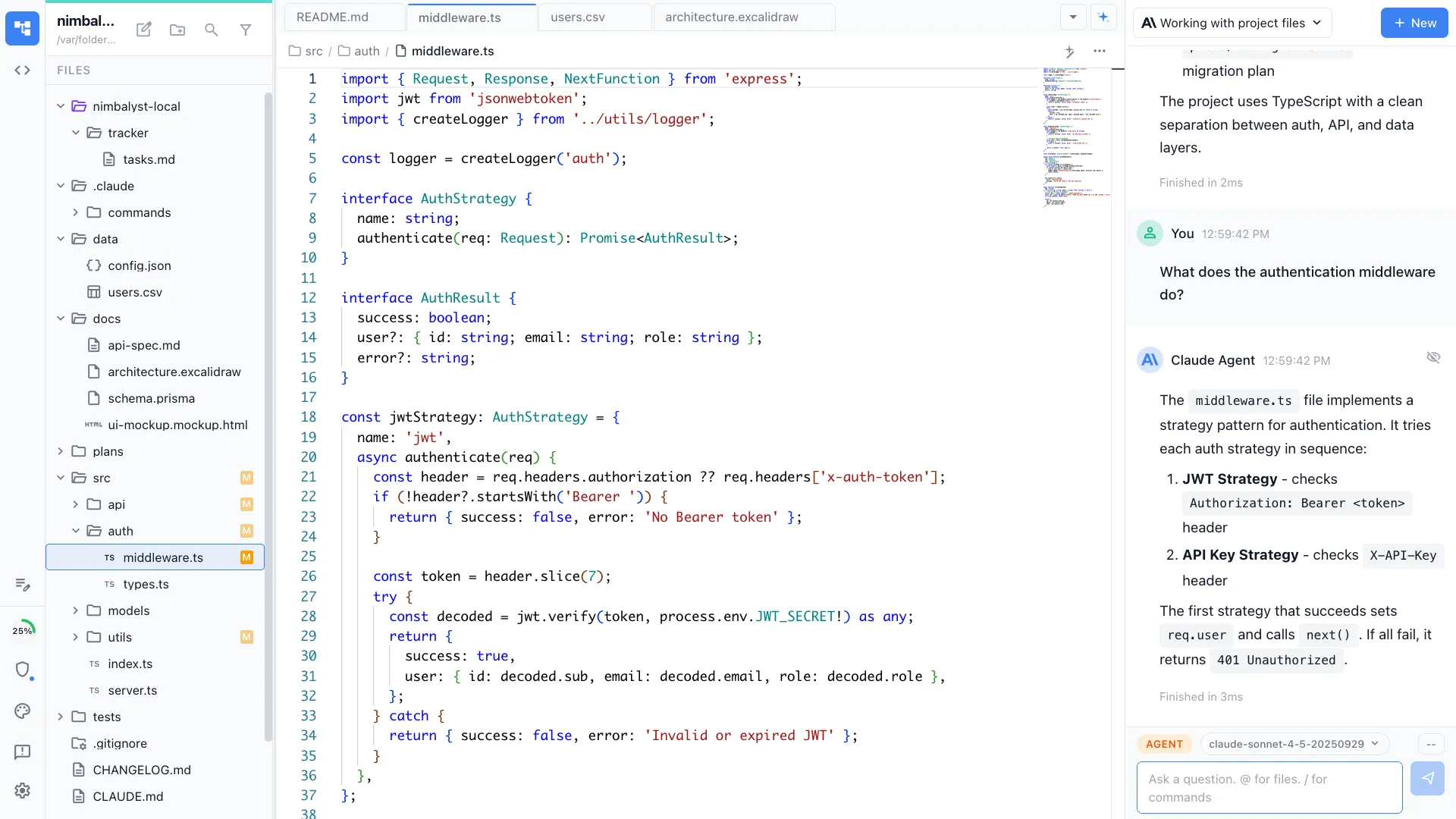
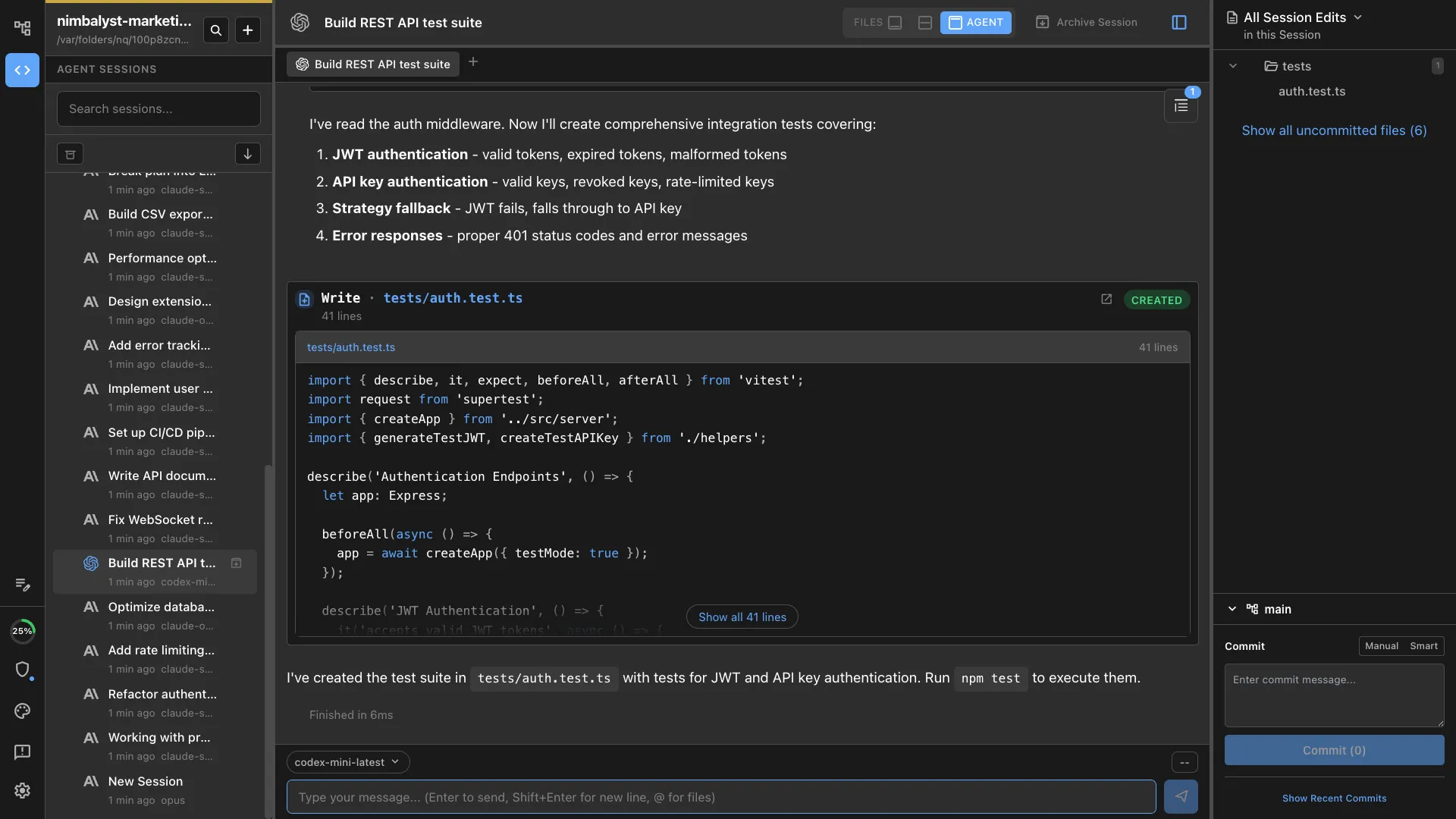
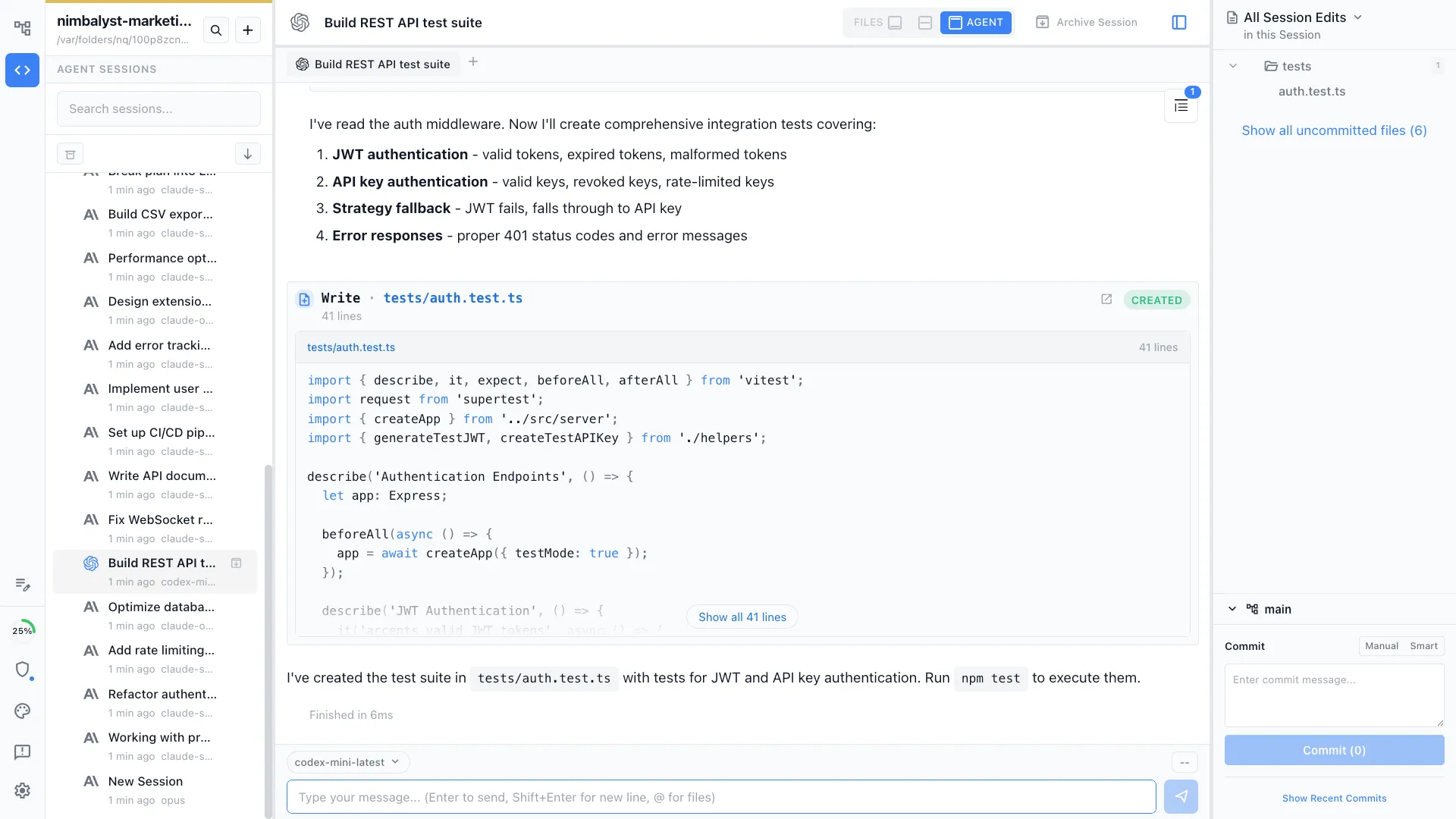
Nimbalyst is an AI-native workspace built on top of Claude Code and Codex. It runs the actual Claude Code agent underneath while adding a session kanban board, optional one-click git worktree isolation per session, inline red and green diff review across markdown, mockups, diagrams, code, and data models, plus an iOS companion app. You get the same model quality as the bare CLI inside a workspace designed for parallel sessions.
Claude Code CLI
The Claude Code CLI is Anthropic's terminal-based AI coding agent. It is fast, polished, and ships with skills, MCP support, and subagents. It excels at single-session work where the developer is comfortable in the terminal.
Feature Comparison
Side-by-side breakdown
Nimbalyst Advantages
Where Nimbalyst shines


Kanban board for parallel Claude Code sessions
Run six or more Claude Code sessions simultaneously and manage them on a visual kanban board with phases, tags, and per-session metadata. The bare CLI gives you terminal tabs.


Inline visual diff review
See every Claude Code edit as a red and green inline diff across markdown, mockups, diagrams, code, and data models. Approve or reject per-change. The CLI shows diffs in the terminal.


Visual editors the agent can drive
Claude Code can create and edit Excalidraw diagrams, MockupLM UI mockups, and data model schemas in visual editors. The bare CLI is text-only.
Honest Assessment
Where Claude Code CLI is stronger
Maximum simplicity
The Claude Code CLI is one binary and one keystroke from any terminal. For single-session work, nothing is faster to launch.
First-day Anthropic features
New Claude Code features ship in the CLI first. If you want guaranteed same-day support for skills, MCP servers, or model updates, the CLI is the most direct path.
Recommendation
Who should use which
Choose Nimbalyst if…
You run multiple Claude Code sessions in parallel, want kanban-style management, need optional one-click git worktree isolation per session, or want inline visual diff review across non-code artifacts.
Choose Claude Code CLI if…
You work one session at a time, prefer the terminal, and want the most direct path to Claude Code's latest features.
More Comparisons
Related comparisons
vs Claude Code Desktop
Compare Nimbalyst with Anthropic's official GUI.
Codex vs Claude Code
How the two coding agents compare, and running both in one workspace.
vs Claude Code
Compare Nimbalyst with Claude Code as the broader coding-agent workflow.
Agent Harness for Claude Code and Codex
The hub for the workflow layer around Claude Code, Codex, review, and coordination.
vs Opcode
Compare Nimbalyst with the open-source Claude Code GUI.
Want your agents, code, docs, and visual planning in one workspace? Try Nimbalyst free.
Free for individuals. Works with your existing Claude Code or Codex subscription or API key.
Nimbalyst Teams is multiplayer. Your whole team, Codex, and Claude Code in one shared workspace.