Comparison
Best Opcode Alternative for Claude Code Power Users
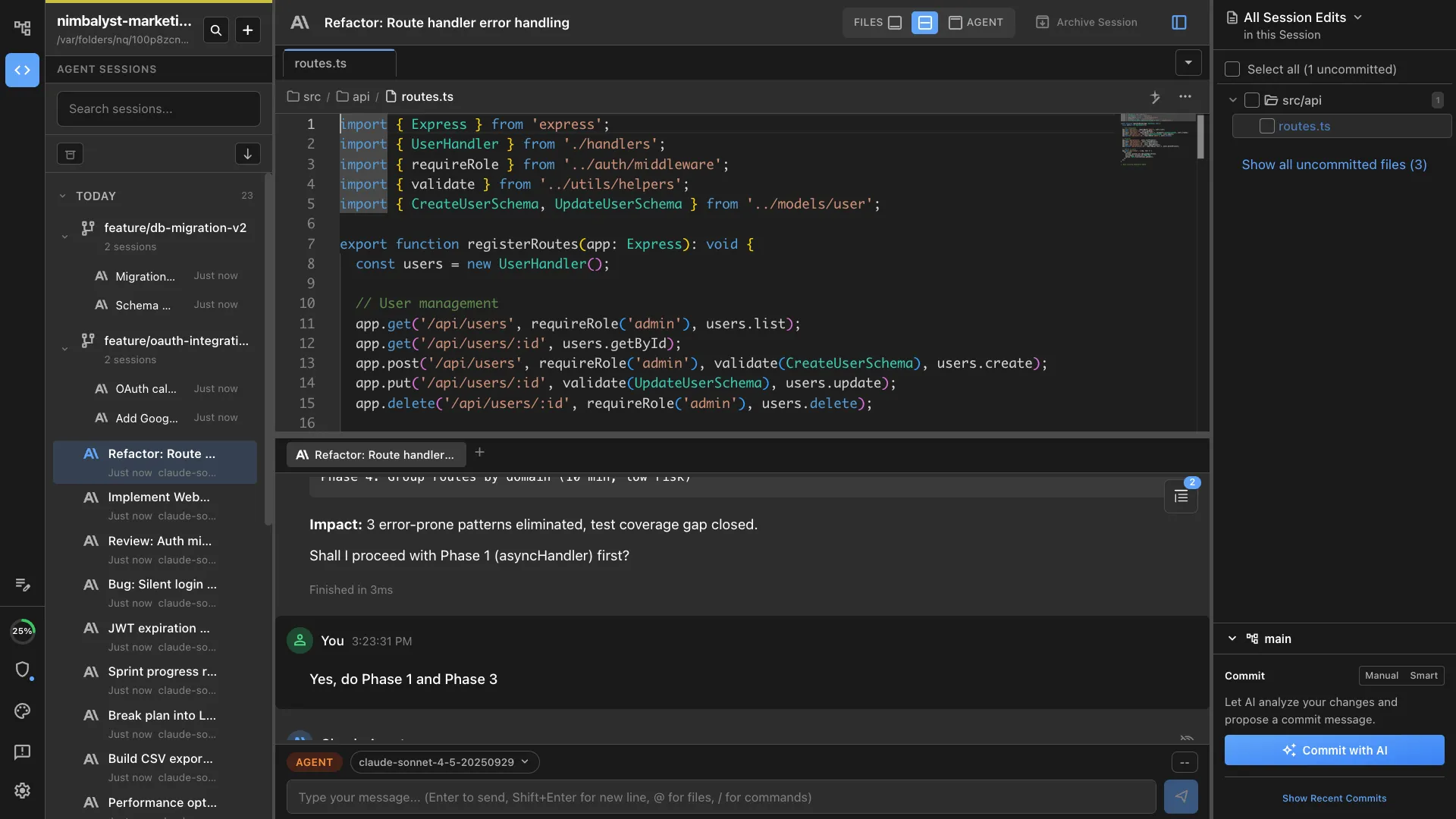
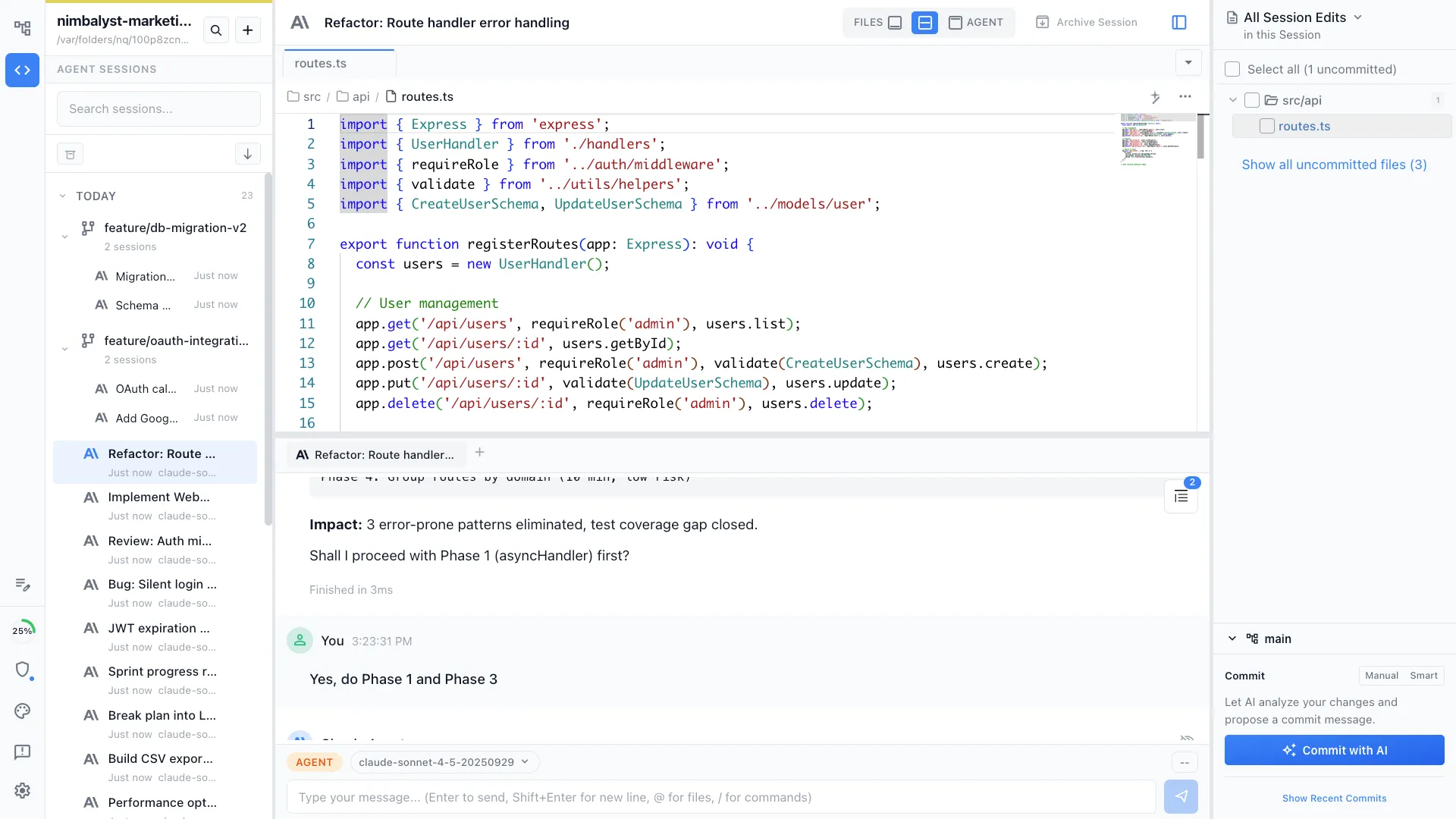
Looking for an Opcode alternative? Nimbalyst gives Claude Code power users more than a single-session GUI. It is the open-source visual workspace for building with Codex, Claude Code, and more, with session management, task tracking, and visual editors for markdown, mockups, diagrams, and code.
Free for individuals. Works with your existing Claude Code or Codex subscription or API key.
Why People Switch
Why people switch from Opcode
Opcode is not being maintained
The biggest reason people switch from Opcode is maintenance risk. Claude Code changes quickly, and teams do not want to depend on a wrapper that is no longer actively shipping.
One session is no longer enough
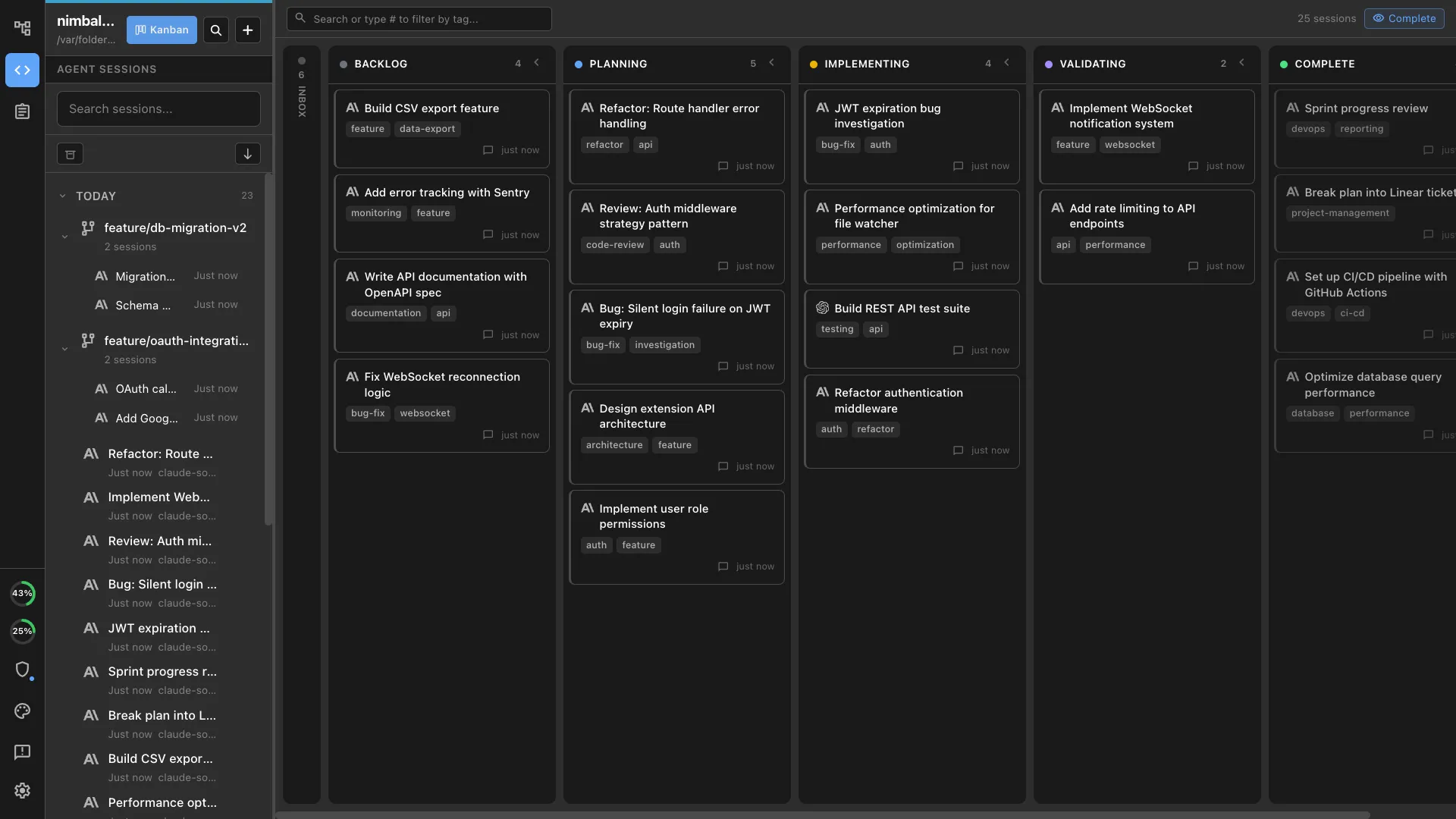
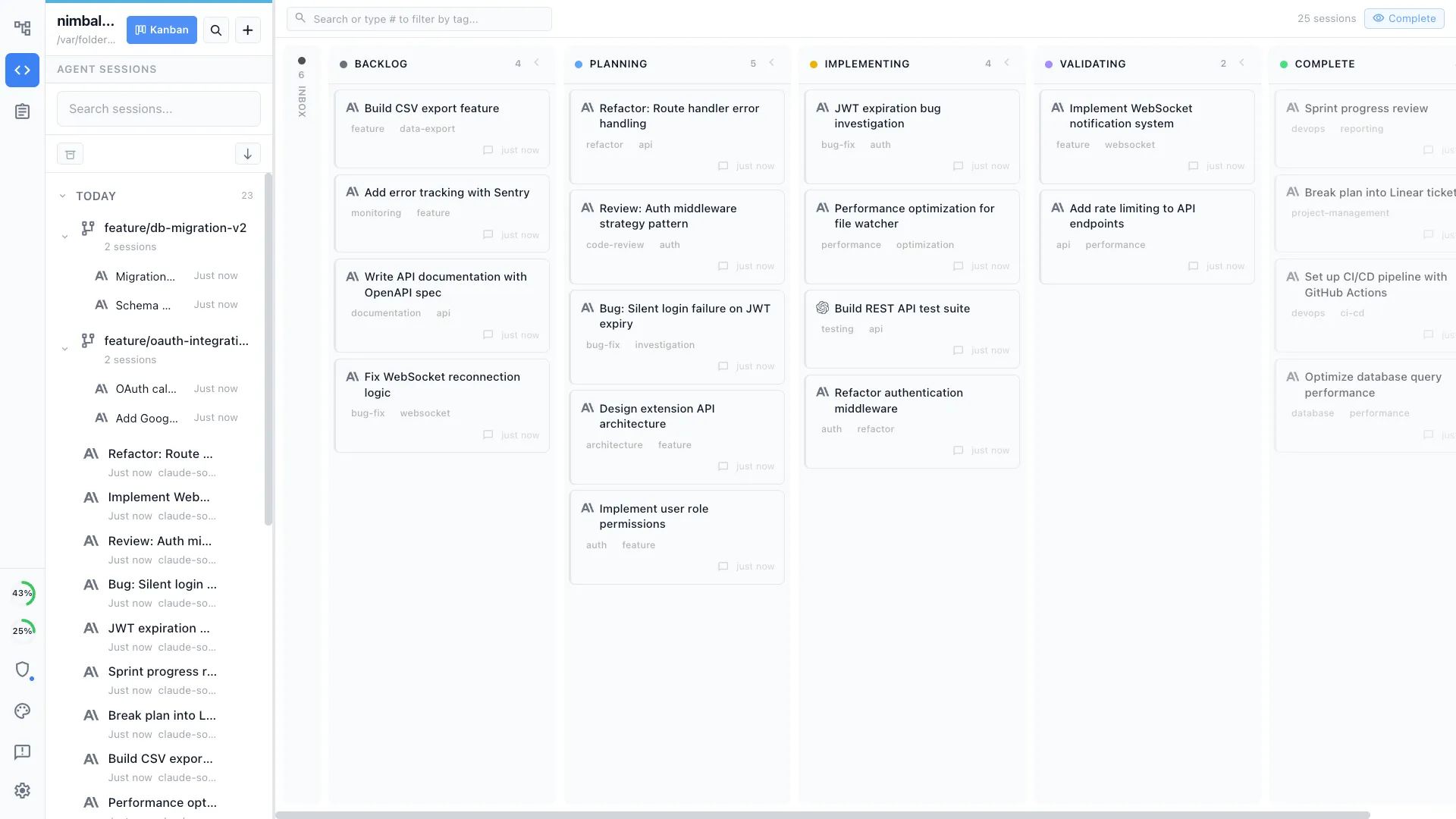
Many Opcode users outgrow the single-session chat shell and want a board that can manage multiple Claude Code or Codex sessions in parallel.
They want planning next to execution
A chat wrapper is useful, but it leaves specs, tasks, and project planning in other tools. Nimbalyst keeps plans and implementation in one workspace.
They need visual artifacts, not just code
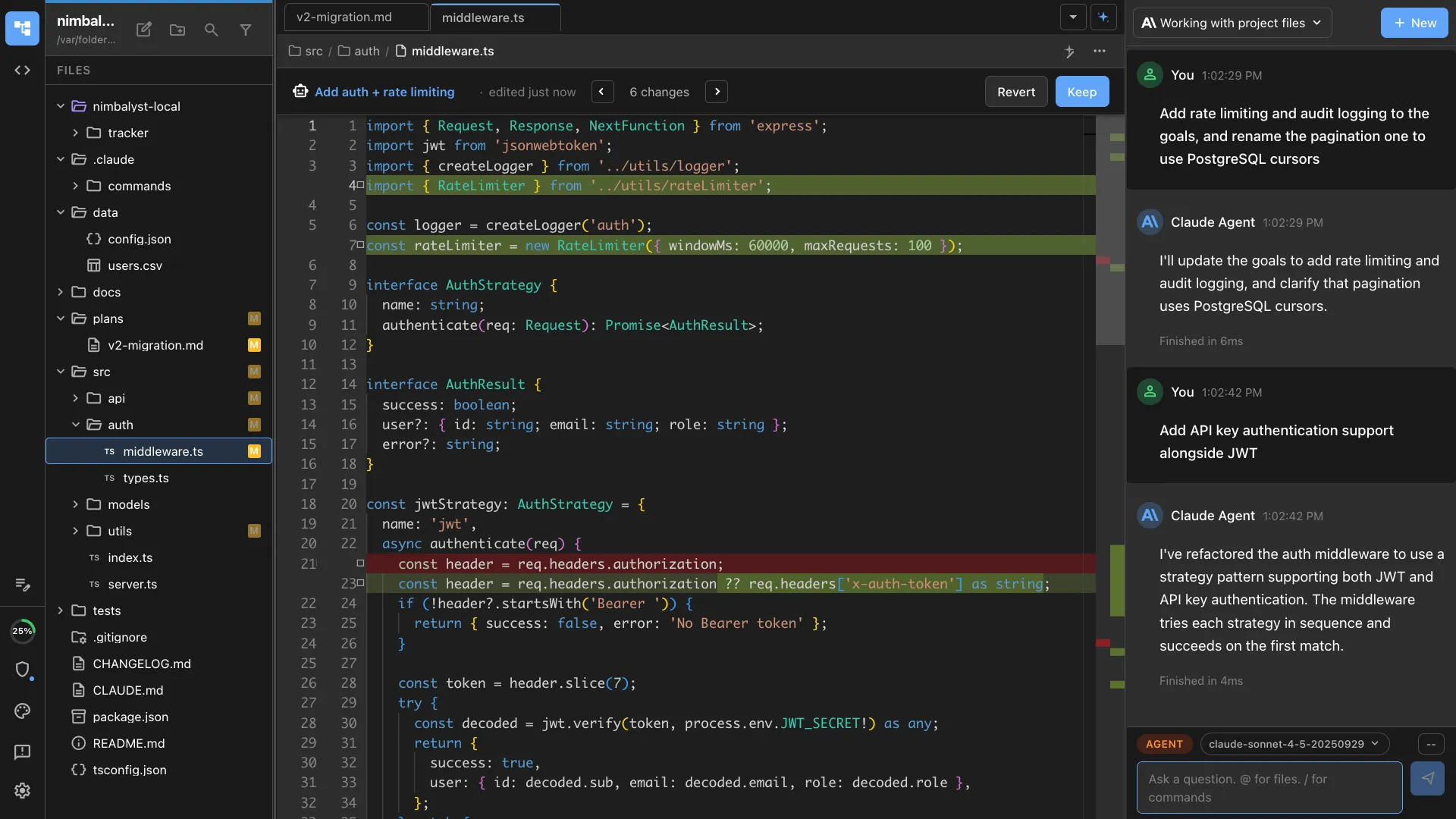
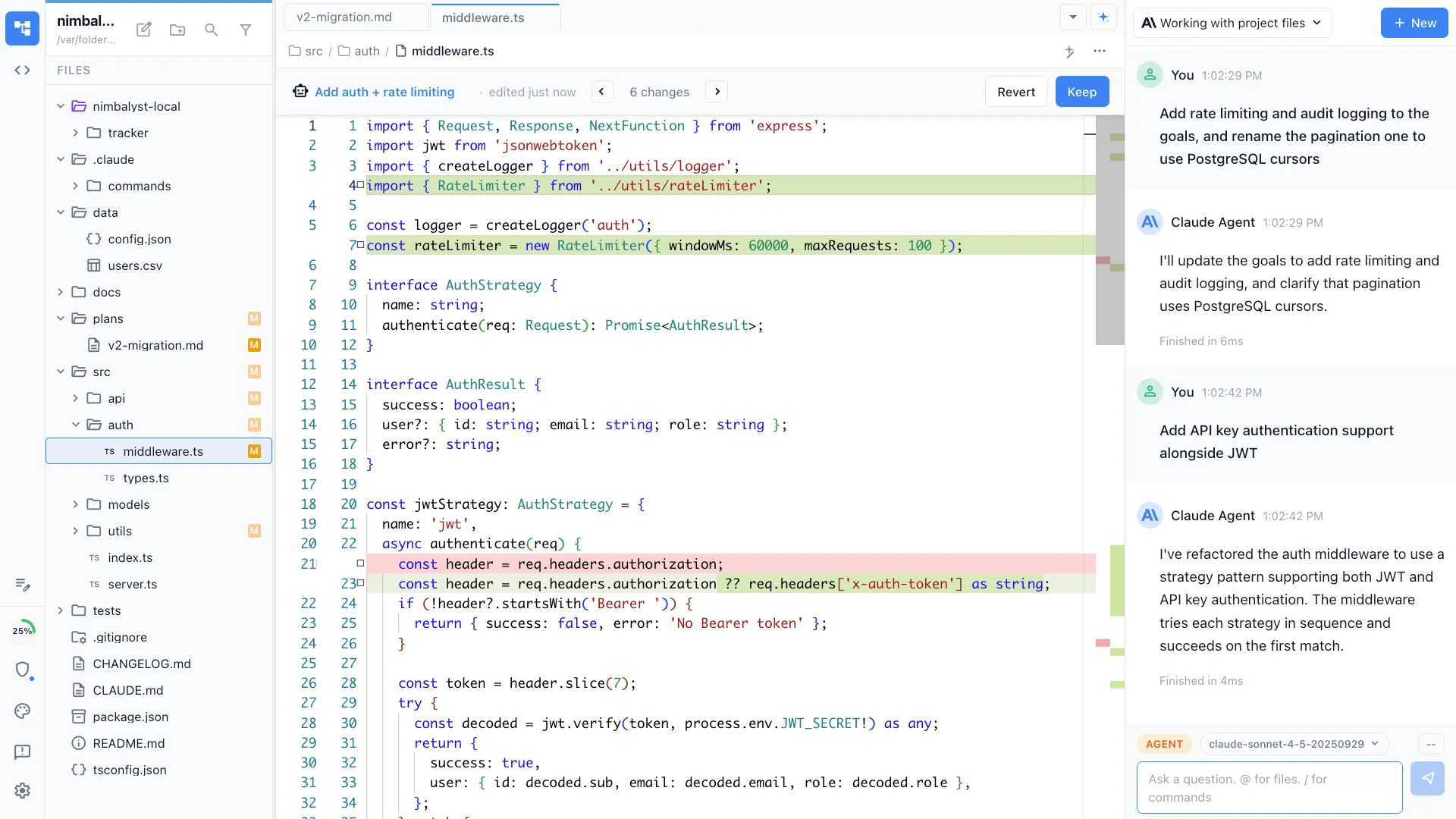
When work includes docs, mockups, diagrams, or data models, teams want editors the agent can use directly instead of raw text files and transcripts.
They want Claude Code and Codex together
Opcode is centered on Claude Code. Nimbalyst is better when you want to run Claude Code and Codex side by side in the same project.
They want an actively evolving workspace
Once maintenance is in doubt, power users often switch to a broader workspace with ongoing product development around review, orchestration, and file-aware context.
Overview
Two tools, different approaches
Nimbalyst
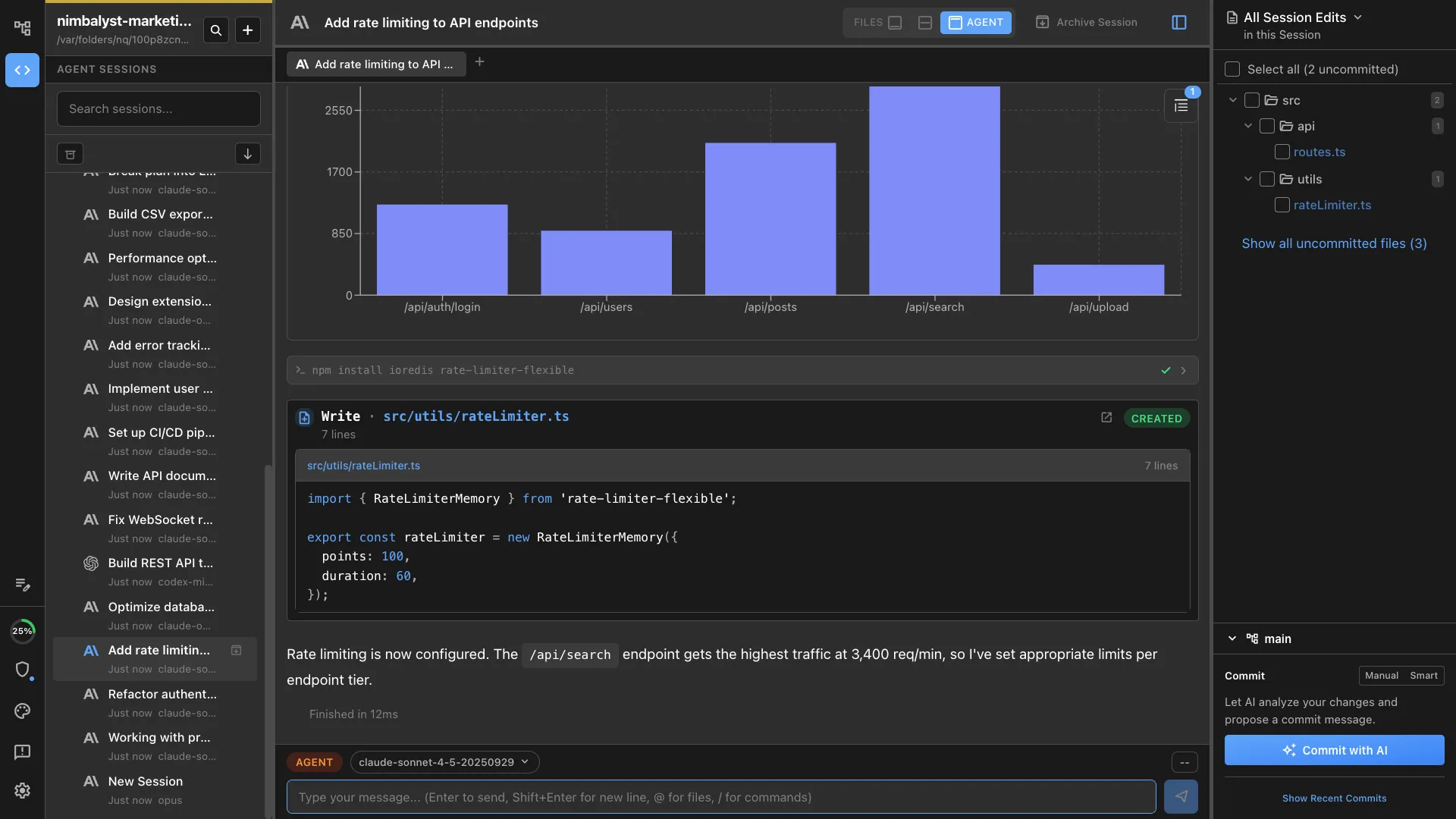
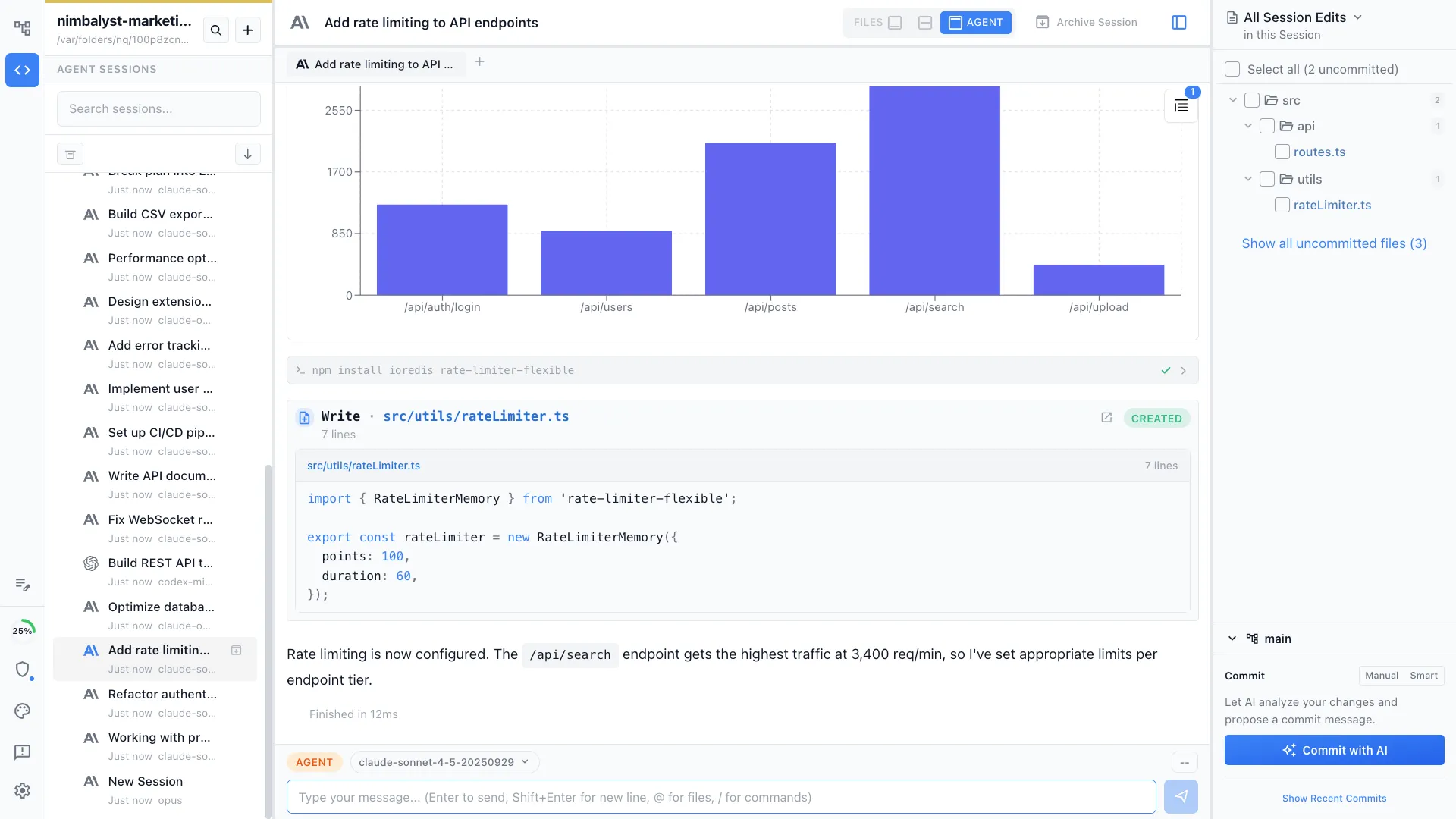
Nimbalyst is an AI-native workspace built on top of Claude Code and Codex. It adds a session kanban board for managing parallel agents, visual editors for markdown, mockups, diagrams, and data models, built-in planning and task tracking, and a mobile companion app. You get the full power of Claude Code inside a workspace designed for managing multiple sessions, not just one.
Opcode
Opcode (formerly Claudia) is a popular open-source GUI for Claude Code with over 21,000 GitHub stars. It provides a clean graphical interface for interacting with Claude Code, including file browsing, conversation history, and a modern chat UI. It focuses on making a single Claude Code session more accessible.
Feature Comparison
Side-by-side breakdown
Nimbalyst Advantages
Where Nimbalyst shines
Parallel session management
Opcode focuses on making one session great. Nimbalyst lets you run dozens of sessions across multiple projects and manage them all on a kanban board with phase tracking and status monitoring.
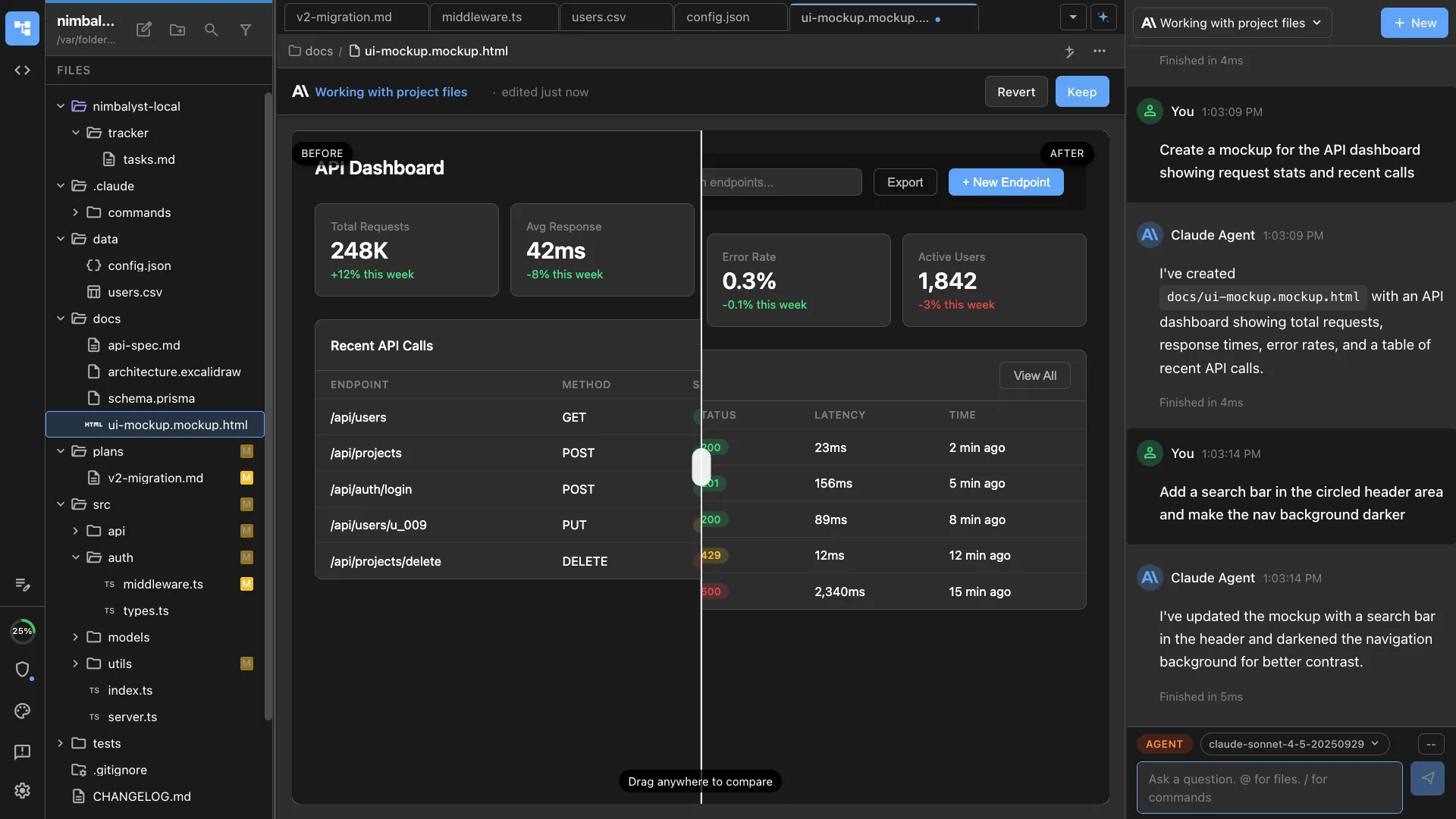
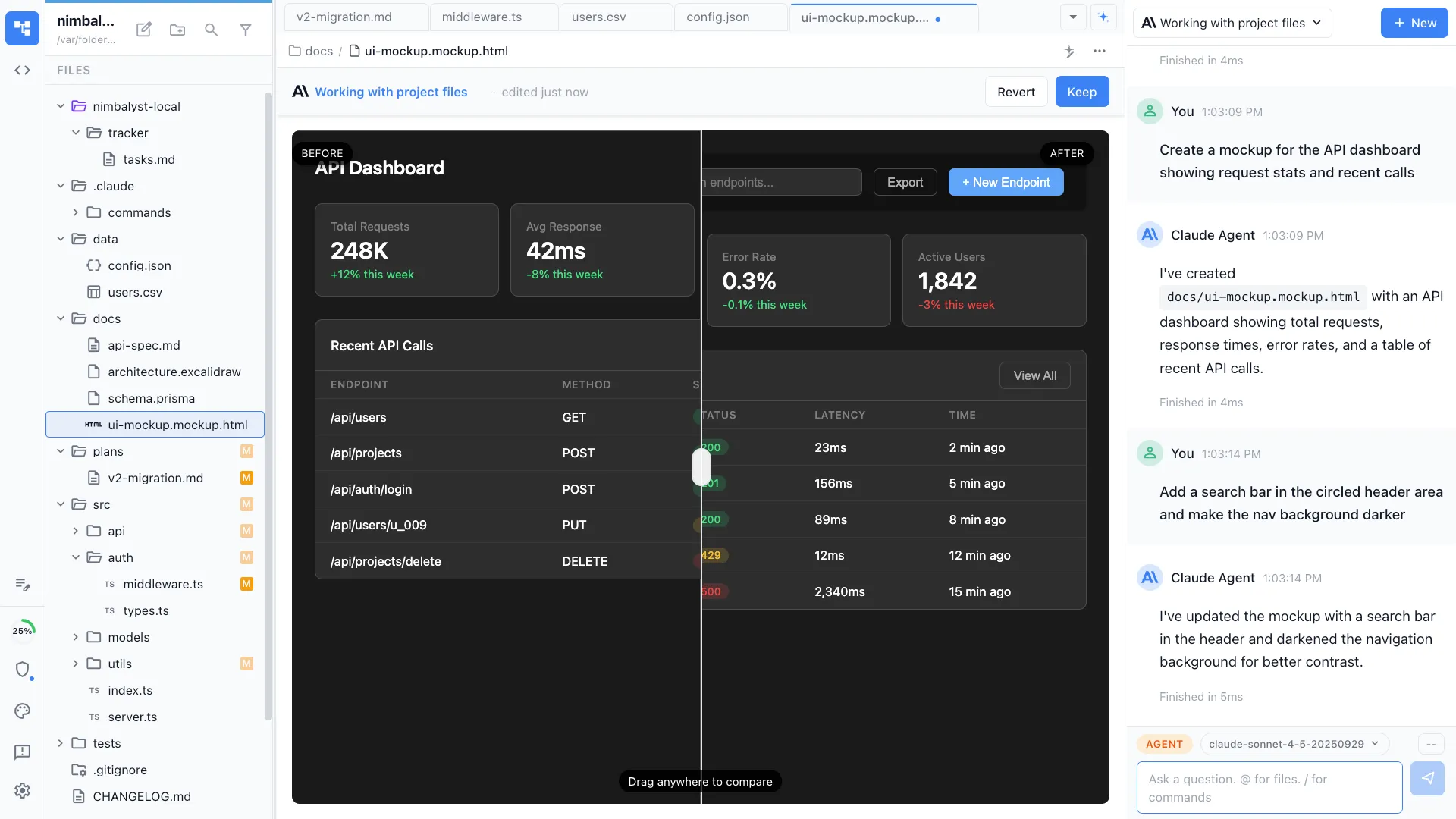
Visual editors beyond code
Ask your agent to create mockups, diagrams, or data models and they render in purpose-built visual editors. Opcode is limited to the text-based output Claude Code produces natively.
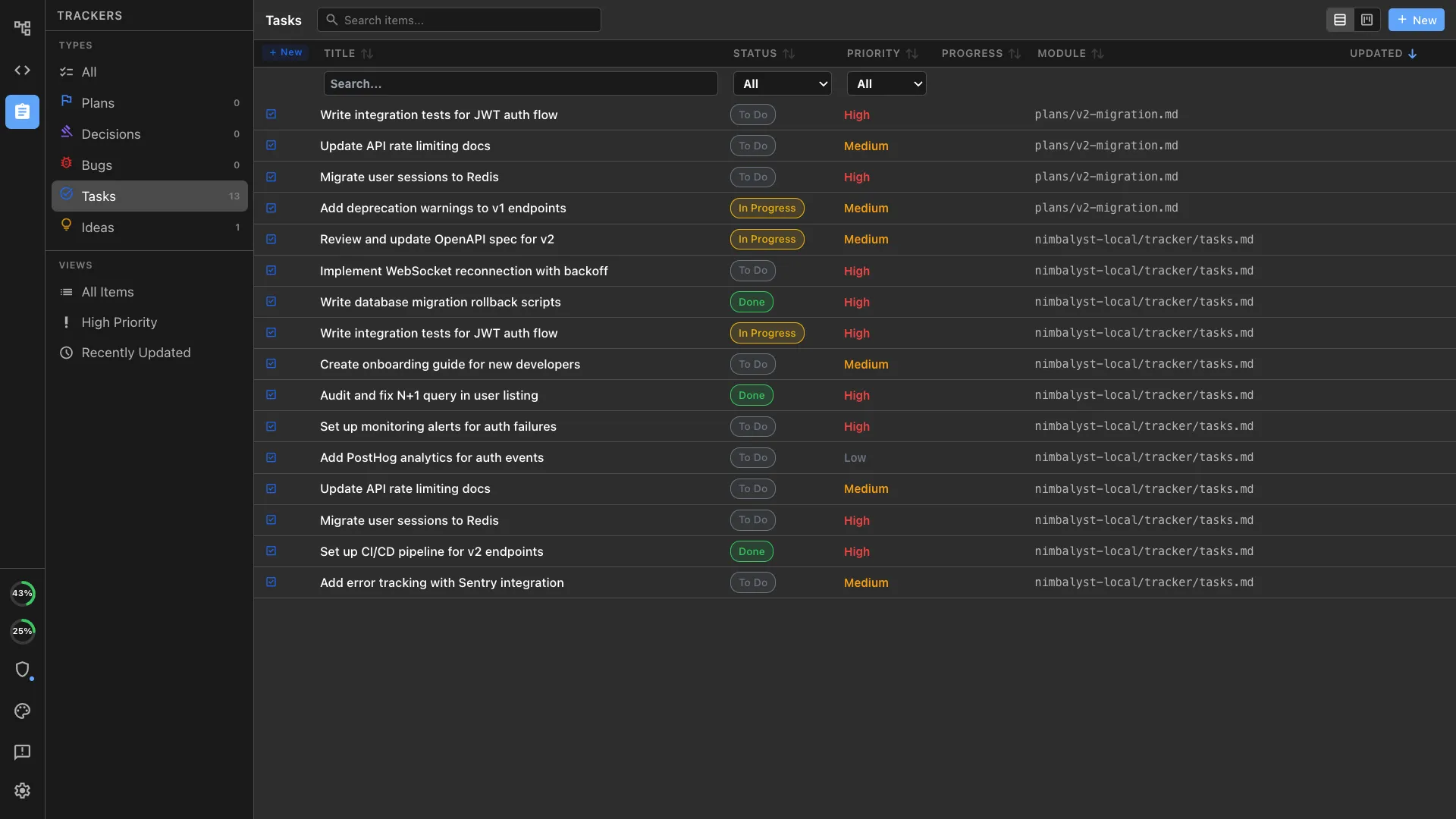
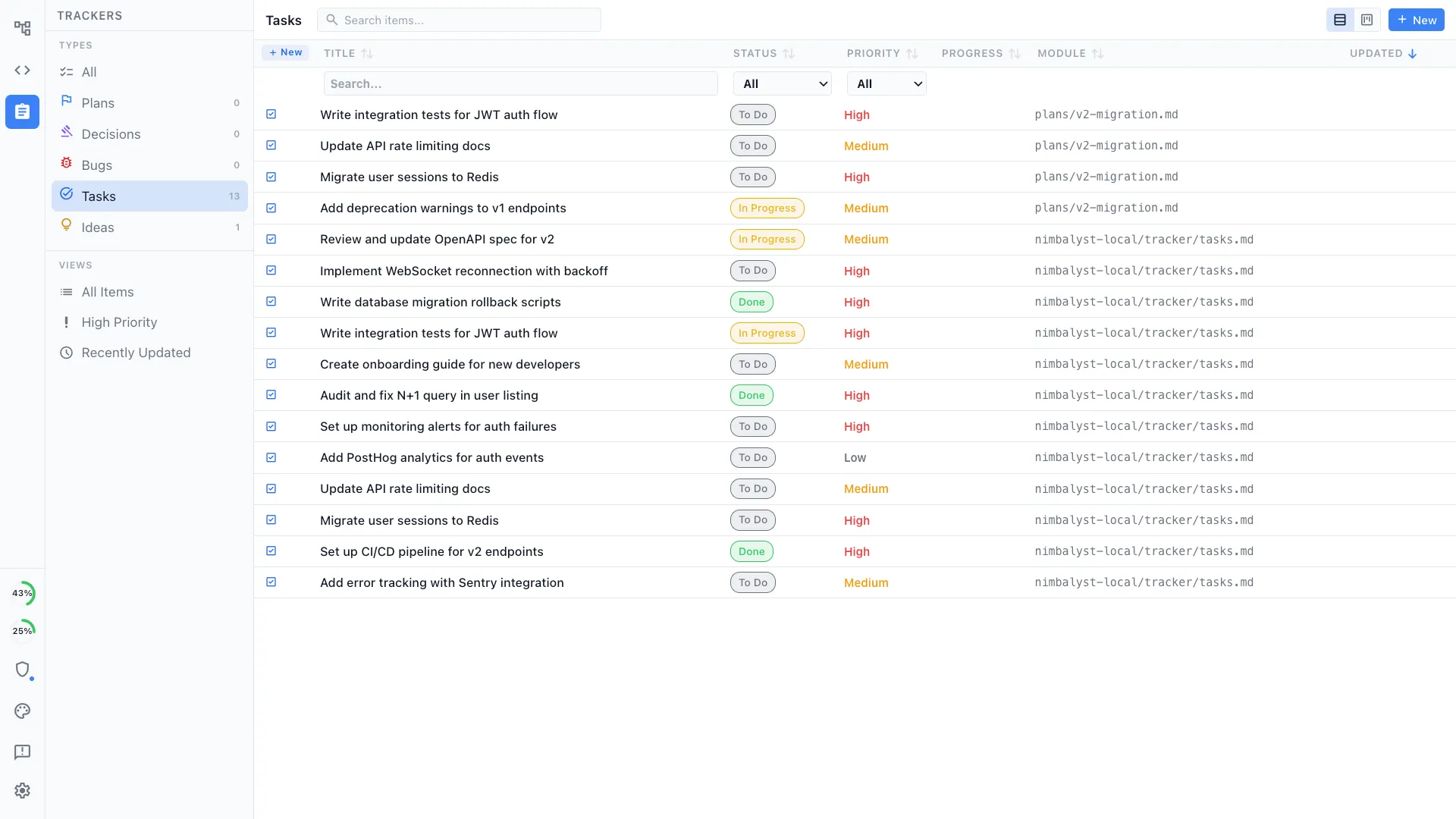
Planning that feeds your agents
Track tasks, write plans, and manage work items directly in Nimbalyst. Your agent reads these plans and knows what to build next, creating a closed loop between planning and execution.
Honest Assessment
Where Opcode is stronger
Lightweight
Opcode is focused and lightweight, doing one thing well: giving Claude Code a clean GUI. If you only need a better chat interface, it installs quickly with minimal overhead.
Recommendation
Who should use which
Choose Nimbalyst if…
You need more than a chat wrapper: parallel sessions, visual editors, planning tools, mobile access, and a full workspace for shipping software with AI agents — all open source.
Choose Opcode if…
You want a focused, lightweight chat GUI for a single Claude Code session and don't need parallel sessions, visual editors, or active maintenance.
From the Blog
Related guides
Best Opcode Alternatives in 2026
A switcher-focused roundup of the best Claude Code GUI alternatives to Opcode.
Claude Code GUI & Workspace
What a workspace adds beyond a Claude Code GUI — sessions, visual editors, planning, and mobile.
Nimbalyst vs Opcode (formerly Claudia)
Read the longer-form comparison of the two Claude Code GUIs.
Want lightweight AI coding with planning, visual editors, and session management around it? Try Nimbalyst free.
Free for individuals. Works with your existing Claude Code or Codex subscription or API key.
Nimbalyst Teams is multiplayer. Your whole team, Codex, and Claude Code in one shared workspace.