Kanban for Claude Code
Kanban for Claude Code sessions.
Run multiple Claude Code sessions in parallel and see them all on one board. Phases, tags, optional one-click git worktree isolation per session, and per-session file traceability. The terminal cannot give you this.
Free for individuals. Works with your existing Claude Code or Codex subscription or API key.


Once you run more than one Claude Code session, you need a board.
Two parallel Claude Code sessions are easy to manage in the terminal. Three is harder. Six is unmanageable. The hard part is not the coding. It is knowing what is still running, what needs input, and what changed.
Nimbalyst is a kanban board for Claude Code. Every session is a card. Cards move through phases (backlog, planning, implementing, validating, complete). Any session can opt into its own git worktree with one click, so when you want isolation, parallel sessions cannot stomp on each other. The files-edited sidebar shows exactly which files each session touched. The board is the missing layer between the terminal and your project.
Why Nimbalyst
What a kanban for Claude Code adds
Session kanban: one board for every session
All your Claude Code sessions on one screen. Drag between phases. Tag by type or priority. Filter to see what is active. No more clicking through terminal tabs to find the one you started yesterday.


Task kanban: track the work alongside the agents
Plans, bugs, features, and ideas live on their own kanban board next to your sessions. Drag tasks through their own phases. Link them to the sessions doing the work.
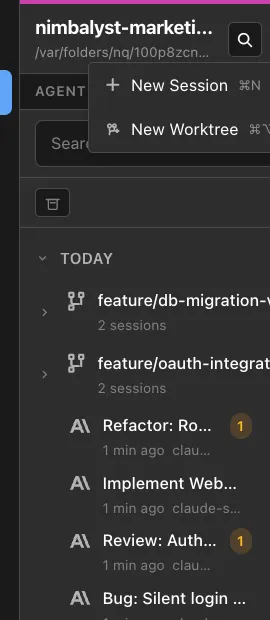
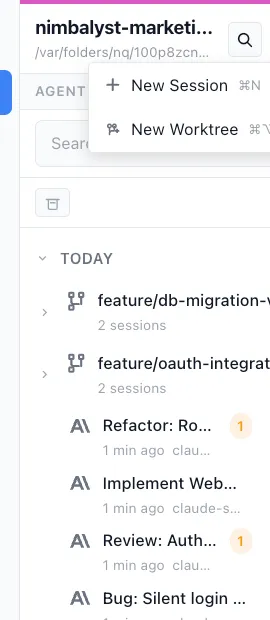
Optional one-click git worktree isolation
Spin up any session in its own worktree and branch with one click. When you want isolation, two parallel sessions cannot stomp on each other. Merge when ready.
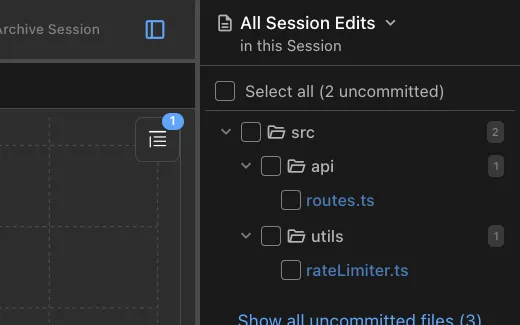
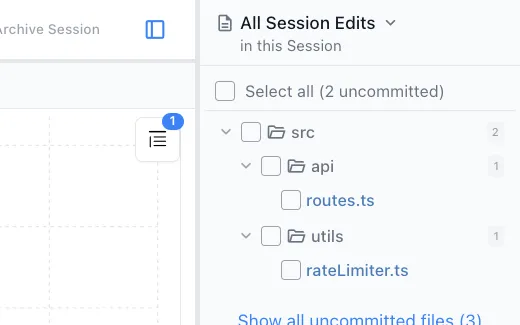
Per-session file traceability
Each card shows the files that session touched. Click into the card and review every diff. No more wondering which agent edited what.
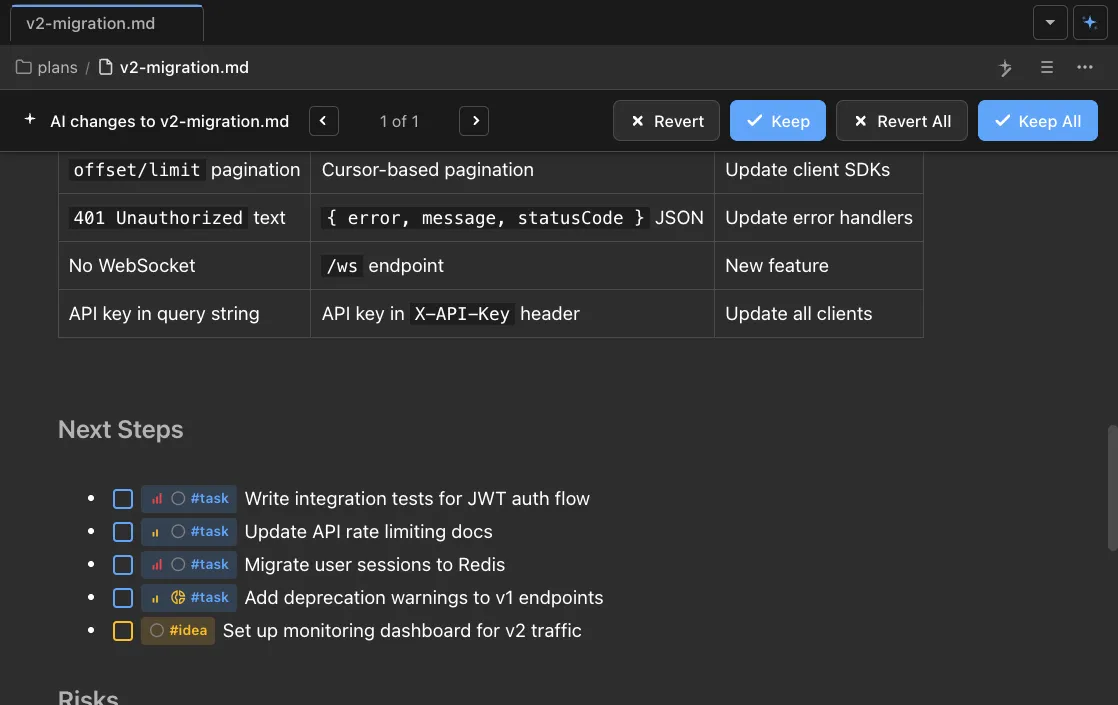
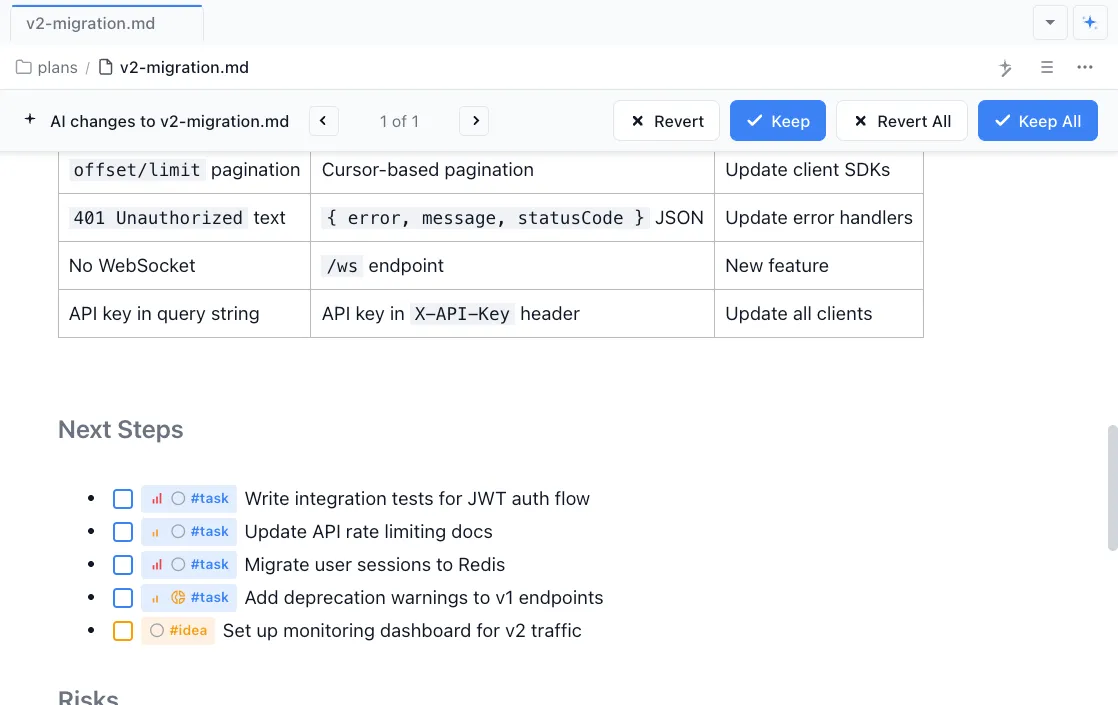
Link files to tasks to sessions
Files belong to tasks. Tasks belong to sessions. Click any file and see which task it serves and which session changed it last. The whole chain stays connected.
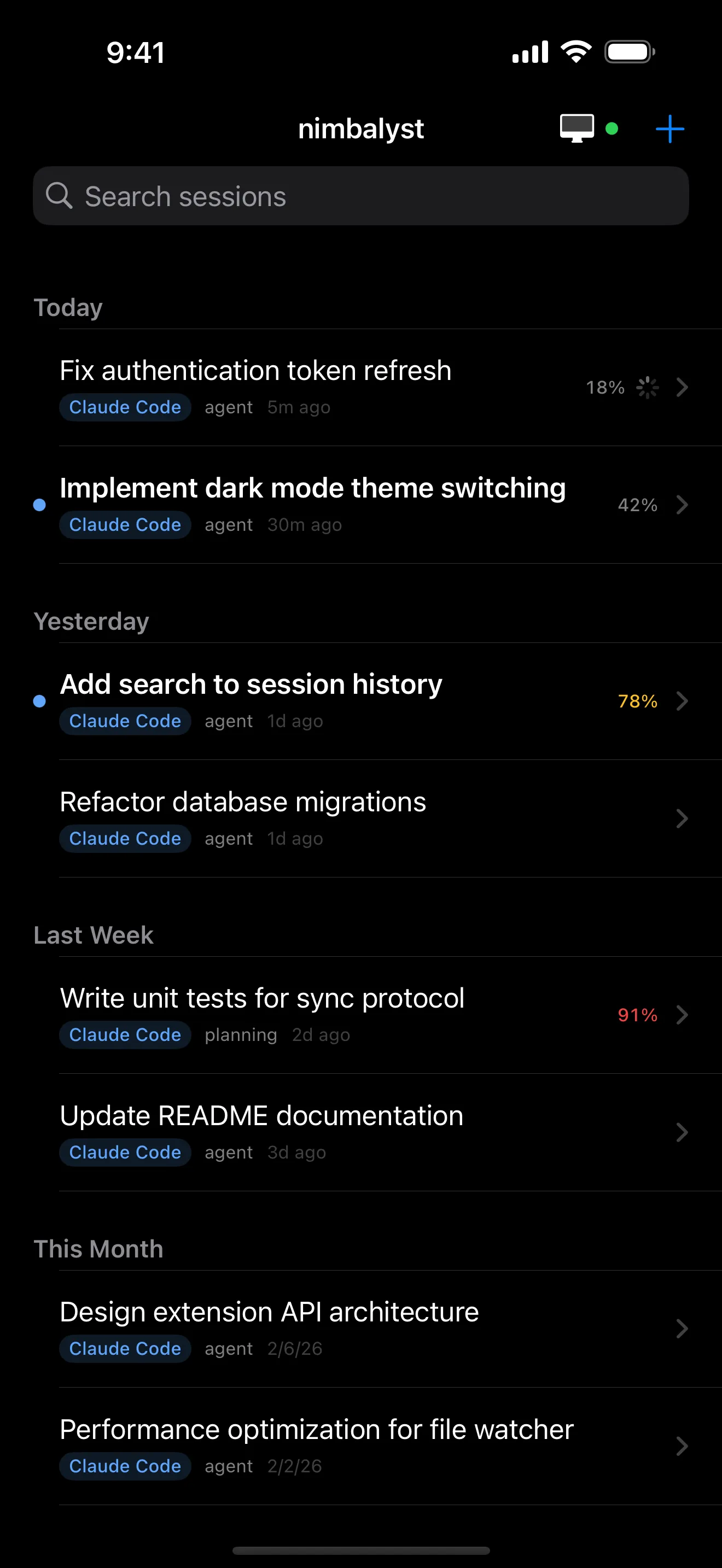
iOS app for monitoring on the go
Your kanban board on your phone. Get notified when a session needs input or completes work. Reply from anywhere.
Comparison
Kanban for Claude Code vs terminal tabs
| Feature | Terminal tabs | Nimbalyst |
|---|---|---|
| Session visibility | One terminal at a time | All sessions on one kanban board |
| Phase tracking | — | Backlog, planning, implementing, validating, complete |
| Git worktree isolation | Manual | Optional one-click per session |
| File traceability per session | — | Files-edited sidebar per card |
| Tags and filters | — | Per session, queryable |
| Mobile access | — | iOS app |
FAQ
Frequently asked questions
Is Nimbalyst a kanban board for Claude Code?
How many Claude Code sessions can I run on the kanban?
Do parallel Claude Code sessions stomp on each other?
Can I see what each Claude Code session changed?
Does the kanban work with Codex sessions too?
Learn More
Related guides and comparisons
Claude Code Session Kanban Guide
How to organize Claude Code sessions on a kanban board.
Best Claude Code Session Manager 2026
Comparison of every Claude Code session manager on the market.
Agent Harness for Claude Code and Codex
The broader workflow layer for coordinating Claude Code, Codex, context, and review.
Nimbalyst vs Claude Code
Claude Code alone vs a workspace that can run Claude Code and Codex together.
Nimbalyst vs Claude Code CLI
Side by side: visual workspace vs the bare terminal.
Nimbalyst is the open-source visual workspace for building with Codex, Claude Code, and more
Free for individuals. Works with your existing Claude Code or Codex subscription or API key.
Nimbalyst Teams is multiplayer. Your whole team, Codex, and Claude Code in one shared workspace.