For teams
Coding agents for teams
Coding agents now span local apps, cloud tasks, team controls, and even shared cloud sessions. Nimbalyst adds a different layer around whichever agents you use: multiplayer specs, mockups, diagrams, and trackers that each teammate's private local sessions read and write.
Free for individuals. Agents run locally with your existing Claude Code or Codex subscription. Team collaboration is a paid plan.
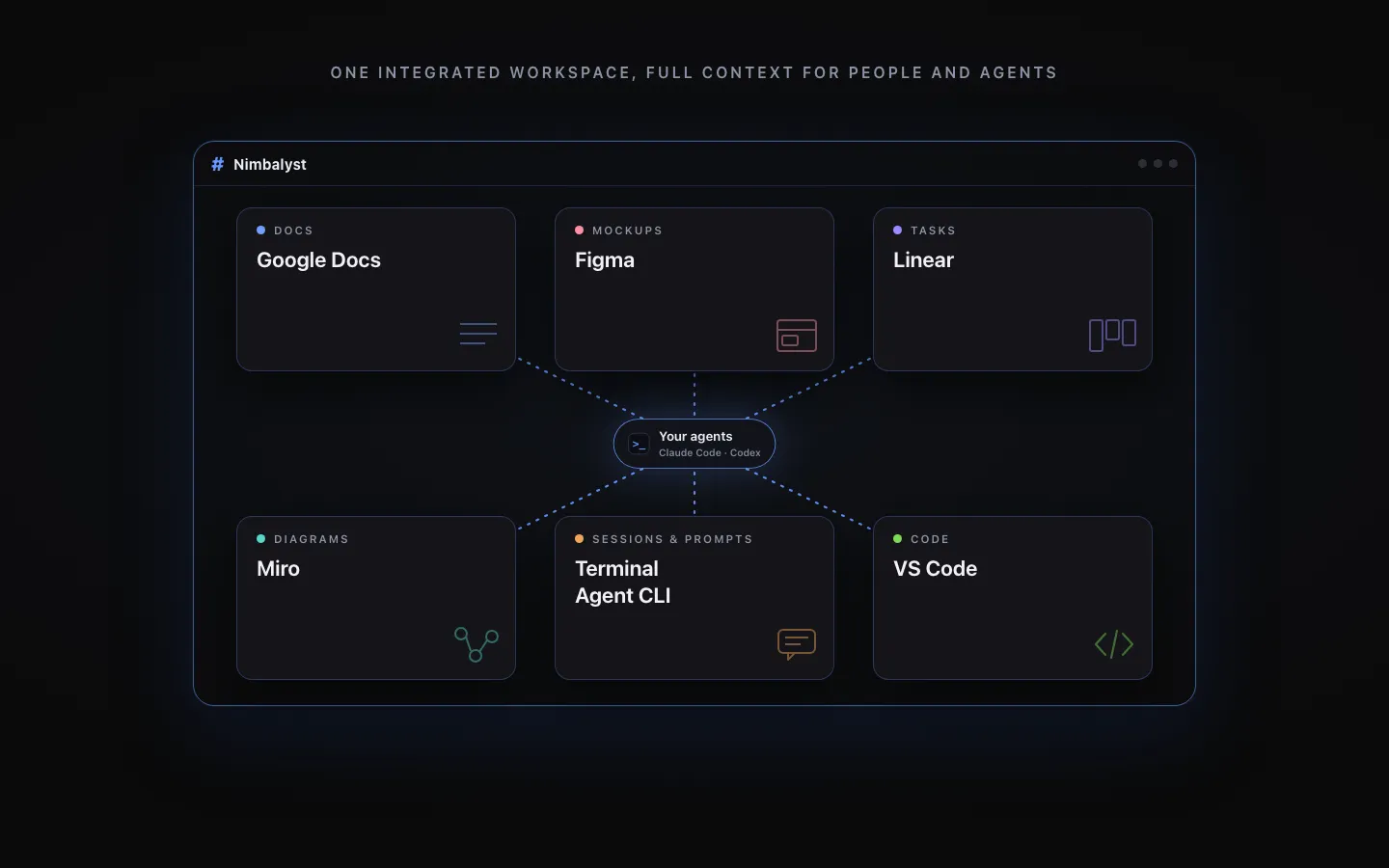
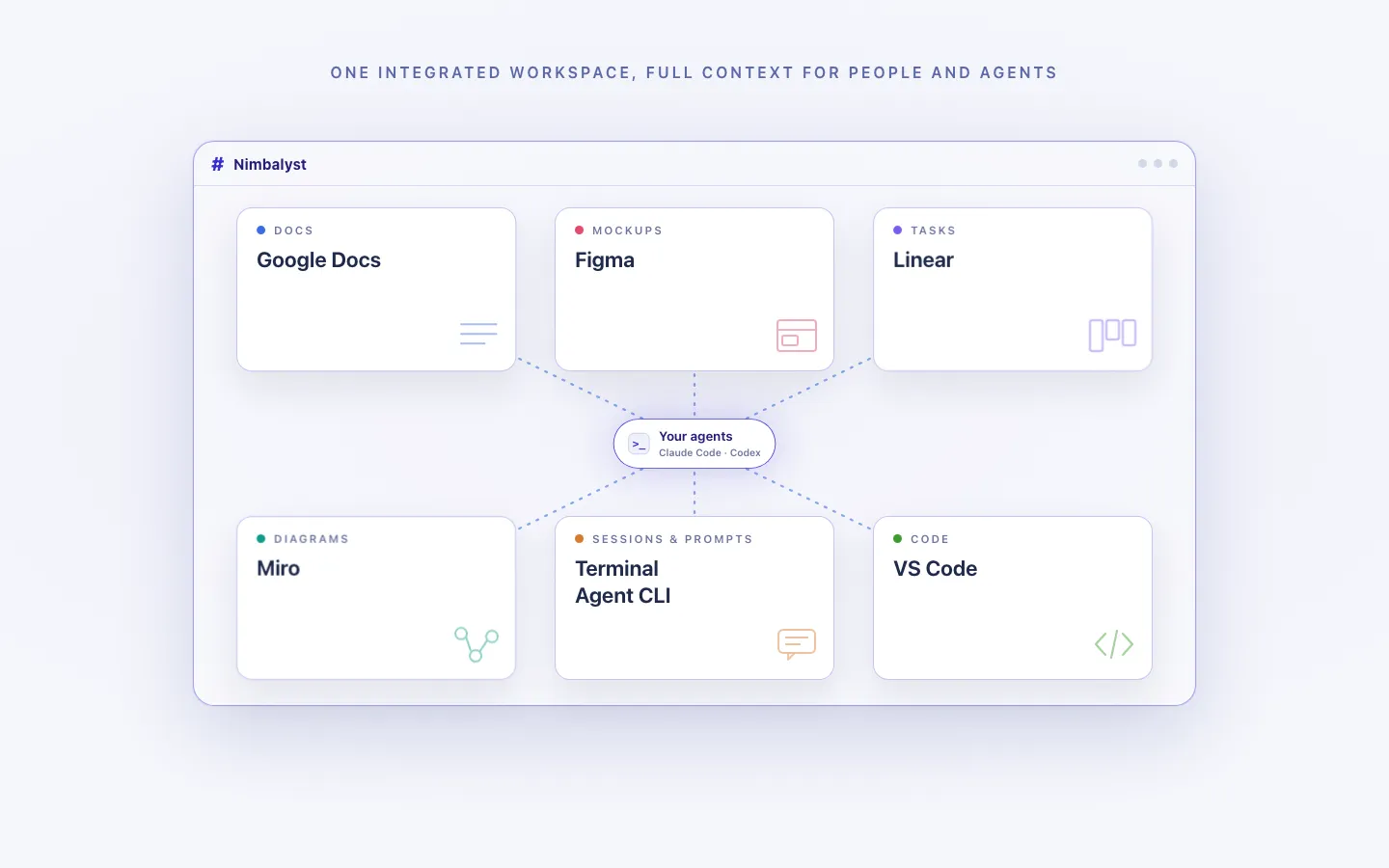
Team access is not the same as shared project context
Modern coding agents are not all single-player or local. Claude Code and Codex offer cloud execution and organization controls, Superconductor shares cloud agent sessions, and Conductor has a multiplayer Cloud alpha. Even so, most sessions and histories remain scoped to an owner unless that person explicitly shares them.
The coordination cost often lands on the artifacts around the run. Specs, tickets, diagrams, mockups, and code may live in separate systems. Connectors and MCP can make those systems reachable, but reachability is not the same as one editable workspace with a common history and links between the artifacts.
Nimbalyst puts that work into one shared visual workspace. Documents, mockups, diagrams, and trackers are multiplayer, and each teammate's local agent reads and writes the same shared files. Teammates can run different agents while their Nimbalyst session boards remain private.
Why Nimbalyst
Agent-neutral, shared by default
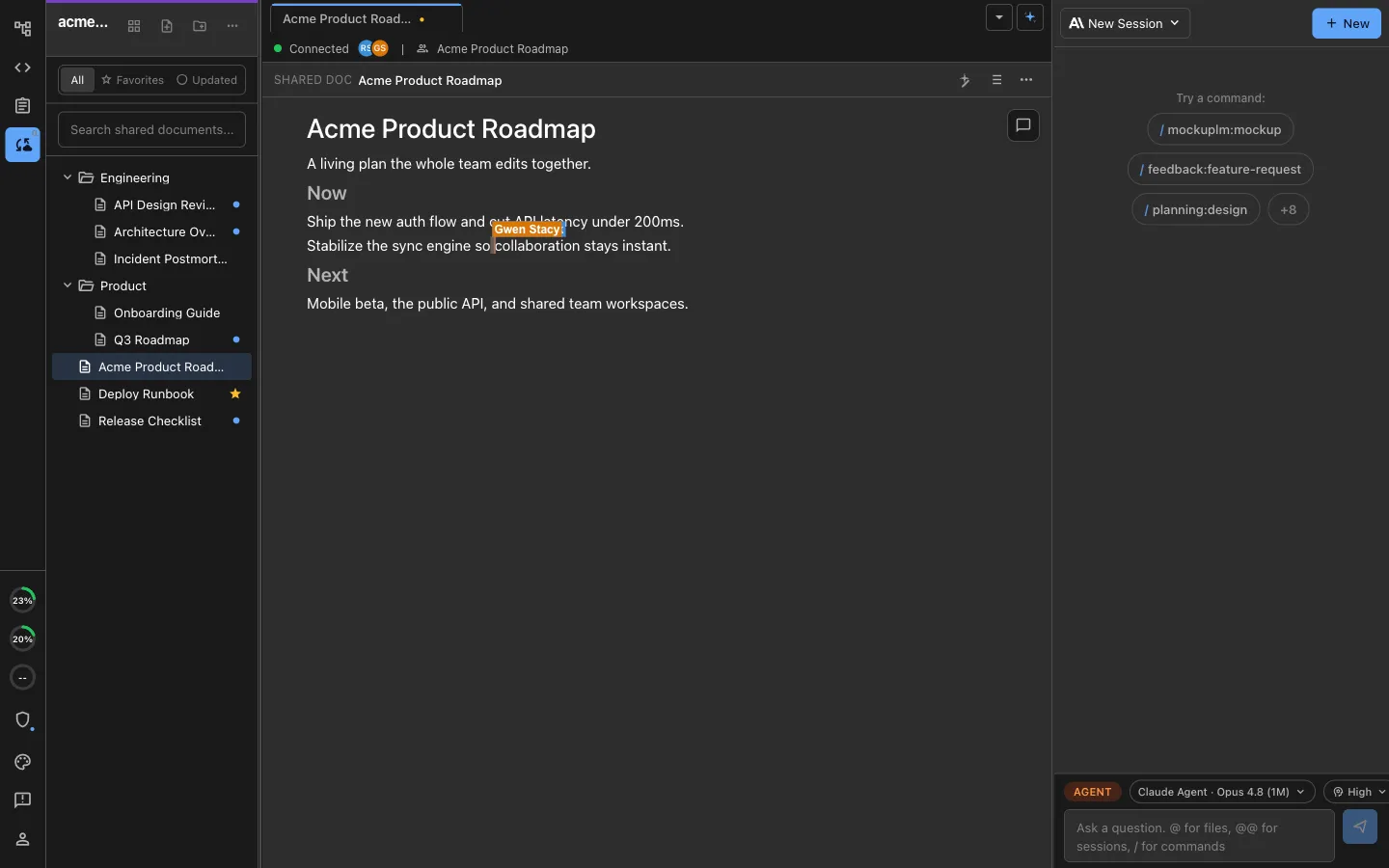
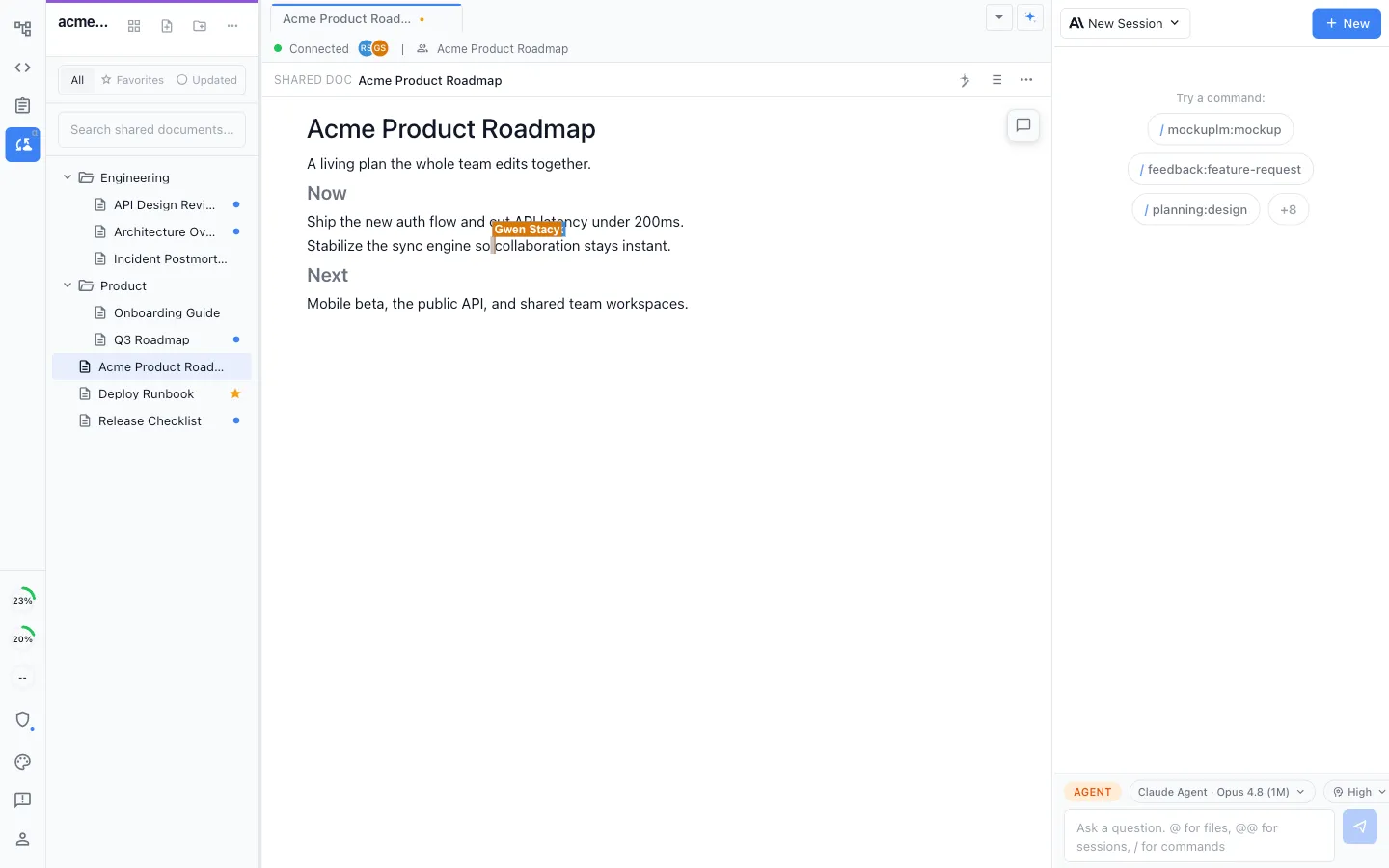
Shared docs every agent can edit
Specs, plans, and decisions in real-time multiplayer markdown. Teammates edit the same document at once, and each of their local agents reads and writes it directly, whichever agent they run.
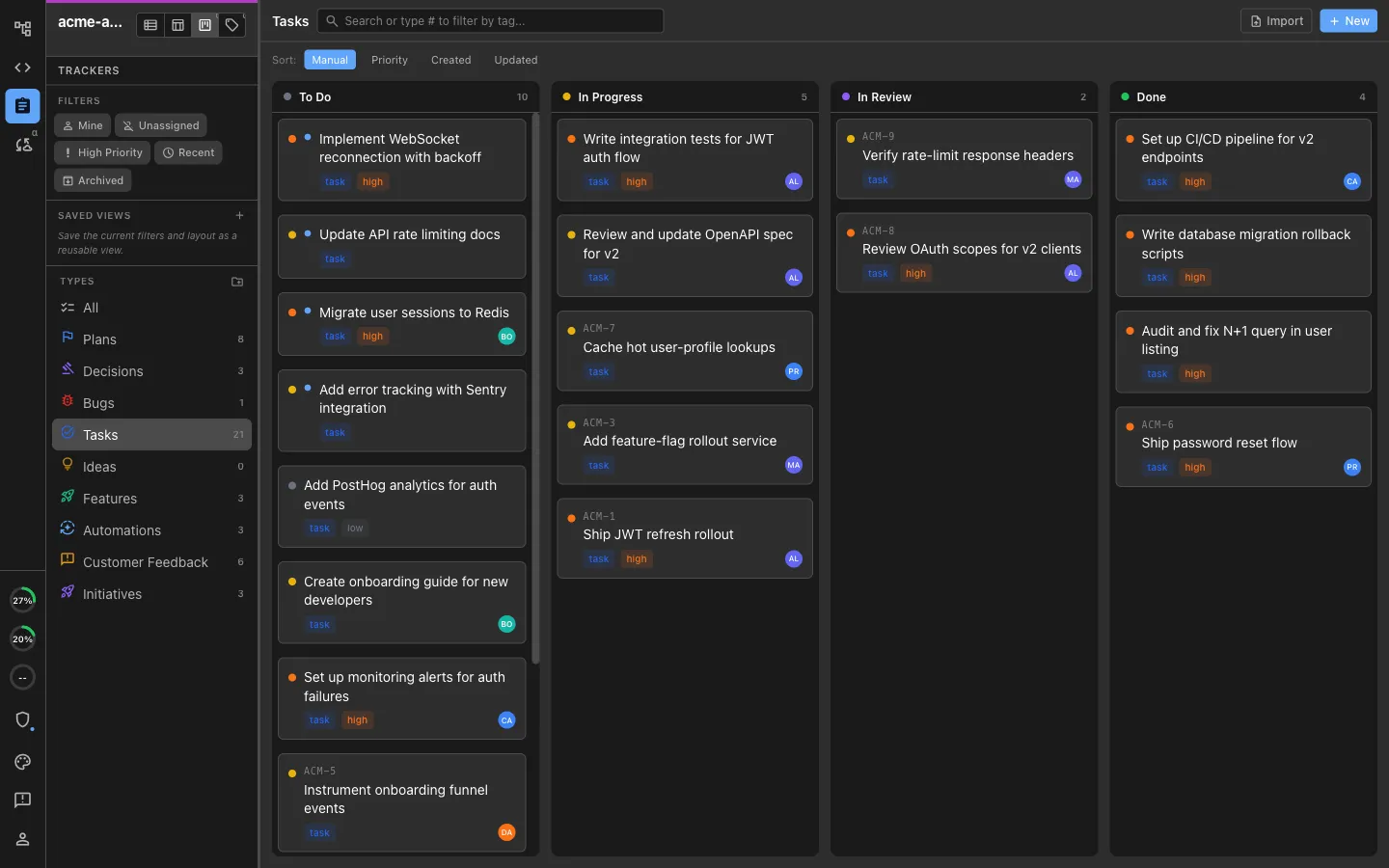
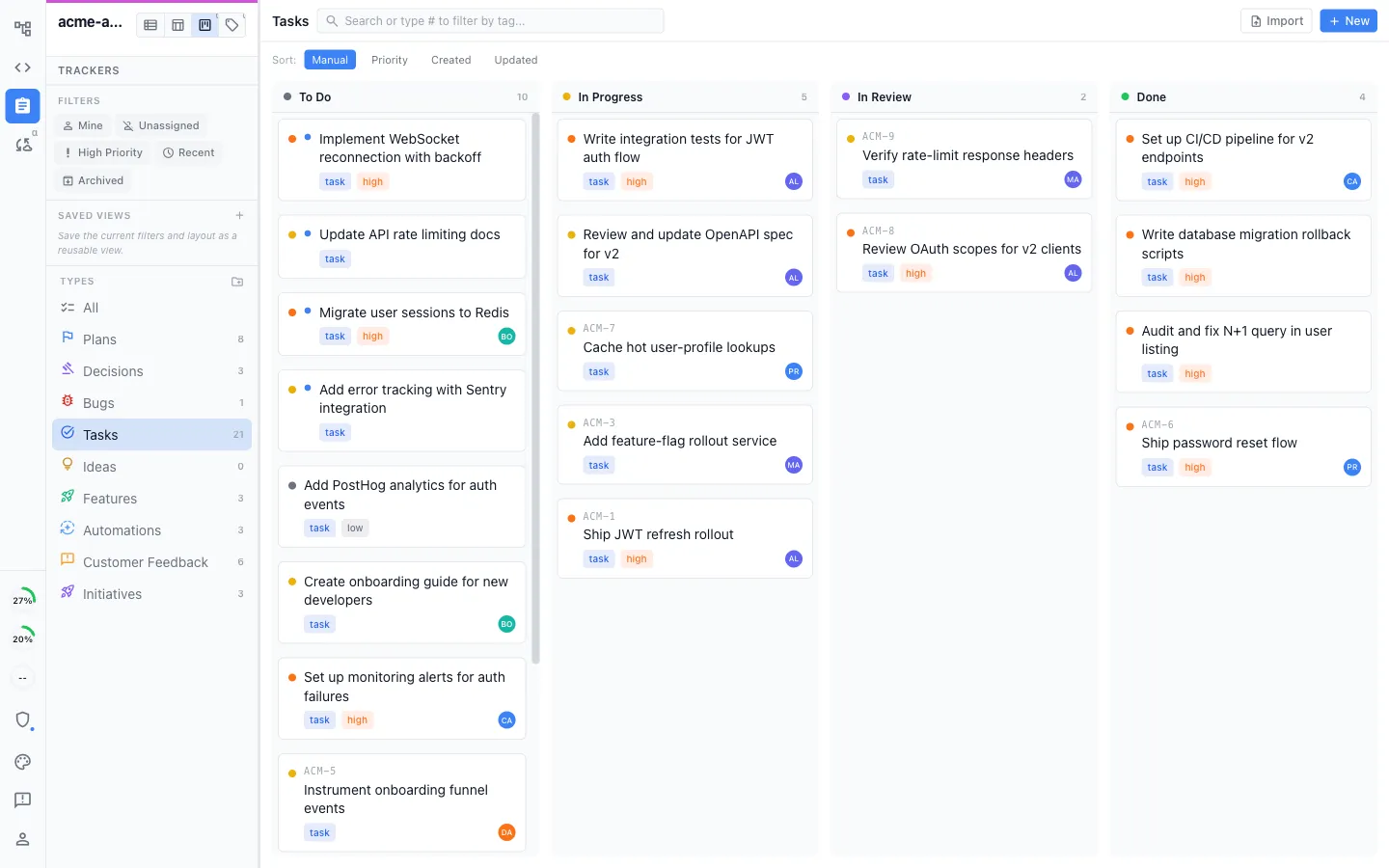
A shared board your agents keep current
Bugs, tasks, plans, and decisions on a shared kanban with your own stages. Teammates update it, and so do their agents, so the board reflects what is actually happening in the code.
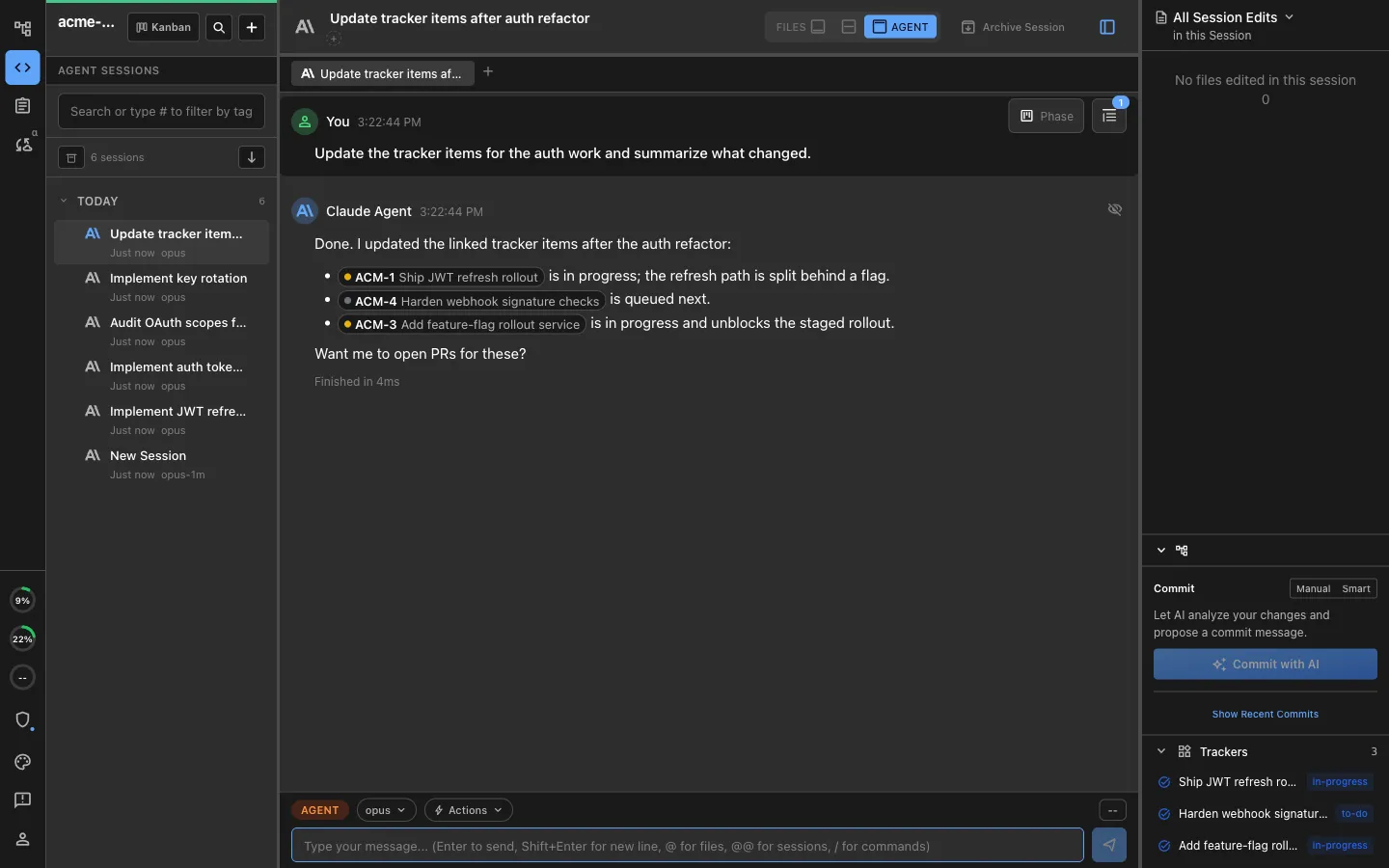
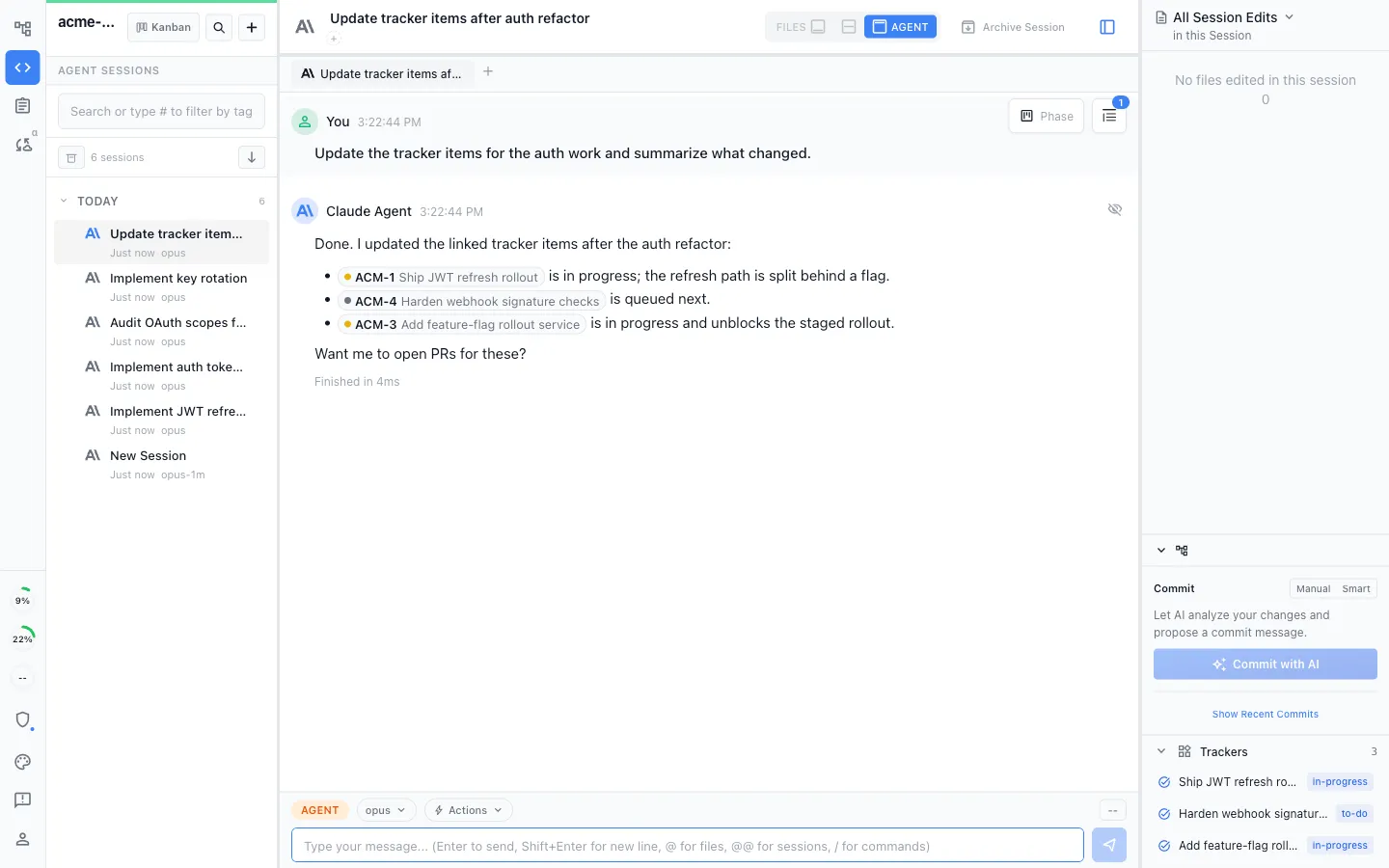
Everything linked, not just co-located
Shared docs, local files, trackers, and agent sessions live together and link to each other. A ticket points at the spec, the spec points at the mockup, and the agent follows the chain instead of guessing.
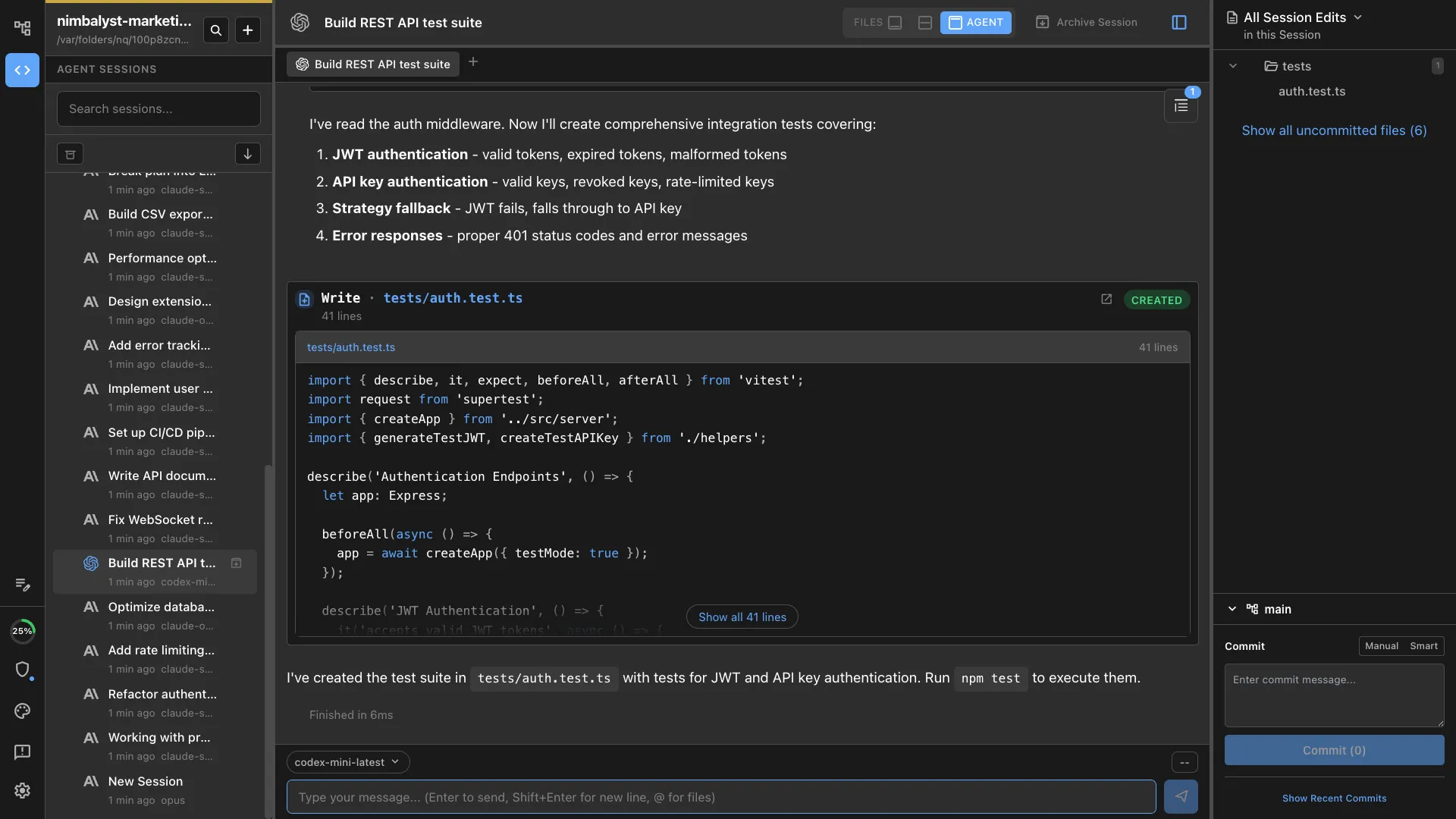
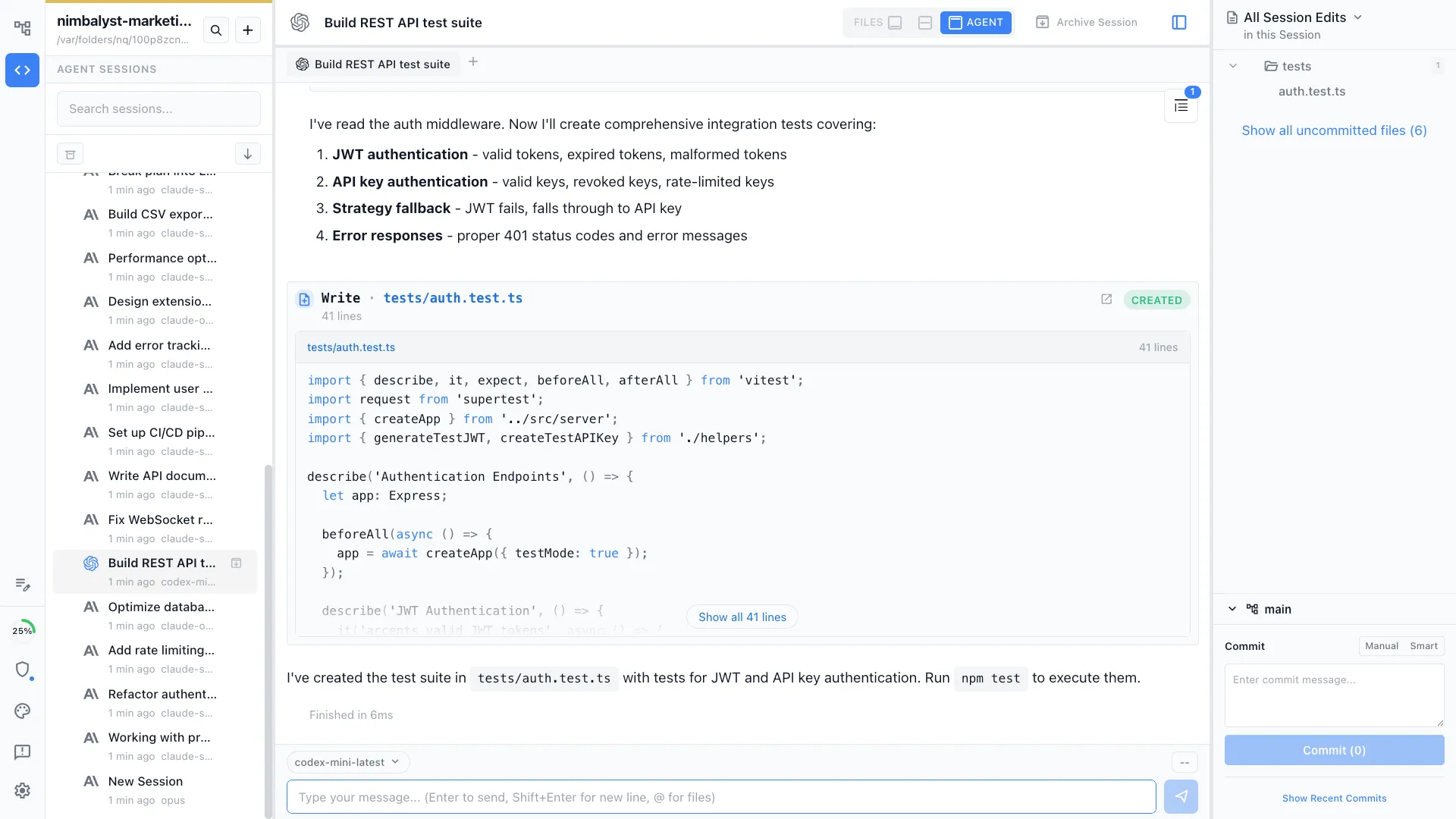
Bring whichever agents your team already uses
Claude Code and OpenAI Codex run side by side, with OpenCode and Copilot available as alpha providers. Teammates who prefer different agents still share one workspace.
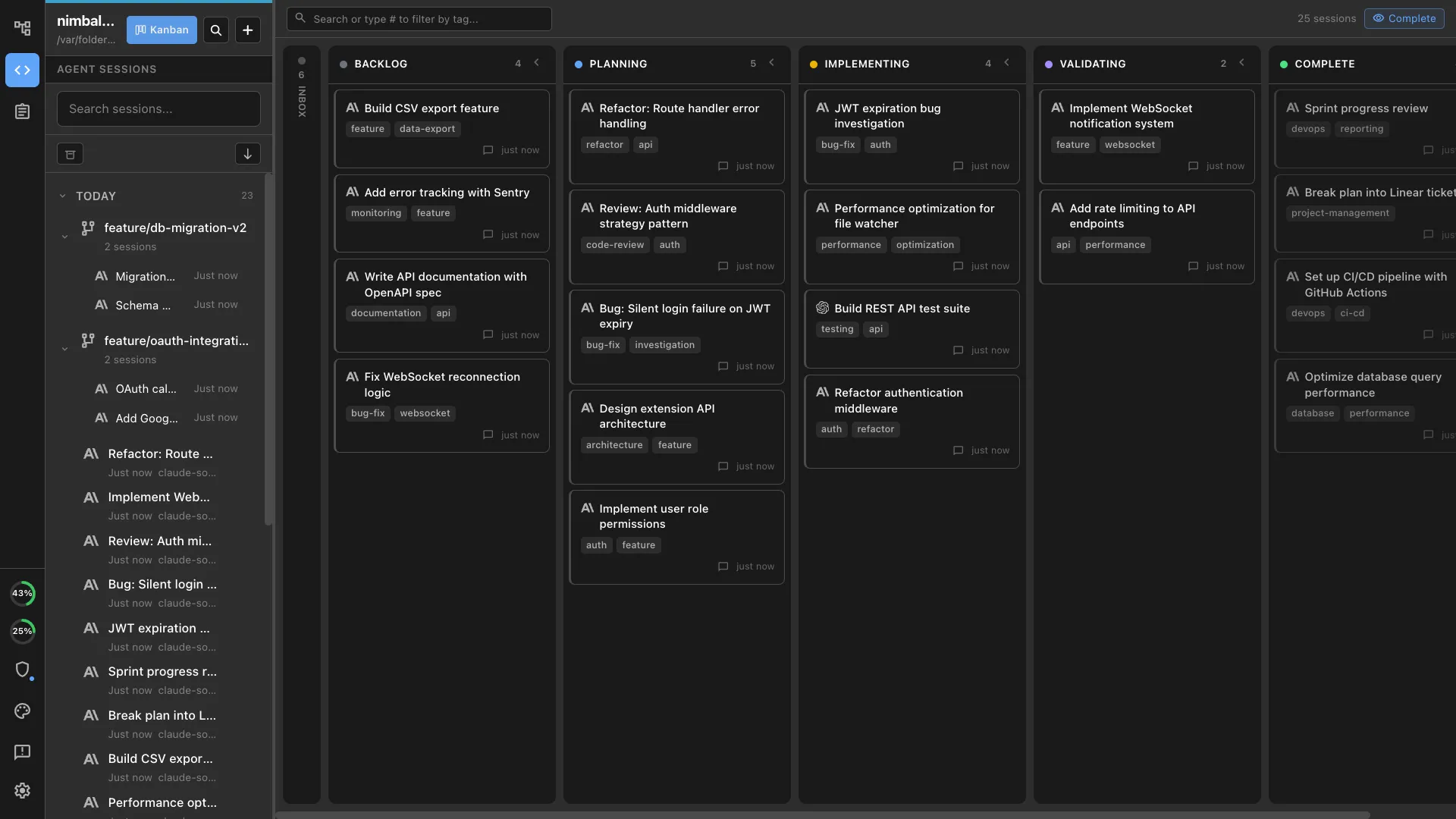
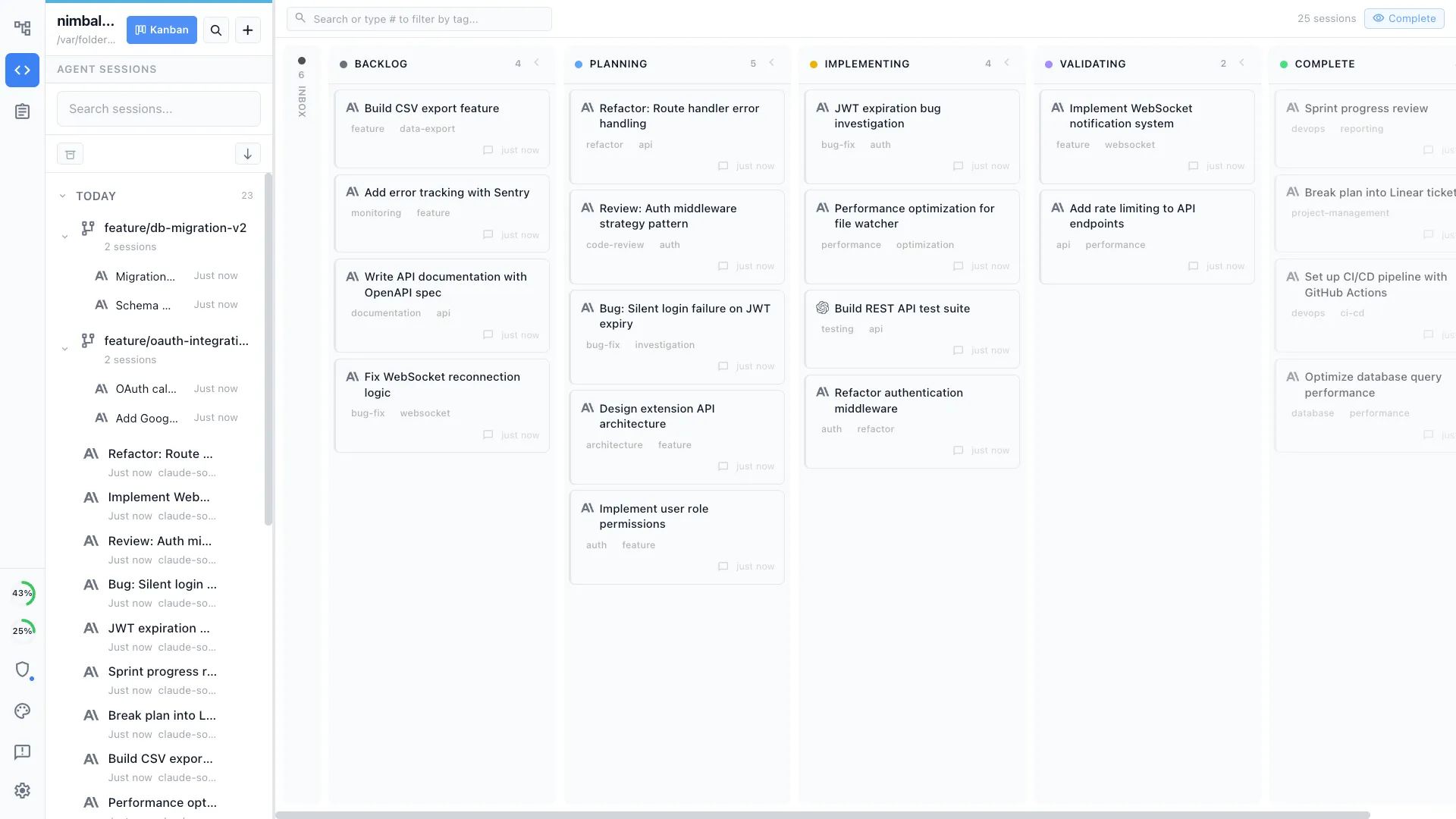
Your own sessions on a board
Manage your own parallel agent sessions on a kanban with planning, implementing, and validating phases, each with its own transcript and review surface.
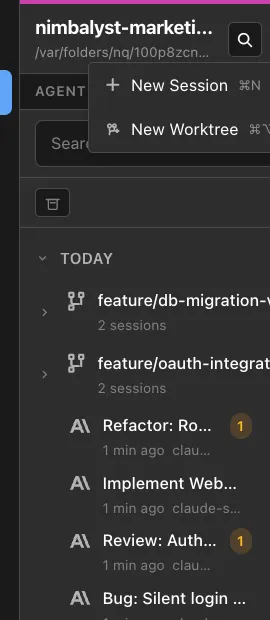
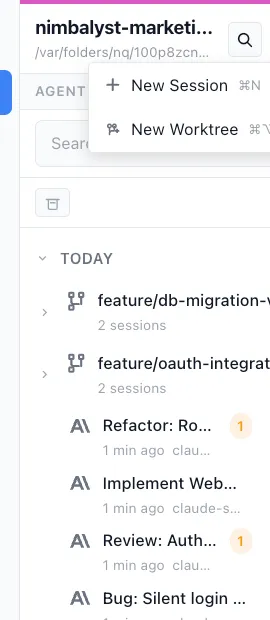
Worktree isolation for your parallel agents
Give each of your own sessions a one-click git worktree, so several agents work in the same repository at once without colliding.
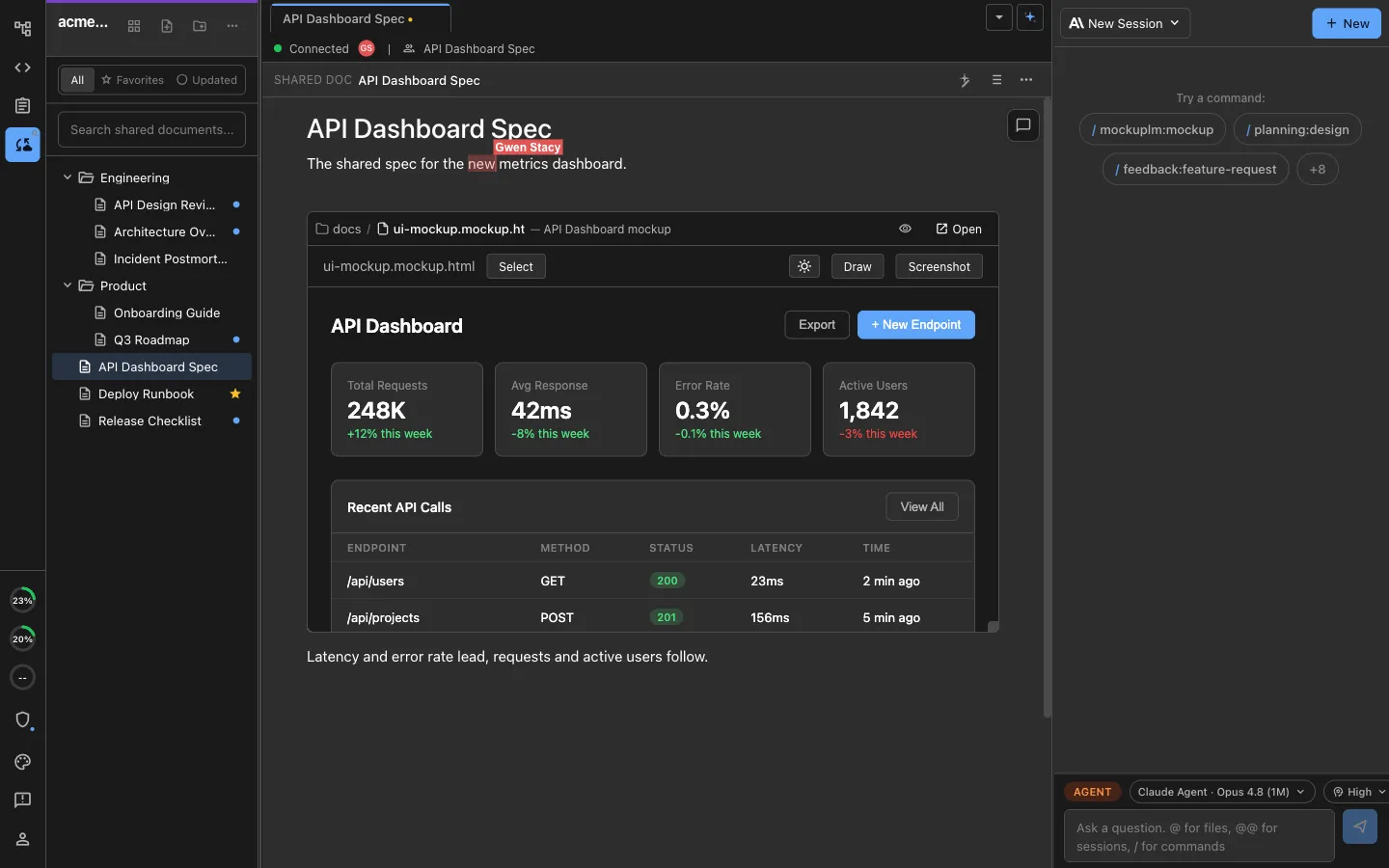
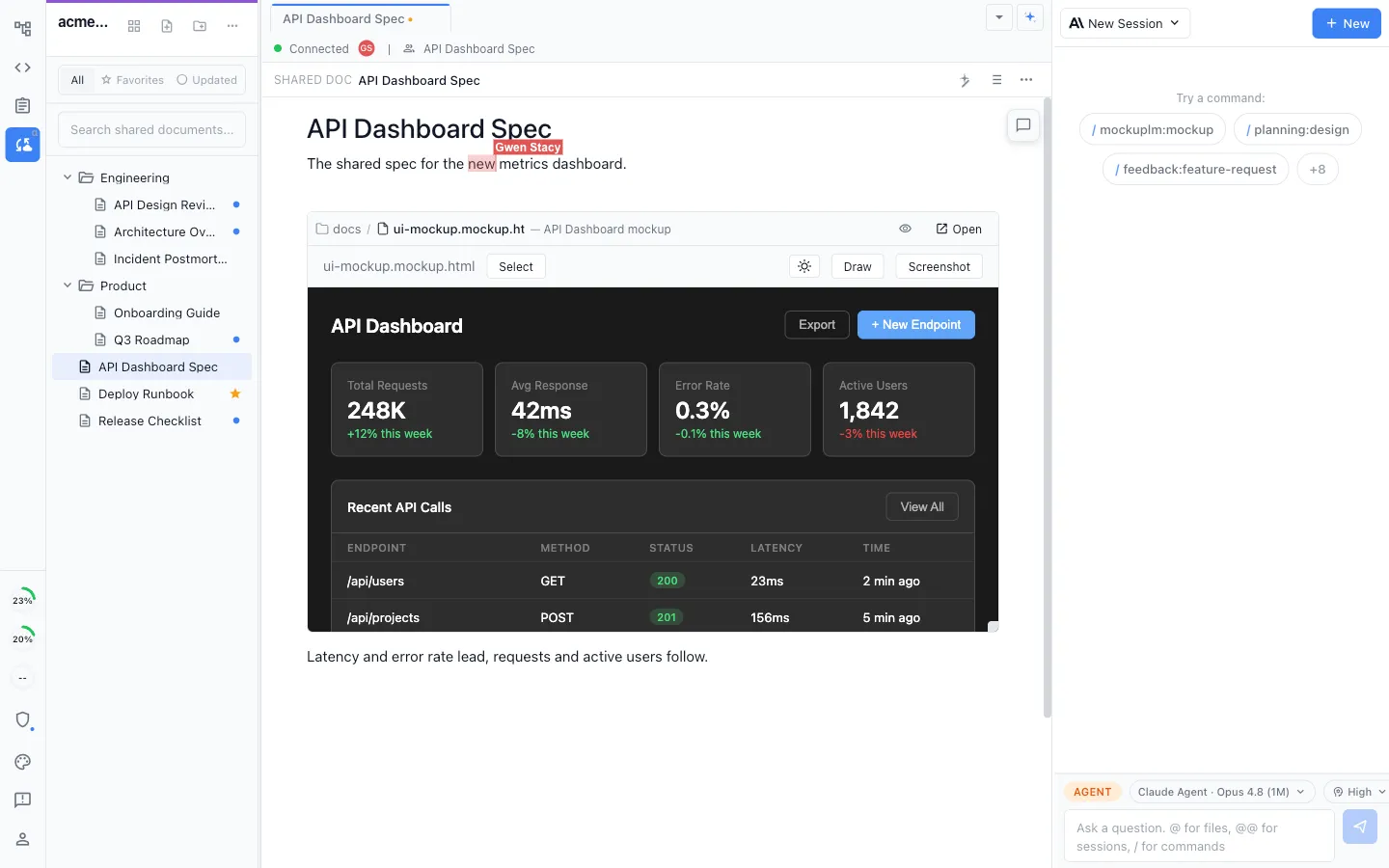
Mockups and diagrams in the same shared file
Embed a mockup, an Excalidraw diagram, an image, or an inline tracker directly in a shared document and edit it in place, so design and specification are reachable by the agent.
Review across more than code
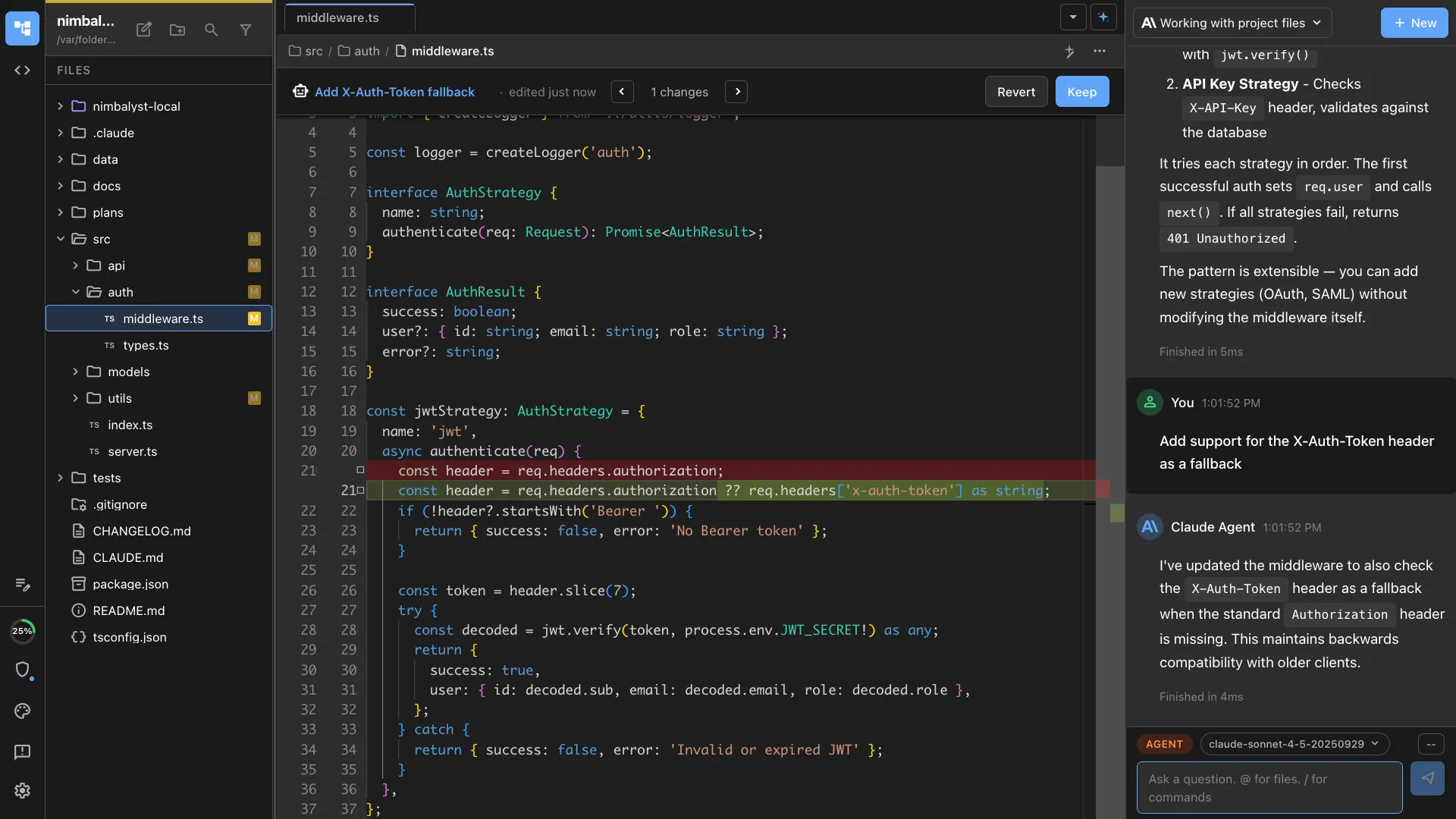
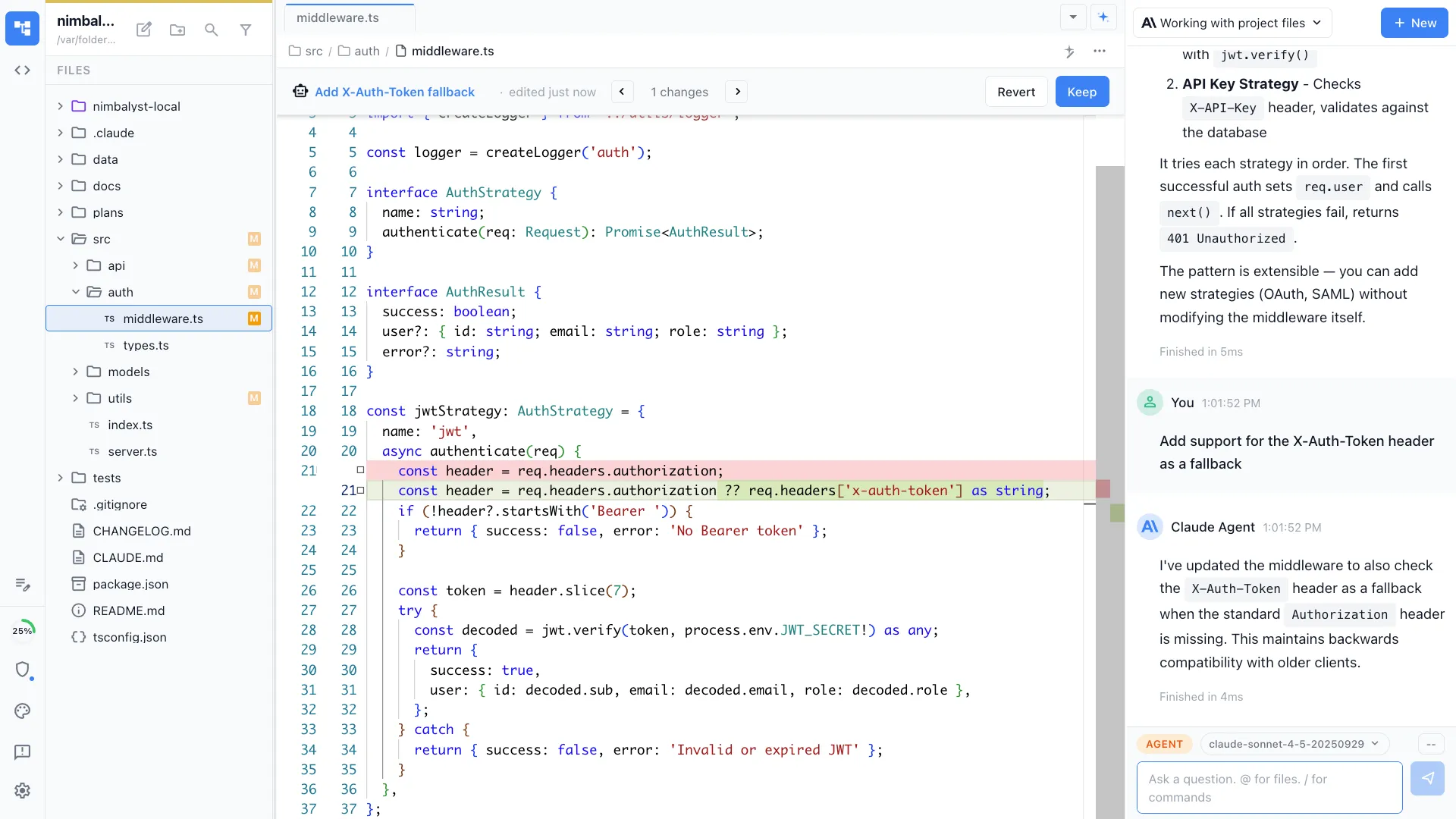
Inline red and green diff review covering code, markdown, mockups, and diagrams, so the whole change is reviewable in one place.
Full history, restorable
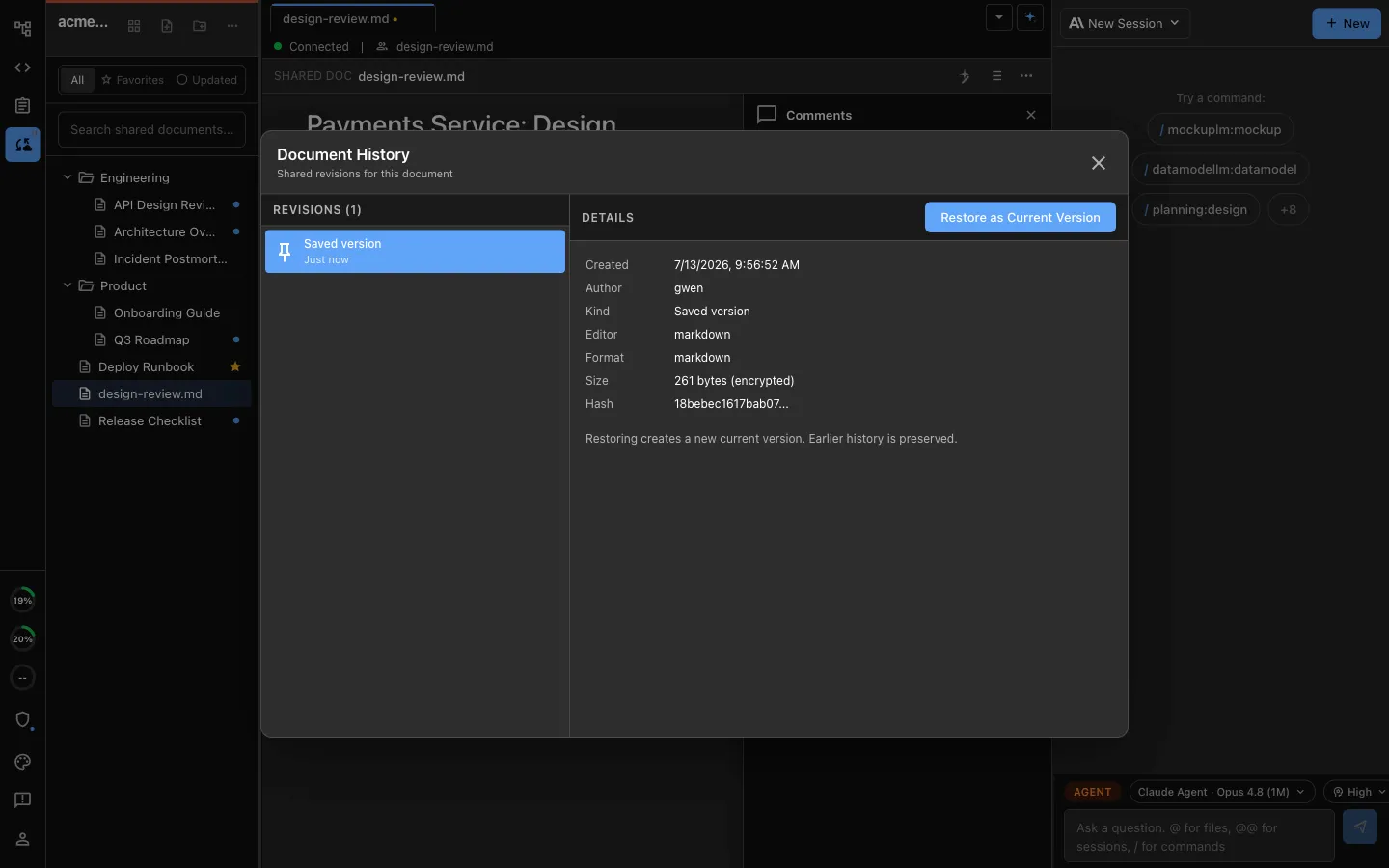
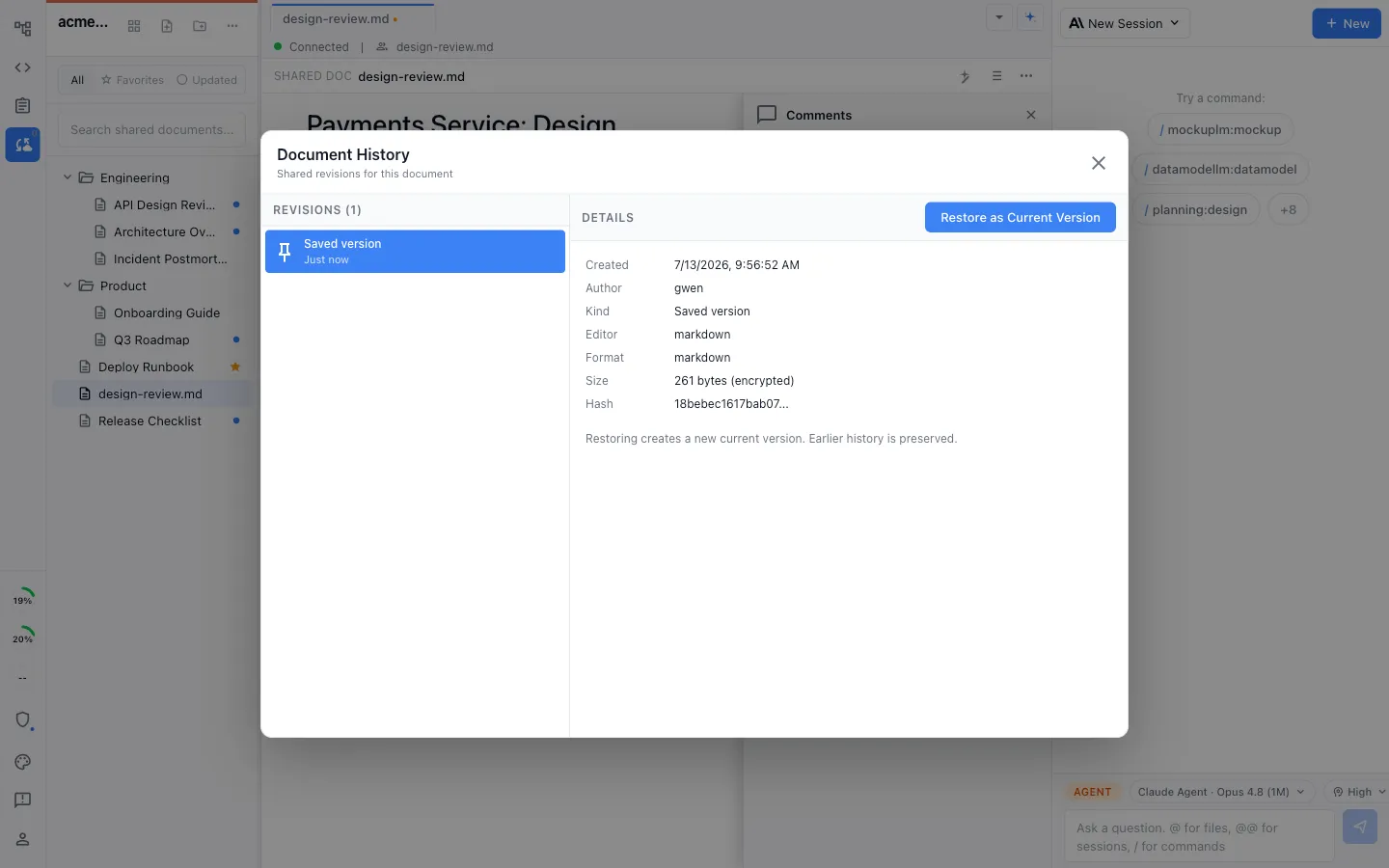
Every shared document keeps a complete change history, so you can see what an agent or a teammate changed and restore any version in one click.
Comparison
Agents alone vs agents in a team workspace
| Feature | Coding agents without a shared artifact workspace | Nimbalyst |
|---|---|---|
| Who it serves | One user or a shared run, depending on the product | A whole team, each running their own agent |
| Agent choice | One vendor's agent per tool | Claude Code and Codex side by side, plus pluggable harnesses |
| Specs and plans | Repo files or connected document systems | Multiplayer markdown every teammate's agent reads and writes |
| Tickets | External trackers through built-in integrations, apps, or MCP | Shared trackers updated by teammates and their agents |
| Mockups and diagrams | Usually external tools or generated files | Built in, embeddable in shared docs, edited by agents |
| Context handoff | Repo config, connectors, shared links, or manual handoff | Shared files are the common context |
| Where agents run | Locally or in vendor-managed clouds | Locally, per developer, with shared work around them |
| Review scope | Code diffs | Code, markdown, mockups, and diagrams |
| History | Git, for code only | Full restorable history on shared documents too |
| Licensing | Mix of open- and closed-source products | Desktop/iOS apps MIT; collaboration server licensed separately |
FAQ
Frequently asked questions
Which coding agents does Nimbalyst support?
Why do coding agents need a team layer at all?
Does Nimbalyst require cloud agent sandboxes?
Can teammates see each other's agent sessions?
What exactly is shared with the team?
Can we keep using Linear, Jira, or Confluence?
What platforms does it run on?
Is Nimbalyst open source?
Learn More
Related guides and comparisons
Nimbalyst for teams
The full team story: shared docs, shared trackers, one connected workspace.
Claude Code for teams
The same shared workspace, for teams running Claude Code.
Codex for teams
The same shared workspace, for teams running OpenAI Codex.
Collaborative documents
Multiplayer markdown, mockups, and diagrams your agents edit.
Collaborative trackers
Shared boards that teammates and their agents keep current.
One workspace for coding agents
Docs, diagrams, mockups, and tasks native to your agents.
vs Superconductor
Local agents and shared work vs metered cloud sandboxes.
Keep each teammate's coding agents local while your team collaborates on shared docs, mockups, diagrams, and trackers
Free for individuals. Agents run locally with your existing Claude Code or Codex subscription. Team collaboration is a paid plan.