For teams
Claude Code for teams
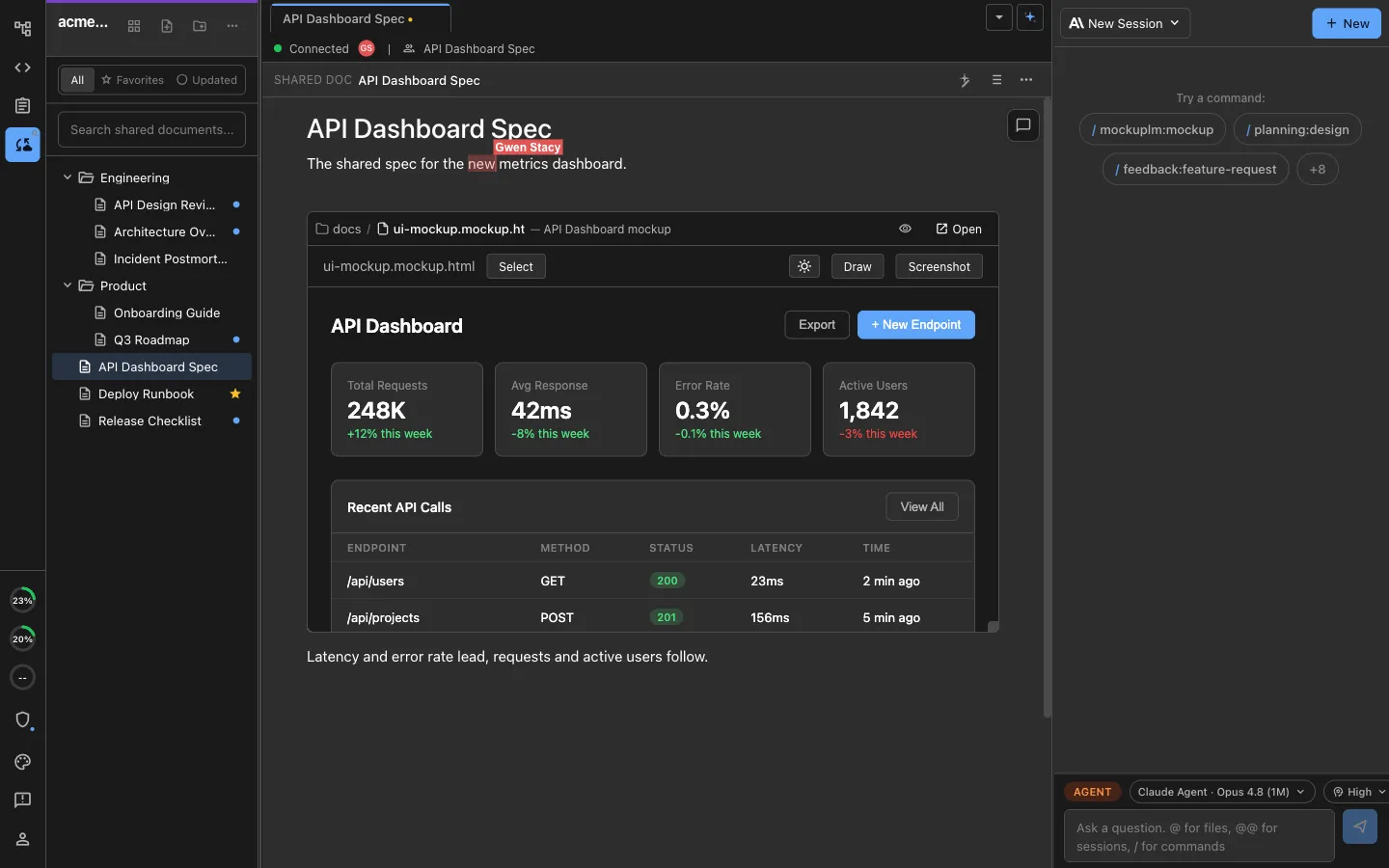
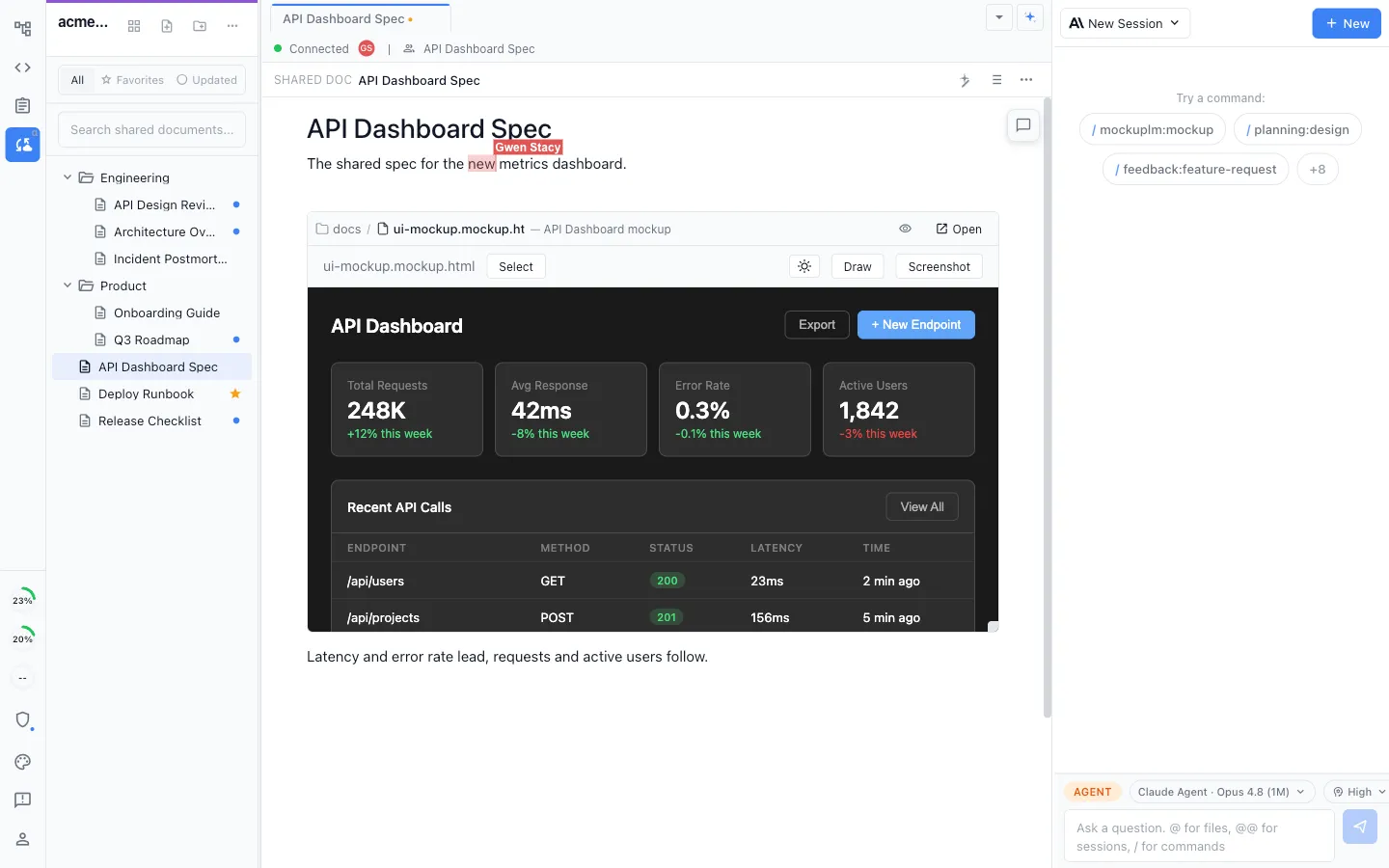
Claude Code already gives teams local and cloud coding workflows, shared web-session links, connectors, and admin controls. Nimbalyst adds a different layer: multiplayer specs, mockups, diagrams, and trackers that each teammate's private local Claude Code sessions read and write.
Free for individuals. Agents run locally with your existing Claude Code or Codex subscription. Team collaboration is a paid plan.
What a team still needs around Claude Code
Claude Code is no longer just one terminal session. Team seats add centralized billing and administration; Desktop manages parallel local and cloud sessions; Claude Code on the web runs remote tasks and lets a user share a session with the organization; and connectors or MCP can reach tools such as GitHub, Slack, and document systems.
Those capabilities still do not turn the specs, tickets, diagrams, and mockups around the code into one editable, real-time project workspace. A shared web-session link is a view of one agent run, not a multiplayer spec or tracker, and connected systems remain separate surfaces with separate histories.
Nimbalyst puts those artifacts into one shared workspace. Documents, mockups, diagrams, and trackers are multiplayer, and each person's local Claude Code reads and writes the same shared files. The sessions themselves stay private to the teammate running them.
Why Nimbalyst
One shared workspace around everyone's Claude Code
Shared docs your agents edit
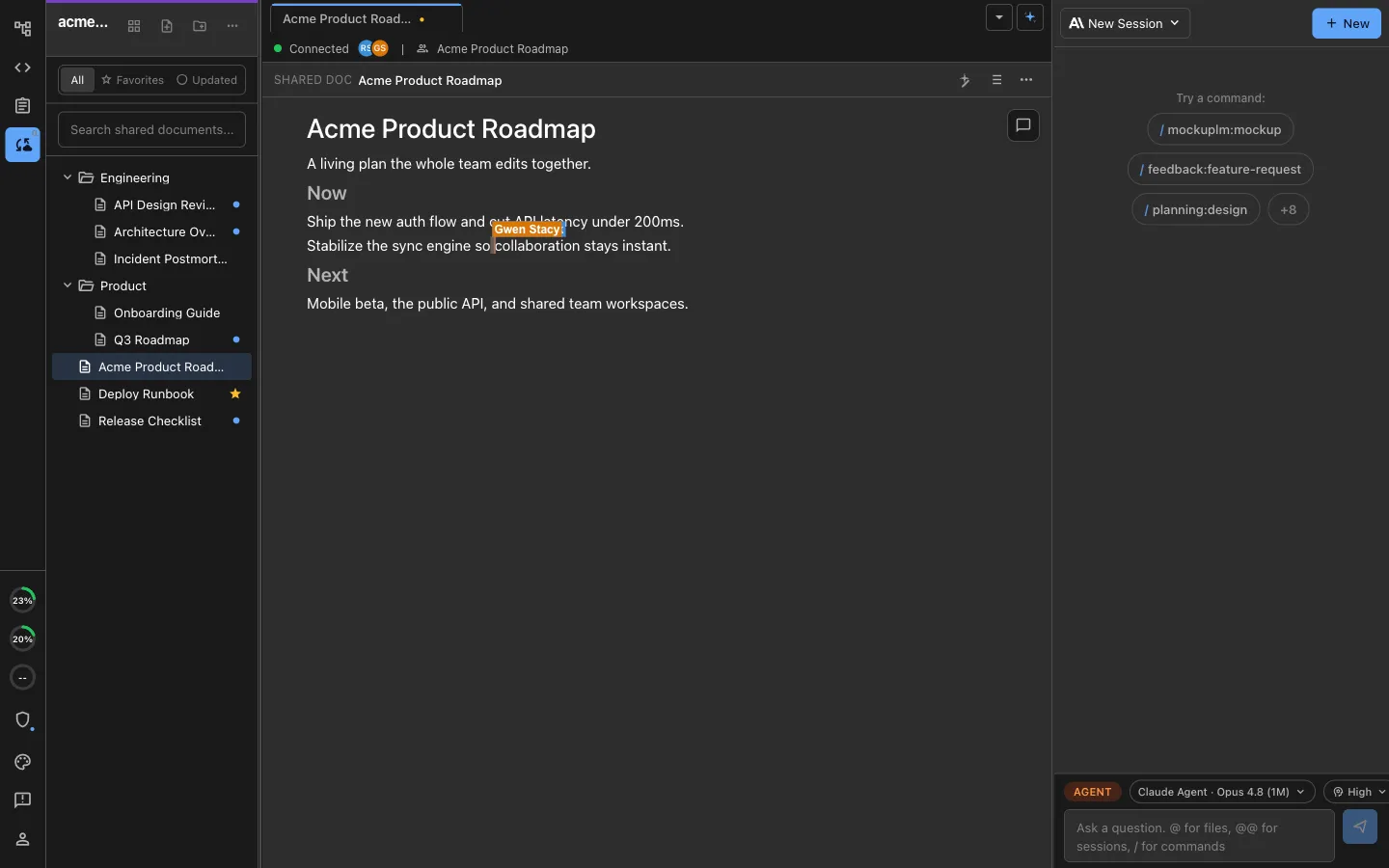
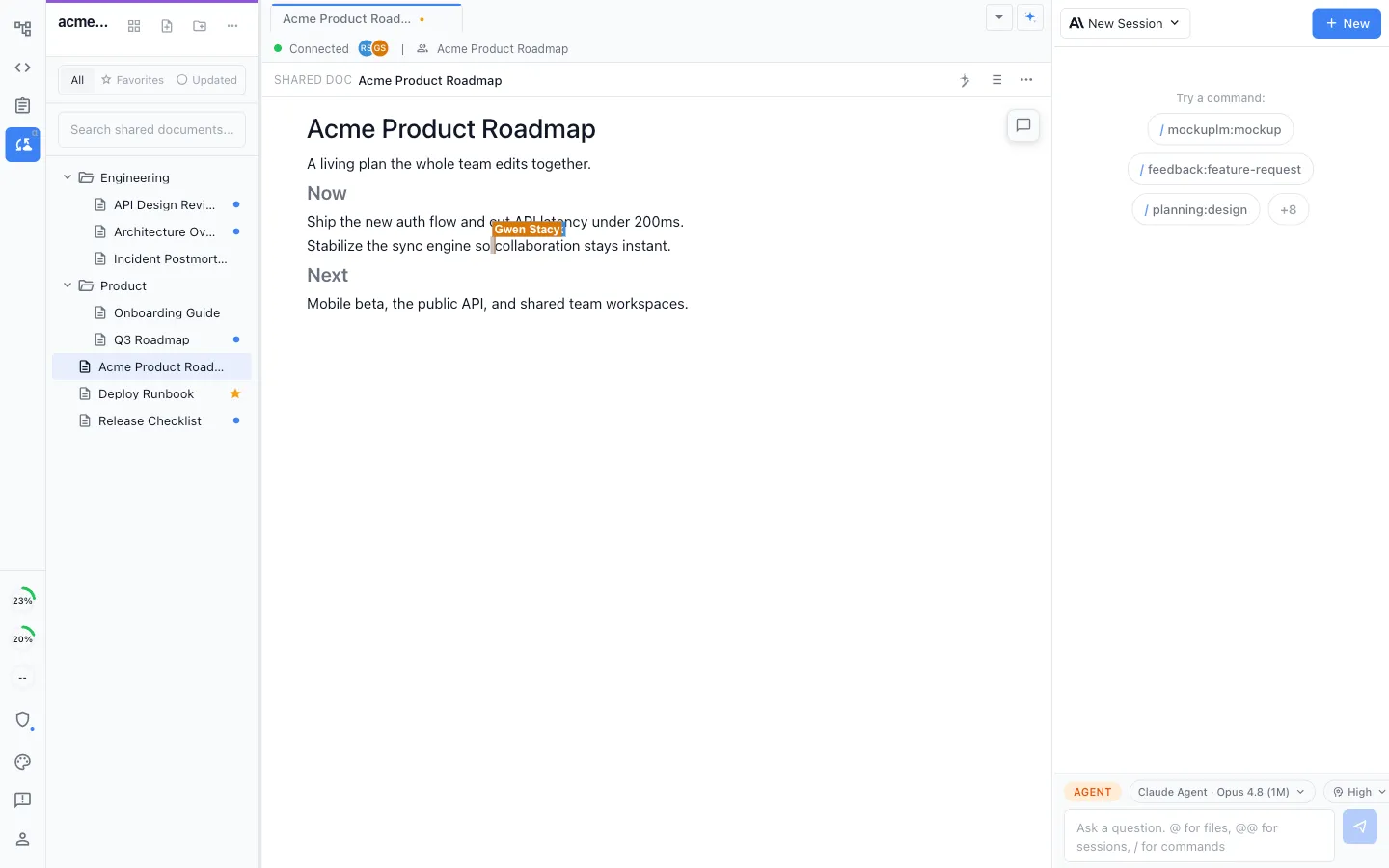
Specs, plans, and decisions in real-time multiplayer markdown. Two teammates edit the same document at once, and each of their local Claude Code sessions reads and writes it directly, so nobody is pasting context between terminals.
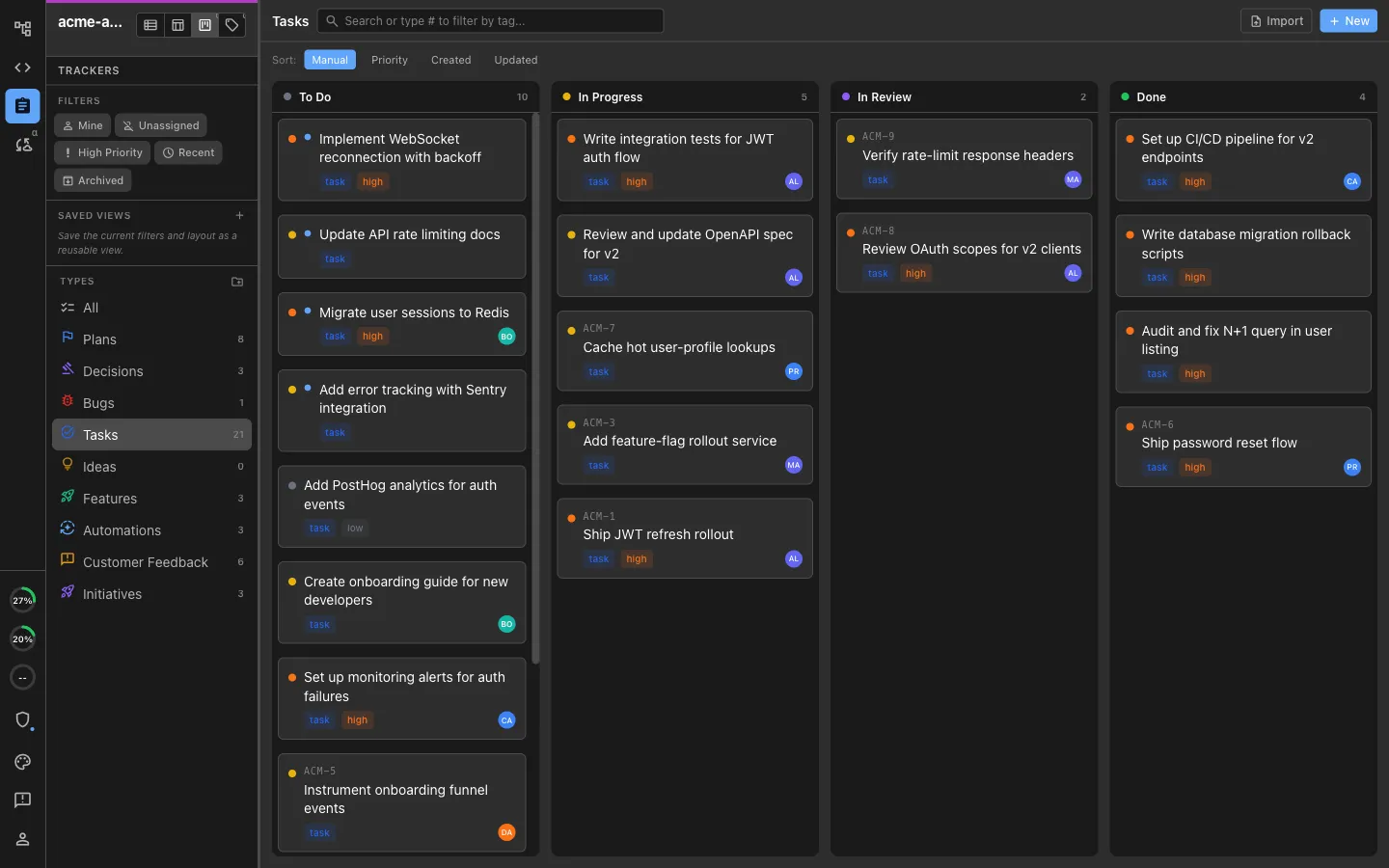
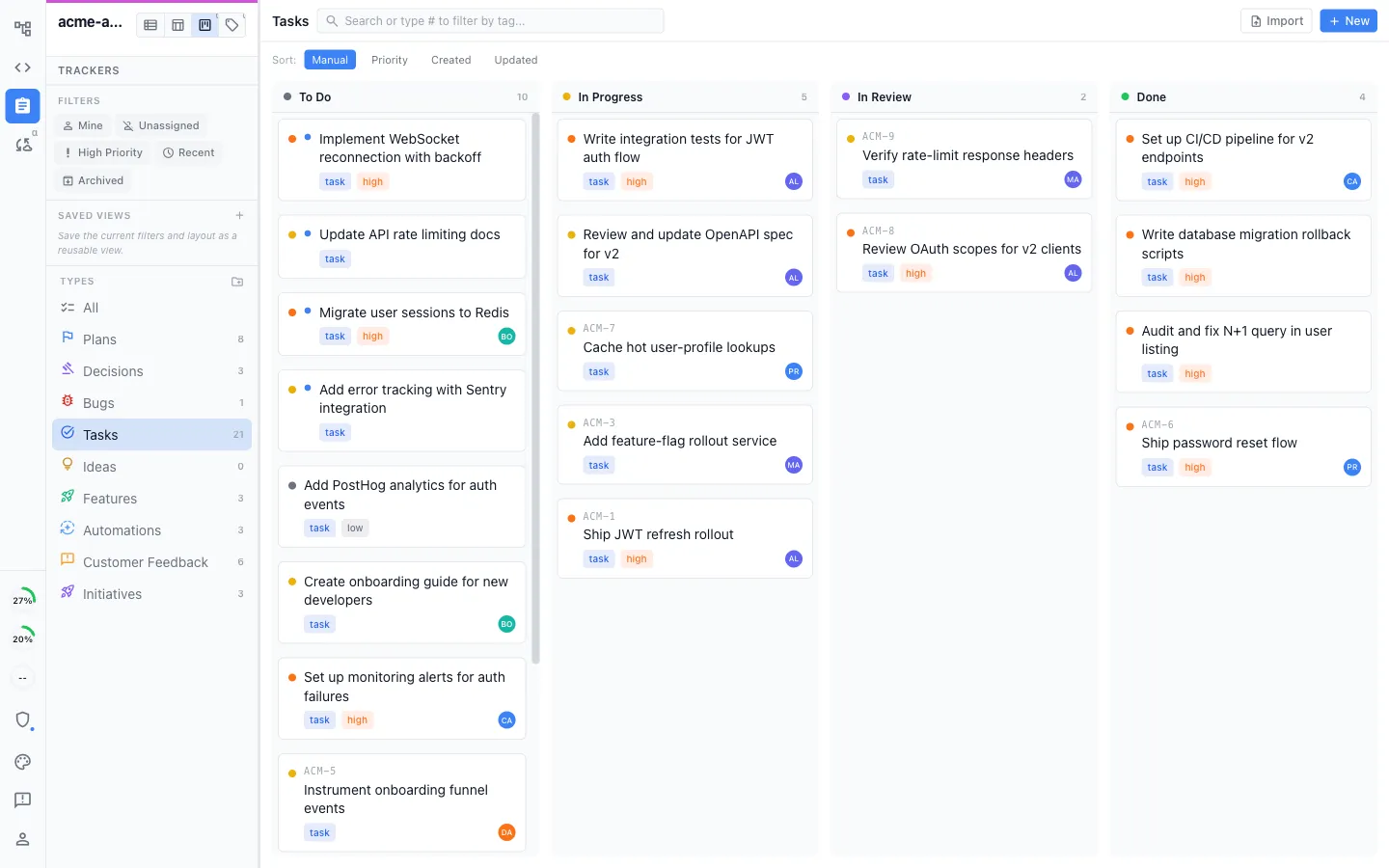
A shared board your agents keep current
Bugs, tasks, plans, and decisions on a shared kanban with your own stages. Teammates update it, and so do their agents, so the board reflects what is actually happening in the code.
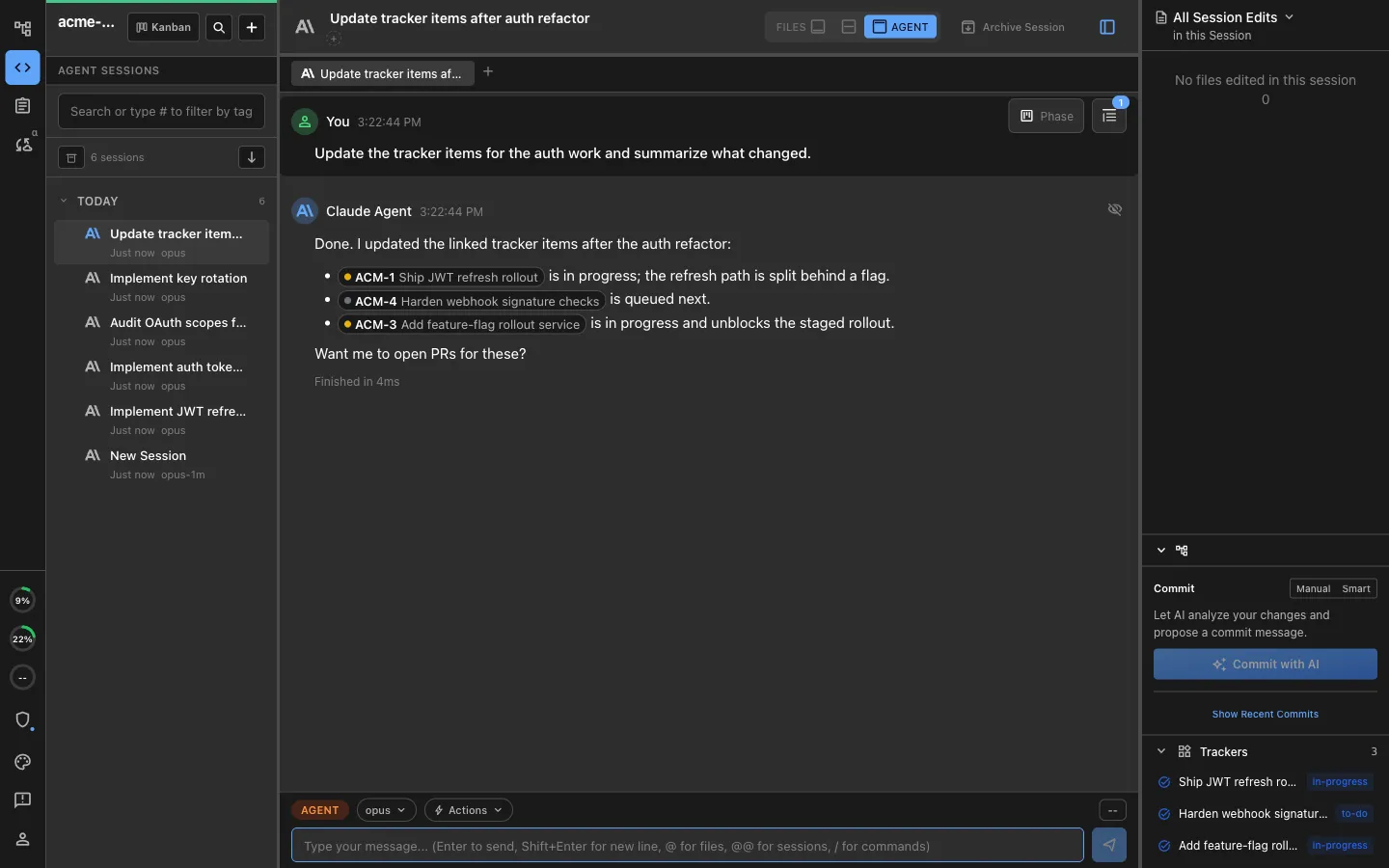
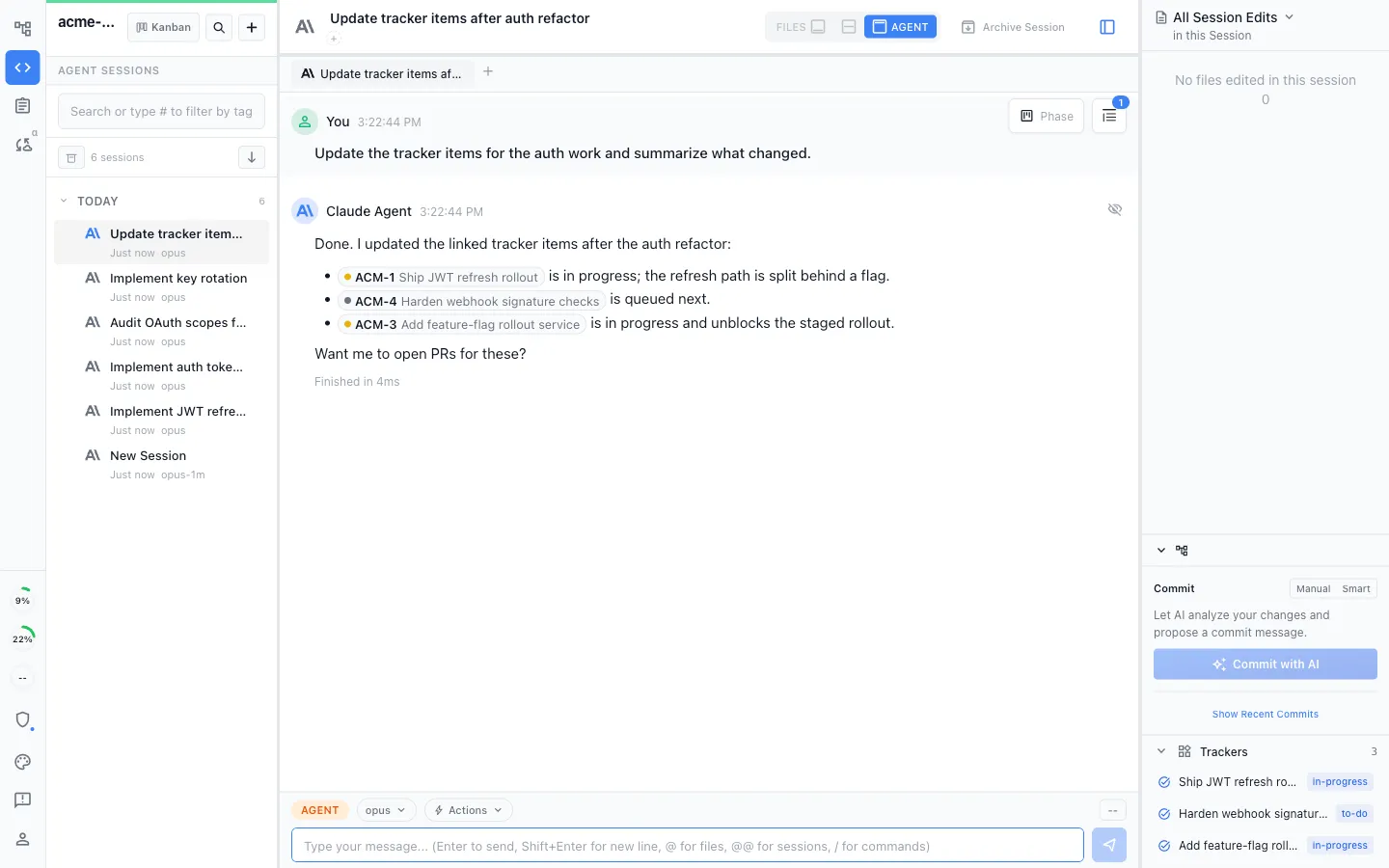
Everything linked, not just co-located
Shared docs, local files, trackers, and agent sessions live together and link to each other. A ticket points at the spec, the spec points at the mockup, and the agent follows the chain instead of guessing.
Mockups and diagrams in the same shared file
Embed a mockup, an Excalidraw diagram, an image, or an inline tracker directly in a shared document and edit it in place. Design and specification stop being separate tools your agent cannot reach.
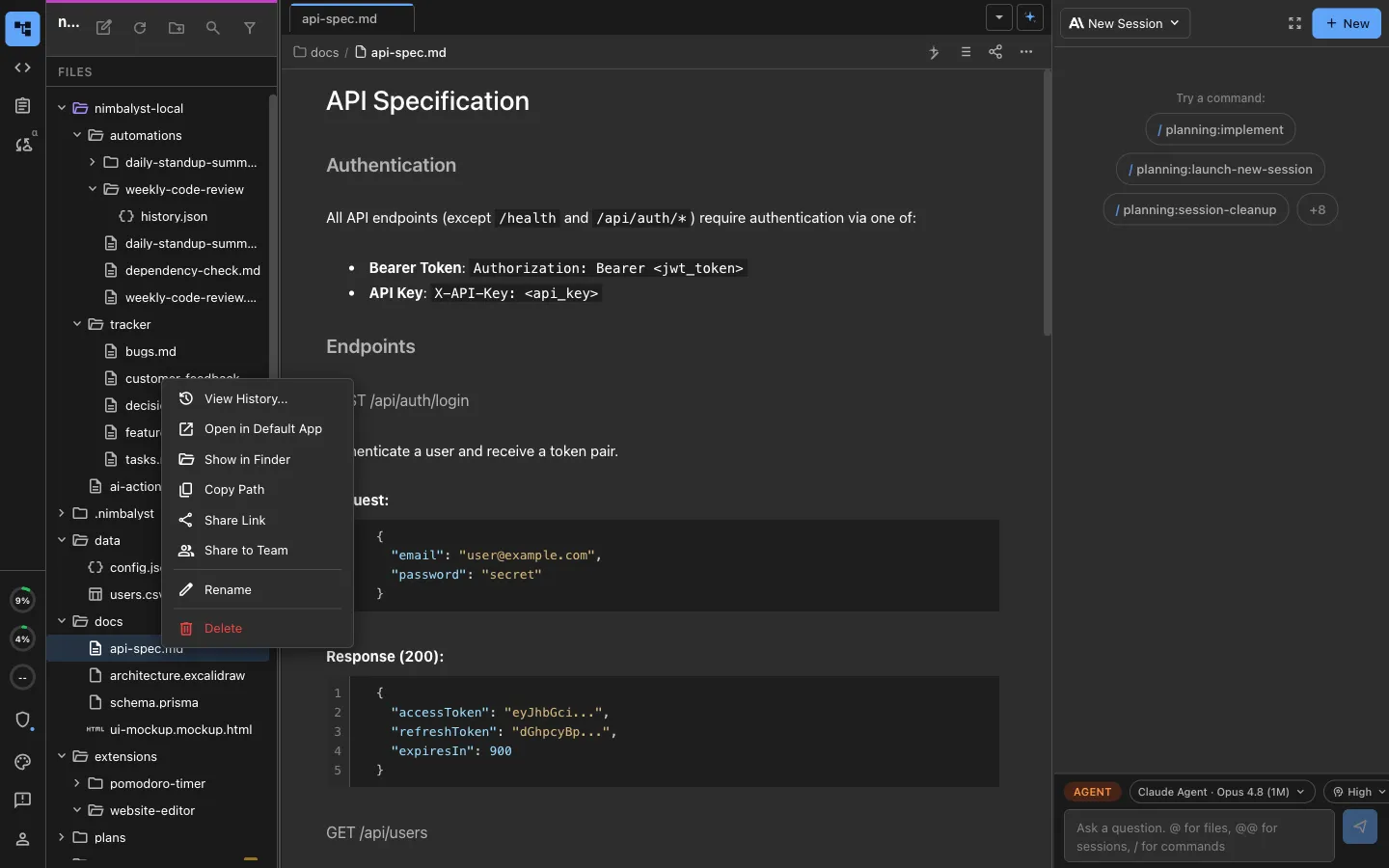
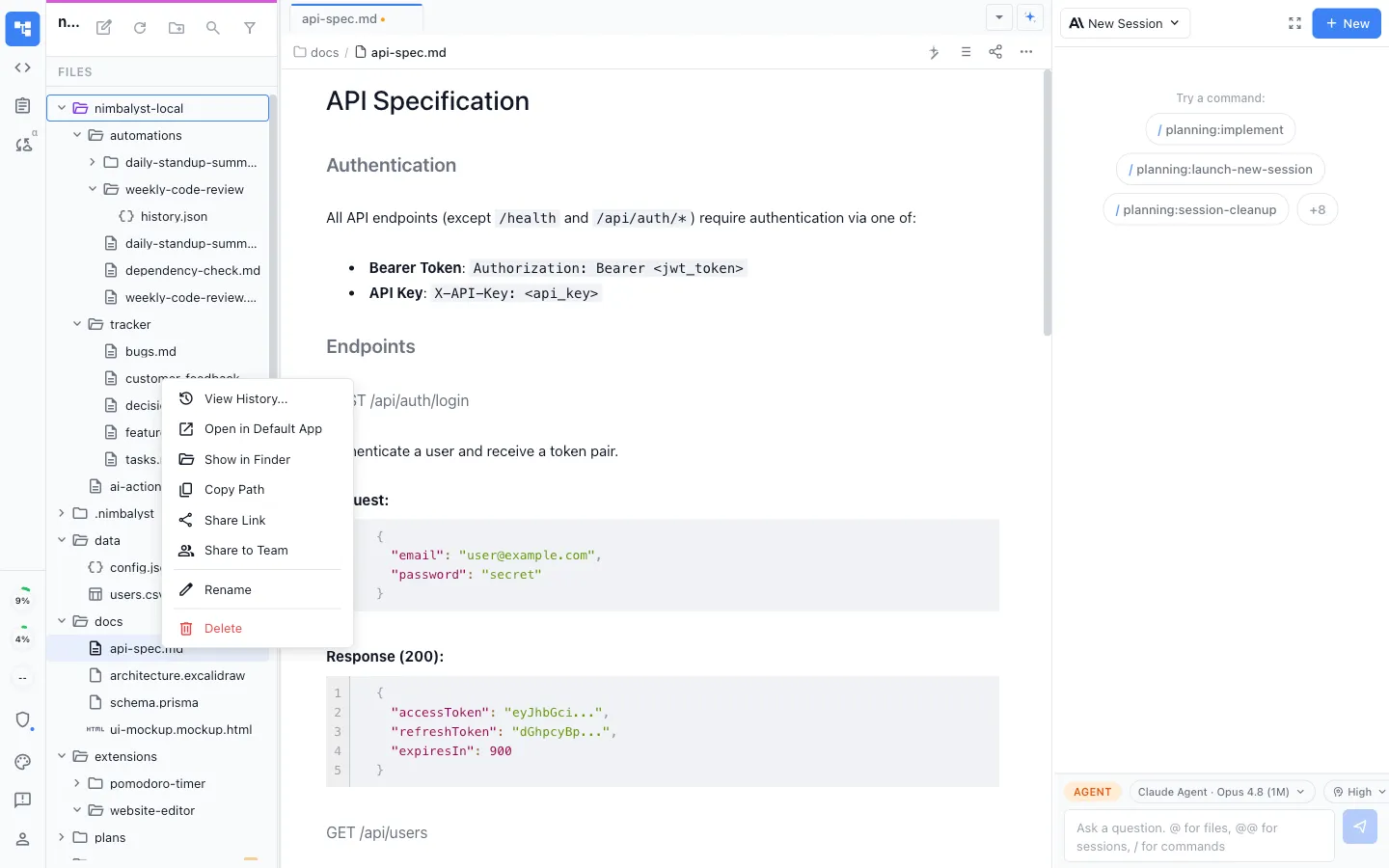
Promote a local file to shared in one click
Start a draft privately, share it when it is ready. Only what you choose enters the team workspace, and everything else stays local on your machine.
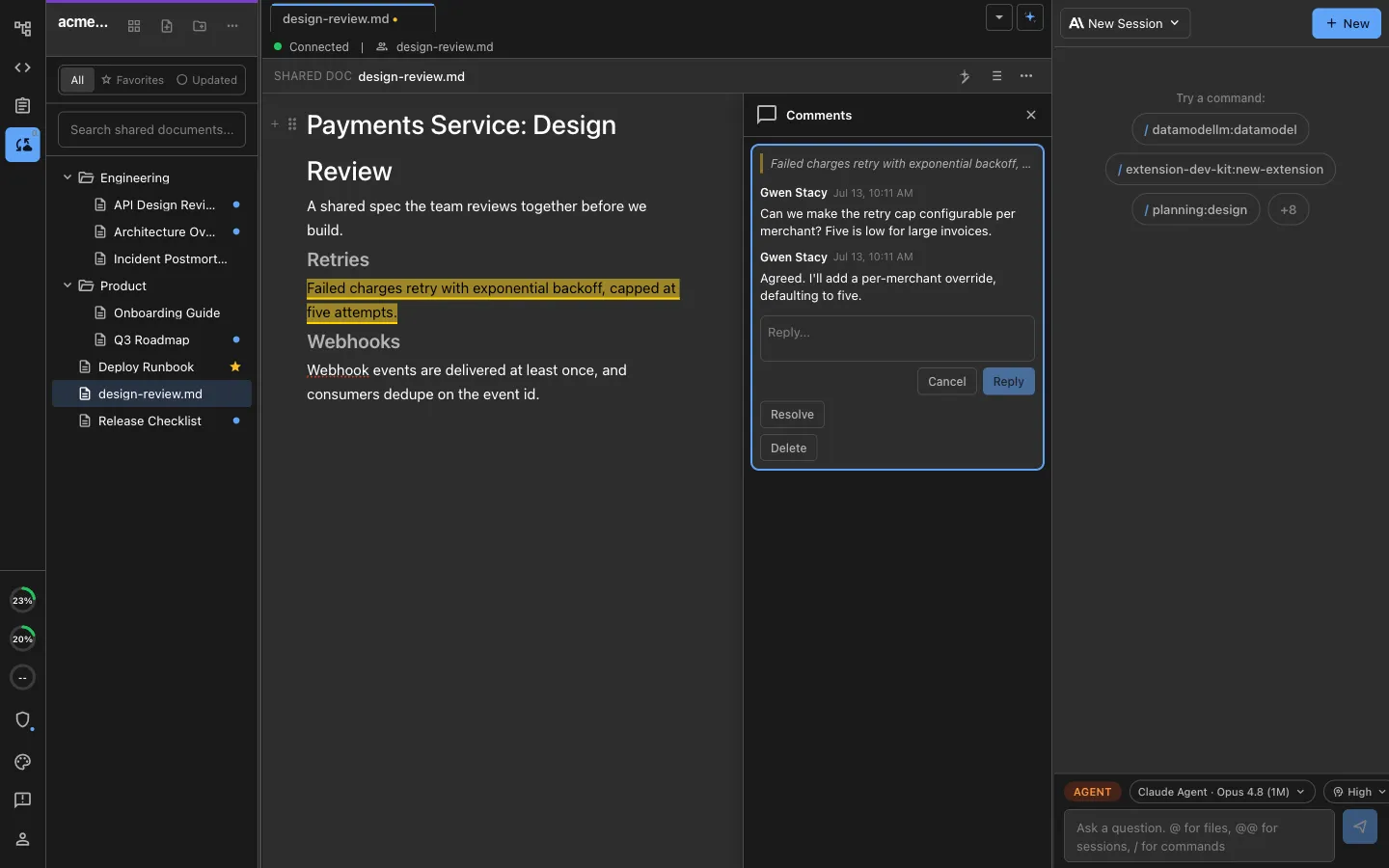
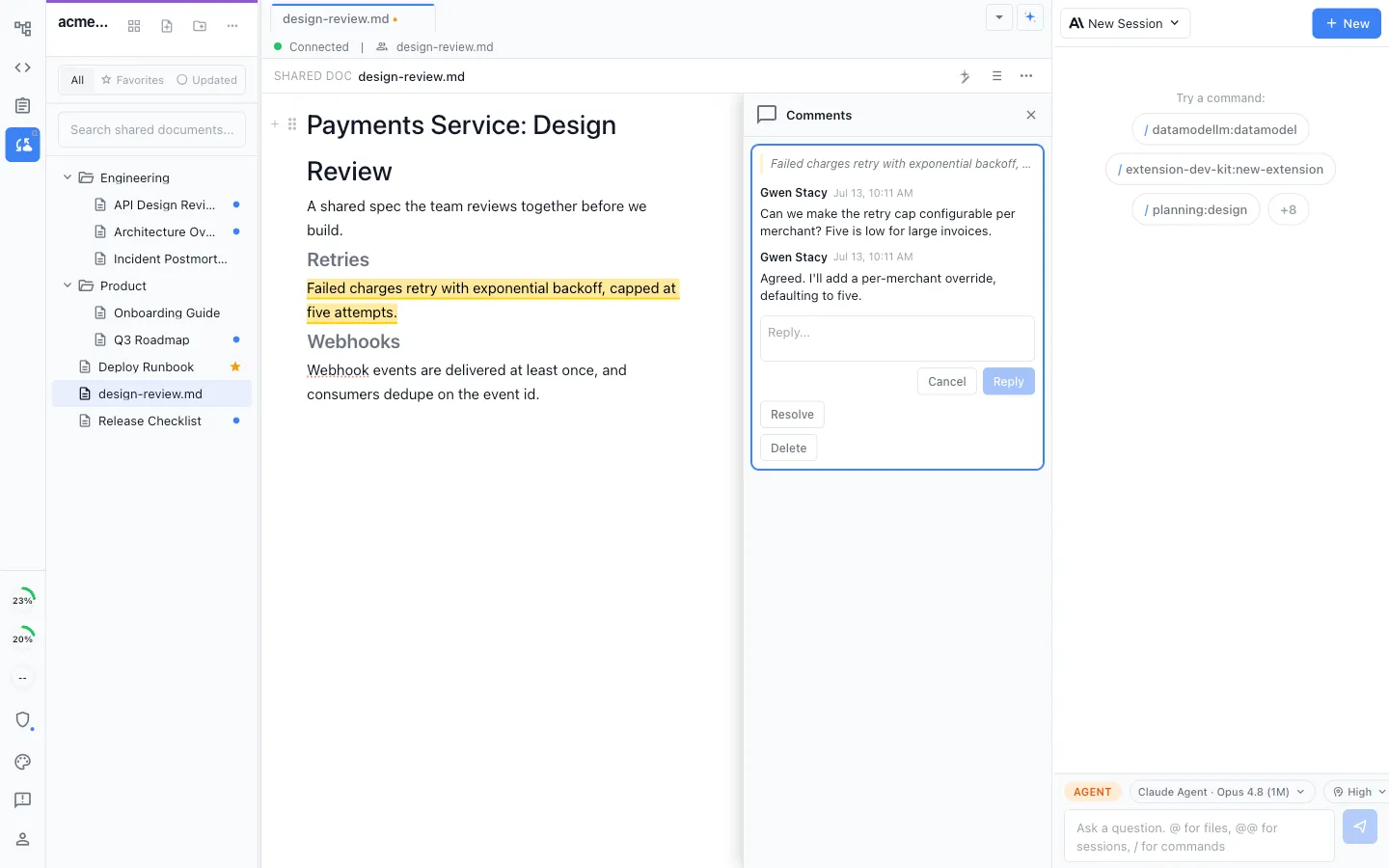
Discussion where the work lives
Comment in context on the document, mockup, or diagram itself, in threads that resolve, instead of a separate chat app where the decision gets lost.
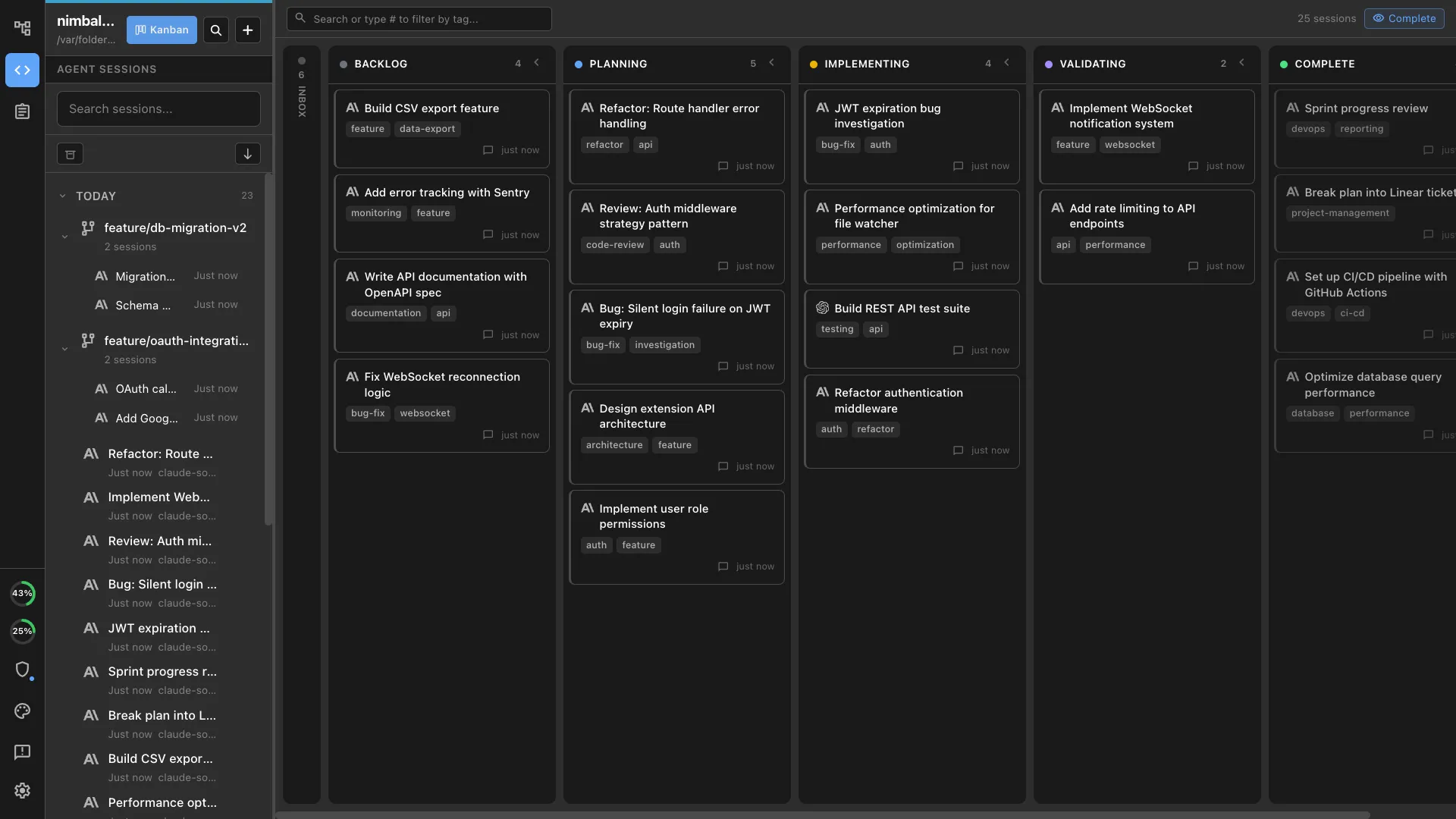
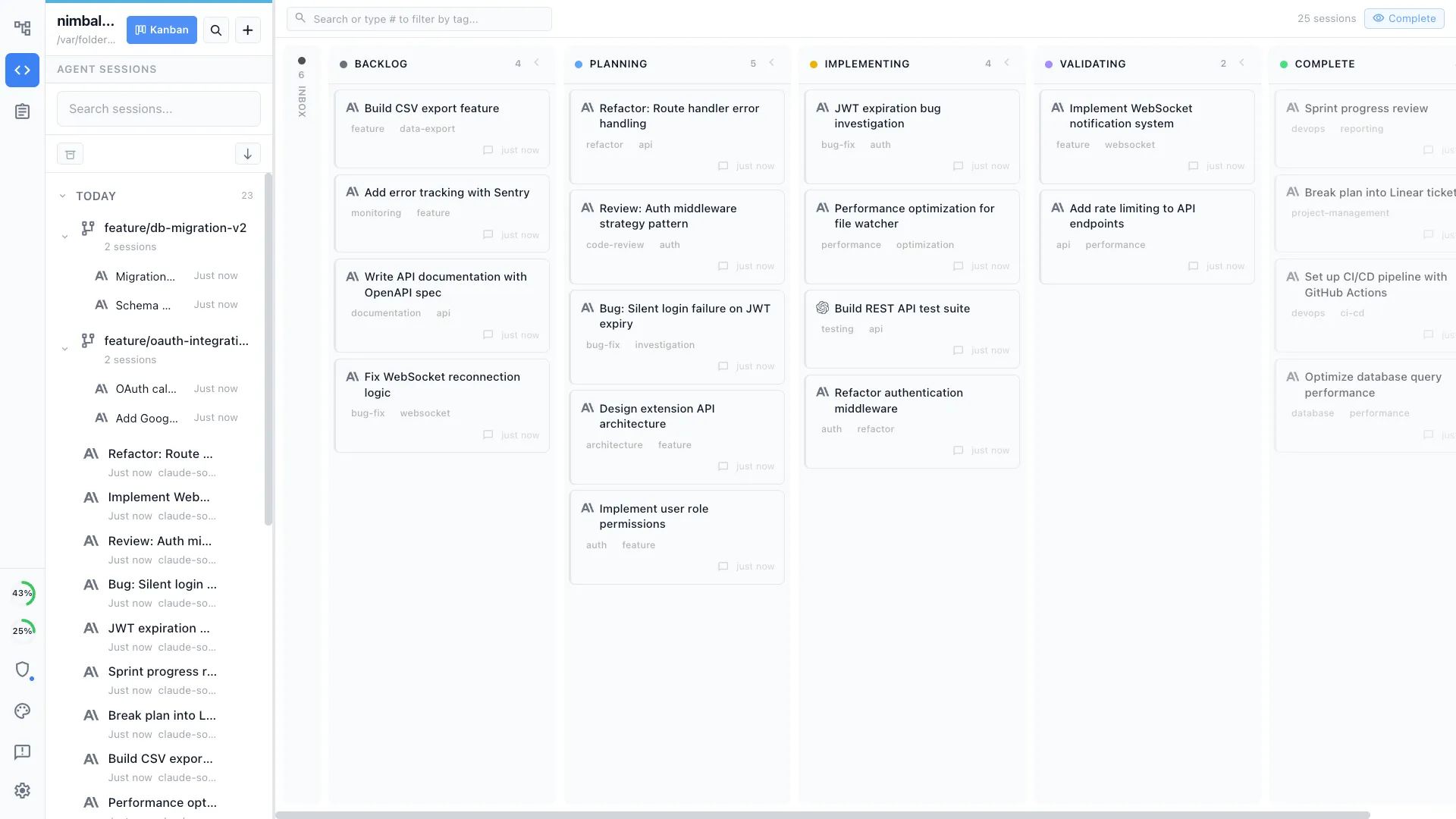
Your own sessions on a board
Manage your own parallel Claude Code and Codex sessions on a kanban with planning, implementing, and validating phases, each with its own transcript and review surface.
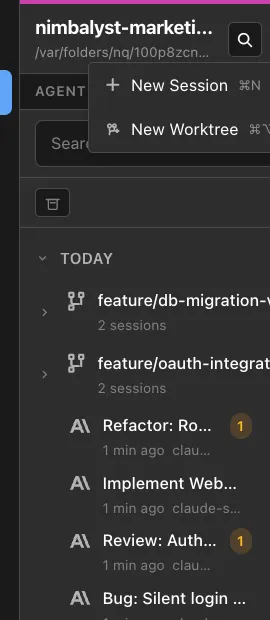
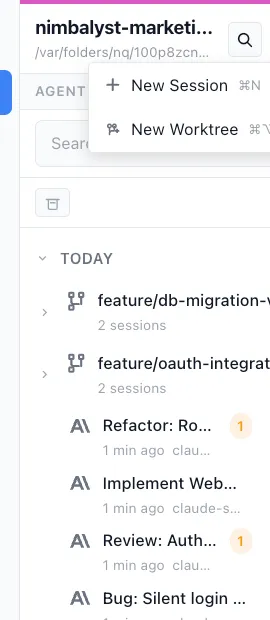
Worktree isolation for your parallel agents
Give each of your own sessions a one-click git worktree, so several agents work in the same repository at once without colliding.
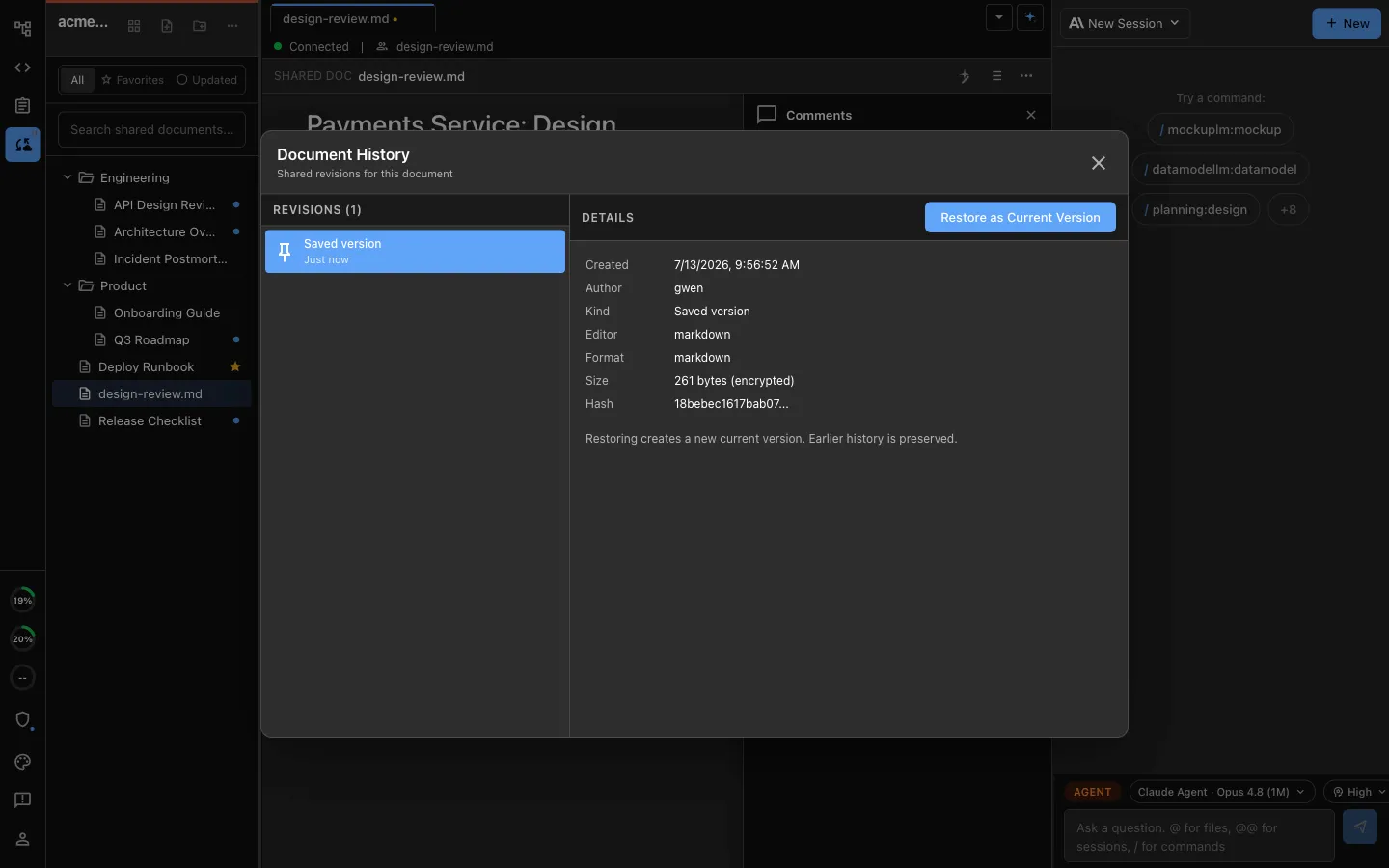
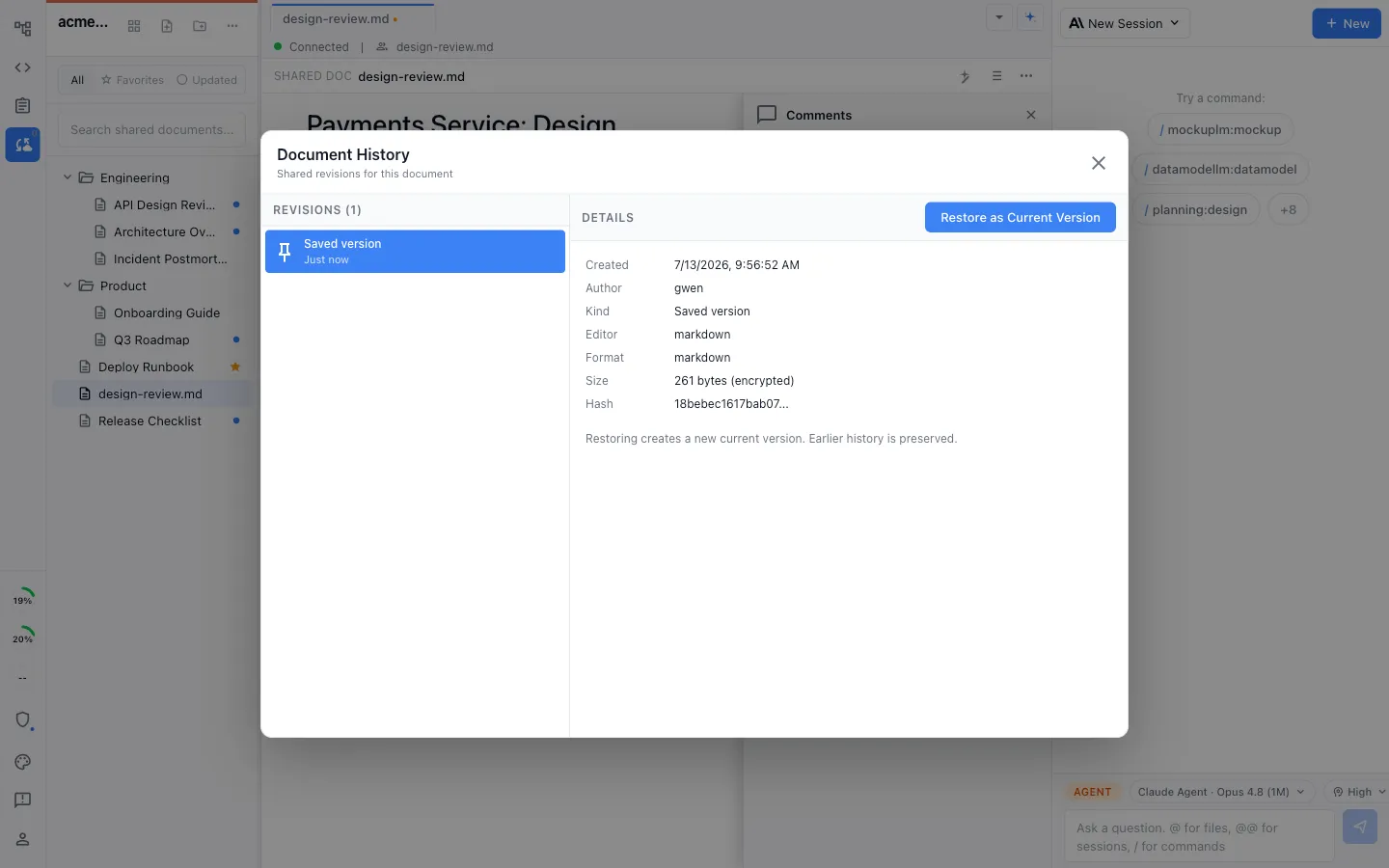
Full history, restorable
Every shared document keeps a complete change history, so you can see what an agent or a teammate changed and restore any version in one click.
Comparison
Claude Code alone vs Claude Code in a team workspace
| Feature | Claude Code on its own | Nimbalyst |
|---|---|---|
| Who it serves | Individuals and organizations; each session has an owner | A whole team, each running their own agent |
| Specs and plans | Repo files, Claude Projects, or connected document systems | Multiplayer markdown every teammate's agent reads and writes |
| Tickets | GitHub and other systems through connectors, plugins, or MCP | Shared trackers updated by teammates and their agents |
| Mockups and diagrams | Can read or create files; no built-in multiplayer visual editor | Built in, embeddable in shared docs, edited by agents |
| Context handoff | Repo instructions, connectors, or a shared web-session link | Shared files are the common context |
| Where agents run | Locally in CLI/Desktop or remotely on Claude Code on the web | Locally, per developer, with shared work around them |
| Parallel sessions | Desktop panes, terminal sessions, and cloud tasks | Session kanban with one-click git worktrees |
| Review | Visual diff review and inline comments in Desktop or web | Inline red and green diff review across code, docs, mockups, and diagrams |
| History | Git and per-user session history; web sessions can be shared explicitly | Full restorable history on shared documents too |
| Licensing | Closed source | Desktop/iOS apps MIT; collaboration server licensed separately |
FAQ
Frequently asked questions
Does Claude Code work for teams?
How is this different from a Claude Code Team plan?
Does Nimbalyst move our Claude Code sessions into the cloud?
Can teammates see each other's agent sessions?
What exactly is shared with the team?
Can we keep using Linear, Jira, or Confluence?
Does it work with Codex too?
What platforms does it run on?
Is Nimbalyst open source?
Learn More
Related guides and comparisons
Nimbalyst for teams
The full team story: shared docs, shared trackers, one connected workspace.
Collaborative documents
Multiplayer markdown, mockups, and diagrams your agents edit.
Collaborative trackers
Shared boards that teammates and their agents keep current.
How collaboration works
What is shared, what stays local, and how it is secured.
vs Superconductor
Local agents and shared work vs metered cloud sandboxes.
Nimbalyst vs Superconductor vs Conductor
Three team workspaces for coding agents, compared.
Parallel Claude Code sessions
Run several agents at once with a worktree each.
Codex for teams
The same shared workspace, for teams running OpenAI Codex.
Coding agents for teams
The agent-neutral version, for teams running a mix.
Keep each teammate's coding agents local while your team collaborates on shared docs, mockups, diagrams, and trackers
Free for individuals. Agents run locally with your existing Claude Code or Codex subscription. Team collaboration is a paid plan.