Claude Code Memory vs a Wiki Your Agents Write for You
How Claude Code memory works (CLAUDE.md plus auto memory), where AGENTS.md and Codex memories fit, and why the person directing several coding agents needs pages written for them: decisions, open questions and what they track.
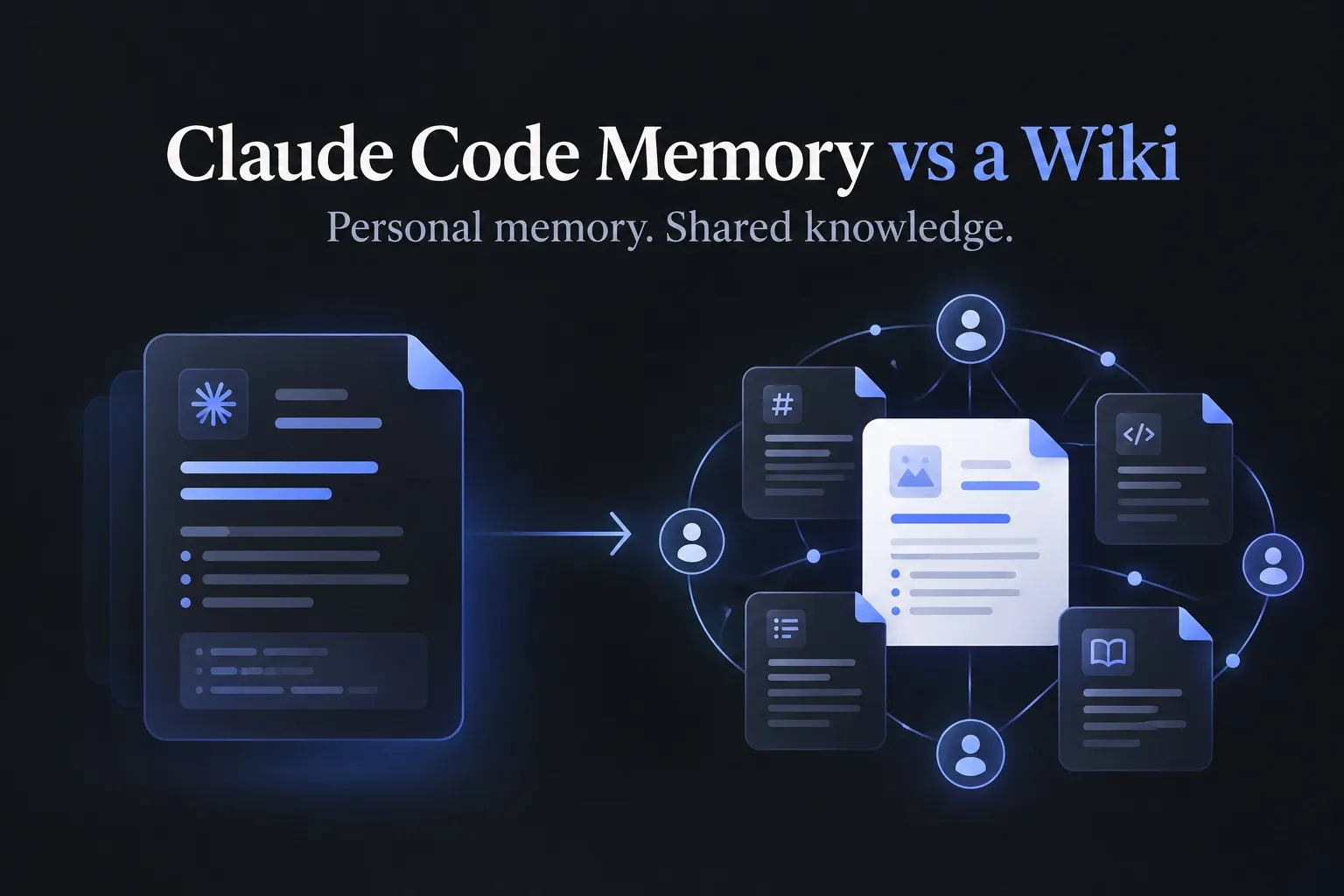
Claude Code memory is two things: CLAUDE.md files, which hold instructions you write, and auto memory, which holds notes Claude writes for its own next session. AGENTS.md plays the CLAUDE.md role for Codex, Cursor and other agents, and Codex has its own opt-in memories. All of these are written for the agent. Once you run several agents, you also need pages written for you, with what was decided, what is still open and what you are tracking, and the Nimbalyst Wiki has your coding agents write them for you.
Every Claude Code session starts with a fresh context window, so anything it should know about you or your project has to be loaded back in. Memory solves the agent’s problem of remembering. Working with several agents at a time creates a second problem: you get overwhelmed. Each session makes decisions, raises questions and learns something, and memory files written by Claude for Claude don’t help you keep track of any of it. This post explains how each piece works, what each one is good at, and where each kind of knowledge belongs.
Where each one fits
| CLAUDE.md and AGENTS.md | Auto memory and Codex memories | Nimbalyst Wiki | |
|---|---|---|---|
| Who writes it | You | The agent | Your agents, and you |
| Who it’s for | The agent | The agent | You |
| What’s in it | Rules and commands for every task | Preferences and corrections the agent saved | Decisions with reasons, open questions with owners, things you track |
| When it’s used | Loaded at the start of every session | Loaded or recalled by the agent | You read it to catch up and decide; agents read it before changing an area |
| Where it lives | Your repo and home directory | Your home directory, per machine | Markdown files in your repo |
Third-party memory tools sit in the middle column too. Basic Memory, for example, builds a markdown notes graph for your AI across conversations; we compare it in Nimbalyst Wiki vs Basic Memory.
How Claude Code memory works
Anthropic’s memory docs describe two mechanisms. CLAUDE.md files are “instructions you write.” Auto memory is “notes Claude writes itself based on your corrections and preferences.” Their comparison is a useful summary:
| CLAUDE.md | Auto memory | |
|---|---|---|
| Who writes it | You | Claude |
| Scope | Project, user, or org | Per repository, shared across worktrees |
| Loaded into | Every session | Every session (first 200 lines or 25KB of MEMORY.md) |
CLAUDE.md files come in four scopes: a managed policy file for the organization, ~/.claude/CLAUDE.md for all your projects, a project file in the repo that the team shares through source control, and CLAUDE.local.md for your own notes on one project. Claude Code loads the files from your working directory and every directory above it, concatenated rather than overriding each other, and a CLAUDE.md can import other files with @path/to/file. We cover what belongs in them, and how they relate to AGENTS.md, in AGENTS.md vs CLAUDE.md.
Auto memory lives in ~/.claude/projects/<project>/memory/. It holds a MEMORY.md index plus one file per topic, and notes fall into four types: user, feedback, project and reference. Only the index loads at startup, and Claude reads the topic files when it needs them. Auto memory is on by default in local sessions. You can toggle it with /memory, turn it off for one project with "autoMemoryEnabled": false in that project’s settings, or disable it with the CLAUDE_CODE_DISABLE_AUTO_MEMORY=1 environment variable.
What auto memory is good at
Auto memory removes the most tedious part of working with an agent, which is correcting the same thing twice. When you tell Claude to stop doing something, or explain how you like a task done, it can save that as a note and load it next time without you writing anything. It is selective, too: according to the docs, “Claude skips anything it can derive from the codebase, such as architecture, file paths, or debugging fixes. It also skips anything your CLAUDE.md files already say.”
Two habits keep it useful. Prune it now and then, since only the first 200 lines of the index load and stale notes take up that space. And when a note turns out to apply to everyone on the project, move it into the project CLAUDE.md so the whole team’s sessions get it.
AGENTS.md and Codex memories
If you also use Codex, Cursor or another agent, the instruction file you share across them is AGENTS.md, “a simple, open format for guiding coding agents.” Codex reads a global file in ~/.codex/ and then the AGENTS.md files from your Git root down to the current directory, according to OpenAI’s AGENTS.md guide. Claude Code can read AGENTS.md as your project instructions too, by default only when there is no CLAUDE.md in your working directory or above it.
Codex also has its own memories. The Codex memories docs say they are off by default, that you turn them on in settings, and that the files live under ~/.codex/memories/ and should be treated as generated state rather than edited by hand. OpenAI draws the same line Anthropic does: “Keep required team guidance in AGENTS.md or checked-in documentation. Treat memories as a helpful recall layer.”
Where memory stops
Auto memory and Codex memories are written by the agent for the agent. The notes are organized so the agent can recall them, and the person directing the agent rarely reads them. Nothing in them is arranged around what you need: which questions are still open, what was decided last week and why, which option was rejected, and what to do next. When you move fast with several agents, that is the information you lose track of first.
Agent memory is also personal by design. Anthropic’s docs are direct about it: “Auto memory is machine-local. All worktrees and subdirectories within the same git repository share one auto memory directory. Files are not shared across machines or cloud environments.” A correction you gave your agent on Tuesday never reaches your teammate’s agent working on the same repo, and Claude Code’s memory never reaches your Codex sessions.
Instruction files have the opposite limit. They are shared and loaded every time, so they have to stay short: Anthropic suggests keeping each CLAUDE.md under 200 lines. A decision’s reasons, the alternatives you rejected and the questions still open around it do not fit, and adding them buries the instructions agents are supposed to follow. Both CLAUDE.md and auto memory are also context rather than enforcement; Anthropic notes that “Claude treats them as context, not enforced configuration.”
Where each kind of knowledge belongs
Take one afternoon with Claude Code. You tell it to stop adding comments that restate the code. You decide that failed charges retry through the event queue, after ruling out retries inside the payment provider client because of a rate limit. And you leave open whether the mobile app needs its own SDK for launch.
- “Don’t add comments that restate the code” is a preference. Auto memory picks it up, or you put it in your user CLAUDE.md.
- “Never call the payment provider from the request path” is the rule that follows from the decision. It goes in the project CLAUDE.md or AGENTS.md, in one line, so every agent follows it.
- The retry decision itself, with who made it, when, what was rejected and why, goes in a page about payment retries that you and your team read. Our post on architecture decision records your agent writes shows the format.
- The mobile SDK question goes next to it, with an owner, so it does not disappear when the session ends.
The last two tend to go unwritten when agents are doing the work, and they are what the Nimbalyst Wiki is for.
How the Nimbalyst Wiki works
The Nimbalyst Wiki is a free plugin for Claude Code and Codex that also works in Cursor, VS Code, Cowork and any MCP agent. Your agent writes a wiki of plain markdown files in your repo, in nimbalyst-local/wiki by default, and you read and edit it in your browser. It needs no app and no account, and it is MIT licensed. The pattern follows Karpathy’s LLM wiki: the agent writes the pages and the person reads them.
You start with /nimbalyst-wiki:setup, which writes a Home page, a writing guide and starter pages from your README and docs. At the end of a session, /nimbalyst-wiki:capture writes each decision into the page it affects, marked with who decided, when and what was passed over, and records open questions with their owners (capture docs). When your own words in the session support a decision, the agent adds a quote from the transcript, and it never invents one. In Claude Code, the plugin reminds the agent to capture after a session with a commit, a plan or several file edits, and at the start of each session it tells the agent which pages cover the files you changed.
The wiki is yours to work in. Rewrite a page, reorder priorities or settle an open question, and the next session works from what you wrote. Ask your agent to track competitors, customers or features and it creates a type with the fields you name, with a page for each item and a table of all of them. Ask “why did we do it this way?” and /nimbalyst-wiki:recall answers from the decisions in the wiki.
The step-by-step guides are How to keep a project wiki with Claude Code, How to keep a project wiki with Codex and a project wiki in Cursor, VS Code and Cowork. When your team needs the same pages, the wiki moves to Wiki Teams, where you, your teammates and all of your agents work in the same pages.
FAQ
Does Claude Code have memory? Yes. CLAUDE.md files hold instructions you write, and auto memory holds notes Claude writes itself from your corrections and preferences.
Where is Claude Code memory stored? Auto memory lives in ~/.claude/projects/<project>/memory/. CLAUDE.md files live in your repo, your home directory, or an organization-wide managed location.
What is the difference between CLAUDE.md, AGENTS.md and auto memory? CLAUDE.md and AGENTS.md are instructions you write, for Claude Code and for other agents. Auto memory is notes Claude writes for itself. All three are for the agent; a wiki written for you holds decisions, open questions and what you track.
Is Claude Code memory shared with my team? A project CLAUDE.md is shared through source control. Auto memory is machine-local and is not shared across machines.
How do I turn off auto memory? Toggle it with /memory, set autoMemoryEnabled to false in a project’s settings, or set CLAUDE_CODE_DISABLE_AUTO_MEMORY=1.
Does Codex have memory? It reads AGENTS.md and has opt-in memories, off by default, under ~/.codex/memories/.
Related pages
-
Nimbalyst Wiki
A local wiki your coding agents write for you, so you can think, organize and set direction.
-
How to Keep a Project Wiki with Claude Code
Install, setup, capture and recall with the Claude Code plugin.
-
AGENTS.md vs CLAUDE.md
Where instructions go, and where decisions go.
-
Overwhelmed Working with Coding Agents?
Why several agents outrun what one person can track, and how a wiki written for you helps.
-
Nimbalyst Wiki vs Basic Memory
A project wiki in your repo, or a notes graph for your AI.
Related posts
-
AGENTS.md vs CLAUDE.md: Where Instructions Go, and Where Decisions Go
AGENTS.md and CLAUDE.md both hold instructions for coding agents. Here is how they differ, how Claude Code reads each one today, and where your decisions and open questions should live instead.
-
Architecture Decision Records Written by Your Coding Agent
How to keep architecture decision records and a decision log when Claude Code and Codex make decisions faster than anyone writes them down: the agent records each decision in the page it affects, with who decided, when, what was rejected and a quote from the session.
-
Karpathy's LLM Wiki: Have Your Agents Write One for You and Your Team
Andrej Karpathy's LLM wiki has the agent write the wiki and the person read it. Here is why that pattern fits anyone overwhelmed by their coding agents, and what it looks like for a team.