Comparison
Nimbalyst Wiki vs Basic Memory
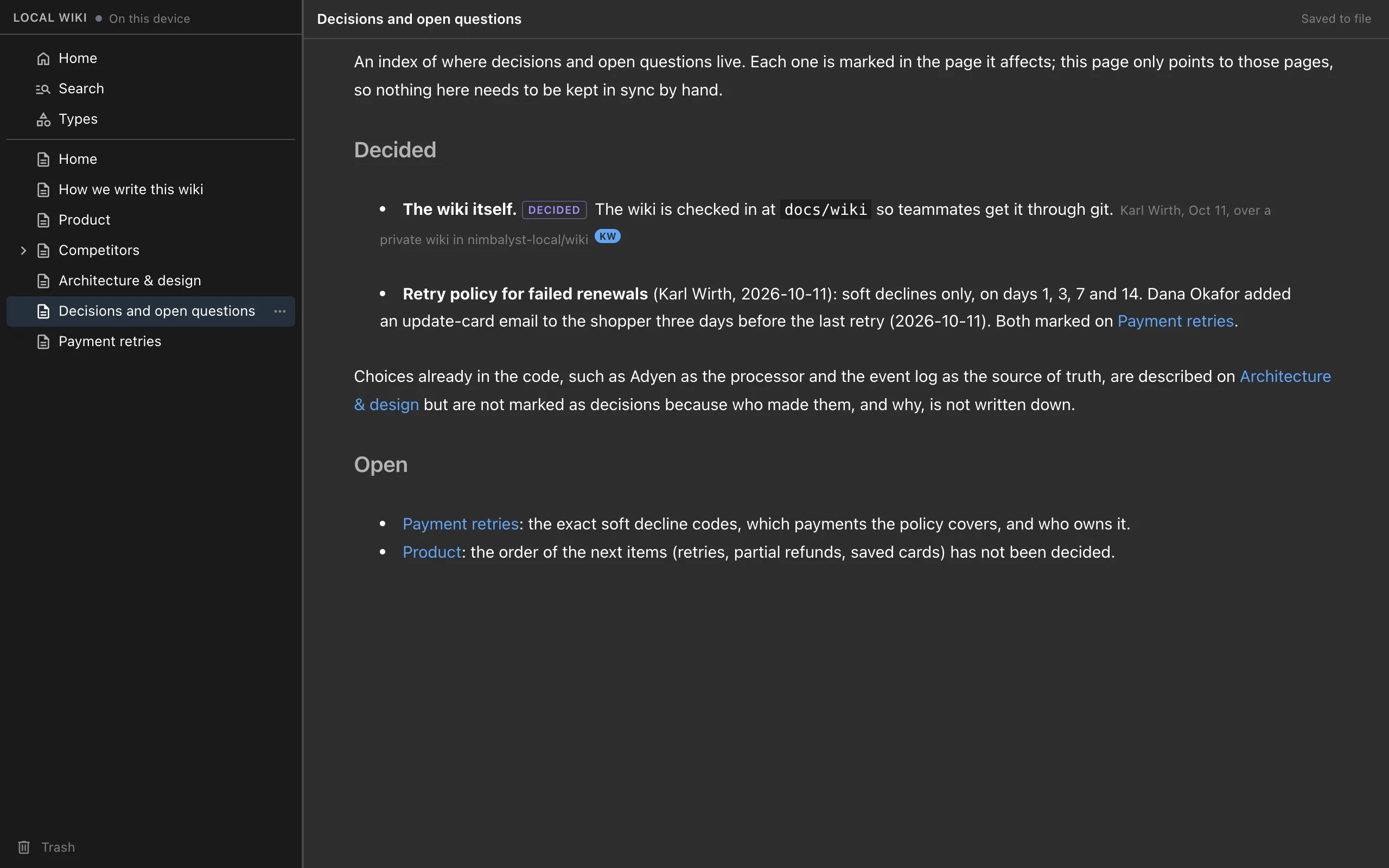
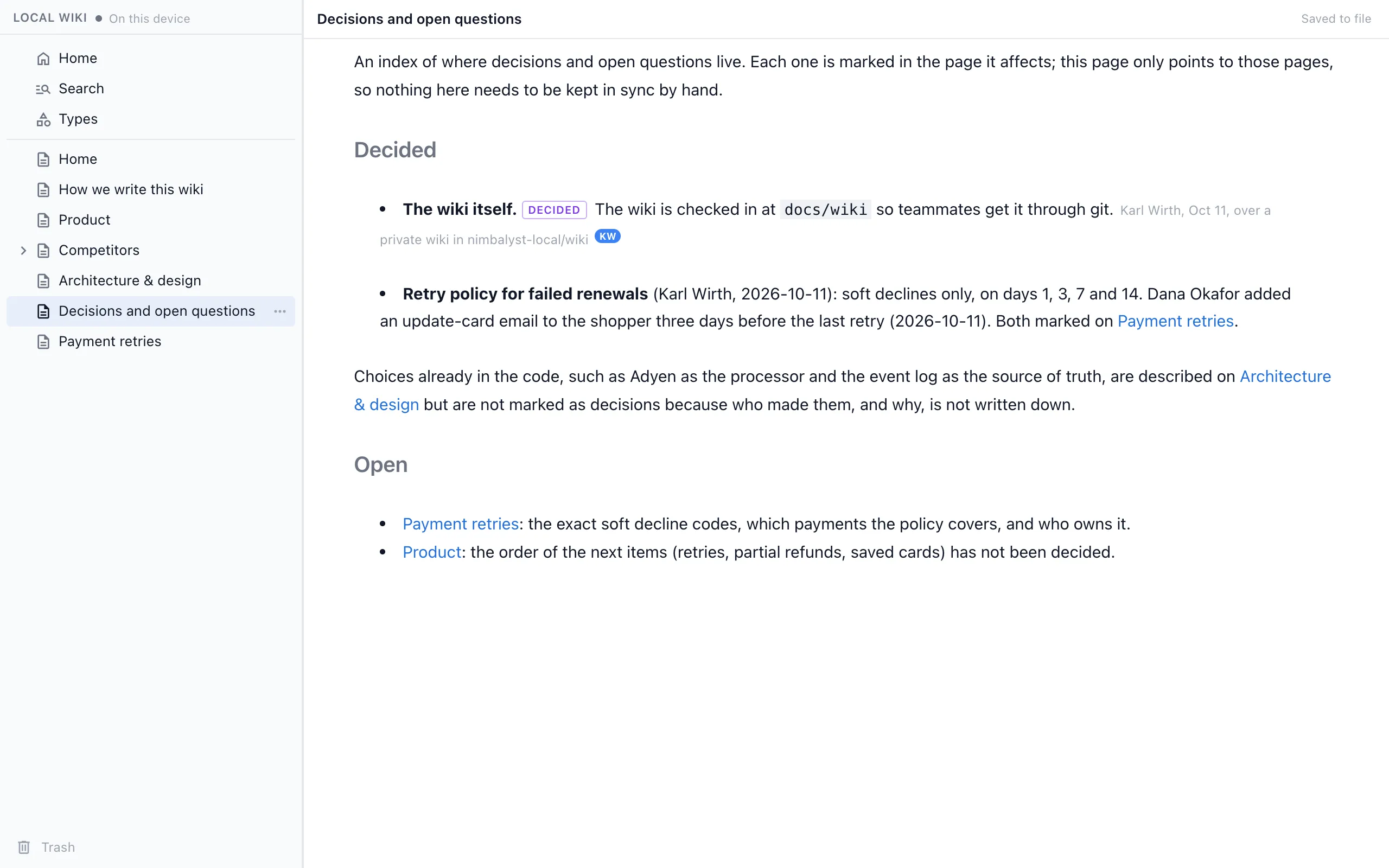
Basic Memory and the Nimbalyst Wiki both keep markdown files that you and your AI can read and write through MCP, and both run locally. Basic Memory builds a knowledge graph of notes, observations and wikilinks in `~/basic-memory` so your AI can pick up context across conversations. The Nimbalyst Wiki is a project wiki in your repo that your coding agent writes for you, with each decision marked with who decided, when and what was passed over, open questions with owners, and a browser view to read and edit it.
Pick Basic Memory for one AI notes graph across all your chats and projects. Pick the Nimbalyst Wiki for a record of what a project decided and what is still open, kept next to its code.
Overview
Two tools, different approaches
Nimbalyst Wiki
The Nimbalyst Wiki plugin is a free, MIT-licensed plugin for Claude Code and Codex that also works in Cursor, VS Code, Cowork and any MCP agent. Setup writes a Home page, a writing guide and starter pages from your repo. A capture skill records each session's decisions in the pages they affect, and a recall skill answers "why did we" from those decisions.
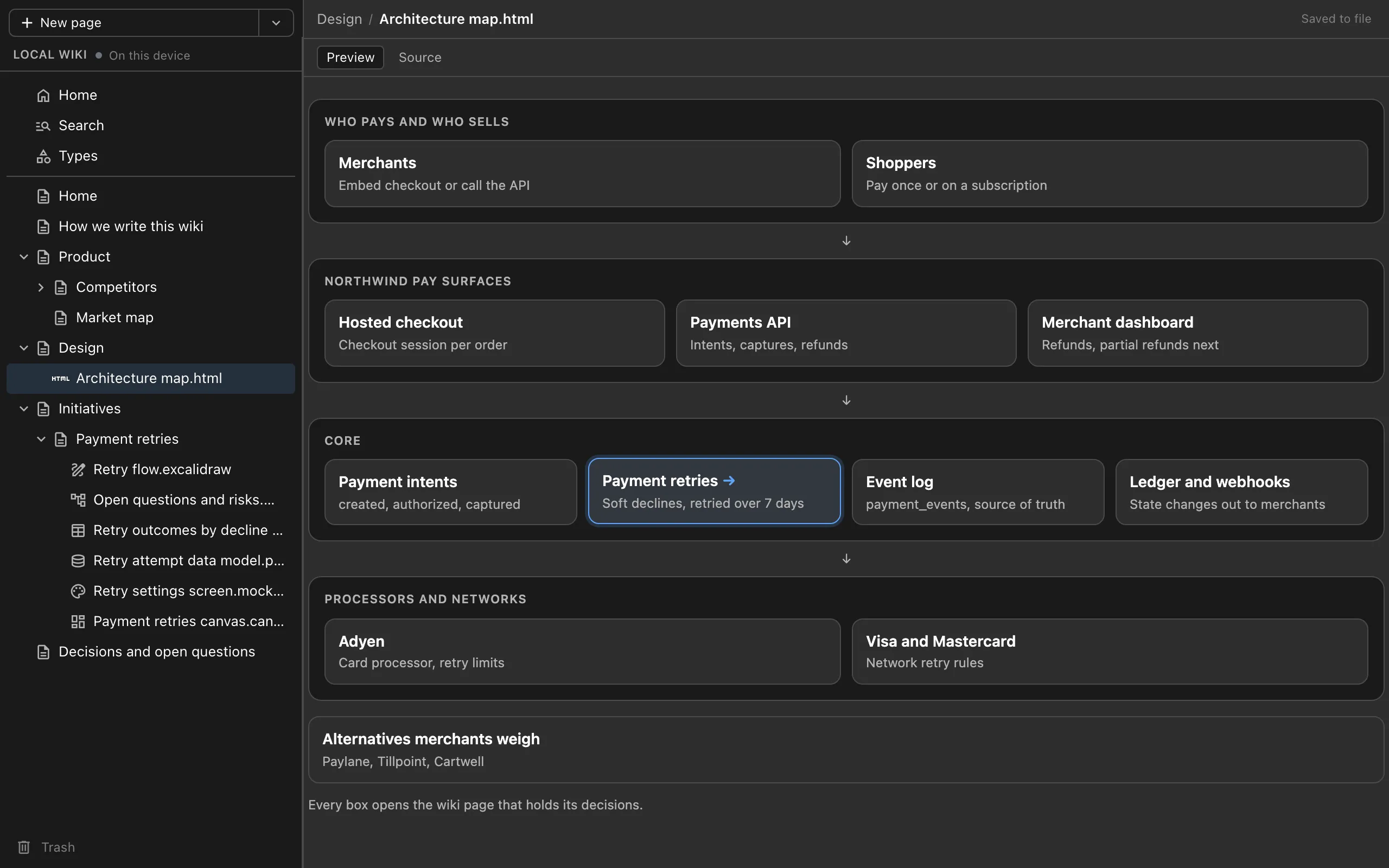
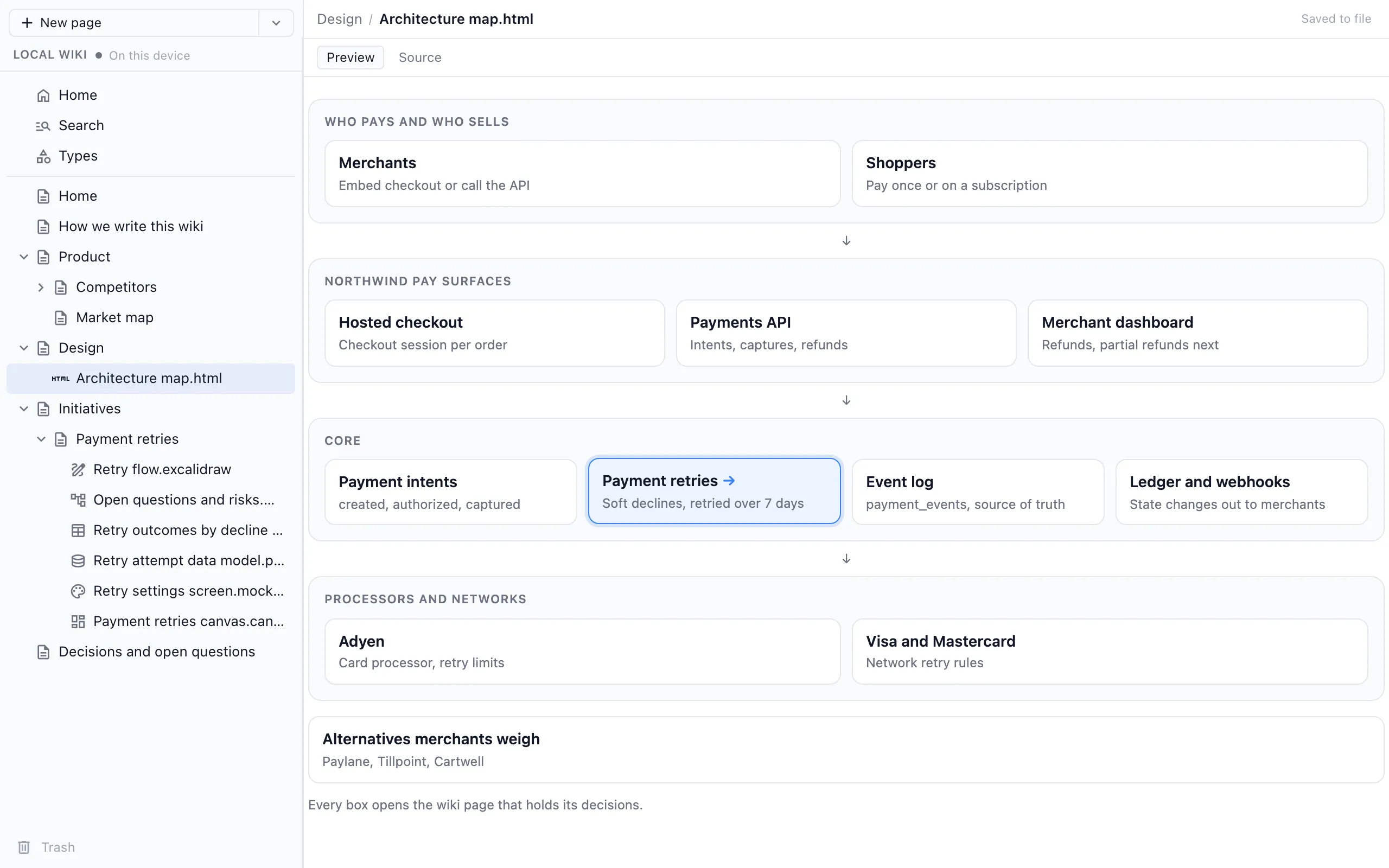
Pages are markdown files in your project, in `nimbalyst-local/wiki` by default or a checked-in folder, and the plugin bundles a local browser view where you read and edit them. For how a wiki written for you differs from agent memory such as CLAUDE.md and auto memory, see Claude Code memory vs a wiki.
Basic Memory
Basic Memory describes itself as knowledge that "lives as Markdown files that both you and your AI can read, write, and search," local-first, with "observations and wikilinks" that "compound into context." Notes live in `~/basic-memory` by default with a local SQLite index. It connects to Claude Desktop, Claude Code (with its own plugin), Codex, Cursor and VS Code, and its README suggests Obsidian for reading the same files.
The local version is free under AGPL-3.0. Basic Memory Cloud adds a hosted web app and sync across devices for $15 a month, and the README also describes a shared cloud workspace for teams.
Feature Comparison
Side-by-side breakdown
Nimbalyst Wiki Advantages
Where the Nimbalyst Wiki shines
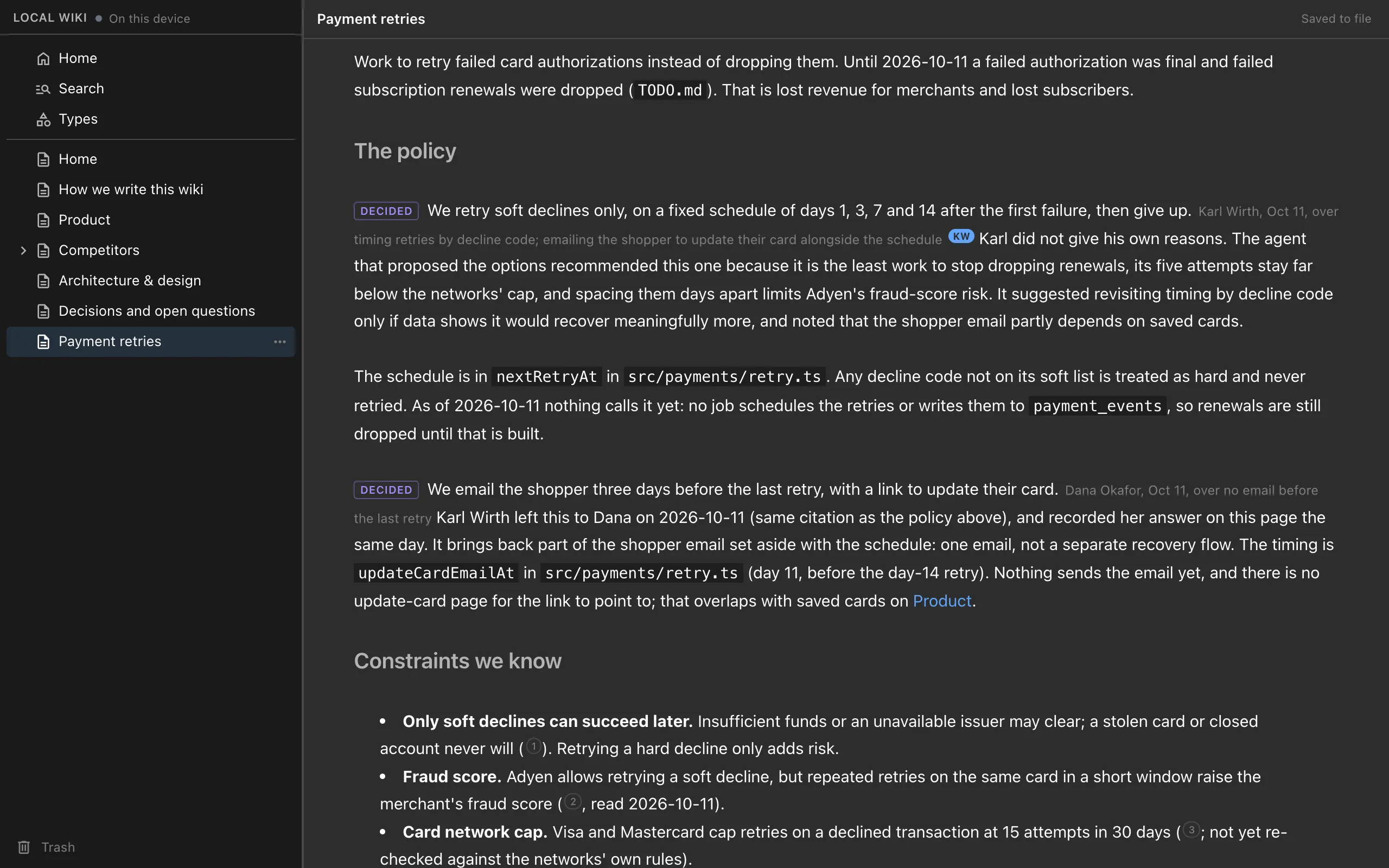
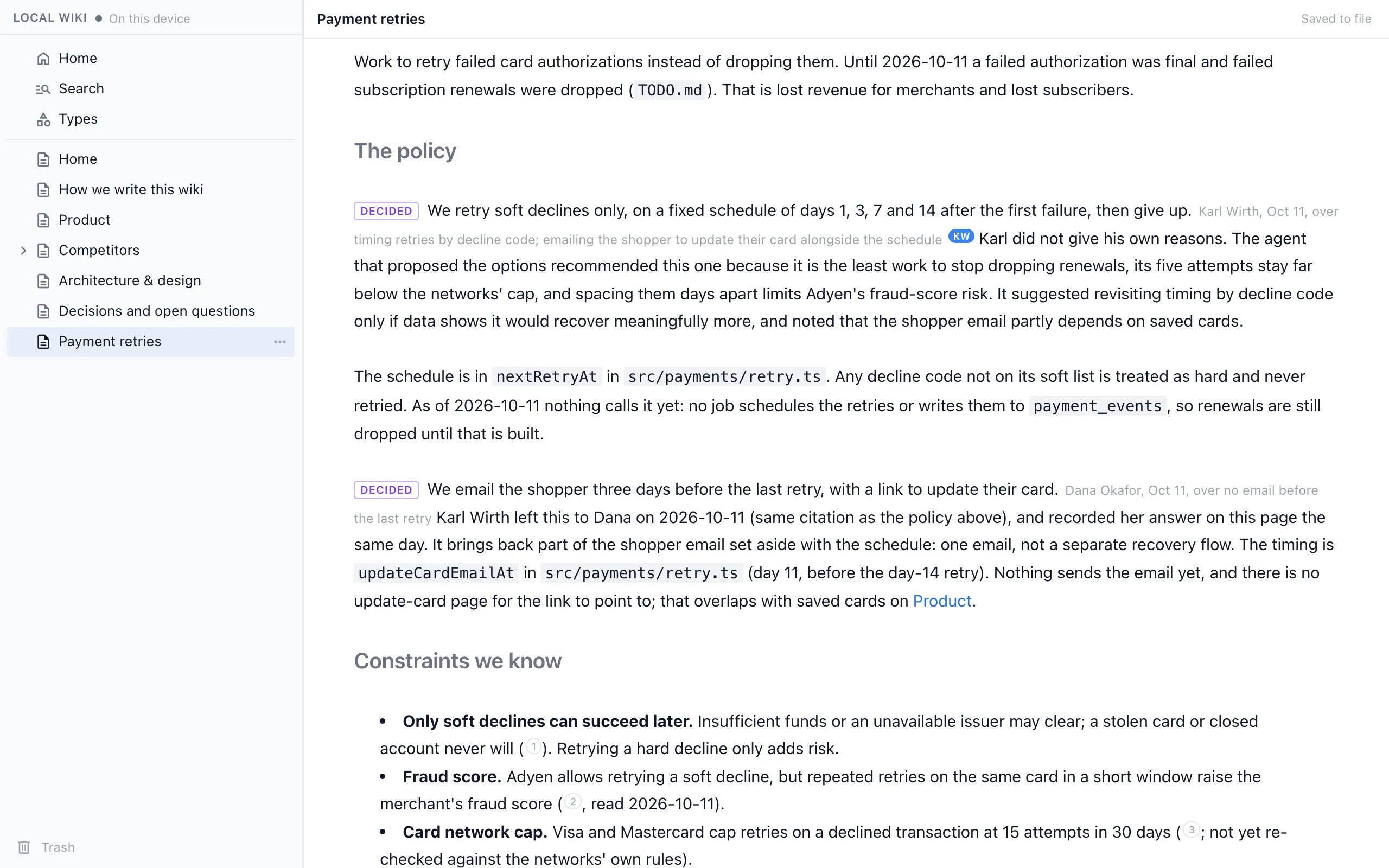
Decisions with who, when and what lost
Every decision is a marked sentence in the page it affects, with the person, the date and the option passed over, and a quote from the session when your own words support it.
Organized for the person
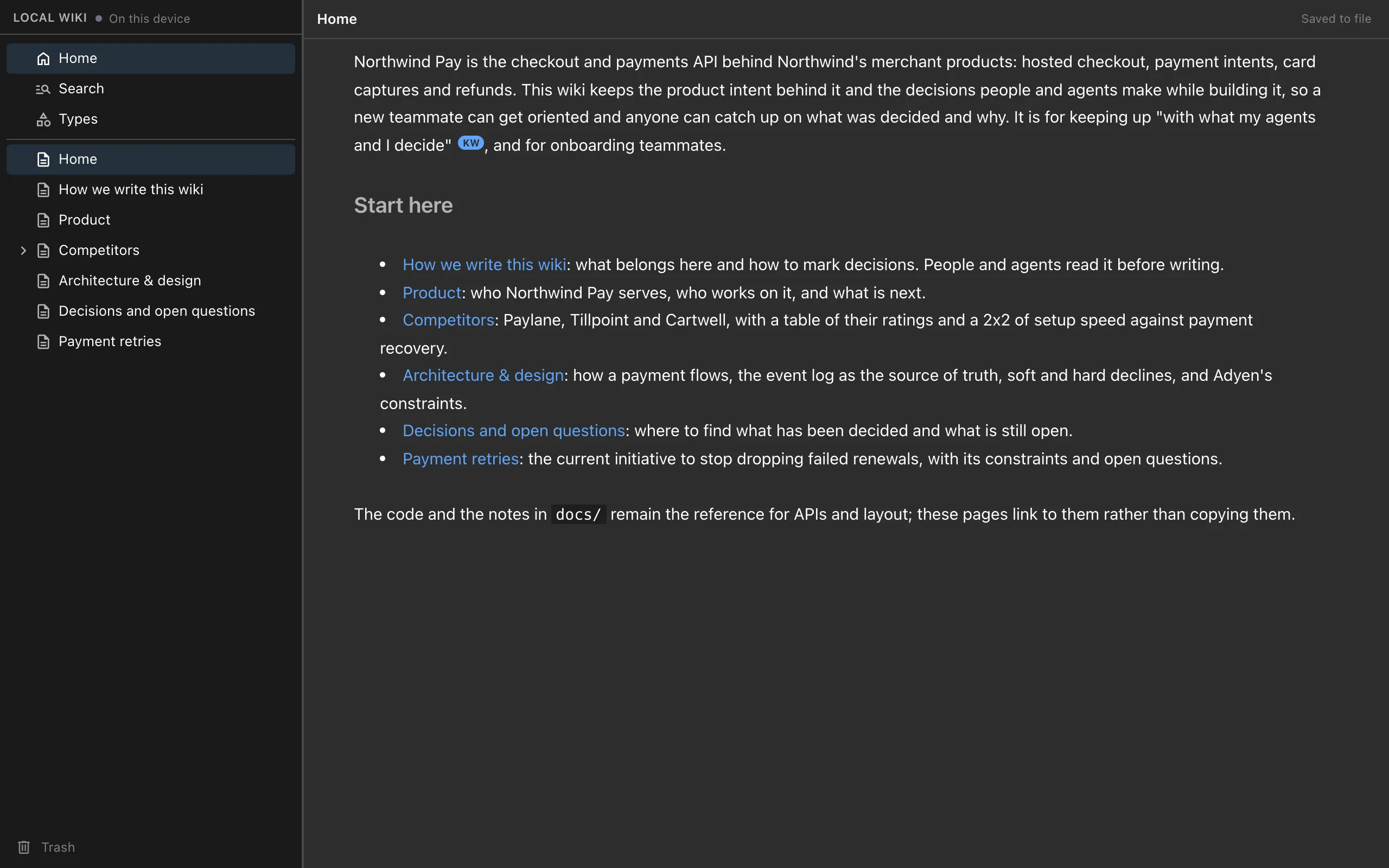
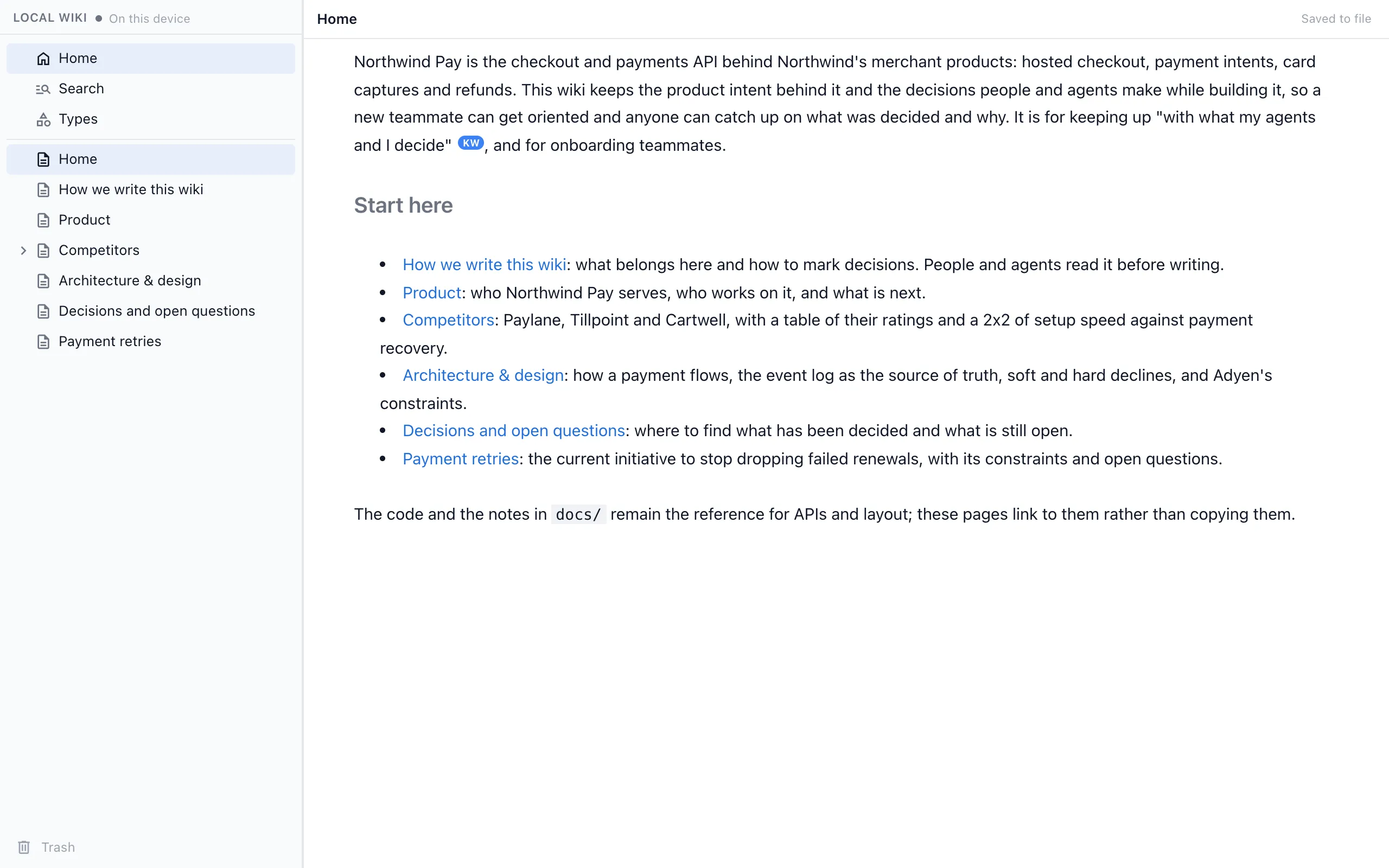
Setup builds a Home page and sections for the product, initiatives, decisions, team and strategy, and an index lists every decision and open question, so you can catch up on a week of sessions in minutes.
A browser view in the box
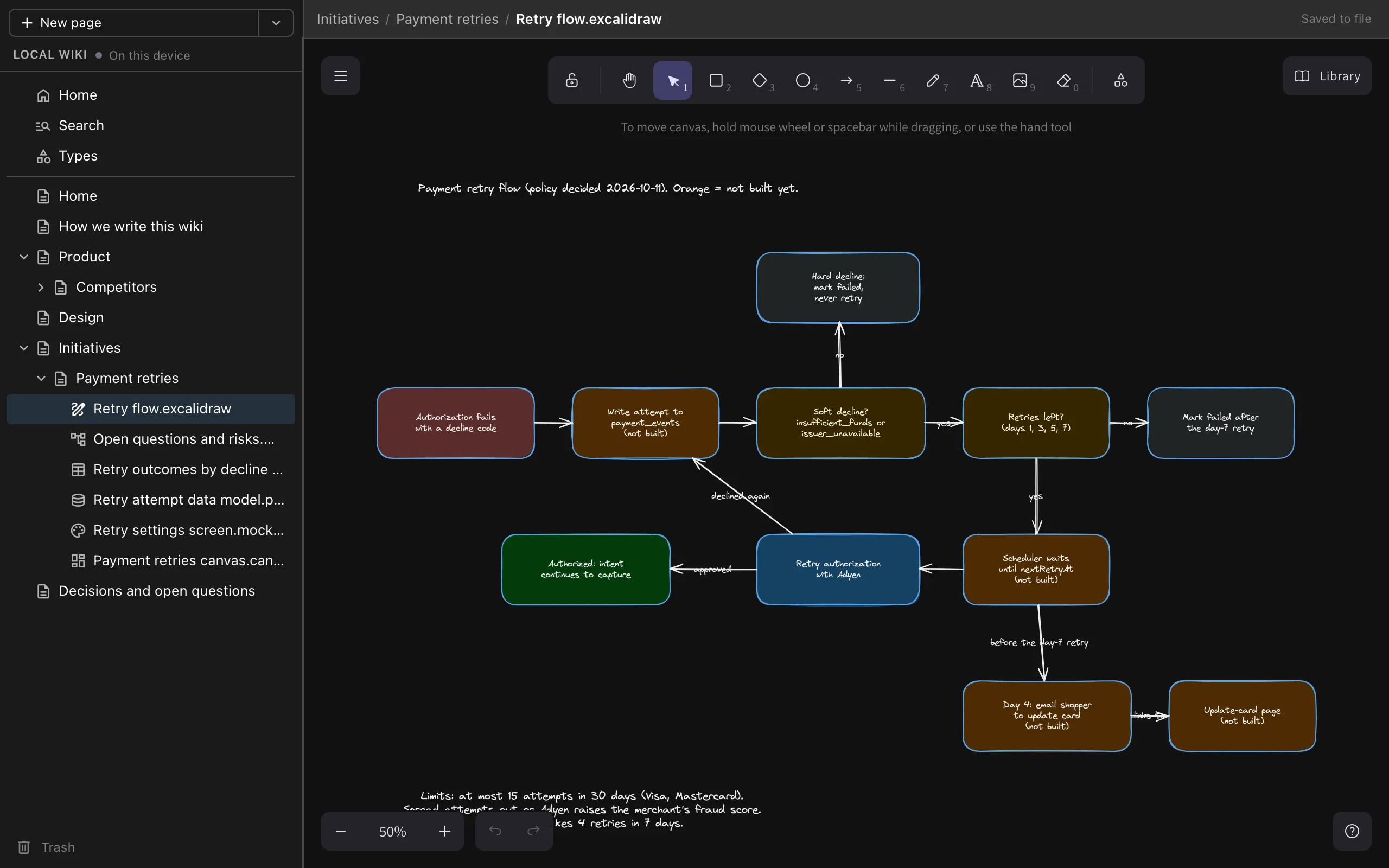
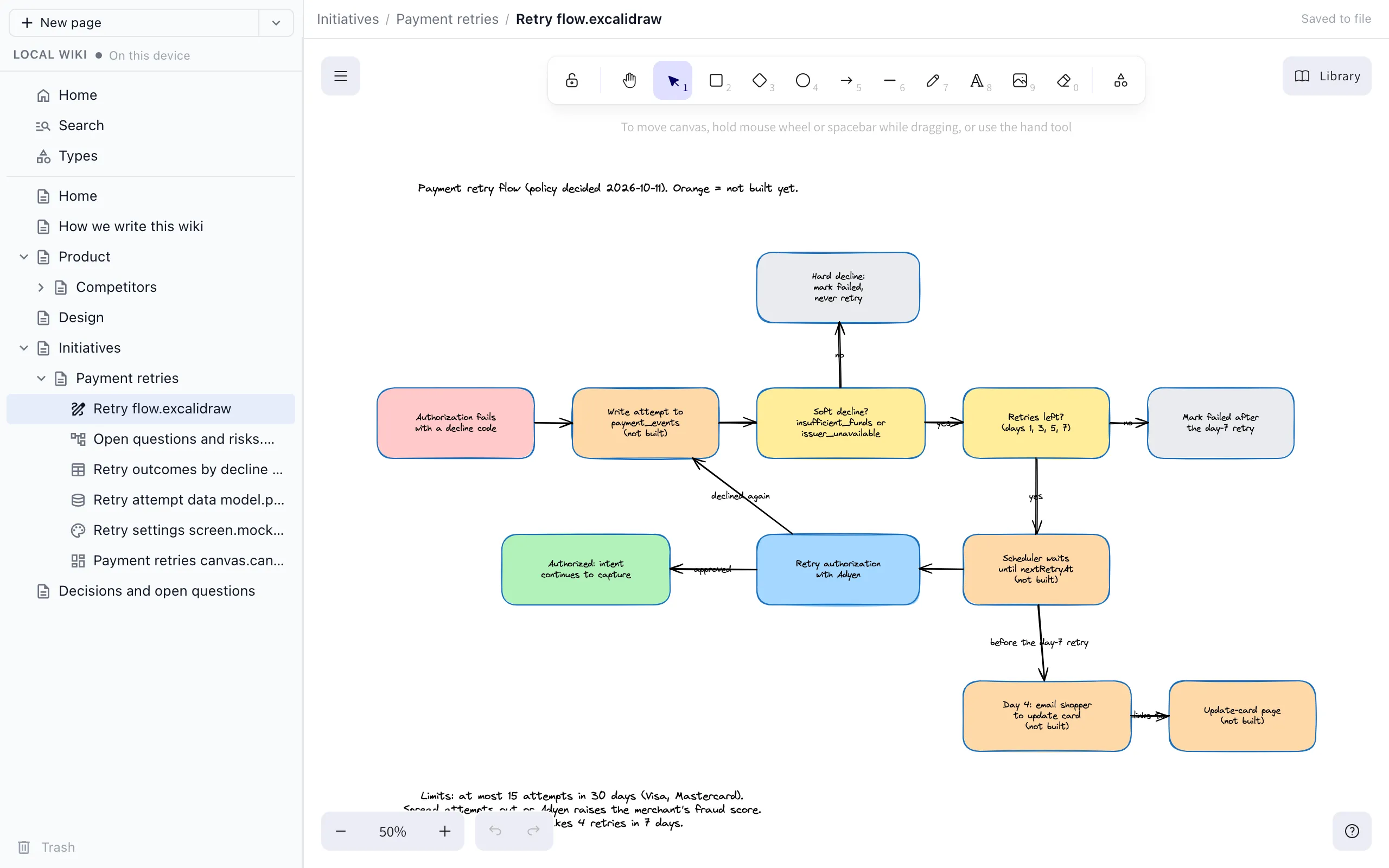
Ask your agent to open the wiki in your browser and edit pages, drawings, mind maps, spreadsheets and mockups there, with no other app to install.
Fair comparison
Where Basic Memory is stronger
One graph across everything
Basic Memory keeps one knowledge graph across your conversations and projects, so context from one project can inform another.
Chat apps as well as coding agents
It works in Claude Desktop, and in ChatGPT through Basic Memory Cloud, so it follows you outside coding sessions.
Cloud sync and mobile
Basic Memory Cloud syncs notes across devices, adds a web app and offers a shared team workspace.
Recommendation
Who should use which
Choose the Nimbalyst Wiki if…
You work on a project with Claude Code, Codex or another coding agent and want a wiki of what was decided, by whom and over what, plus the open questions and things you track, kept in the repo and readable in your browser.
Choose Basic Memory if…
You want your AI to build up a personal graph of notes across many conversations and projects, including chat apps, and you are happy to read it in Obsidian or Basic Memory Cloud.
Both are plain markdown on your disk, so trying one does not lock you out of the other.
More Comparisons
Related comparisons
Nimbalyst Wiki vs Obsidian with an agent
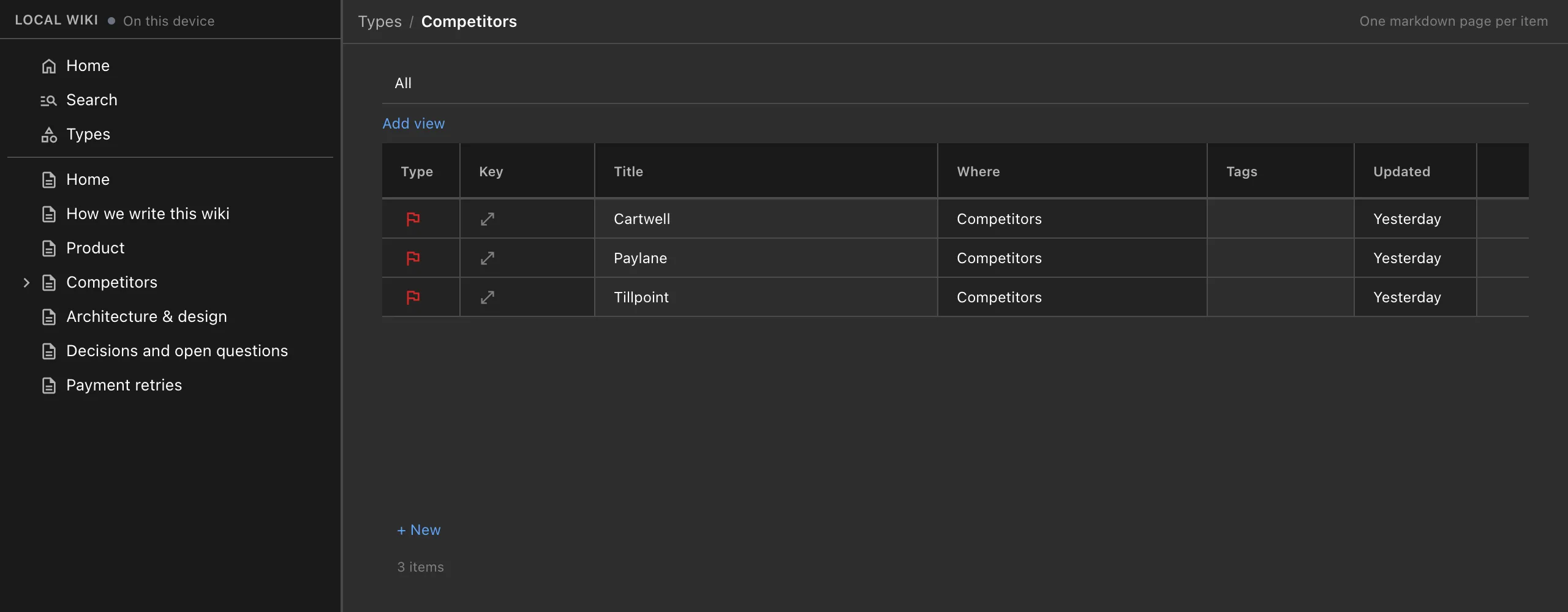
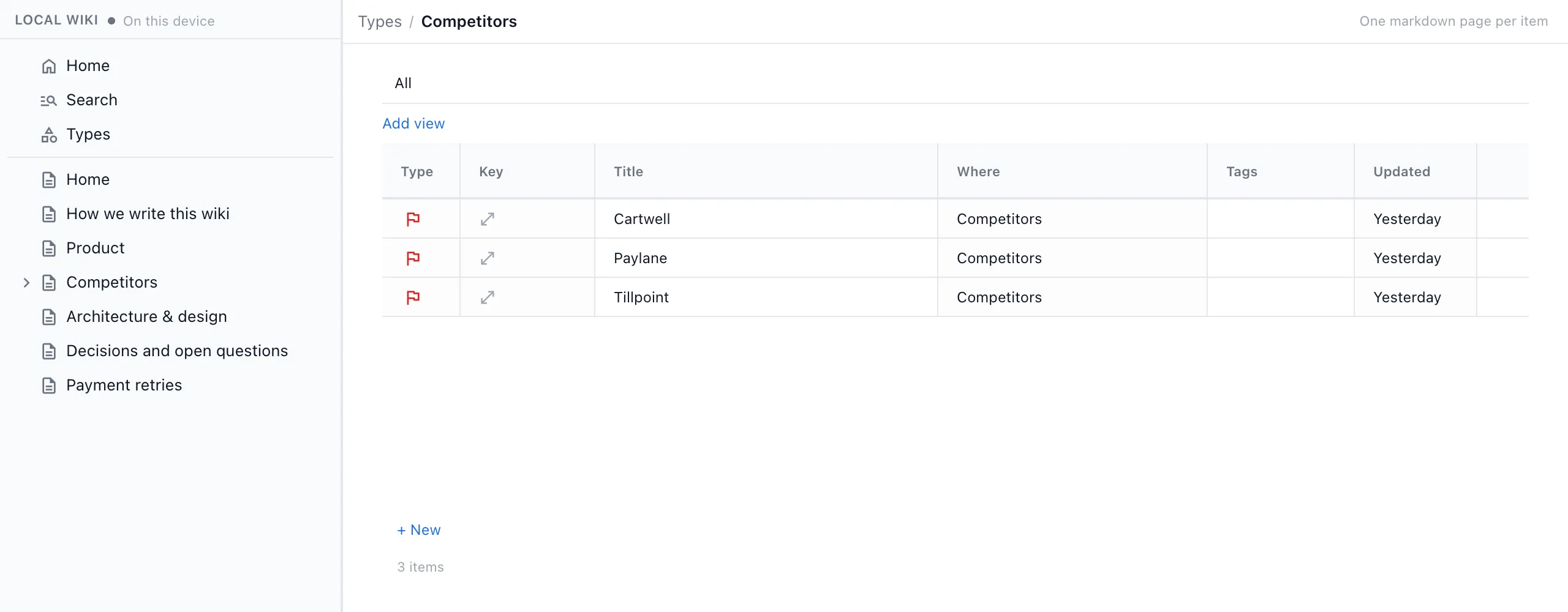
A built-in project wiki, or a vault and conventions you design.
Nimbalyst Wiki vs Notion AI
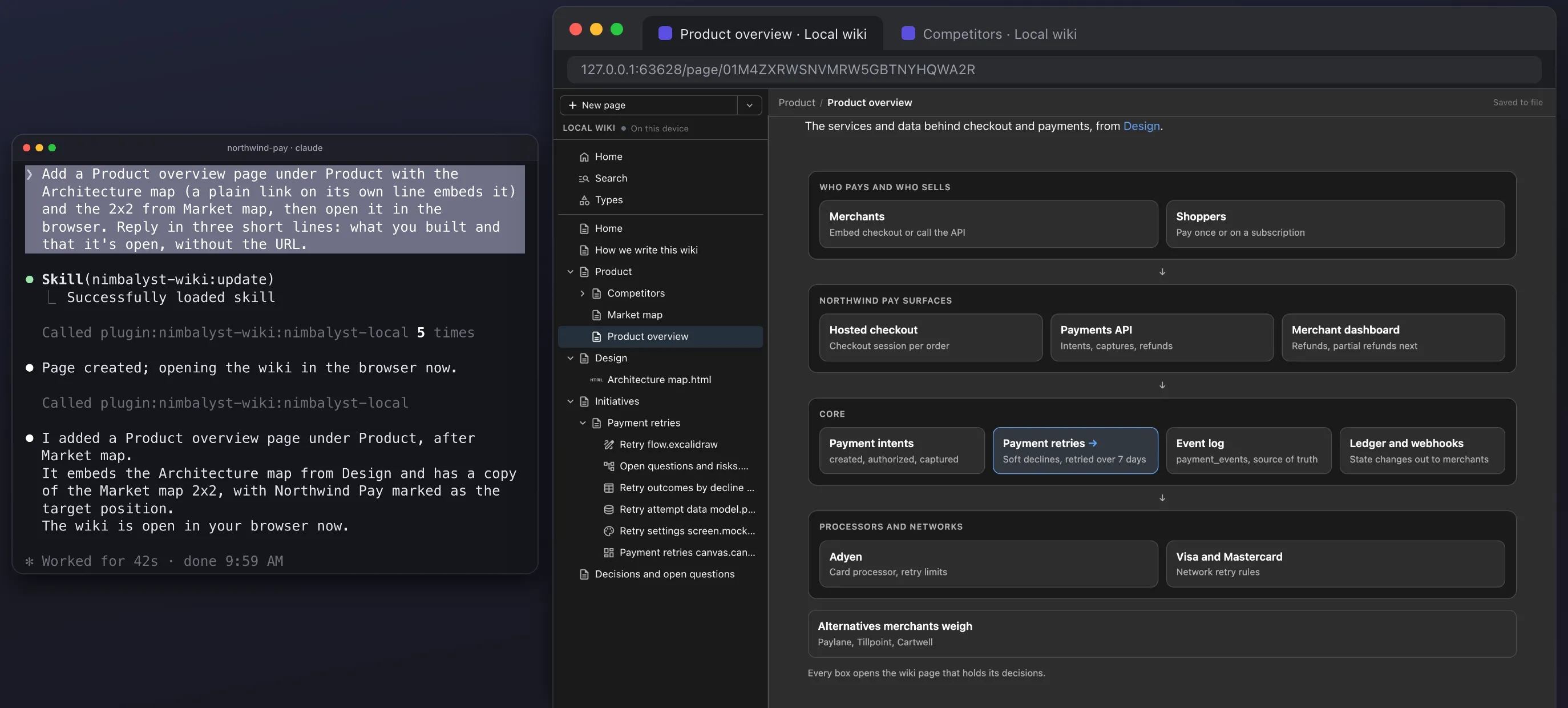
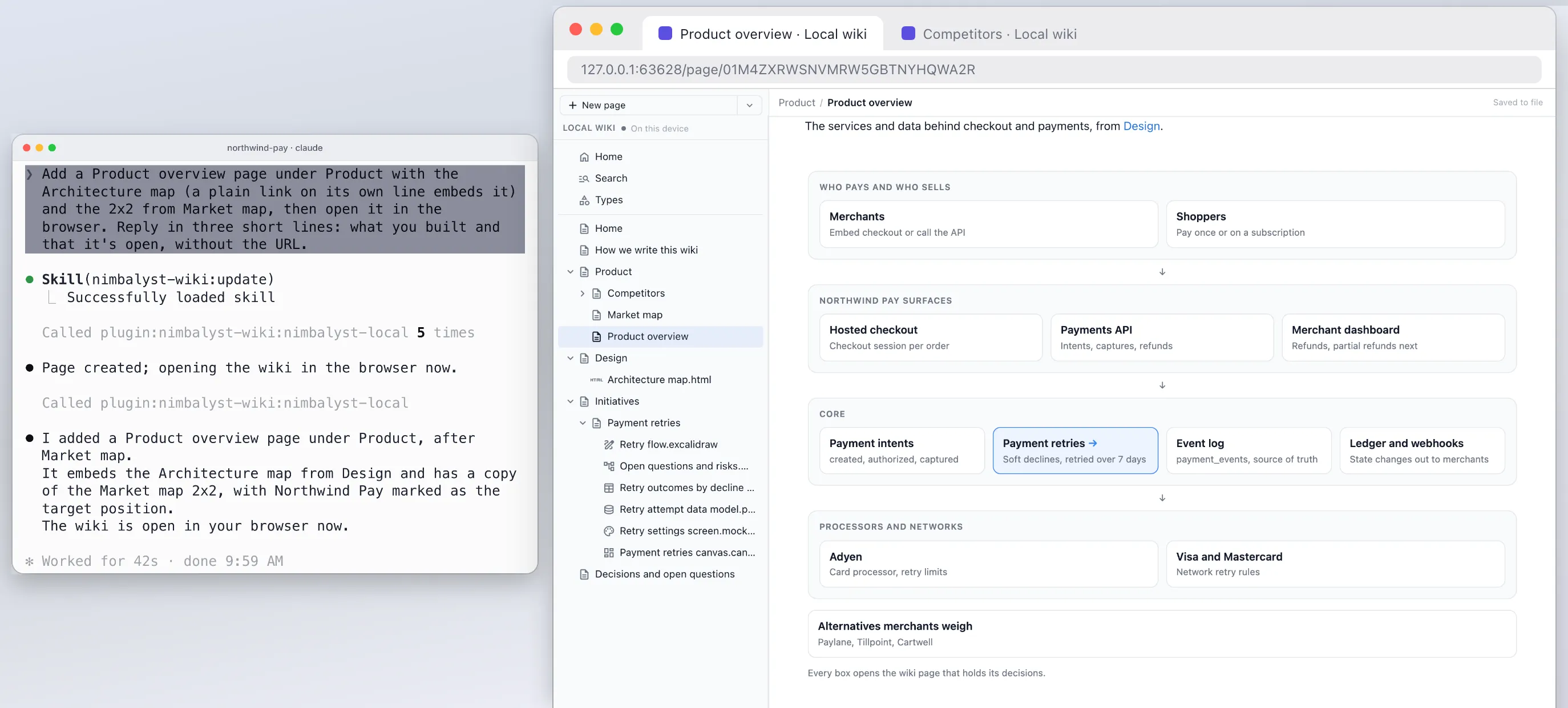
Pages in your repo written by your coding agent, or a hosted workspace with its own AI agent.
Overwhelmed working with coding agents?
Why several agents outrun what one person can track, and how a wiki written for you helps.
A project wiki in Cursor, VS Code and Cowork
The same wiki through one MCP server in any MCP agent.
From the Blog
Related guides
How to Keep a Project Wiki with Claude Code
Install the plugin, run setup, and capture decisions at the end of each session.
How to Keep a Project Wiki with Codex
The Codex CLI plugin, or one command for the Codex app and IDE extension.
Claude Code Memory vs a Wiki Your Agents Write for You
Where CLAUDE.md, AGENTS.md, auto memory and a wiki for you each fit.
Architecture Decision Records Written by Your Coding Agent
Decisions in the page they affect, with who, when and what was rejected.
Overwhelmed Working with Coding Agents?
Why several agents outrun what one person can track, and how a wiki written for you helps.
A Project Wiki in Cursor, VS Code and Cowork
The same wiki through one MCP server in any MCP agent.
Want your coding agents to keep a record of what your project decided, next to the code?
Free plugin for Claude Code, Codex, Cowork, Cursor, VS Code or any MCP agent. No app or account needed.