Comparison
Nimbalyst Wiki vs Notion AI for Coding Agents
Notion AI is an AI agent and search layer inside a hosted team workspace, and coding agents reach that workspace through Notion's remote MCP server. The Nimbalyst Wiki is a free plugin where Claude Code, Codex or another coding agent writes a project wiki of markdown files in your repo as part of each session, with decisions, open questions and typed tables, and you read and edit it in your browser with no account.
Pick Notion when your whole company already works in Notion. Pick the Nimbalyst Wiki when the work happens in coding agents and you want the record of it next to the code.
Overview
Two tools, different approaches
Nimbalyst Wiki
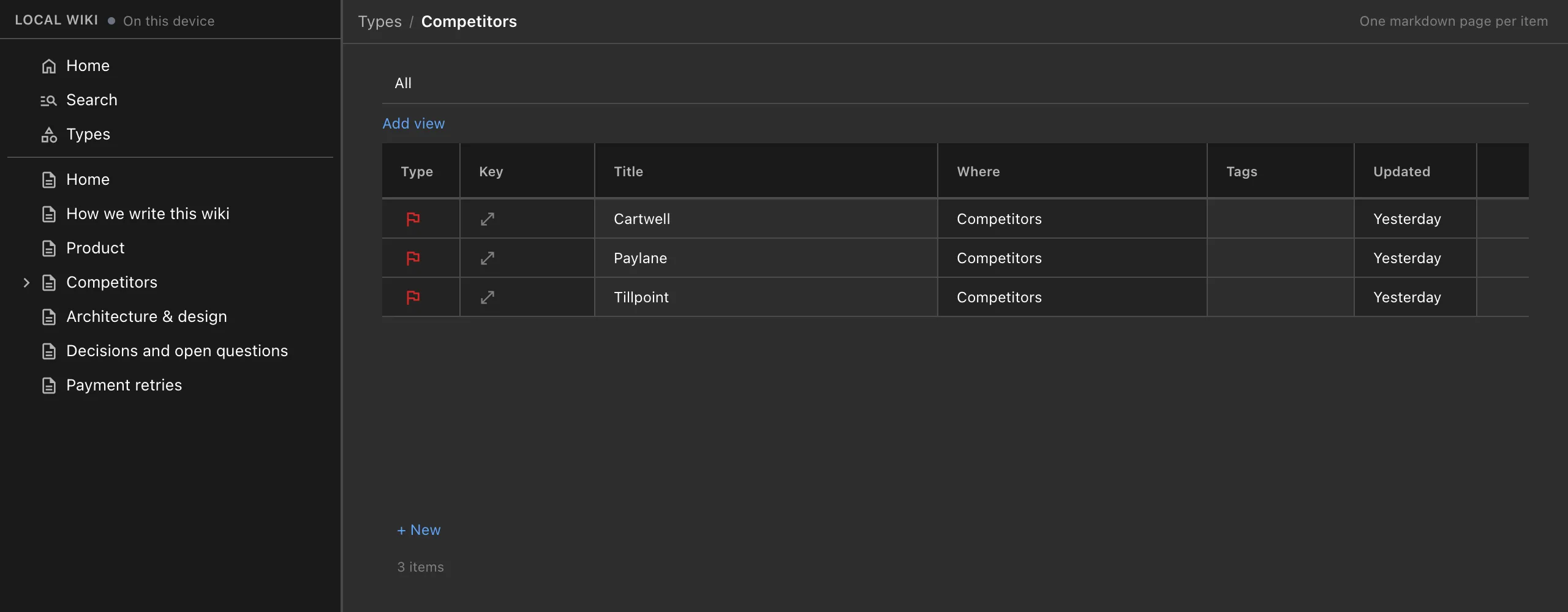
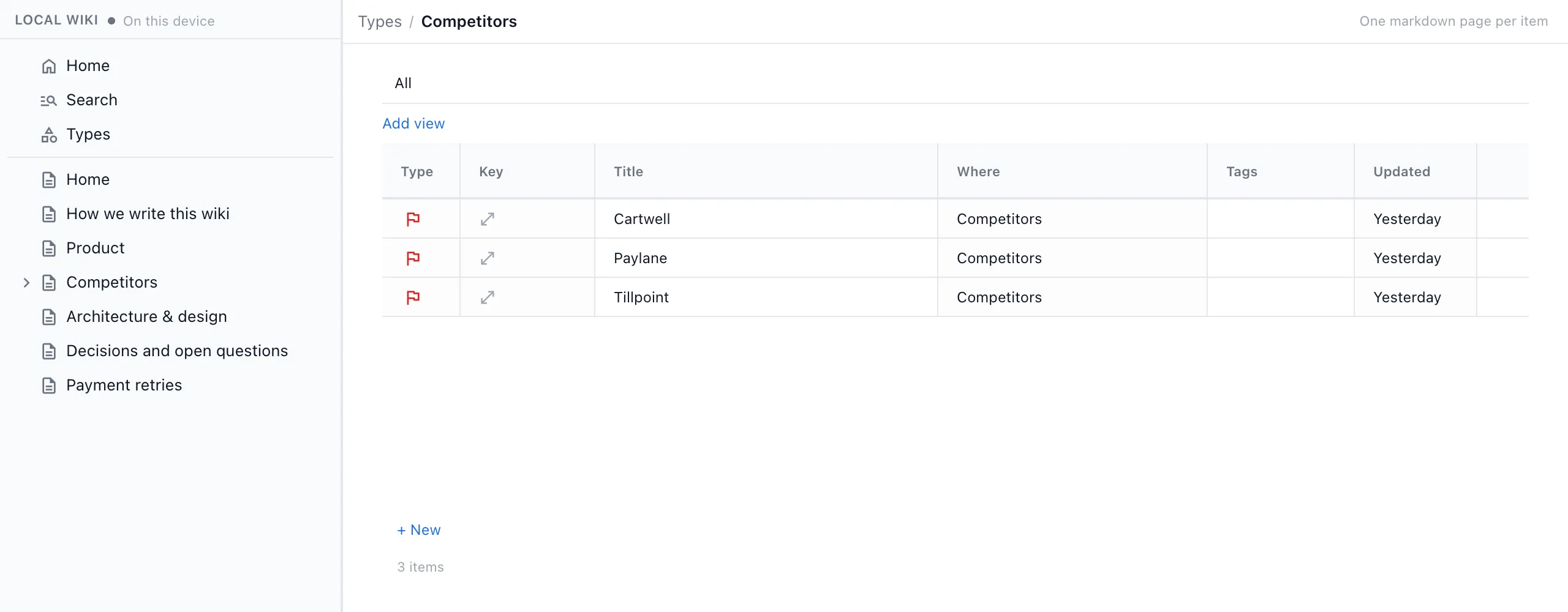
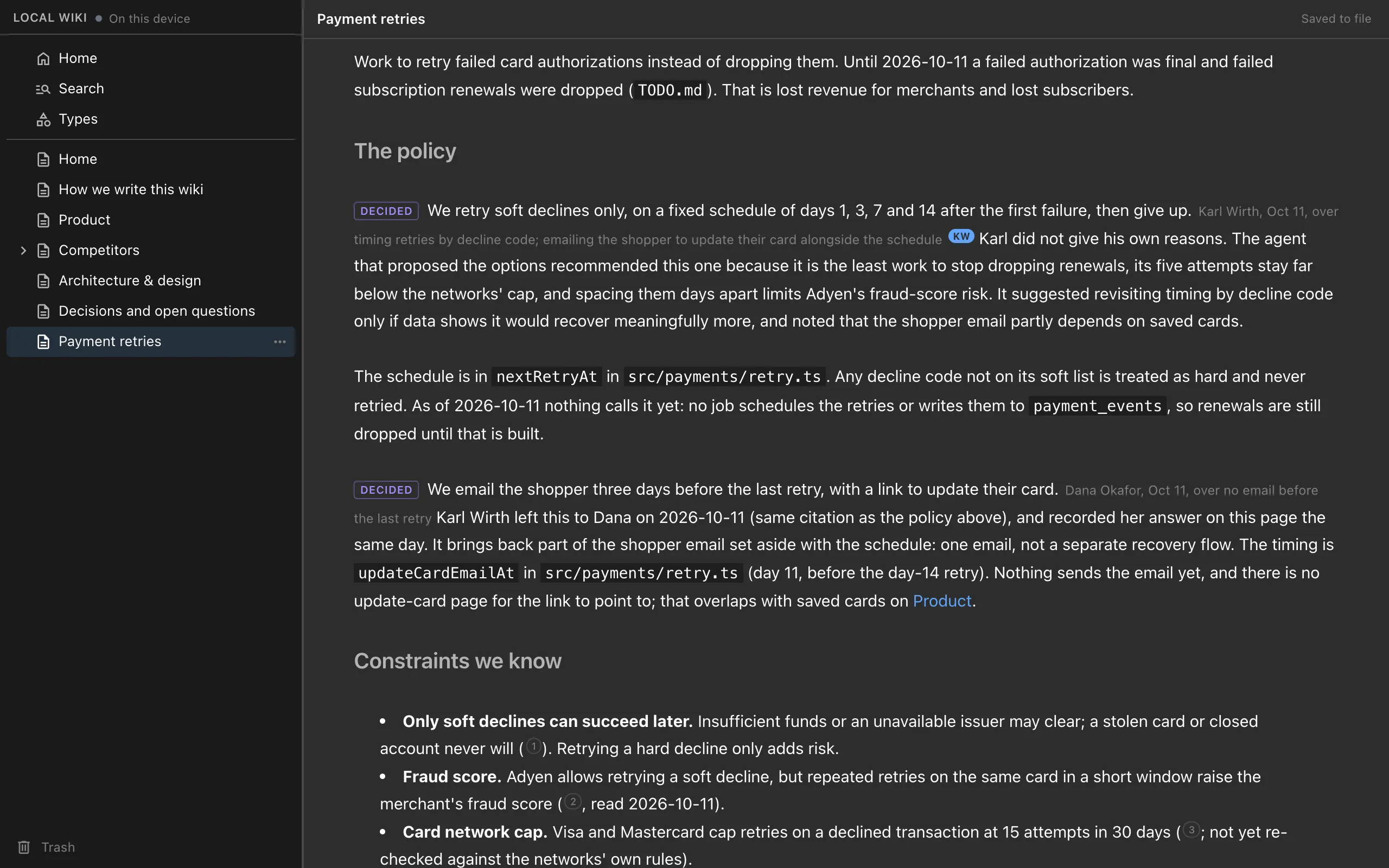
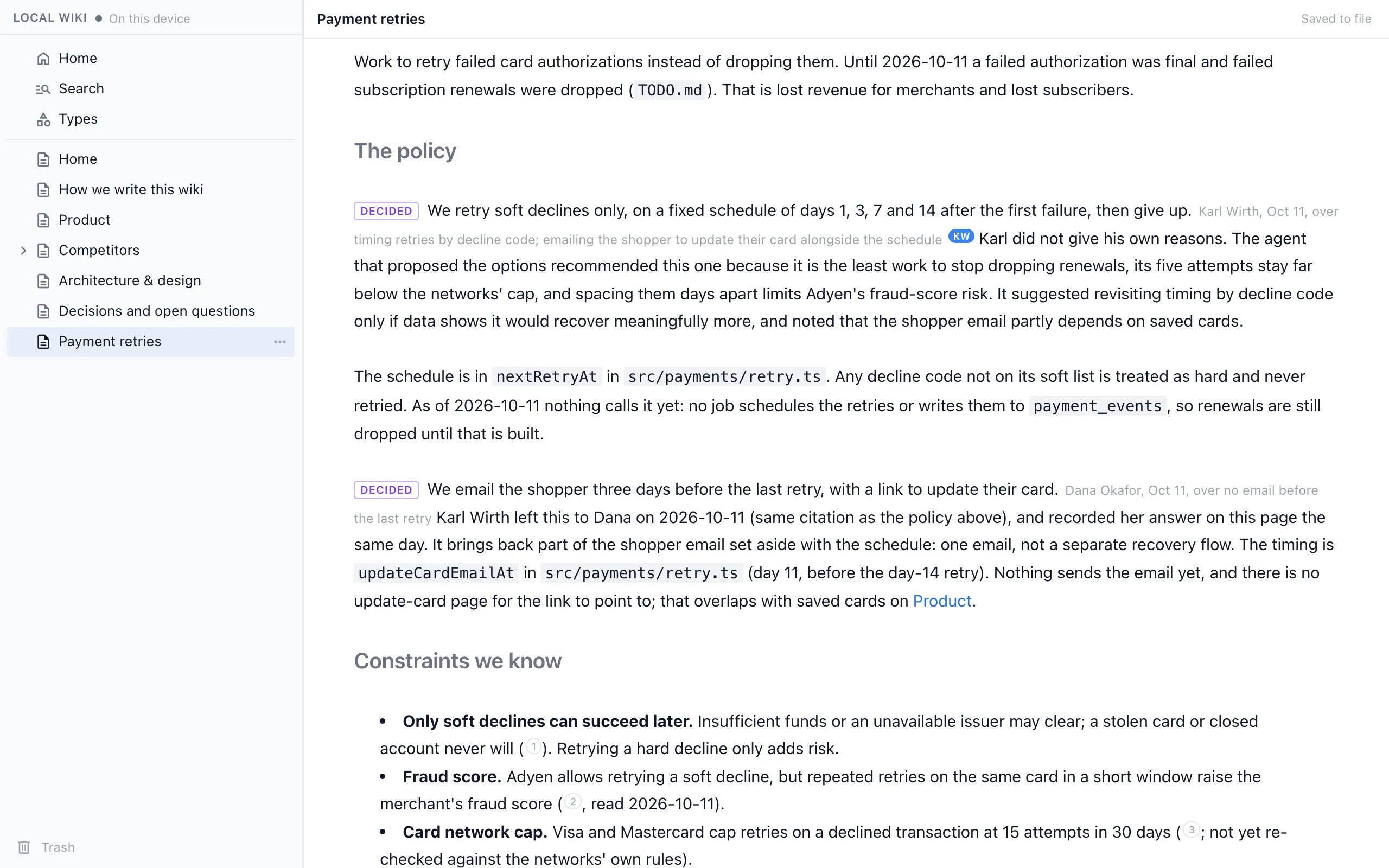
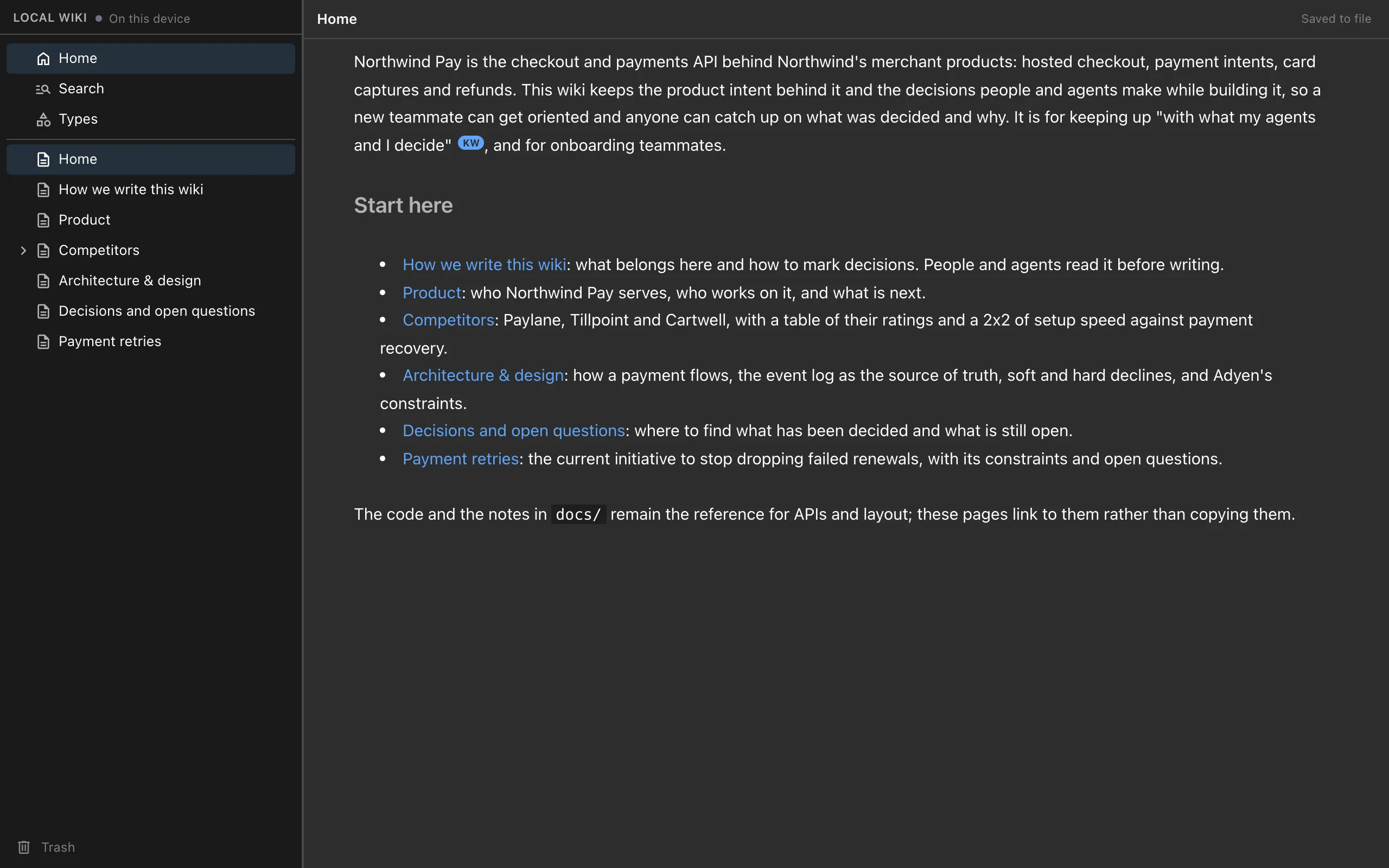
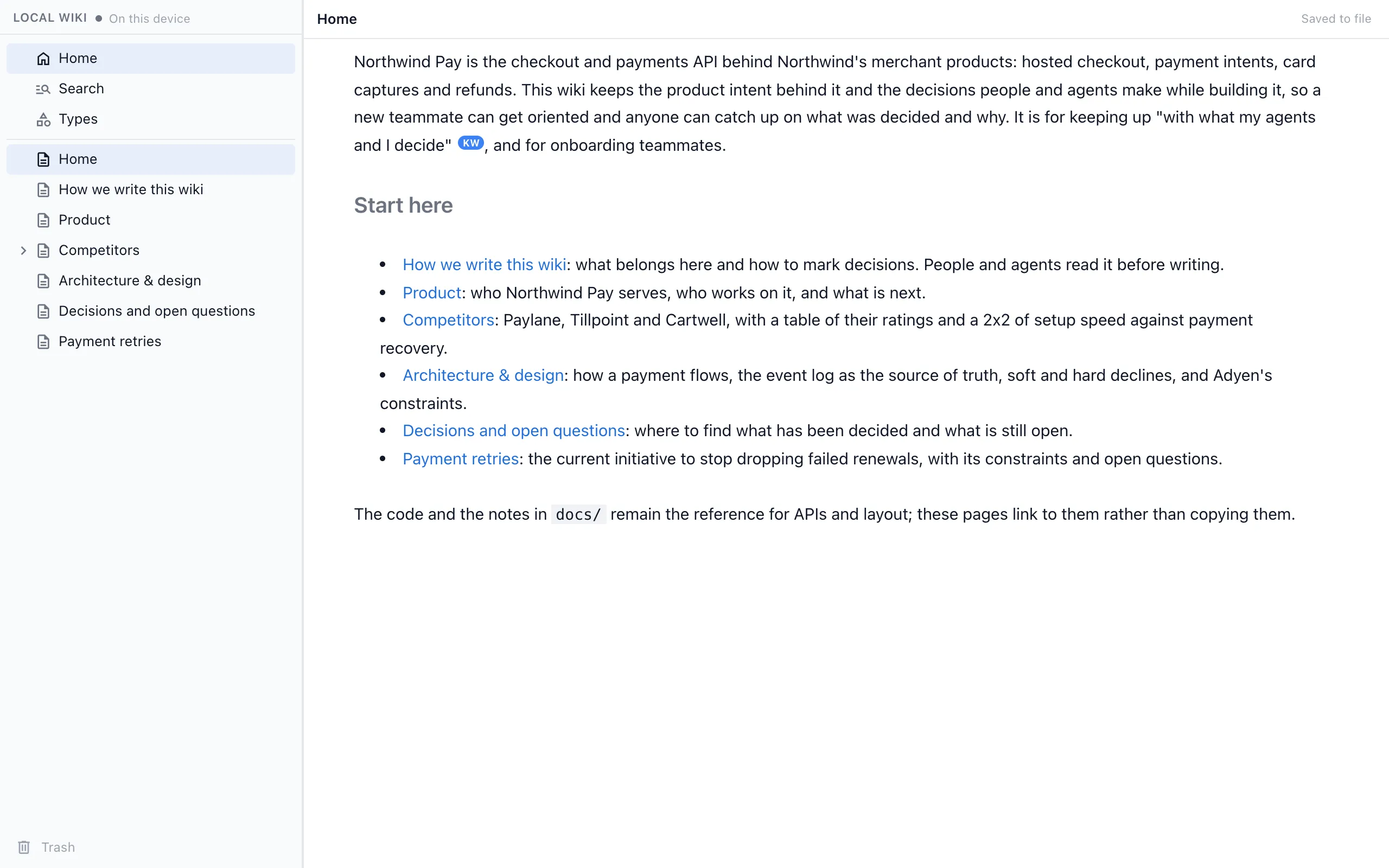
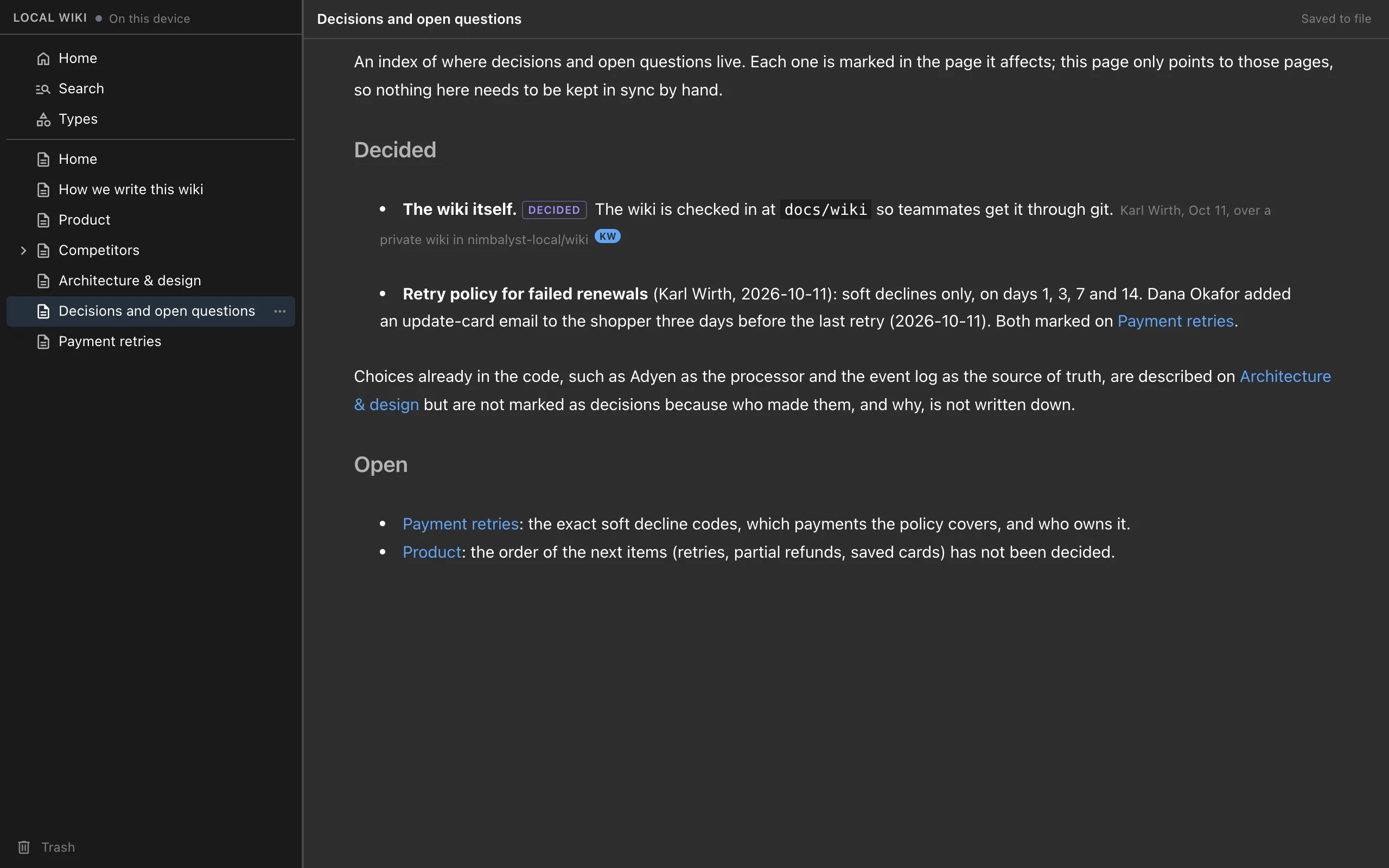
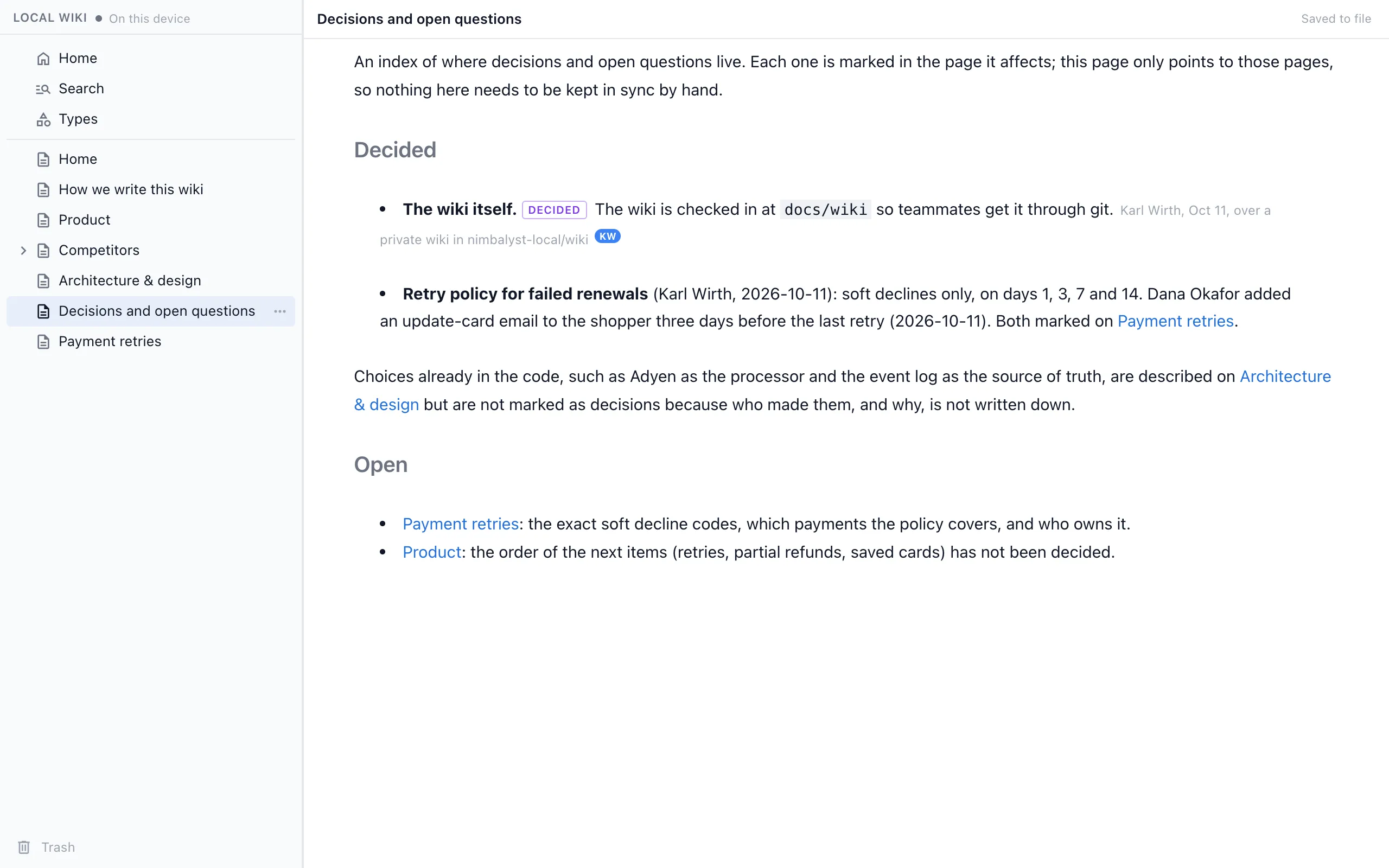
The Nimbalyst Wiki for coding agents is a free, MIT-licensed plugin for Claude Code and Codex that also works in Cursor, VS Code, Cowork and any MCP agent. At the end of a session, the agent writes each decision into the page it affects, with who decided, when and what was passed over, records open questions with owners, and updates the pages that cover the code it changed (how capture works).
The wiki is plain markdown in your repo, so you can diff and commit it with your code, and a local browser view lets you read and edit it. A local wiki needs no account. When your team needs it, the wiki moves to Wiki Teams.
Notion AI
Notion AI adds Notion Agent, which Notion says "completes complex, multi-step tasks using context from Notion, your connected apps, and the web," along with enterprise search, writing help, AI meeting notes and Custom Agents. Notion's pricing page lists an AI trial on the Free and Plus plans and Notion Agent on the Business plan, with Custom Agents billed in Notion credits.
For coding agents, Notion MCP is a remote MCP server hosted by Notion. Claude Code, Cursor and Codex connect to it with OAuth and can search, read, create and update pages and databases in your workspace.
Feature Comparison
Side-by-side breakdown
Nimbalyst Wiki Advantages
Where the Nimbalyst Wiki shines
Written as part of the work
Your coding agent records decisions and open questions at the end of the session that produced them, with who, when, what lost and a quote from the session. Nobody has to stop and write up a Notion page afterward.
Next to the code, with no account
Pages are markdown files in your repo. Your agent reads the pages that cover a file before it changes it, and you can review wiki changes in the same diff as the code.
One wiki for every coding agent
Claude Code, Codex, Cursor, VS Code and Cowork use the same tools on the same files, so you can switch agents without losing what any of them wrote.
Fair comparison
Where Notion AI is stronger
A workspace for the whole company
Notion serves sales, support, HR and everyone else in the company, with sharing and comments, so non-technical teammates already know where to look.
Mature databases
Notion databases have rich properties and many views, and years of templates built by its community. The Nimbalyst Wiki's types are simpler.
An AI agent across your apps
Notion Agent works with context from Notion, connected apps and the web, and enterprise search reaches across tools. The Nimbalyst Wiki relies on the coding agent you already use.
Recommendation
Who should use which
Choose the Nimbalyst Wiki if…
You build with Claude Code, Codex or another coding agent and want the agent to keep a project wiki as it works: decisions with who, when and what was rejected, open questions with owners, typed tables, all in markdown next to your code, with no account.
Choose Notion AI if…
Your company already runs on Notion, the readers of your docs are mostly not in coding agents, and you want an AI agent that works across your workspace and connected apps.
You can use both. Your coding agent can keep the project wiki in the repo and also reach Notion through Notion MCP when a page there needs updating.
More Comparisons
Related comparisons
Nimbalyst Wiki vs Obsidian with an agent
A built-in project wiki, or a vault and conventions you design.
Nimbalyst Wiki vs Basic Memory
Two local markdown tools for agents, built for different jobs.
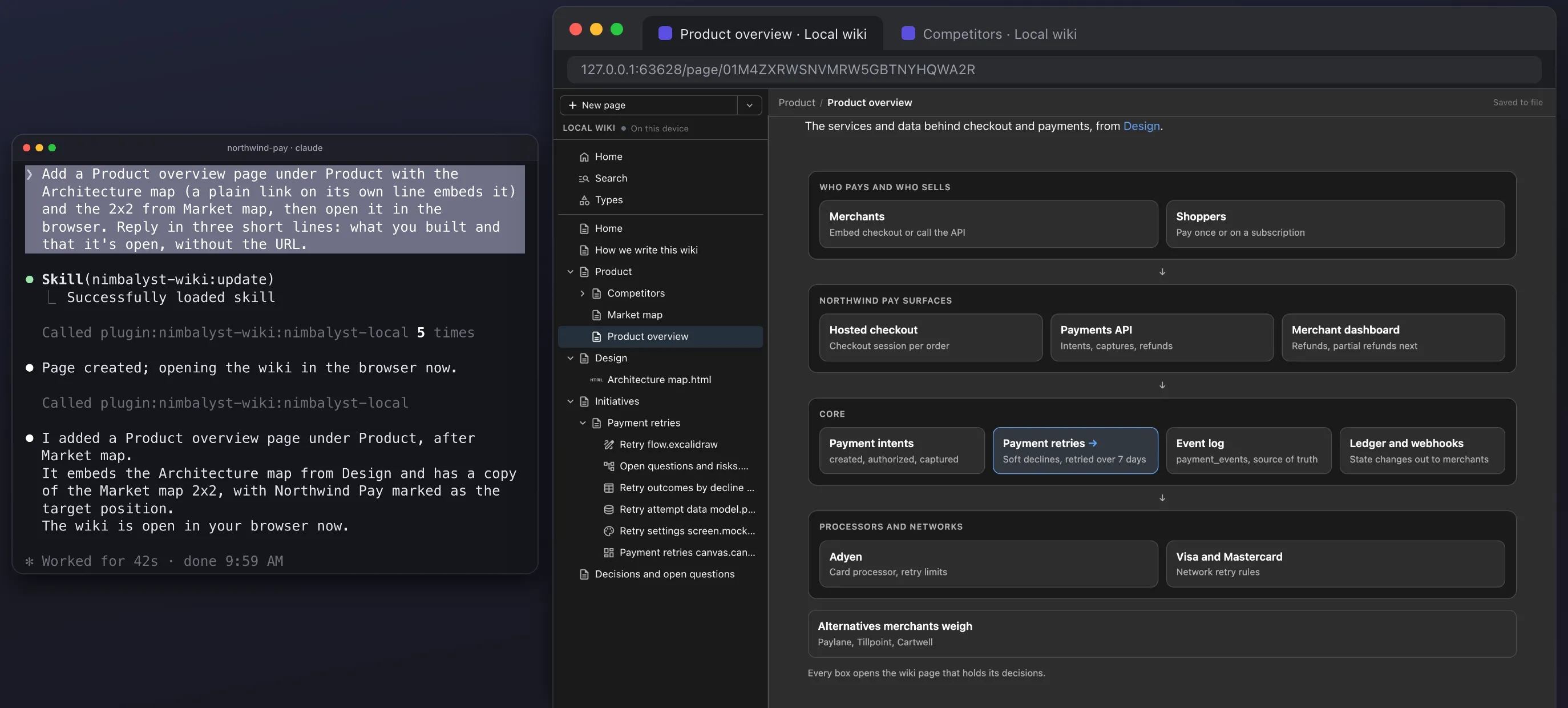
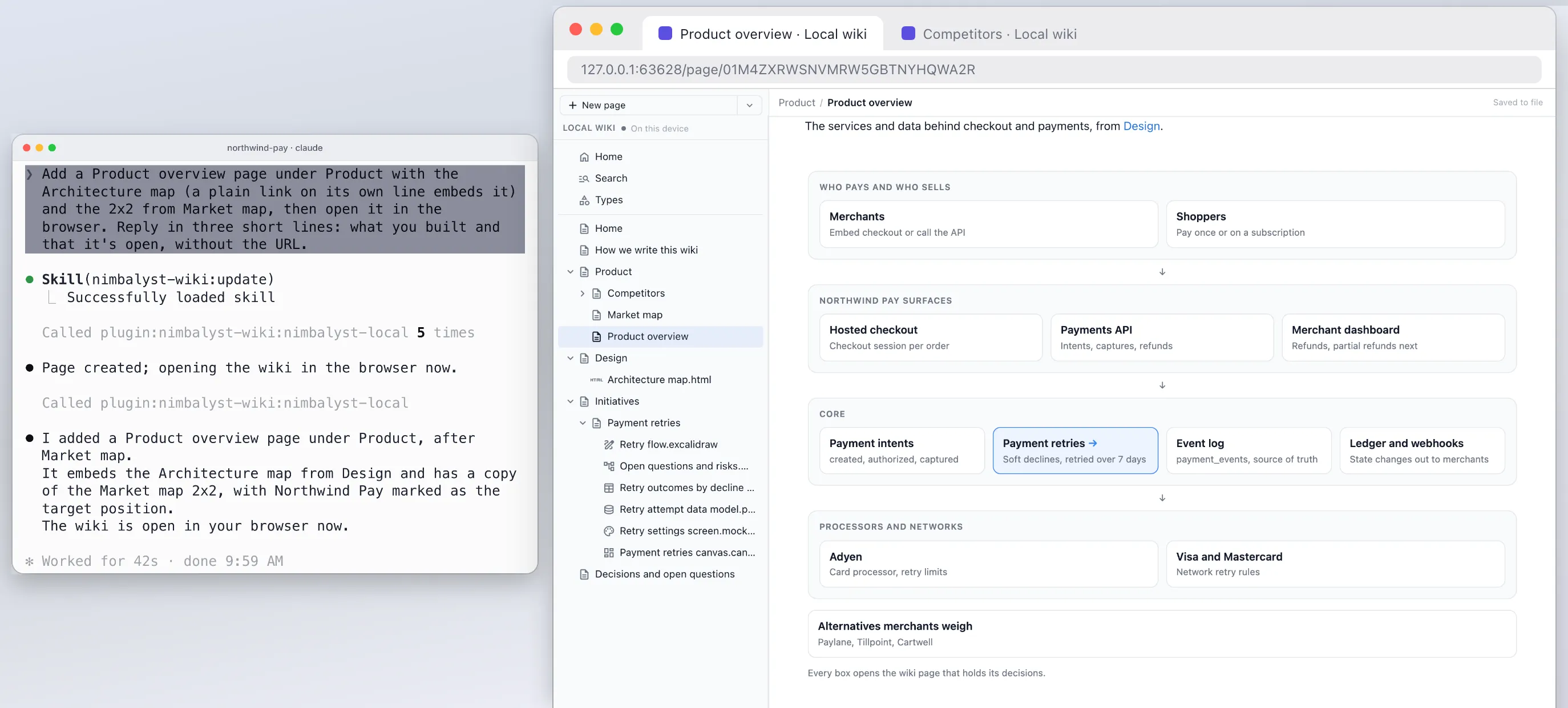
Overwhelmed working with coding agents?
Why several agents outrun what one person can track, and how a wiki written for you helps.
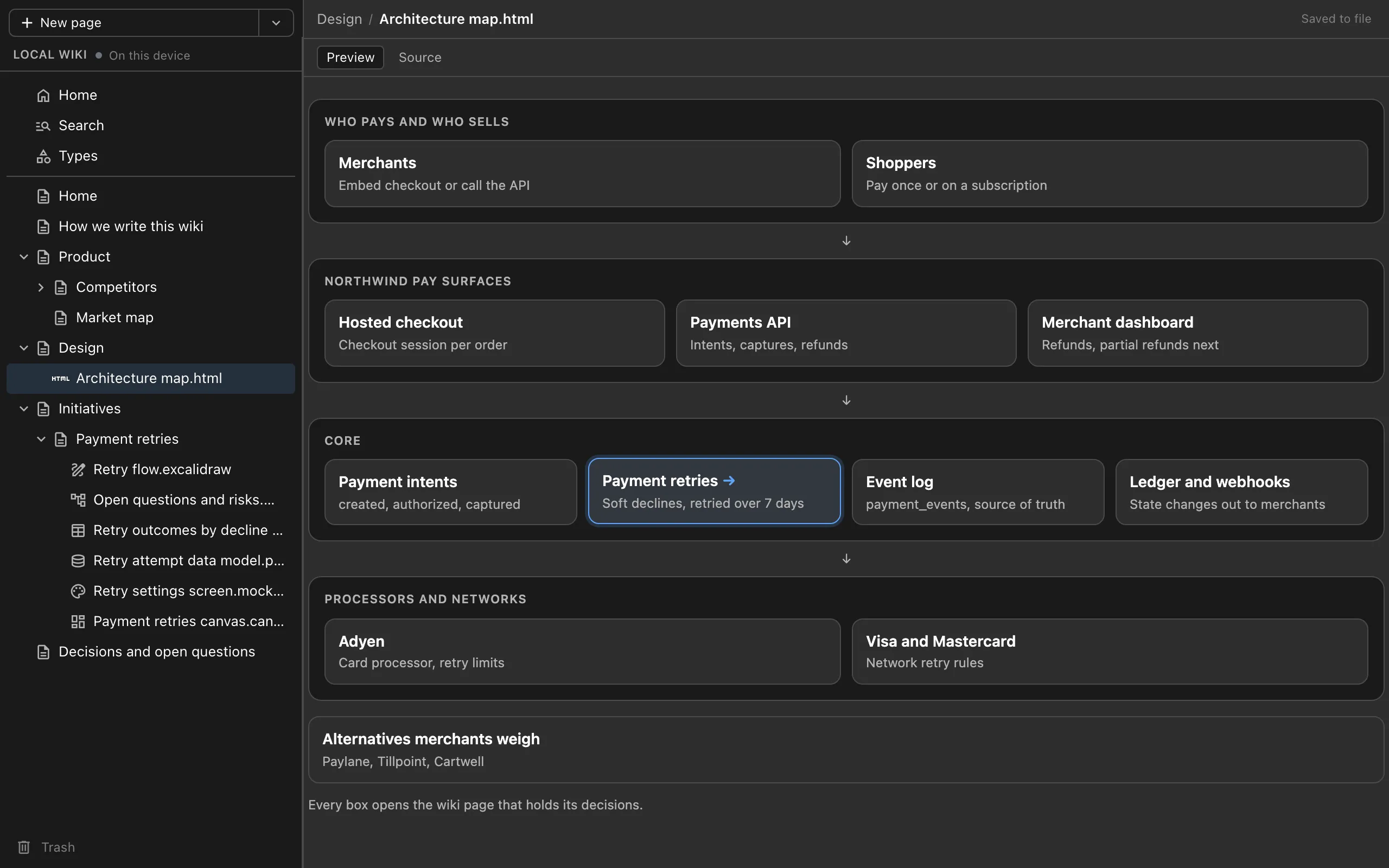
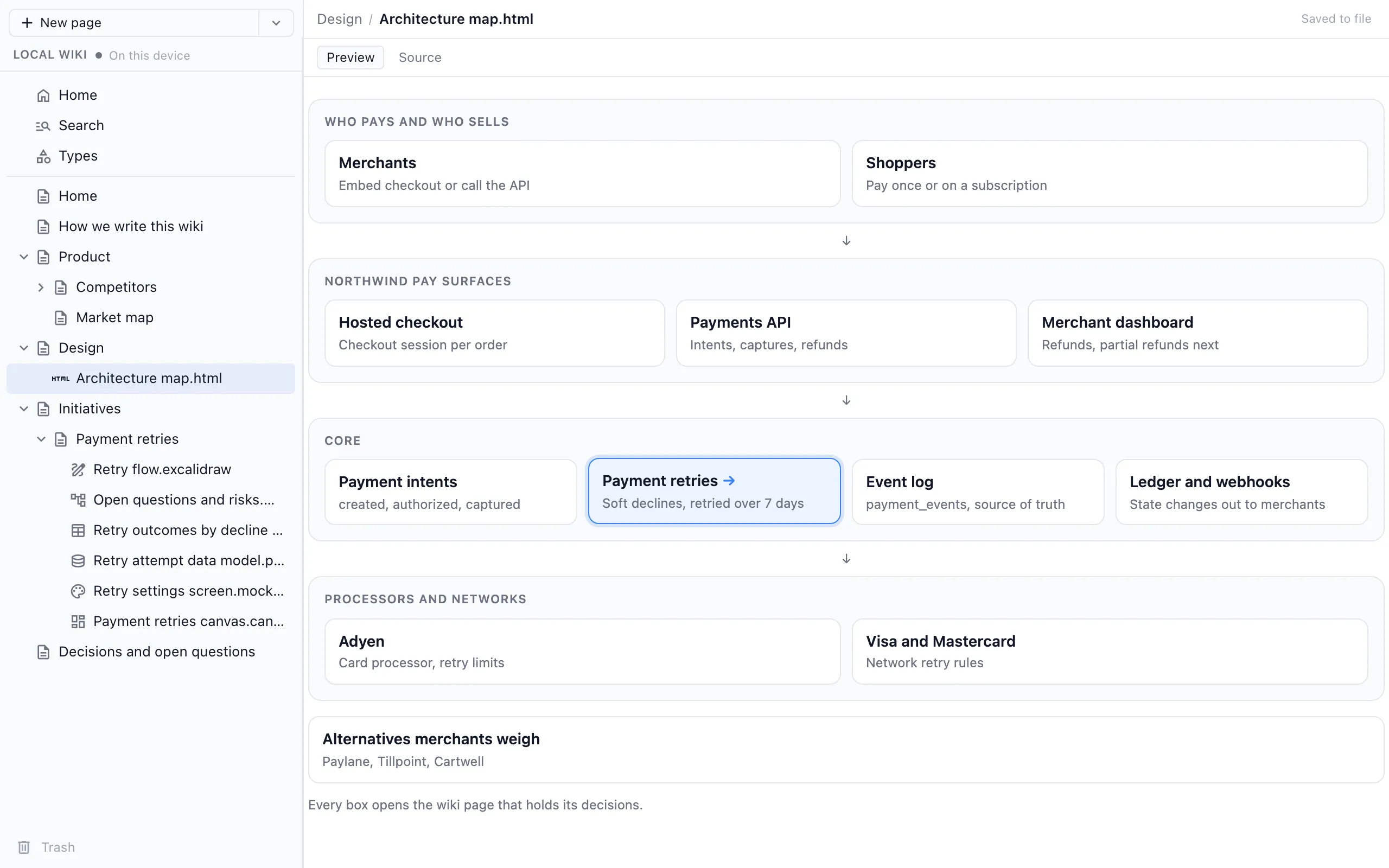
A project wiki in Cursor, VS Code and Cowork
The same wiki through one MCP server in any MCP agent.
From the Blog
Related guides
How to Keep a Project Wiki with Claude Code
Install the plugin, run setup, and capture decisions at the end of each session.
How to Keep a Project Wiki with Codex
The Codex CLI plugin, or one command for the Codex app and IDE extension.
Claude Code Memory vs a Wiki Your Agents Write for You
Where CLAUDE.md, AGENTS.md, auto memory and a wiki for you each fit.
Architecture Decision Records Written by Your Coding Agent
Decisions in the page they affect, with who, when and what was rejected.
Overwhelmed Working with Coding Agents?
Why several agents outrun what one person can track, and how a wiki written for you helps.
A Project Wiki in Cursor, VS Code and Cowork
The same wiki through one MCP server in any MCP agent.
Want your coding agents to keep the project wiki for you, next to your code?
Free plugin for Claude Code, Codex, Cowork, Cursor, VS Code or any MCP agent. No app or account needed.