What Is an Agentic Development Environment (ADE)?
An agentic development environment is the workspace you use to direct several coding agents at once. Definition, origins, how an ADE differs from an IDE and a CLI agent, and criteria for evaluating one.
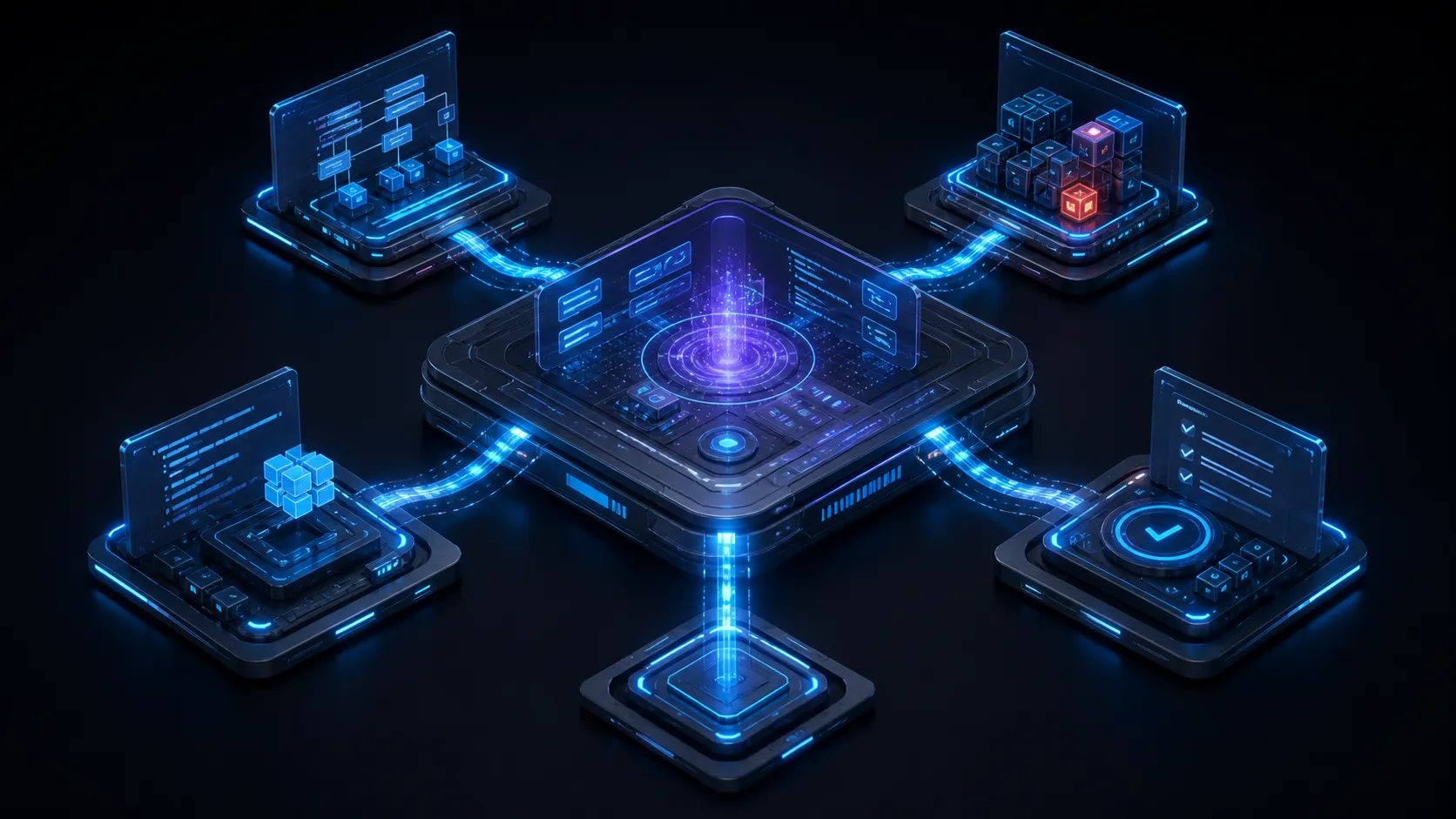
An agentic development environment, or ADE, is a development environment organized around directing AI coding agents instead of typing code yourself.
Concretely, an ADE does four things a text editor does not. It gives each agent an isolated place to work, usually a git worktree or a container. It shows at a glance what every agent is currently doing. It holds the task and the plan, which outlive any individual session. And it puts file-by-file review between the agent’s output and your repository.
The term arrived recently and is still settling. This guide covers where it came from, how it differs from the terms next to it, what the parts of an ADE are, and how to evaluate one. For the adjacent question of what happens when an editor is rebuilt around an agent, see our page on the agentic IDE.
Where the term came from
Developer tooling picked up a naming problem in 2025. Coding agents got good enough to run several at once, and none of the existing words fit what people started building around them.
“IDE” was taken and meant something specific: an editor with build tools attached. “Agentic IDE” got used for editors that added an agent, which described Cursor and Windsurf accurately and described a kanban board of eight parallel worktrees not at all. “Wrapper” and “GUI” undersold products that were doing scheduling, isolation, and review. “Orchestrator” captured the coordination and missed the workspace.
ADE filled the gap. By mid-2026 it appears in product self-descriptions, vendor guides, and community lists of agent orchestrators, though the term is still unsettled and the definitions vary by who is selling what. Orca’s site headline reads “The most powerful Agent Development Environment (ADE)” and carries an FAQ on how an ADE differs from an IDE. Emdash calls itself the open-source agentic development environment. Augment Code publishes a vendor guide defining the category. The definitions differ in emphasis and agree on the substance: several agents, isolated workspaces, human direction, lifecycle coverage.
ADE compared with the terms next to it
| Organized around | Traditional default for concurrent agents | Human’s main job | Examples | |
|---|---|---|---|---|
| IDE | A file and a cursor | Zero | Writing code | VS Code, JetBrains |
| AI-assisted IDE | A file and a cursor, with completion | Zero to one | Writing code, accepting suggestions | VS Code with Copilot |
| Agentic IDE | The open project, with an agent acting on it | One, with parallel agents added recently | Prompting and accepting edits | Cursor, Windsurf |
| CLI agent | A conversation in a terminal | One per terminal, plus its own subagents | Prompting and reading output | Claude Code, Codex CLI, OpenCode |
| ADE | Units of work assigned to agents | Several by design | Assigning intent and reviewing diffs | Orca, Emdash, Nimbalyst |
| Swarm platform | A goal decomposed by agents | Many, coordinating with each other | Setting the objective and checking the result | Gastown and similar |
The useful line to draw is between the middle rows and the ADE row, and it is a line of emphasis rather than capability. An agentic IDE and a CLI agent are both designed around your attention being on one agent, even where they can now run several. An ADE starts from the assumption that you are not watching any single agent continuously, so answering “what is happening” and “what changed” across all of them is the interface’s main job rather than an addition to it.
The line below the ADE row matters just as much. A swarm platform removes the human from the loop between agents. An ADE keeps you there deliberately, because your review is the quality gate, and it optimizes for how much you can review rather than for how many agents can run.
Parts of an agentic development environment
Six capabilities are the useful evaluation criteria for anything described as an ADE. Few products ship all six, and what a given tool leaves out tells you who it is for.
A work unit that outlives the session. A task, card, or issue that exists before an agent starts and after it finishes, carrying a plan, a branch, a diff, and a status. Without this, closing a session loses the work, and a failed attempt cannot be handed to a different agent.
Isolation per unit of work. A git worktree, clone, or container so parallel agents editing the same repository produce merge decisions rather than corruption. Worktrees dominate because they are cheap and native to git. Containers cost more to set up and isolate more.
A status view across agents. Running, blocked on a question, finished, failed, for every session at once. A list of transcripts is not status, and the difference becomes obvious at the third concurrent agent. When people ask for an agent orchestrator that shows what each agent is doing, this component is what they mean.
A review surface. Inline diffs across every file the agent touched, accept and reject per change, with enough context to judge why. Review is the bottleneck in agentic development, so the quality of this surface sets the ceiling on the whole workflow.
Engine choice. More than one agent CLI behind one interface, so you can pick a different agent per task and avoid depending on a single provider’s roadmap. The tools that get this right also leave billing on your own provider account rather than reselling inference.
Context that agents can read and write. Repository guides, specs, plans, and decisions stored as files the agent maintains, not as chat history that scrolls away. An ADE without durable context makes you re-explain the project every session.
The last two are where implementations differ most. Some ADEs stop at code. Others treat the specs, mockups, diagrams, and data models around the code as first-class artifacts the agent can also edit, on the argument that a plan the agent cannot read is a plan that goes stale.
Task-centric rather than session-centric
The clearest test of whether something is an ADE is what happens when you close it.
In a session-centric tool, work is a conversation. Close the session and you have a transcript in a list. Finding the one that touched a given file means remembering which it was. Resuming means reconstructing context from scrollback. This is fine for one agent and degrades quickly past two.
In a task-centric tool, work is a unit with a lifecycle. The task holds its plan, its branch, its changed files, and its state. A session is one attempt at the task. Close everything, come back tomorrow, and the board tells you where each piece of work stands without you remembering anything. If an agent fails, you reassign the task rather than starting over.
Every ADE design decision follows from that shift. Boards exist because tasks need states. Worktrees exist because tasks need isolation. Diff review exists because tasks need an acceptance step. A tool that added a board to a session-centric core usually reveals it here: the board looks right and the work still lives in the transcripts.
How to evaluate one
Five questions, in the order they tend to matter.
Does it run on your machine? Several of the strongest options in this category are macOS only, which ends the evaluation for a large share of developers. Check Windows and Linux before anything else.
Can you see status without opening anything? Open the app with four agents running and ask what each is doing. If the answer requires clicking into transcripts, parallelism will cost you more attention than it saves.
How good is the review surface? Have an agent make a change across six files, then try to accept three of them. This is the step most tools do least well and the one you will use most.
Which agents does it run, and who bills you? Check whether usage bills through your existing provider account or through the tool, then compare the cost, privacy, and model-access tradeoffs. Reselling inference is not automatically wrong, but it does change whose interests set the defaults.
What happens to the plan? Write a spec, have an agent implement half of it, then close the app. If the spec is a file the agent can reread and update, the workflow compounds. If it was a chat message, it is gone.
Where Nimbalyst sits
We build Nimbalyst, so treat this section as a description rather than a recommendation.
Nimbalyst is an open-source visual workspace built around parallel agent sessions. Claude Code and Codex run as first-class engines with OpenCode also supported, sessions live on a kanban board, each session can take a one-click git worktree, and every changed file is reviewable inline before it merges. Agent usage bills through your own Anthropic or OpenAI account. It runs on macOS, Windows, and Linux, with a native iOS app for reviewing and resuming sessions away from the desk. The desktop and iOS apps are MIT licensed. Nimbalyst is free for individuals.
The choice that puts it at one end of the ADE spectrum is the artifacts. Markdown specs, mockups, Excalidraw diagrams, data models, and spreadsheets are editable in the workspace and readable and writable by the agents, and they link to the tasks and sessions that produced them. The bet is that the plan, the design, and the diagram are part of the work rather than context you paste in, and that they should be maintained by the same agents doing the implementation.
If your work is only ever assign, run, read the diff, merge, that breadth is more than you need, and a focused tool like Emdash will feel lighter. The case for the broader shape is when the non-code artifacts are the part that goes stale.
What an ADE is not
Putting a nicer window around one agent’s transcript is an ergonomic improvement rather than a category, since the whole point of an ADE is supervising several agents at once. An autonomous coding platform is a different thing again: an ADE assumes you are reading the output, and products that assume you are not have their own, quite different failure modes.
An ADE also does not replace the agent. Claude Code, Codex, and OpenCode do the work, and the environment decides what they work on, where they run, and what happens to what they produce. It does not necessarily replace your editor either. Plenty of people keep VS Code open alongside an ADE for the code they still write by hand, and tools that demand you abandon your editor tend to lose that argument.
Frequently asked questions
What is an agentic development environment?
A development environment organized around directing AI coding agents rather than typing code. It gives each agent an isolated workspace, shows what every agent is doing, holds tasks and plans that outlive individual sessions, and provides file-by-file review before changes merge.
What does ADE stand for?
Agentic development environment. Some products and writers say agent development environment for the same idea.
How is an ADE different from an IDE?
An IDE is organized around a file and a cursor, with everything else supporting the act of typing. An ADE is organized around units of work assigned to agents, with the primary human activity being direction and review.
How is an ADE different from an agentic IDE?
An agentic IDE keeps the editor at the centre and adds agents to it, including parallel ones in recent releases. An ADE organizes around units of work, so isolation, cross-agent status, and review are the primary surfaces. The distinction is one of emphasis rather than a hard boundary, and some vendors use the terms interchangeably. See our agentic IDE page for the editor-side view.
Is Cursor an ADE?
Cursor is best described as an agentic IDE. It grew from an editor, and its centre of gravity is still a code window with an agent acting in it, though it has been adding parallel-agent capability. The question to ask of any tool is whether running six agents is the default assumption or a feature.
Is Claude Code an ADE?
No. Claude Code is a coding agent, and an ADE is the environment you run it in. The same applies to Codex and OpenCode.
Do I need an ADE if I only run one agent?
Probably not. The case starts when keeping track of parallel sessions across separate terminals or windows stops being free, which happens at a different agent count for different people.
Are agentic development environments open source?
Several are. Emdash is Apache 2.0, Orca is MIT, and Nimbalyst’s desktop and iOS apps are MIT licensed. Others are proprietary or source-available under licences such as Elastic License 2.0.
Related reading
- Best AI agent orchestration platforms in 2026. The tools that fit this definition, compared, plus the workflow-orchestration platforms that share the name.
- What is an agent harness?. The layer below the environment: context, tools, permissions, and verification.
- Best tools for managing parallel AI coding agents. Ten options for the management half of the problem.
- Best multi-agent coding tools for Claude Code and Codex users. Sorted by orchestration model rather than by product.
- Git worktrees for AI coding agents. The isolation primitive nearly every ADE is built on.
Related pages
-
Agentic IDE
The adjacent term: what changes when an editor is built around the agent instead of the cursor.
-
Agent Harness for Claude Code and Codex
The layer that gives an agent context, tools, permissions, and verification.
-
Agentic Engineering
The operating model an agentic development environment exists to support.
-
Kanban for Claude Code
Task-centric management of parallel agent sessions.
-
Parallel Claude Code Sessions
Running several agents at once with worktree isolation.
Related posts
-
Best AI Agent Orchestration Platforms 2026: Coding vs Workflow
AI agent orchestration means two different products. Compare control planes for your own coding agents (Nimbalyst, Orca, Emdash, Superset, Conductor, Warp) against workflow frameworks like LangGraph and CrewAI.
-
Orchestrating Claude Code and Codex Together: A Power User Guide
Run Claude Code and Codex side by side on the plans you already pay for: signing in without API keys, one set of project instructions both agents read, permission settings per agent, and the handoff patterns that make two agents better than one.
-
Best Vibe Coding Tools for Claude Code and Codex Users (2026)
Vibe coding tools for developers using Claude Code or Codex. How prompt-to-app builders, AI-native IDEs, and visual workspaces fit with your agent.