Data Models
Design database schemas visually in Nimbalyst. Build a Prisma-based data model with AI from your existing code and markdown documentation.
Design a database schema as a visual entity-relationship diagram backed by a real Prisma schema file. You can move between the canvas and Prisma source, so the model stays useful to both people and coding agents.
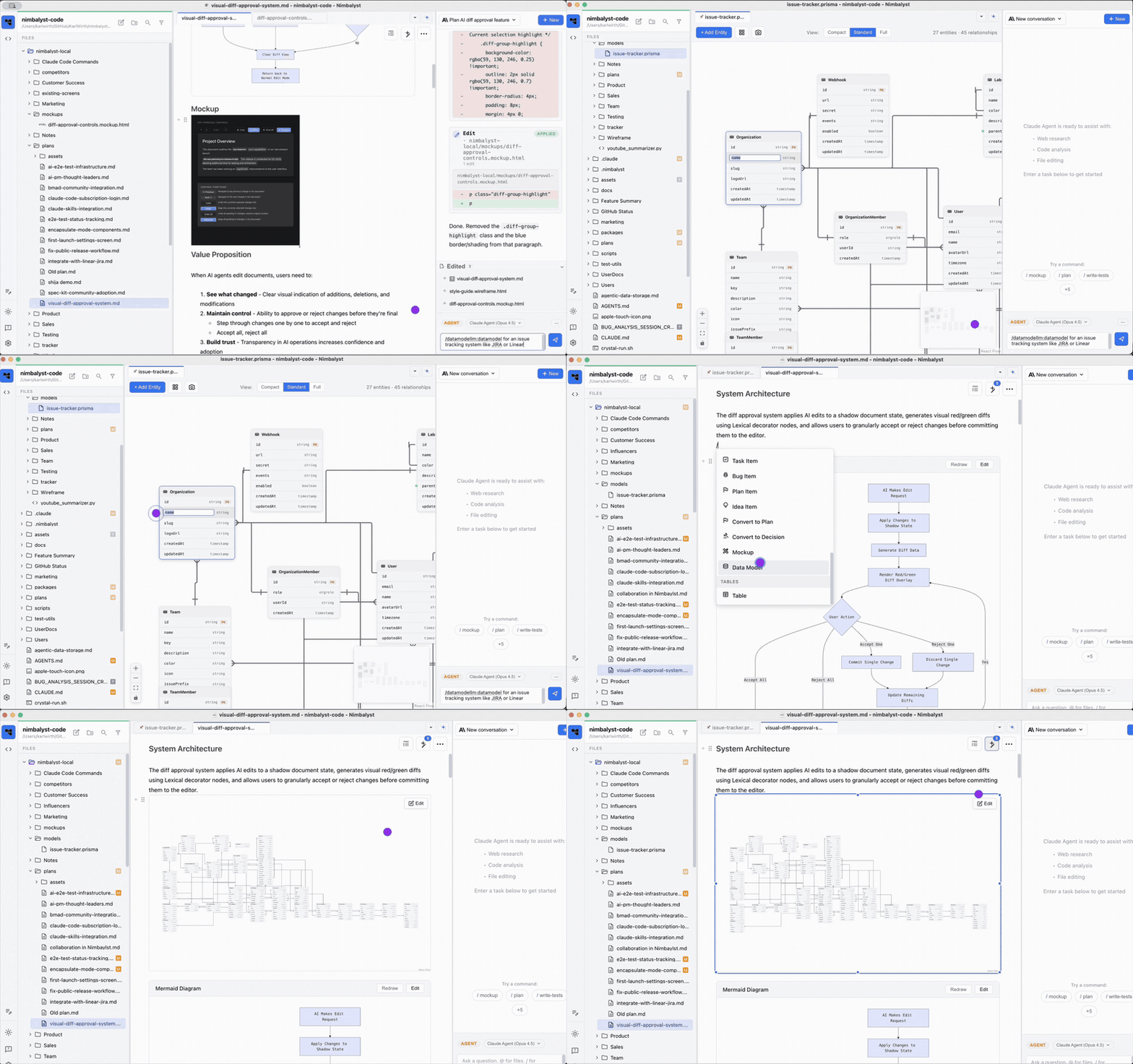
A Prisma schema rendered as an editable entity-relationship diagram.
Data models use the .prisma extension. Open one from the file tree to use the visual editor, or switch to source mode to edit the Prisma syntax directly.
More on the visual schema editor is on the data modeling feature page and the DataModelLM extension page.
- Create with AI: type
/datamodeland describe the entities, fields, and relationships you need. - Edit visually or in source: add and arrange entities on the canvas, or edit the underlying Prisma syntax.
- Work from project context: ask the agent to derive or revise the schema using existing code and documents.
- Embed it in markdown: type / in a document and insert the data model so readers can see it with the surrounding plan.
- Export it: export SQL DDL, JSON Schema, DBML, or DataModelLM JSON. MongoDB models can also export Mongoose schemas and MongoDB index scripts.
- Collaborate: share a data model with your team for live editing and presence.
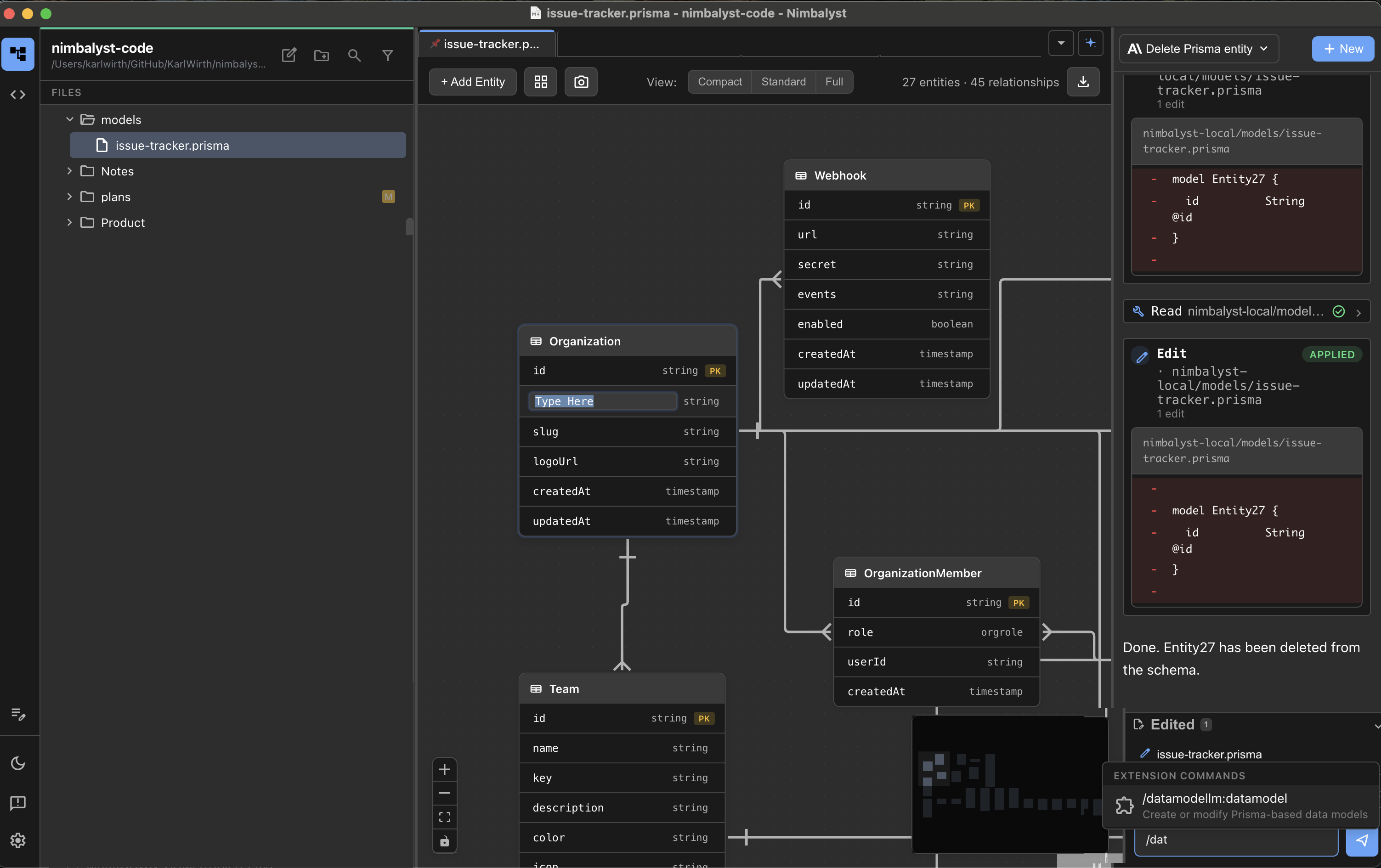
The visual editor shows entities, fields, and the relationships between them.